Monitor. Diagnose. Optimize—with evidence.
Frame Radar is a Windows performance companion for PC gamers. It records what your system was doing when a game slowed down, turns each session into a clear report, and adds conservative PC Optimization tools that stay under your control.
Prepare your PC before you play
- Game Boost: optionally close selected user applications, watch for restarts until you end the boost, and apply documented temporary system controls
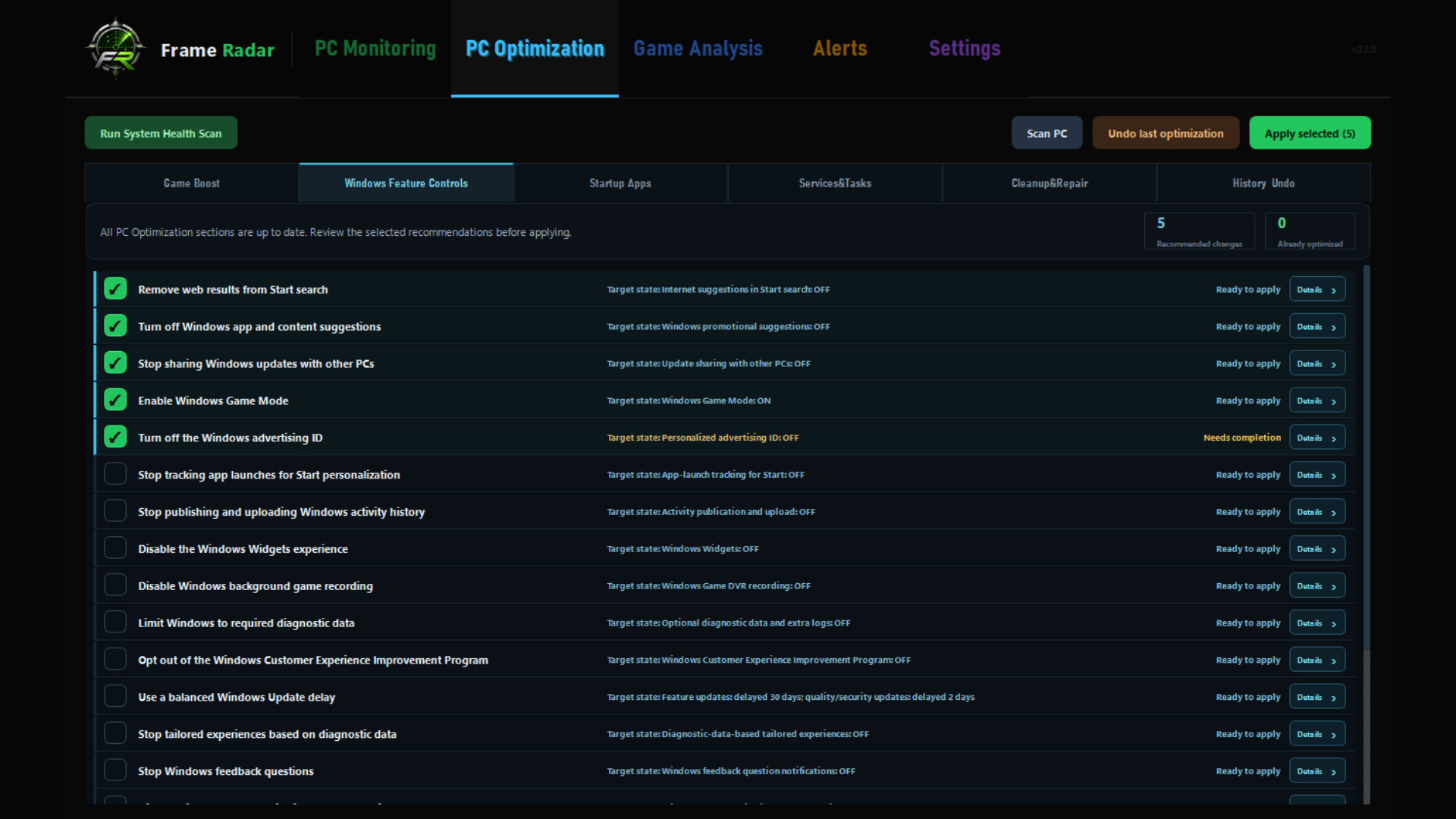
- Windows Feature Controls: scan a fixed allowlist of Windows settings, review plain-language effects, and apply only the changes you select
- Startup Apps: see what launches when you sign in, review current memory use, disable individual entries with confirmation, and restore supported changes
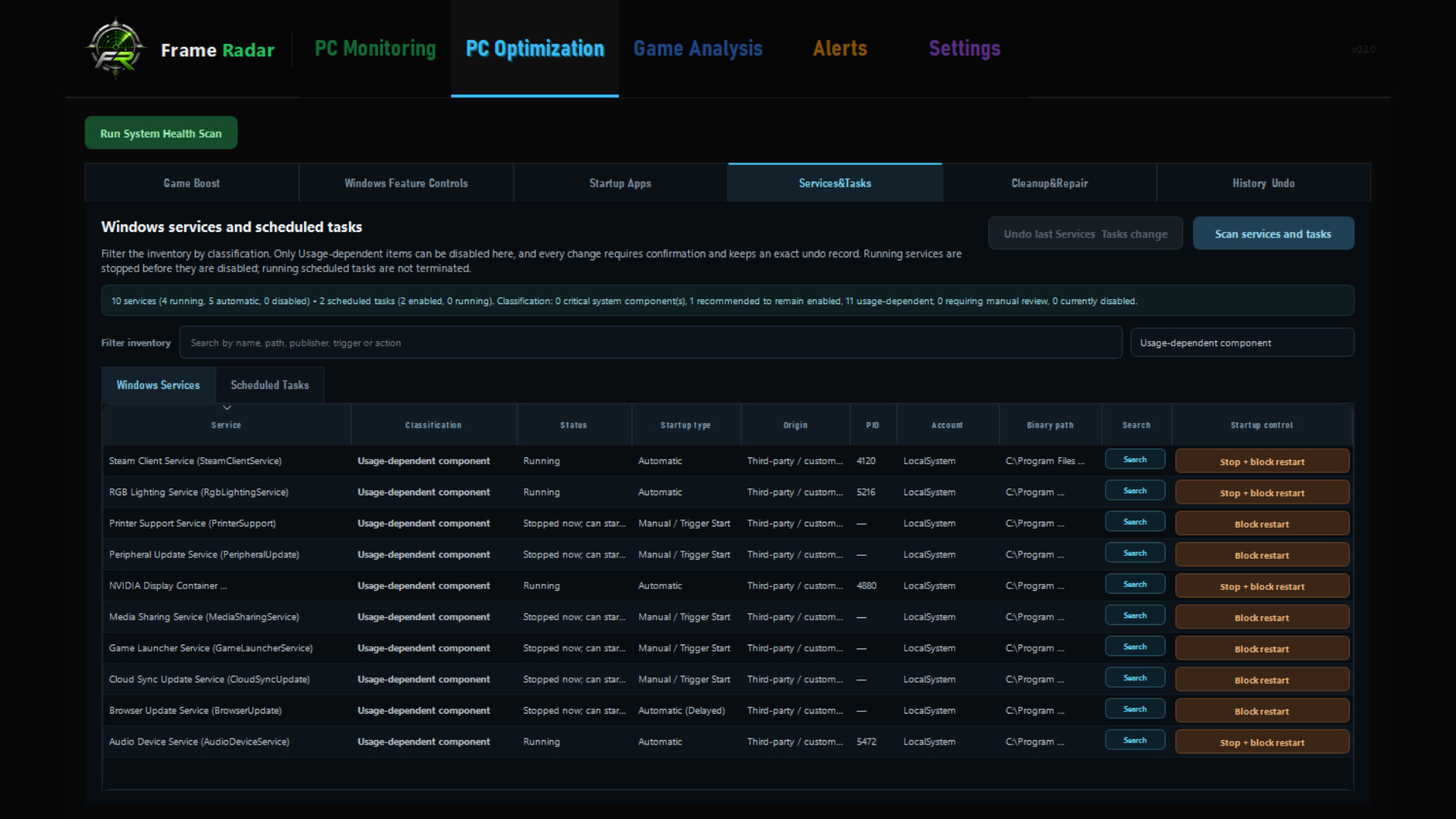
- Services & Tasks: inspect a conservative Windows inventory and control only freshly revalidated usage-dependent items
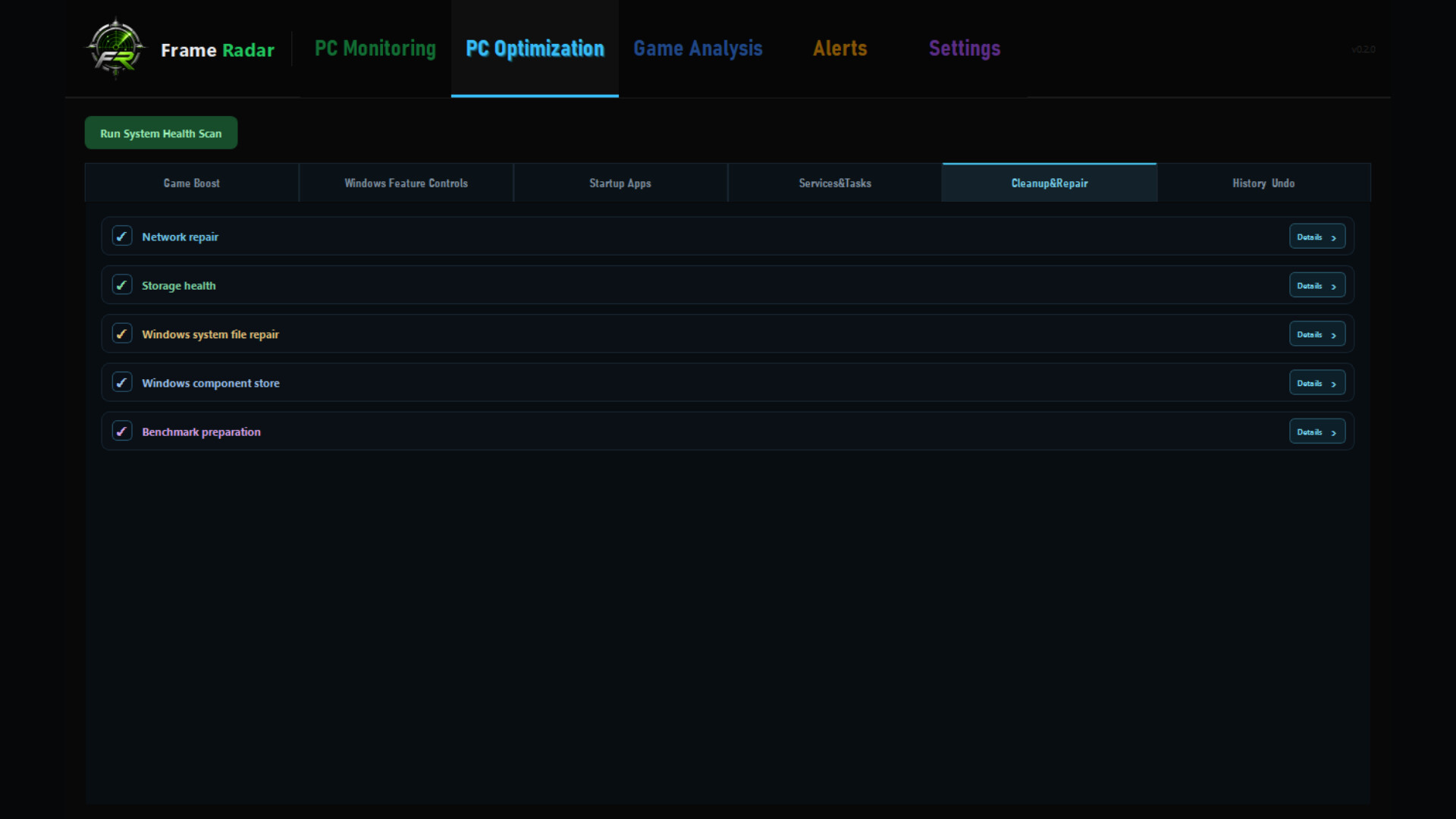
- Cleanup & Repair: use fixed Windows maintenance, network, storage, and repair actions—never arbitrary command text
- History & Undo: review machine-local action records and exact saved states for supported reversible changes
Nothing is selected automatically. Protected Windows processes and system components remain locked, and every offered change requires a deliberate user action.
Find the exact moment performance changed
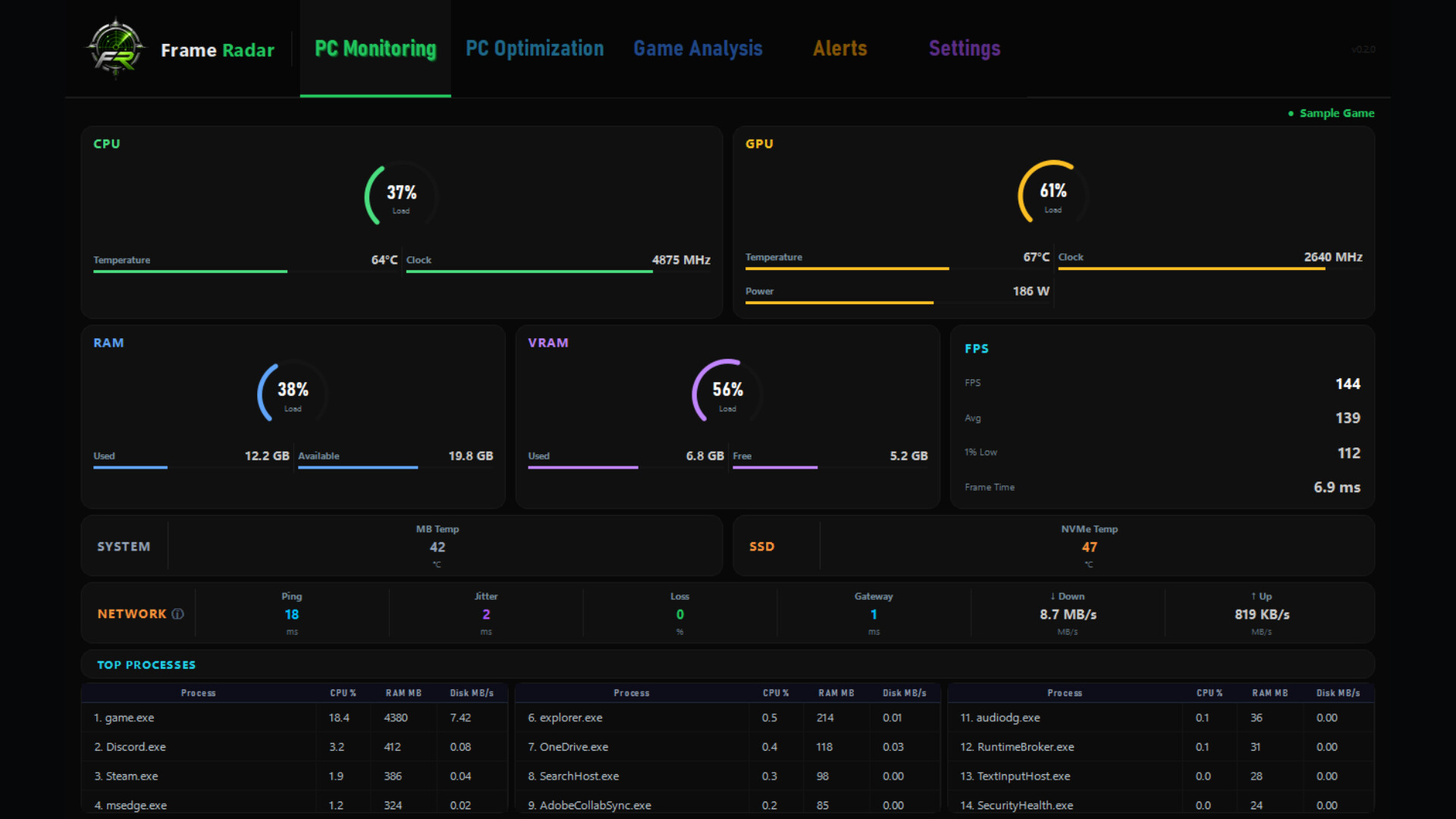
Frame Radar records FPS, average FPS, 1% lows, frame time, CPU, GPU, memory, storage, network conditions, temperatures, and background process activity. Open any captured game session to connect a stutter or FPS drop with the telemetry recorded at that moment.
Check the health of the whole PC
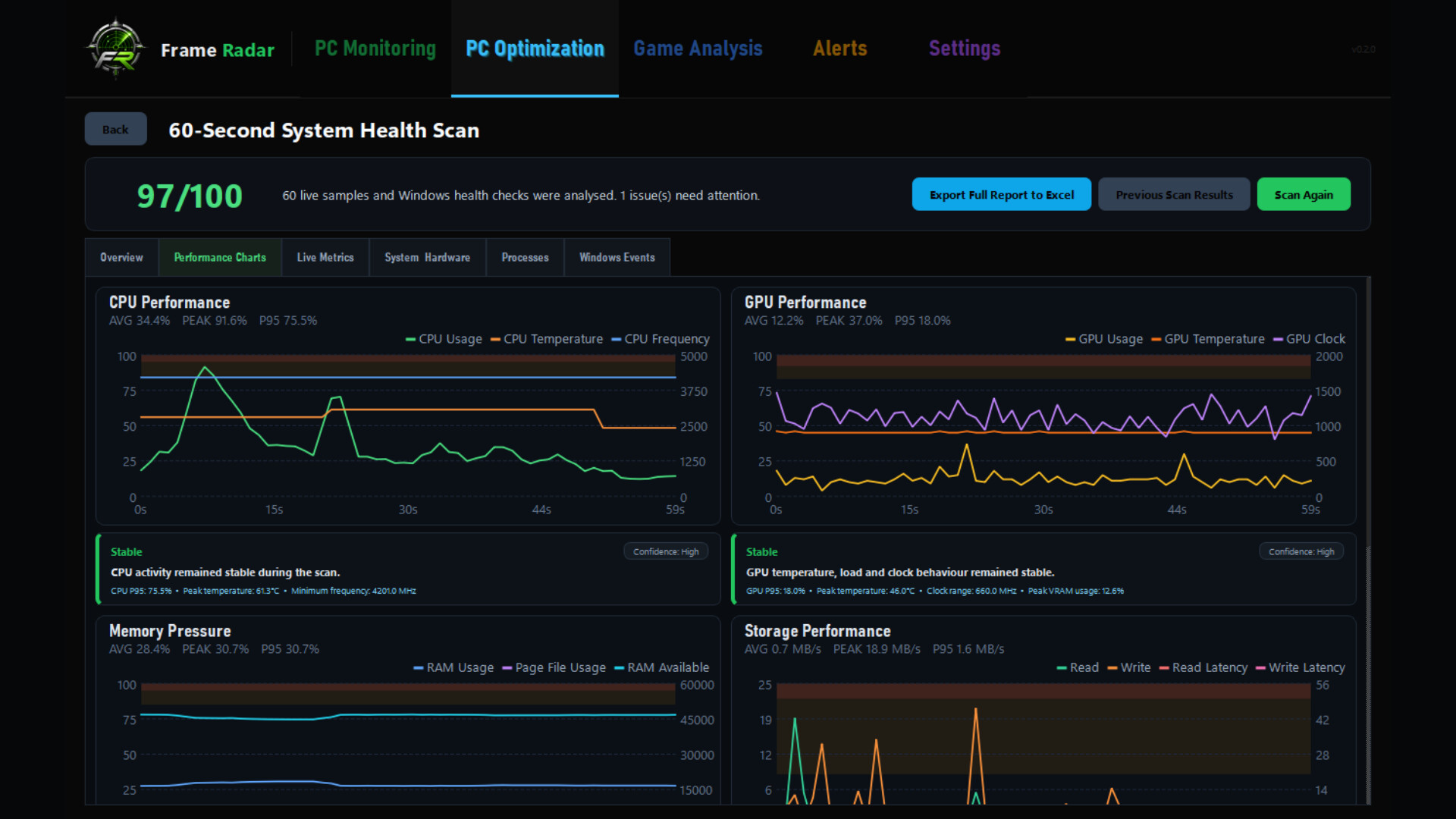
Run the guided 60-second Health Scan for scored categories, charts, technical findings, and practical recommendations. The scan is read-only and keeps previous reports on your PC.
Monitor your way
Keep selected metrics visible through the customizable in-game overlay. Build threshold-based alerts and choose app, overlay, sound, or Windows notification delivery.
Free core tools. Pro reporting when you need it.
Core monitoring, automatic and custom sessions, PC Optimization, Game Boost, alerts, and the 60-second Health Scan are available in the free application. The optional Pro Upgrade adds detailed Excel reports, bulk export, unlimited retained session/alert/scan history, and session markers.
Optimization results vary by hardware, Windows version, drivers, installed software, and system policy. Review each action, save open work, and keep a current backup or recovery option. Advanced voltage and selected motherboard/NVMe sensors depend on hardware support and the optional PawnIO driver; Frame Radar never installs it silently.