Turn your folder into a library where you can organize your files and texts
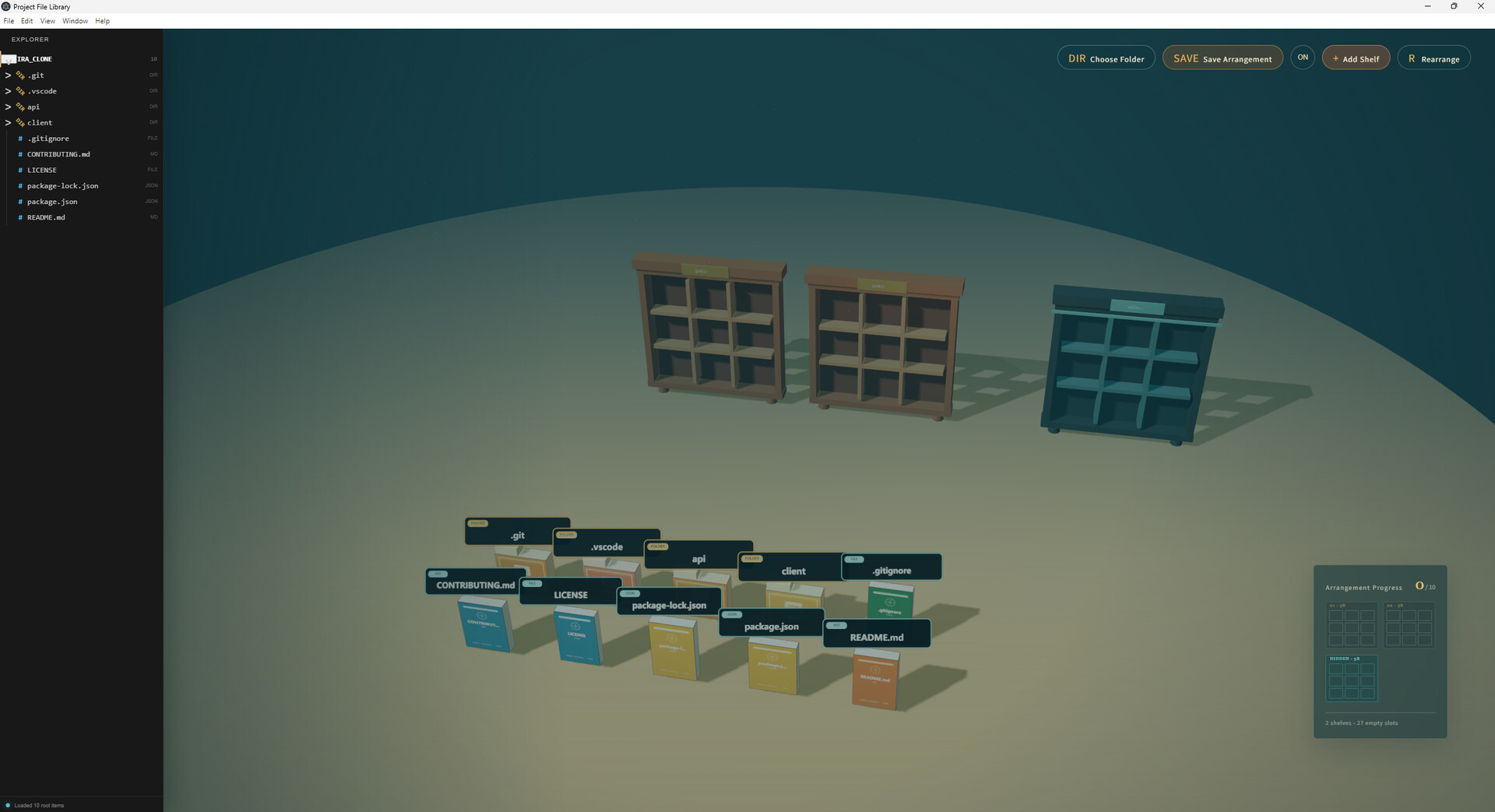
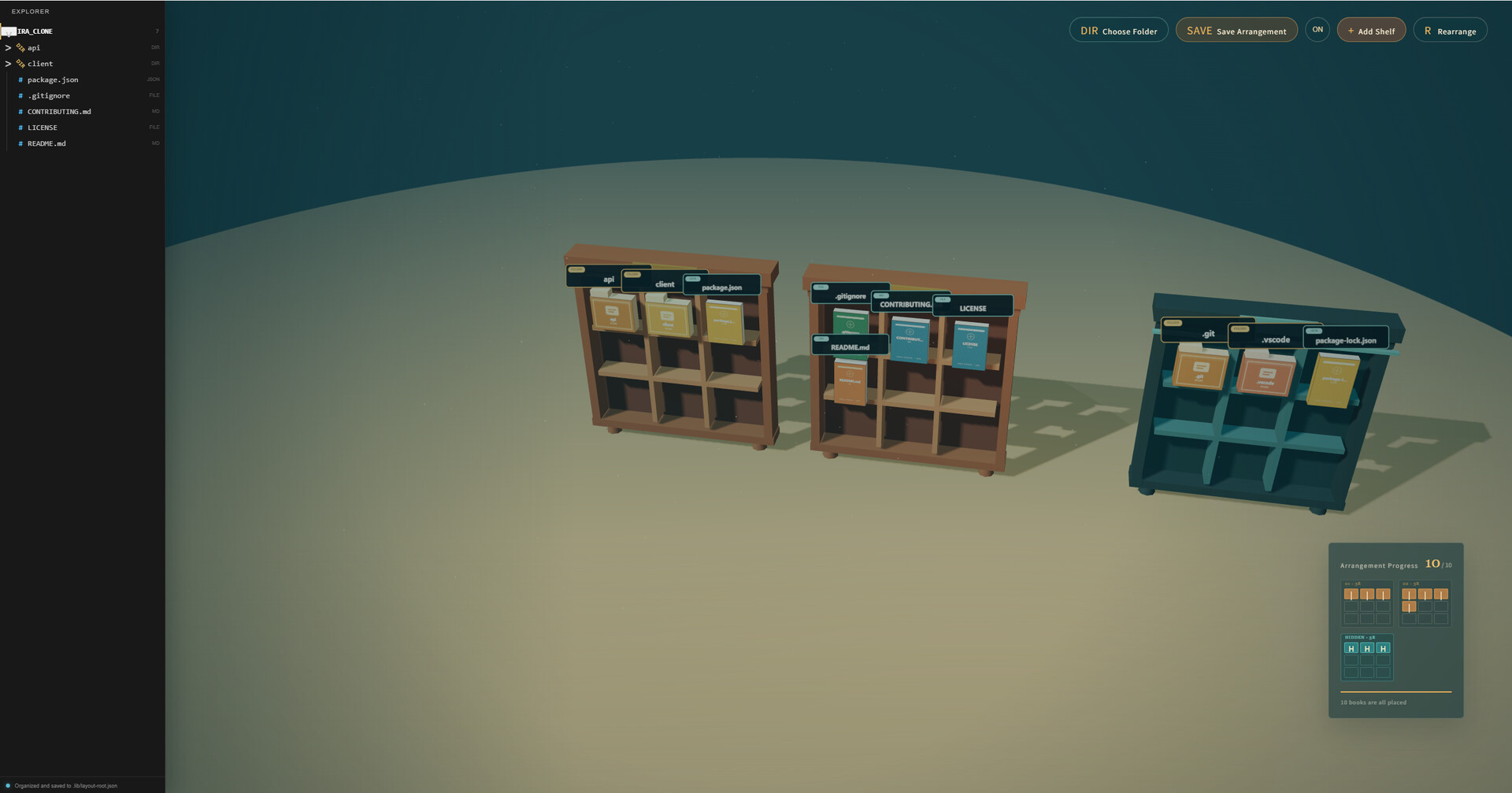
Project File Library is an desktop file-library experience where folders and files become books. Choose a project folder from your computer, and the app transforms its contents into a small 3D scene that you can organize, revisit, and reshape.
Build Your Library
- Choose a local folder and generate books from its files and folders.
- Move books between the floor, ordinary shelves, and a special hidden shelf.
- Add as many shelves as you need as your project grows.
- Save different arrangements for different folders.
- Restore your previous layouts from local library data.
Browse and Edit
- Explore your folder through a file tree.
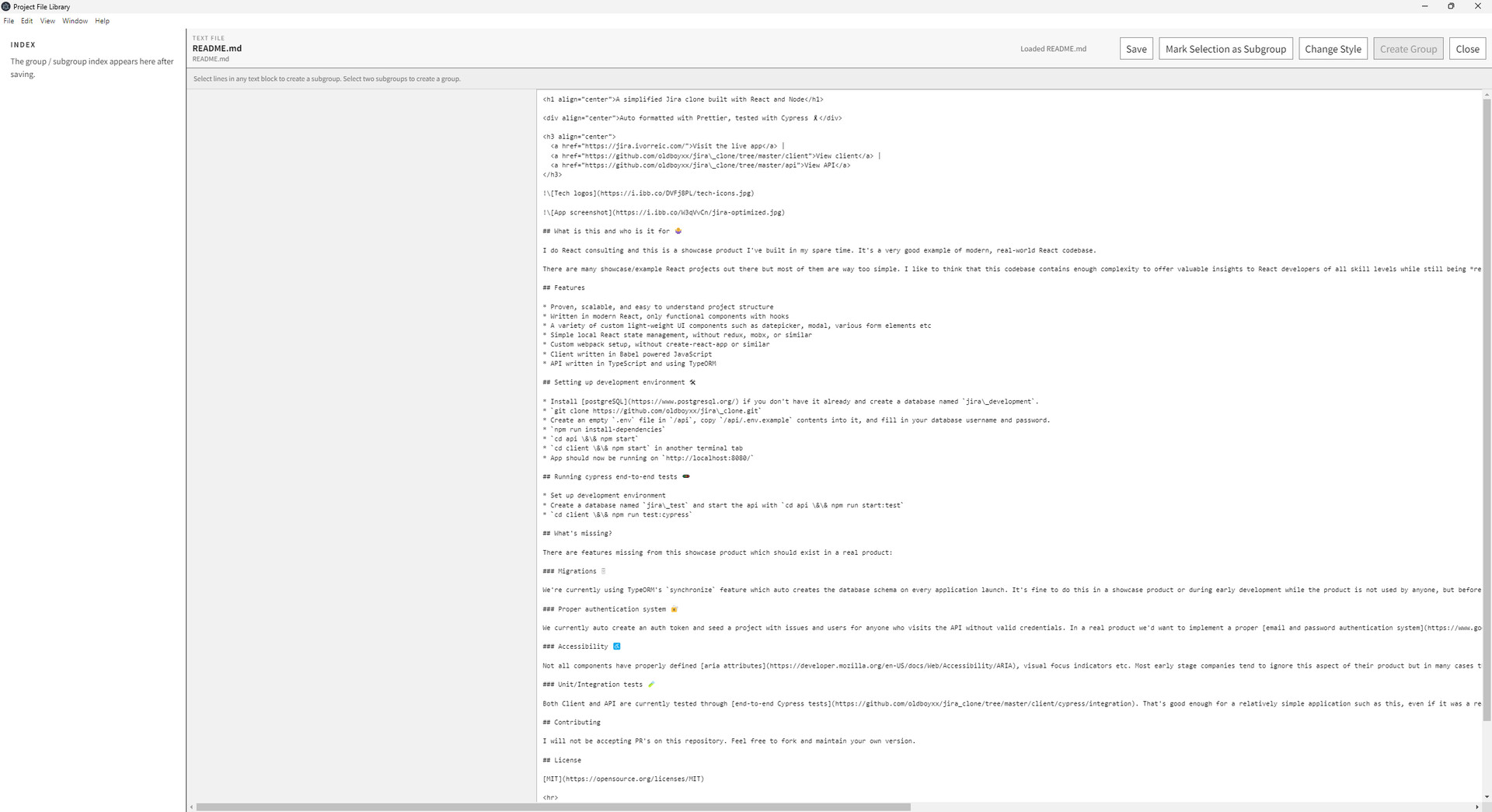
- Double-click text files to open and edit them.
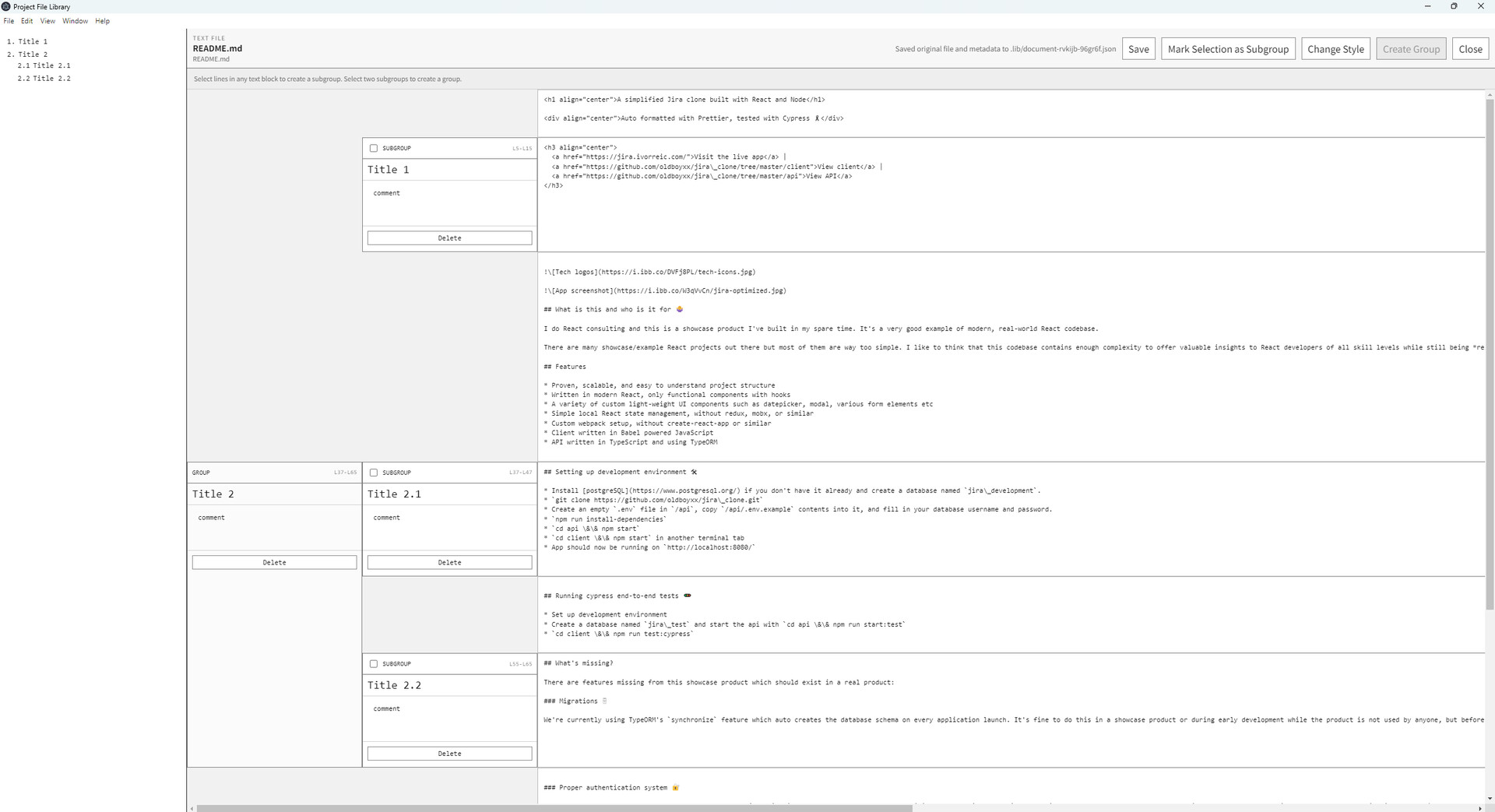
- Split long text files into custom subgroups.
- Combine subgroups into larger groups for easier navigation.
- Save edited text, grouping data, layout data, and editor style settings locally.
A Local Workspace
Project File Library works with files on your own computer. Arrangement data, text grouping information, and style settings are stored inside a local .lib folder in the selected project root. The app is designed around local organization rather than online accounts or cloud storage.