#Design&Illustration #Casual #Colorful
Heraldry Studio
Tool for making your own coat of arms is here! Heraldry Studio allows user to create and export a unique coat of arms, according to the rules of heraldry.
View game
$19.99
No user reviews · 0 reviews
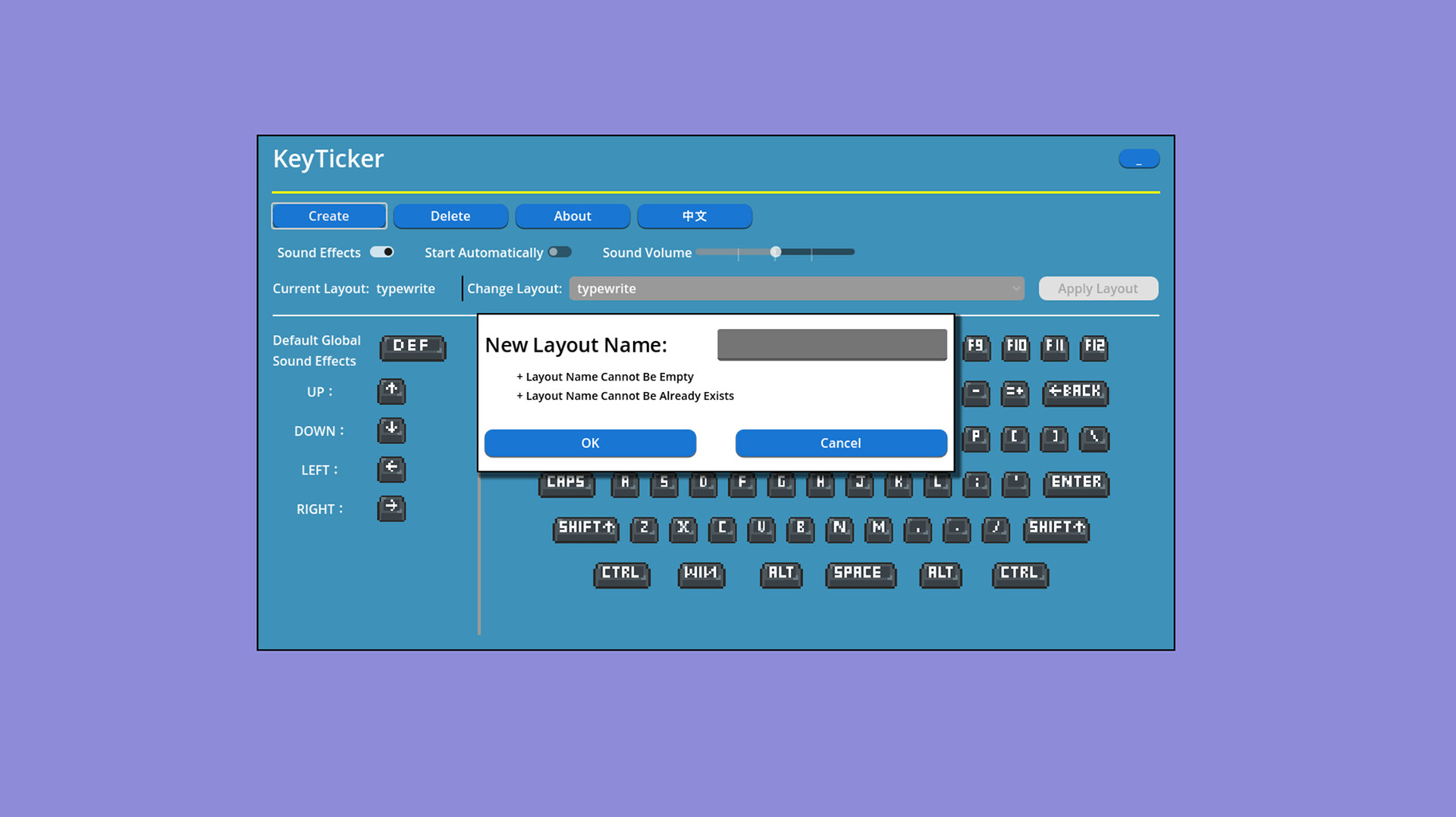
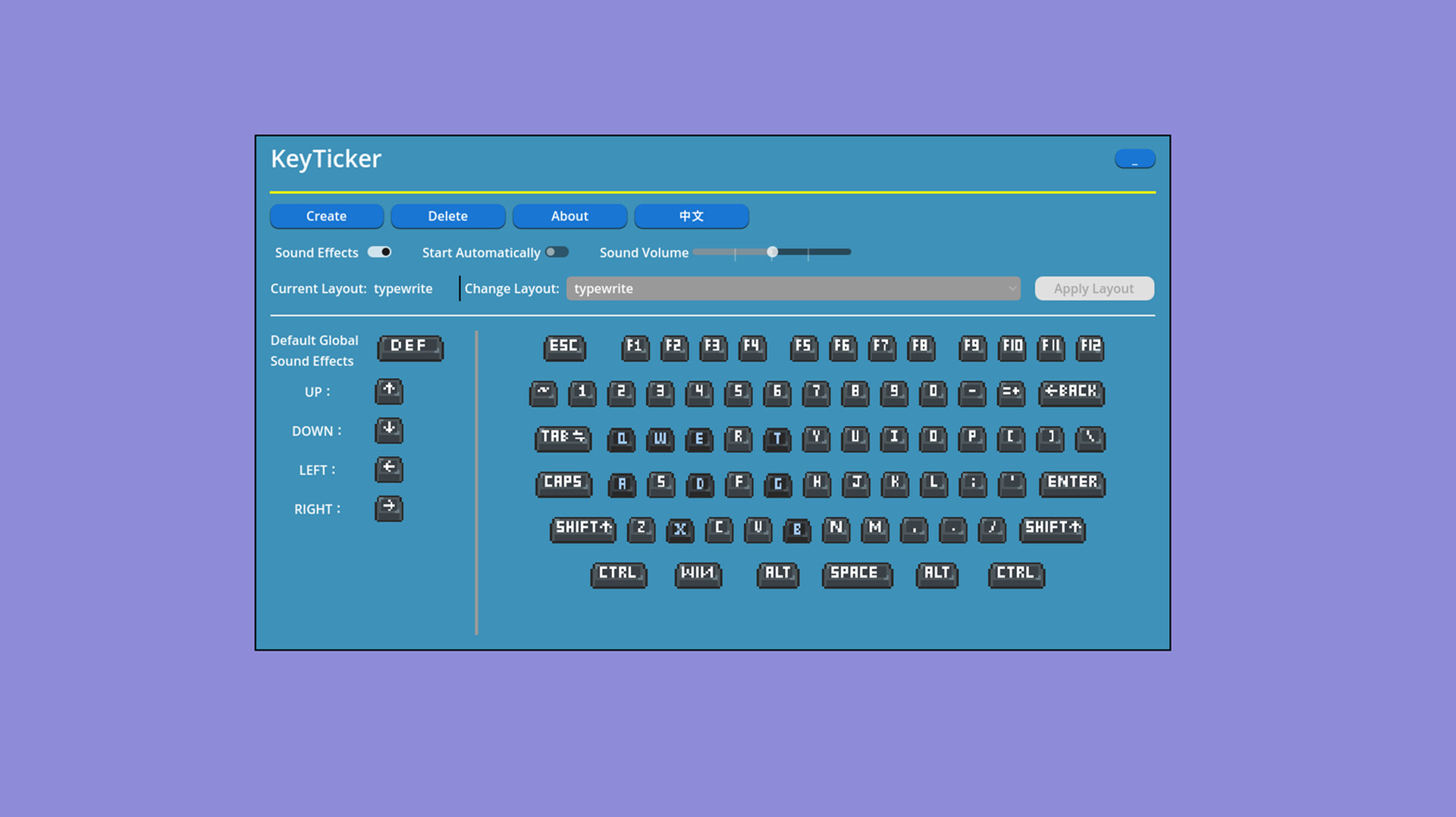
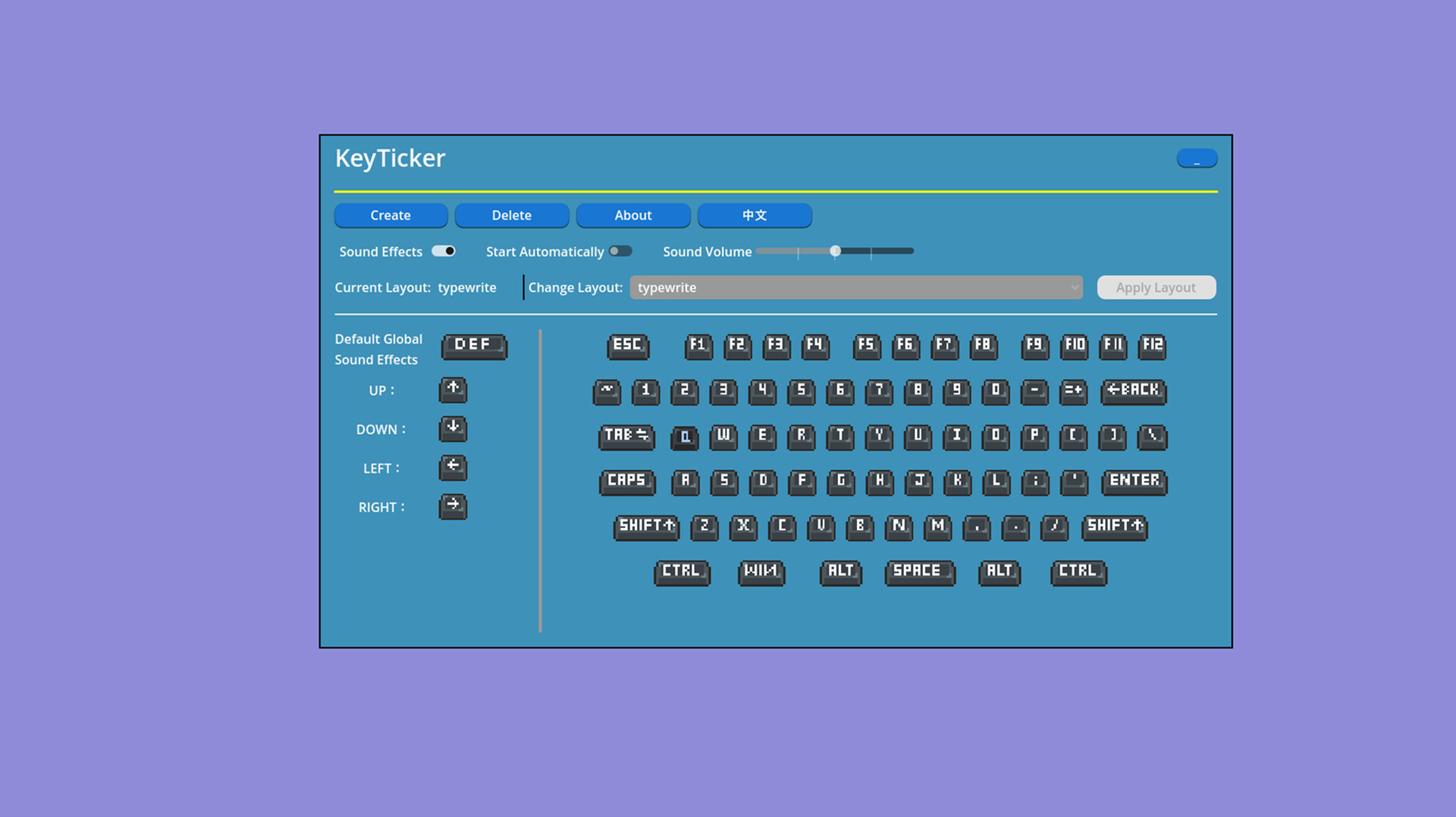
Turn your keyboard into a custom soundboard with KeyTicker ! Map any key to preset audio effects for typing, streaming, or gaming. Enjoy ultra-low latency and lightweight performance. Add fun to every keystroke and bring your keyboard to life!
Released
August 7, 2026
Price
Platforms
Windows
Developer
Publisher
Last sync
September 26, 2026
Find typing too boring? That’s because you haven’t tried KeyTicker yet! 🎧
Press 'A' for a "Meow," hit Space for a "Boing," and tap Enter to trigger a "Roaring Crowd" effect! 🎉
It features super simple key mapping and a massive library of preset sound effects—plus, you can upload your own custom sounds! Whether you're slacking off to relieve stress, pulling pranks during a livestream, or just spicing up a dull typing session, it’s the ultimate sidekick! 🚀
🔹 Custom Key Mapping
Freely assign any sound to any key. Make your spacebar or Enter key sound special.
🔹 Custom Sounds
Support for importing .wav .mp3 files — use any sound you like.
🔹 Low Resource Usage
Runs with almost zero CPU impact. Gaming and video editing are unaffected.
🔹 Global On/Off Toggle
Enable or disable with a hotkey anytime. One-click mute from the system tray.
📌 Use Cases
✍️ Writing – Typewriter clicks put you in a flow state.
📊 Office Work – Adds rhythm to tedious spreadsheet entry.
🎮 Gaming – Enhances key feedback and immersion.
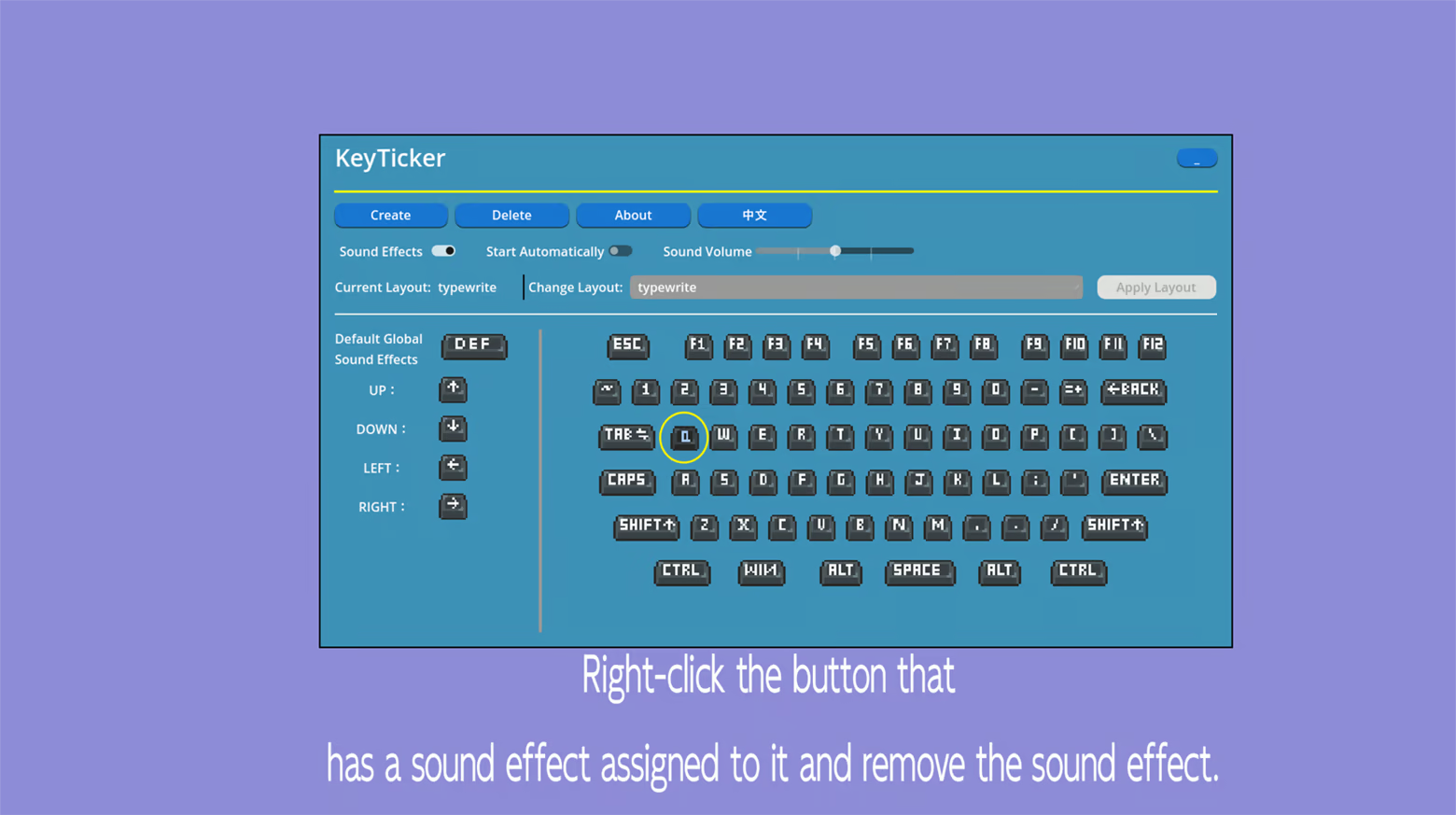
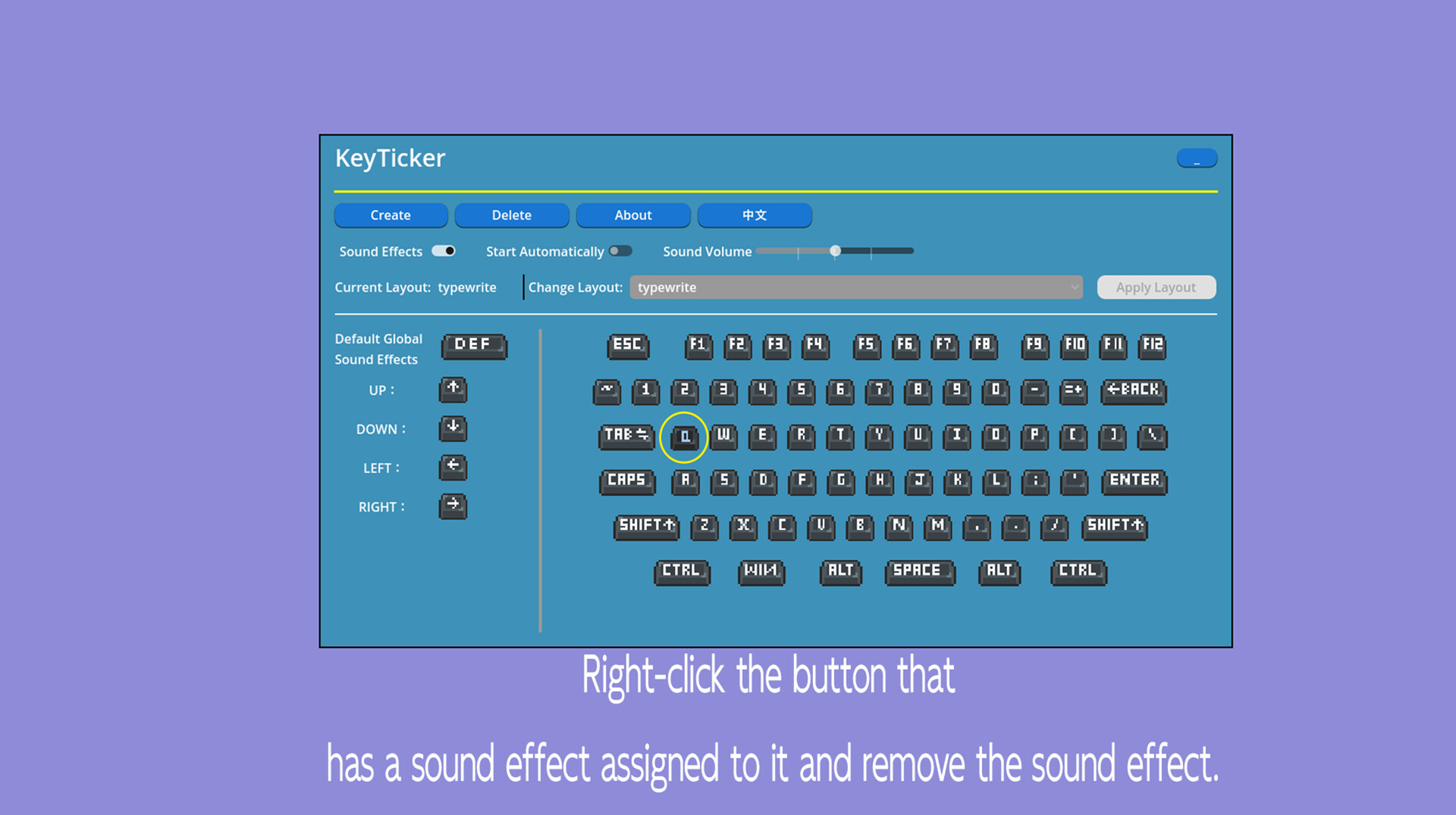
Click the key where you want to add a sound effect.