
Crosstalk
No Reviews · 0 reviews
Screenshots

Description
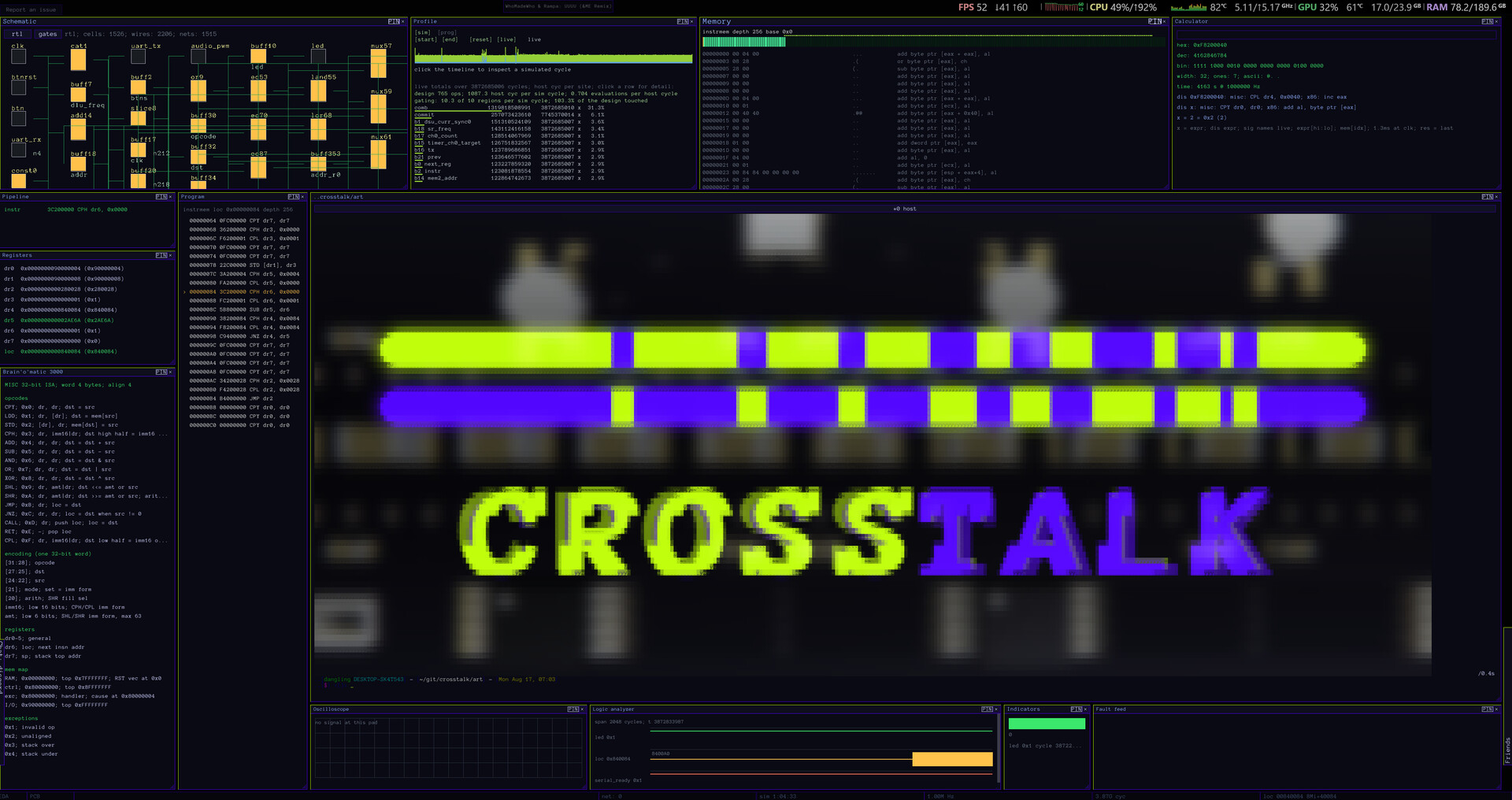
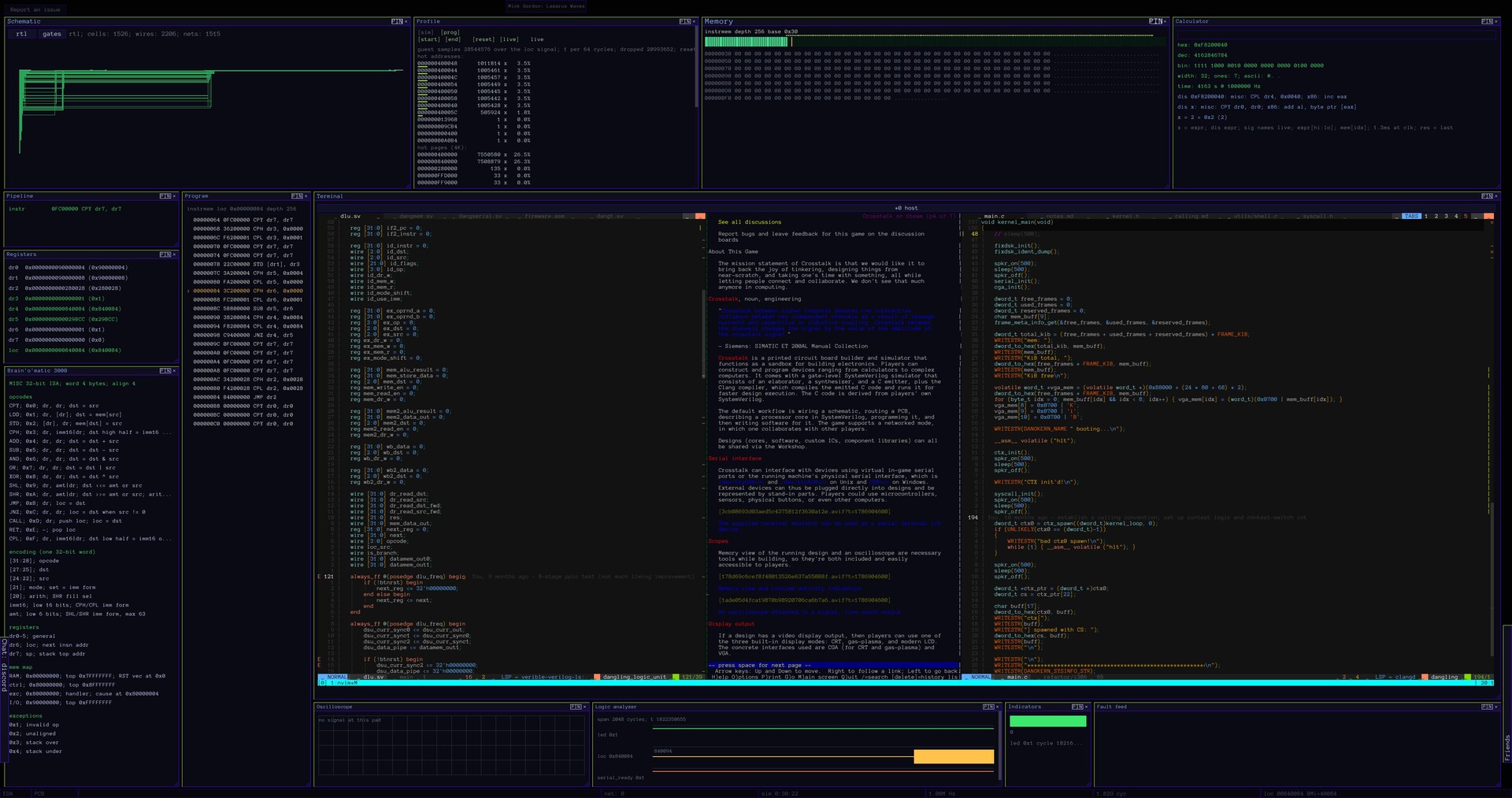
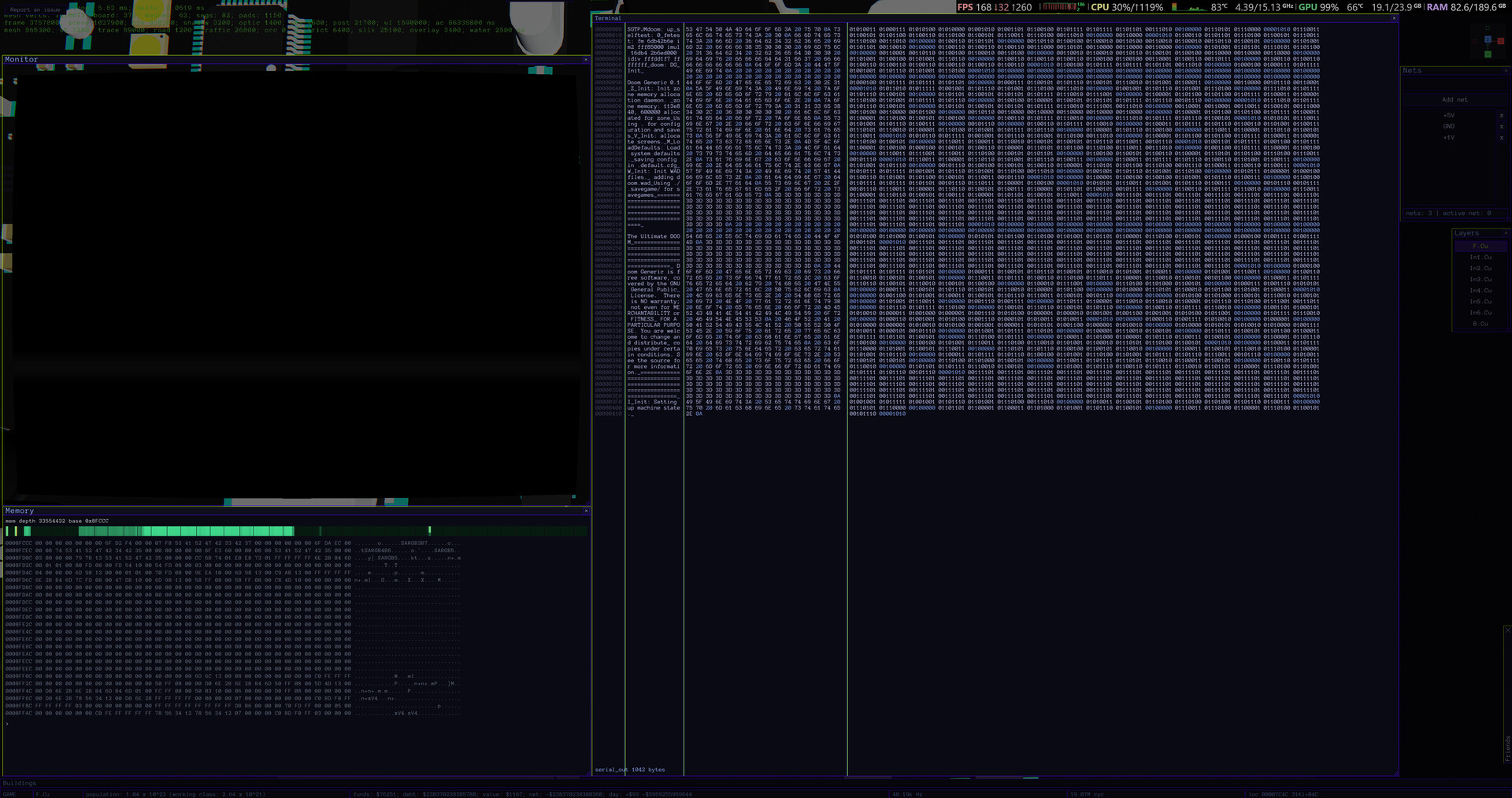
Crosstalk is a register-transfer level design sandbox with a built-in simulator and emulator. Players build designs ranging from LED controllers to complex computers using SystemVerilog. It has a gate-level simulator, a terminal emulator, an oscilloscope, introspection tools, a compiler, and more.
Platforms
Windows
Developer
Ongakken
Publisher
Ongakken
About
The mission statement of Crosstalk is that we would like it to bring back the joy of tinkering, designing things from near-scratch, and taking one's time with something while letting people connect and collaborate. We don't see that much anymore in computing.
Crosstalk is an RTL sandbox with a simulator and an emulator for building electronics. Players can construct and program devices ranging from calculators to complex computers. It comes with a gate-level SystemVerilog simulator that consists of an elaborator, a synthesizer, and a C emitter, plus the Clang compiler, which compiles the emitted C code and runs it for faster design execution. The C code is derived from players' own SystemVerilog.
The default workflow is opening the RTL workspace, entering a shell, describing a design in SystemVerilog, programming it, and then writing software for it. The game supports a networked mode, in which one collaborates with other players.
Designs (cores, software, emulators) can all be shared via the Workshop.
Serial interface
Crosstalk can interface with devices using virtual in-game serial ports or the running machine's physical serial interface, which is /dev/ttyUSB<n> and /dev/ttyACM<n> on Unix and COM<n> on Windows, or its own shell interface. External devices can thus be plugged directly into designs and be represented by stand-in parts. Players could use microcontrollers, sensors, physical buttons, or other computers.
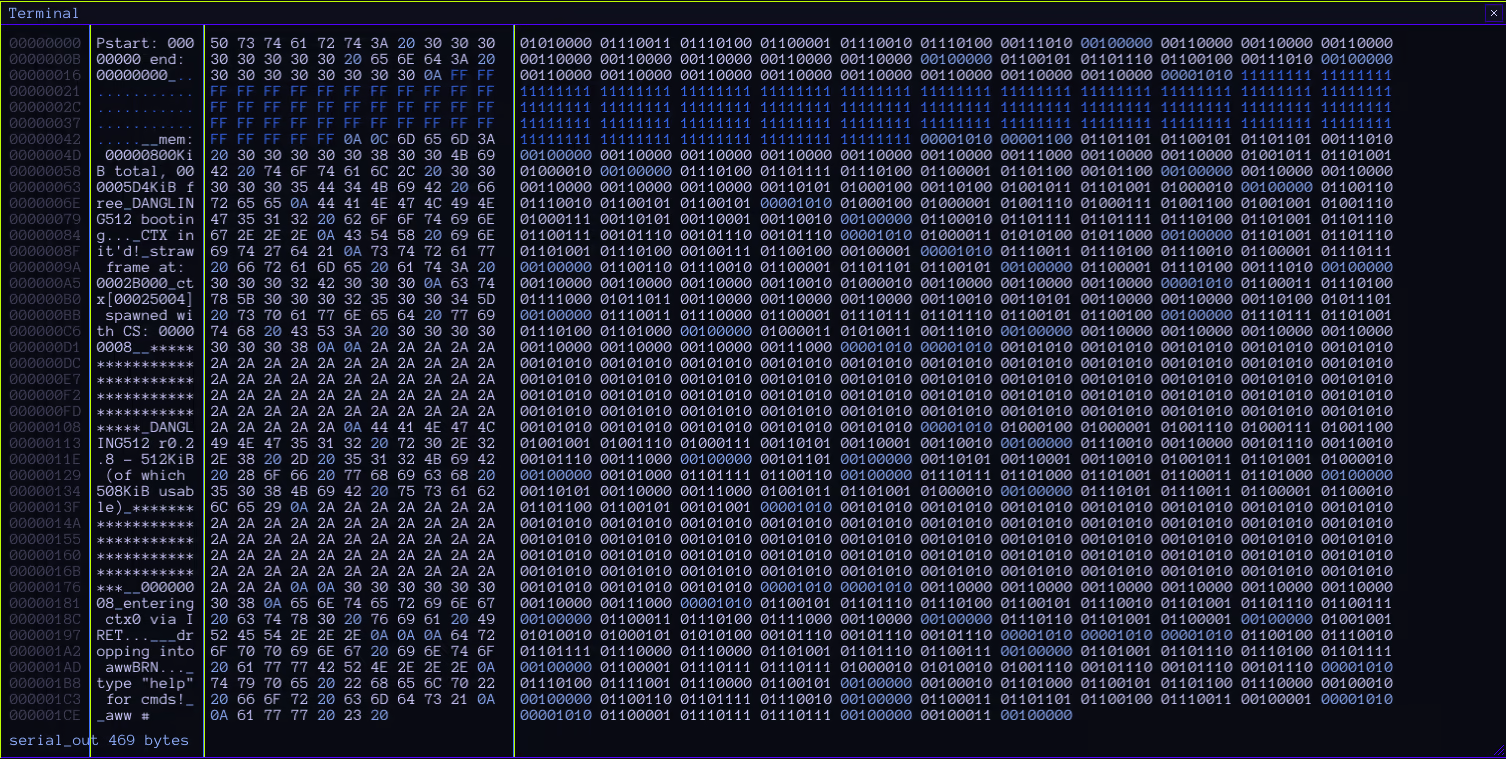
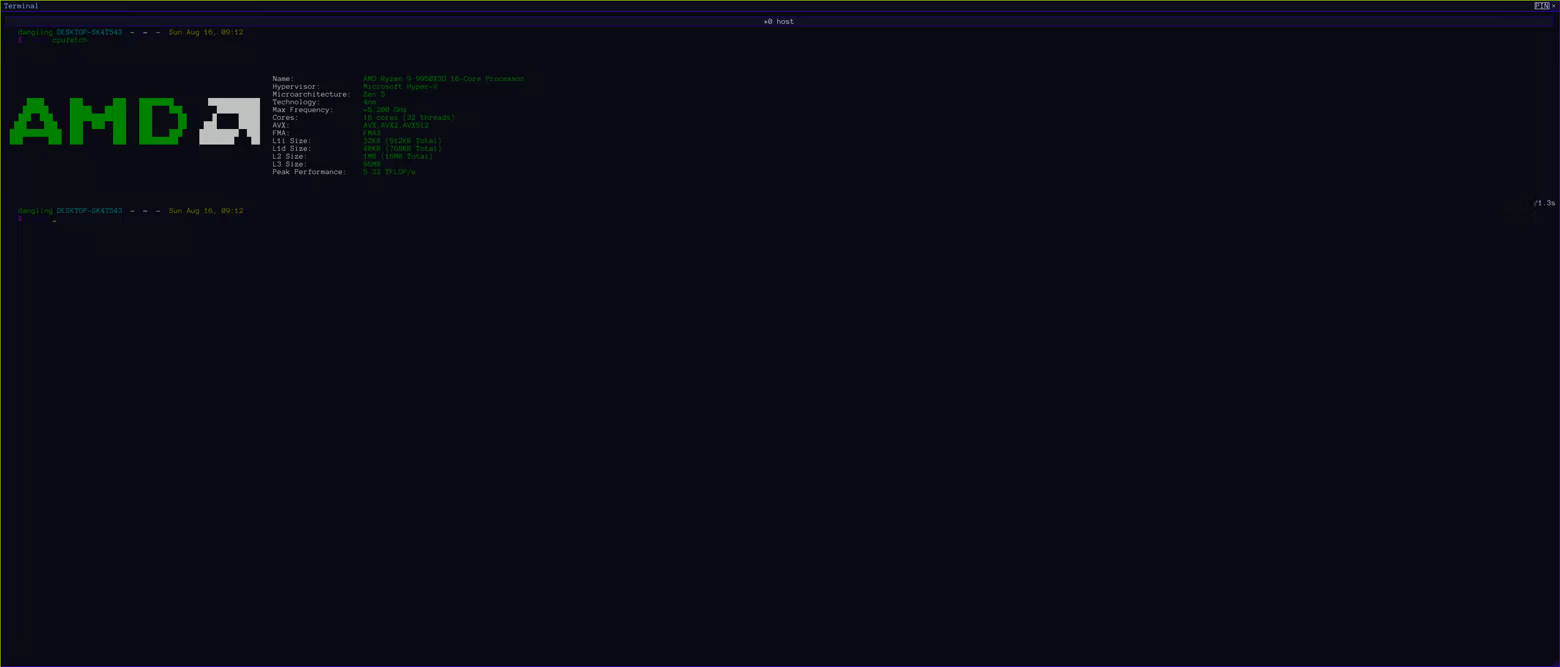
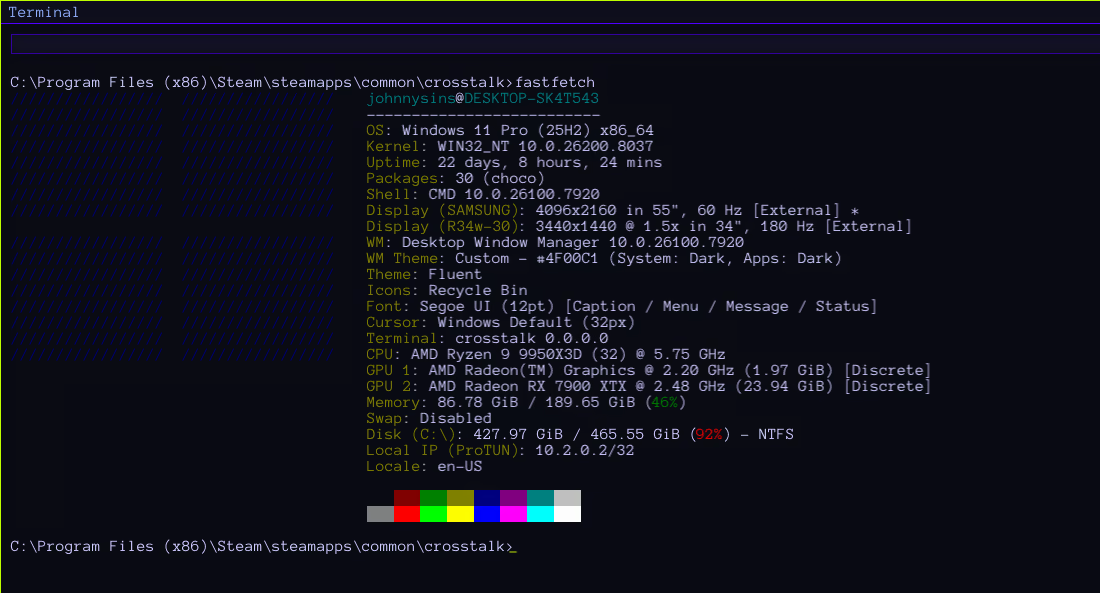
The supplied truecolor terminal emulator can be used as a serial terminal I/O device. It is ANSI/VT100/xterm/kitty-compatible and can interact with the host over a PTY/ConPTY
Serial I/O works with physical devices. The above is TX.
RX
Scopes
Memory view of the running design and an oscilloscope are necessary tools while building, so they're both included and easily accessible to players.
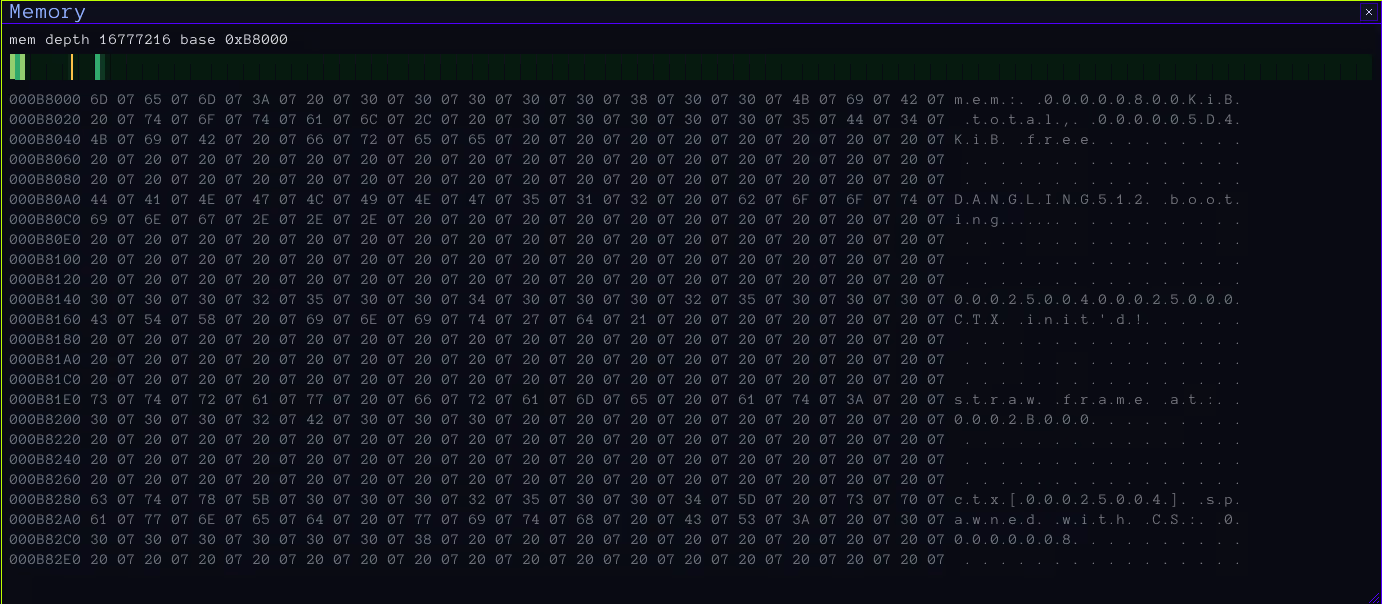
Memory view and runtime activity indication
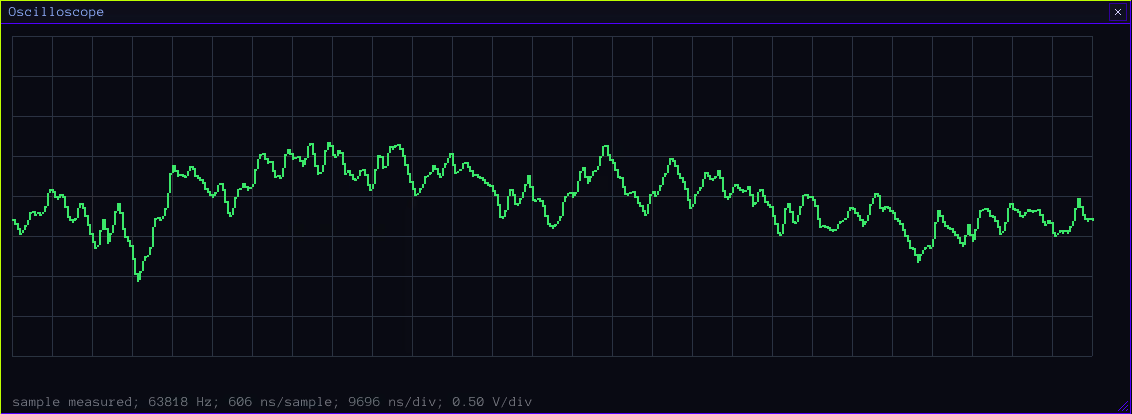
An oscilloscope attached to a signal, like sound output
Display output
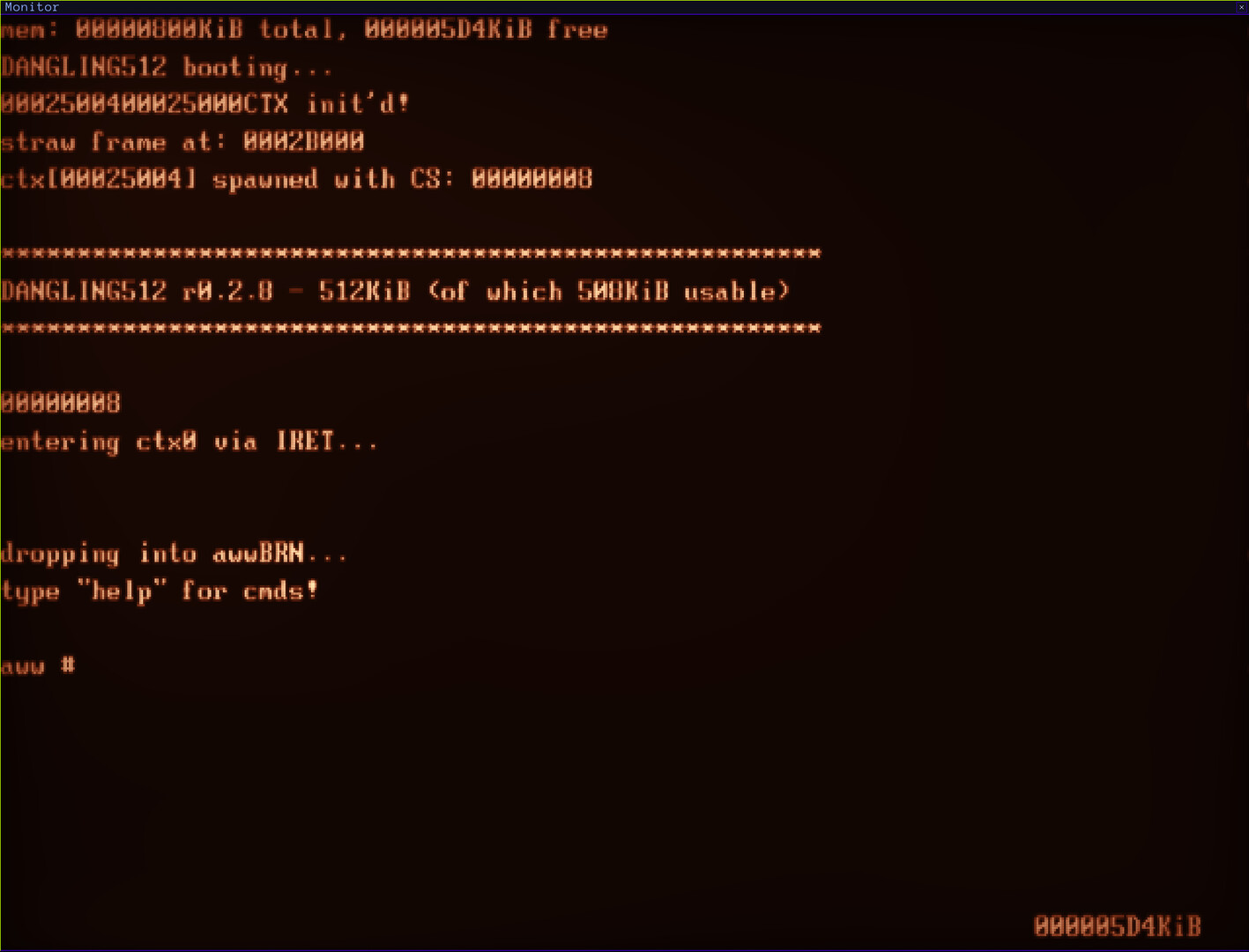
If a design has a video display output, then players can use one of the three built-in display modes: CRT, gas-plasma, and modern LCD. The concrete interfaces used are CGA (for CRT and gas-plasma) and VGA.
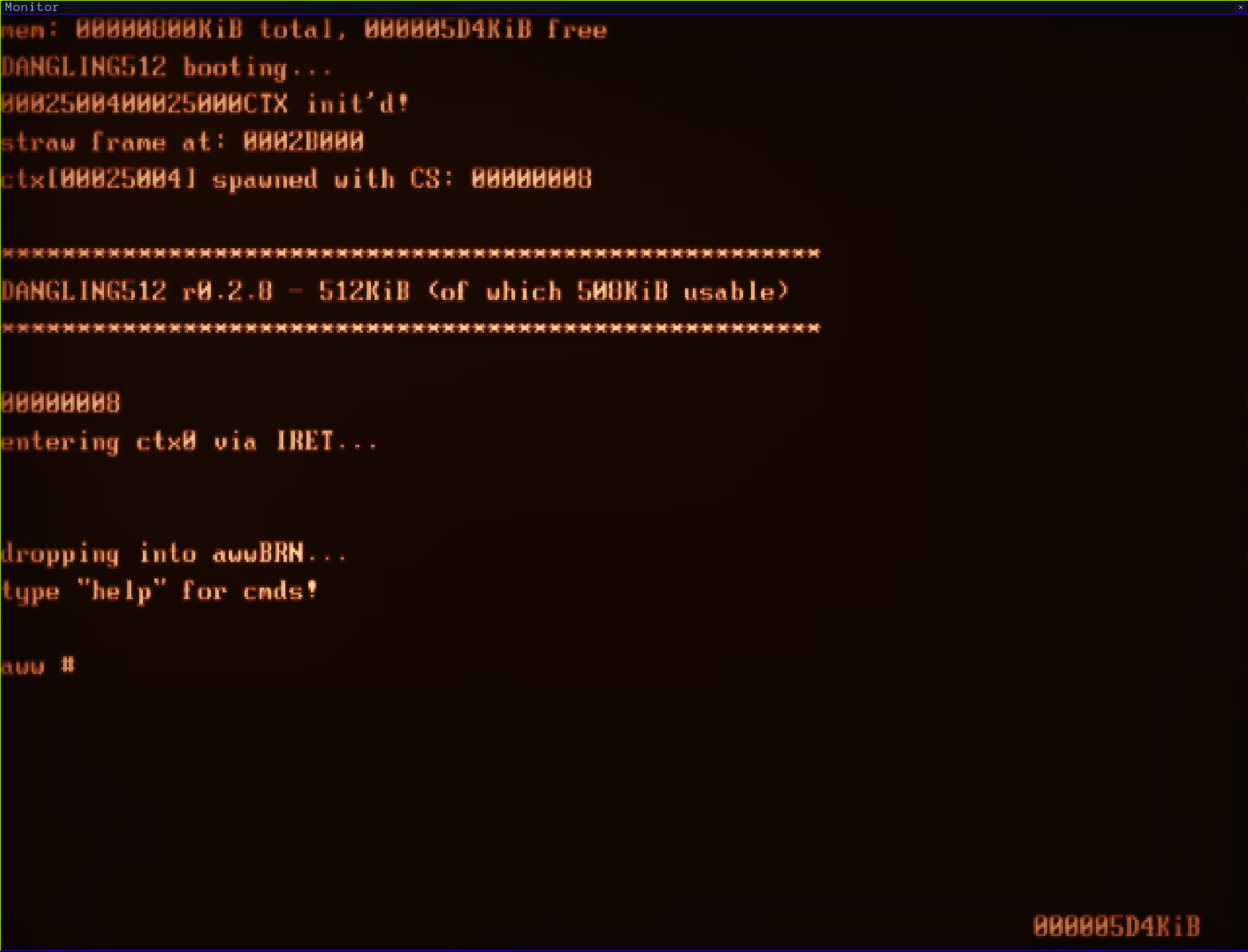
A CGA gas-plasma display output type showing the DANGLING kernel booting on an i386-compatible CPU, in-game
The in-game displays are interactive
CPU architecture design
Players can define ISAs and then view a help banner in the game while developing. Later on, a DLC with a guided ISA design feature set will be released.
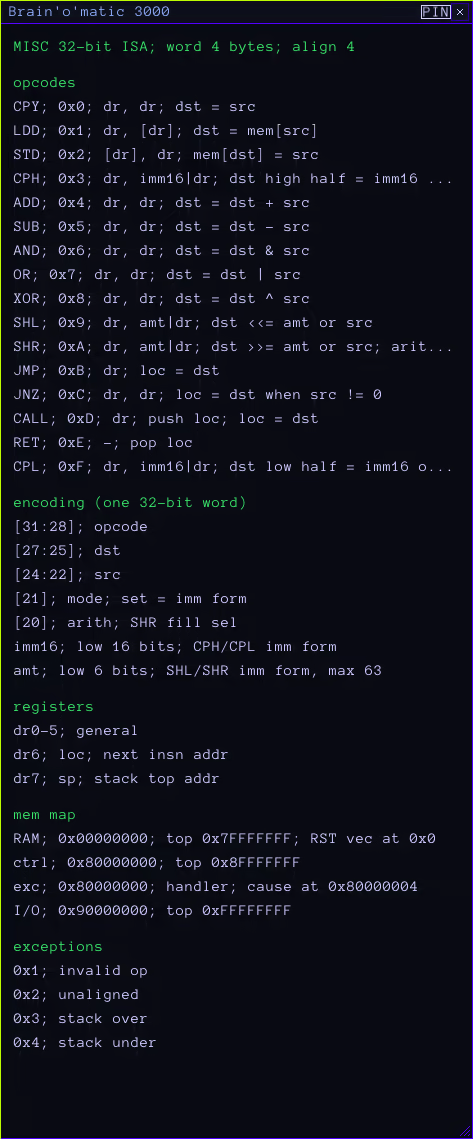
The Minimal Instruction Set Computer ISA
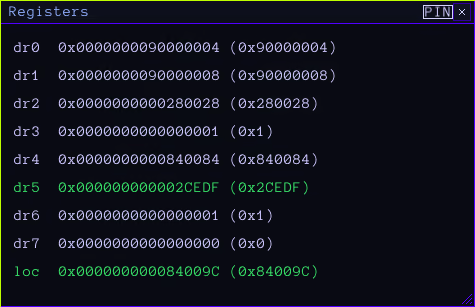
Runtime register state overview
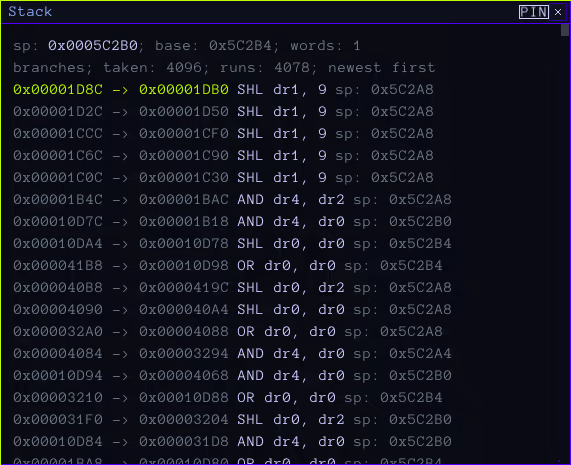
A stack view that shows a trace on faults
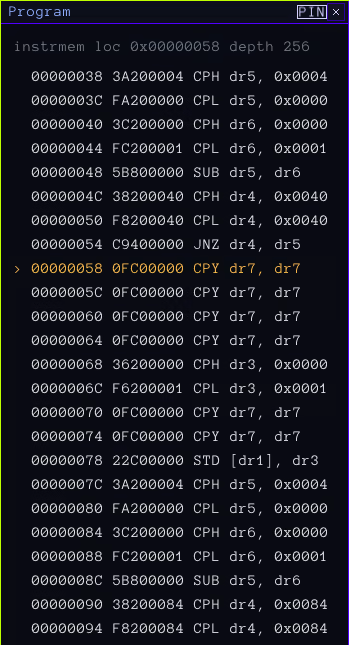
Program locator overview
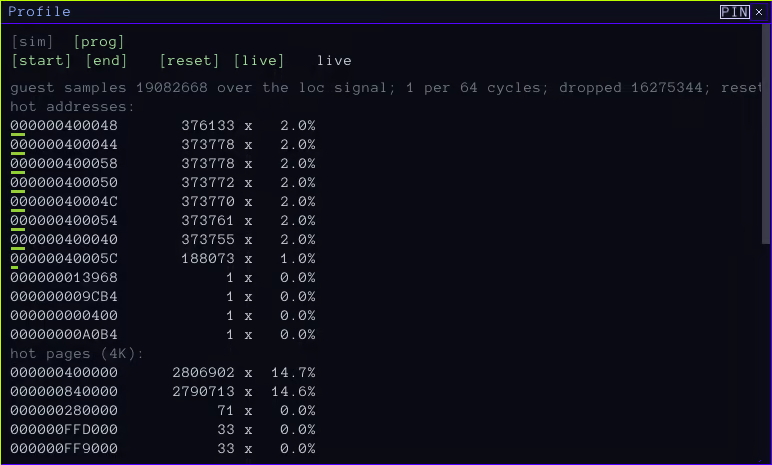
The program-level Profiler mode shows where time is going during a program's runtime
SystemVerilog
FPGA designs can be described using vendor-neutral SystemVerilog. The designs can be RTL-simulated. For accelerated simulation, there is a built-in option to emit C99 from the supplied SystemVerilog using Crosstalk's toolchain and the enclosed Clang compiler, or run it in emulation mode, which disables design accuracy guarantees and reproduces the design behaviorally instead, using the built-in emulator. For high-resolution simulation, a gate-level simulator is available, which runs a synthesized variant of the design. This is an expensive operation, so it takes much longer and is capped to smaller designs.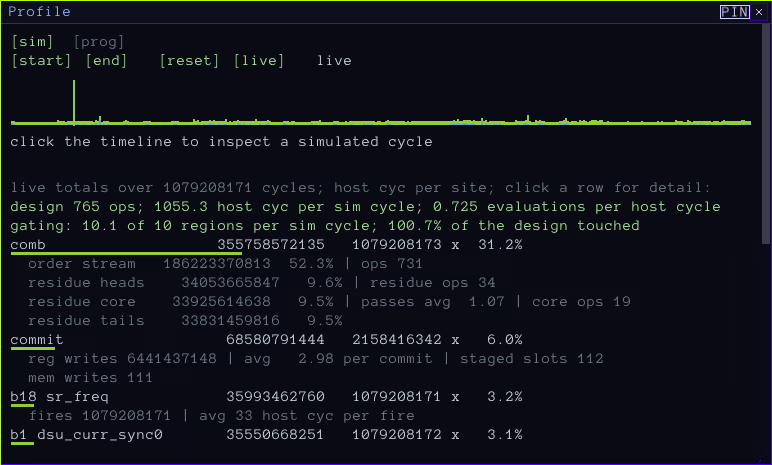
The included Profiler shows an overview of where cycles within the SV design are spent

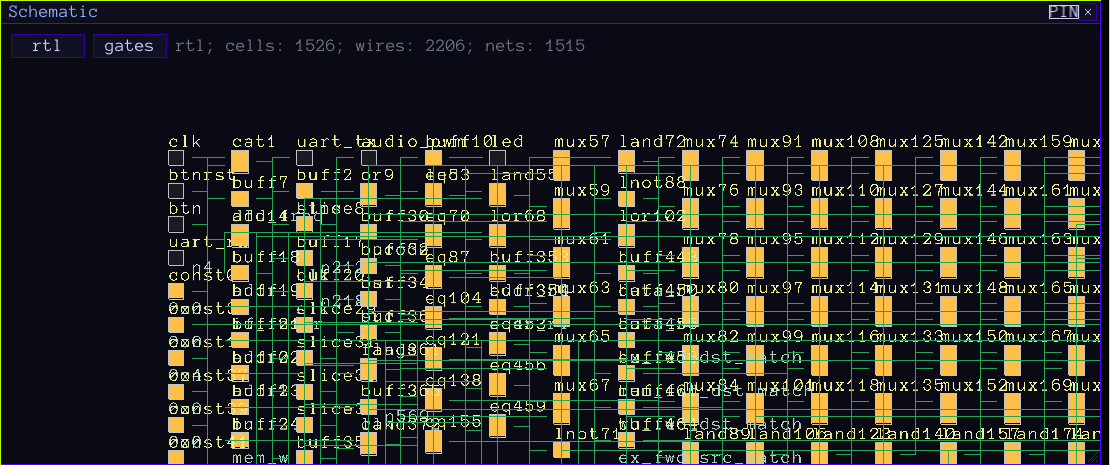
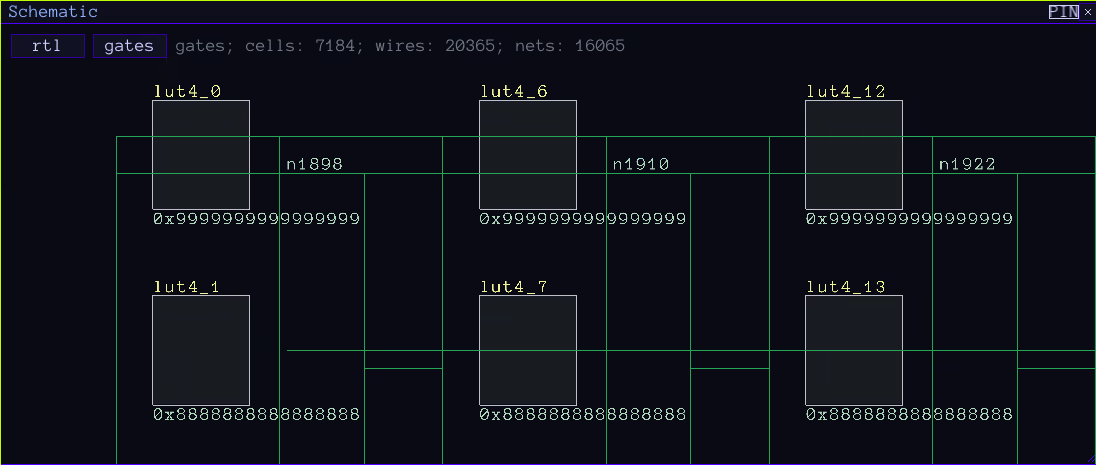
The interactive Schematic viewer shows both the RTL and the gate-level schematic and in profile mode, highlights hot cells
The Minimum Instruction Set Computer ISA + The DANGLING Logic Unit CPU
The game comes with a custom instruction set architecture and its first CPU, which serve as both a reference SystemVerilog implementation and a target for players who don't want to make a custom one. MISC is already capable of running complex programs, despite being very minimal.
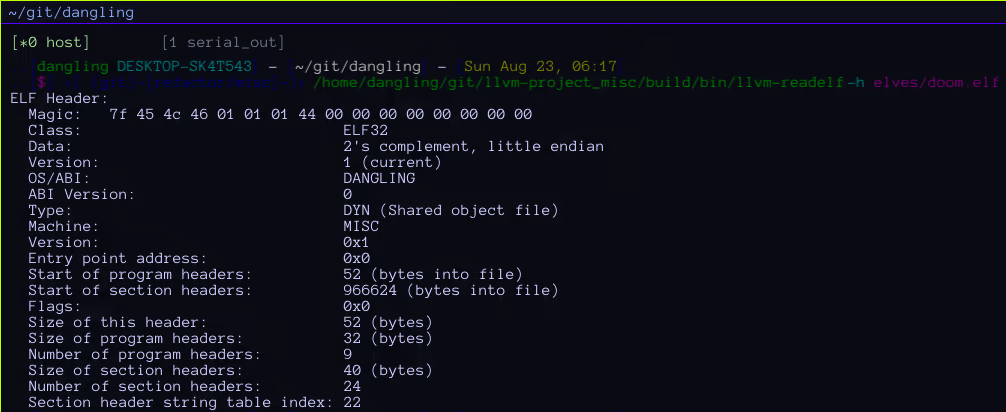
The LLVM that ships with the game can compile for the MISC architecture
A game running native MISC code. Runtime memory manipulation is demonstrated here
Sandbox mode
Self-play submode
Sandbox mode is the default Crosstalk experience. Players can create a custom workspace with resizable, positionable, and alignable floating windows. Most use-cases start with opening a shell session to their host, invoking their editor, and writing SystemVerilog. Once there is a valid design, it can be simulated inside Crosstalk.
Networked submode
In this submode, one can team up with others over Steam Networking and build together. It is structurally identical to Self-play mode, but with networking enabled.