
Pixel Motion Studio
No Reviews · 0 reviews
Link Hub
View on Steam→Screenshots


Description
Pixel Motion Studio is a complete pixel art and animation suite. Draw sprites, animate characters frame by frame or with rigs and keyframes, create effects and scenes, manage palettes, and take your work from first pixel to finished animation.
Platforms
Linux · Windows
Developer
ChallAcc
Publisher
ChallAcc
About
Three programs in one
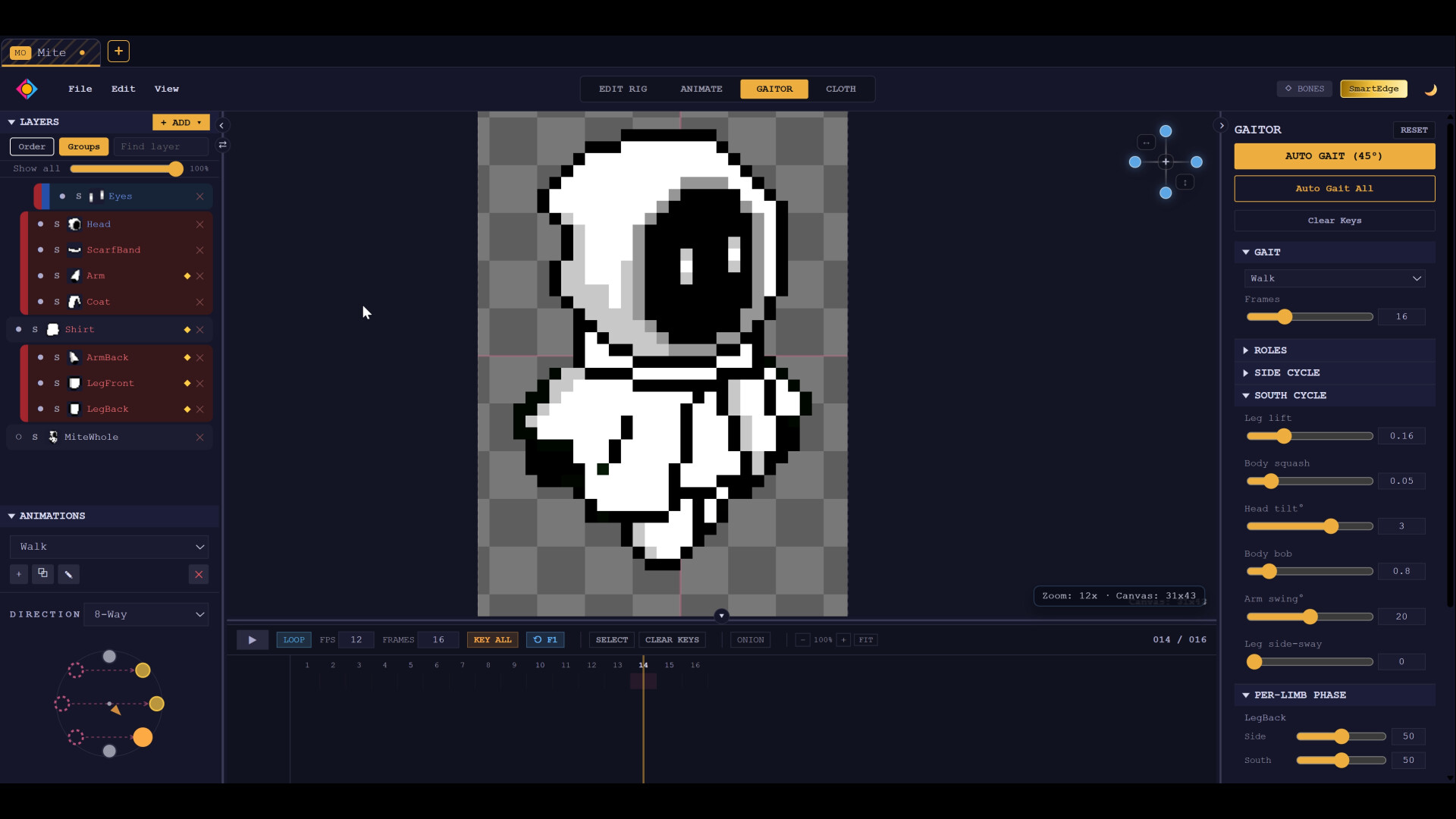
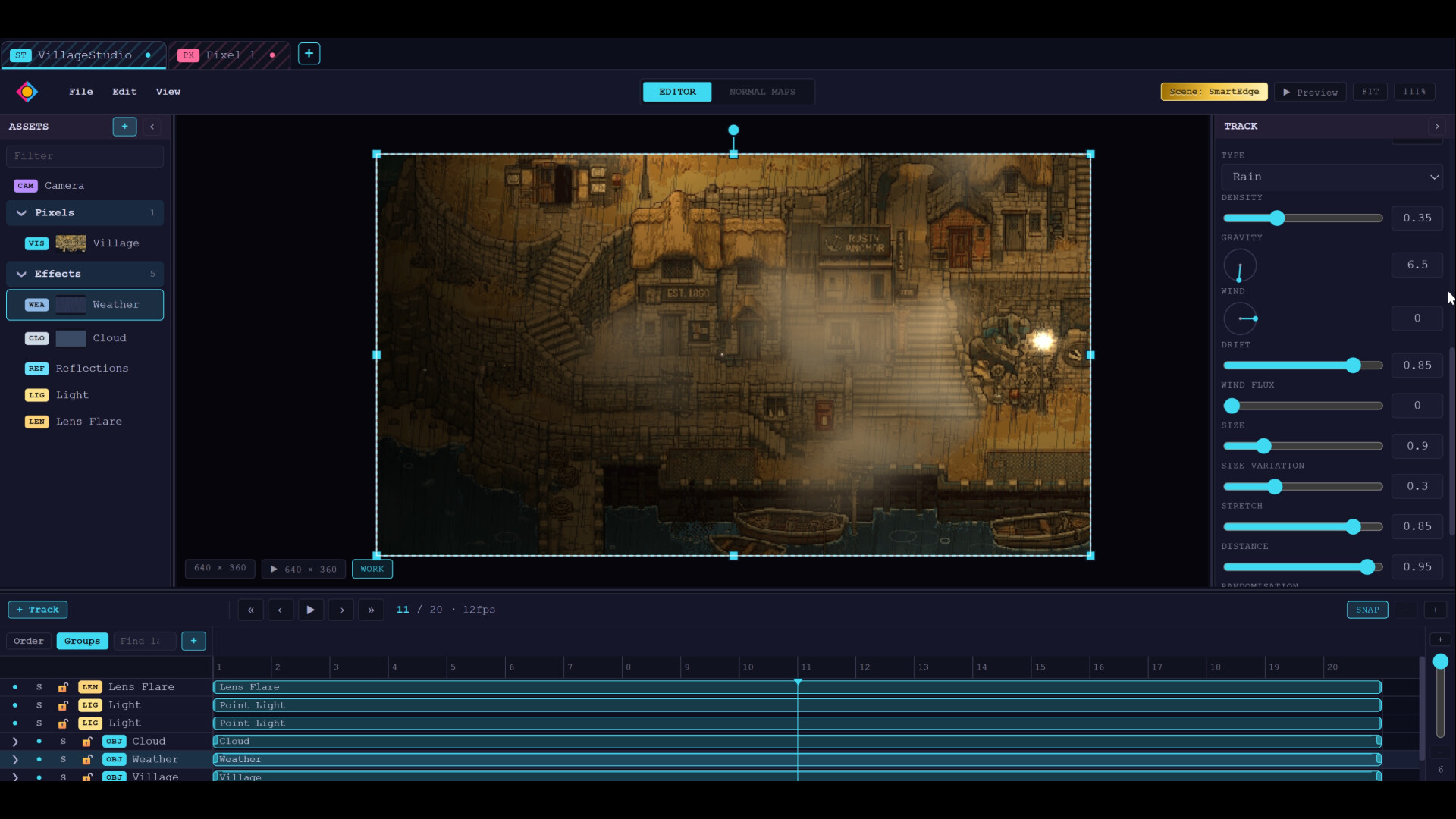
Pixel for drawing, Motion for animation, Studio for full scenes, all sharing one project. Take a sprite from its first pixel to a fully animated scene without leaving the app.
Why choose?
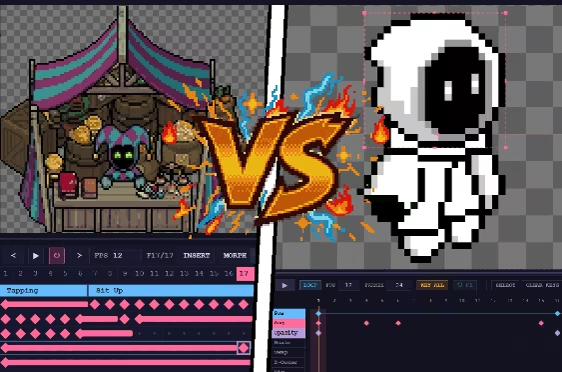
Frame-by-frame or keyframe animation? You don't have to choose. Use either, use both, or switch between them as your project evolves.
Draw every frame by hand, use rigs and keyframes to block out complex scenes, or seamlessly mix both methods. Start with a traditional hand-drawn animation and add keyframes for subtle transformations, or build a rigged animation, bake it back into pixel frames, and hand-tweak individual frames for the final result.
Pixel Motion Studio brings traditional pixel-art tools and modern animation techniques together in one workflow, so you can create, experiment and change direction without rebuilding your work from scratch.
- One project, any mode. Move your work between drawing, animation and scene modes, with everything staying linked so changes flow through the whole project.
- Non-destructive by design. Transform artwork, add effects and experiment without permanently altering the original. Reorder, mute, remove or adjust changes whenever you need to.
- Built for iteration. Change a pose, reshape a sprite or try a different effect without losing the artwork underneath.
Pixel: a complete art editor
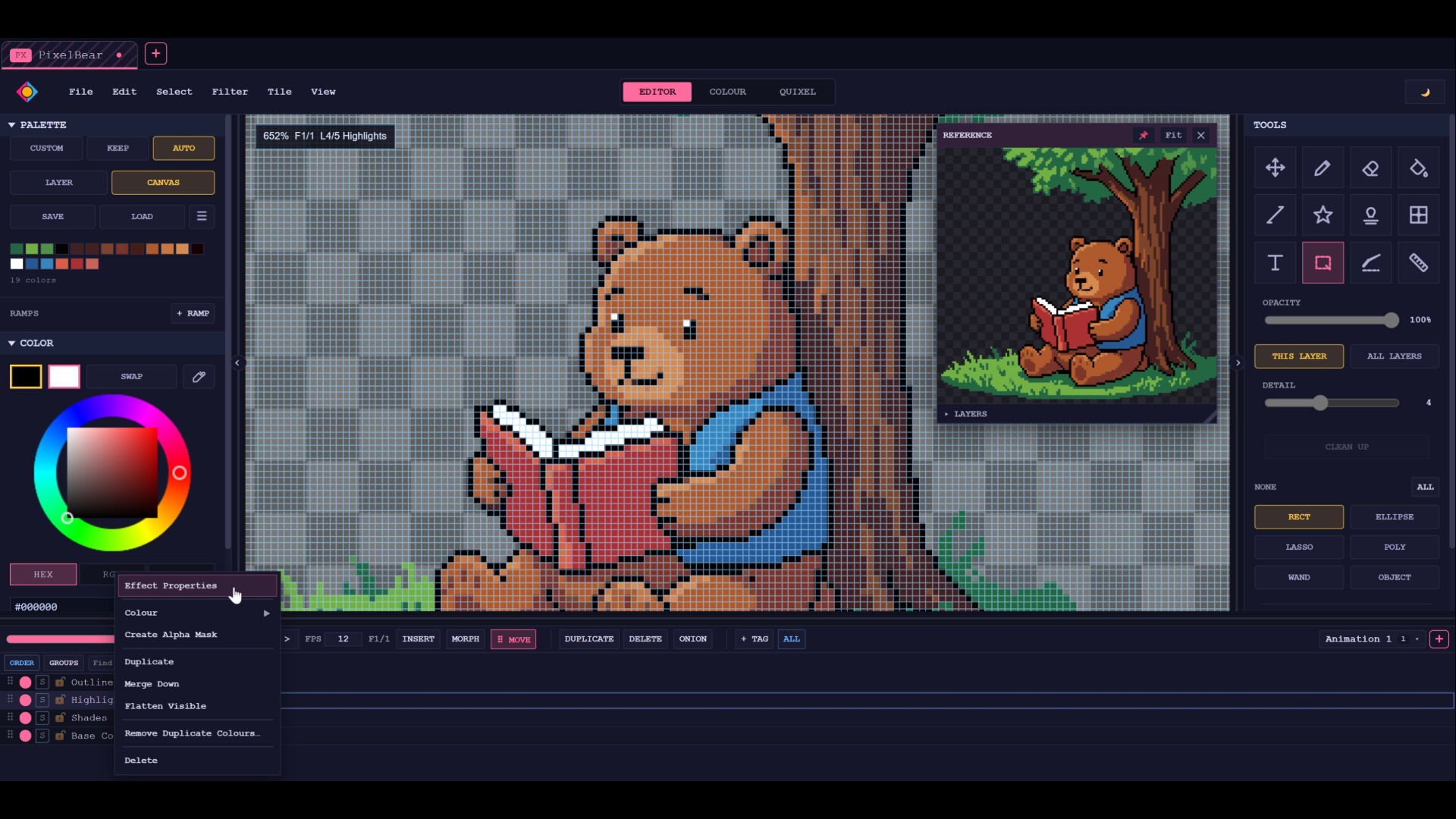
Everything you need for traditional pixel art, from layers and groups to frame-by-frame animation, stabilised brushes and click-an-object selection.
- Mesh warp. Reshape a sprite with a grid of handles, making it easy to change poses or proportions without redrawing the entire piece.
- Shade brush. Shade and highlight along a ramp from your own palette, stepping through your colours while staying perfectly on-palette.
- Non-destructive effects. Stack glow, outline, drop shadow, blur, tint and more on a layer, then reorder, mute or retune them later.
Plus a slice blade, alignment ruler, text, stamps and a reveal eraser that previews the result before you use it. Filters include undithering, despeckling, sharpening, noise reduction, clean outline tracing and palette locking.
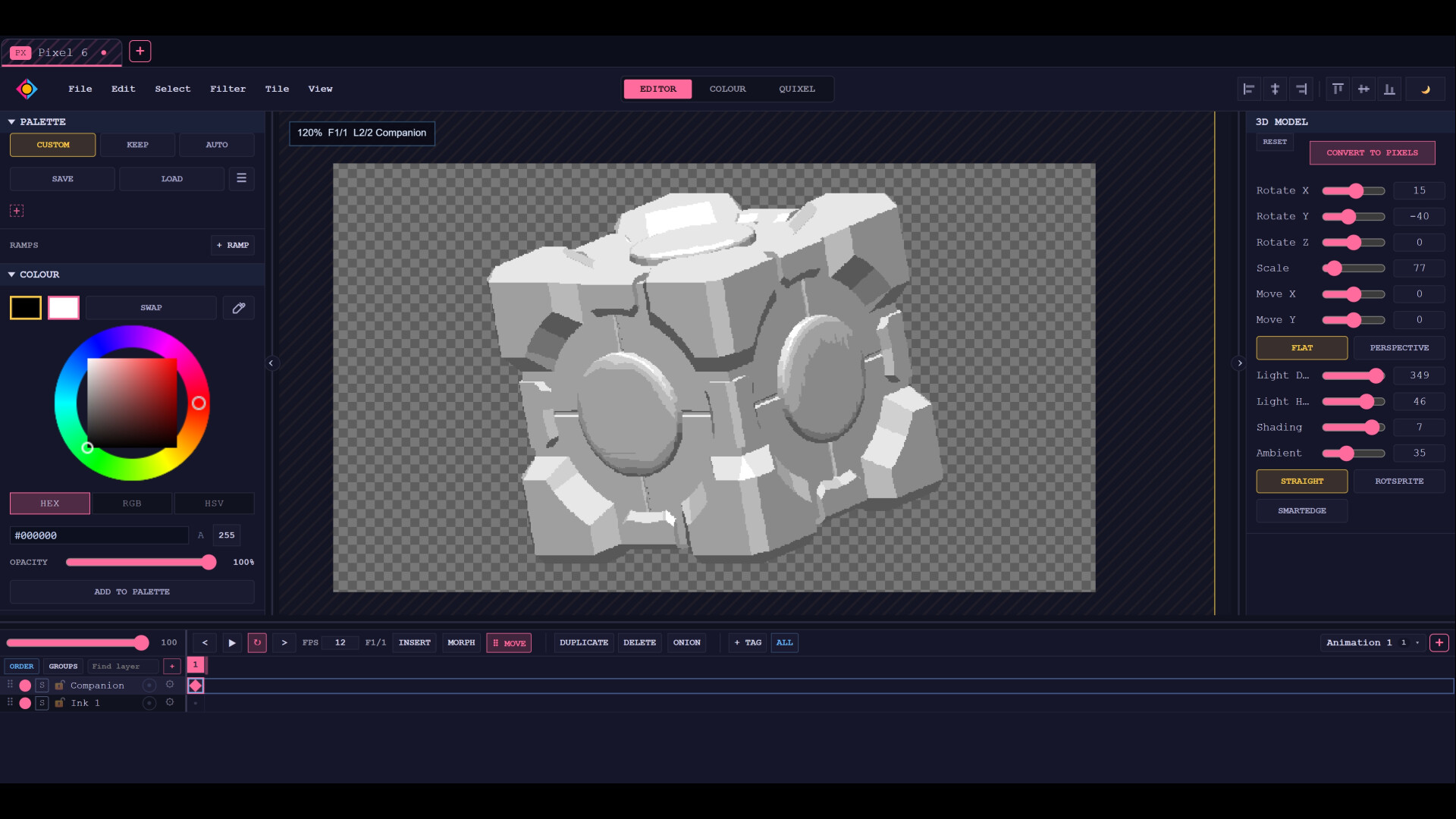
Multiple ways to rotate. Use RotSprite for pixel-perfect rotations, SmartEdge for flexible rotation, scaling and skewing, or keep your transformations non-destructive so you can adjust them later.
Motion: keyframing on your terms
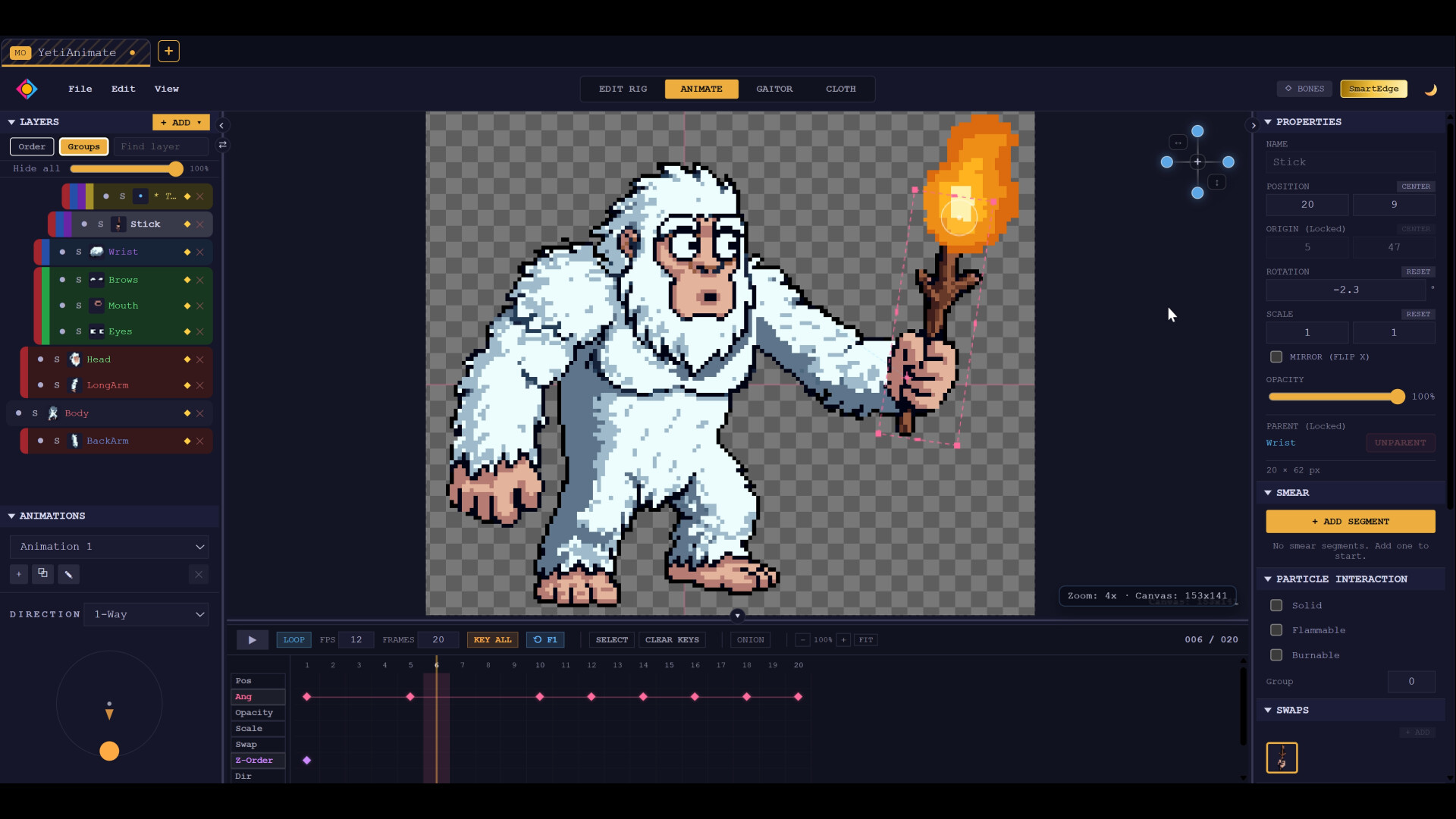
Speed up your workflow with rigs and keyframes. Set your poses and let the in-betweens interpolate, or use generators as a starting point for walk and run cycles. Refine the result by hand or take it straight into your scene.
Any keyframed sequence or fluid simulation can be baked directly back into pixel frames, so you can edit individual pixels before you export.
Studio: build whole scenes
Assemble characters, effects and backgrounds into complete animated scenes. Add procedural clouds and weather, lighting, water reflections, lens flares and moving cameras, then render to pixel-perfect frames or video.
Sound and lip-sync
A complete audio editor lets you build your soundtrack and animate your characters to it without leaving the project.
- Record, edit and mix. Work across as many tracks as you like, with fades, bass and treble, reverb, echo, tempo changes and more, each with a live preview.
- Automatic lip-sync. Point a character at a voice track and its mouth follows the audio.
- Set it up once. Assign your mouth shapes and the rig can lip-sync any audio. One clip can drive a whole cast, with the preview matching the export.
Master your colours
Reduce palettes with real control, break an image down colour by colour, and turn paintings or photos into clean pixel art. Use the result as a starting point, then edit and refine it yourself.
Speed-Draw
Turn any finished piece into a speed-draw video. Pixel Motion Studio reconstructs the drawing process using its own tools, letting you present finished artwork as an engaging creation video without having to record yourself while you work.
Create together, in real time
Work on the same file at the same time, live. Everyone gets their own cursor, edits sync instantly, and layers can be locked so no one paints over anyone else's work.
Export and run anywhere
Import your existing work, including Aseprite and Photoshop files, and export to PNG, WebP, GIF, sprite sheets, WebM and MP4.
Pixel Motion Studio does not use AI to generate artwork. It is a creative tool built around your artwork, combining traditional pixel-art editing with animation, rigging, effects and scene tools in one application.