#Animation&Modeling #Design&Illustration #GameDevelopment
SpritePile
Create Sprite Stacks quickly and easily! View them in 2D/3D and export them for use in your game in seconds!
View game
Free
Negative · 3 reviews
0% positive (0 / 3)
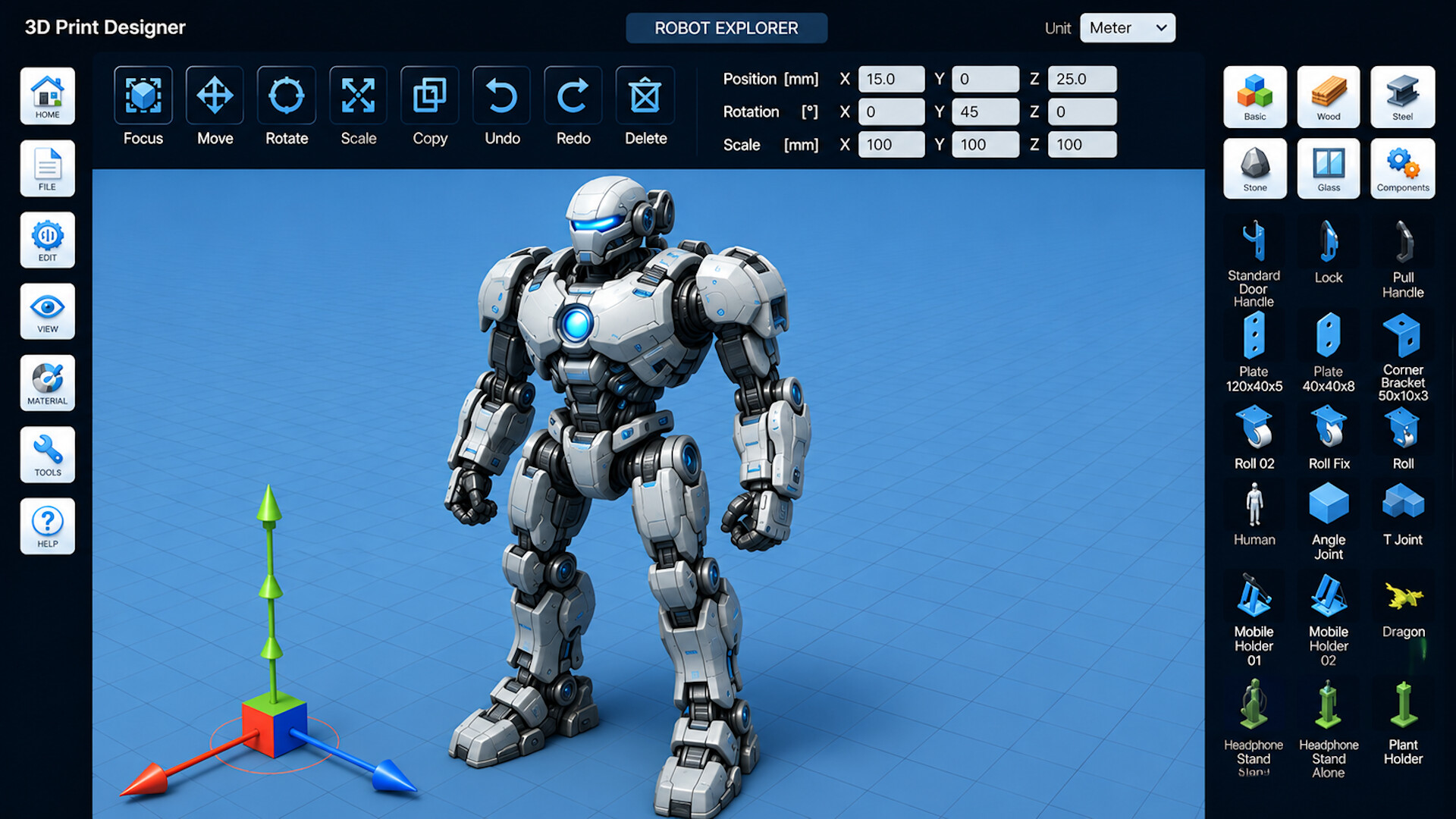
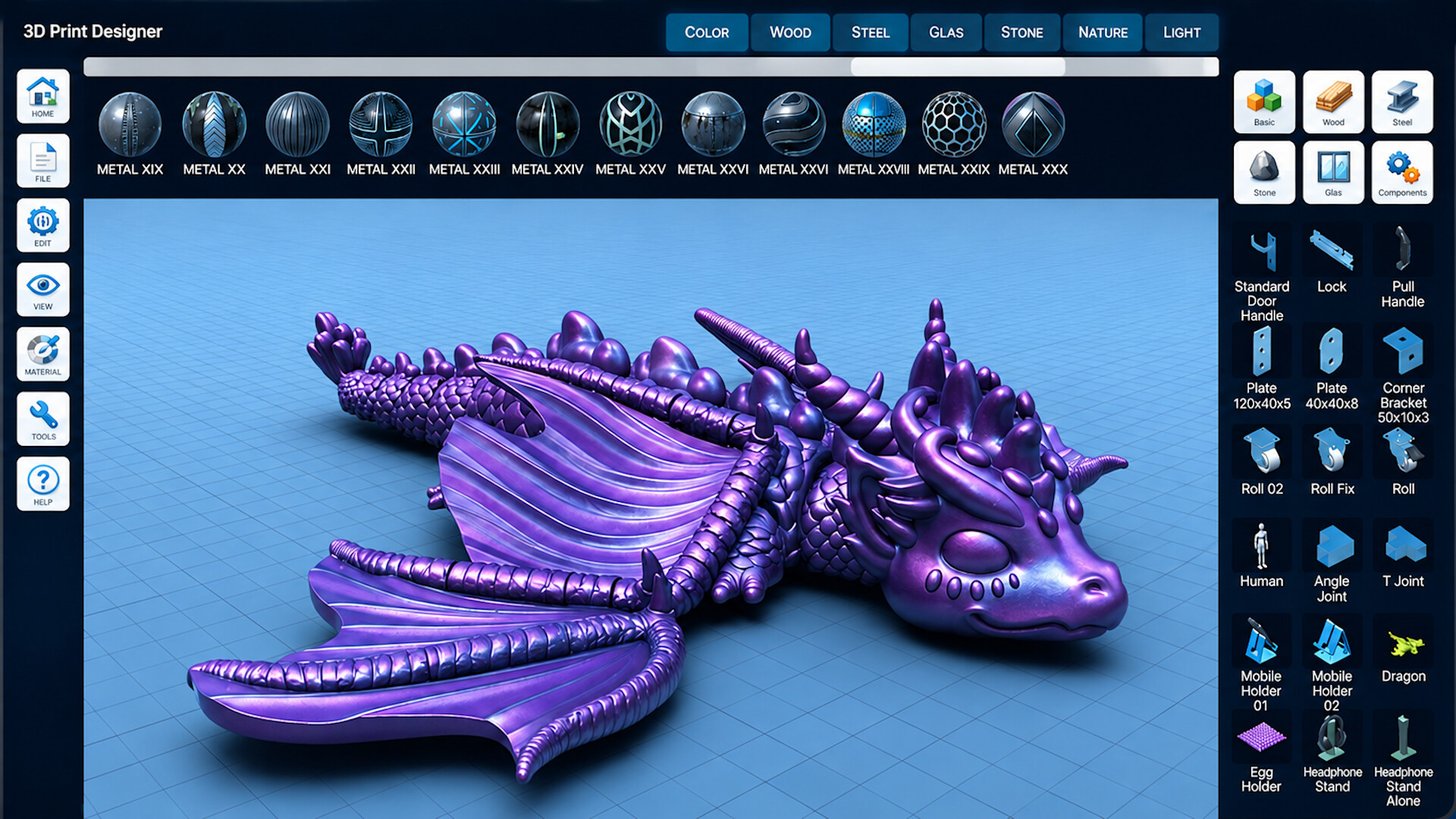
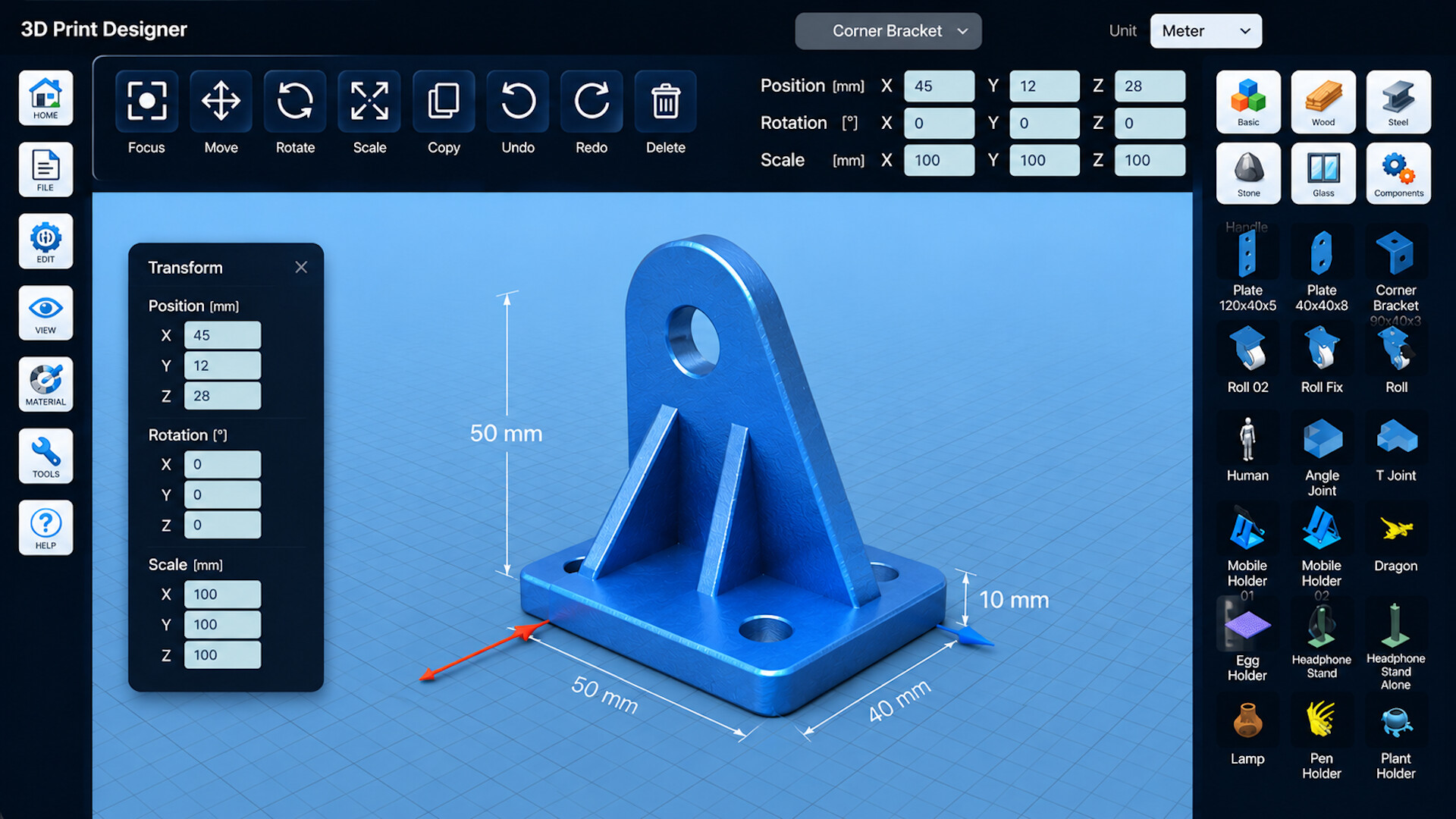

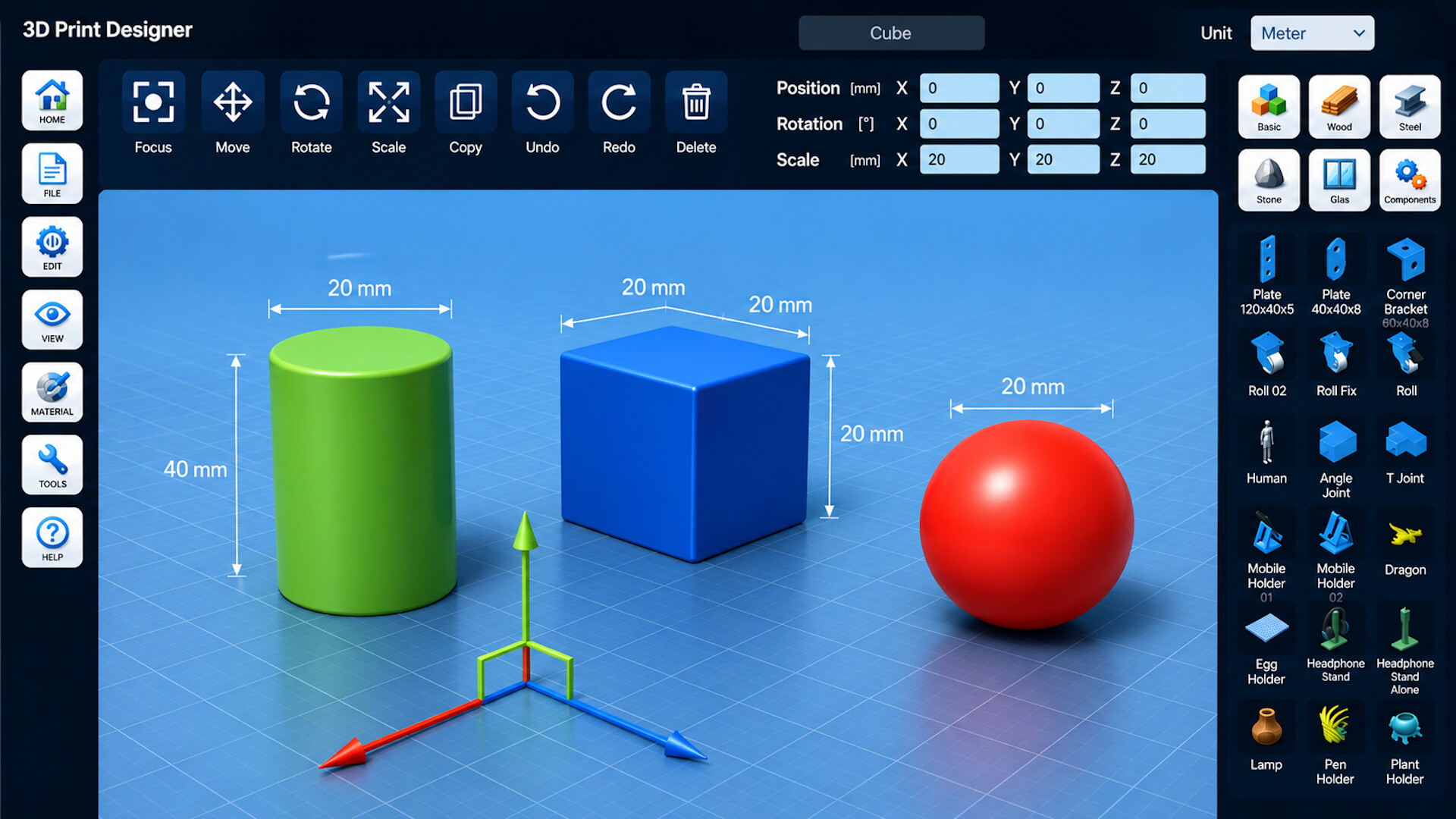
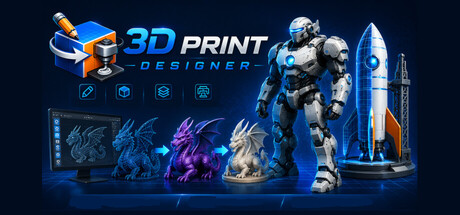
Create, edit, and prepare 3D models for printing. Design with intuitive CAD tools, import models, customize objects, and export to STL or OBJ. Perfect for makers, hobbyists, students, and professionals.
Released
July 23, 2026
Price
Platforms
macOS · Windows
Developer
Publisher
Last sync
September 26, 2026
Turn your ideas into real 3D objects.
With 3D Print Designer, you can easily create, edit, and prepare models for 3D printing – all in one powerful CAD app. Whether you're a beginner, hobby maker, student, or experienced designer, 3D Print Designer provides the tools you need to bring your concepts to life.
Create precise 3D models using an intuitive interface designed for both beginners and advanced users.
• Create models from basic shapes such as cubes, spheres, cylinders, and more
• Import existing 3D models and continue editing them
• Move, rotate, scale, and combine objects with ease
• Use real-world measurements for accurate designs
• Create custom parts, prototypes, decorations, and functional objects
Prepare your designs directly for manufacturing and 3D printing.
• Export your models in popular formats including STL and OBJ
• Optimize designs before printing
• Generate previews and screenshots of your projects
• Organize and manage multiple design ideas
Speed up your workflow with ready-to-use design elements.
• Access structural components and reusable objects
• Build complex designs faster using predefined elements
• Assign materials for realistic visualization
• Experiment with different design concepts before printing
Transform digital ideas into real-world creations.
• Design parts for hobby projects and DIY applications
• Create prototypes for testing and development
• Develop custom accessories and replacement parts
• Prepare models for home and professional 3D printers
• Beginner-friendly interface
• Powerful CAD-style editing tools
• Designed specifically for 3D printing workflows
• Fast model creation and modification
• STL and OBJ export support
• Suitable for makers, students, hobbyists, and professionals
Start designing today and turn your ideas into real objects with 3D Print Designer.