
 -10%
-10% Pixydra Studio
No Reviews · 0 reviews
Screenshots

Description
Pixydra Studio is a pixel-art software fully focused on animated sprites for videogames.
Released
September 1, 2026
Price
$14.99$13.49 -10%
Platforms
Windows
Developer
Publisher
About
Pixydra Studio is pixel-art software fully focused on creating animated sprites for video games.
--- Unique Features ---
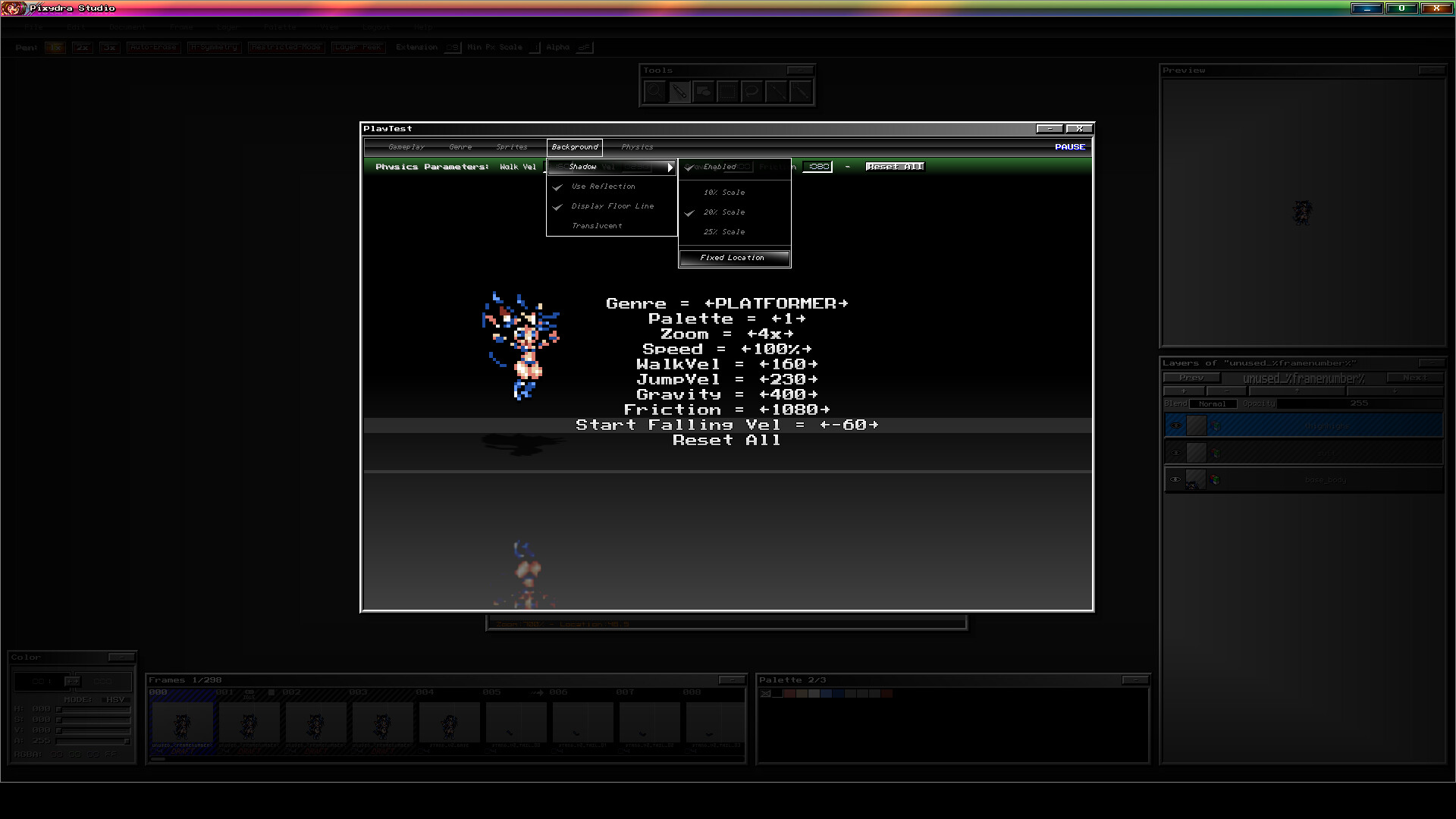
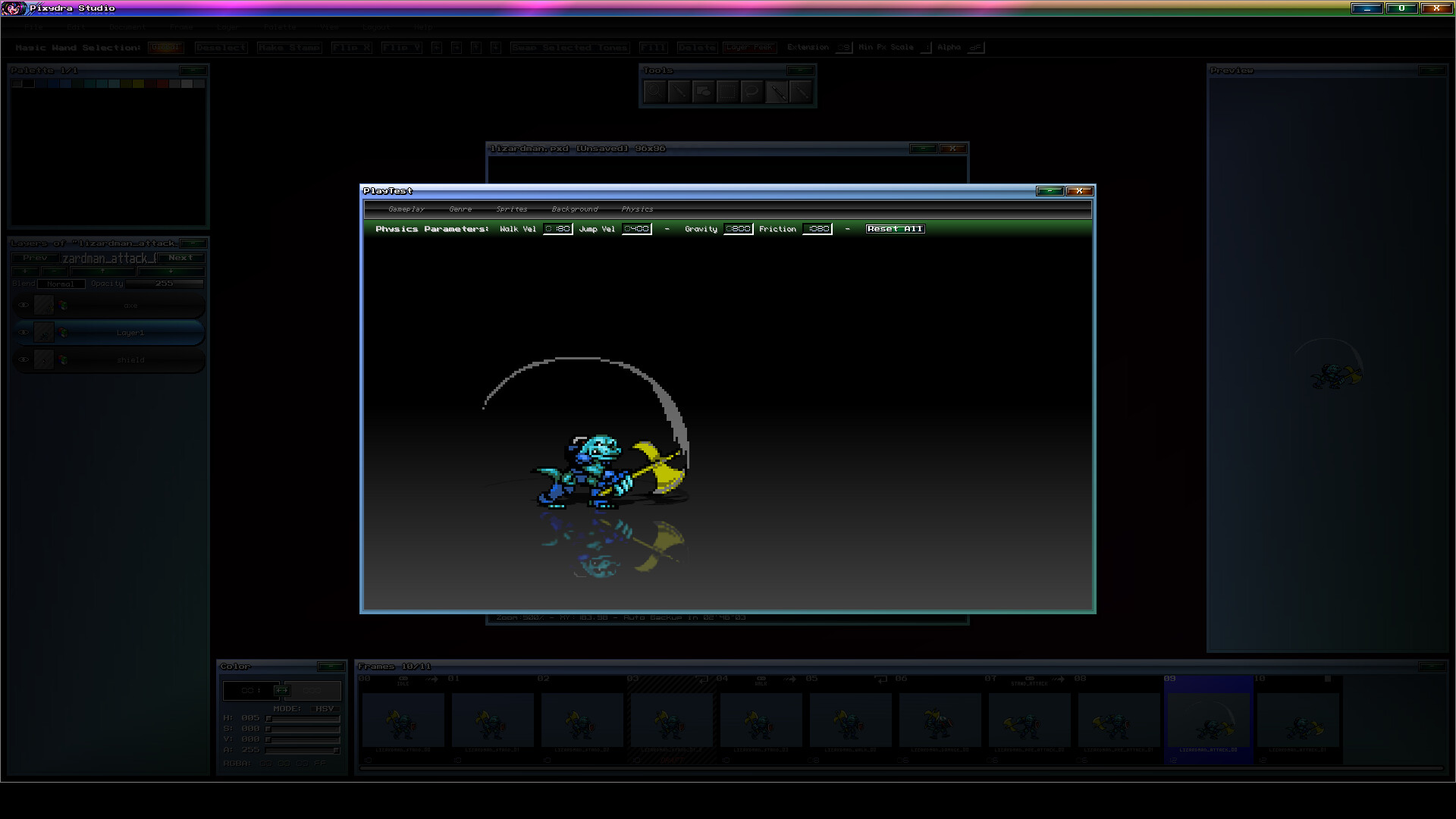
- Playtest Mode where you can test your sprites playability feel.
- Document with Mixed-Type Layers between RGBA and Indexed Color.
- Multiple Selectable Palettes per document.
- Ability to Rename Colors by Palette Range.
- Configurable Special Commands for specific palette colors.
- Color Range Delimiters.
- Layer Invalidation System by name for the entire document.
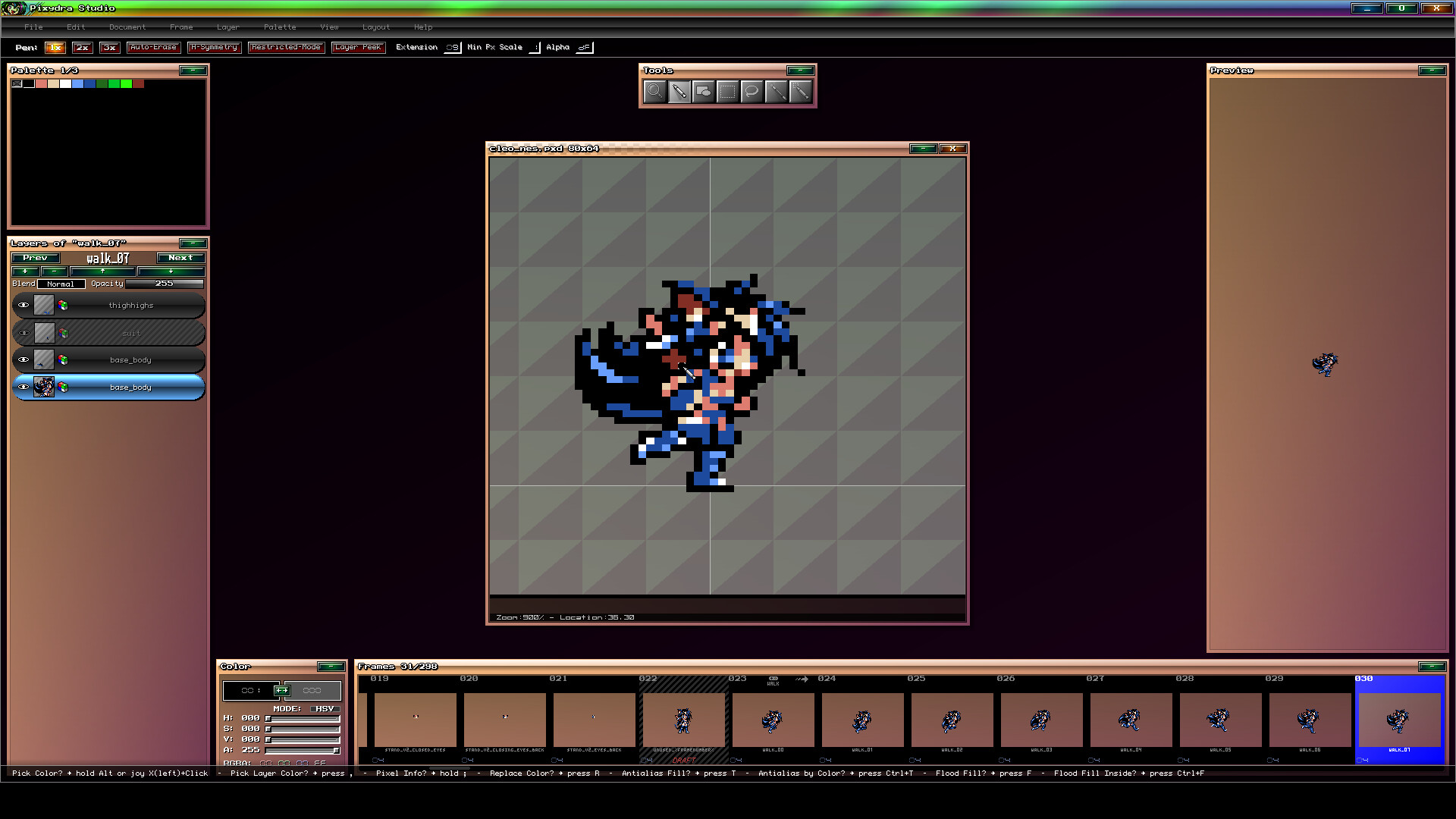
- Focus System for layers or animation frames.
- Individual and global Real-Time Visualization of layers and animation frames.
- Configurable Non-Square Pixel Aspect Ratios with presets for old consoles.
- Free and Independent Layer Setup per Frame.
- Joystick Support for editing.
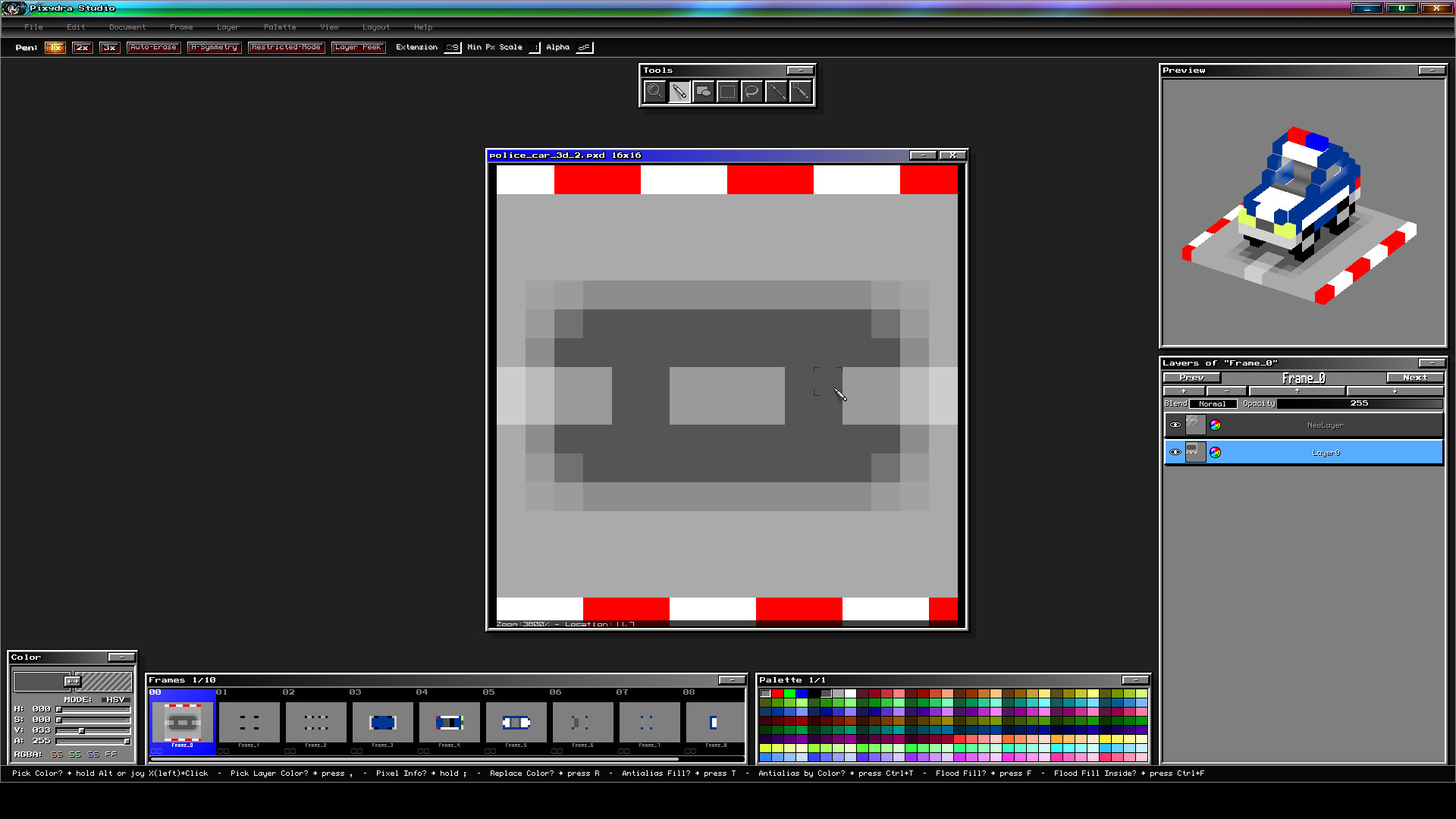
- Isometric Visualization by stacking sprites.
- "Draft" Marker to discard specific sprites when exporting.
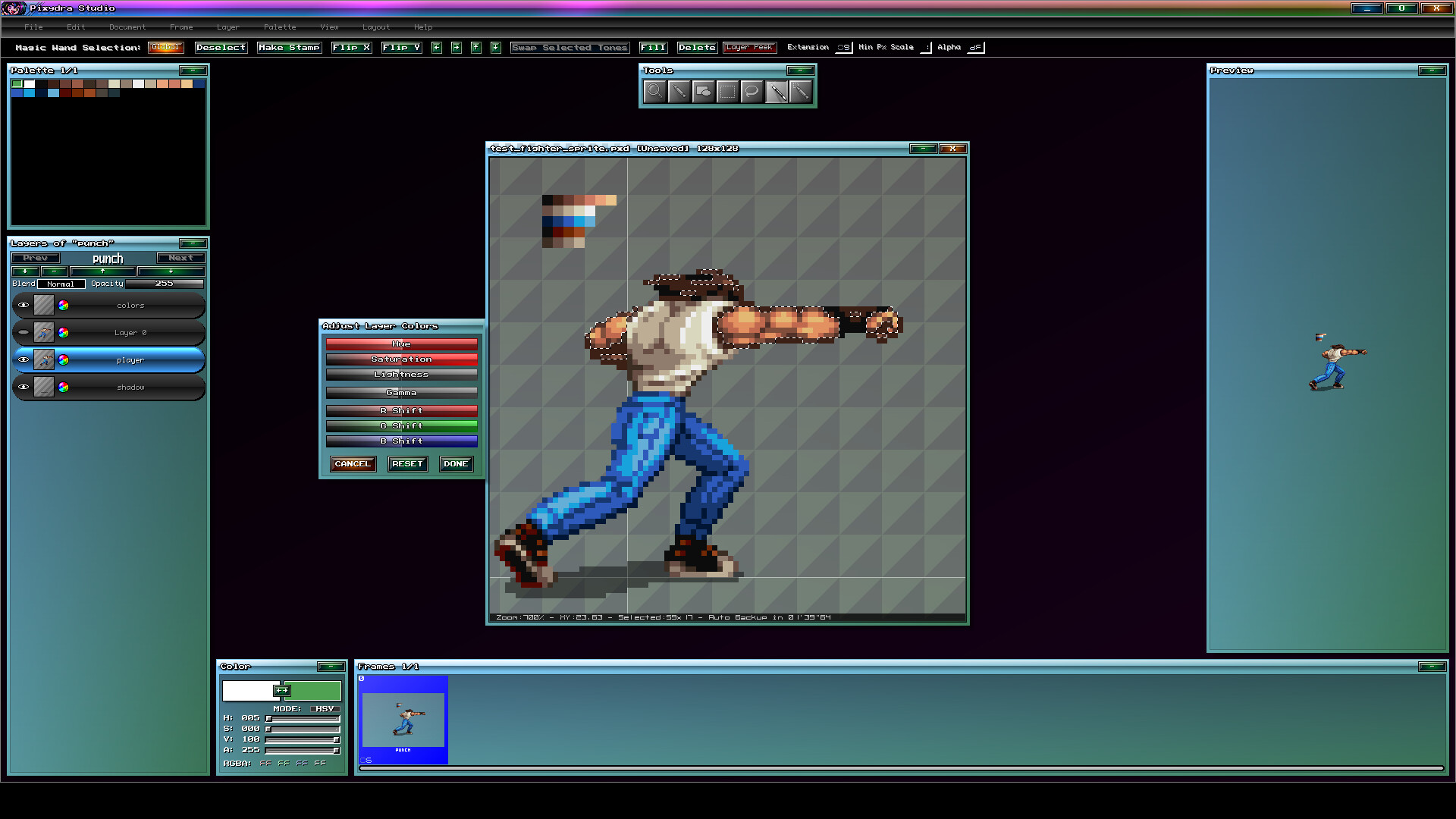
- Automatic Layer Outlines.
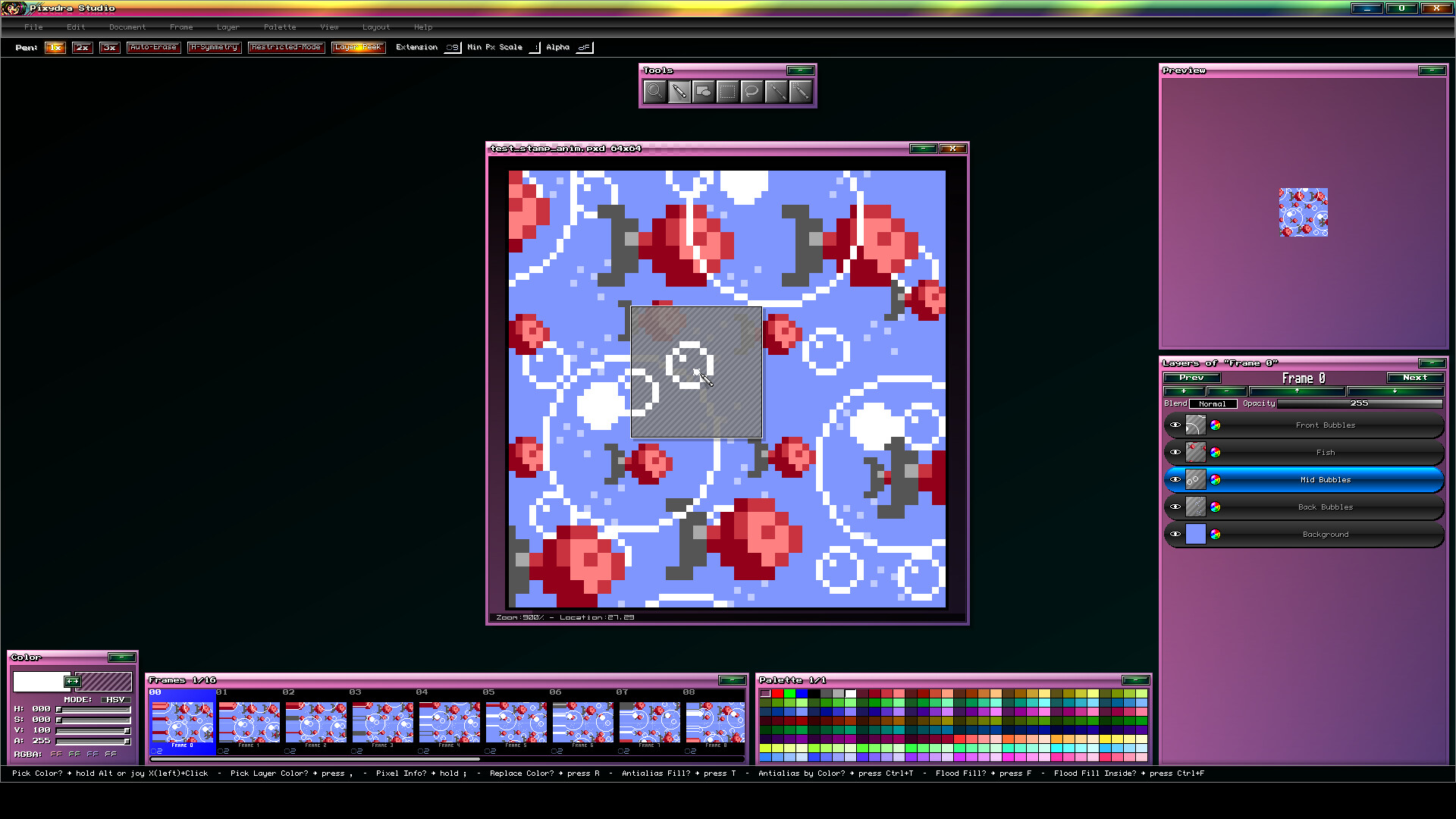
- Layer Peek Mode that lets you see hidden areas on the working layer.
- Editor and preview Real Transparent Background option.
- OLED-Friendly Interface with shifting colors.
- Automatic Edge-Smoothing Command.
- Layer Search and navigation by name.
- Smooth Zooming and Panning movements.
- Interface with smooth animation effects.
- Automatic restricted mode draw on Pen tool.
- Animated Stamp Moving while switching animation frames.
- Non-destructive mirrow view.
- Freely move Stamps between layers and even frames.
--- General Features ---
- Fully Configurable Shortcuts.
- Editable Axis/Pivot for game sprite exporting.
- Layer Blend Modes.
- Animation frames with Comments and Tags.
- Auto-Erase Pen Mode.
- Image Atlas Exporter.
- Animated GIF exporter.
- Gradient Assignment in color palette.
- Reads files in the following formats: BMP, PNG, GIF, ASE, GAL.
- Animation Preview while editing.
- RGB and HSV color editing.
- Continuous Drawing while switching animation frames.
- Freely movable interface elements.
- Horizontal Symmetry for Pen tool.
- Visual Themes.