
ServerSync: Dedicated Game Server Made Easy
No Reviews · 0 reviews
Screenshots



Description
Self host a dedicated server in minutes with no port forwarding or technical setup. Start a fresh save or convert your existing local save. Seamlessly transfer servers between friends to co-host with the same public address, keeping your progress moving forward.
Price
Platforms
Windows
Developer
SaveSync
Publisher
SaveSync
About
Setting up a dedicated game server usually means downloading server executables, editing config files by hand, and port forwarding before anyone can join.
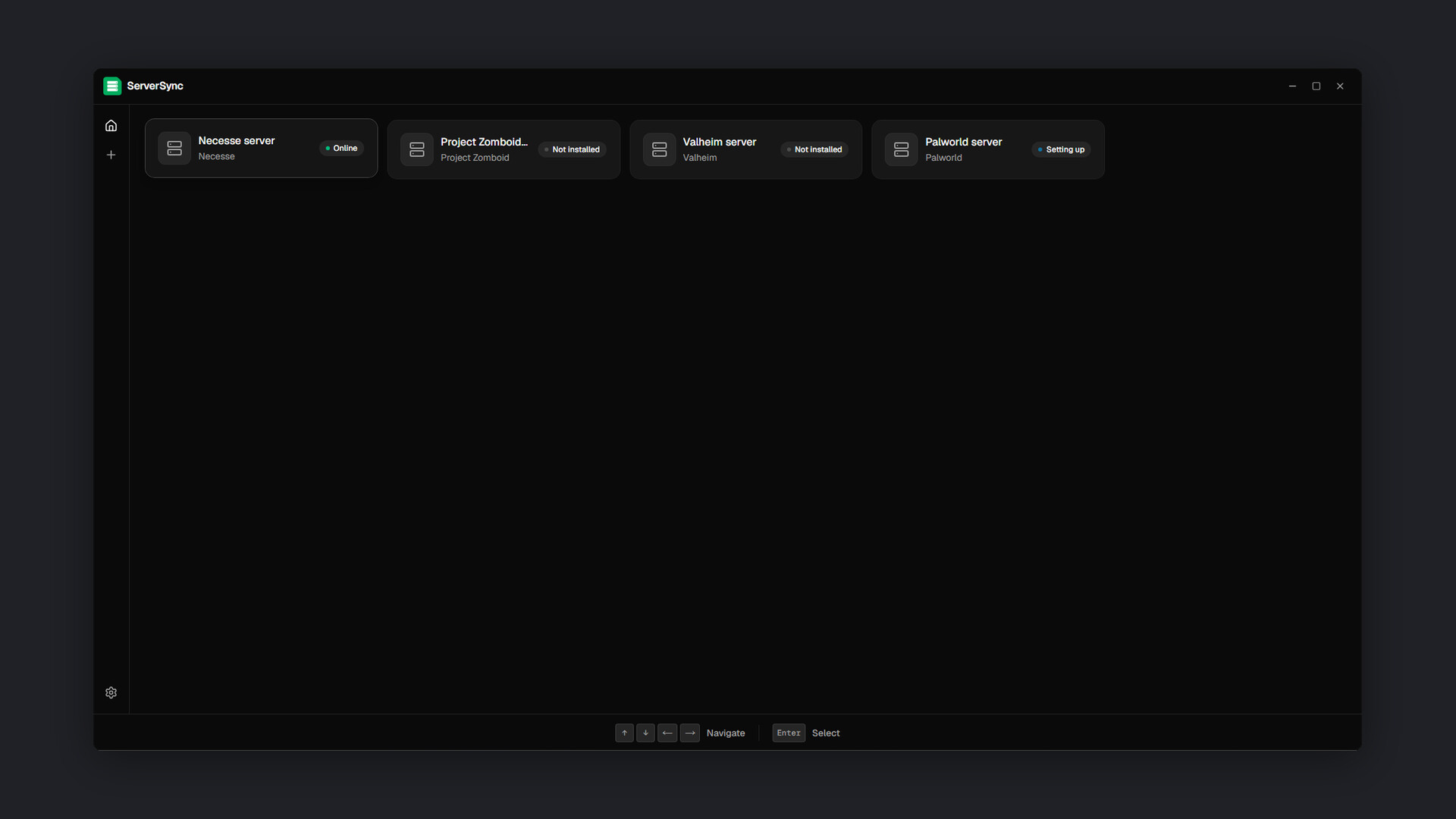
ServerSync makes it easy. Pick a game, name your server, and hit create to self-host in minutes with no technical setup. Whether you start a fresh save or convert your existing local save, your server is ready. Plus, you can seamlessly transfer servers between friends to co-host with the same public address, keeping your progress moving forward without relying on a single host.
Free Features
- 🏠 Self-hosted: The server runs on your own PC, using your hardware.
- 🎛️ Server Controls: Install, start, stop, and update a server.
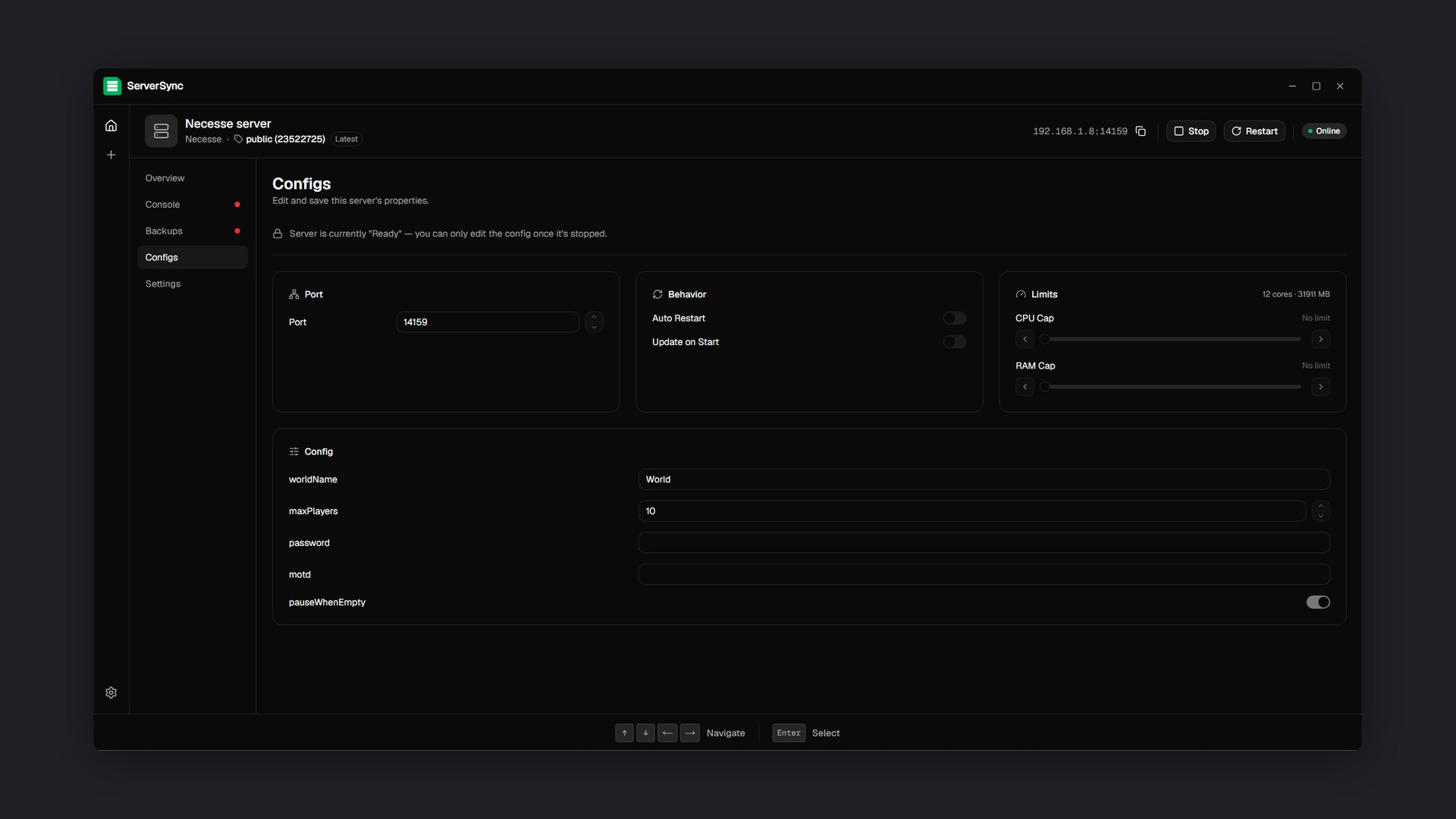
- ⚙️ Visual configuration: Every setting has a control, a label, and a sensible default.
- 🎚️ Resource limits: Cap how much CPU and RAM the server can take, so you can host and play on the same PC without one starving the other.
- 🖥️ Live console: Full server output in real time, with a command input for anything you need to run directly.
- 📊 Monitoring: CPU, memory, disk, uptime, and player count at a glance.
- 👥 Player management: See who is connected and manage.
- 📌 Branch/Version control: Pin the server to a specific branch/version or let it auto-update.
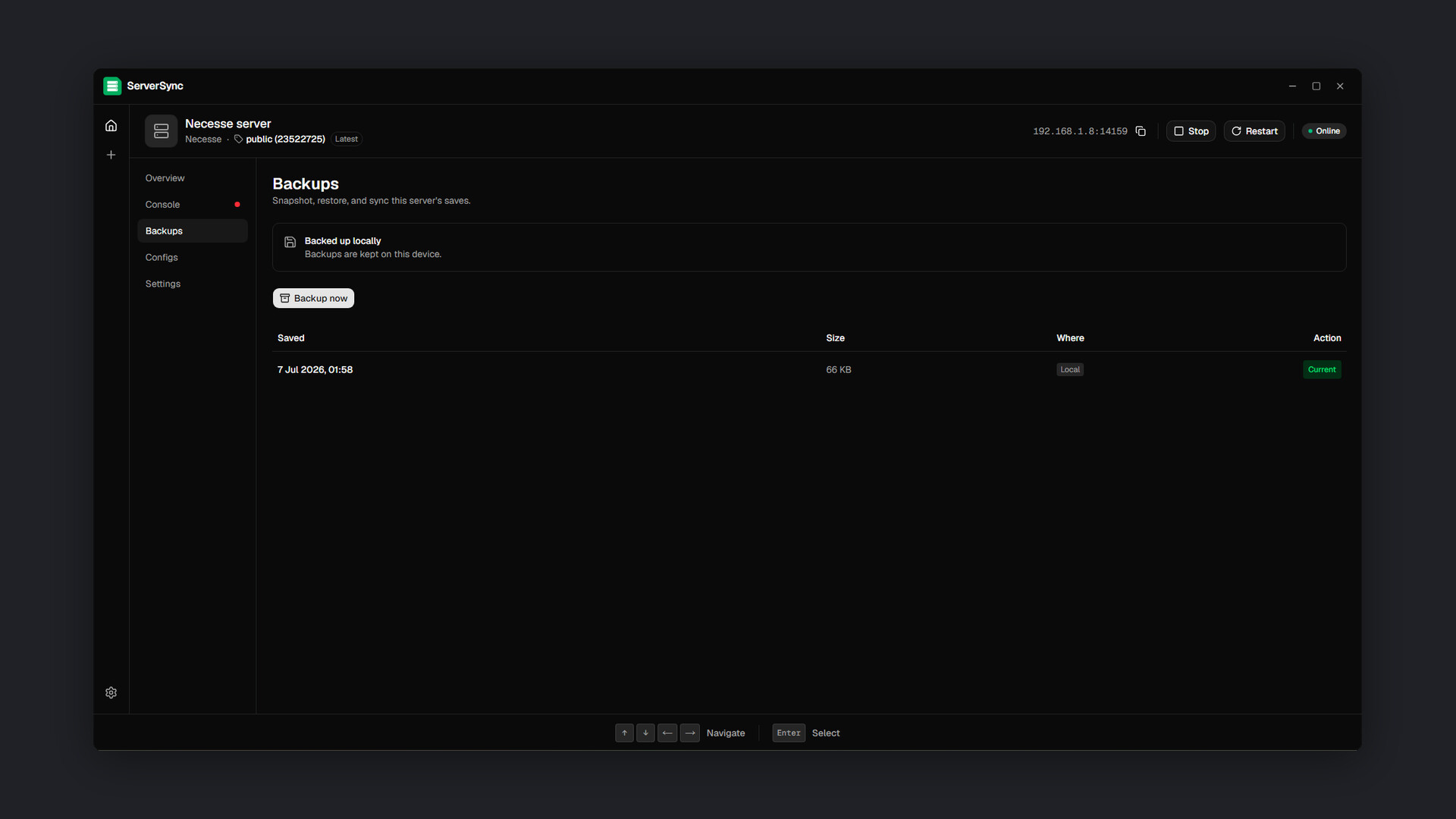
- 💾 Local backups: Backup your server to your own drive and restore it in one click.
- 🤖 Automation: Restart automatically after a crash, and check for updates on every start.
- 📂 Direct file access: Open the server folder any time to add mods, edit configs, or browse saves by hand.
All of this is free, permanently.
Premium Feature
- ☁️ Cloud backups: Push your backup to the cloud and pull it back on any machine. Backups are stored on Steam Workshop, encrypted, unlisted, and private by default.
- 🔄 Server sharing: Give a friend access to your server so they can host it on the same public address and push backups to the cloud. The server stays online and up to date even when your PC is not.
- 🌐 Public address: Make any server public and get an address you can share with your friends. ServerSync routes the connection through a secure tunnel, so there is no port forwarding.
No subscription. Premium is free for your first month, then you top up for 1, 6, or 12 months whenever you feel like it. Each top-up is a single purchase. Nothing renews on its own, and if you stop, ServerSync keeps working with every free feature intact.
Supported games
- Minecraft: Java Edition, Bedrock Edition, PaperMC, PumpkinMC
- Satisfactory
- Valheim
- Don't Starve Together
- Enshrouded
- Vintage Story
- Core Keeper
- Project Zomboid
- Palworld
- Necesse
- Abiotic Factor
- ICARUS
- StarRupture
- Hytale
- Windrose
- Space Engineers
- Stationeers
- Soulmask
- 7 Days to Die
- Romestead
- RuneScape: Dragonwilds
- HumanitZ
We're adding more games regularly. Want your favorite game supported next? Request it on our Discord , our subreddit, or the Community section on Steam!