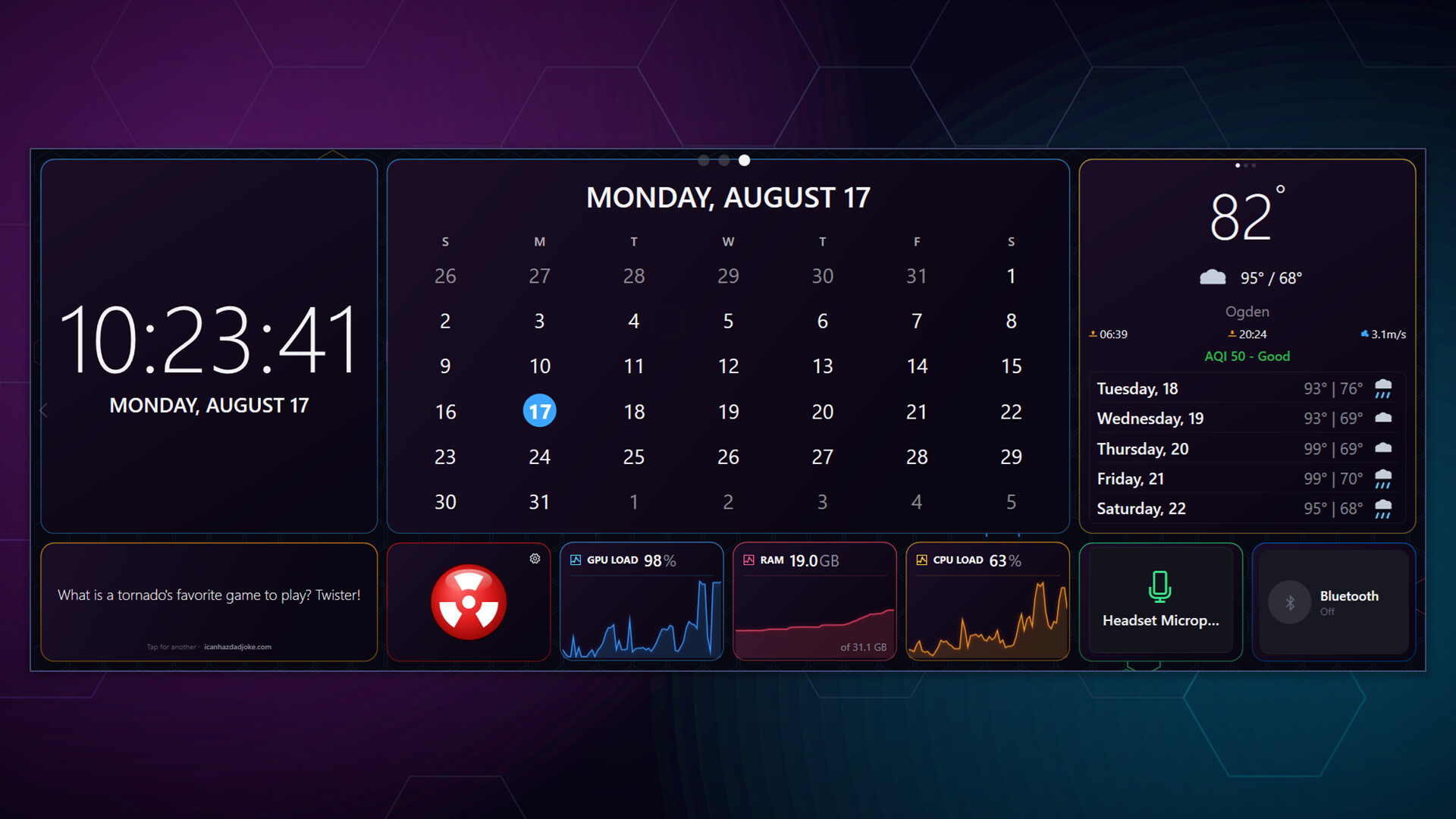
Widgey is a customizable widget dashboard that sits right on your Windows desktop. Monitor your system, track the time, visualize your audio, follow the news - all at a glance without opening a single app.
Your Desktop, Your Way
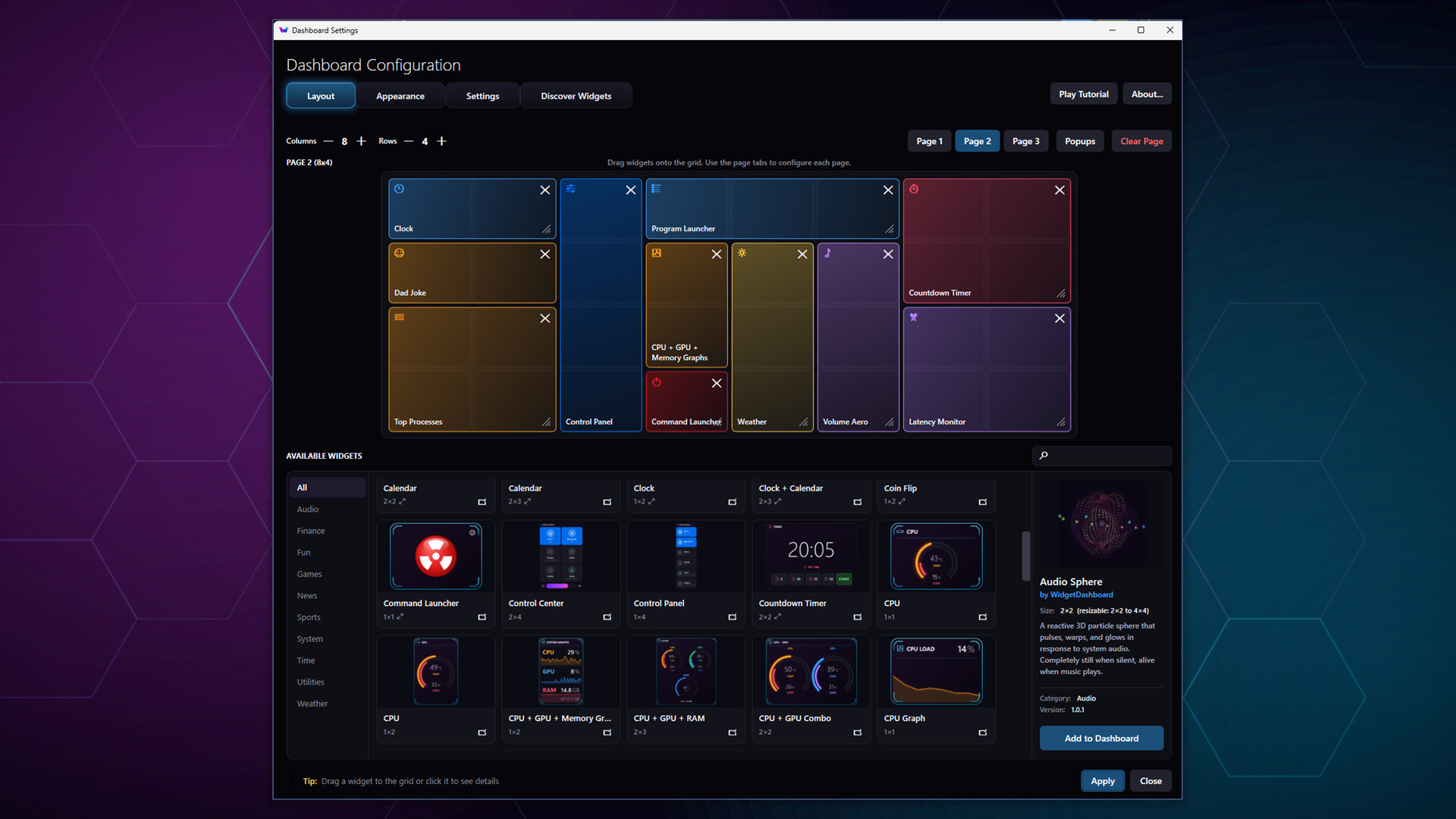
Place widgets on a flexible grid, pop them out as floating windows anywhere on your desktop, or display them on secondary screens. Widgey adapts to any display - standard monitors, ultrawides, multi-monitor setups, and small secondary screens like the Corsair Xeneon Edge. Built for touch from the start, so it works just as well on a touchscreen panel as with a mouse.
Features
- 50+ Built-in Widgets - clocks, system monitors, weather, news feeds, stock tickers, audio visualizers, games, and more
- Real-Time Hardware Monitoring - CPU/GPU temperatures, loads, fan speeds, clock speeds, and power draw with an optional sensor service
- Audio Visualization - reactive widgets driven by your system audio in real time
- OBS Integration - switch scenes, start and stop your stream, and watch live encoding stats without leaving your game
- Game Profiles - Widgey switches to the page you want when a game takes focus, and switches back when you're done
- Steam Workshop - browse, subscribe, and install community-created widgets with one click
- Create Your Own Widgets - build custom widgets with HTML, CSS, and JavaScript using the built-in template wizard, or code from scratch
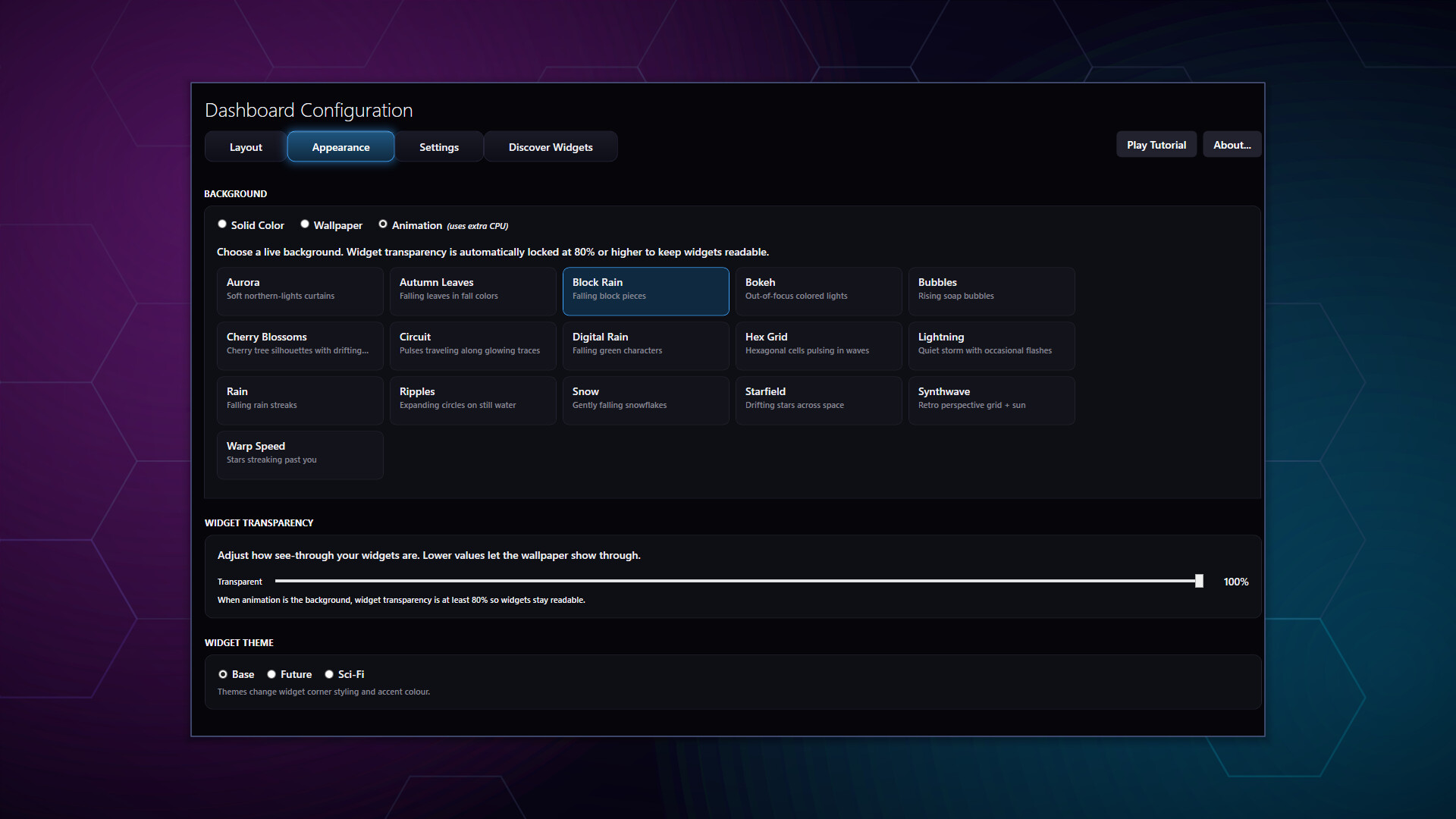
- Multiple Themes - Base, Future, and Sci-Fi visual styles with customizable accent colors
- Three Pages of Widgets - switch with hotkeys, edge swipe, or touch
- Fully Configurable - adjustable grid size, widget opacity, 16 animated backgrounds, and layout orientation
- Lightweight - designed to run in the background with minimal resource usage
Community Widgets
Every Widgey user can create and share widgets through Steam Workshop. Use the built-in Widget Creator Wizard to generate a working widget from a template in seconds - no coding required. Developers can build anything with the full HTML/CSS/JS bridge API, including access to hardware sensors and audio data.
Community Widgets Run Sandboxed
Community widgets are made by other Steam users, so Widgey runs every one of them in a locked-down container. A widget can't read files outside its own folder, can't touch your clipboard, camera or microphone, and gets no network access at all unless it declares the exact hosts it needs - which you can see before you install it. Widgets that ask for nothing are marked Sandboxed so you can browse only those if you prefer.
Hardware Monitoring (Optional)
Widgey includes an optional sensor service that reads real-time data from your hardware. Install it with one click from the Settings panel - a one-time administrator prompt is required to set up the service. Skip it entirely if you don't need system stats. Widgets that use sensor data include CPU and GPU temperatures, loads, fan speeds, RAM usage, network speeds, and more.
Early Access
Widgey is fully functional and stable today - 50+ built-in widgets, multi-page layouts, pop-out windows, and hardware monitoring all work now. Early Access is about the community side: the Steam Workshop integration is new, and the widget API, permission model and publishing tools will end up better shaped by the people actually building widgets than by my guesses. Get in early and help decide where it goes.