#Education
ClasSimVR
ClasSimVR is a serious game and an exploratory platform targeted at helping pre-service teacher learn about challenging student behaviour.
View game
Free
Positive · 1 reviews
100% positive (1 / 1)
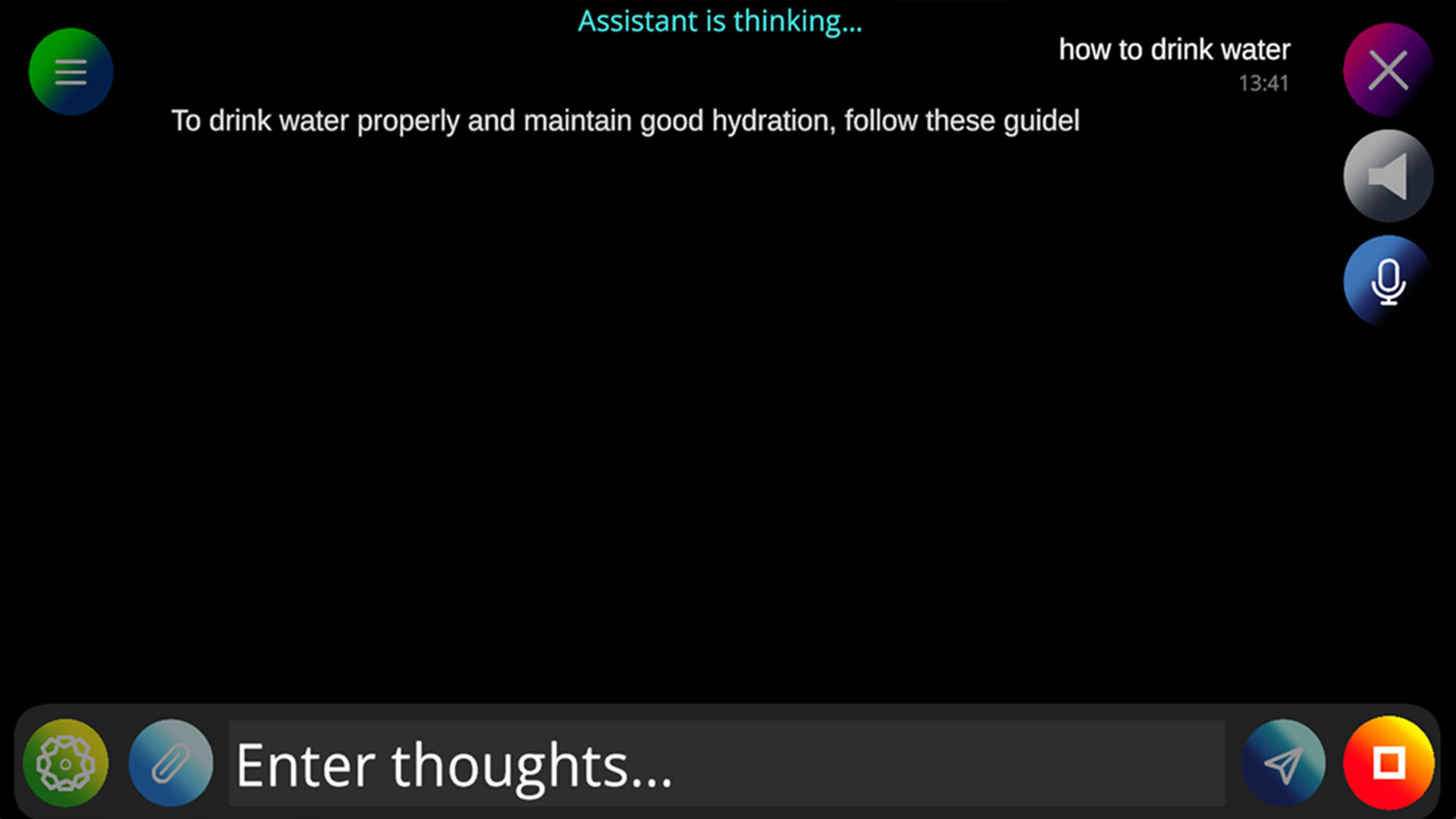


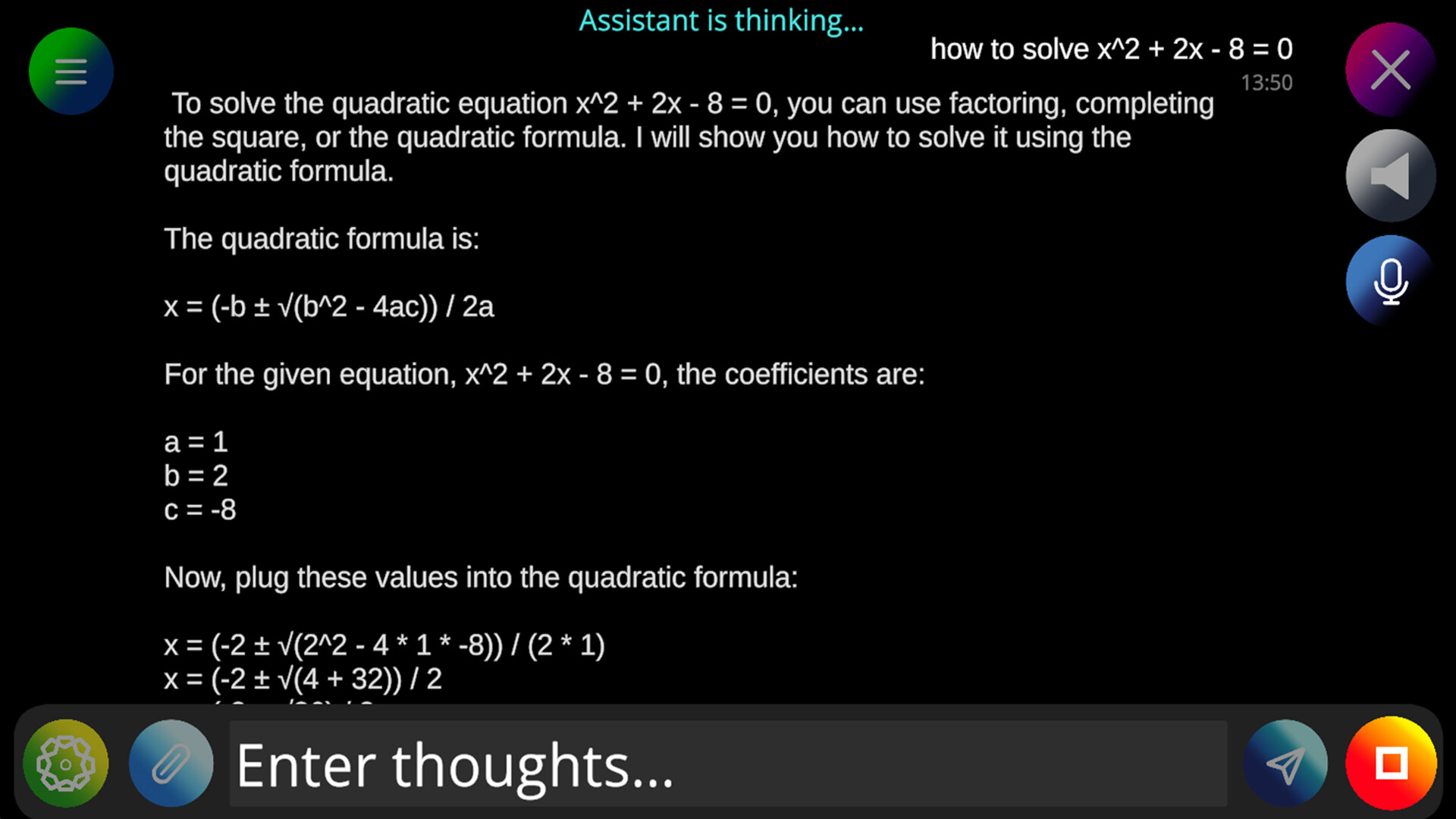
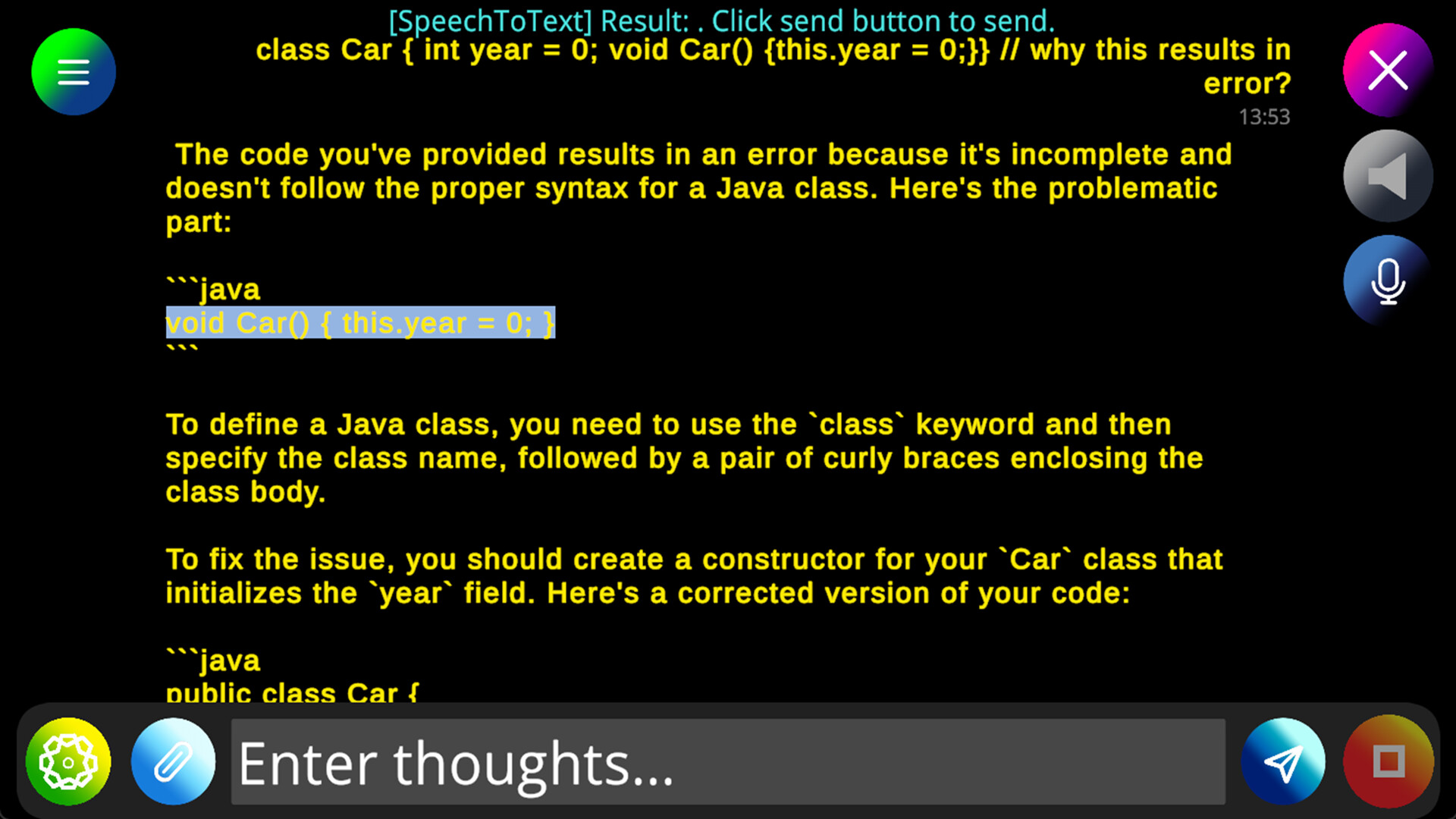
Offline AI assistant for private conversations. Runs locally using CPU, supports voice input/output via system voices, adjustable speed, high-visibility fonts, and screen reader accessibility.
Released
June 1, 2026
Price
Platforms
Windows
Developer
Publisher
Last sync
September 26, 2026
Sorihae is an offline AI assistant application.
Have a confidential conversation without any risk of your data being used.
Requires 2.6 GigaByte disk space and 3 GigaByte of usable memory (16 GigaByte of total memory or more is strongly recommended).
This application will use CPU as much as it can when the assistant is generating texts.
For any CPU you use, we recommend not using again a chat session that has got a long history.
Features:
1. Data is stored at your device (not shared with the developer or web)
All the conversation would be found at AppData/LocalLow/KwonJee/Sorihae/Conversations folder.
Reading context & cancelling text generation might take some time at the first message of the chat that has a long history.
2. Supports voice input & output
Speech To Text and Text To Speech are available at your preference
3. Customizable voice speed & sound
Voice model entirely depends on what your English version of Windows voice model is, and the voice models requiring online access is not supported.
4. High visibility font option
Change from white to yellow and bold font if you would like!
5. Accessibie buttons and texts for screen readers
This application has been tested with Windows Narrator to access buttons and texts.