Step into a high-energy universe where pickleball is literally EVERYTHING. Play as one-of-six Pickleball Hall-of-Fame Legends and show off your expertise in an intense pickleball match. Rally, smash, and outplay your opponent in a fast-paced arcade experience that blends accessible controls with skill-based gameplay.
Designed for both casual and competitive play, the game focuses on tight mechanics, responsive movement, and satisfying shot control. Every match is a test of timing, positioning, and strategy.
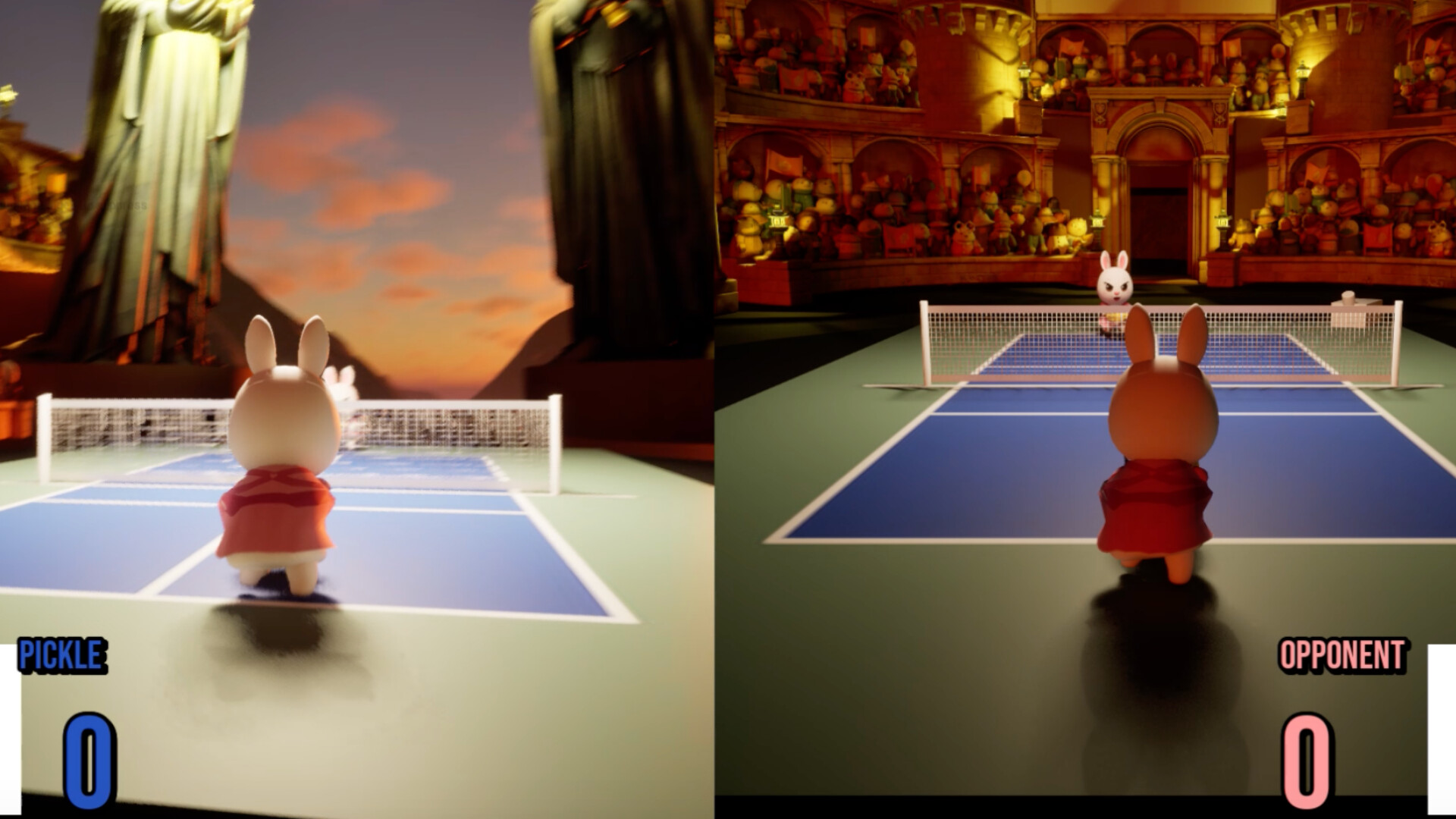
Play solo or challenge a friend in local split-screen multiplayer. Whether you’re practicing your shots or battling it out point-by-point, each match delivers quick, intense gameplay sessions.
Training Grounds & Game Time
To start a game, select 1 Player.
Note that 2-Player Mode only supports players with PK paddles at this moment.
Single Player & Multiplayer
Click on to toggle between Single-player or Multiplayer Mode!
- Single-Player: Play against Pickleball Enemy AI. Be ware, they won't go easy on you!
- Multiplayer: Play against another player (with your friends!). Local 1V1. Note: Multiplayer only supports paddle mode at the moment.
Keyboard Mode & Paddle Mode
This game can be played on keyboard or using the PK Controller!
- To Play on keyboard, make sure to click the second button to toggle to keyboard mode in the character selection page. Note that only single-player support keyboard mode at the moment.
- To play with PK controller, enter the IP address(es) of the paddle(s) in Main Menu -> Settings. Make sure the paddles and the Computer is on the same WiFi network.
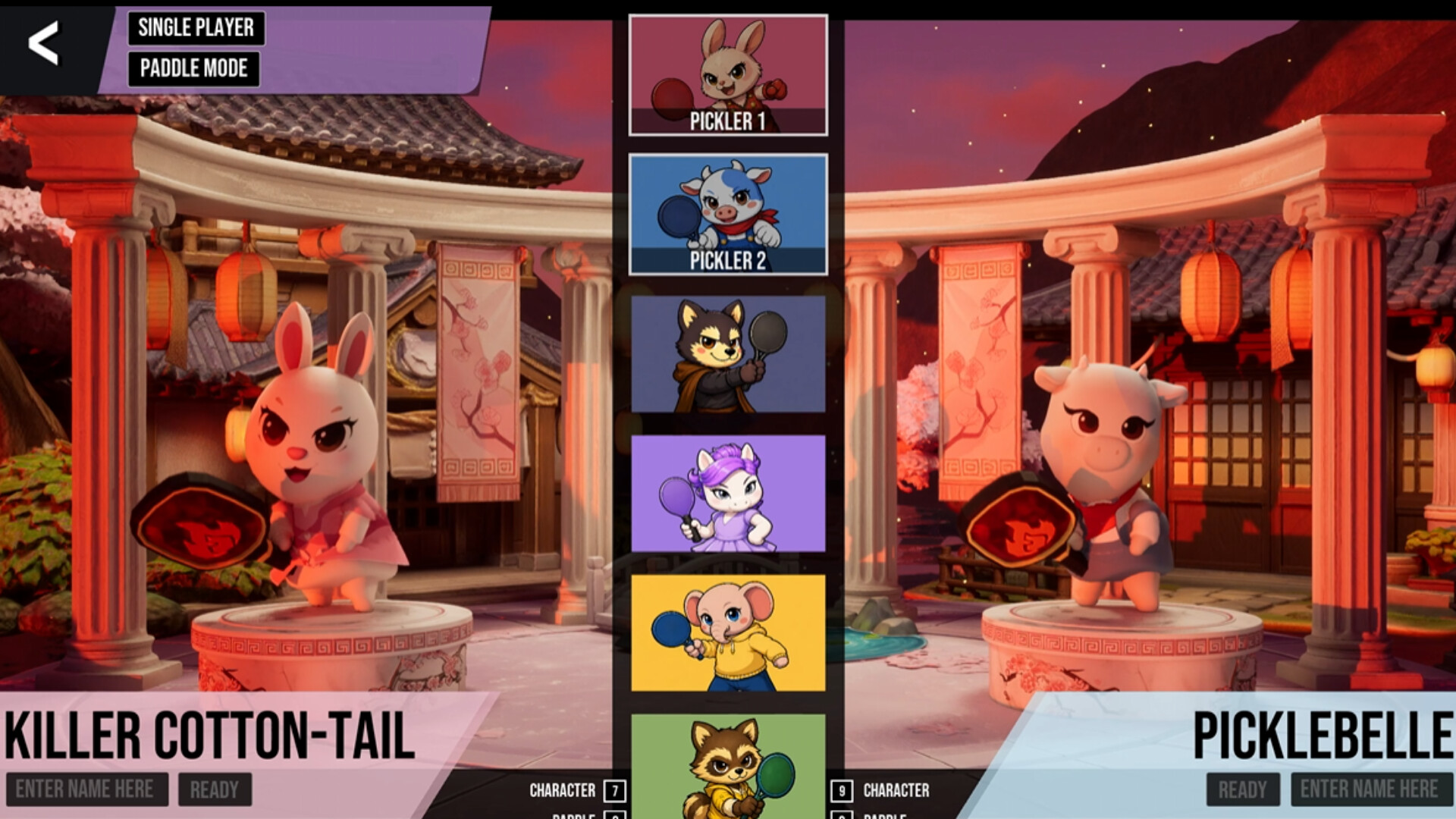
Select Characters & Paddles
- Keyboard Mode: toggle through characters with key 7 and the paddles with key 8. They can also choose the opponent character (with key 9) and paddle (with key 0).
- Paddle Mode: toggle characters by pressing button, and toggle through paddles by lighting swing the PK paddle.
Ready & Play!
Once you're ready, click the two ready buttons under the character's name, and the pickleball game will begin shortly!
(Note that in Single-Player mode, you still need to click both of the ready button)
*Optional: Enter name(s) in the bottom corners as you want it to appear on the local leader board!
Paddle Users: Press and hold the button to set yourself as "Ready."
How to Play (Single-Player Keyboard Mode)
- Play the game until somebody score 3 points! Remember, in Pickleball, you can only score on your serve!
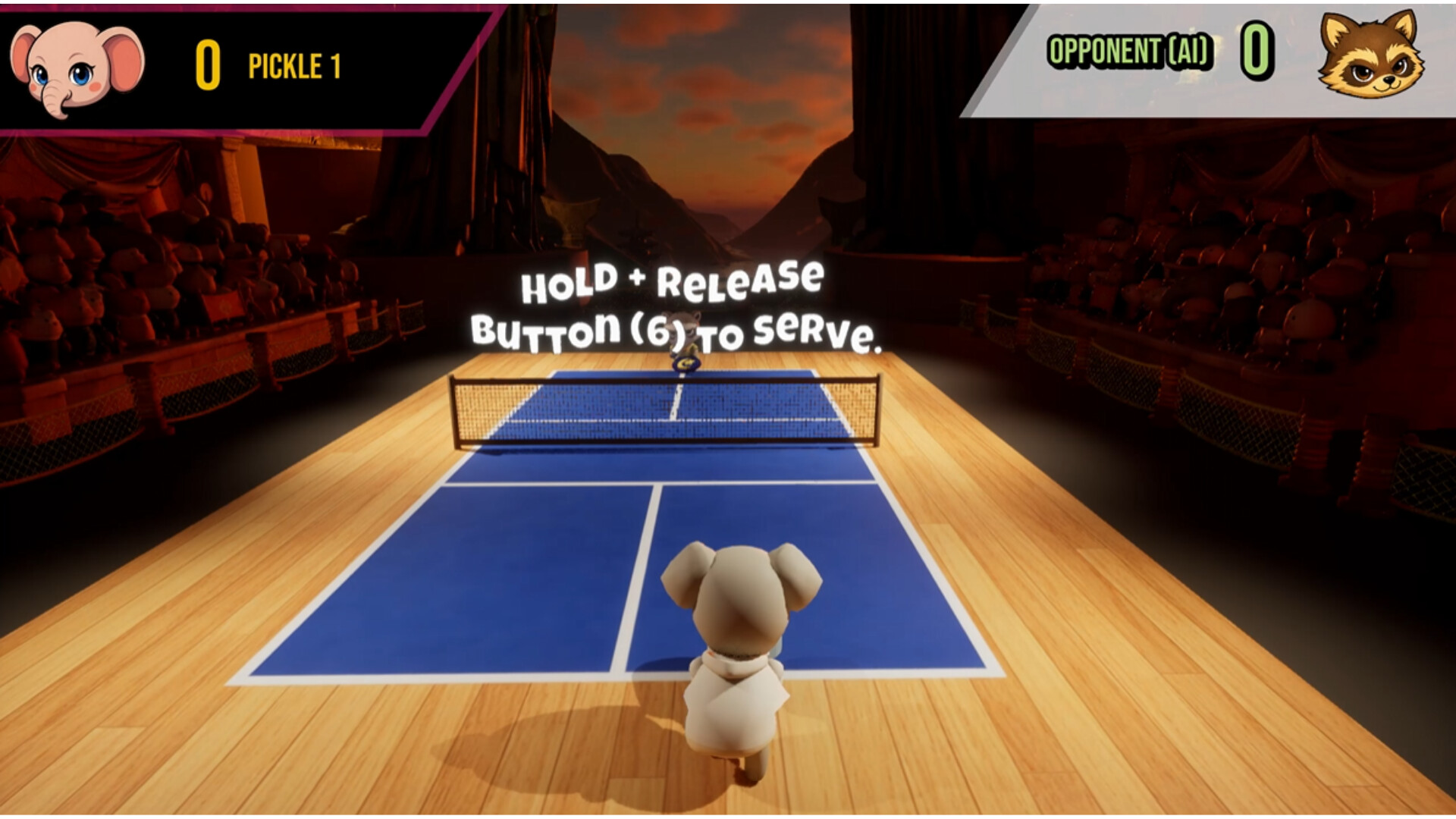
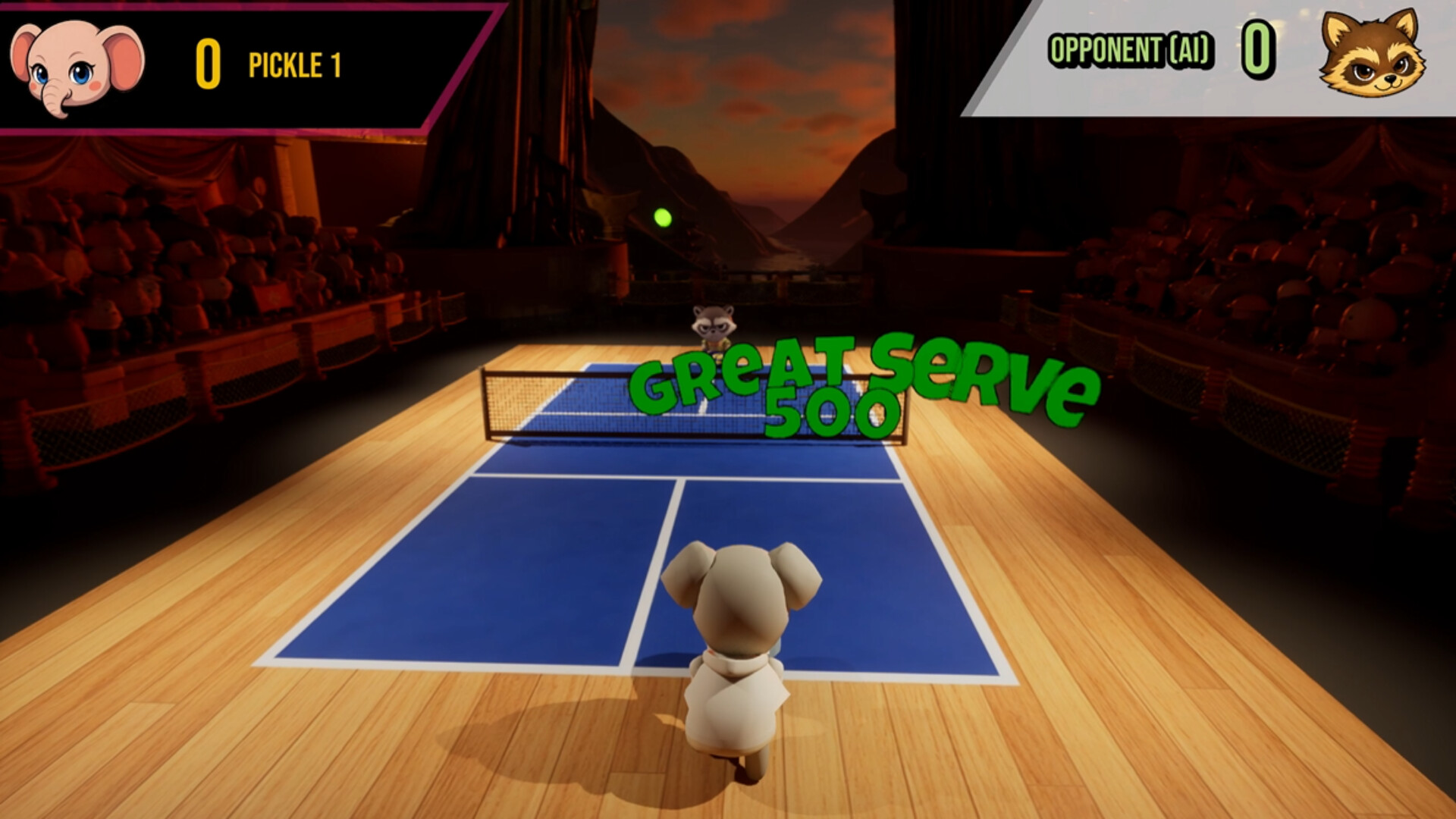
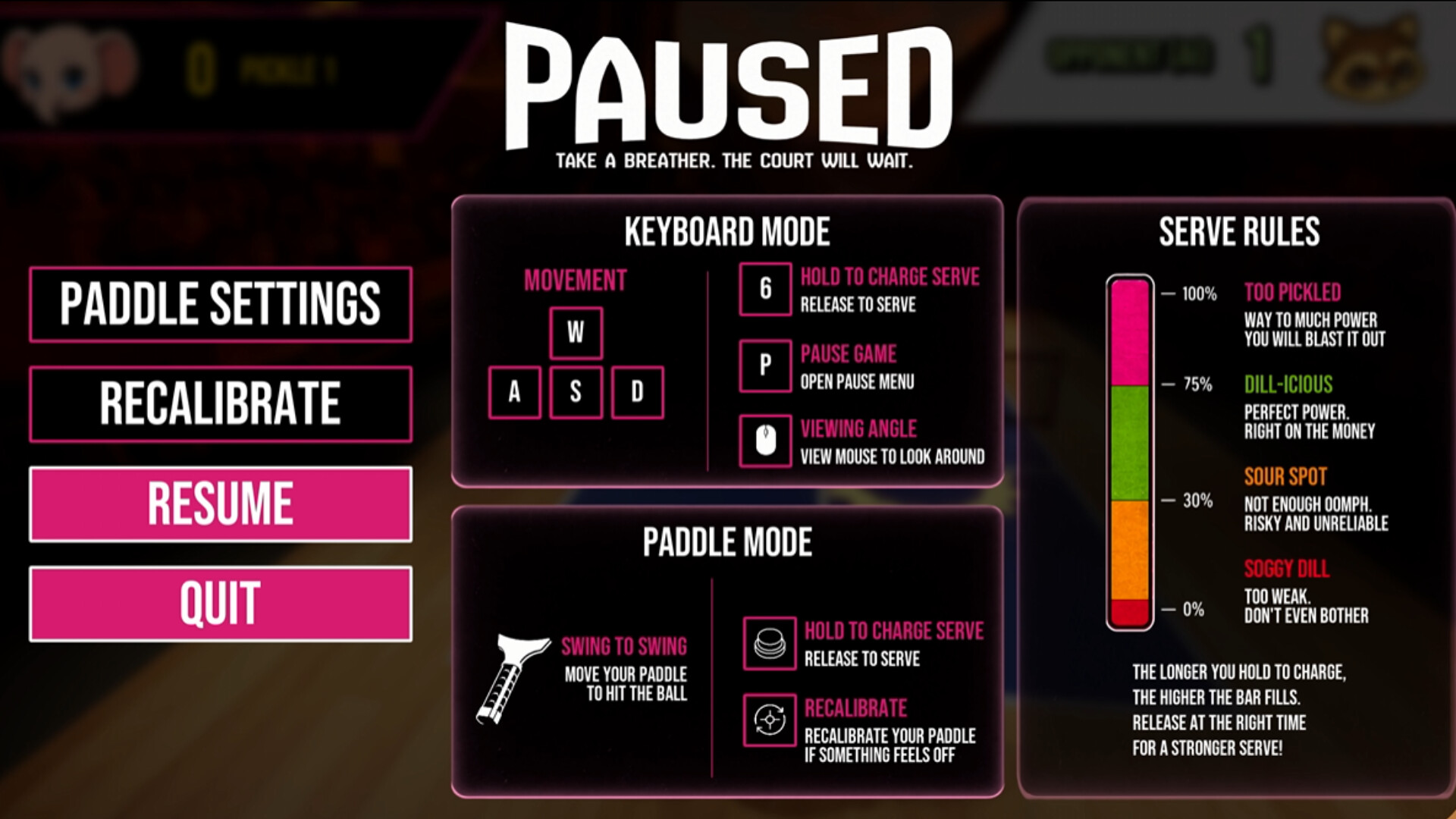
- Start with press and holding key 6 to serve. A serve bar will appear on the screen. Try to aim for the bar to fill to the yellow ball for a perfect serve.
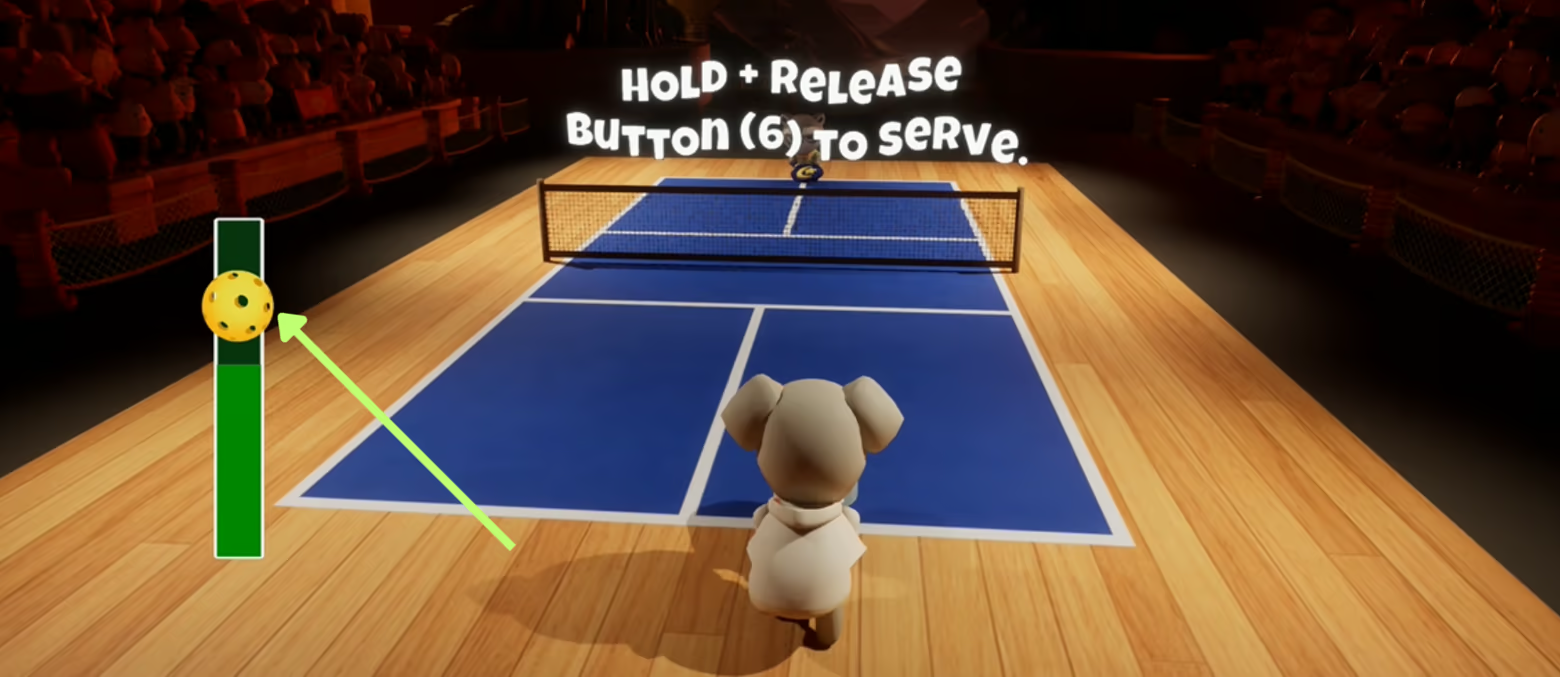
- Move around the court with WASD. When it's time to return the ball, a circular ring will appear on the floor. Try to run to it for a perfect swing hit!
- Control viewport with mouse and Swing the paddle with left click.
- Pause the game with key P to review the controls or navigate the menus.
Learn More