Simple. Pure. Immersive.
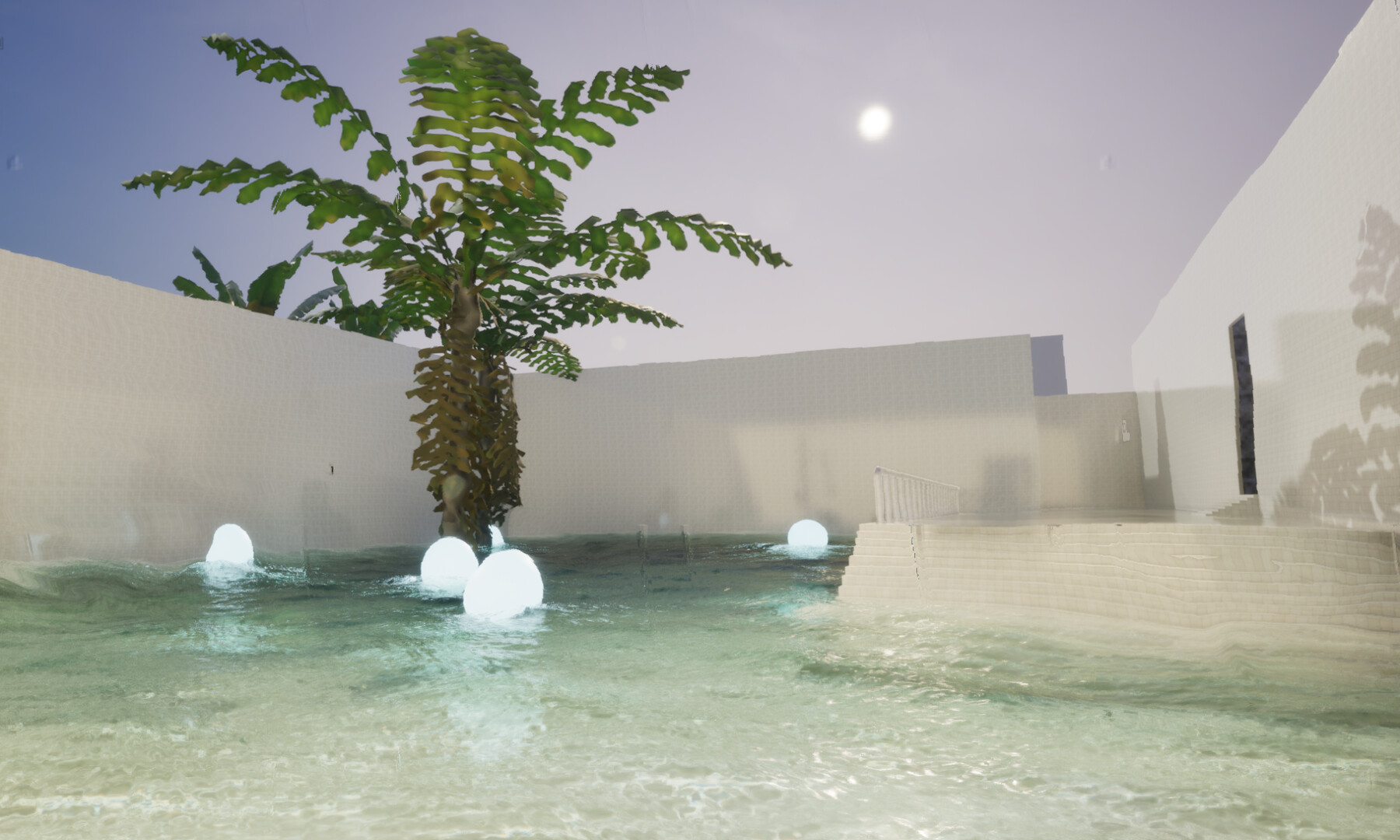
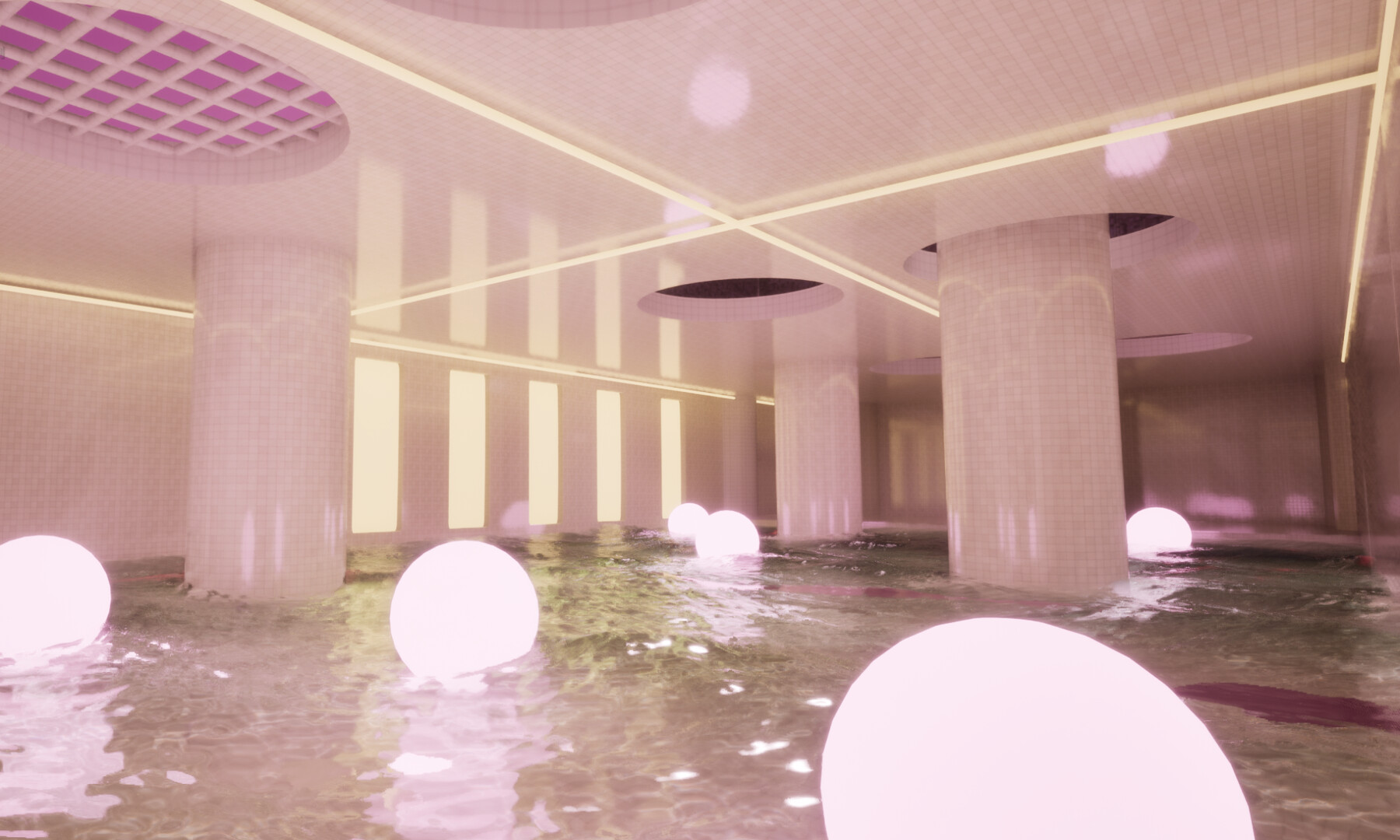
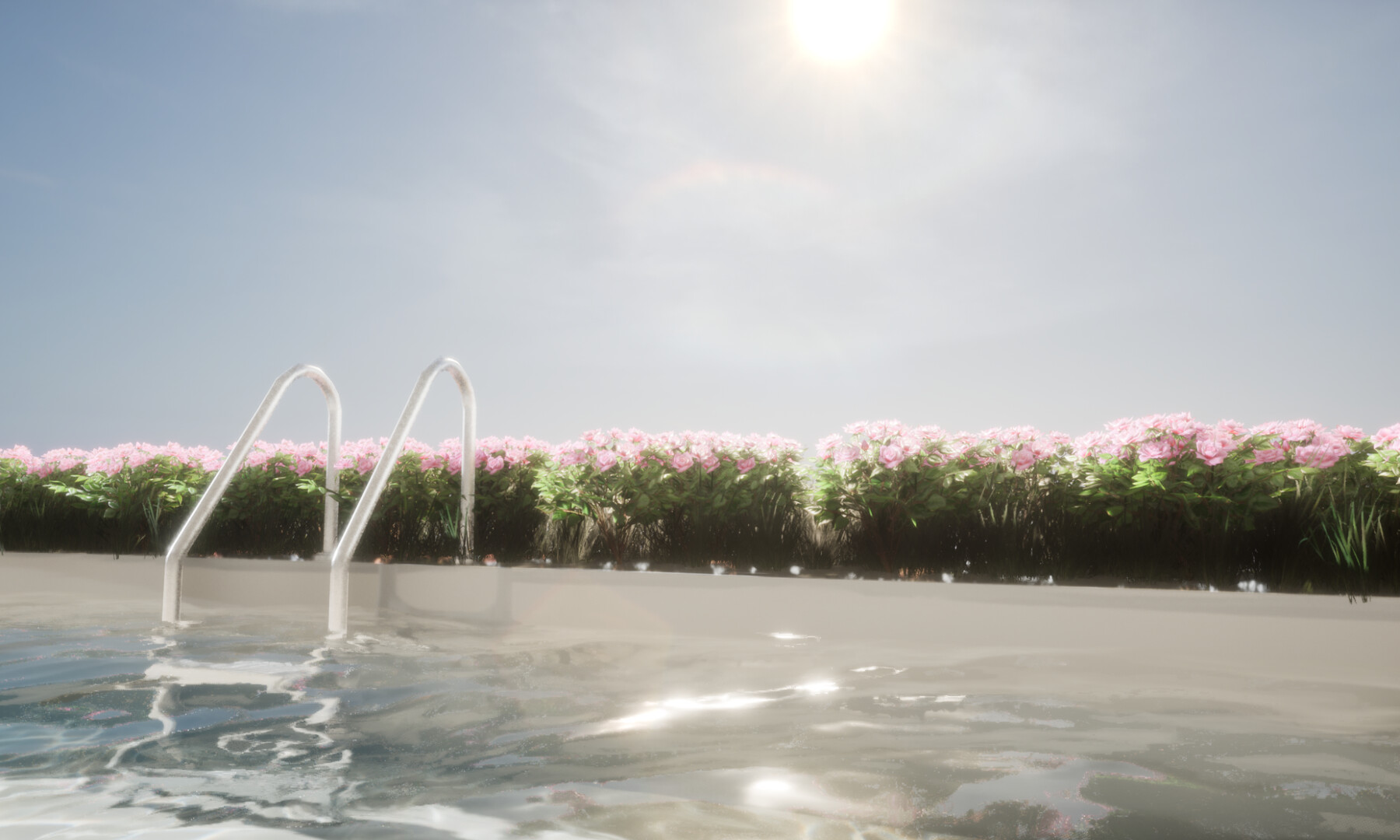
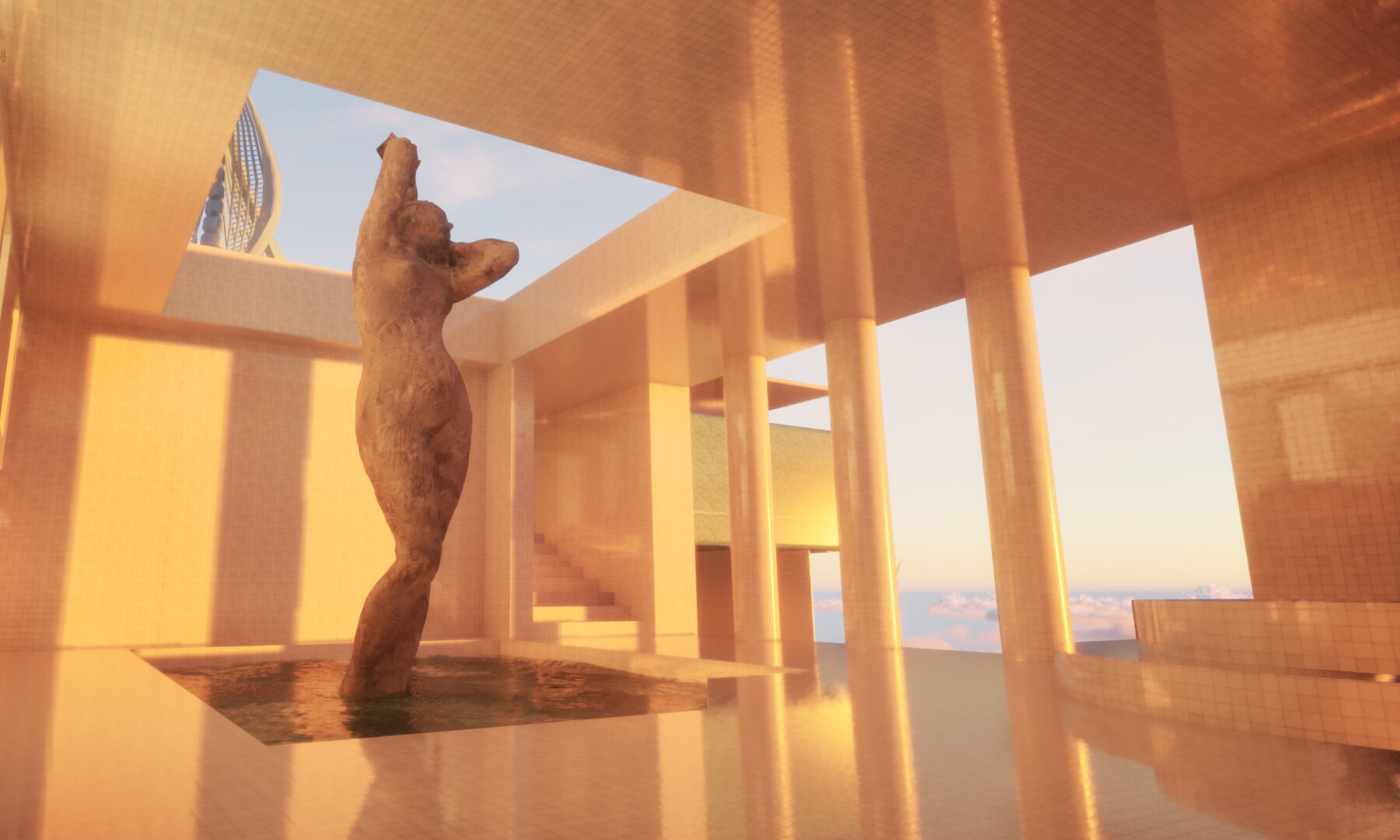
Pool Glow is an immersive psychological exploration experience that transports players into a bright yet subtly unreal poolcore world—where the water reflects a still, frozen glow, and echoes drift gently through the space. Clean, luminous pools and interconnected environments form a domain that feels both tranquil and quietly comforting.
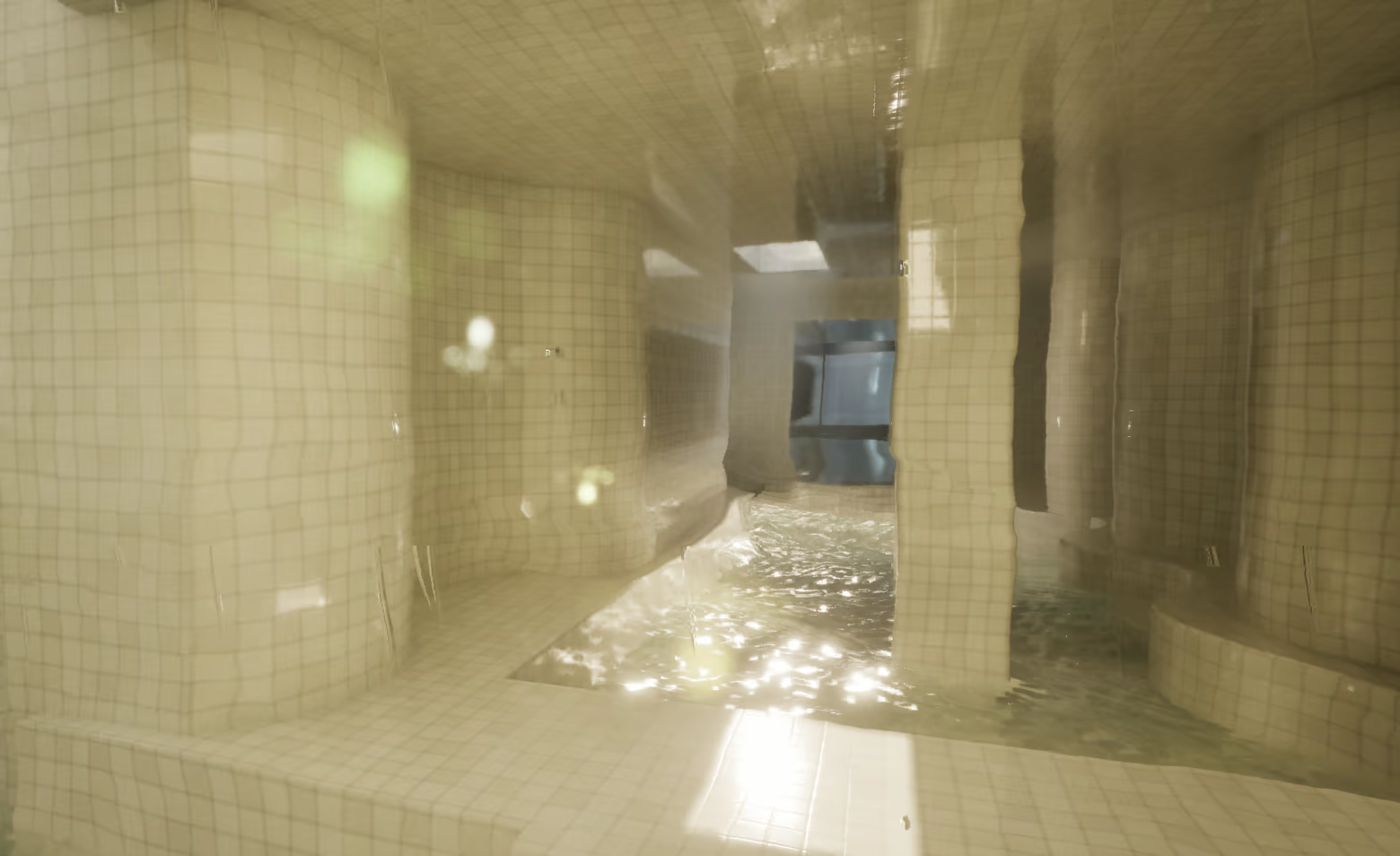
You awaken from a vague and fading consciousness.
You have no memories, no sense of direction, and no idea where you are.
When you open your eyes again, you find yourself in an unfamiliar place.
You do not know where this place is, nor why you have arrived here.
But you know that if you want to find the answers, you must keep moving forward.
Can you uncover the ultimate truth?

There is no combat and no defined objective—only exploration, perception, and the gradual emergence of spatial memory. Original music and ambient sound design enhance the sense of presence, drawing you deeper into the experience. If you have the patience, we invite you to follow your own pace, wander slowly through these spaces, and embrace the simplicity and calm they offer. If this atmosphere brings you even a moment of peace and clarity, then it has fulfilled its purpose.
This game is inspired by poolcore artworks shared on Instagram and X, particularly the works of artists such as Jared Pike and P. Carredo.
About the Game and Pricing
Our journey has only just begun!
For players who have already purchased the game, all future chapters will be provided as free updates in upcoming releases.
Gameplay & Performance Notes
To provide a smoother gaming experience, we have continuously optimized and tested the game across different hardware configurations.
Based on our current testing results, the game can run relatively smoothly even on computers with lower specifications, or achieve stable performance after a certain period of adaptation. We recommend players use the High Quality setting as the preferred option. This mode delivers a visual experience very close to the highest quality settings; in actual gameplay, the difference between High, Epic, and Cinematic quality settings is extremely subtle, while High Quality provides a more stable performance experience.
If you would like to achieve a higher frame rate, you can try increasing the frame rate limit in the settings while keeping the current graphics quality unchanged. Some intelligent image optimization technologies will gradually adapt to the current environment during operation, helping to further improve image stability and overall smoothness.
Additionally, since the game's visual style features extensive lighting, reflections, and atmospheric effects, some players may find the default brightness slightly high. We recommend adjusting it according to your display device. In most cases, setting the Brightness to around 1.8 can provide a more comfortable viewing experience.