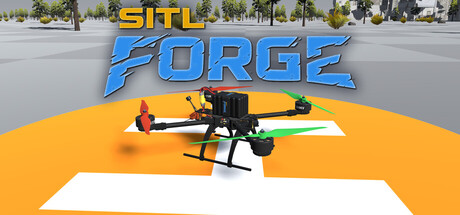
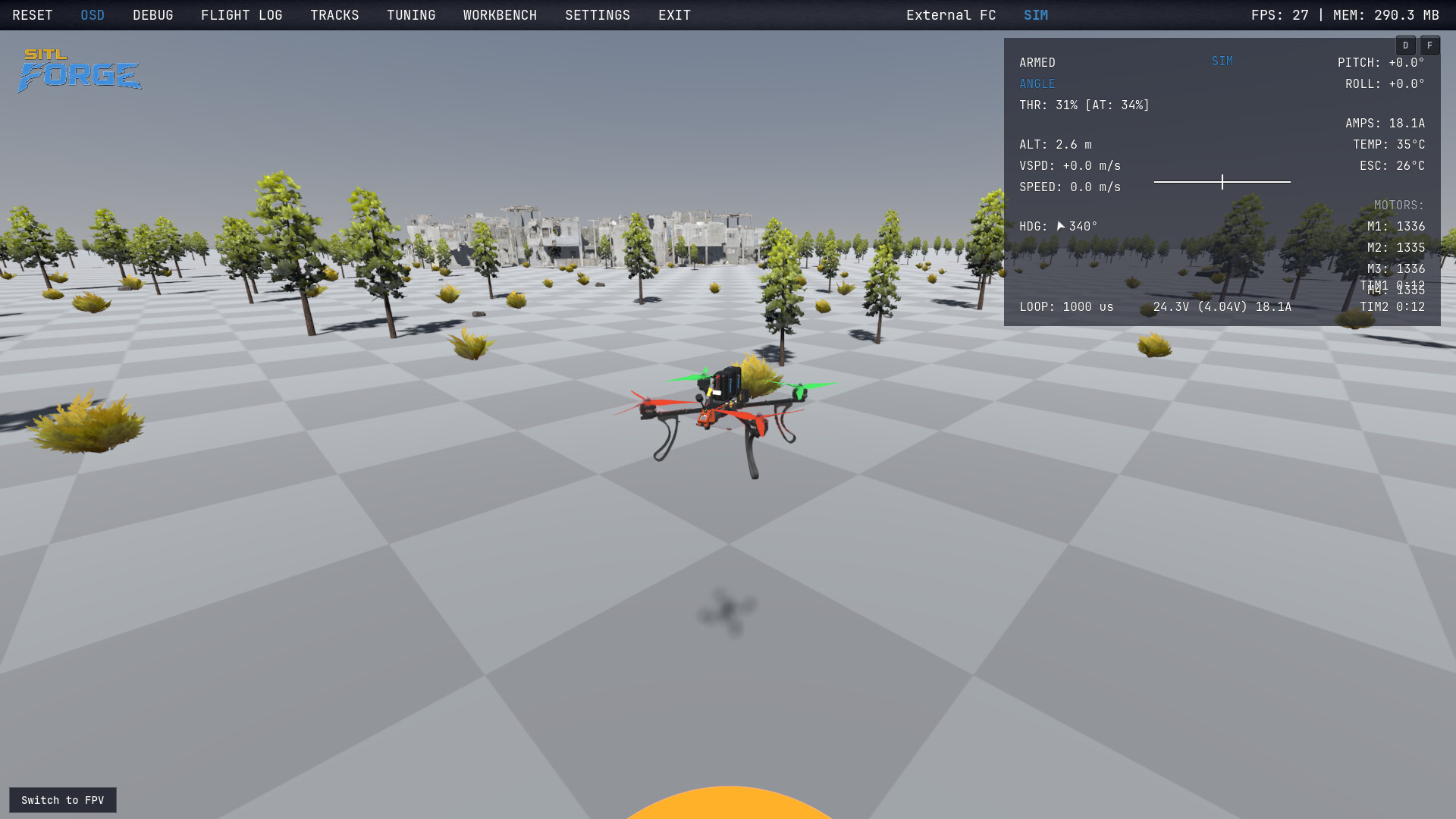
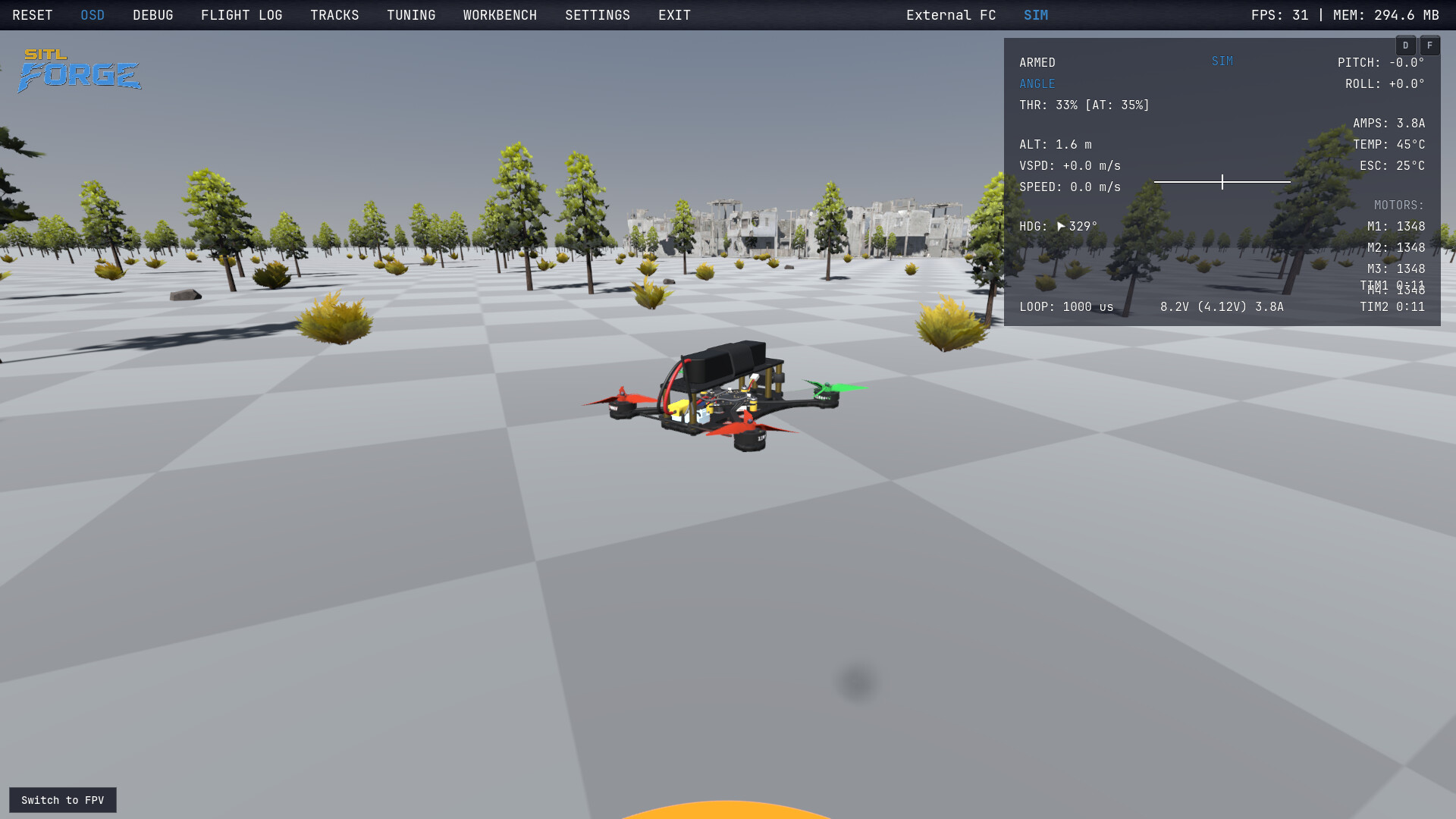
SITL Forge is a physics-first FPV simulator. Motors, props and batteries are fitted to real bench data, physics runs at 1000 Hz, and every airframe is a real-world design — from a 2" micro to a 13" cinelifter. Fly it, race it, build it — or plug in real Betaflight and iNAV firmware.
Fly
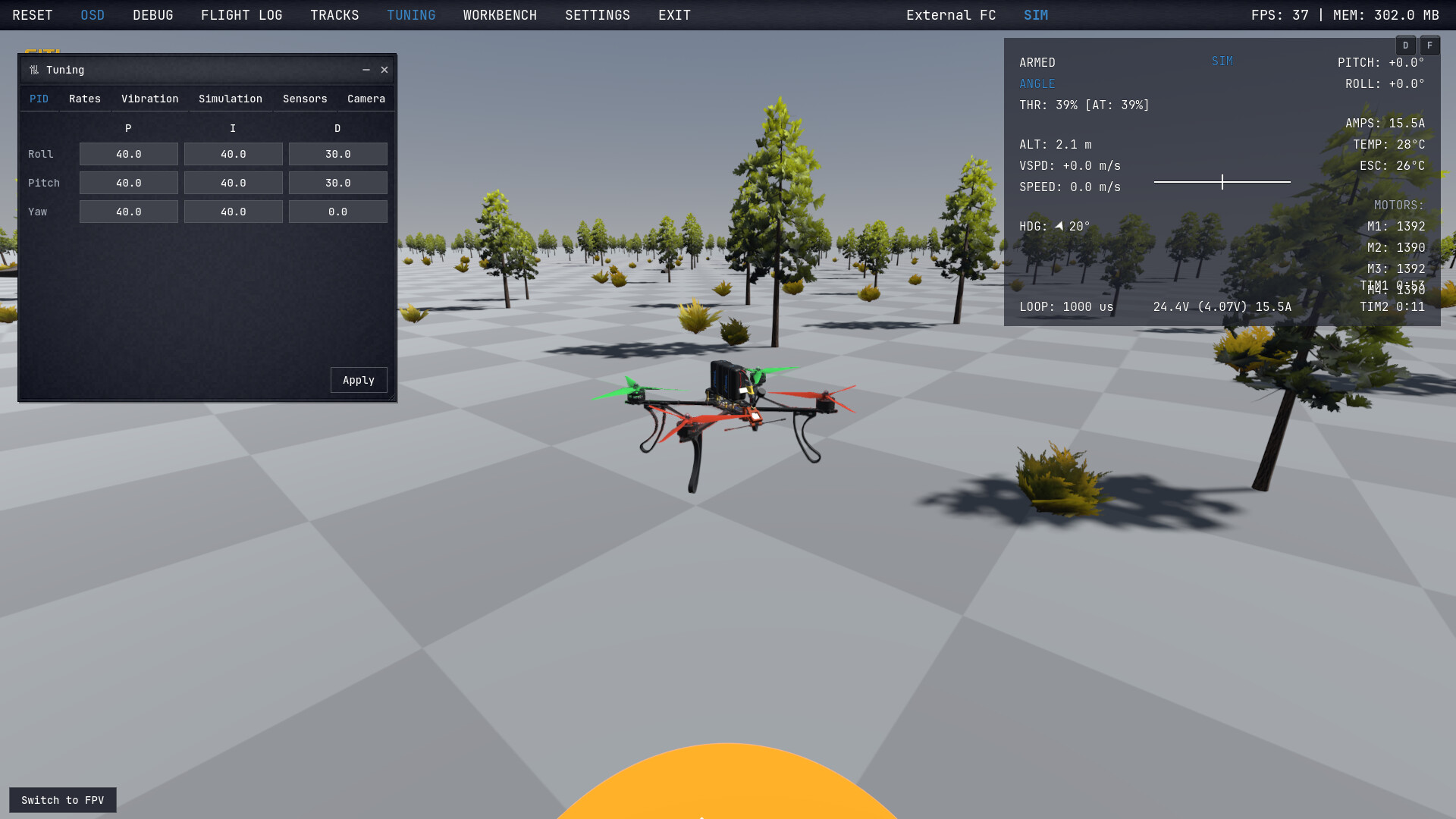
- Built-in Betaflight-style flight controller: ACRO, ANGLE, HORIZON, live PID and rate tuning
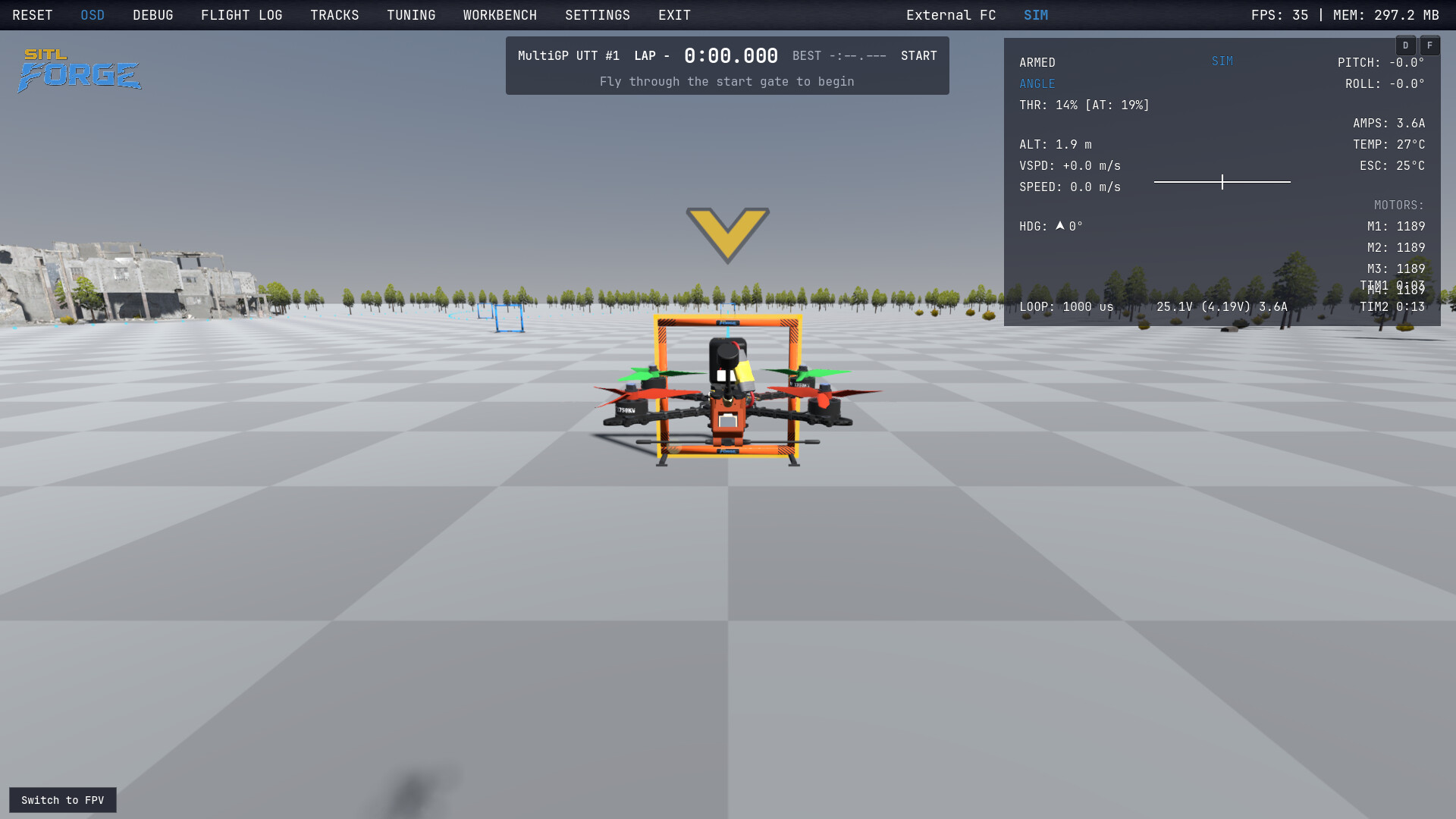
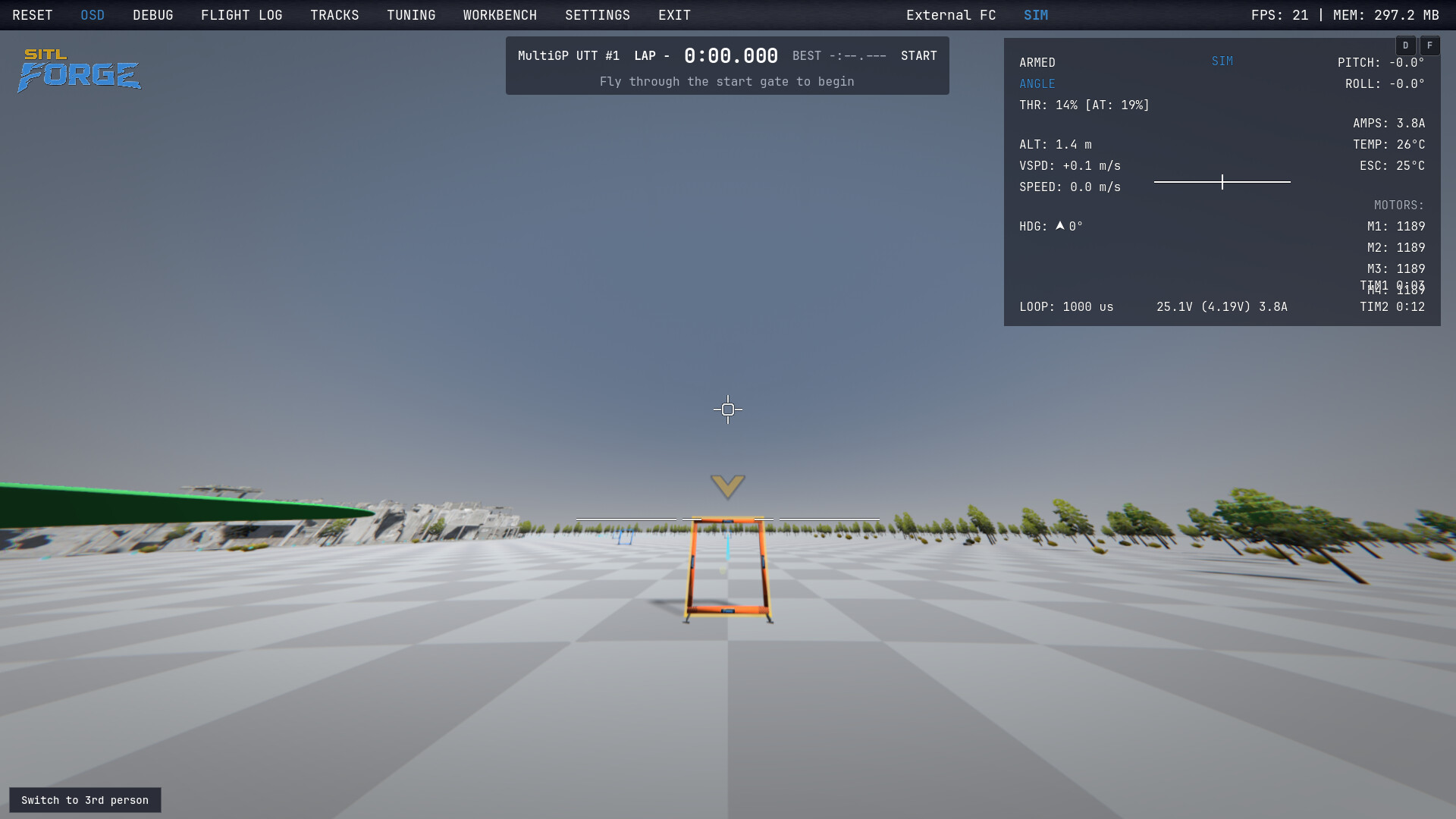
- Race tracks with real-size gates and timed laps — practice or a 3-lap race
- FPV camera with real lens distortion; any joystick or USB RC transmitter
Build
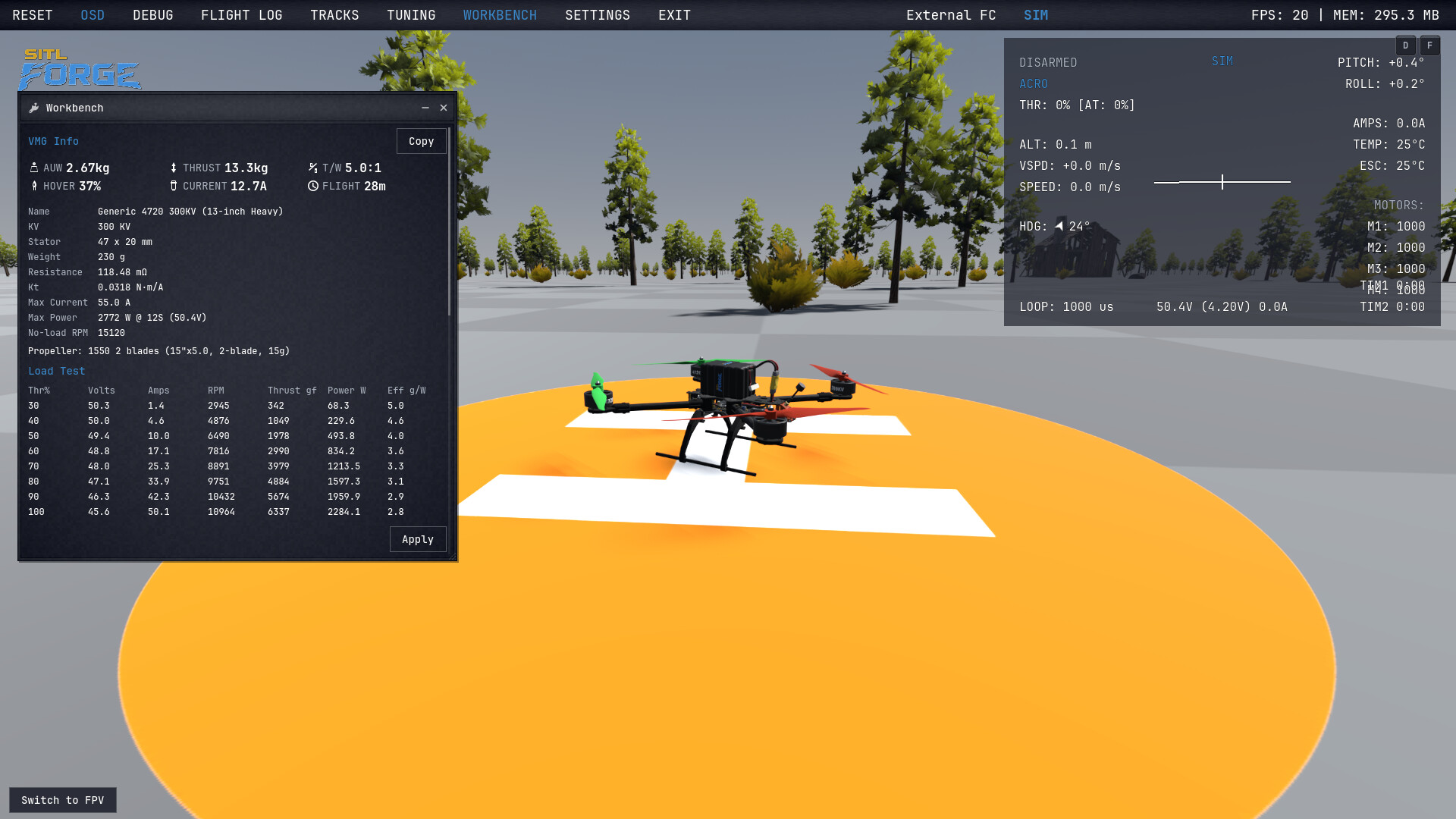
- Swap frames, motors, props and packs in the workbench — weight, thrust, current and flight time recompute instantly
- Detailed real-world airframes, 2" to 13", down to screws, cables and battery straps
Real physics
- Motor losses, prop thrust and torque fitted to dyno data
- Battery sag and heat, ESC limits, rotor inflow and ground effect, wind-tunnel drag
See everything
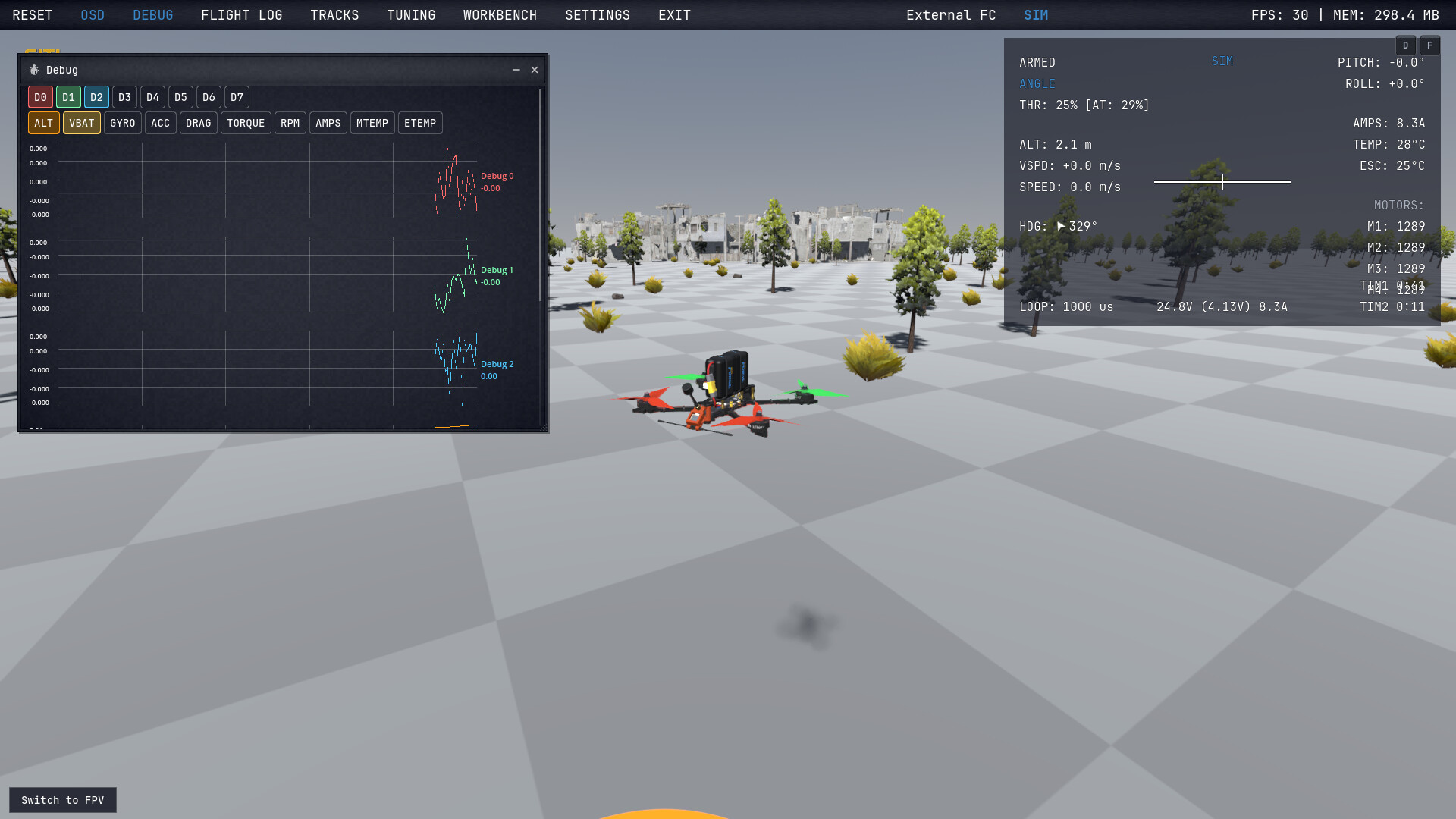
- Live OSD and graphs for every variable — RPM, current, gyro, temperatures
- Record and replay flights in 3D, export to CSV, import Betaflight and iNAV logs with the DLCs
Real firmware in 3 steps (optional DLC)
Swap the built-in controller for real Betaflight or iNAV running on your PC — same physics, real code.
Betaflight
- Build the SITL from Betaflight source: make SITL_X_PLANE
- Run betaflight_SITL_X_PLANE.elf
- In SITL Forge: External FC → Betaflight → Activate. Betaflight Configurator connects to ws://127.0.0.1:6761
iNAV
- Install iNAV Configurator — the SITL is already inside
- In SITL Forge: External FC → iNAV → Activate
- Run inav_SITL --sim=rf --simip=127.0.0.1 --chanmap M01-01,M02-02,M03-03,M04-04 — the one-time CLI setup is in the in-app guide