#Adventure #Casual #Driving
Tales in the TAXI
『Tales in the TAXI』 is a multi-ending adventure game in which the story diverges by driving a taxi and talking with passengers.
View game
$4.99
Positive · 1 reviews
100% positive (1 / 1)
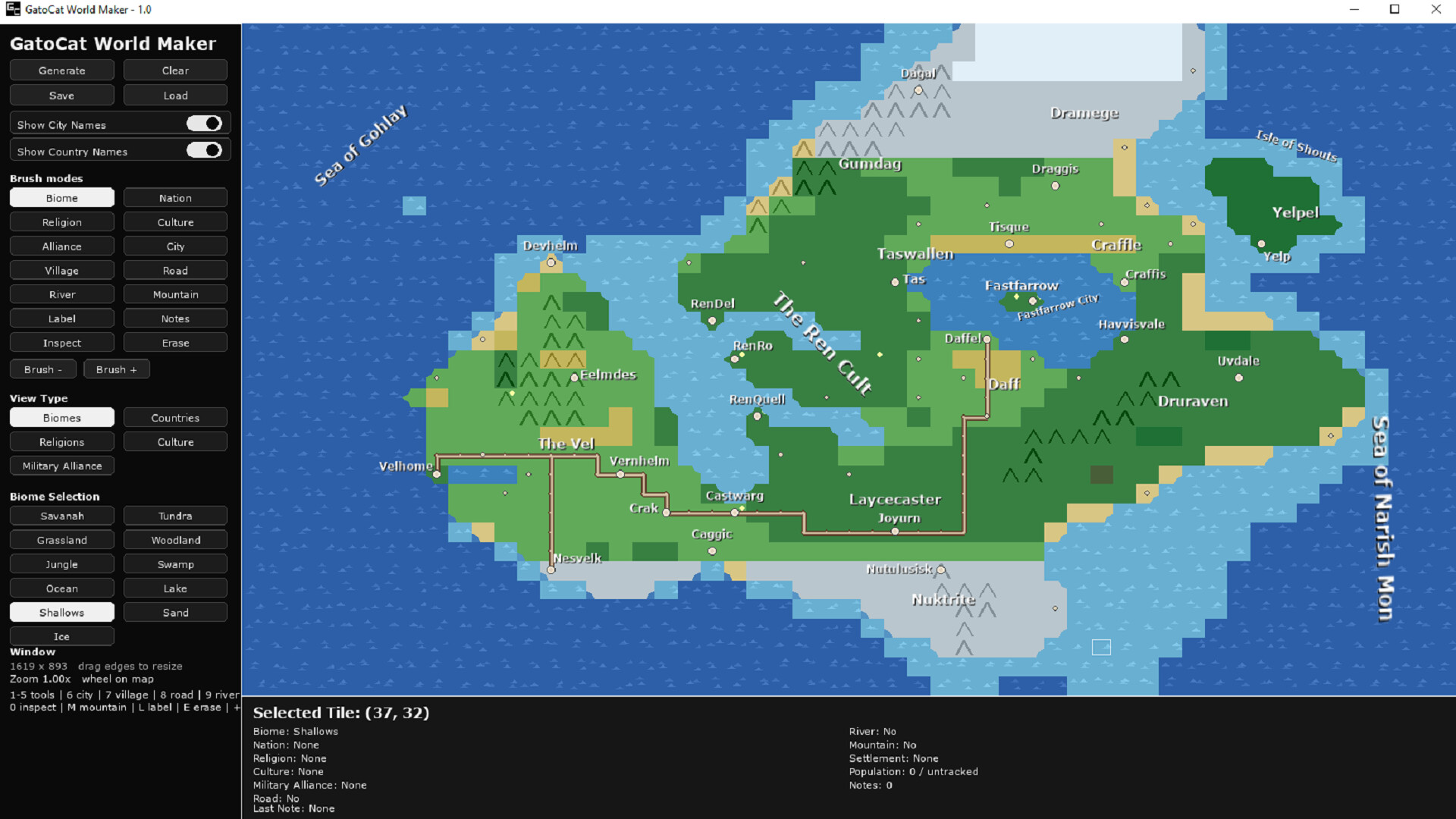
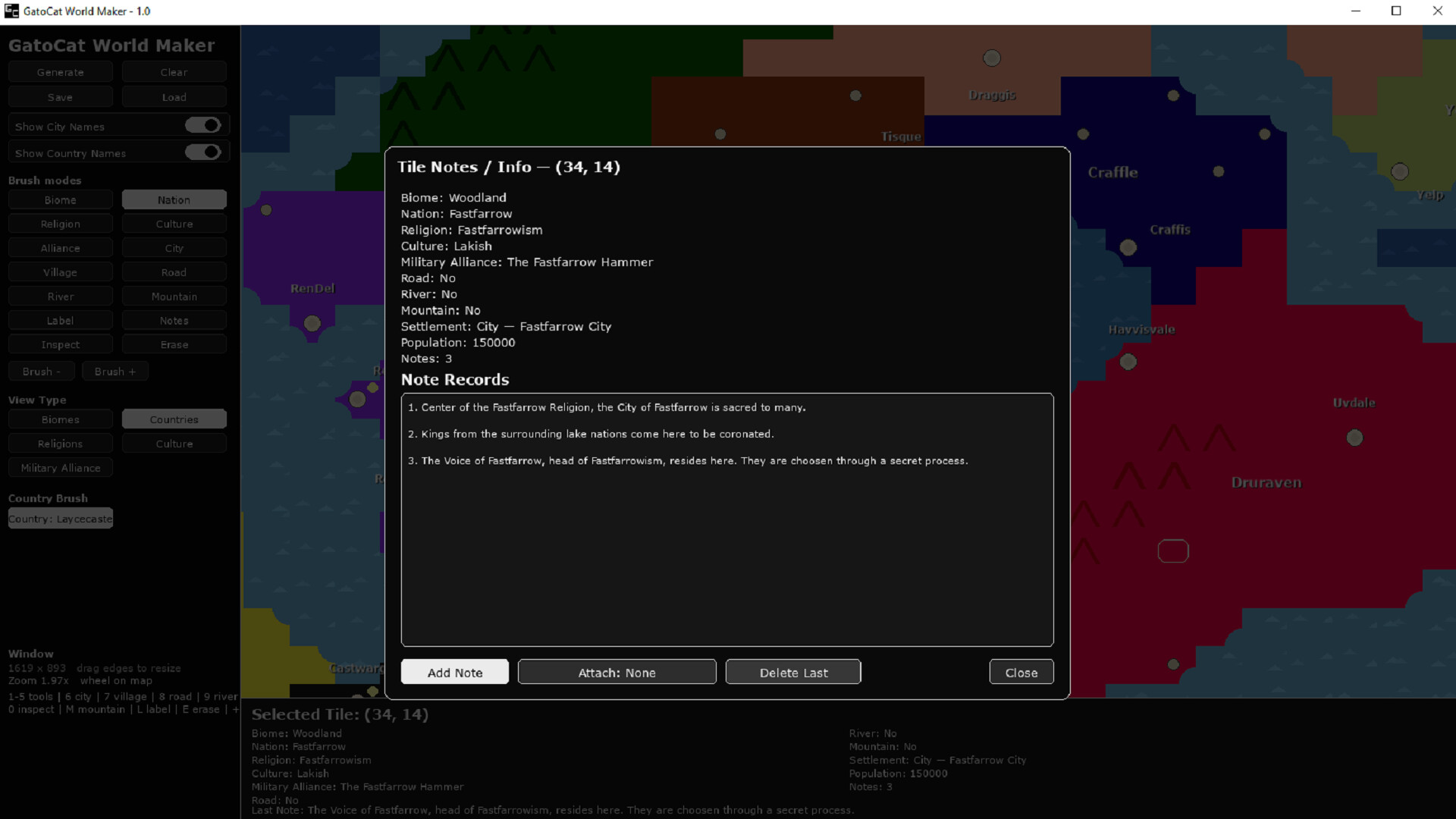
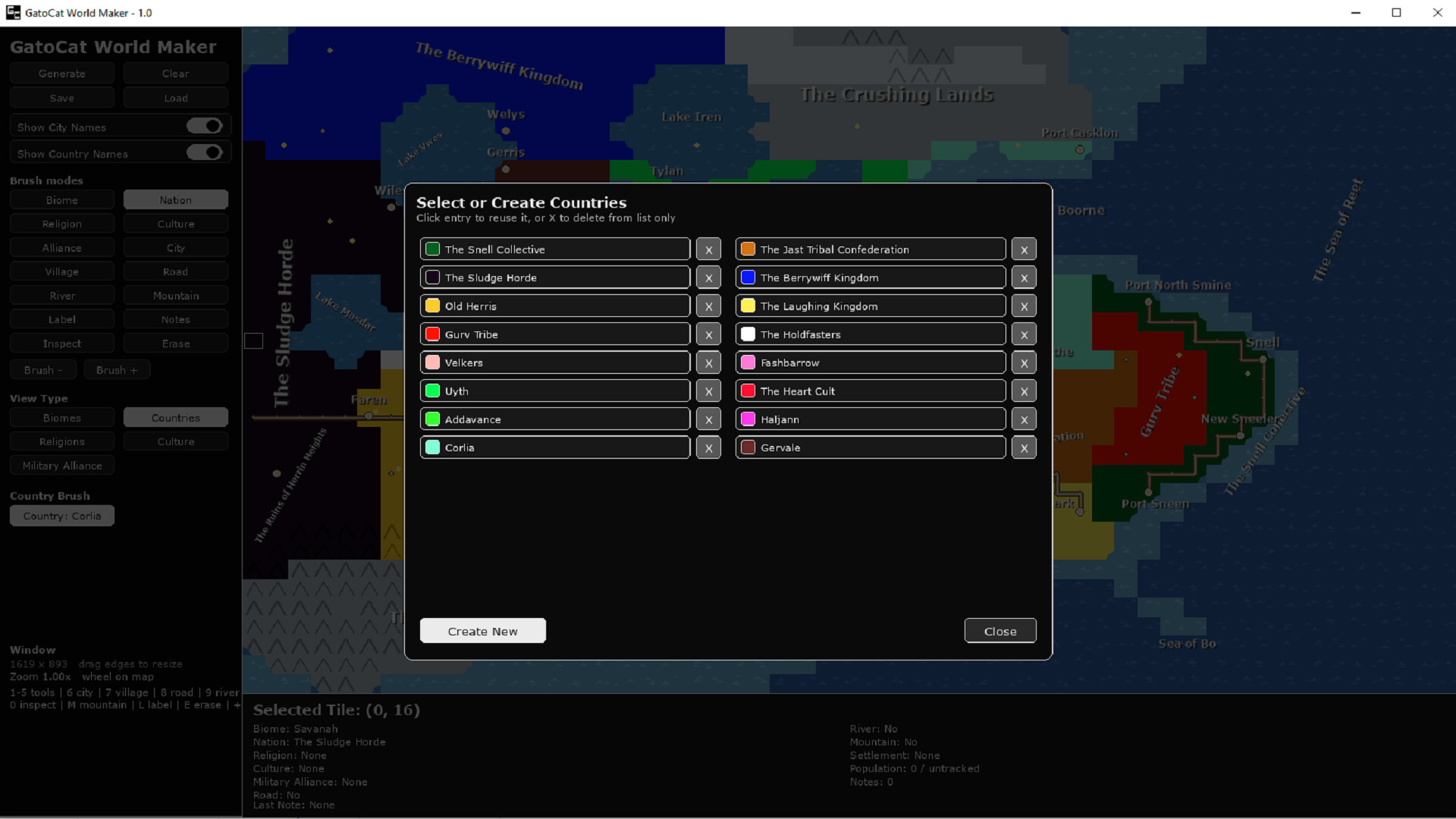
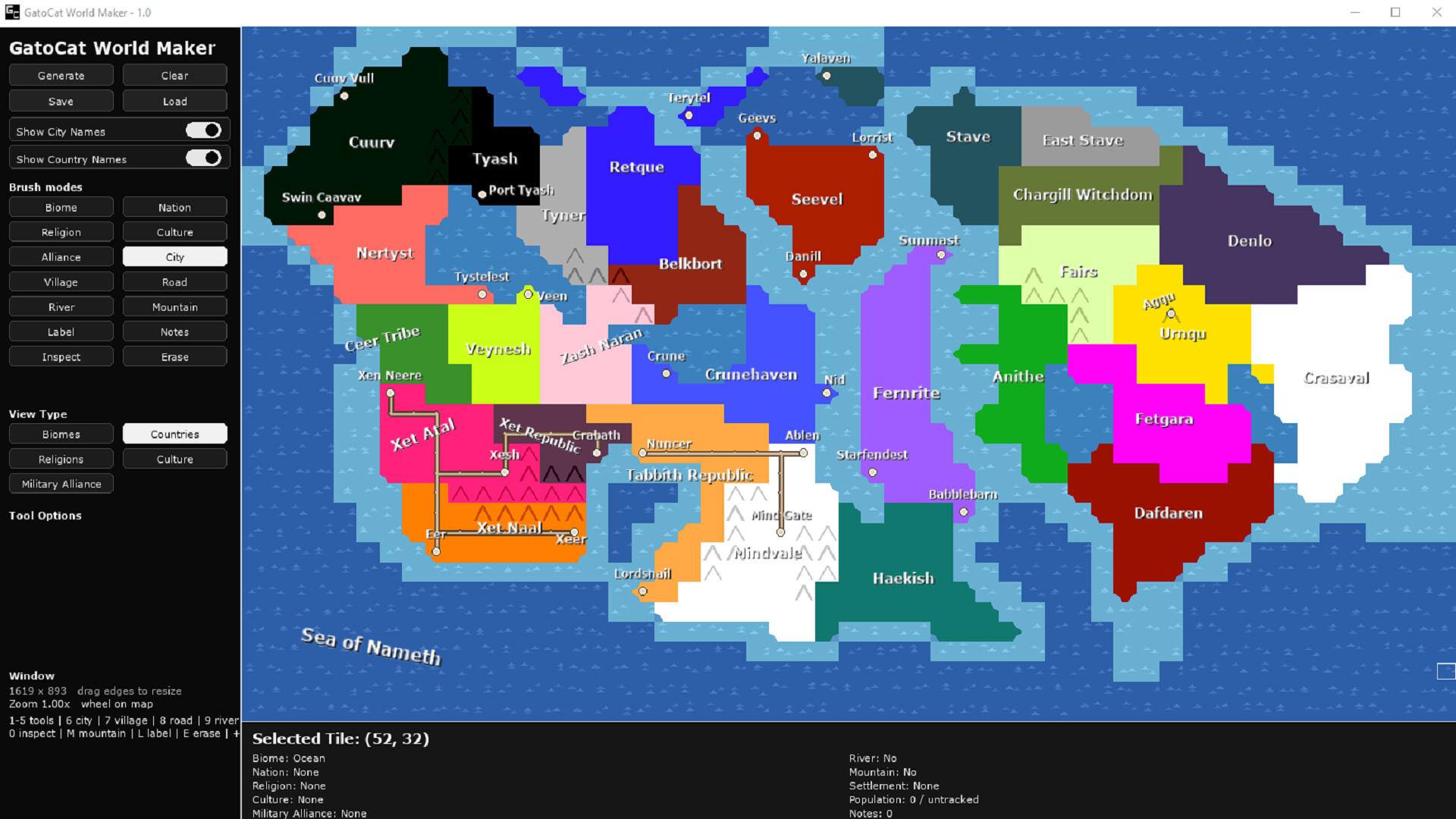
GatoCat World Maker is a lightweight fantasy map creation tool that lets you quickly generate and edit procedural worlds. Designed for worldbuilders, writers, and game designers who want a fast, visual way to develop and organize their settings.
Released
August 27, 2026
Price
Platforms
Windows
Developer
Publisher
Last sync
September 25, 2026
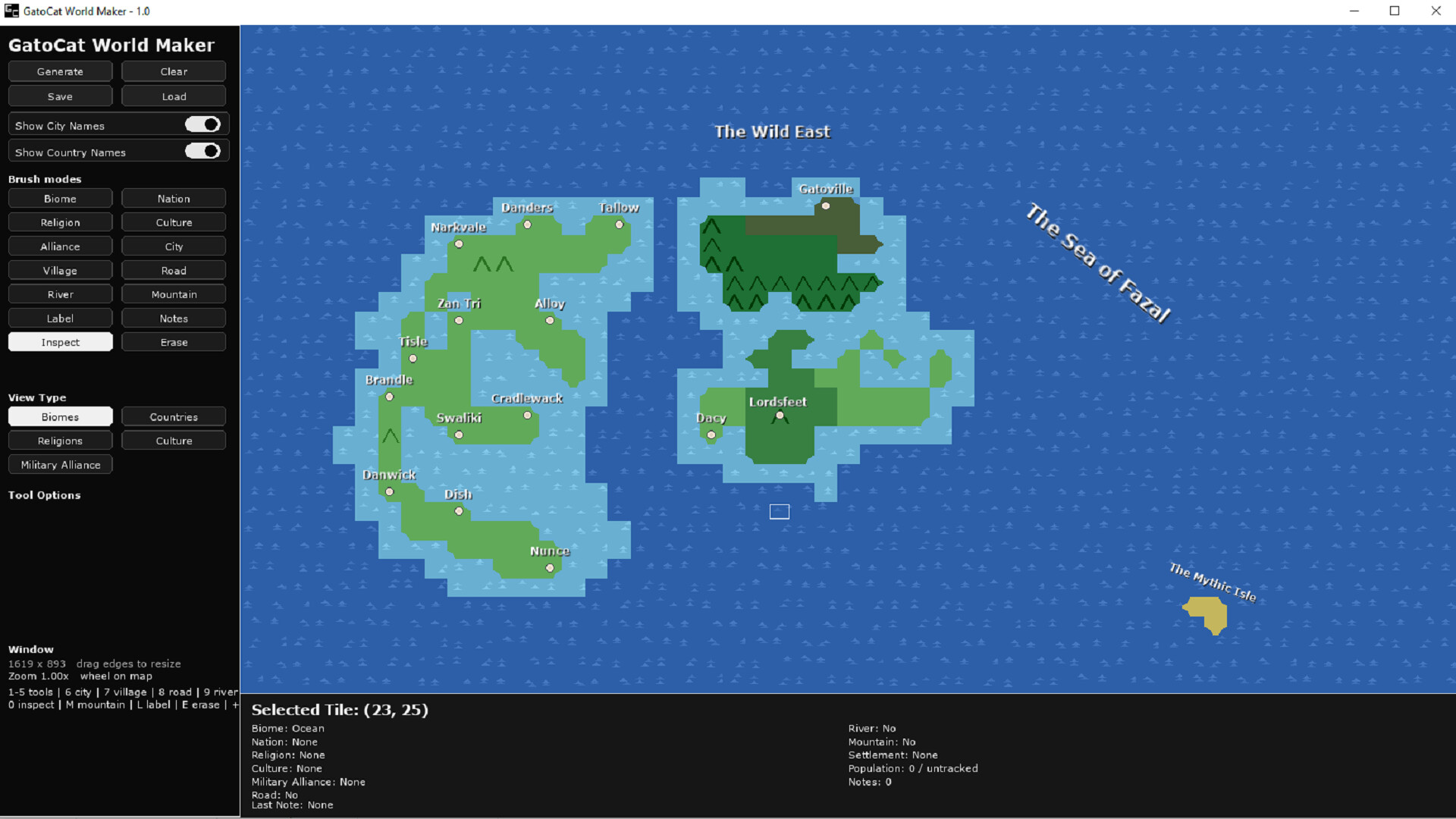
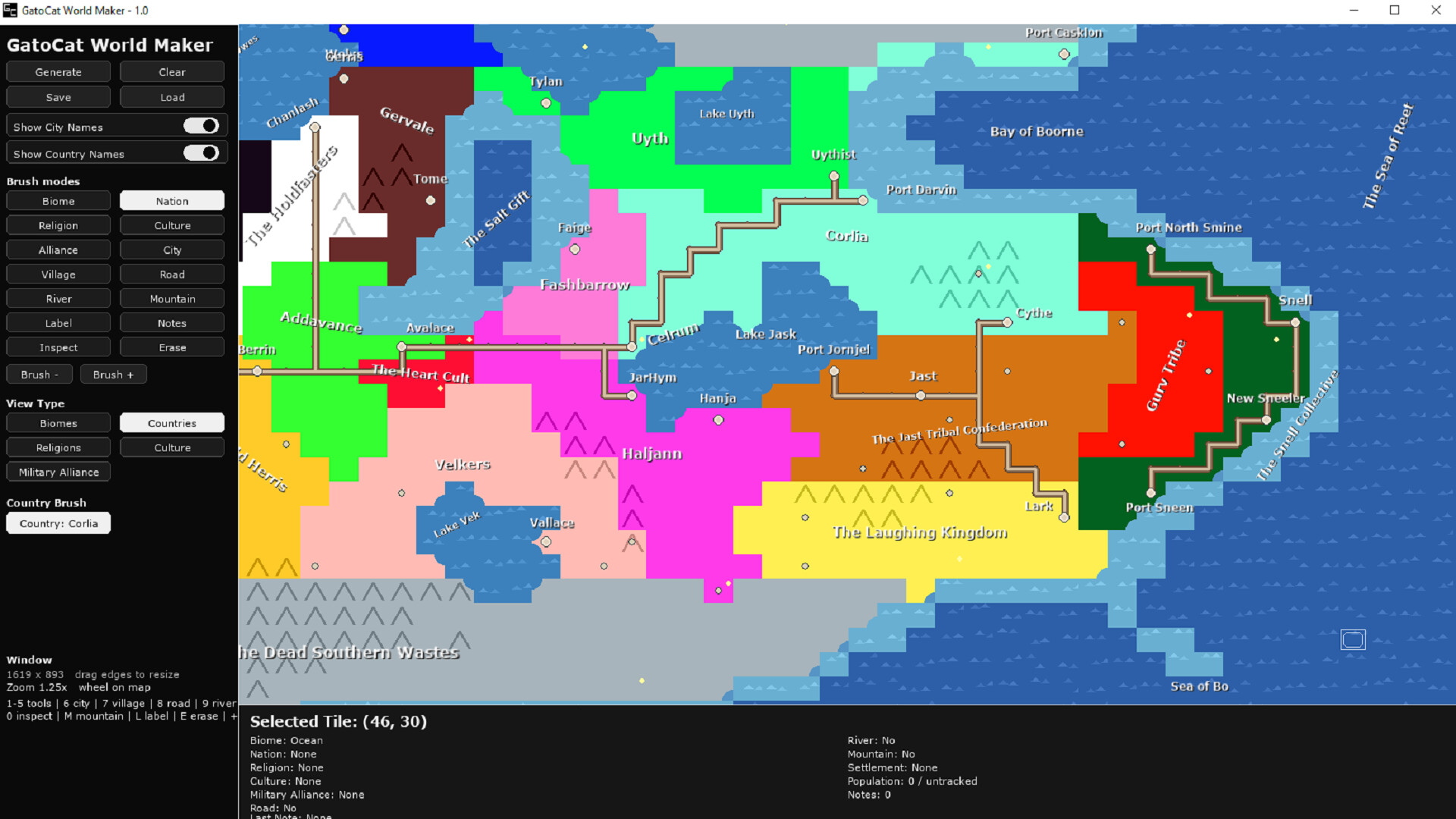
GatoCat World Maker is a lightweight fantasy map creation tool that lets you quickly generate and edit procedural worlds. Paint biomes, countries, religions, cultures, rivers, roads, mountains, and settlements directly onto a grid map, then annotate your world with labels and notes. Designed for worldbuilders, writers, and game designers who want a fast, visual way to develop and organize their story settings.
Use different brushes to paint mountains, roads, nations, religions, cultures, and a variety of other biomes.
Place cities and villages, labels, and notes.
GatoCat World Maker comes with two pre-built worlds for you to explore and get an idea of what the tool can be used for.
Mouse
Keyboard