#Design&Illustration #ArtificialIntelligence #Education
LessPrep
Create custom worksheets, coloring pages, visual supports, and classroom materials with a flexible page editor.
View game
$4.99

Positive · 5 reviews
100% positive (5 / 5)
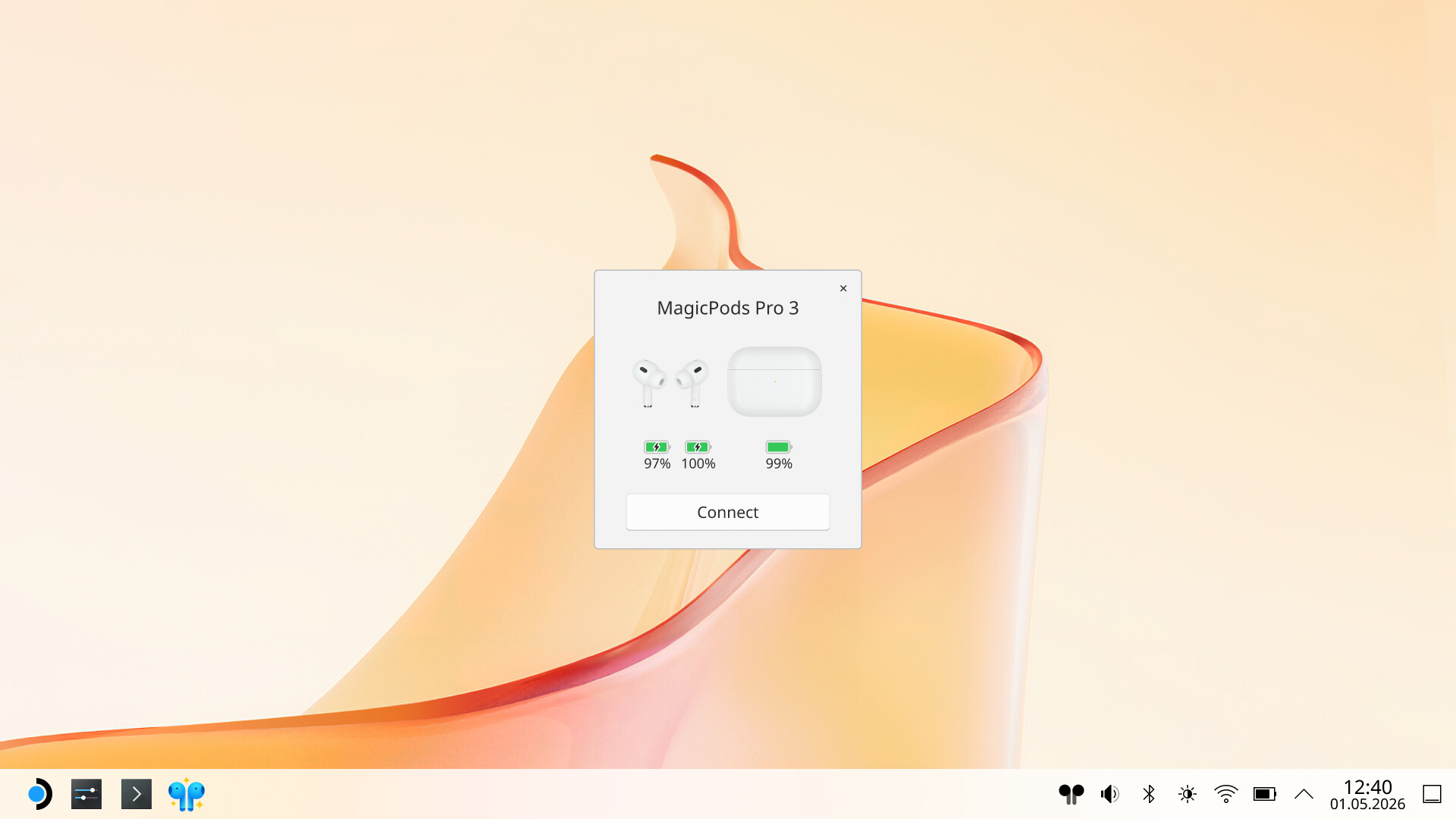
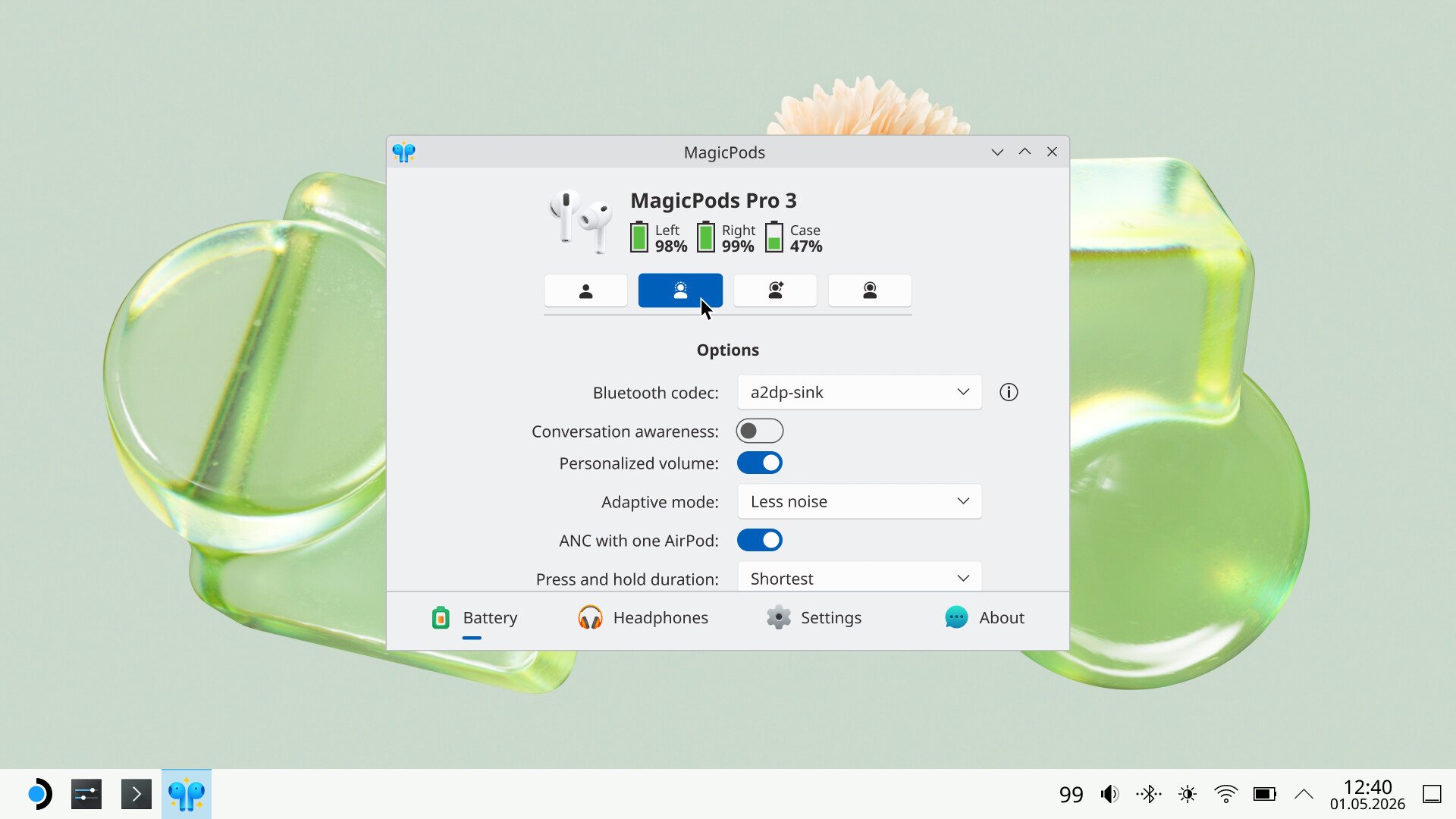

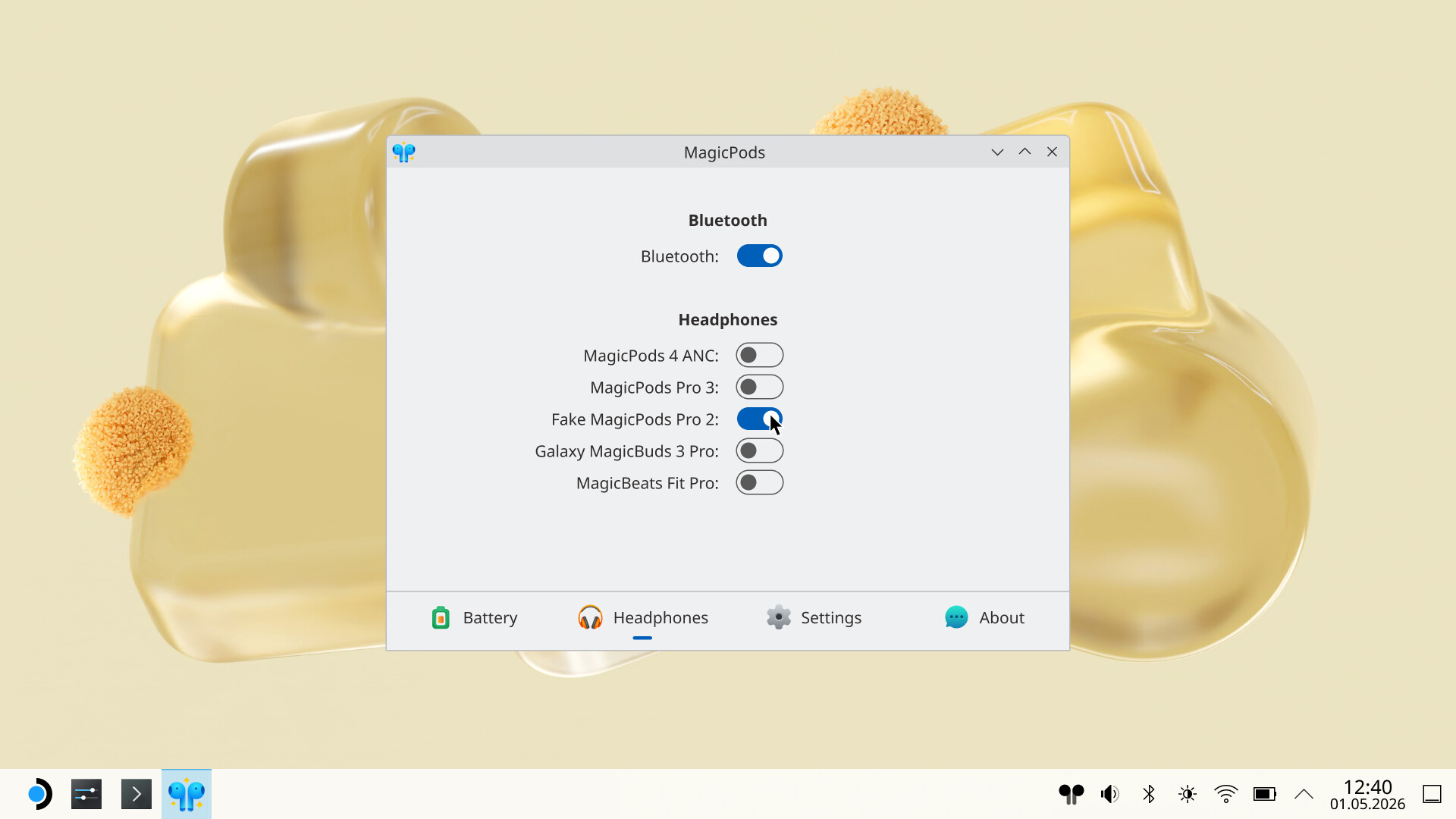
Add a little magic to your headphones with seamless AirPods, Beats, and Galaxy Buds integration on SteamOS, featuring battery monitoring, instant noise control switching, and a Game Mode plugin that extends functionality in-game.
Released
June 1, 2026
Price
Platforms
Linux
Developer
Publisher
Last sync
September 25, 2026
To start using MagicPods for Linux, switch to Desktop Mode and launch the app. Connect your headphones — the app will automatically complete the initial setup.
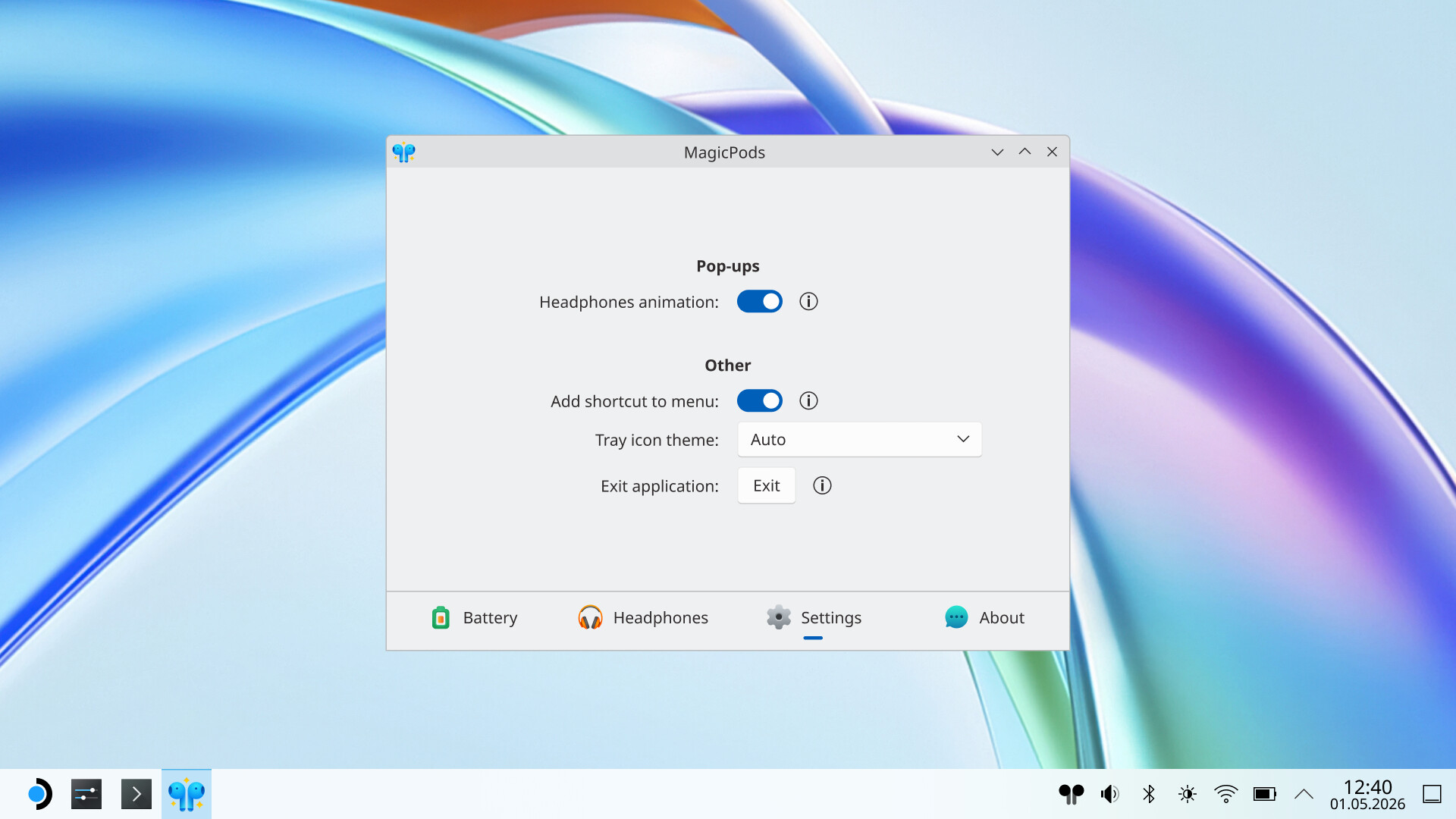
To make things easier, you can add a shortcut via Settings → Add shortcut to menu. You’ll find the app in the Start Menu under Utilities afterward.
Use AirPods, Beats, and compatible Galaxy Buds on SteamOS with full control and battery monitoring. MagicPods for Linux seamlessly integrates your headphones with Steam Deck and Steam Machine, bringing iOS-style functionality to your gaming setup.
View battery levels inside the app, in the tray widget, or through the free MagicPods Decky Loader plugin. Works with all AirPods, most Beats, and many other Bluetooth headphones.
Switch between available noise control modes directly from the app. Noise cancellation, transparency, adaptive, and off modes are supported on AirPods, Beats, and Galaxy Buds (model dependent).
An iPhone-style pop-up window appears when you open the charging case of your AirPods or Beats, showing battery information.
No data collection. Fully offline. No ads. No subscriptions.