
KimuNote -30%

KimuNote

Mostly Positive · 8 reviews

75% positive (6 / 8)

Screenshots

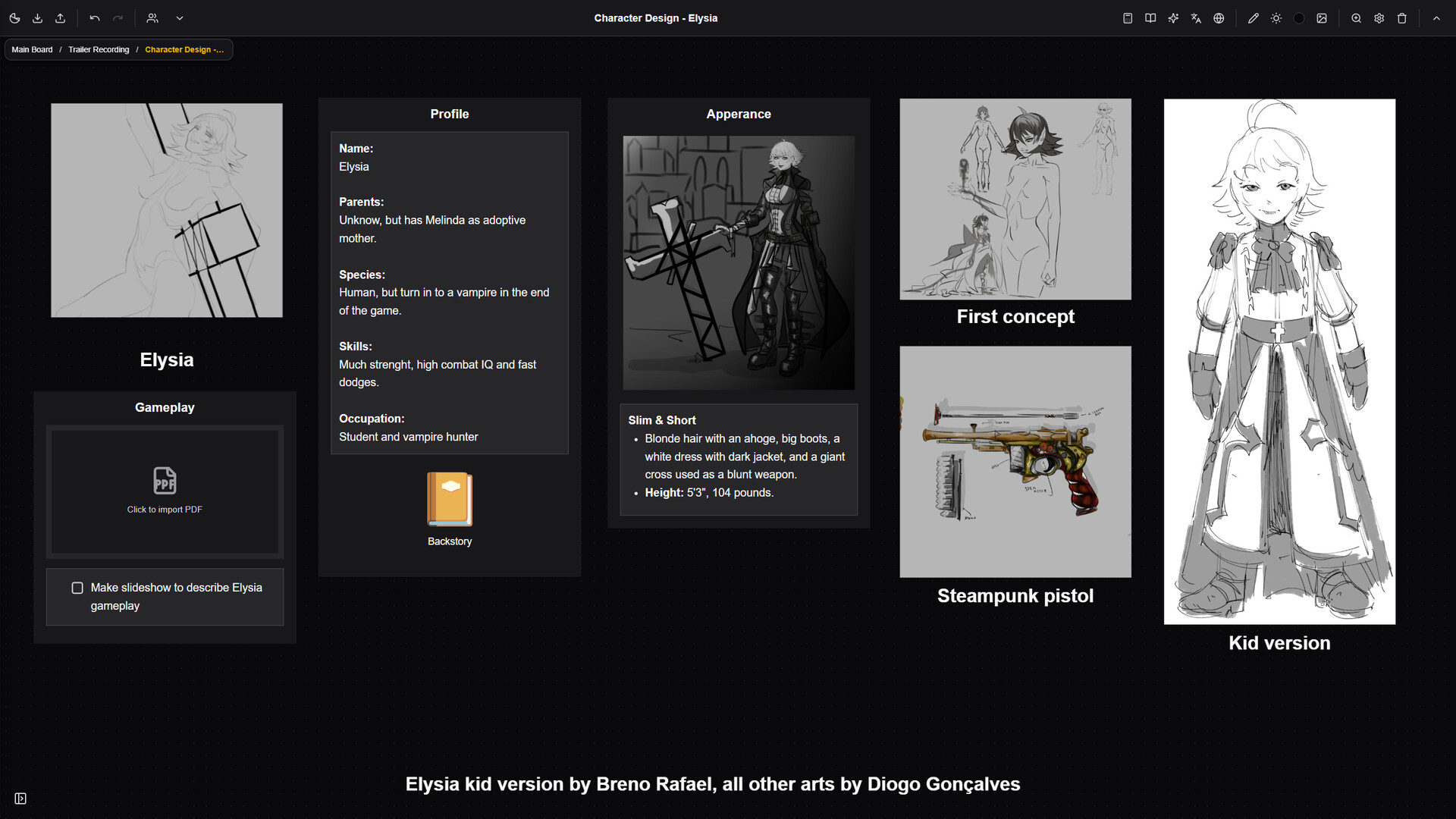
KimuNote screenshot 1
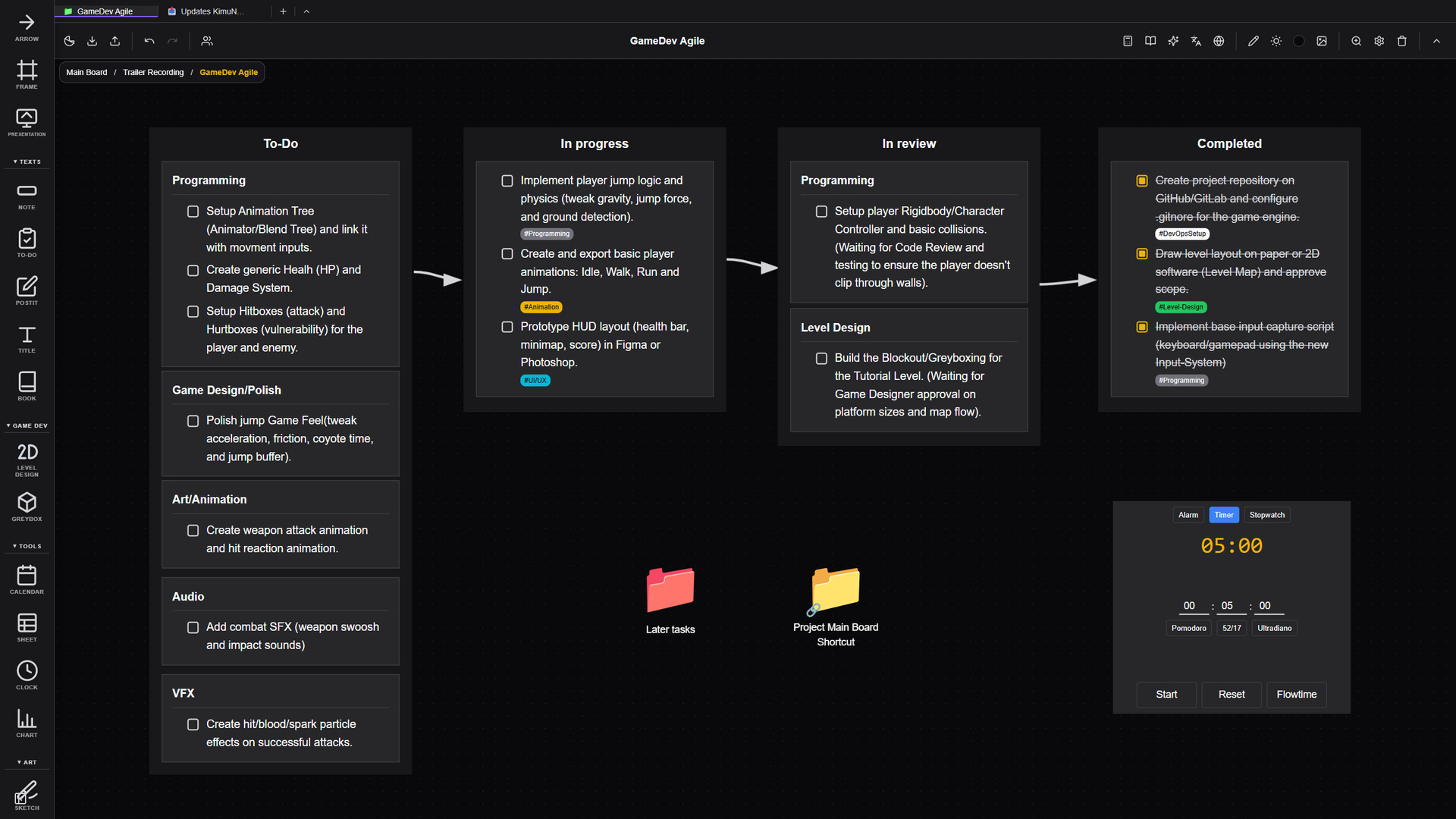
KimuNote screenshot 2
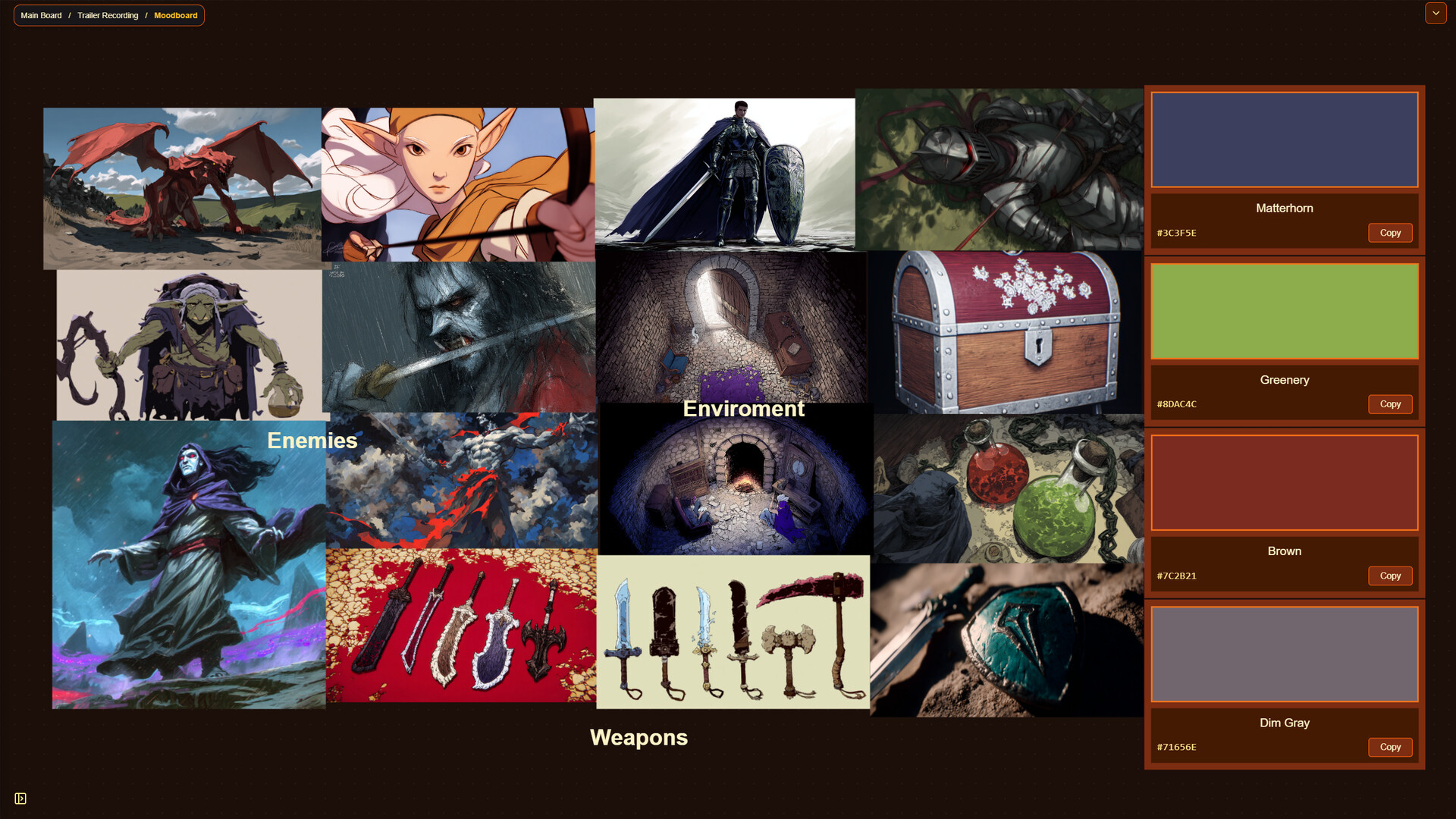
KimuNote screenshot 3
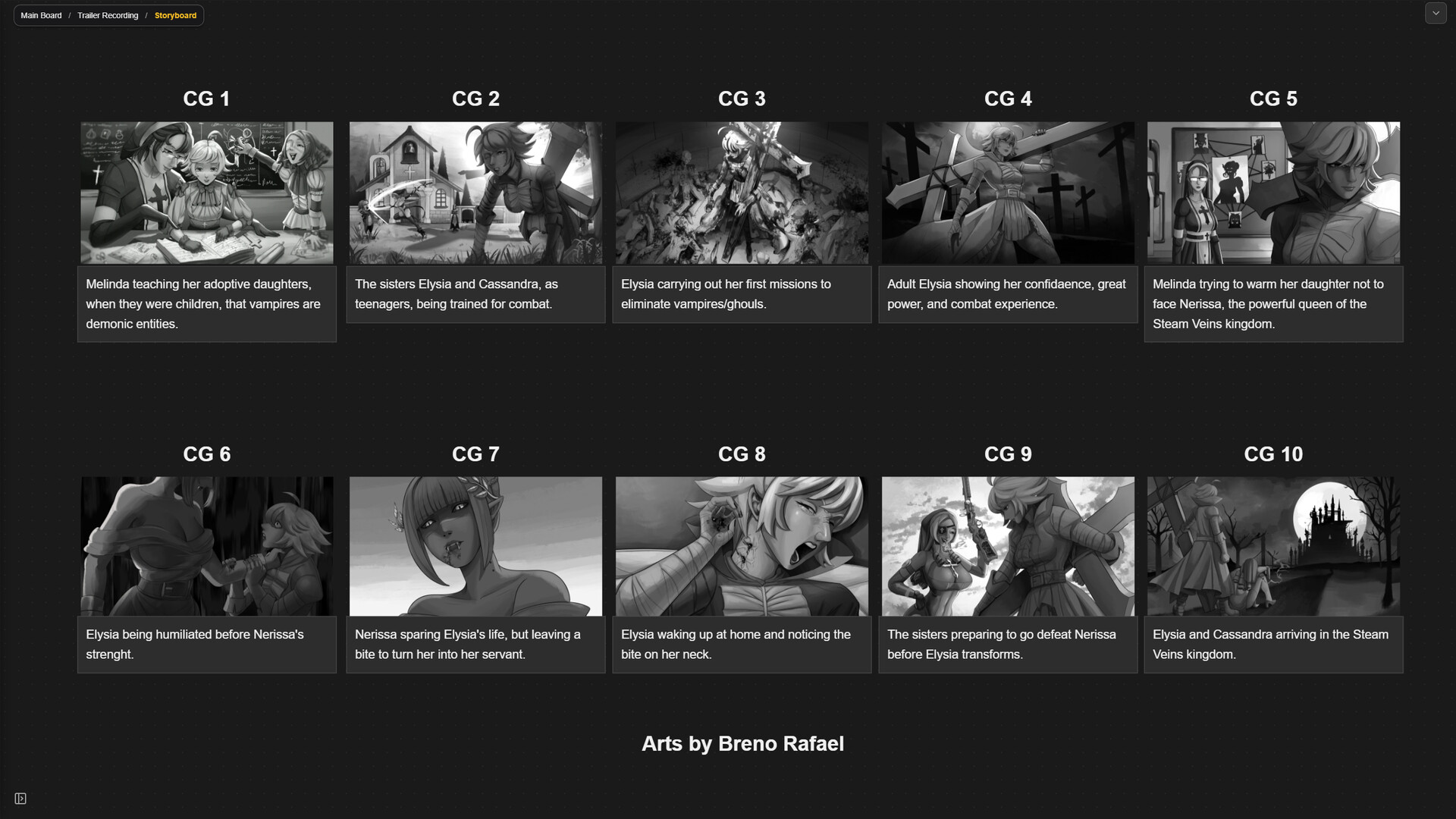
KimuNote screenshot 4
KimuNote screenshot 5
KimuNote screenshot 6

Description

Everything you need to organize your projects and your life in one place.

Released

June 29, 2026

Price

$14.99$10.49 -30%

Platforms

Linux · Windows

Developer

Kimu Studios

Publisher

Kimu Studios

Last sync

October 6, 2026

About

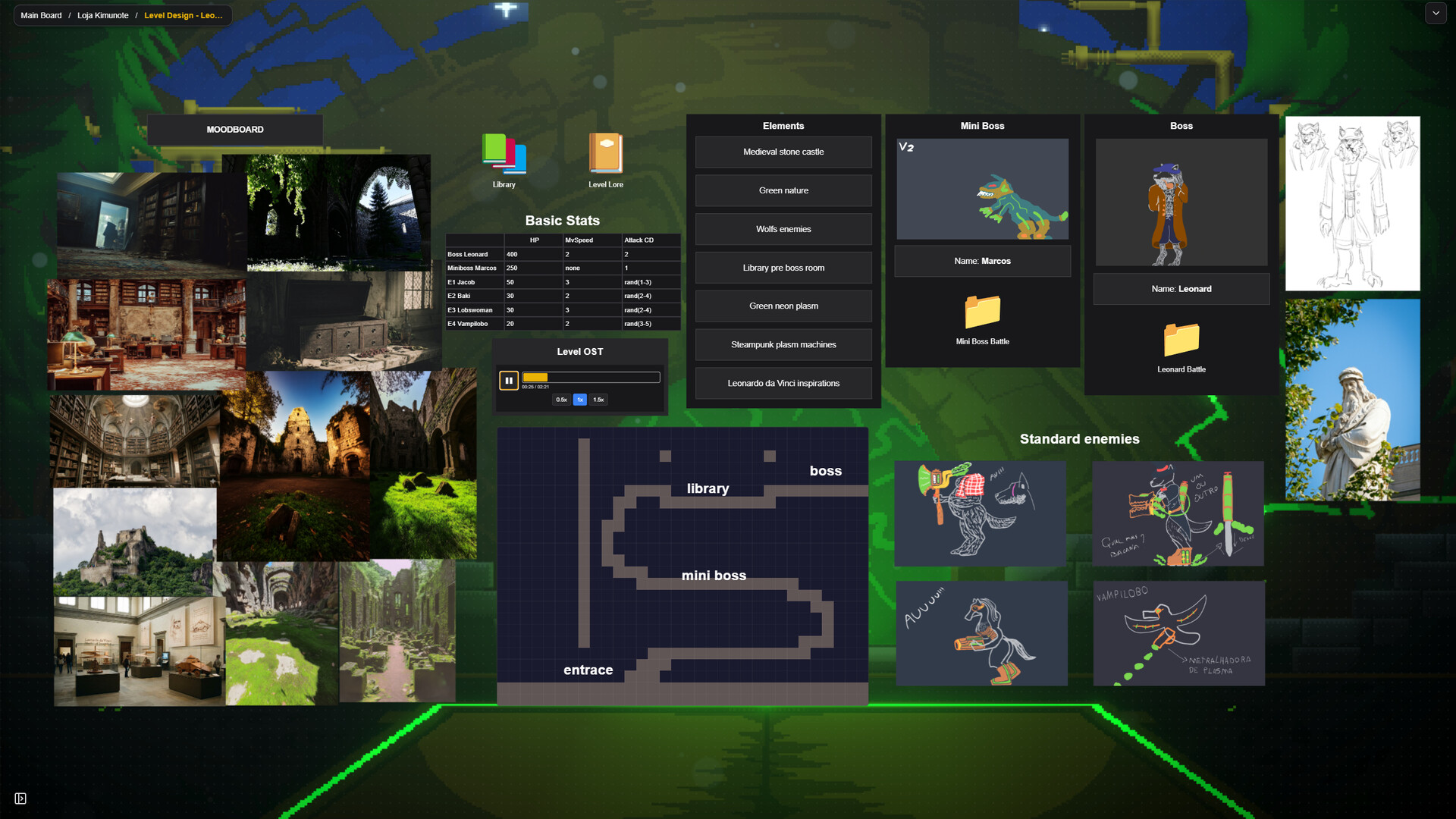
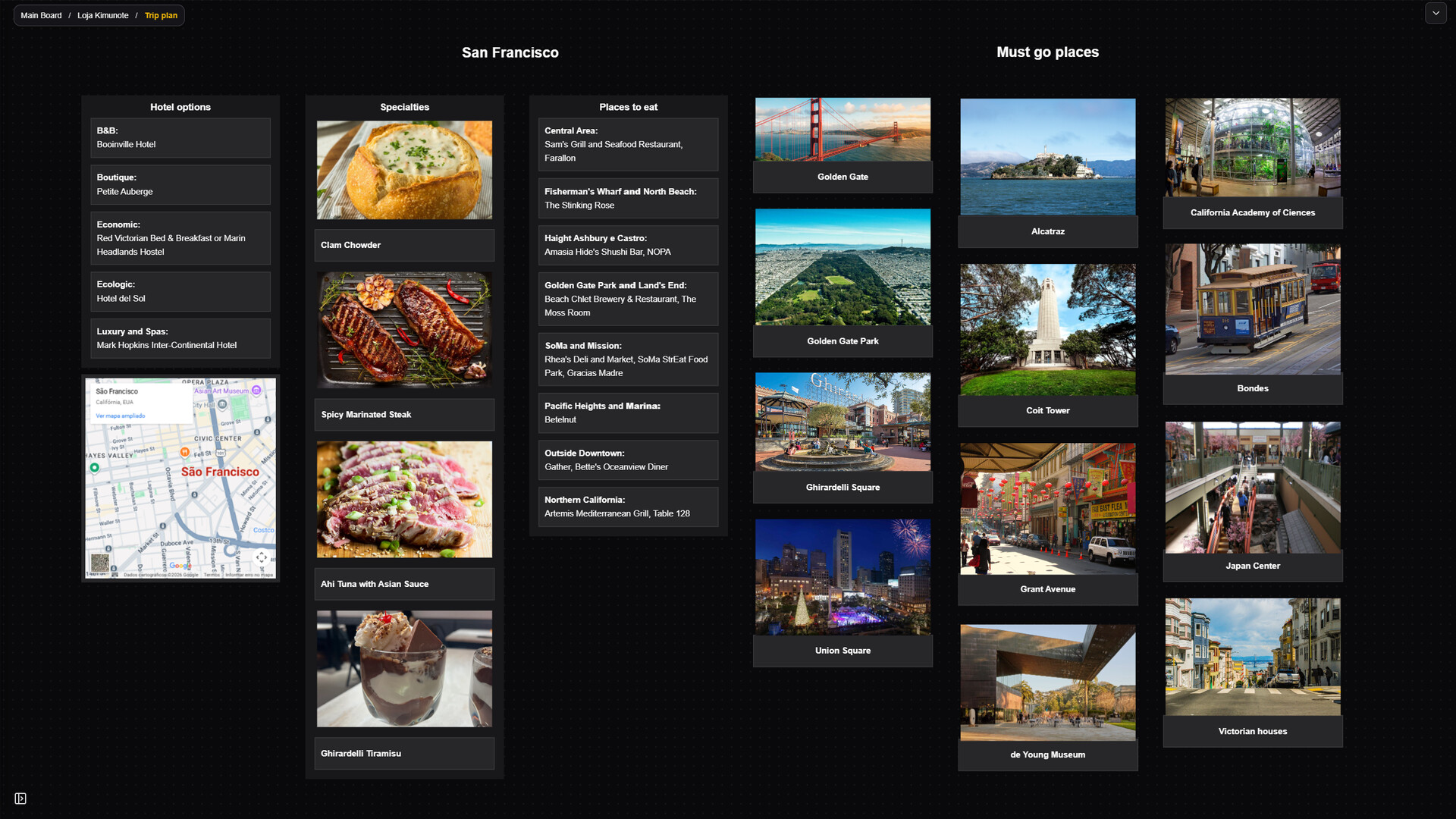
KimuNote is a node-based visual workspace and productivity tool built on an infinite canvas. It allows users to organize information, plan projects, outline documentation, and store references spatially using a variety of interactive nodes and built-in utilities.

Core Canvas Features

  • Structural Organization: Arrange your workspace hierarchy using internal Boards, Groups, Frames, Folders, and directional Arrows.
  • Text & Data Entry: Input information using dedicated nodes for standard Notes, To-Do lists, Post-its, Titles, and Books.
  • Media Import: Embed external assets directly onto the canvas, supporting Images, Videos, Audio files, PDFs, generic Files, and 3D Models.
  • Freehand Drawing: Integrated sketching and coloring tools allow users to draw, draft, and annotate directly on the board.

Integrated Utilities & Mini-Apps

The software includes built-in functional windows that operate directly within the workspace to minimize context switching:

  • Productivity Nodes: Embed interactive Calendars, Clocks, Spreadsheets (Sheets), and data Charts.
  • Web Integration: Access an in-app web browser directly within your workspace to search for references and information without leaving the app.
  • Game Development Tools: Includes specialized nodes tailored for game planning, such as 2D Level Design and Greybox blocking.

Customization & Community

  • Theme Customization: The user interface includes a fully customizable color theme system to adjust the software's visual layout.
  • Real-Time Collaboration: Users can host their current board via peer-to-peer connection, allowing real-time co-editing and collaboration with other users who own the software.
  • Steam Workshop Support: Fully integrated with Steam Workshop, enabling users to upload their custom boards and templates, or download and import workspace layouts shared by the community.
Browse all