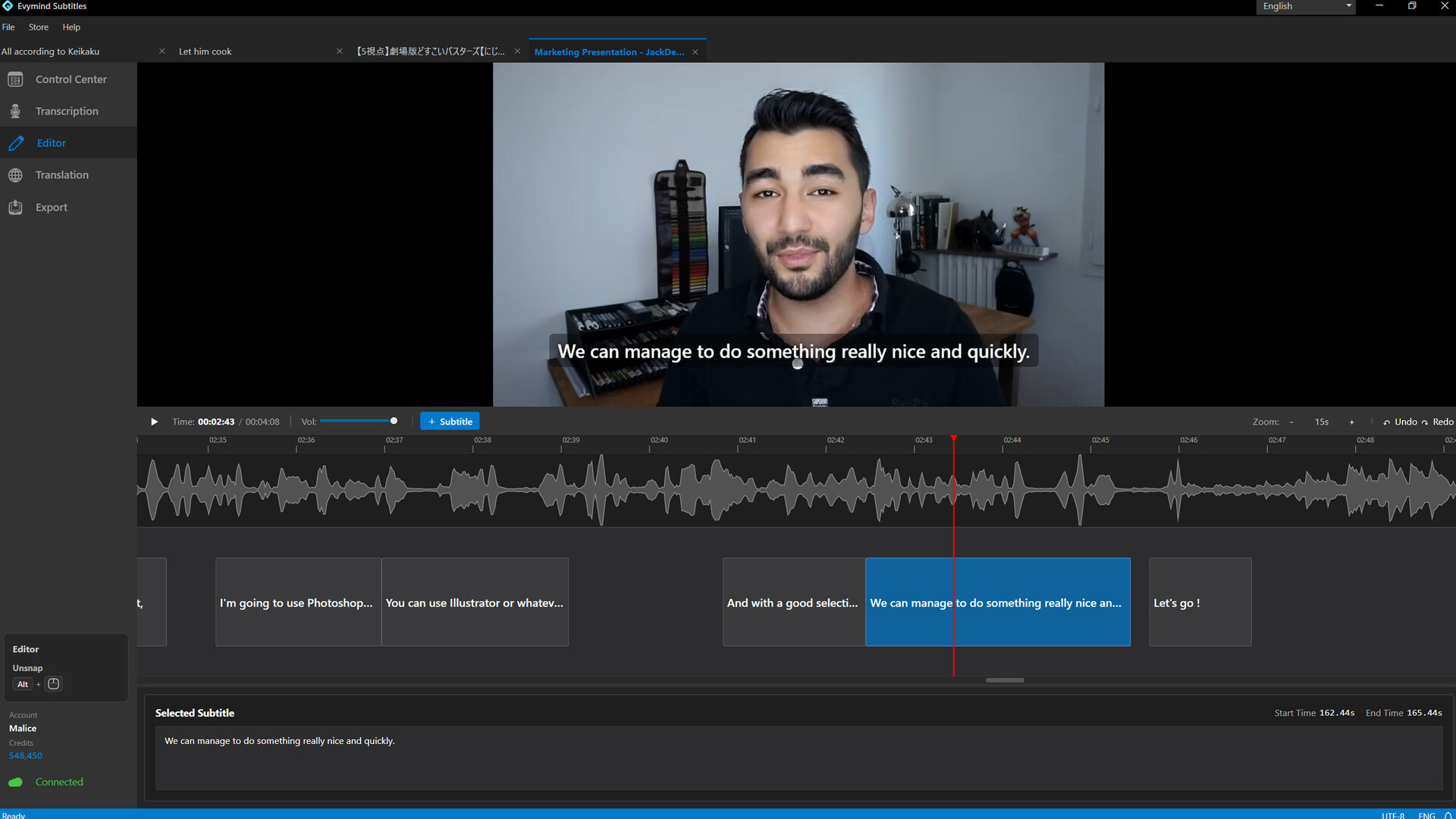
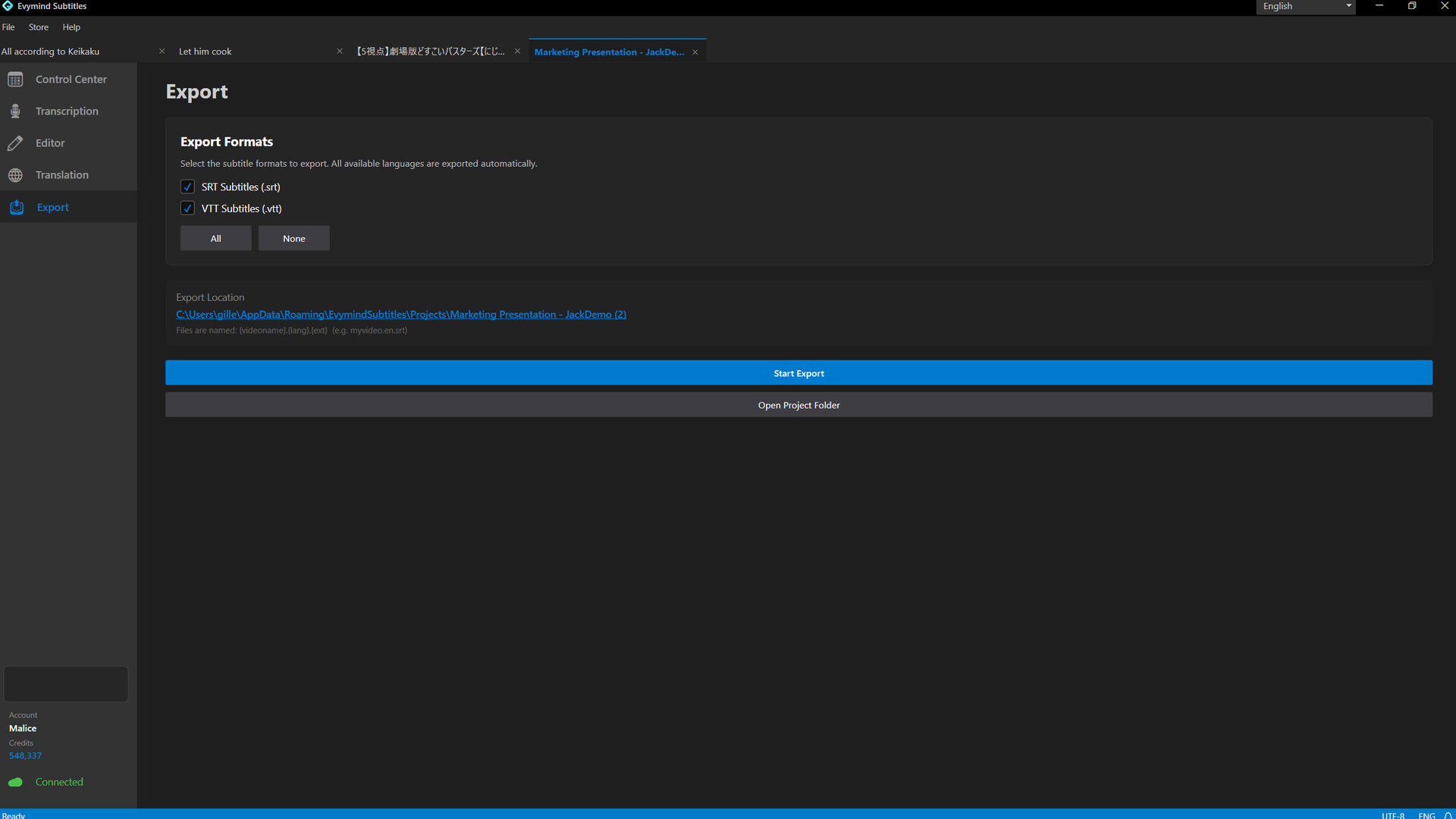
Create and translate subtitles faster with AI — fully locally or with optional cloud processing.
Evymind Subtitles is a desktop subtitle tool for generating, editing, translating, and exporting subtitle files for video and audio.
Get a fast first result, refine only the parts that need attention, then export clean subtitle files ready to use.
Two modes, one workflow
Local mode (full local workflow, no subscription required)
Generate subtitles directly on your PC and translate them locally into multiple languages.
Keep your workflow local — no subscription or cloud processing required.
Cloud mode (optional, cost-effective)
Use cloud processing when you want to avoid using your local CPU or GPU resources.
Cloud mode supports remote transcription and multilingual translation.
Built for real-world content
- Simple workflow: Import your media → generate → translate → edit → export
- Quick Mode: One-button flow — generate and export subtitles fast
- Fast editing: Improve text, timing, and segmentation when quality matters
- Long-form ready: Handle full sessions without manual subtitling
- Translation: Translate subtitles locally or with optional cloud processing
Better subtitles, better reach
Automatic captions are convenient, but polished subtitles are easier to follow, more accurate, and more professional for your audience.
A dedicated subtitle tool gives you more control over the final result.
Privacy by design
Your video, audio, and subtitle files stay on your PC when using local mode.
Cloud processing is only used when you explicitly choose optional cloud features.