






CPU Invaders - Crosshairs

CPU Invaders - Crosshairs

Positive · 27 reviews

93% positive (25 / 27)

Screenshots

CPU Invaders - Crosshairs screenshot 1
CPU Invaders - Crosshairs screenshot 2
CPU Invaders - Crosshairs screenshot 3
CPU Invaders - Crosshairs screenshot 4
CPU Invaders - Crosshairs screenshot 5
CPU Invaders - Crosshairs screenshot 6
CPU Invaders - Crosshairs screenshot 7
CPU Invaders - Crosshairs screenshot 8
CPU Invaders - Crosshairs screenshot 9
CPU Invaders - Crosshairs screenshot 10
CPU Invaders - Crosshairs screenshot 11
CPU Invaders - Crosshairs screenshot 12
CPU Invaders - Crosshairs screenshot 13
CPU Invaders - Crosshairs screenshot 14
CPU Invaders - Crosshairs screenshot 15
CPU Invaders - Crosshairs screenshot 16
CPU Invaders - Crosshairs screenshot 17
CPU Invaders - Crosshairs screenshot 18
CPU Invaders - Crosshairs screenshot 19
CPU Invaders - Crosshairs screenshot 20
CPU Invaders - Crosshairs screenshot 21
CPU Invaders - Crosshairs screenshot 22
CPU Invaders - Crosshairs screenshot 23
CPU Invaders - Crosshairs screenshot 24
CPU Invaders - Crosshairs screenshot 25
CPU Invaders - Crosshairs screenshot 26
CPU Invaders - Crosshairs screenshot 27

Description

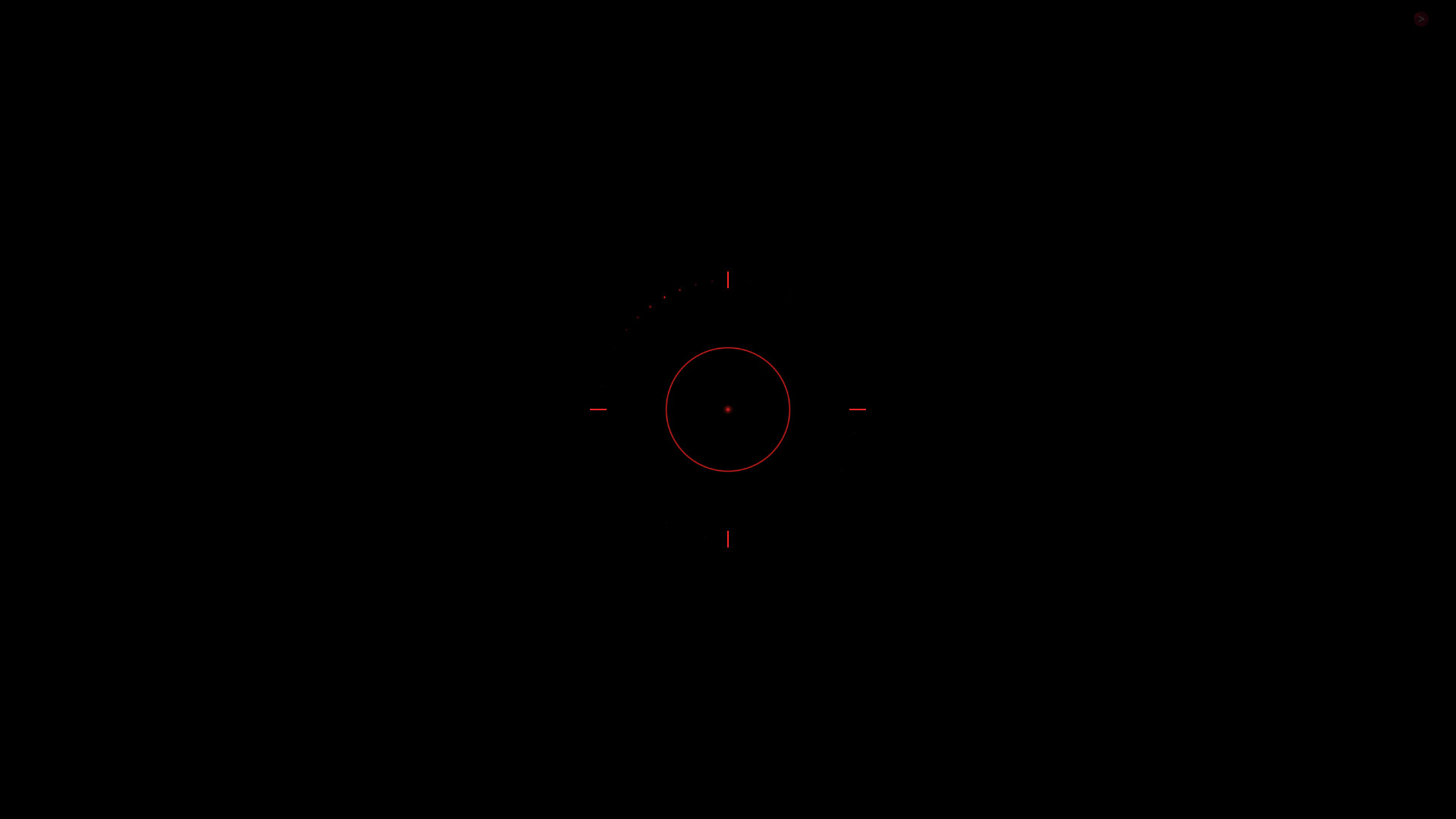
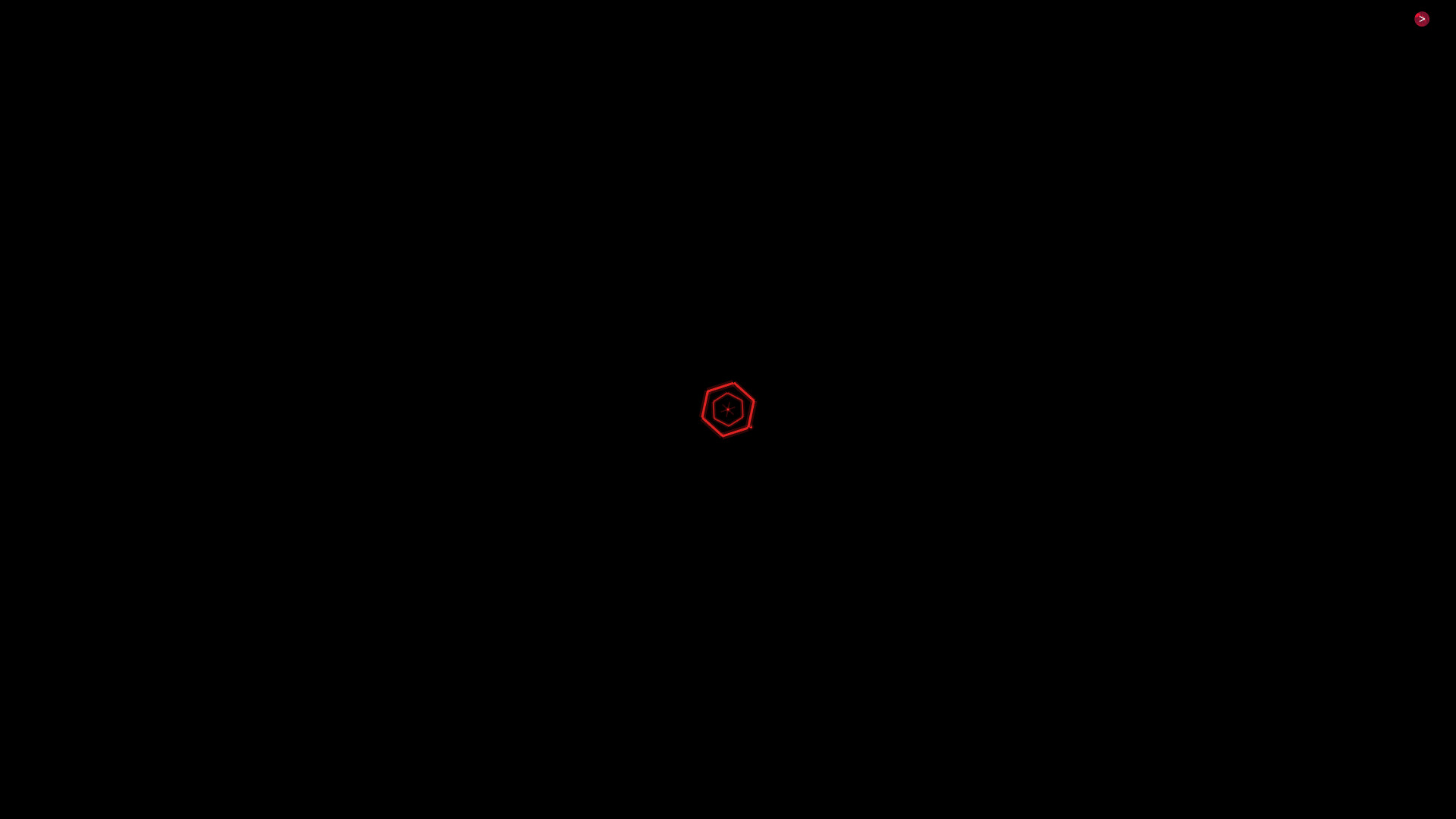
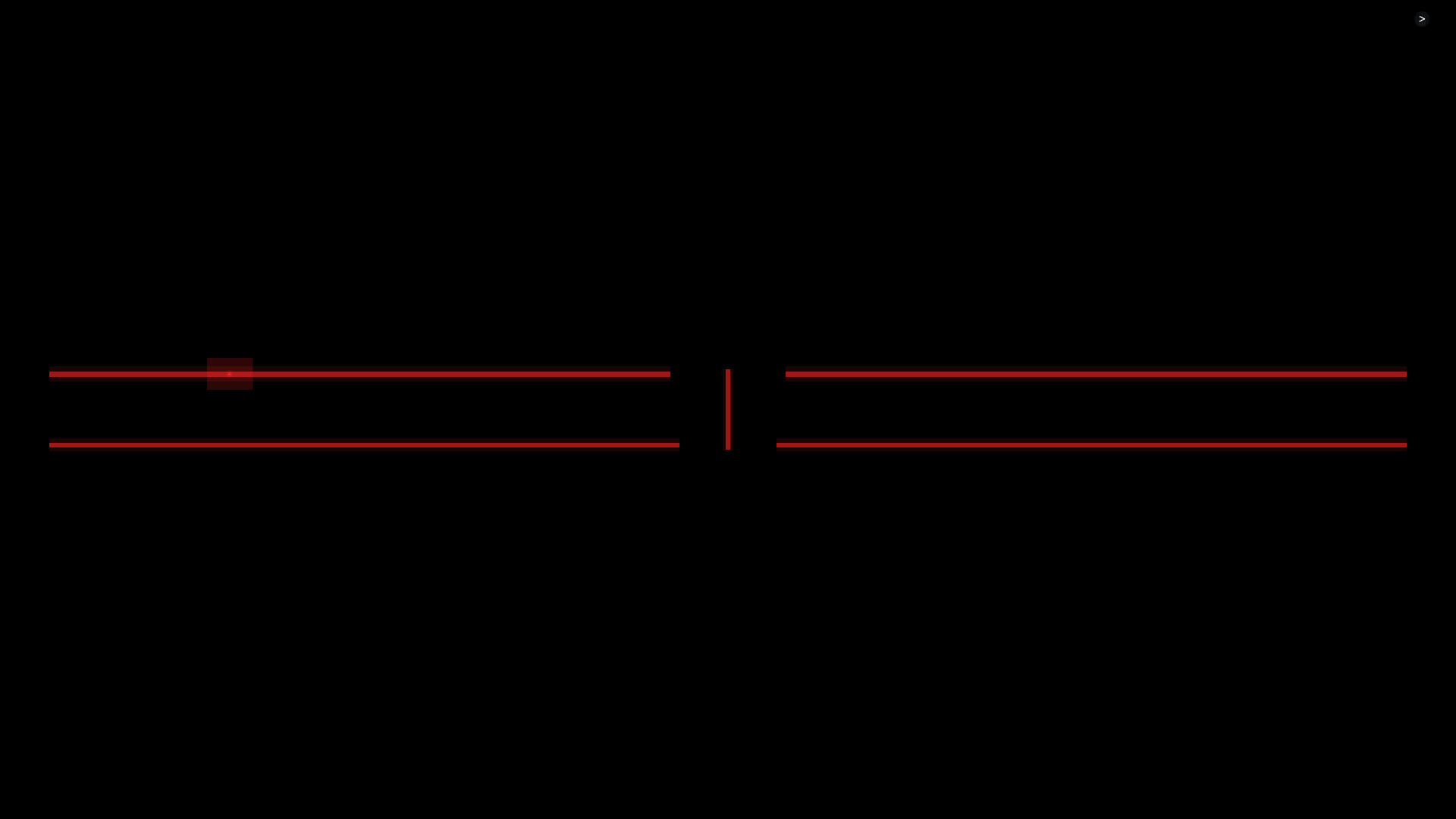
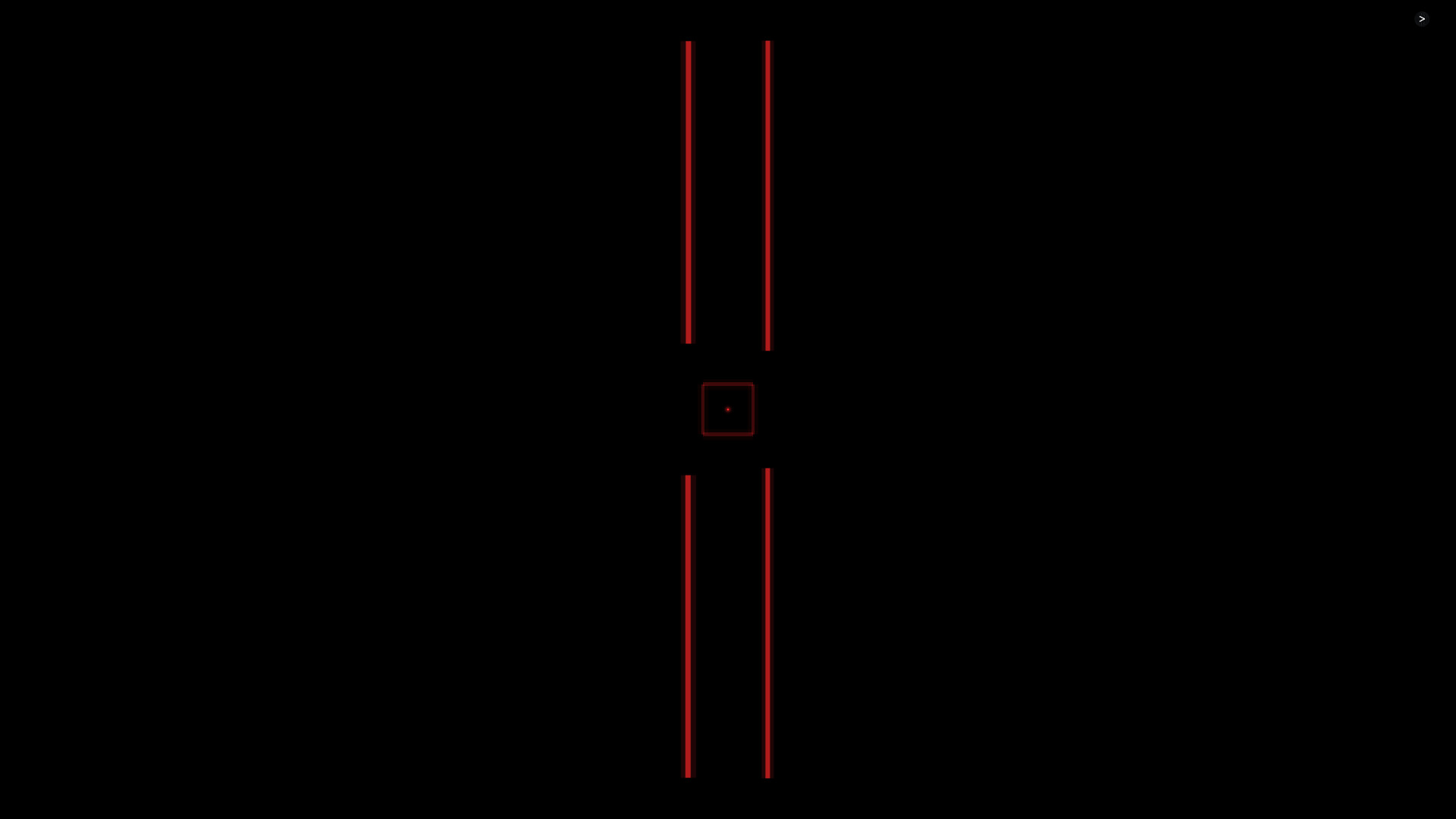
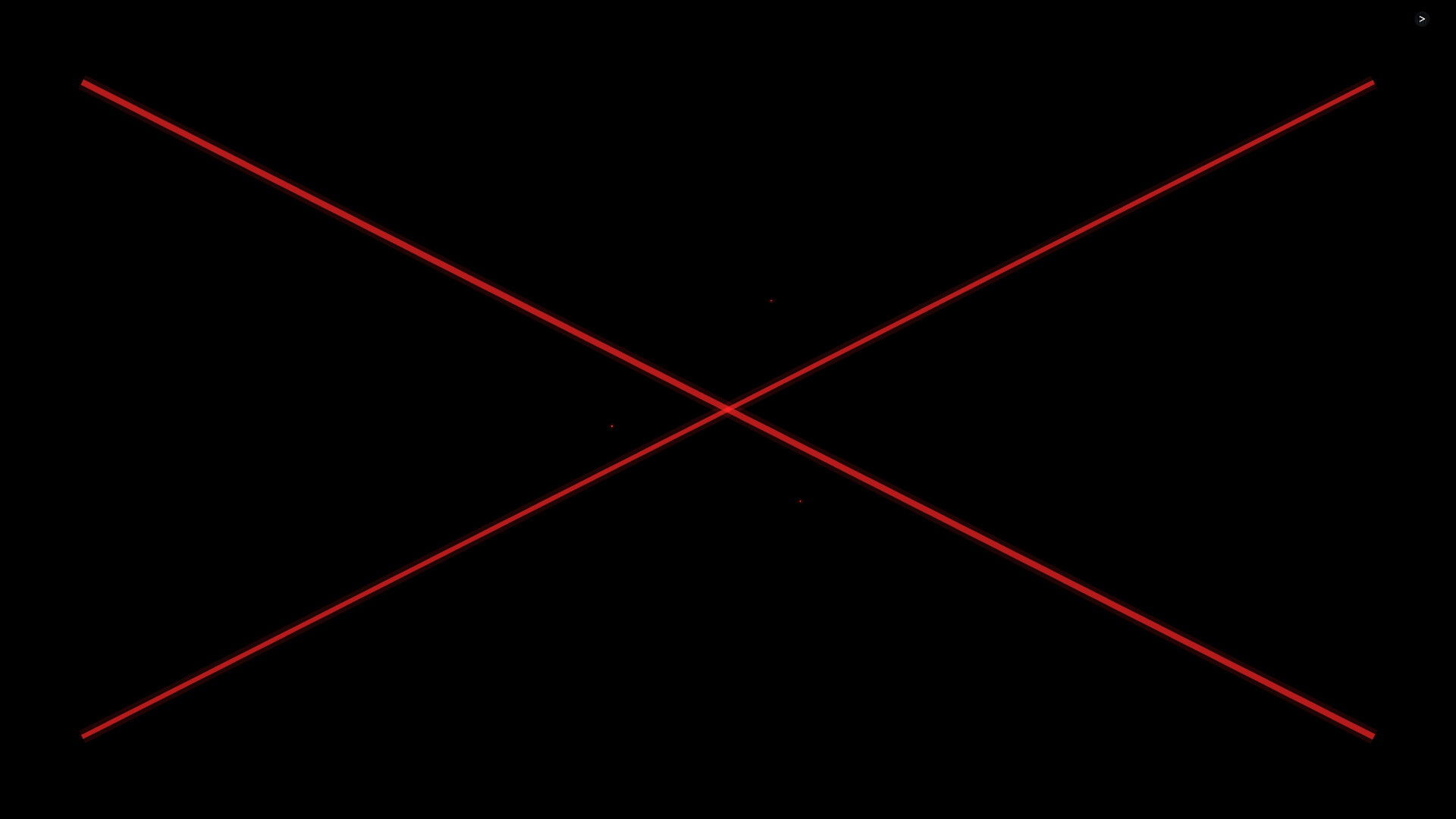
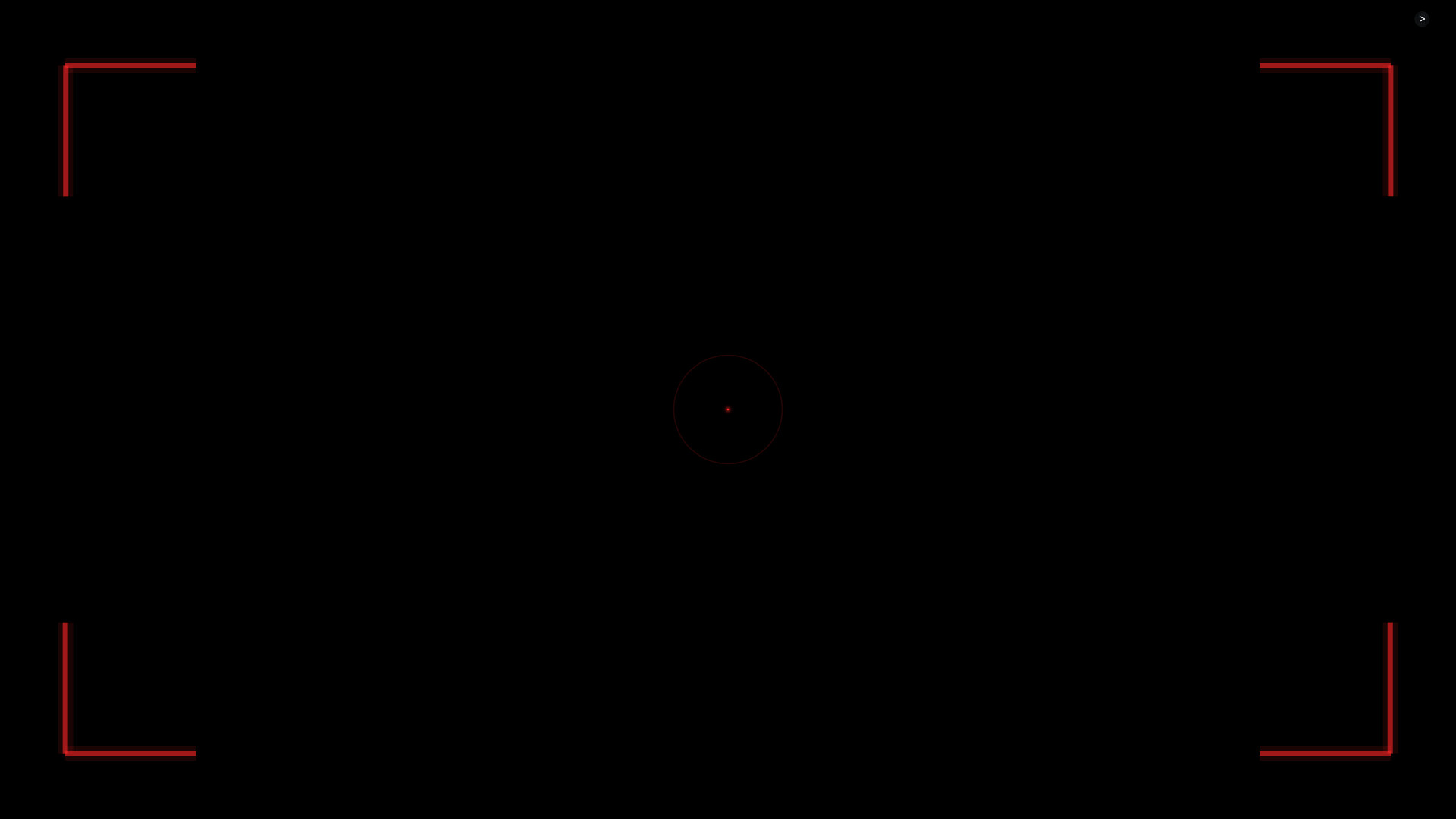
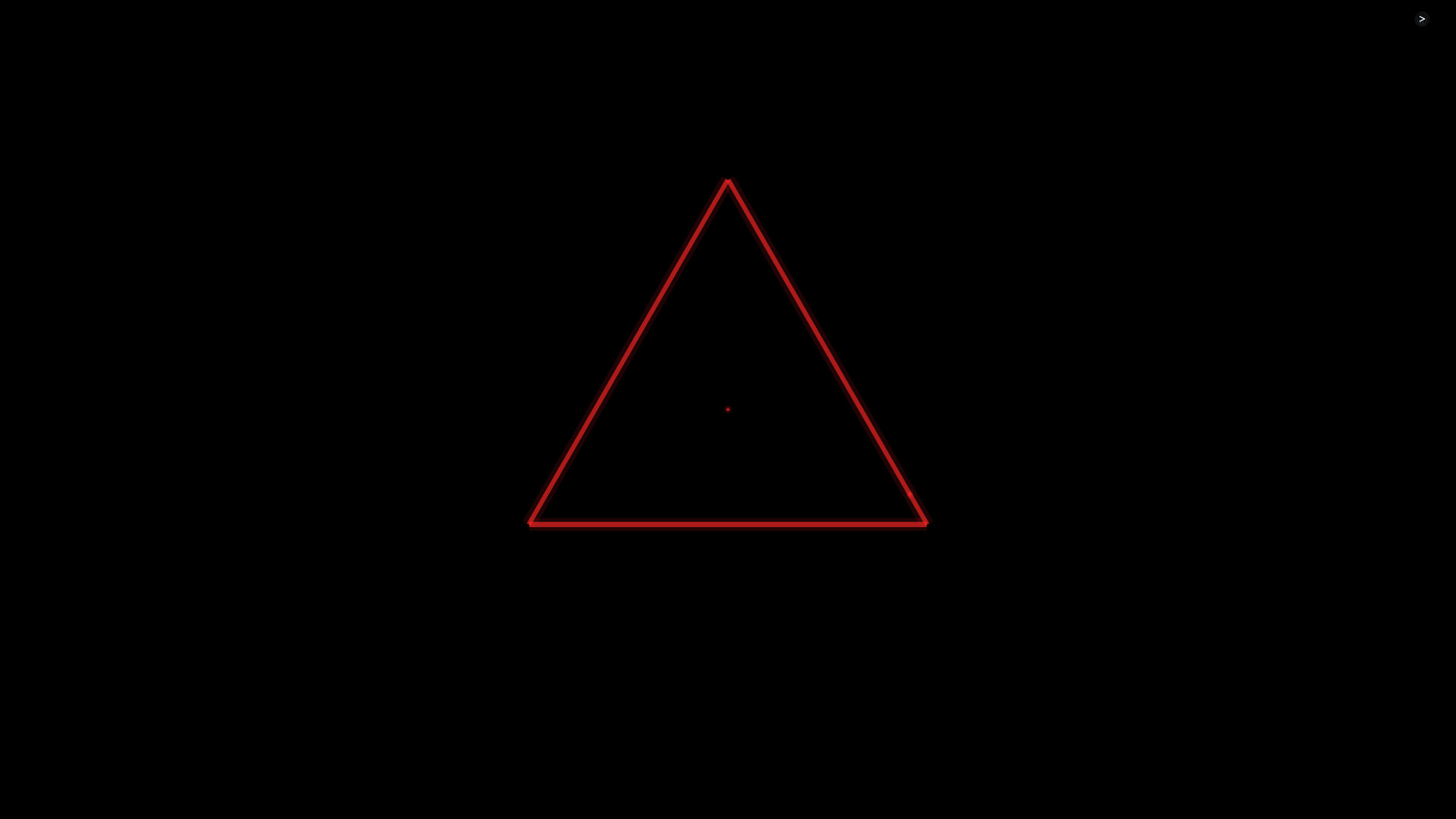
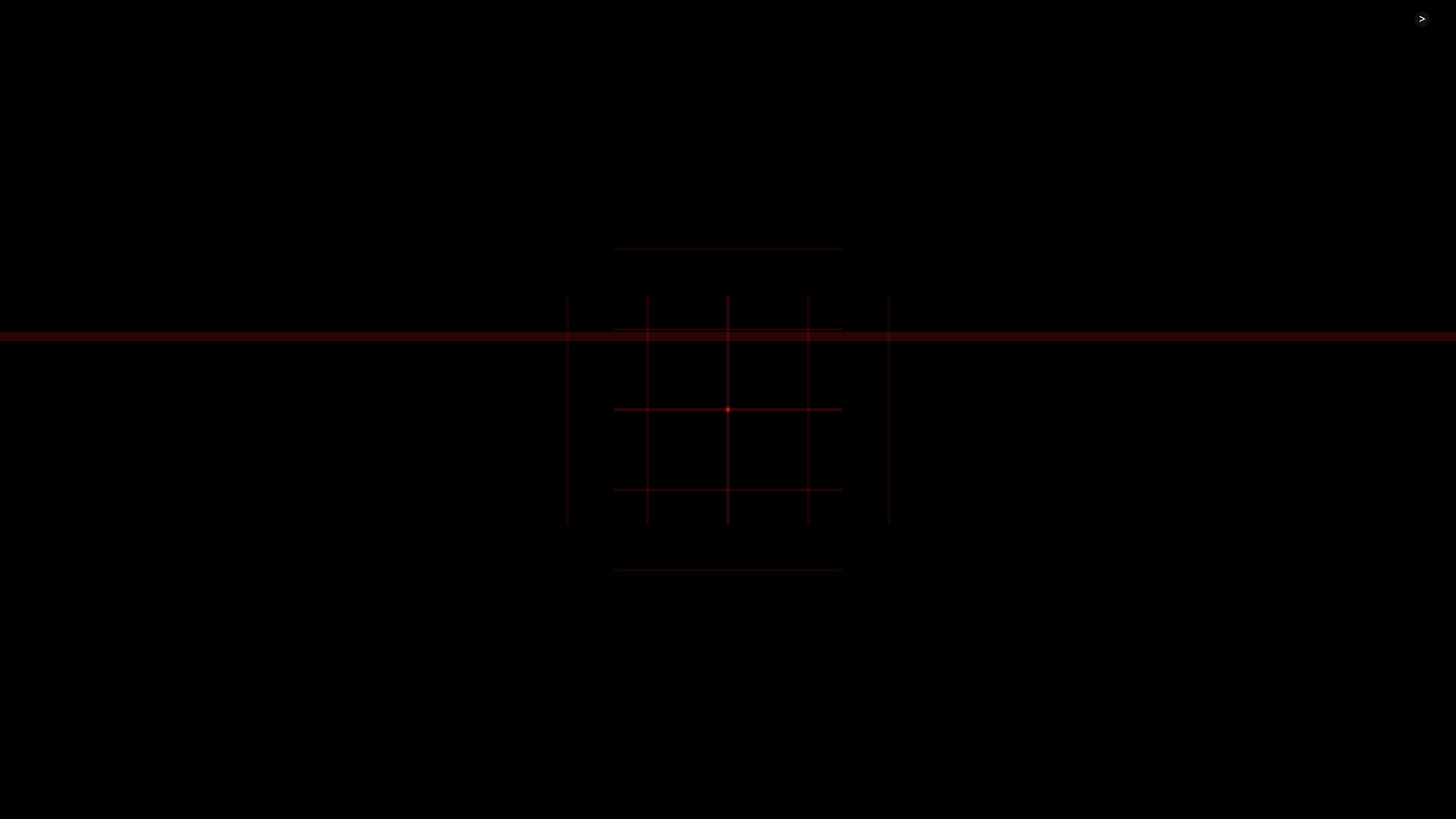
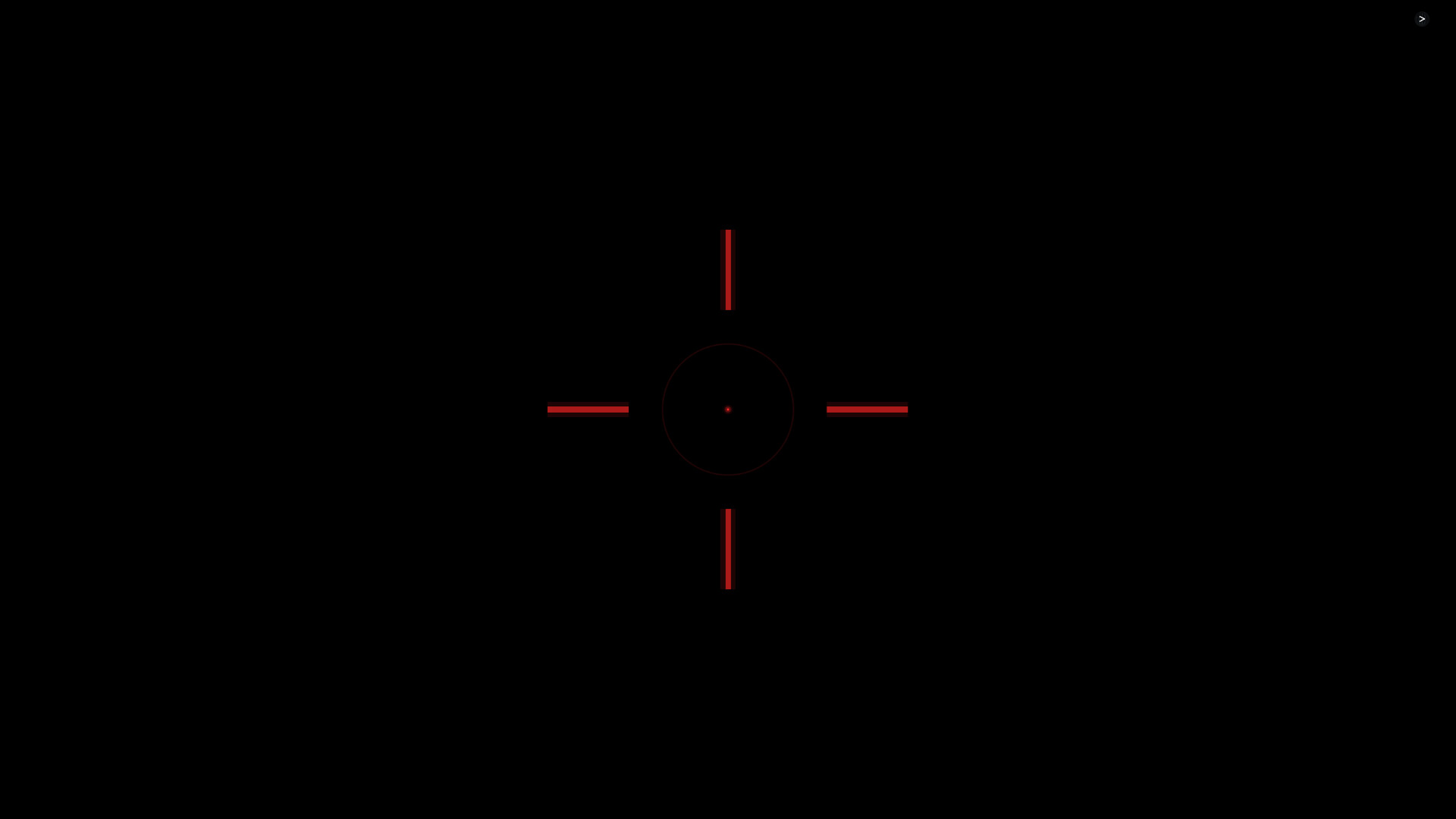
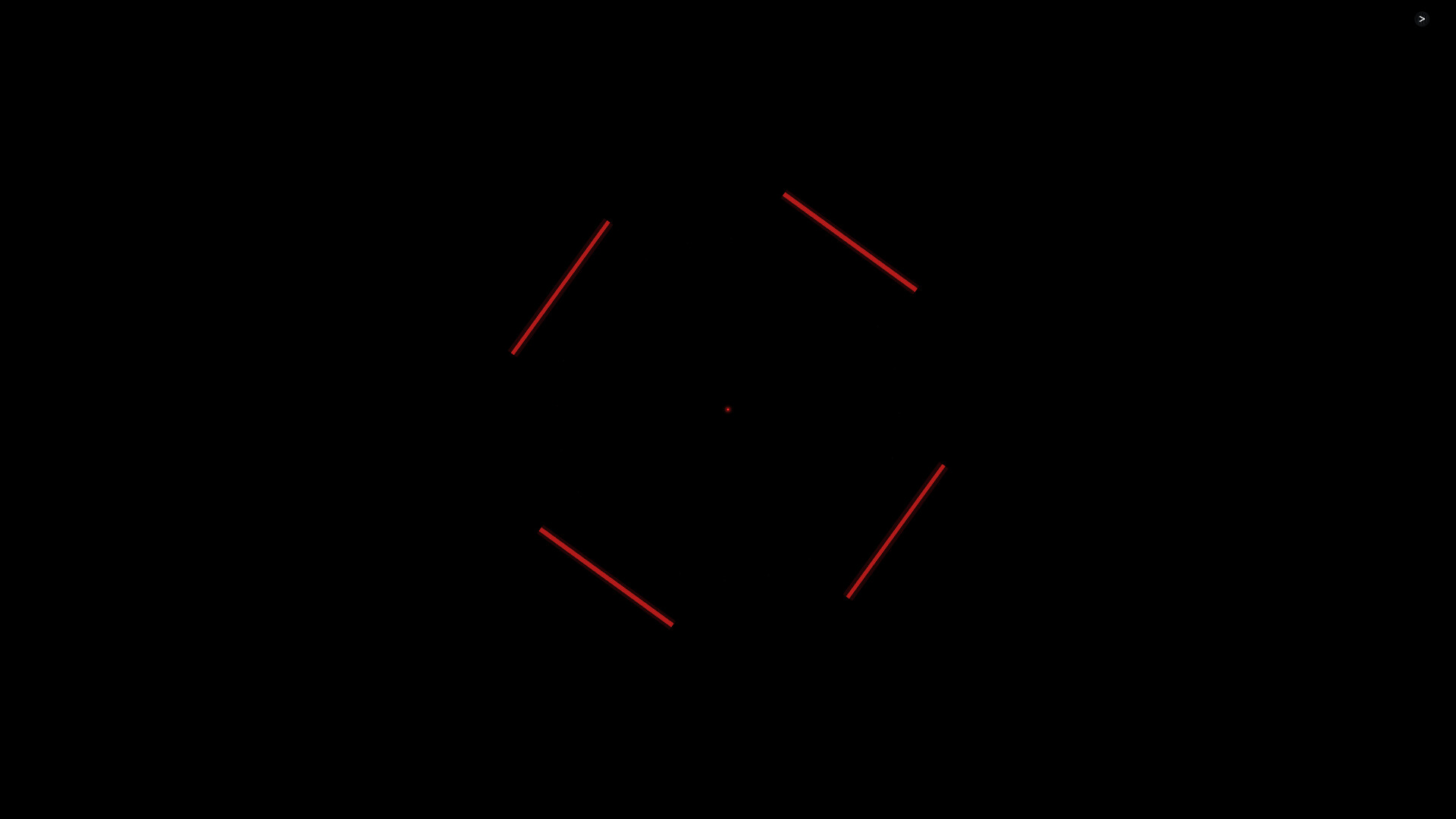
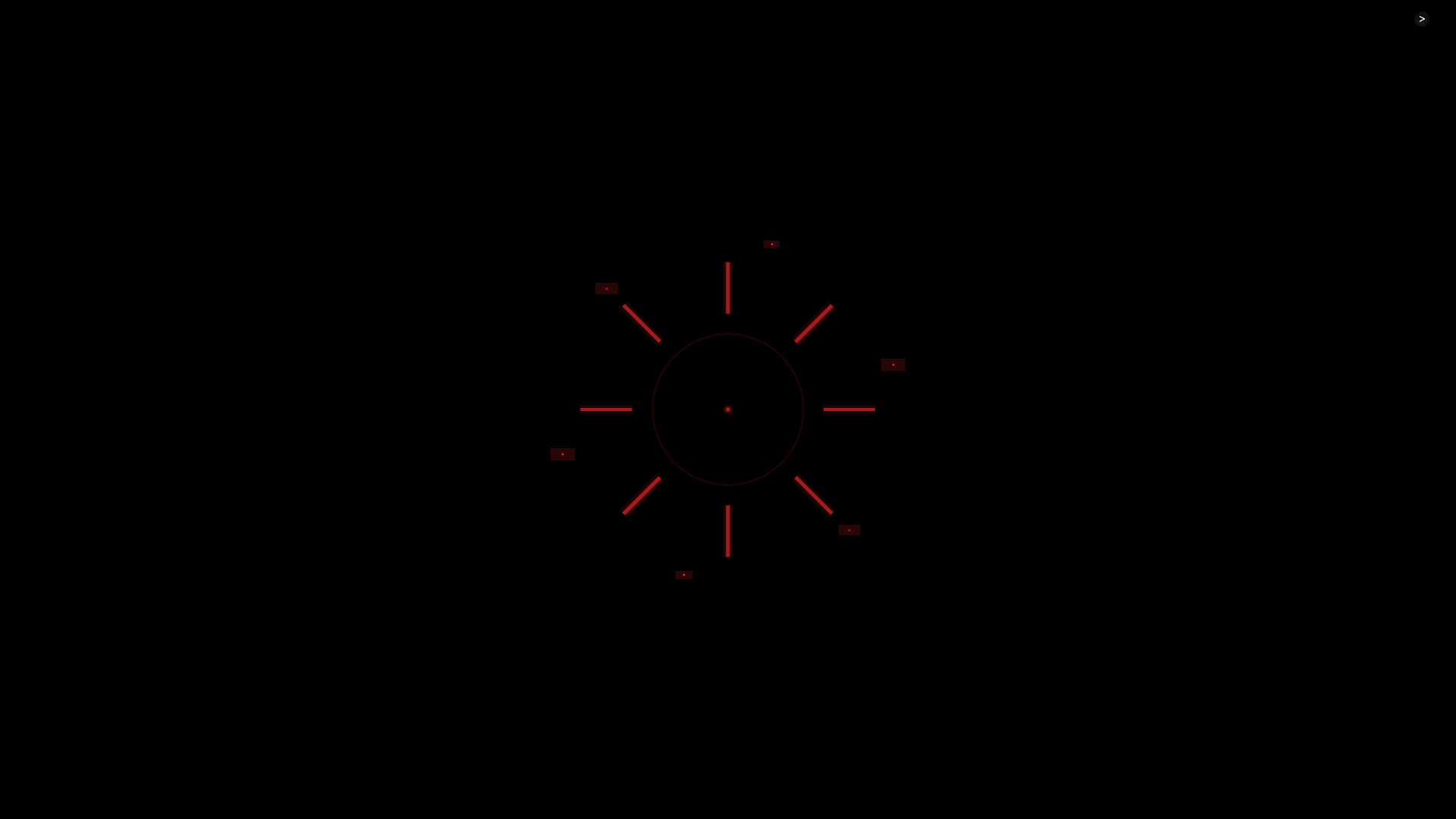
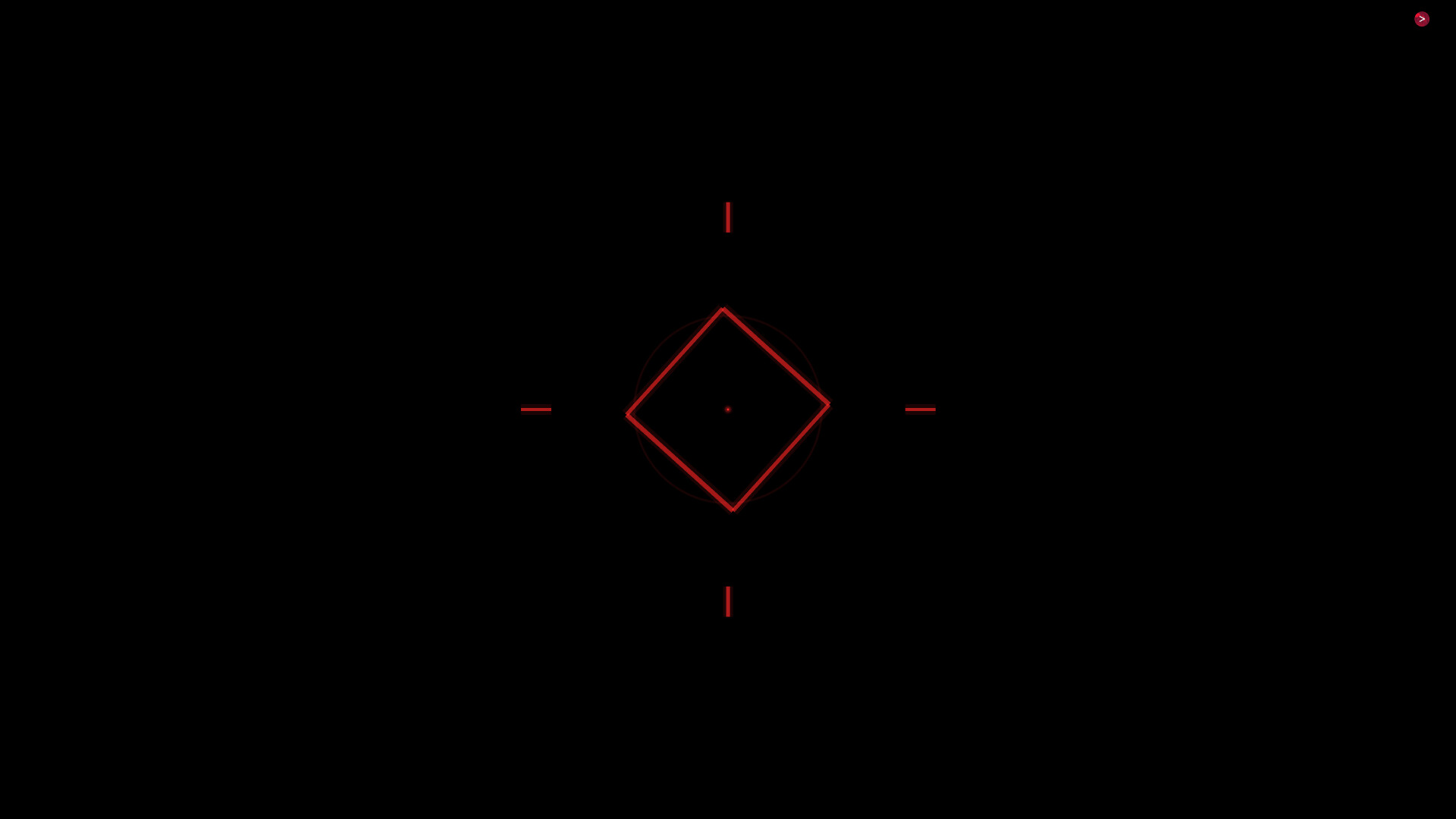
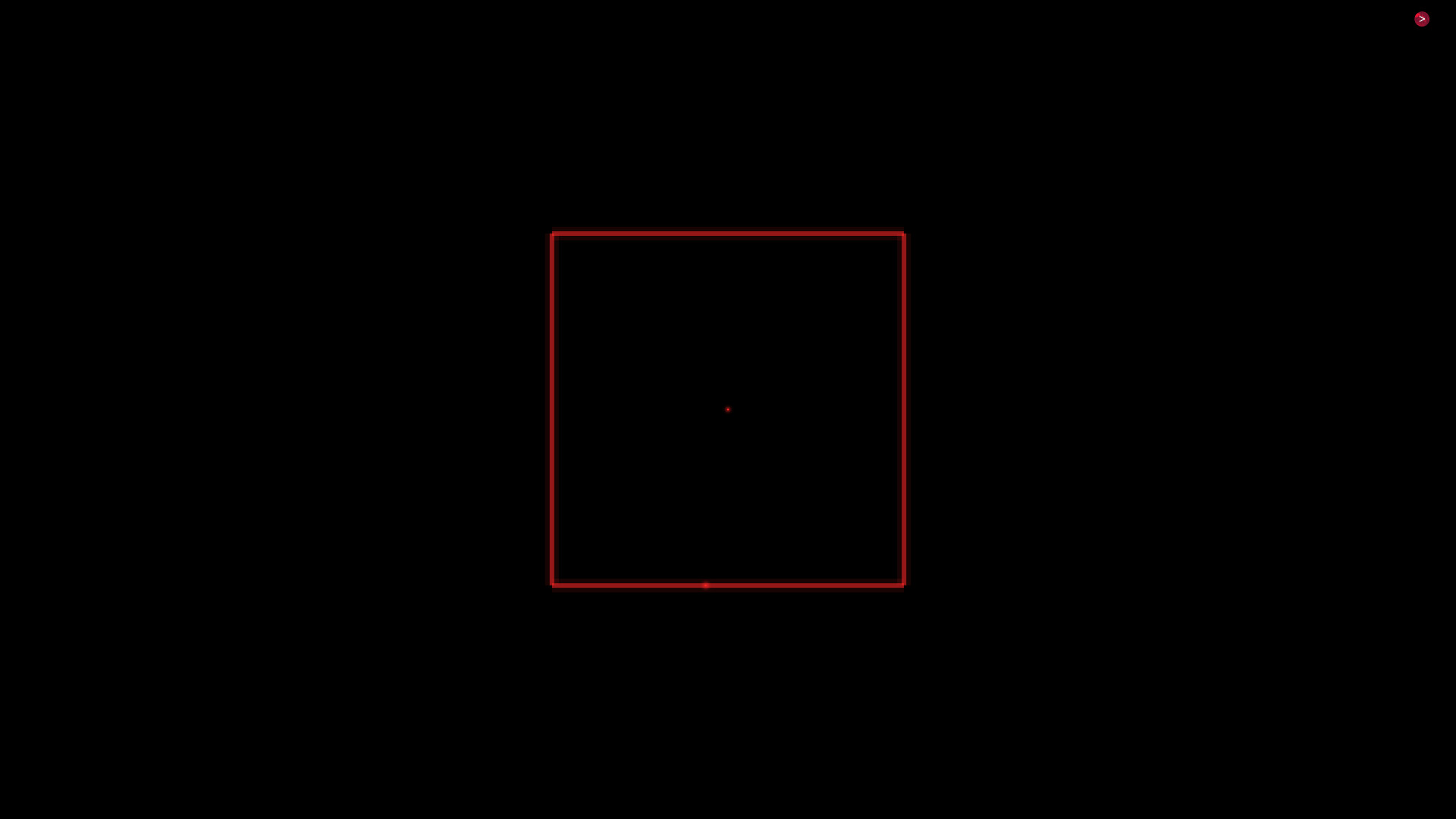
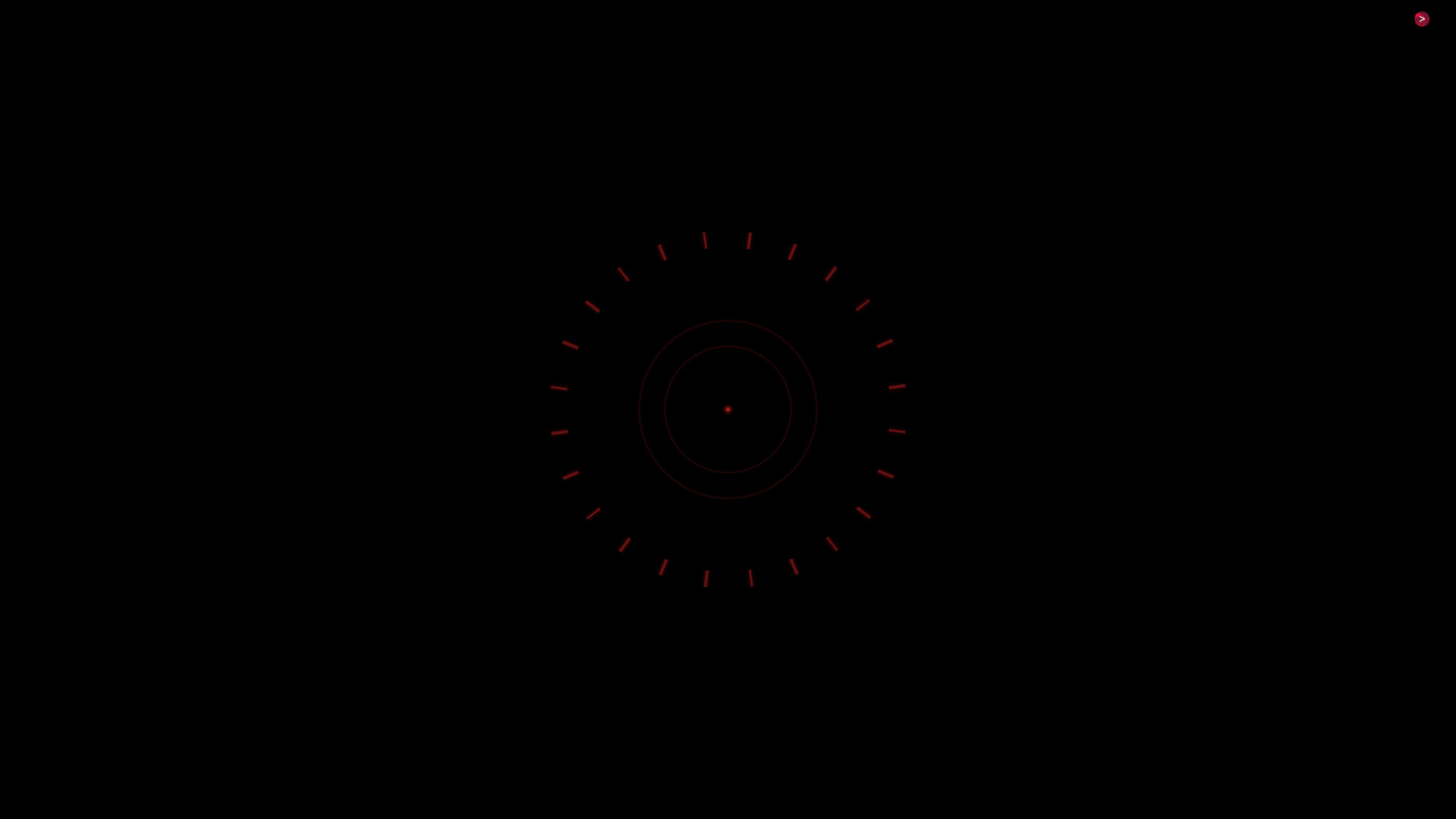
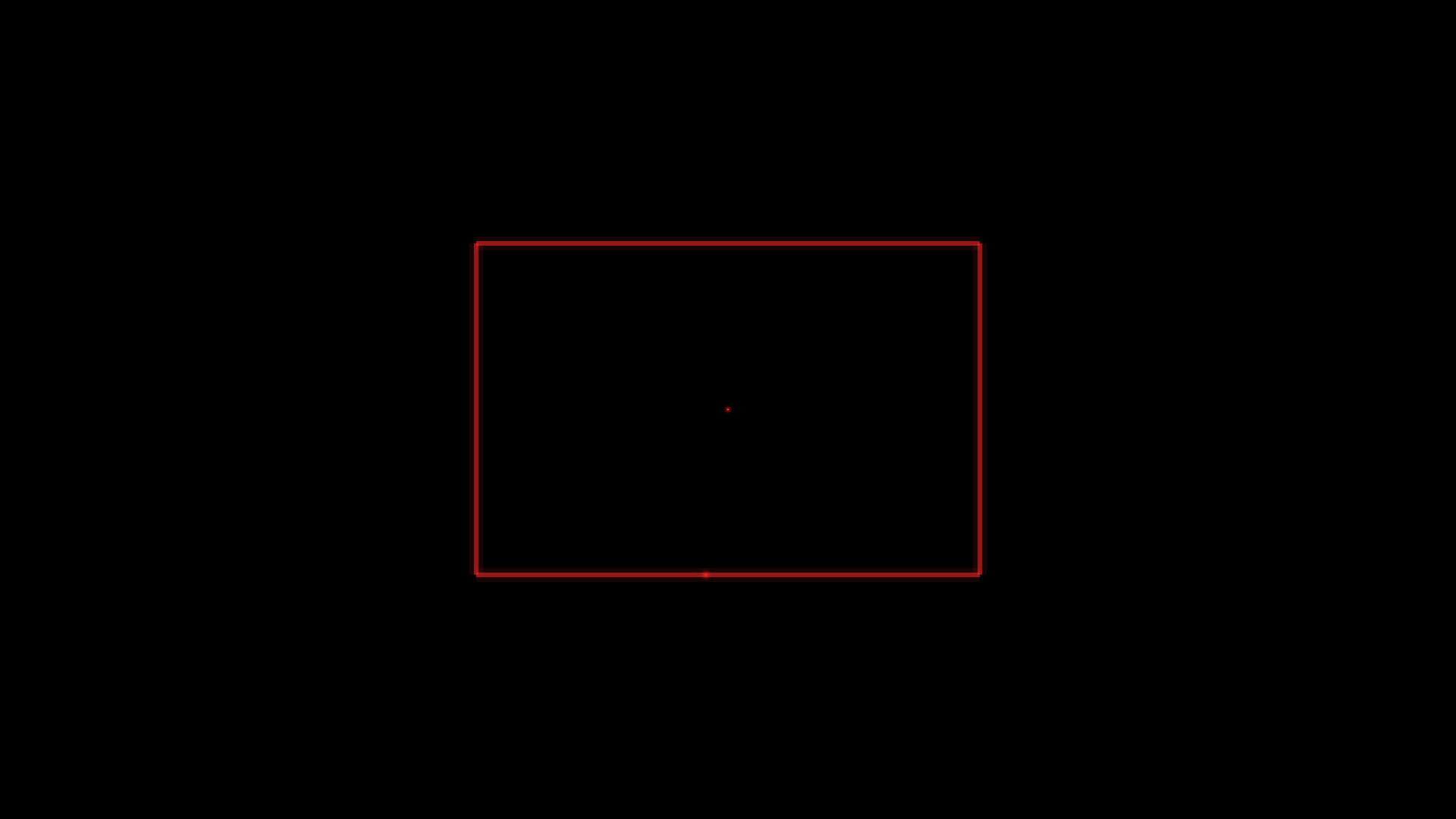
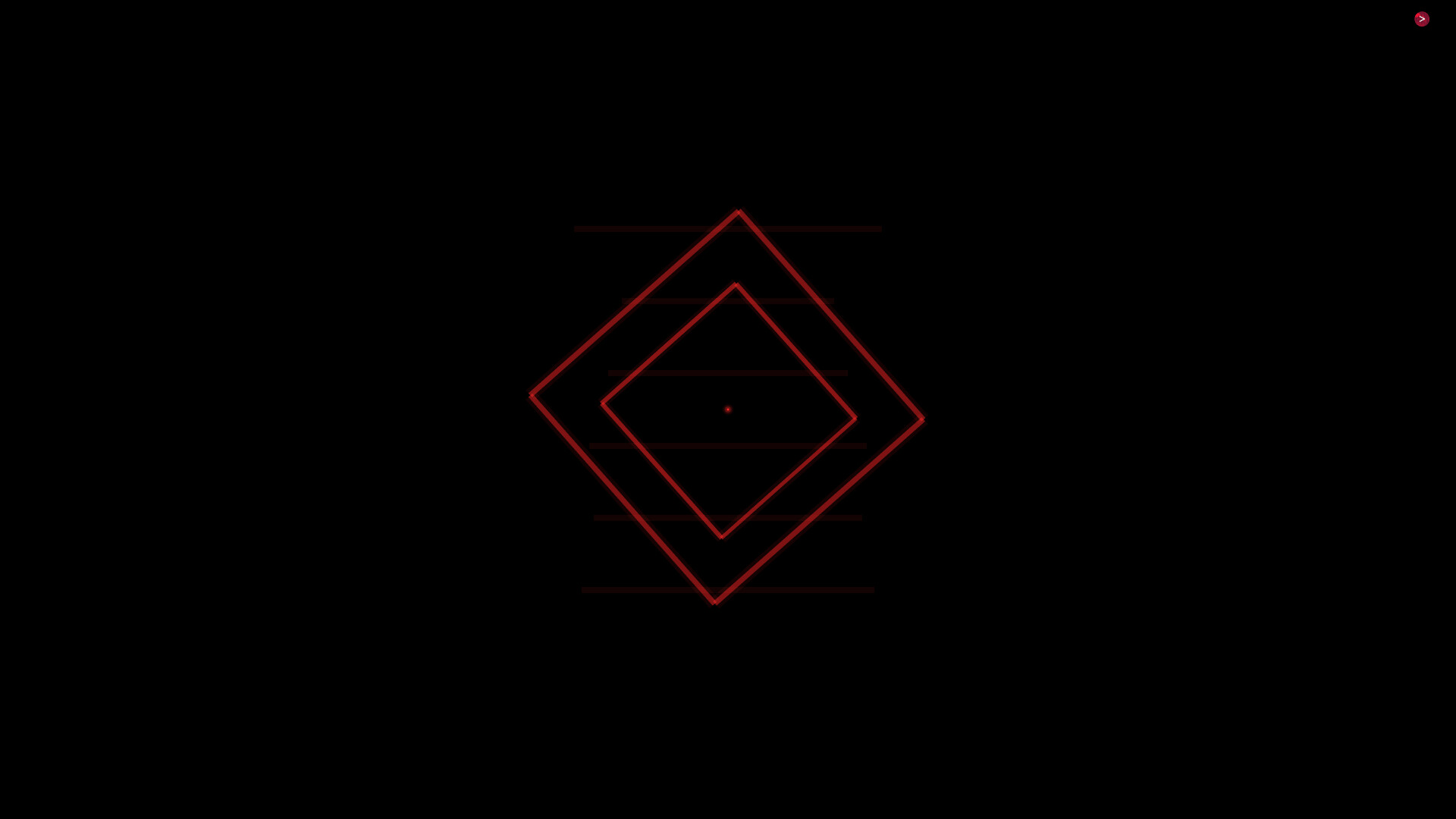
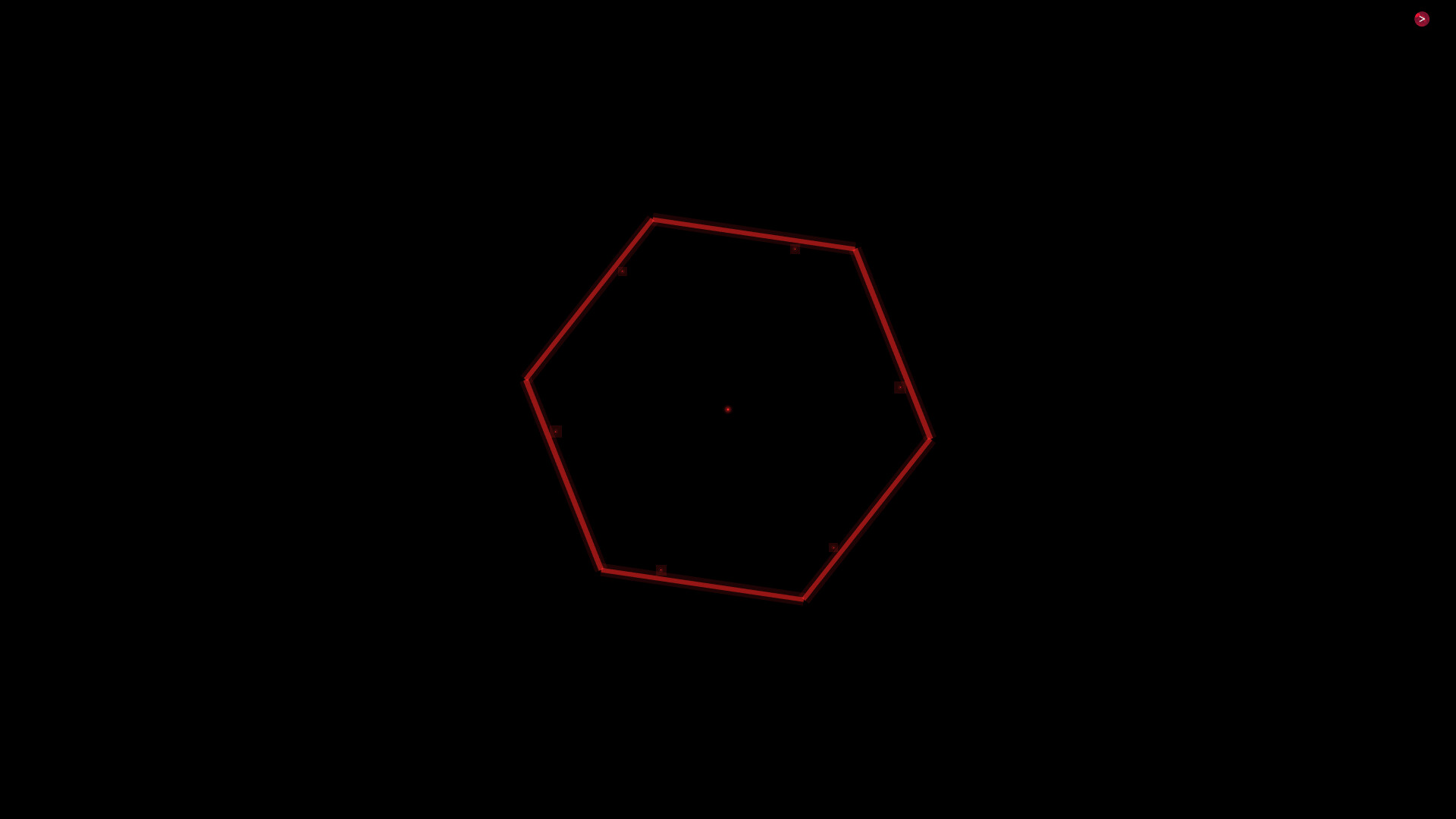
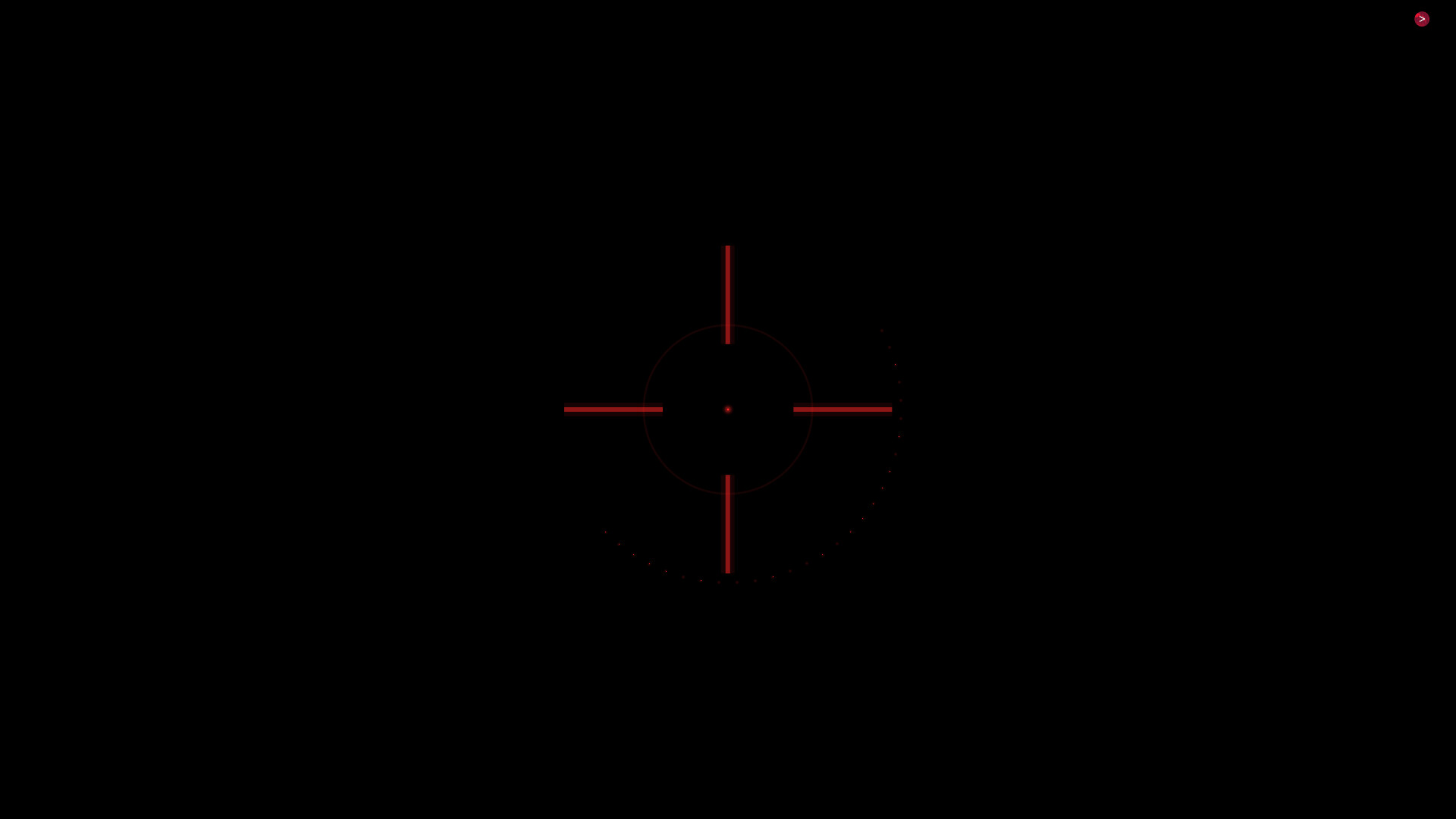
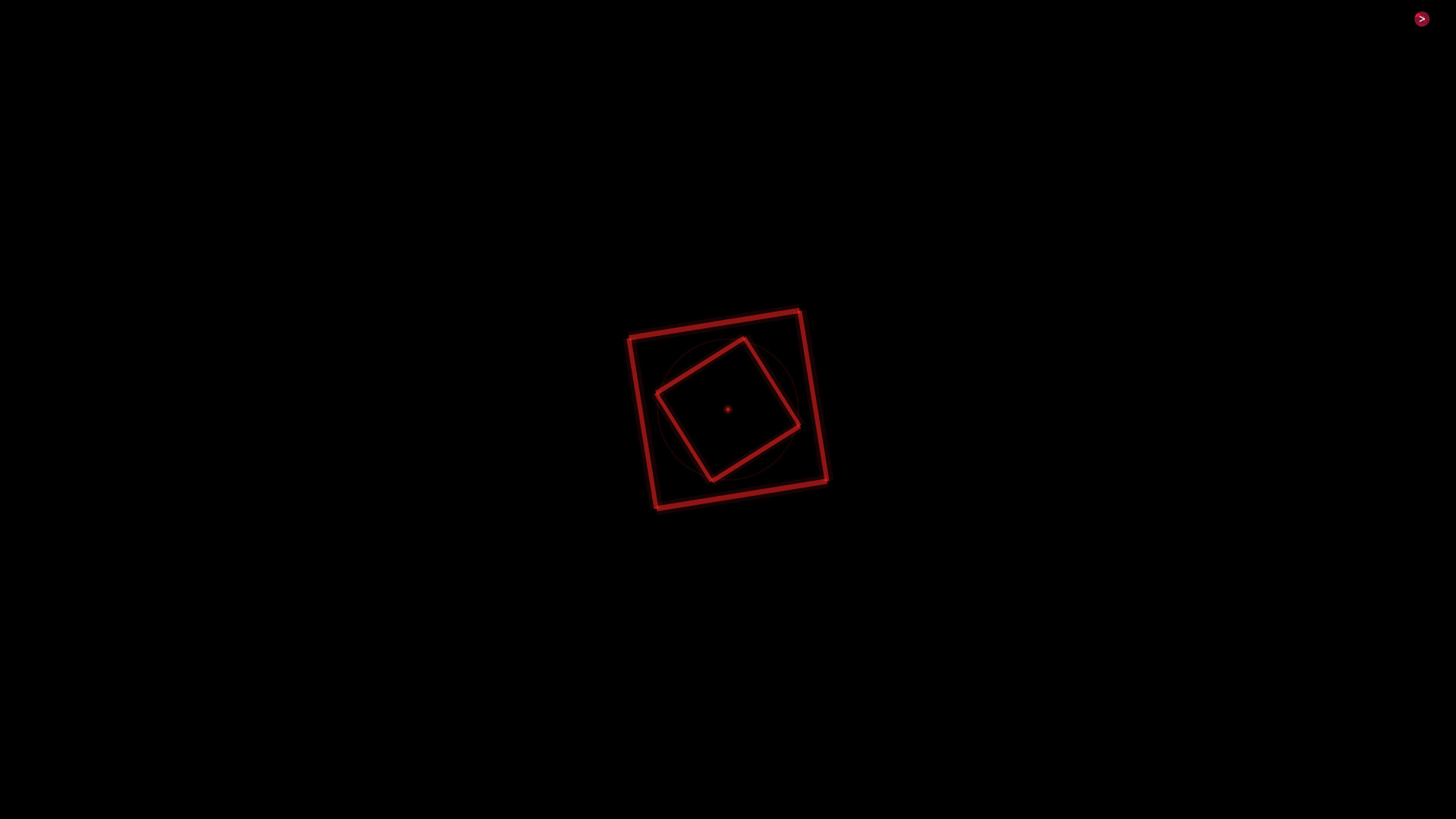
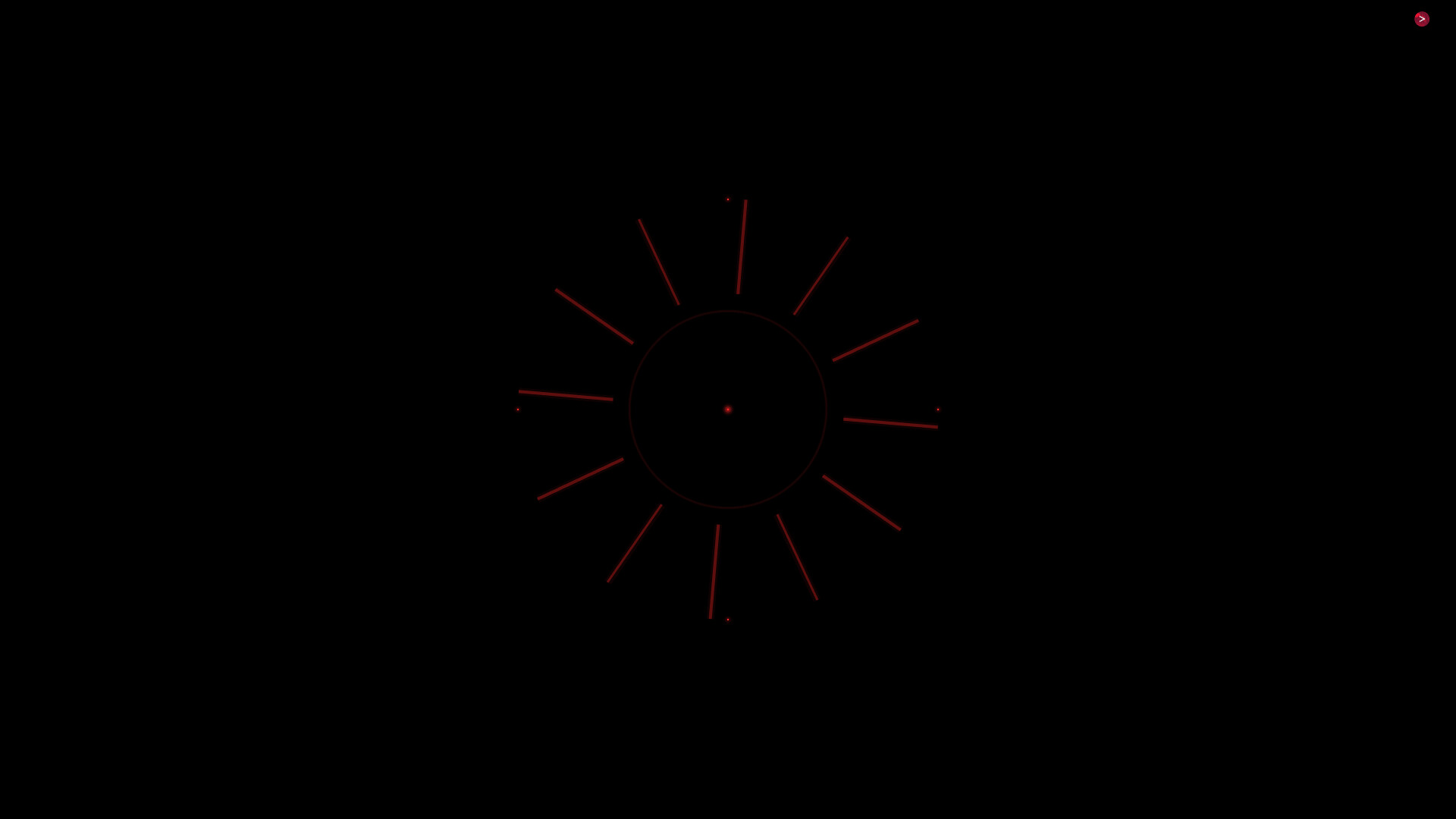
From the CPU Invaders world, instantly swap your FPS crosshair with a cyberpunk, experimental, and classic overlay that sits on top of any FPS game. Switch styles in seconds to match your mood or the game you are playing, keeping your aim point clear, sharp, and consistent across different titles.

Released

February 27, 2026

Price

$0.99

Platforms

Windows

Last sync

September 26, 2026

About

From the CPU Invaders world, instantly swap your FPS crosshair with a cyberpunk, experimental, and classic overlay that sits on top of any FPS game. Switch styles in seconds to match your mood or the game you are playing, keeping your aim point clear, sharp, and consistent across different titles.

> Crosshair library: Cyberpunk / Experimental / Classic

> Hotkeys to switch reticles instantly, with sound feedback and 1-second glitch fx transition

> Draggable interface + overlay mode

(The game must be in fullscreen windowed mode)

Browse all