#Casual #AsymmetricVR #Education
Metaart
Art galleries in the metaverse. Vr Art Museum
View game
Free

Positive · 1 reviews
100% positive (1 / 1)
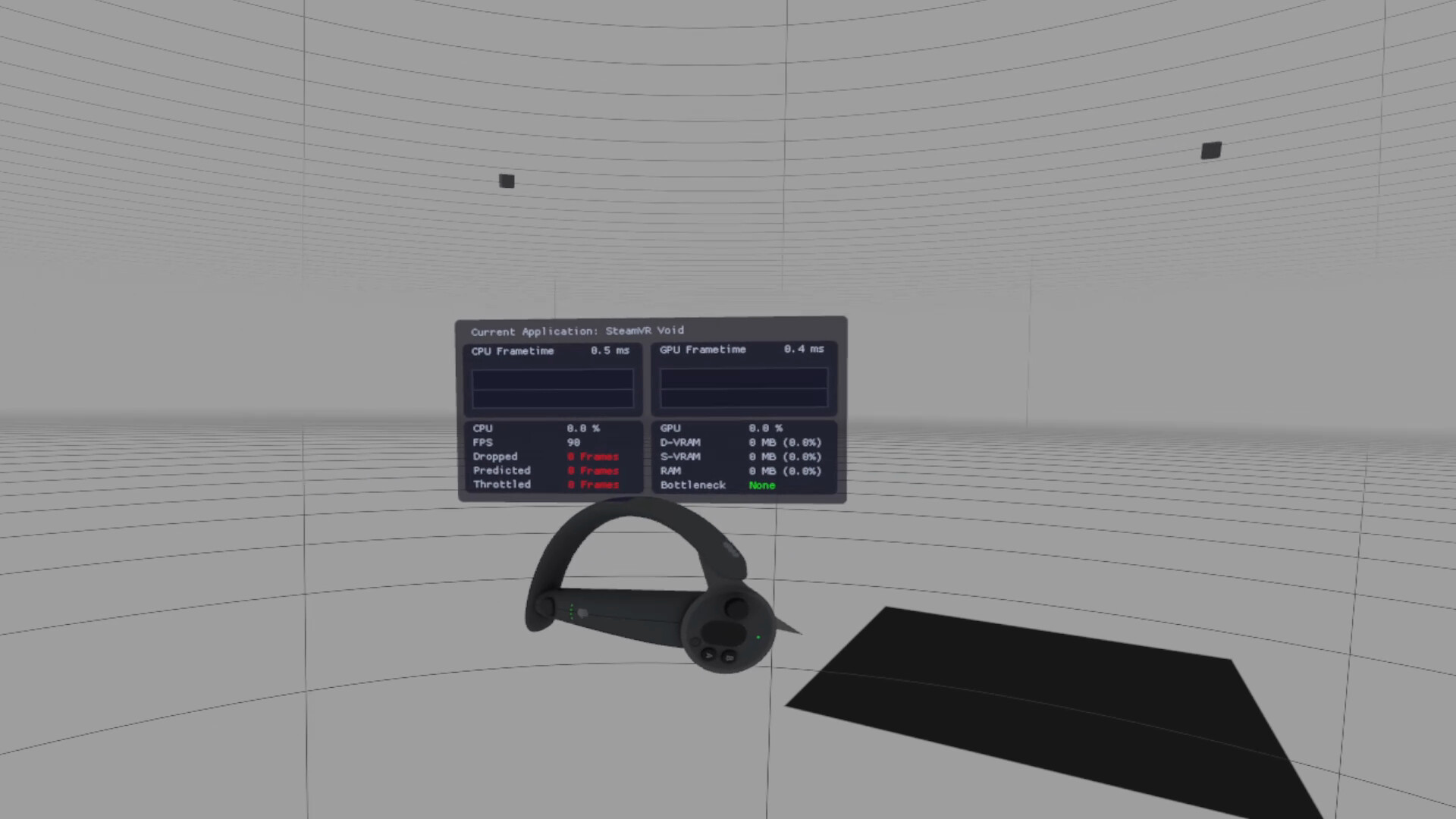
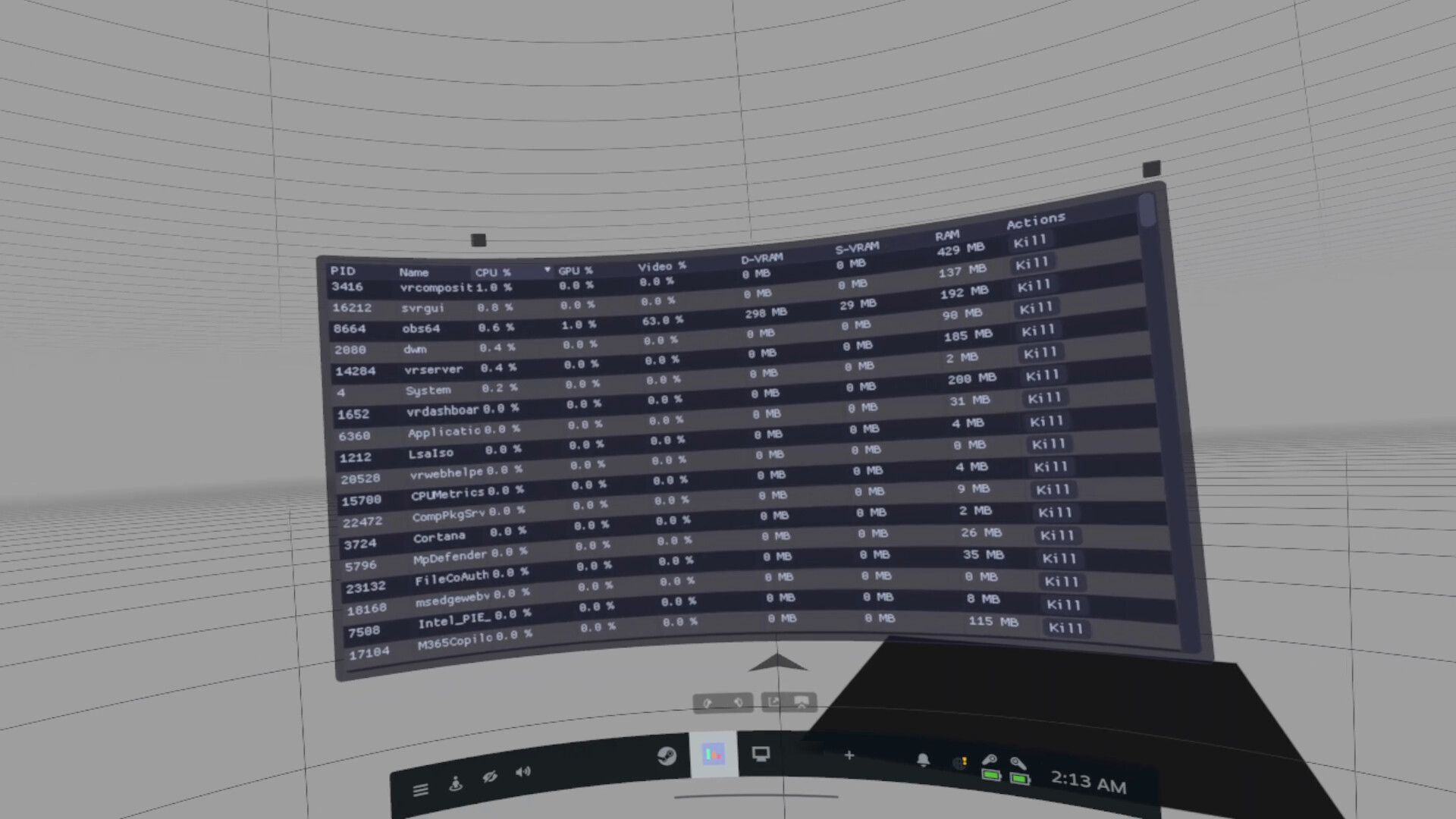
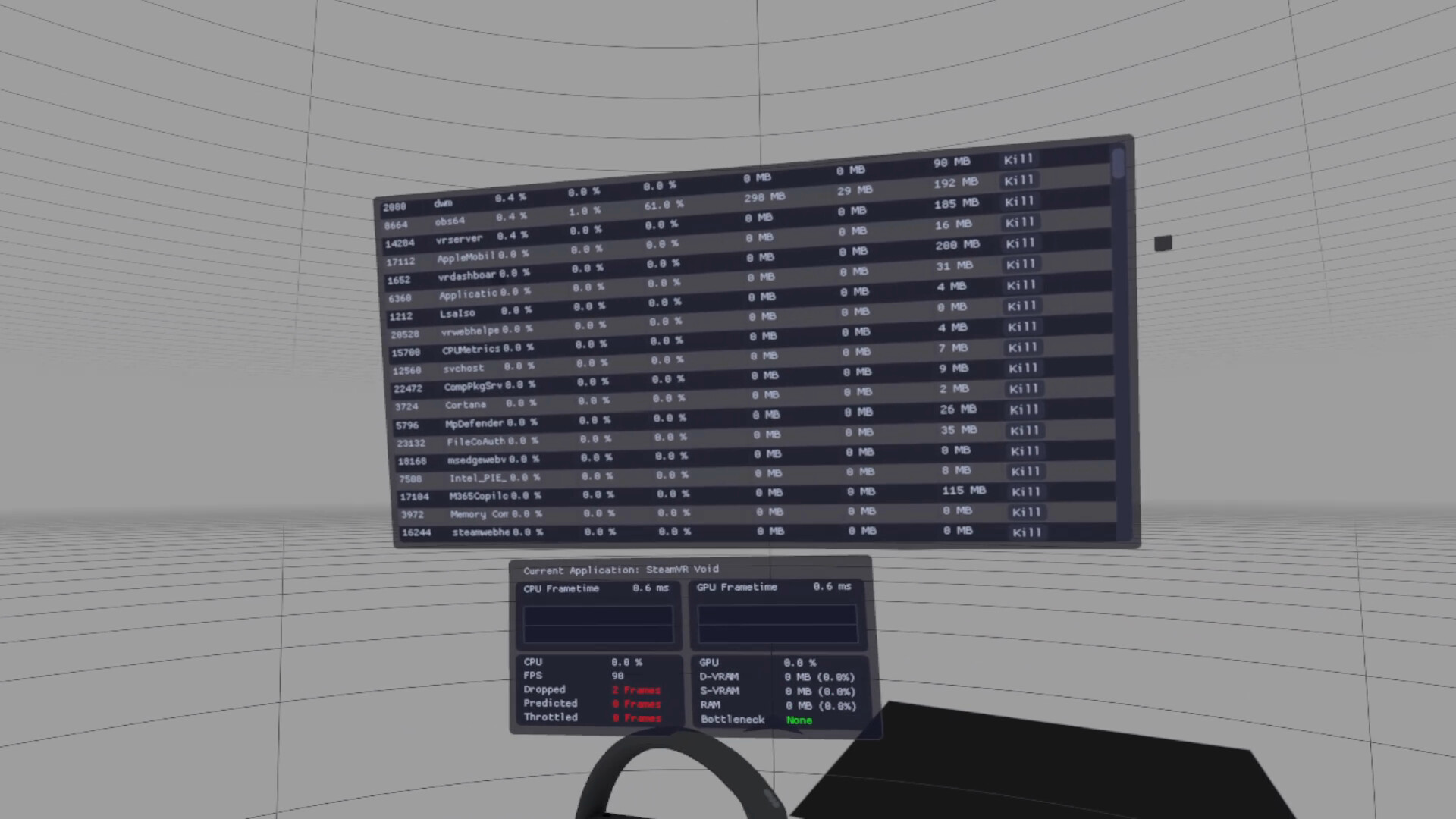
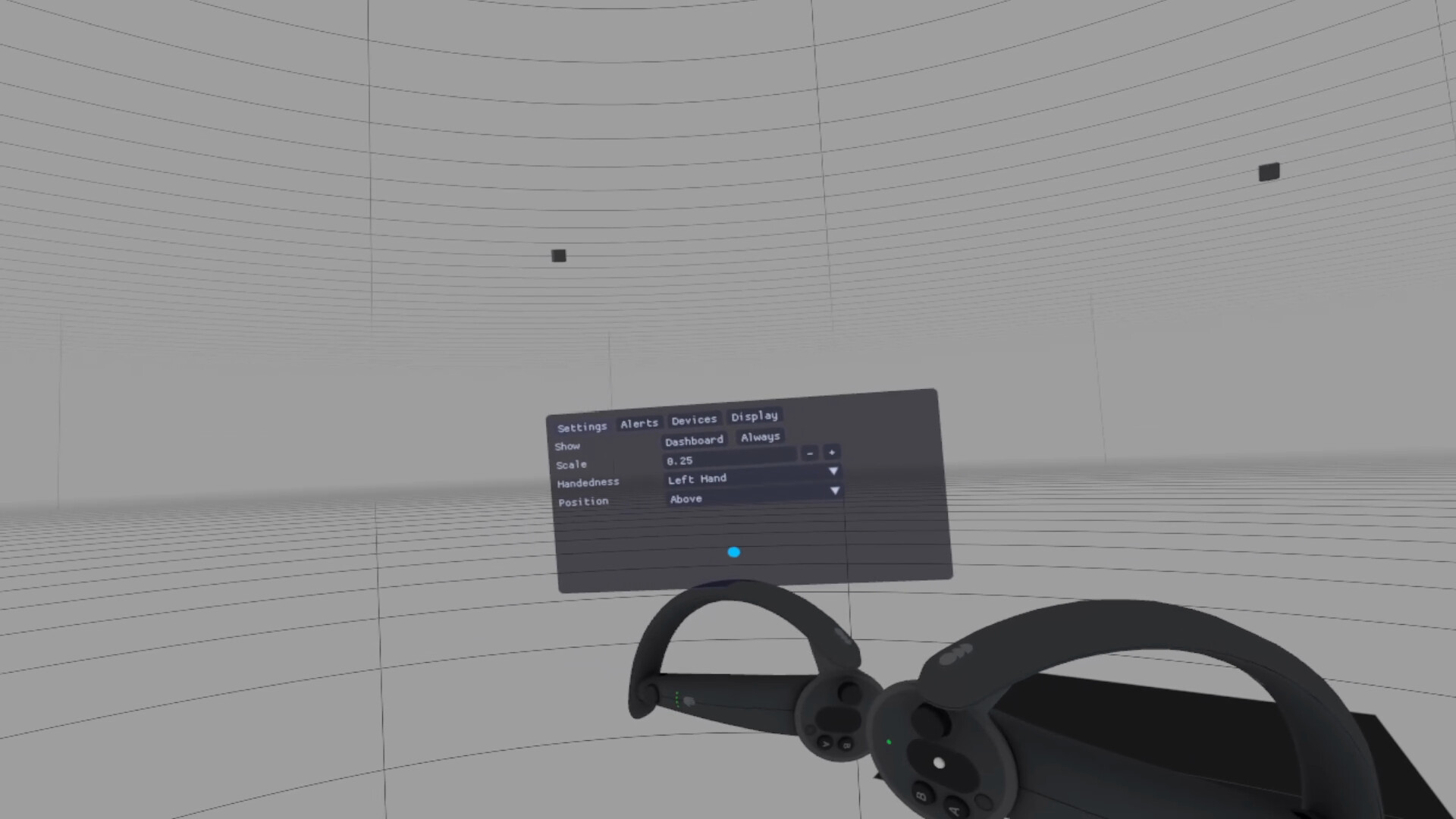
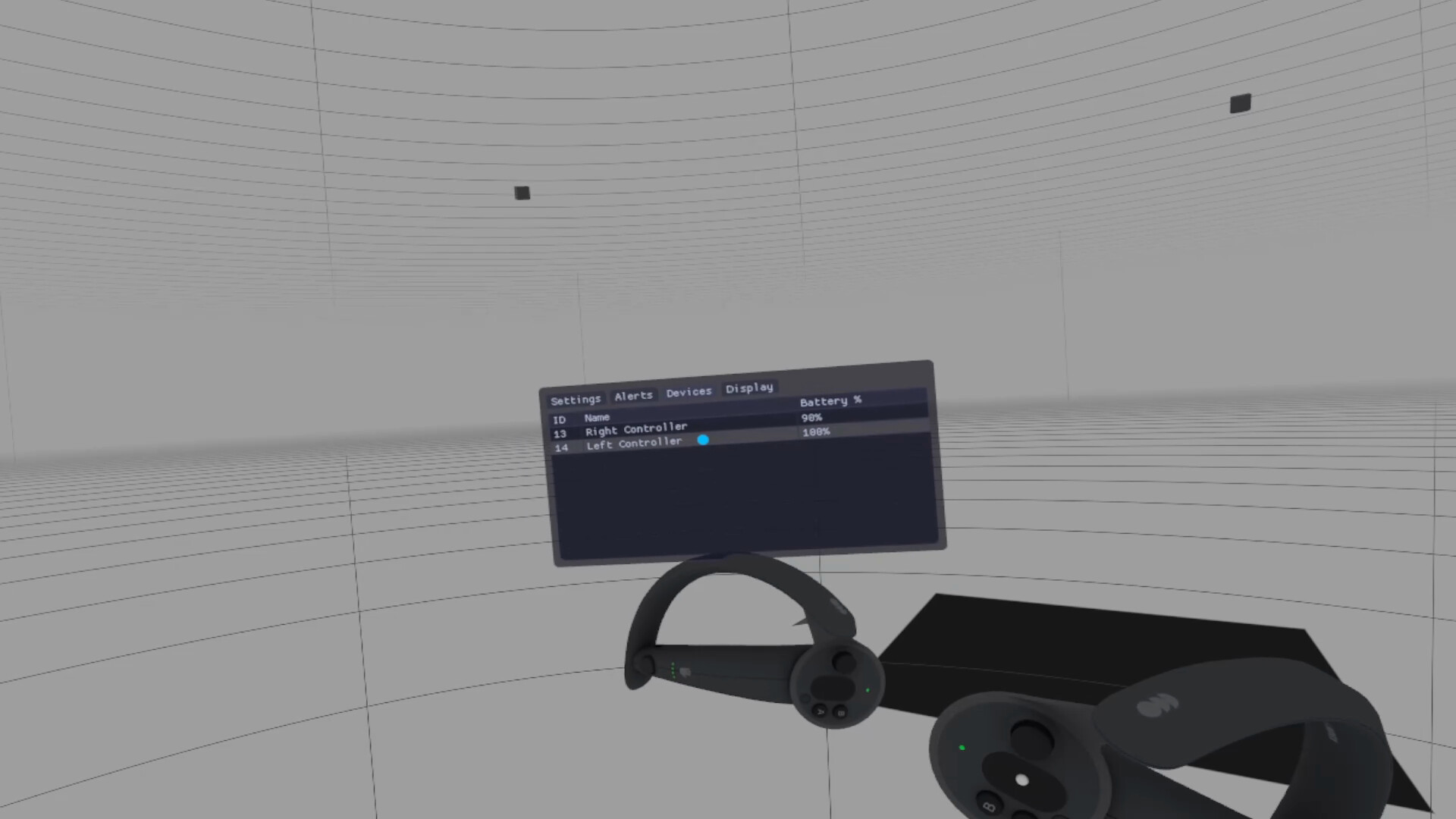
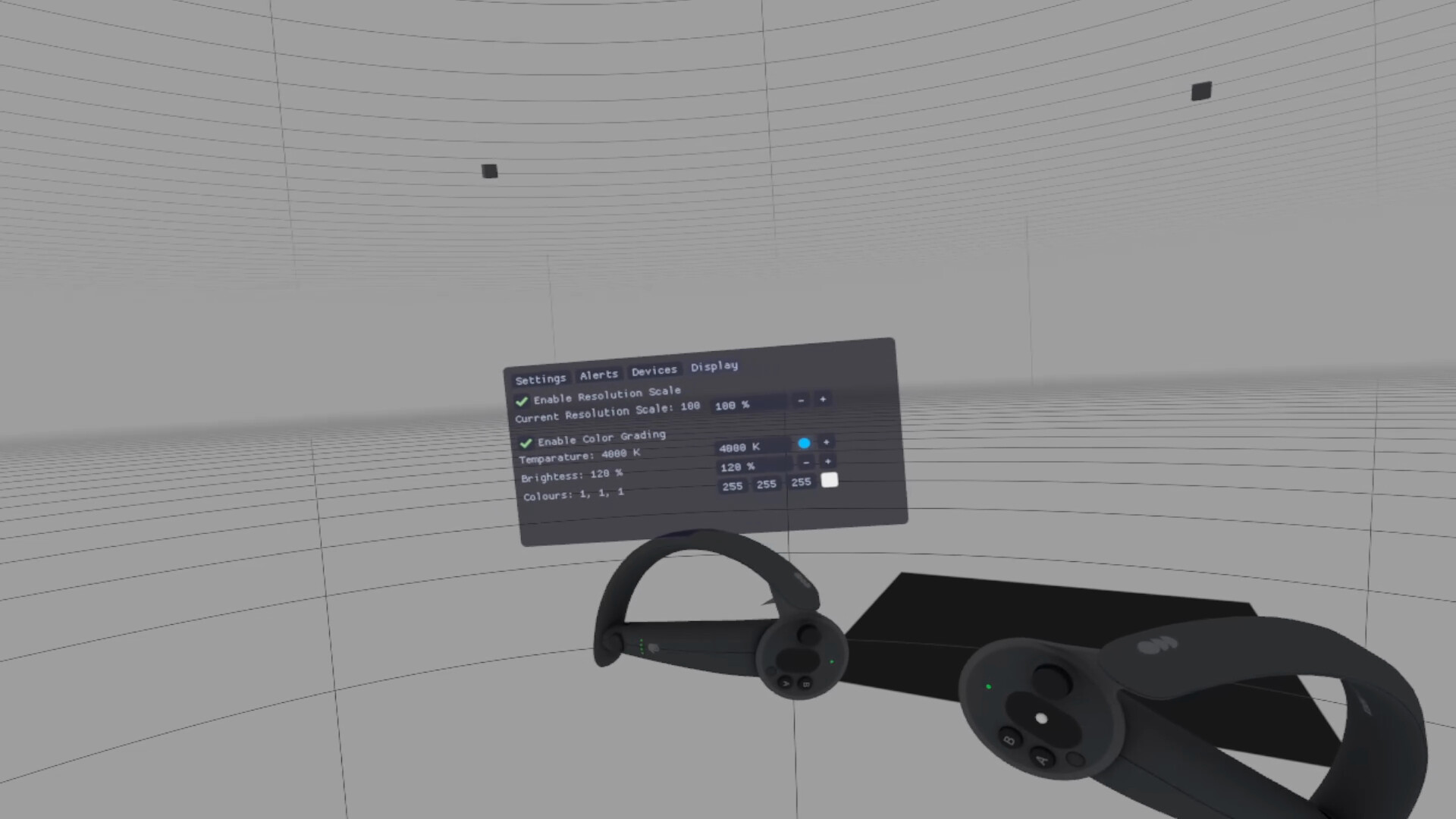
OpenVR Metrics is a real-time VR profiling and monitoring tool for developers and users, providing frame timing analysis, device metrics, and performance insight.
Released
March 18, 2026
Price
Platforms
Linux · Windows
Developer
Publisher
Last sync
September 26, 2026
OpenVR Metrics is a real-time VR performance monitoring tool designed for both developers and users who want deeper insight into application performance and device behavior within SteamVR. It provides per-process metrics, system resource visibility, and device status information through an accessible in-VR overlay.
Use CPU and GPU frame time metrics, real-time FPS display, and reprojected and dropped frame counters to quickly and accurately assess how programs impact system performance.
Track per-application resource usage including CPU and GPU utilization, dedicated and shared VRAM consumption, and video encoding utilization to quickly identify bottlenecks and optimize performance.
NOTE: VRAM and Video Encoding monitoring are not available on Linux
View applications currently consuming system resources directly within the SteamVR dashboard without closing your games. Displays detailed process information and allows you to terminate processes as needed.
Display battery levels for connected VR devices and assign tracker roles to easily identify and manage individual devices.
Customize overlay placement (left or right hand), scale and mounting position (Above, Wrist, or Below) for a comfortable and accessible VR experience.
Modify SteamVR resolution directly from within OpenVR Metrics. Apply universal color filters and brightness adjustments across supported devices.
NOTE: Display color adjustment features, including color filters and brightness controls, are only available on SteamVR devices with native display connections (e.g., HDMI or DisplayPort).