#Action #Atmospheric #Co-op
Little Devil
Little Devil is a survival horror game for up to 5 players. You set out to look for your friend, but will you survive?
View game
$4.99

Mixed · 2 reviews
50% positive (1 / 2)

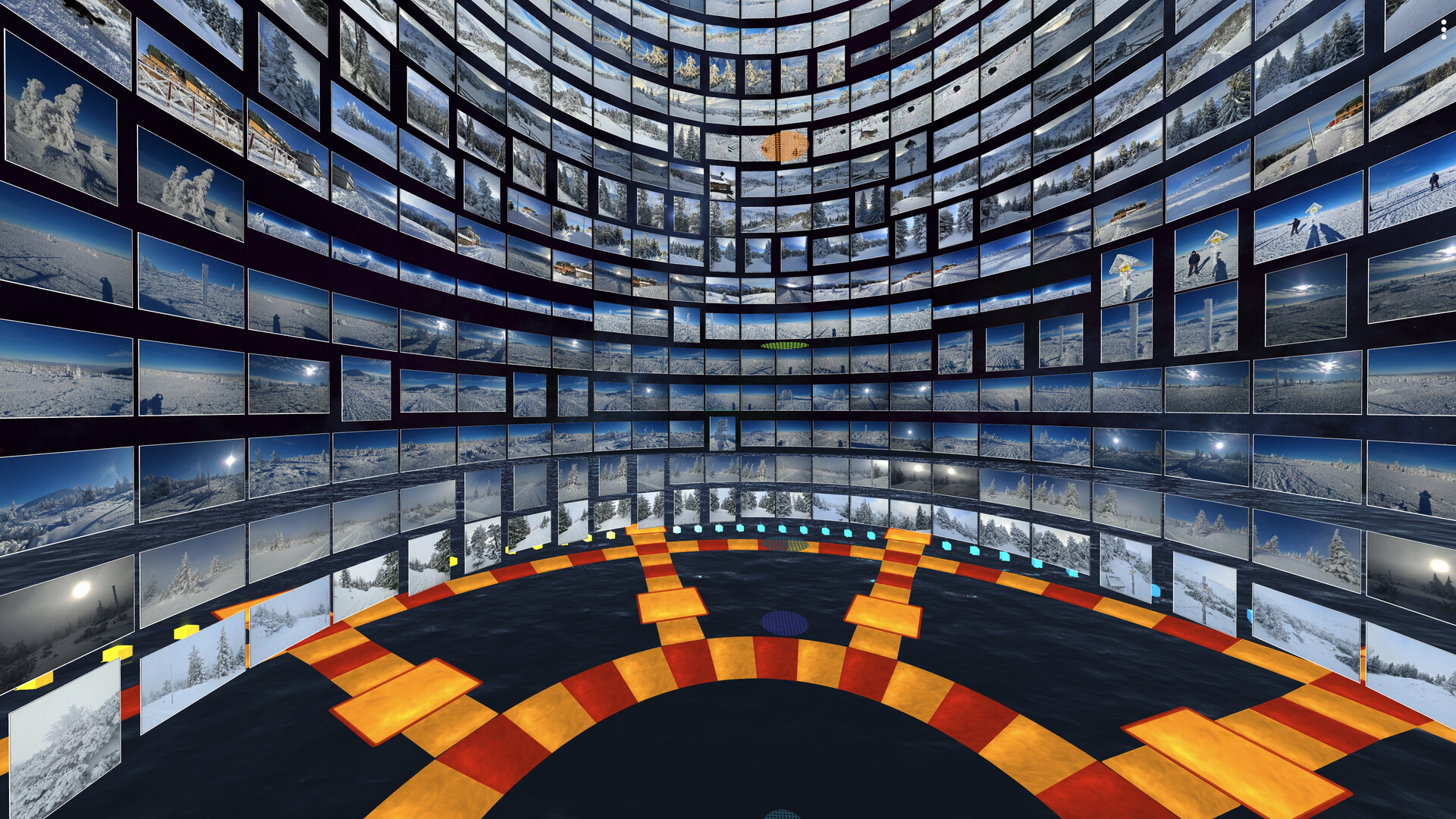
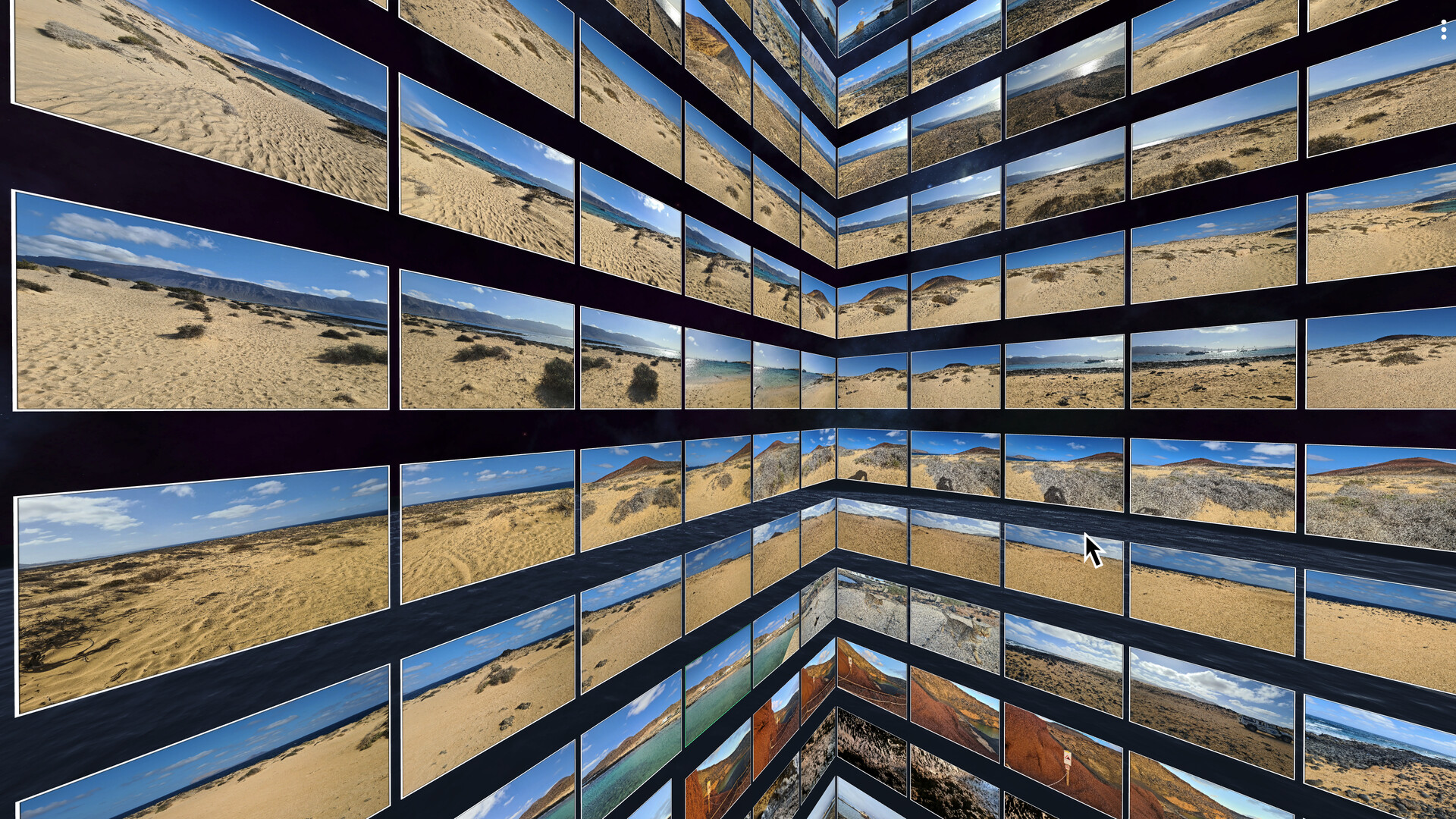
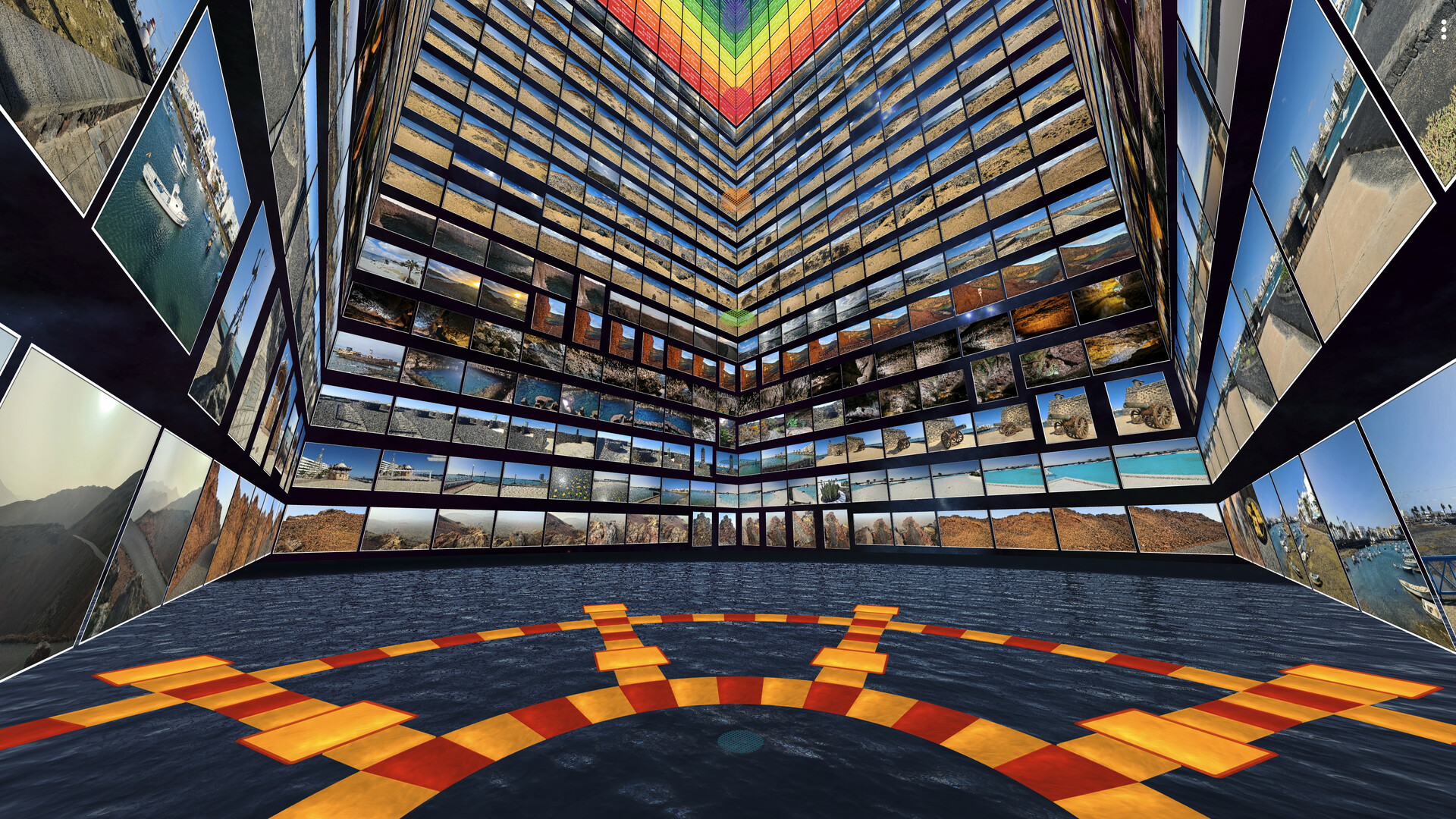
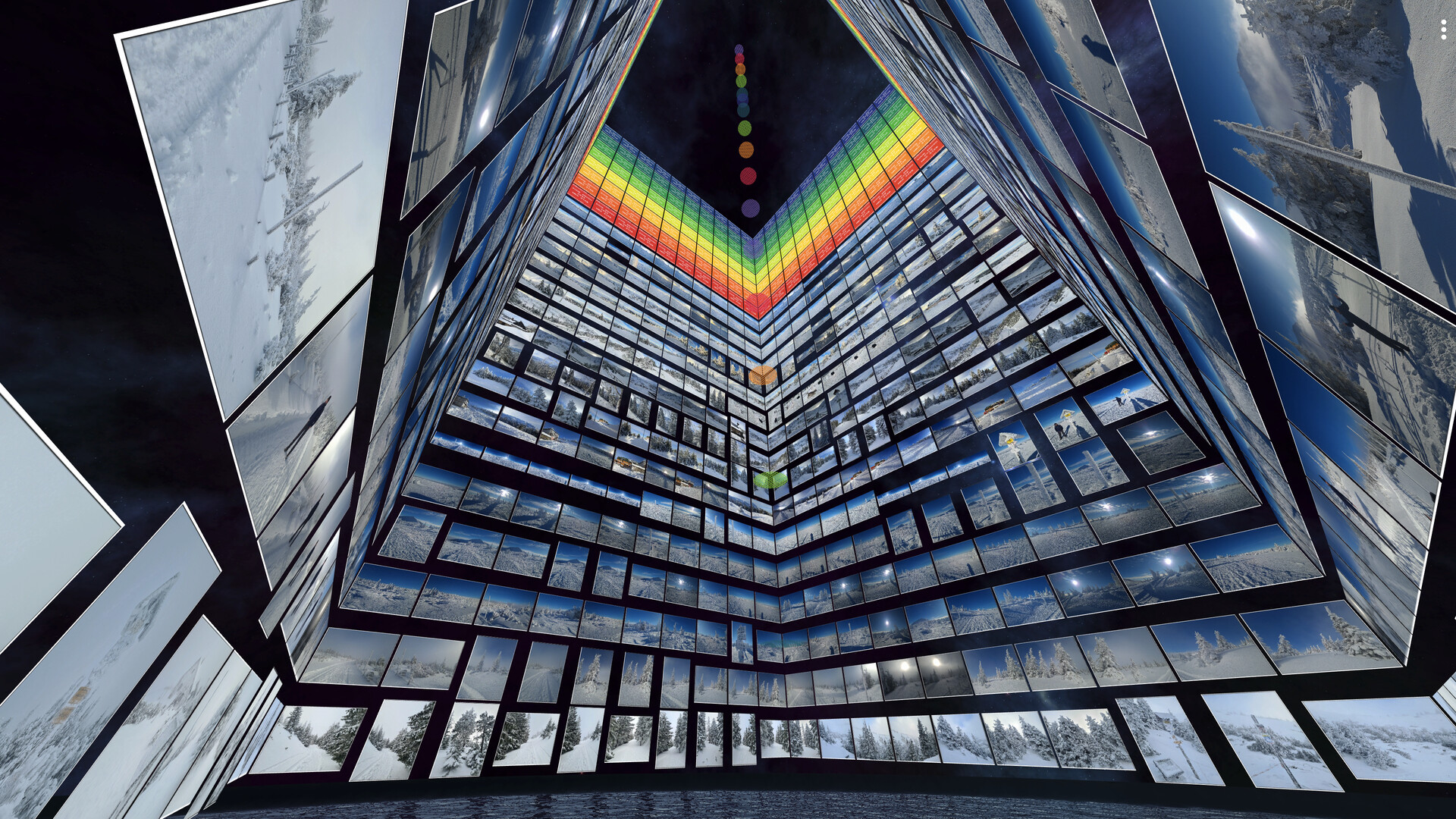

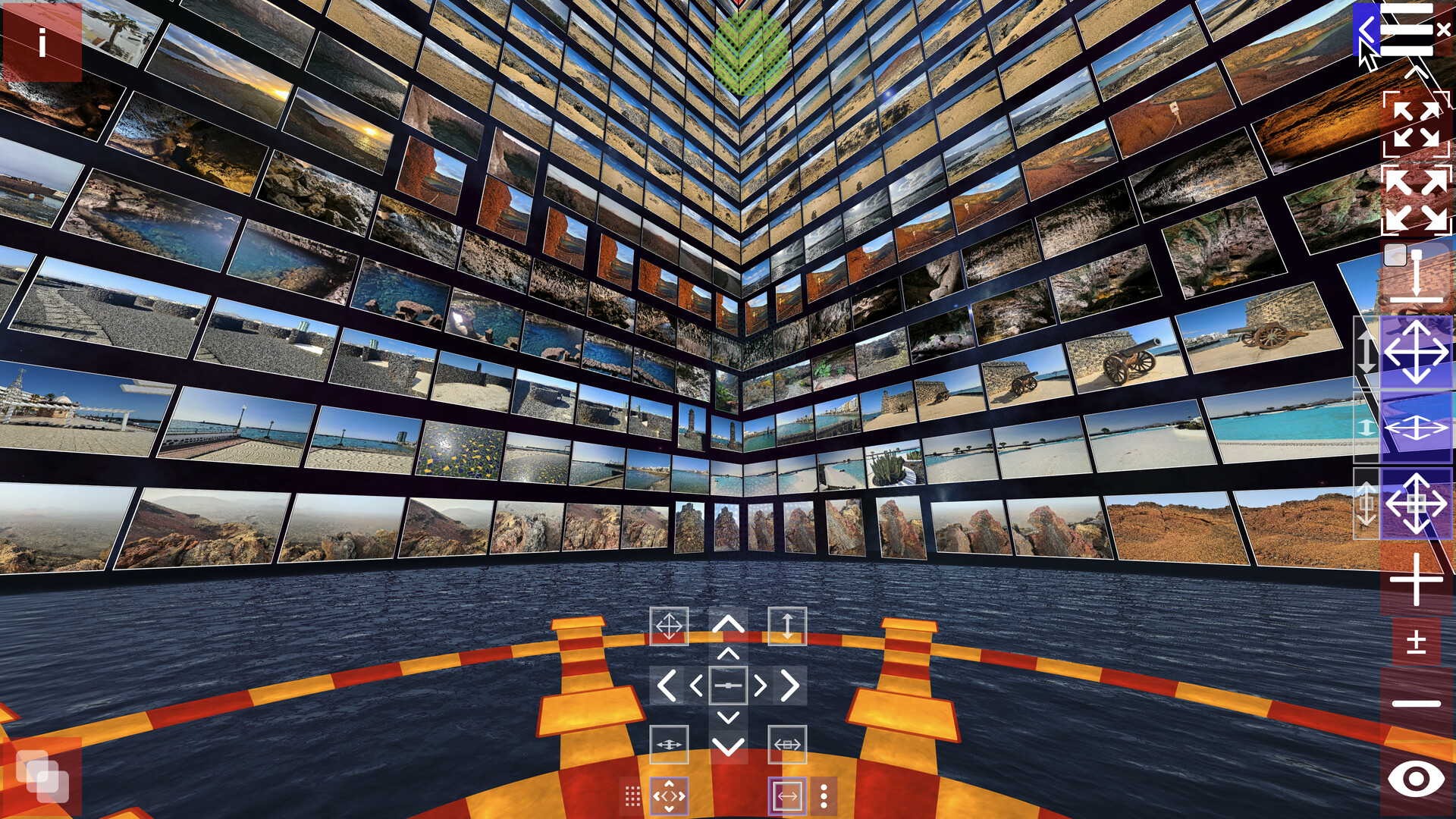

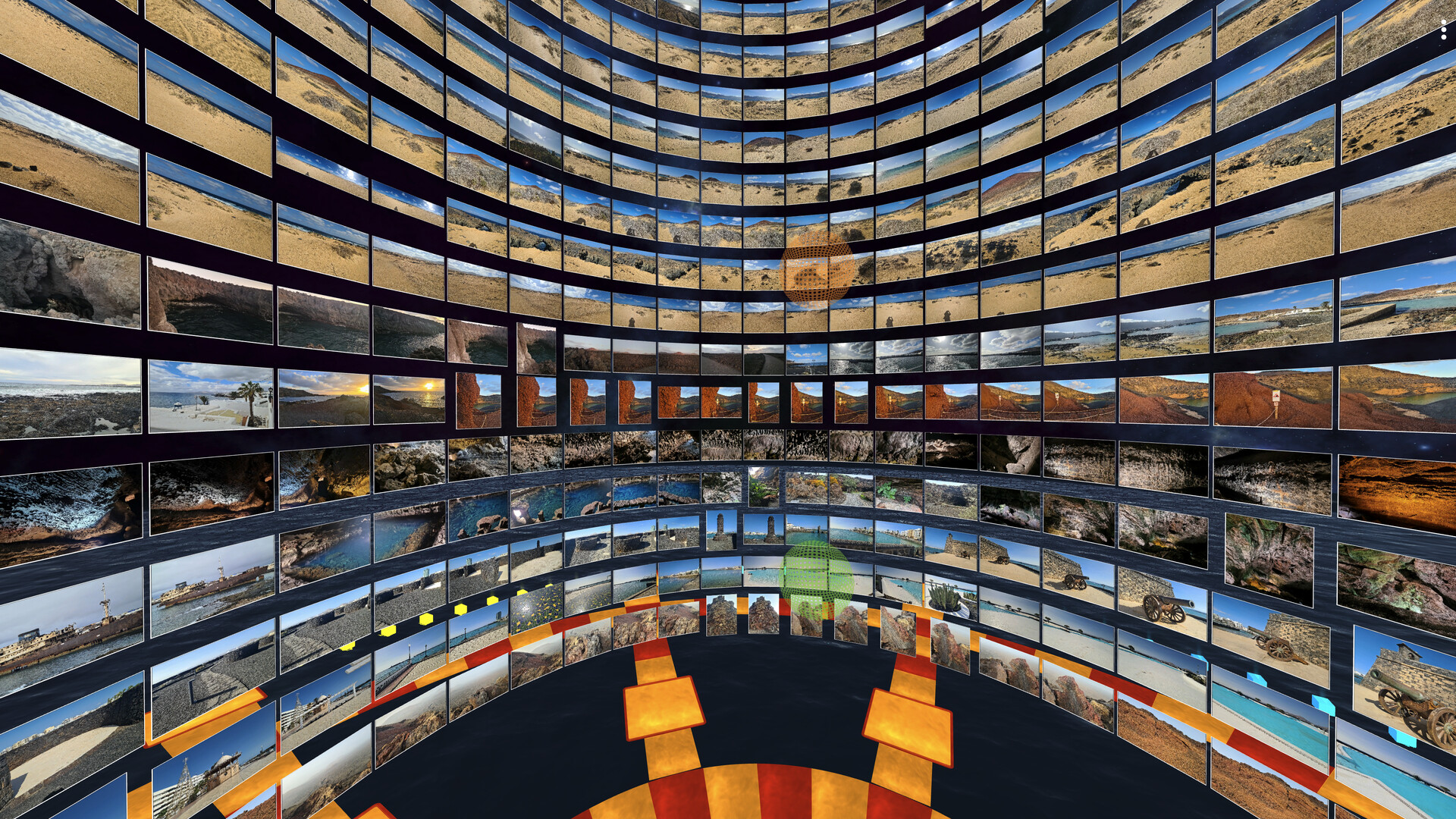
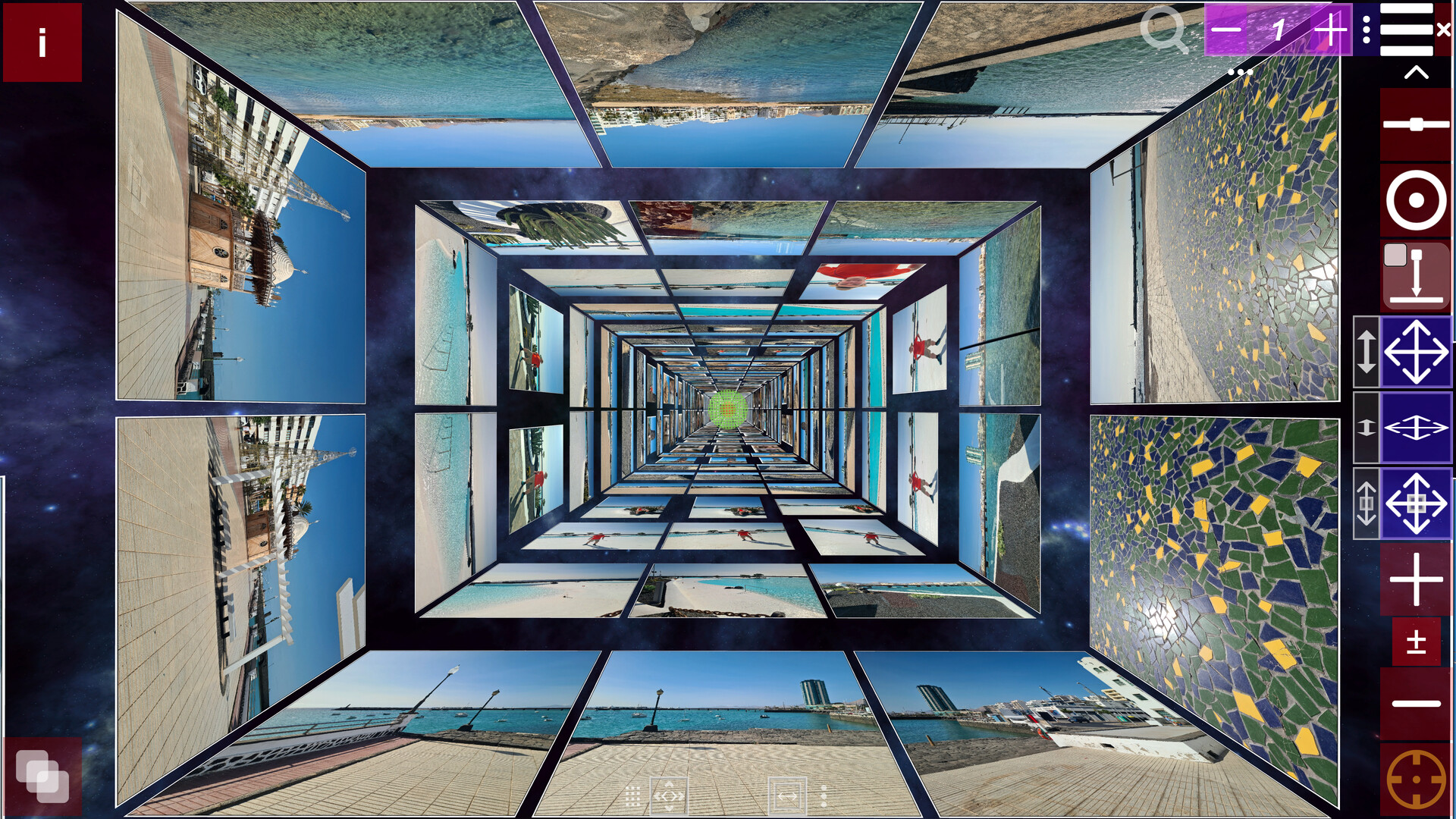
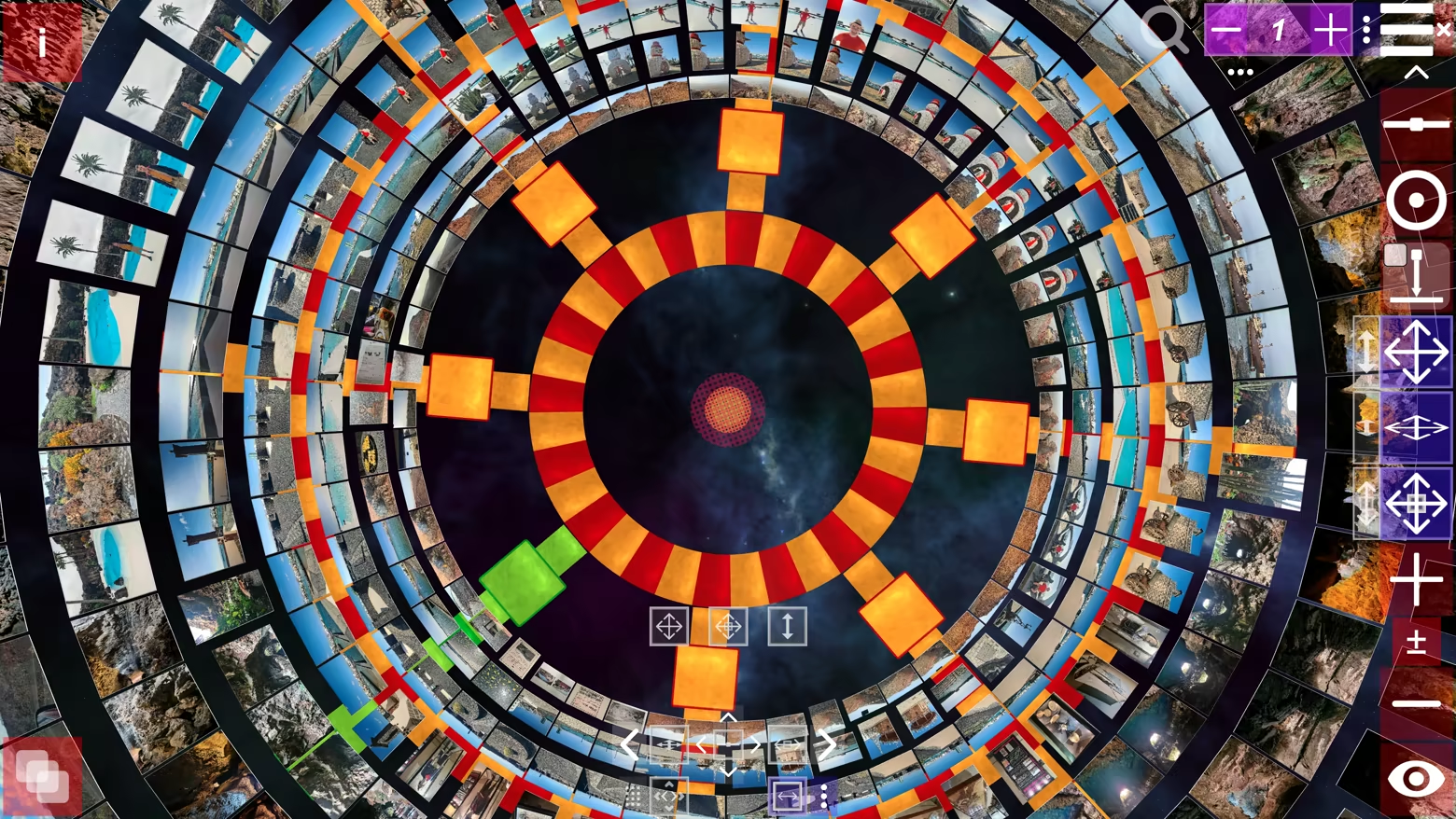
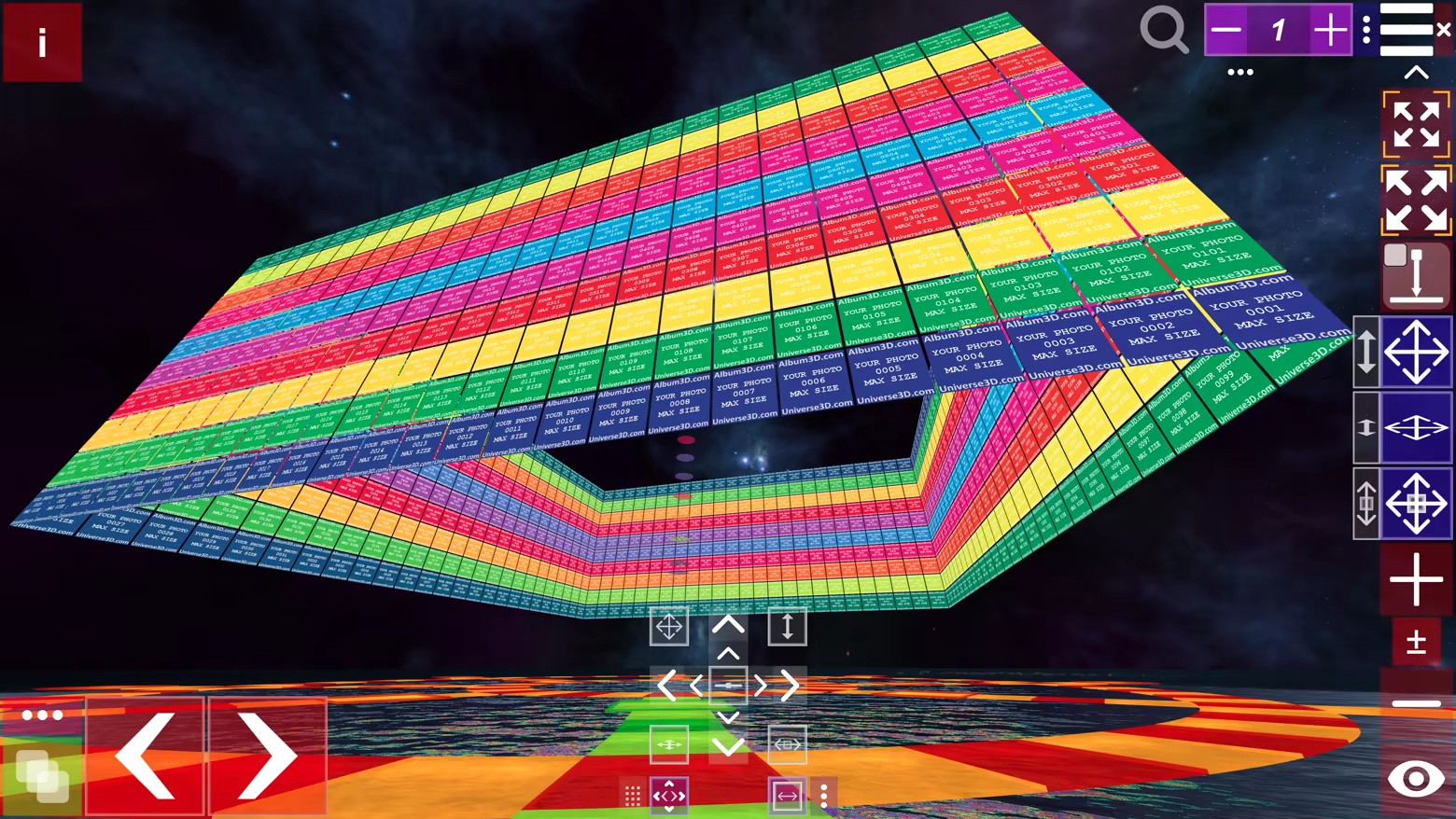
Not a flat photo viewer—Album3D is a game-like 3D photo experience that turns your photos into 3D albums you can manually explore. Import large photo libraries, switch 3D views/layouts, and enjoy manual mode, slideshow, or flythrough—fast and fun.
Released
July 16, 2026
Price
Platforms
macOS · Windows
Developer
Publisher
Last sync
September 30, 2026
Your purchase currently includes starter credits for in-game use:
With the default options, importing one image into an Album3D project costs 10 credits, or 1 credit if you disable the 'Copy Source Files' option.
Launch the game and reach 3 hours of total playtime within 1 month of purchase to receive the credit amounts shown above. After that, credit amounts, availability, and eligibility may change. Credits have no cash value and cannot be exchanged outside the game.
Not a flat photo viewer—Album3D is a game-like 3D photo experience that turns your photos into 3D albums you can manually explore. Instead of scrolling endless rows, you browse by moving through an immersive 3D world and switching between multiple 3D views/layouts anytime.
Album3D is built around the idea that photos are more fun (and often faster) to revisit when they live in a 3D scene you can explore. It’s designed to feel playful and game-like without requiring gaming skills.
Supported import formats: JPEG, PNG, BMP, and WebP. Photo importing uses credits (virtual currency). Credits can be purchased, and importing requires an online connection.
Importing photos into an Album3D project consumes credits. For current details about the starter credits included and how credits are consumed, see the Starter Credits Included section. Once photos have been imported into an Album3D project, viewing them is free and does not consume credits.
Manual exploration is the core experience. Selecting a photo smoothly takes you to it, and navigation feels more like flying than walking.
In Album3D, an album is made of slides: each slide is a 3D placement of an image in the world. This lets your photos become something you can move through, not just flip past.
Album3D includes multiple 3D views/layouts you can switch on the fly. Different layouts can feel more organized, more cinematic, or more exploratory—pick what fits your mood and your content.
Album3D is designed for large collections. Instead of being limited by how many photos fit comfortably in one scene, you can organize your library into multiple image sets—and keep multiple albums in the same project.
Keep multiple albums inside a single Album3D project. Organize by trip, year, family, events, or any system you like, and jump between albums without leaving your project.
Album3D currently includes one main theme with multiple views/layouts. We plan to expand Album3D over time with additional themes/environments and view options—ranging from more realistic to more stylized depending on the theme—and some may be released as optional add-ons. Details will be shared when they’re ready.
The videos and screenshots on this page include example images to show how Album3D can look in use. Album3D does not include any images by default; it is designed for displaying your own photo and image collections. If you would like to try Album3D with sample content, you can download Album3D Demo.