FlowTrak
No Reviews · 0 reviews
Screenshots


Description
FlowTrak is a desktop time tracking and focus assistant. It records computer activity, linking app usage, focused tasks, and Steam/Discord Rich Presence into a revisitable timeline so you can see where time goes. Supports custom status, in-app achievements, multifunction timers, and Overlay Clock.
Platforms
Windows
Developer
Bocchi The Dev
Publisher
Bocchi The Dev
About
FlowTrak is a desktop time tracking and focus assistant that automatically records your computer activity, connecting app usage, focused tasks, and Rich Presence into a clear, revisitable timeline — helping you understand where every minute goes.
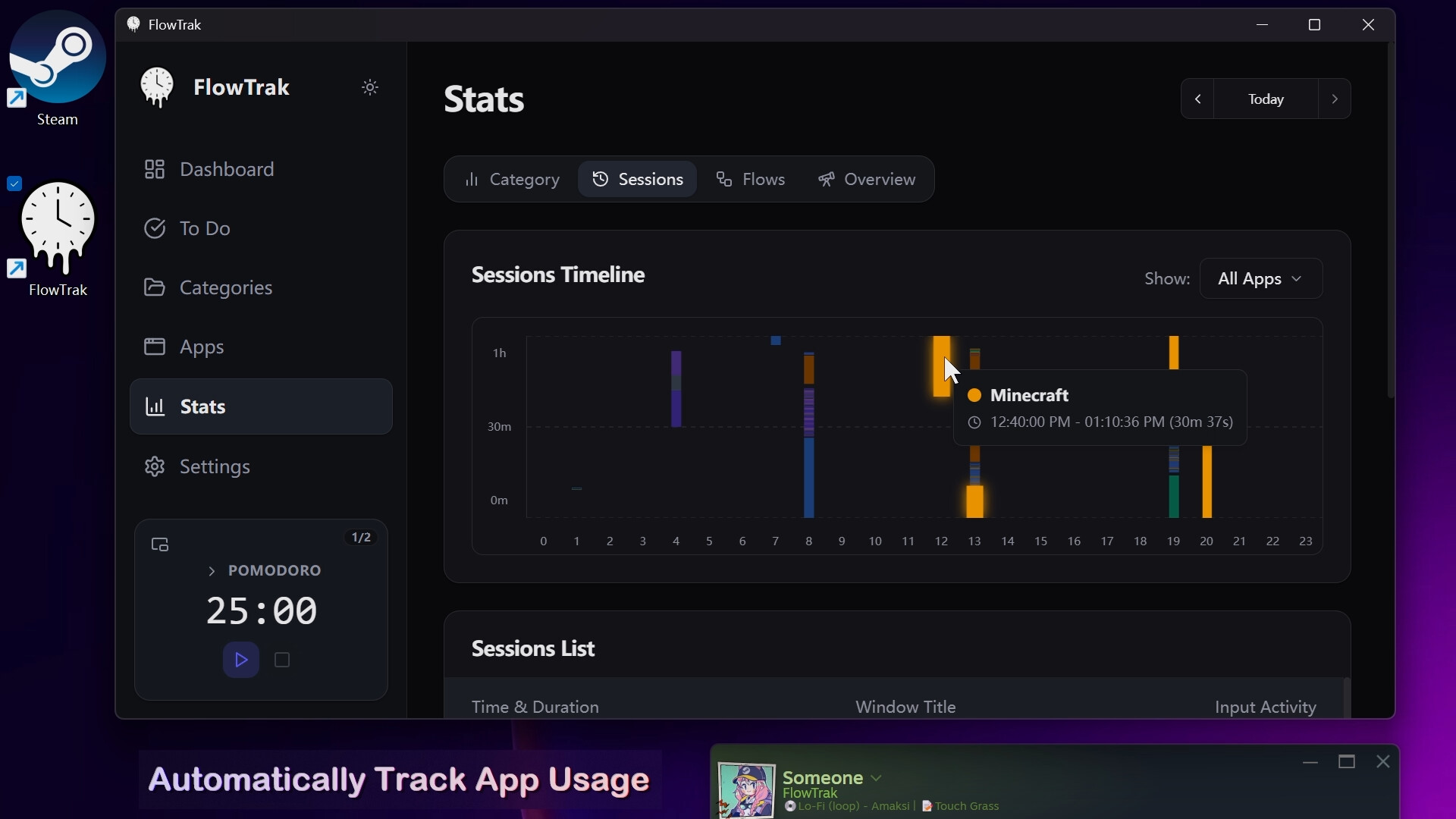
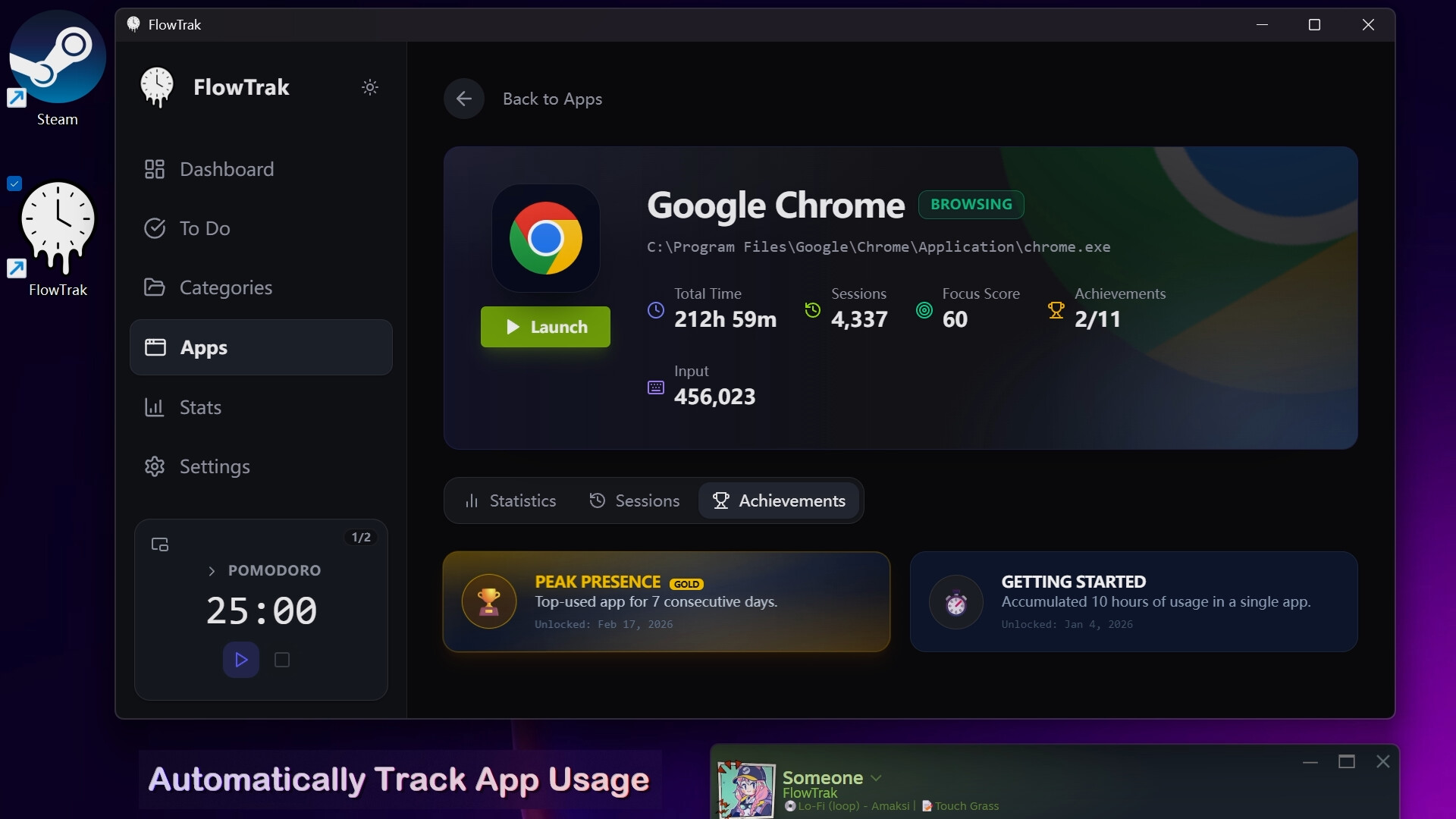
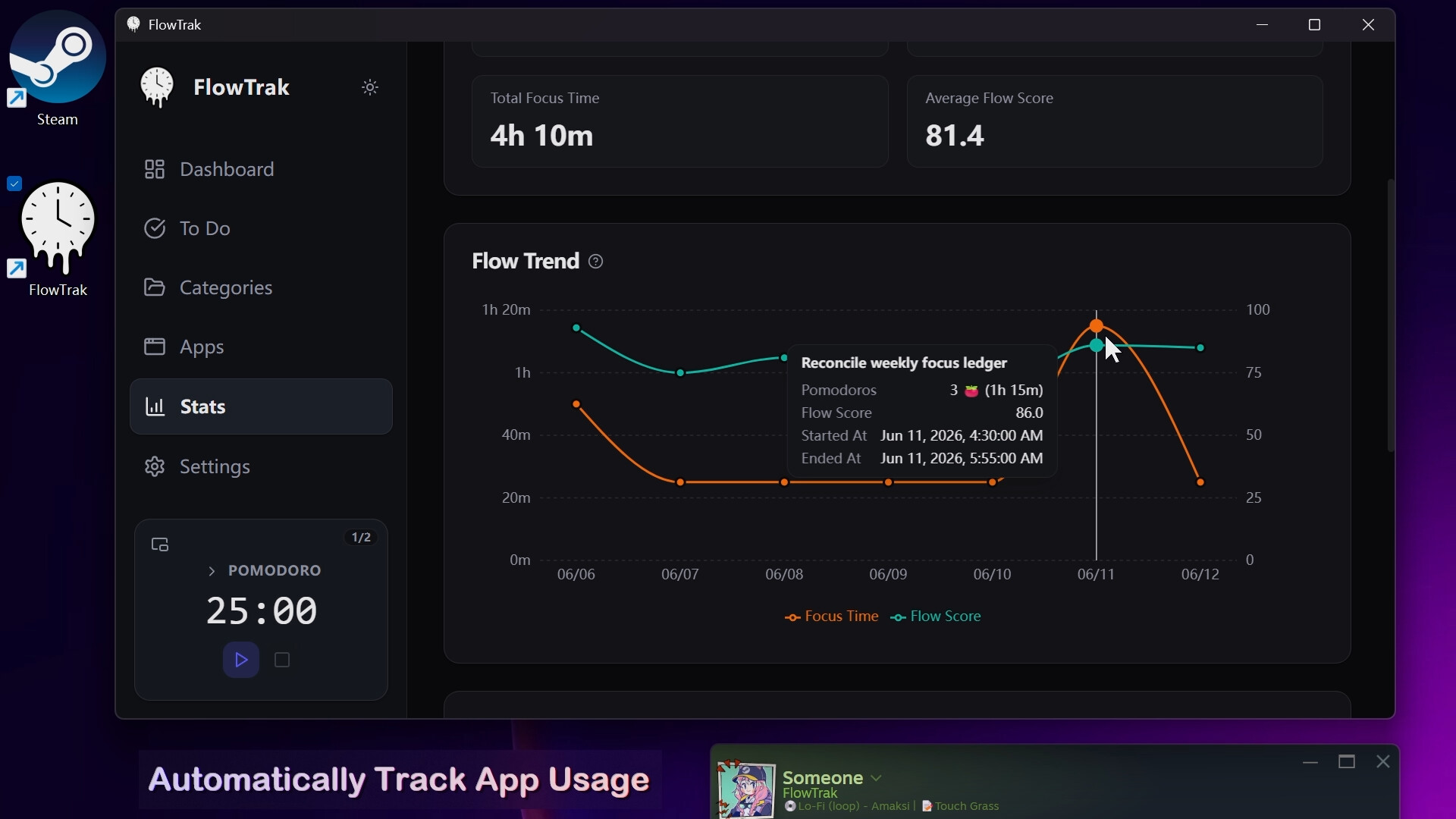
Automatically Track App Usage
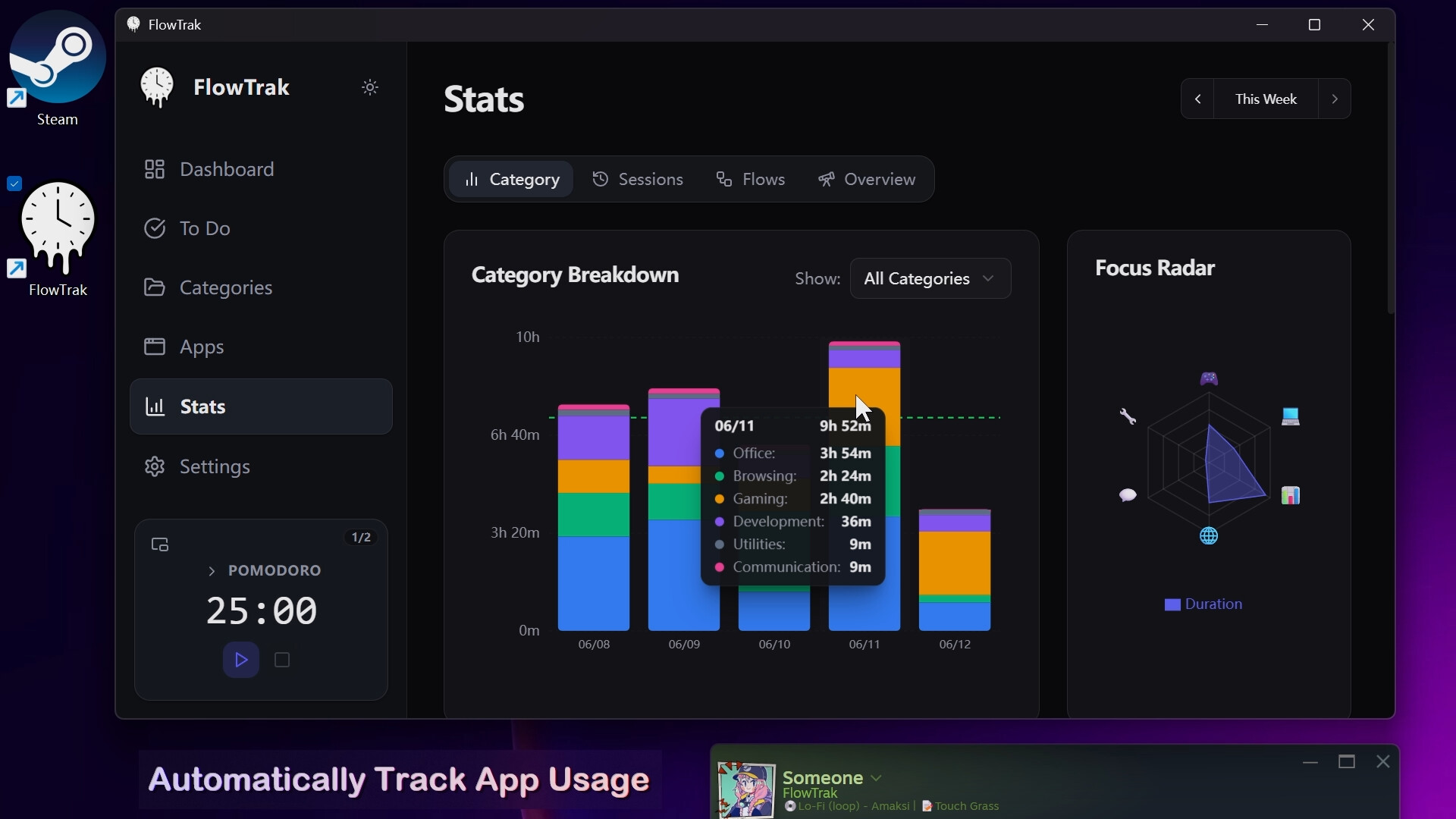
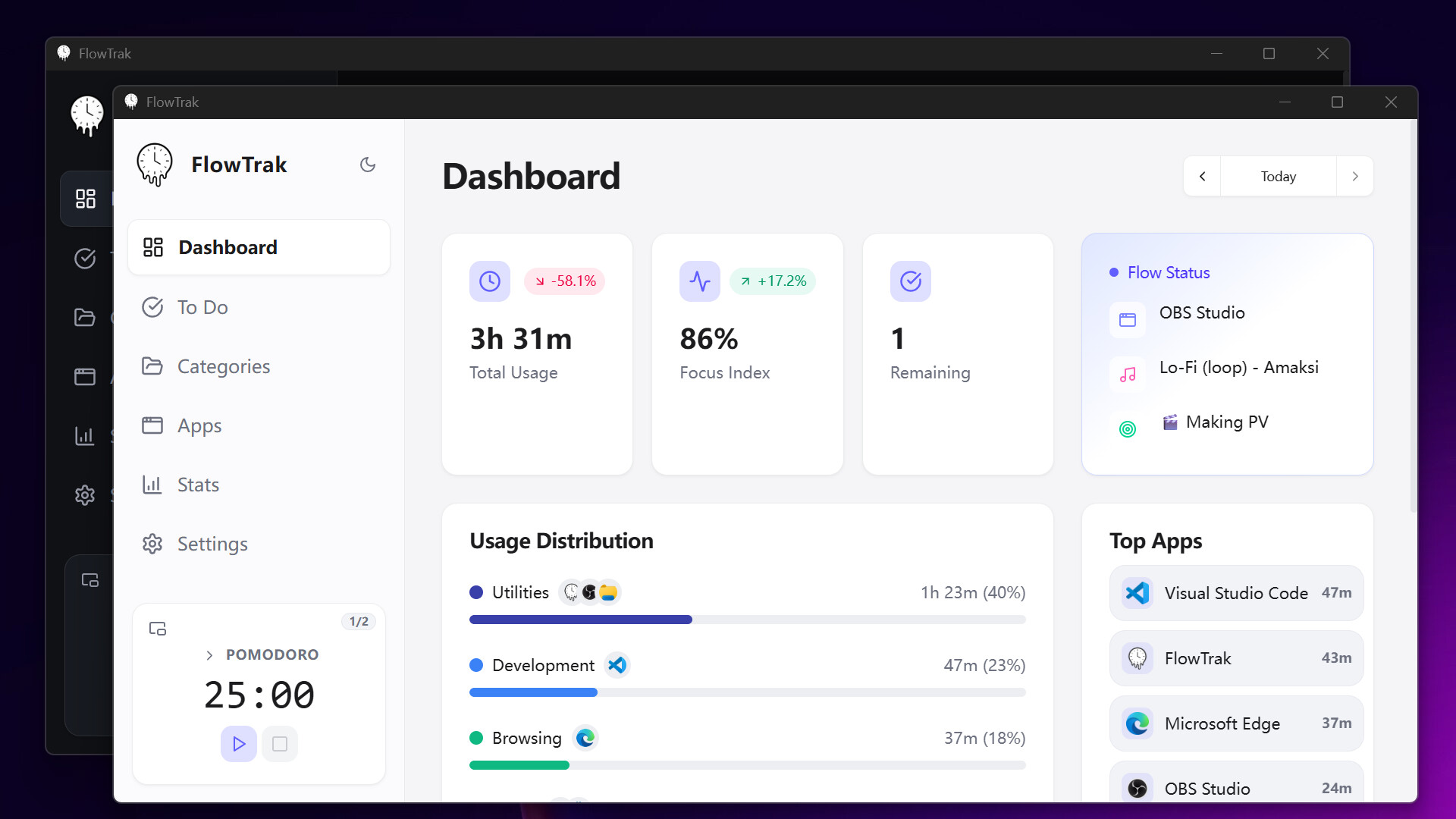
FlowTrak silently tracks how long you use each application locally, intelligently distinguishing active usage from idle time. Dashboards, charts, session timelines, and yearly heatmaps give you a complete picture of your digital habits.
- View total usage time, focus score, and Top Apps at a glance
- Track app time by category to see where your time really goes
- Replay daily app sessions frame by frame through the session timeline
- Review focus duration and input activity trends with heatmaps
- Unlock app-specific achievements that make tracking more engaging
Sync Your Steam and Discord Status
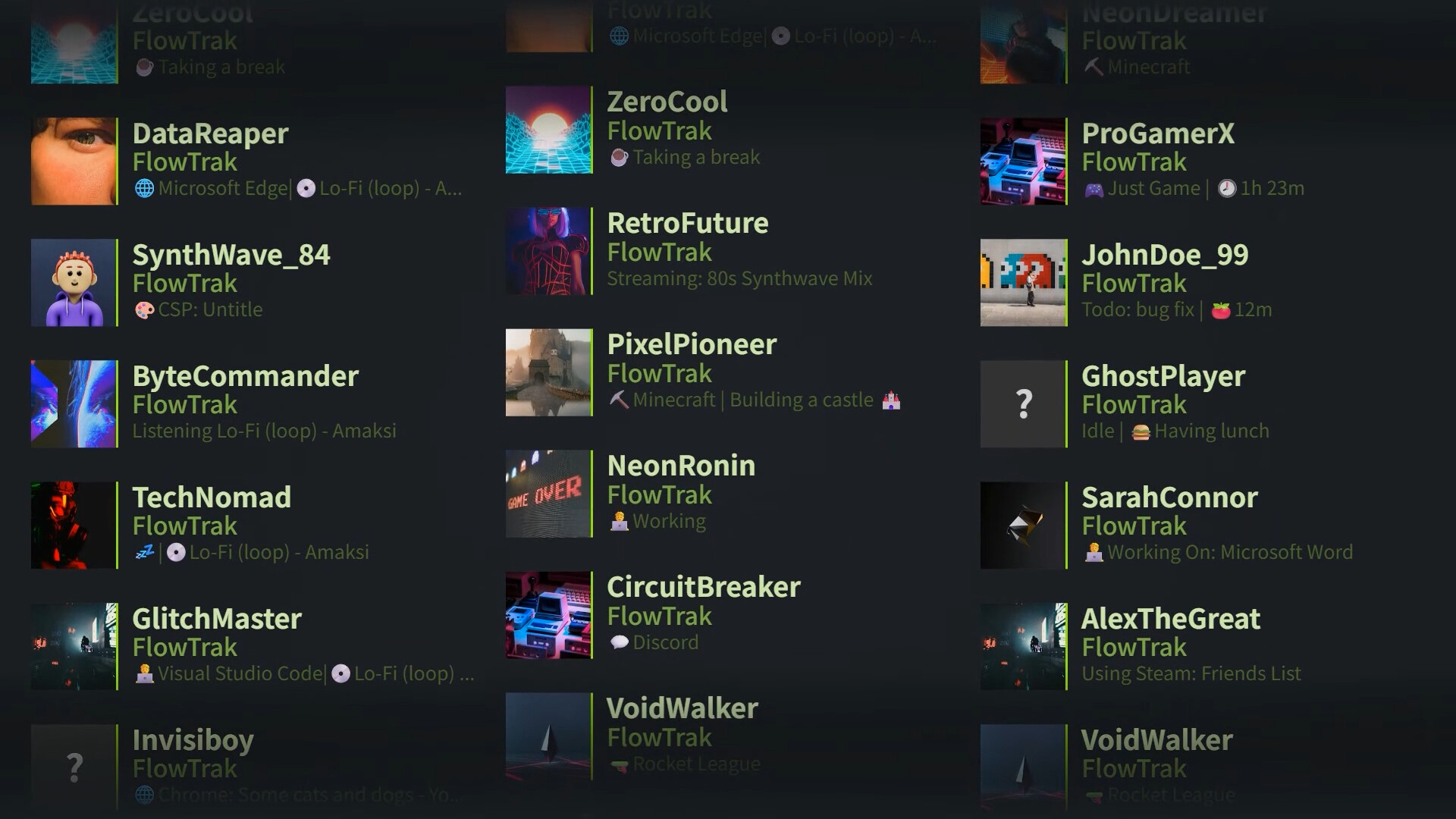
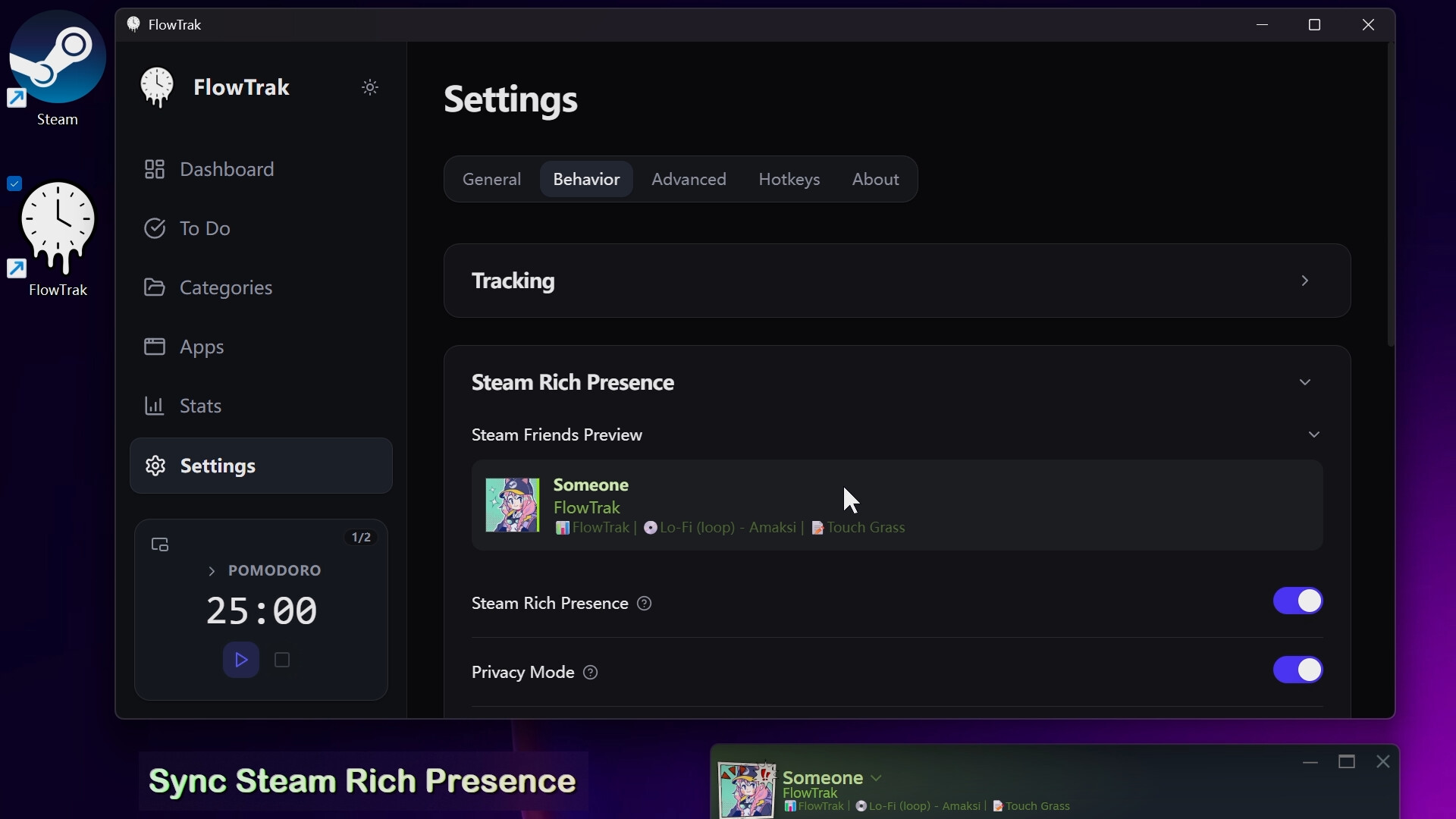
FlowTrak syncs your current app, playing music, task status, or custom text to Steam Rich Presence and Discord Rich Presence in real time — keeping your friends in the loop.
- Sync the app in use, now playing music, latest task, and timer status to Steam and Discord
- Customize your presence with Presence Format and Emojify Presence
- Add custom status text with command-line expressions
- Supports merged display, carousel display, and automatic switching
- Supports showing app names or app titles, and music titles or artists
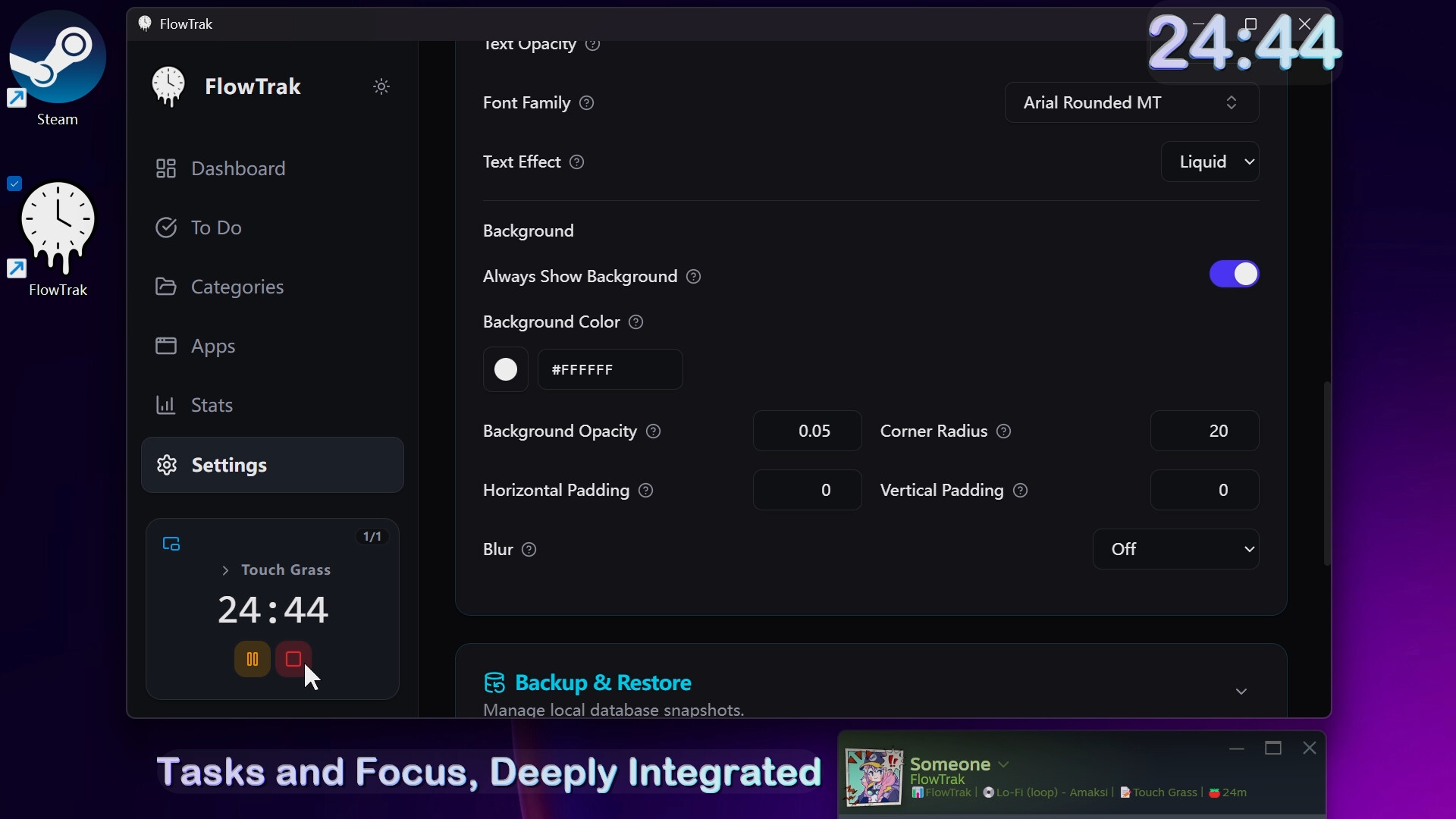
Tasks and Focus, Deeply Integrated
FlowTrak includes a built-in task manager and multifunction timer. Add notes, subtasks, Pomodoro goals, and linked apps to tasks, then start focusing from the task list or sidebar in one click.
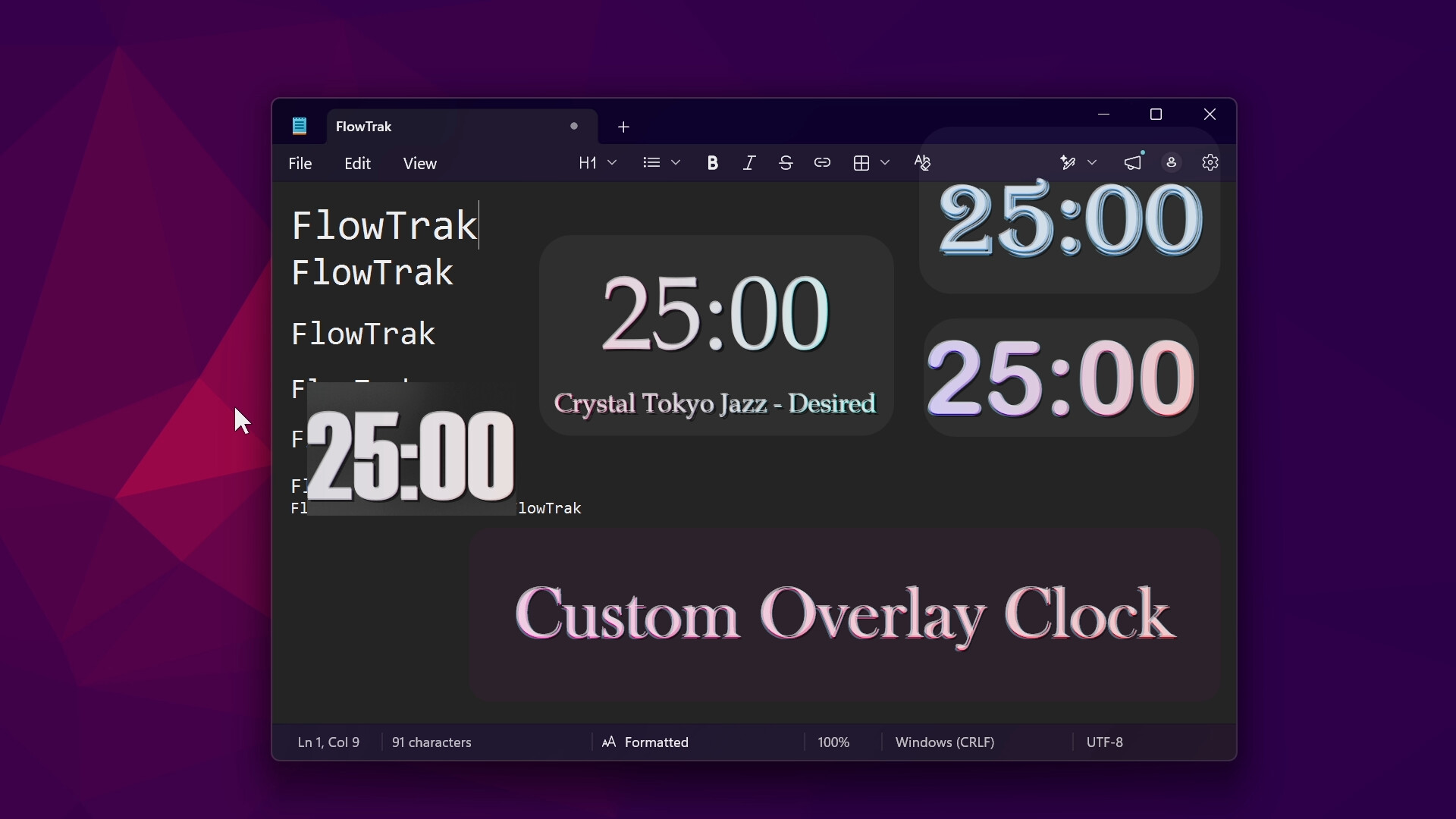
- Customizable Overlay Clock that stays on top of borderless fullscreen games
- Built-in multifunction timer covering Pomodoro, countdown, and stopwatch modes
- Supports short breaks, long breaks, and multiple Pomodoro cycles
- Track your flow state with flow scores — quantify every focus session
- Task reminder notifications so nothing slips through the cracks
More Highlights
- Lightweight Mode: destroys the UI while keeping background services running, reducing memory usage by up to ~90%
- Automatically detects and creates apps — no manual setup needed
- Global hotkeys for instant access anytime
- Launch on startup so tracking begins the moment you turn on your PC
- Data encrypted and stored locally to safeguard your privacy