LucidVR is a 2D/3D VR media player powerhouse. Watch two or more 3D VR videos at once. Layer multiple videos and images into mind-bending, hyper-immersive scenes. Experience VR with no limits and no clutter, just pure immersive control.
LucidVR puts you in control of your media, built for users who want total control over how media is experienced. Watch 2D and 3D content your way, with a new GPU-accelerated rendering engine built for high-end playback, including 4K UHD HDR Blu-ray rips. In our RTX 4090 benchmark, rendering used just 2% of the frame budget.*
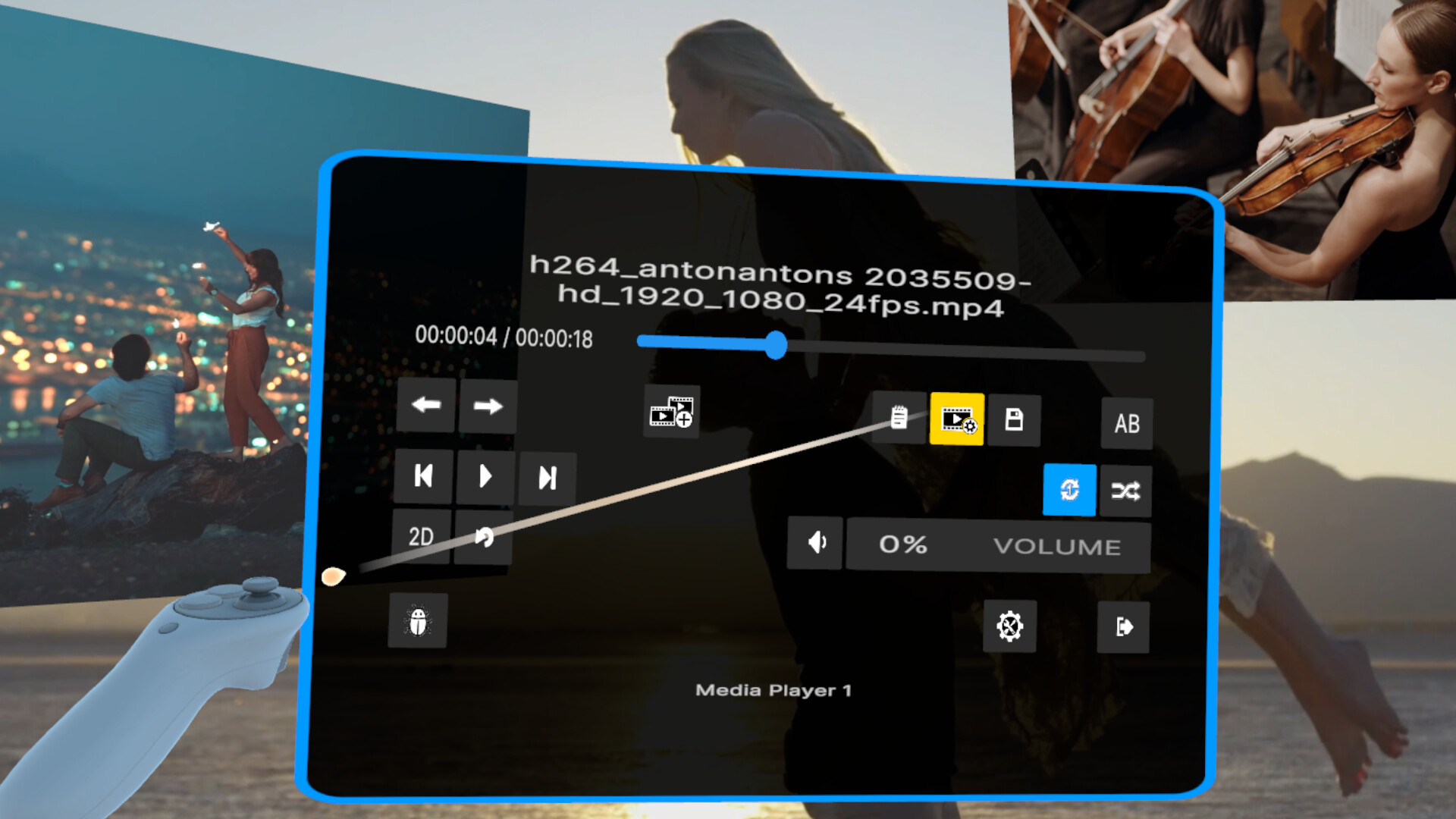
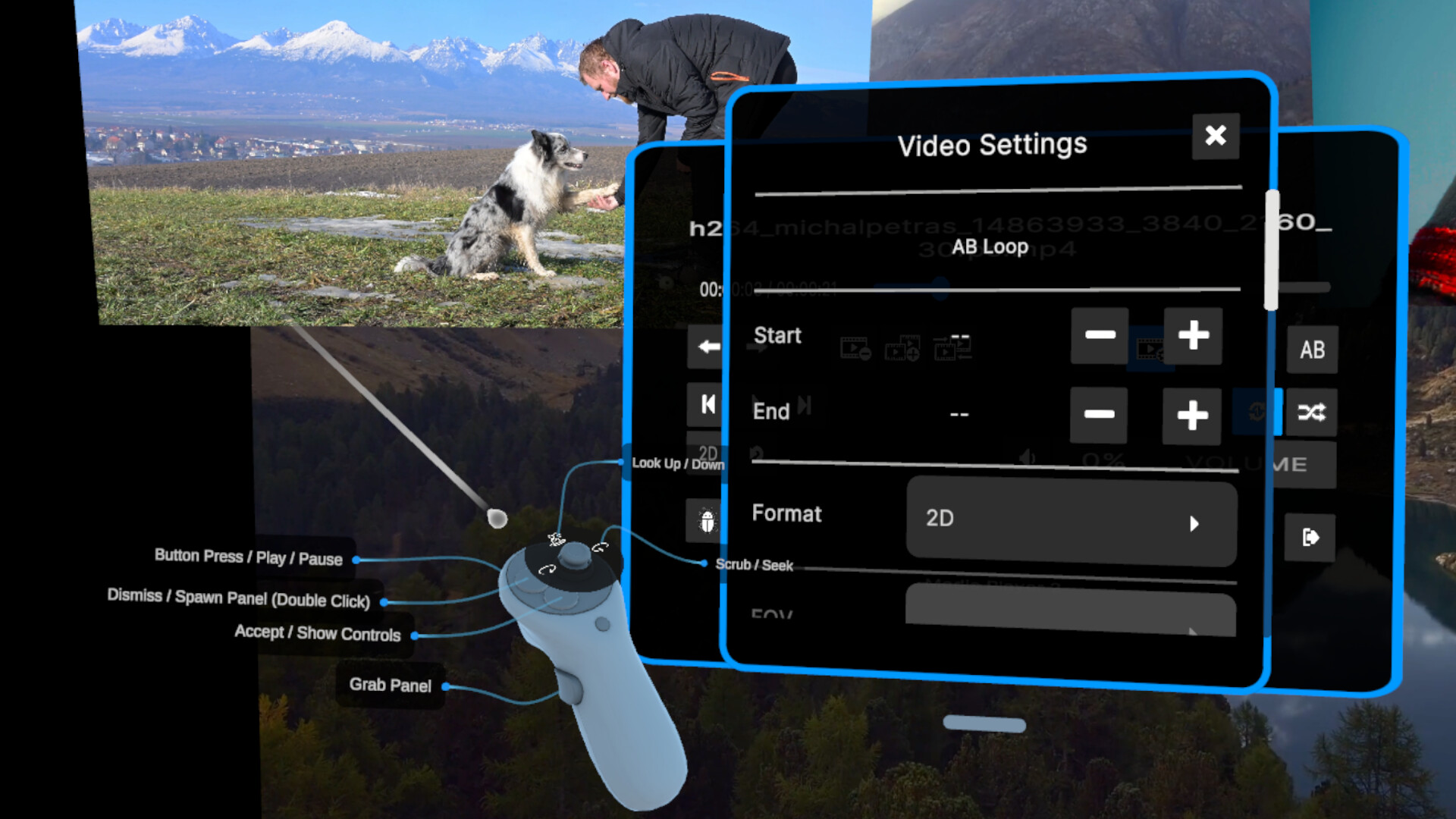
A deceptively simple, no-nonsense interface empowers you to layer, arrange, and play multiple videos and images simultaneously to create bespoke, fully-customizable, hyper-immersive scenes unlike anything you've ever experienced before. Watch two or more 3D VR videos at the same time, build multi-screen environments, overlap content for creative effects, or design entirely new ways to experience immersive media.
As a paid app, there’s no bloat and no hidden tracking of your media library or content viewed. LucidVR focuses on pure immersive control, giving you the tools to create jaw-dropping, hyper-realistic VR scenes without getting in your way. Whether you’re experimenting, curating personalized environments, or pushing the limits of VR media playback, LucidVR is designed to scale with your imagination.
Platform Support
Windows only. See the Linux compatibility note at the bottom of this store page.
Feature Support
✅ Supports hardware rendering of codecs such as H.264, H.265/HEVC, and AV1
✅ Supports many formats including AVI, FLV, M4V, MKV, MOV, MPEG, MP4, MPG, MTS, VOB, WEBM, and WMV
✅ Supports many image formats, including JPEG, PNG, AVIF, BMP, GIF, TIF, and WEBP
✅ Supports most VR videos, including equirectangular, fisheye, and planar (cinematic) formats.
Side-by-Side (SBS)
Top-Bottom (TTB)
Front-Back (FB 360)
180°, 200°, 220°, and 360° Fov Video Supported
Application Details
LucidVR is actively evolving and not yet fully polished, but the core functionality is stable and fully usable. Features are continuously added and refined, with ongoing UI and UX improvements. Please expect occasional bugs and unfinished features. We would love for you to join us on this journey! Your feedback and support helps shape the future of LucidVR.
Features
Unlimited simultaneous media playback
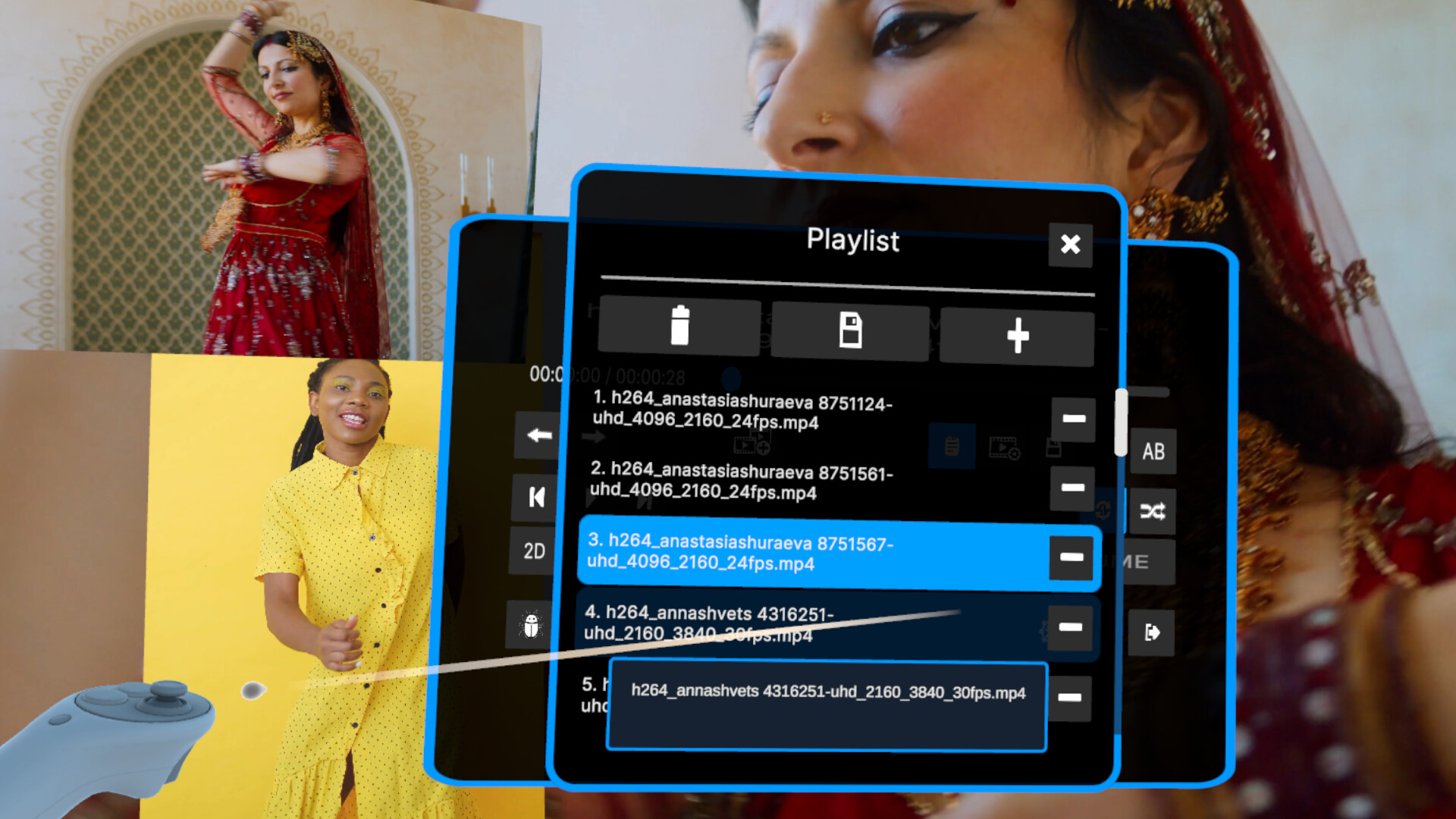
View multiple videos and images at once in any spatial configuration you choose. Stack, overlap, or surround yourself with content for truly unique experiences. Play multiple 2D and 3D videos simultaneously, including two or more 3D VR videos at the same time.
Immersive main player + unlimited floating media players
Supporting both 2D and 3D image and video content.
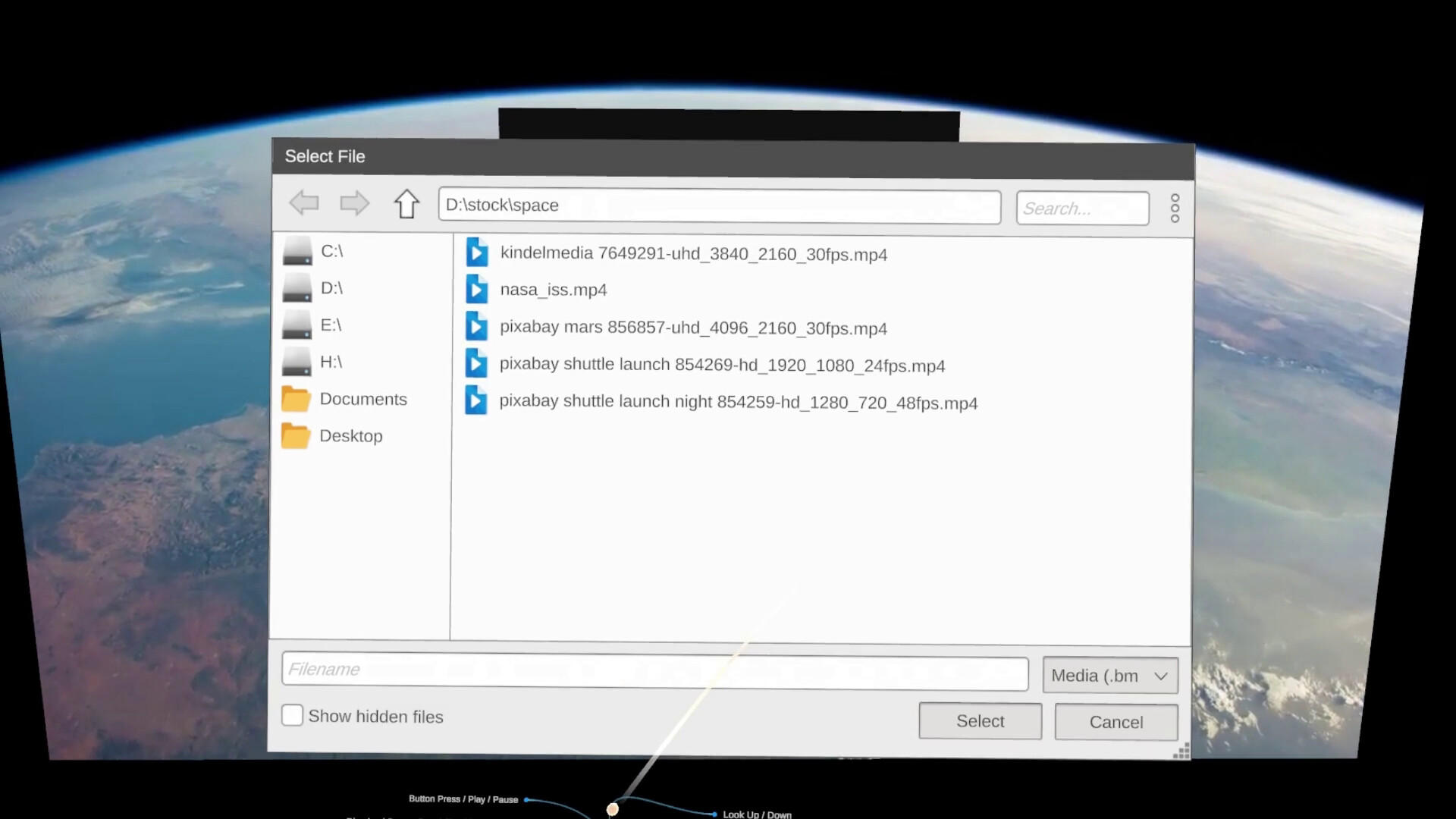
Built-in file browser
Supports local drives and networked storage, making it easy to access large media libraries.
Desktop mirroring toggle
Share your headset view to the desktop when needed. Toggle with [F9] key.
Boss Mode
Instantly hide content with a button press.
On-screen keyboard for faster searching.
Coming Soon
✅ [Delivered] Improved video decoding engine with AV1 & H.265 support.
✅ [Delivered] On-screen keyboard for faster searching.
Media library management tools (tagging, rating, delete).
Continuous UI and UX refinements.
Gamepad support.
And much more!
Notes
* HDR content is tone-mapped to SDR for broad headset compatibility. Audio is downmixed to two channels for in-headset playback. Rendering performance may vary depending on hardware, drivers, media format, bitrate, codec, and playback settings.
** Linux compatibility: This application is designed for Windows. Some users have reported very poor performance when running it on Linux through compatibility layers such as Wine or Proton, with only software rendering available. These setups may not support the hardware-accelerated video rendering the application requires.
Running Windows in a virtual machine with GPU passthrough or through a dual-boot configuration should work. If you plan to run the application on Linux, please test the free demo with videos in multiple codecs—including H.264, H.265/HEVC, and AV1—before purchasing.