
FPV Skyline
No Reviews · 0 reviews
Screenshots

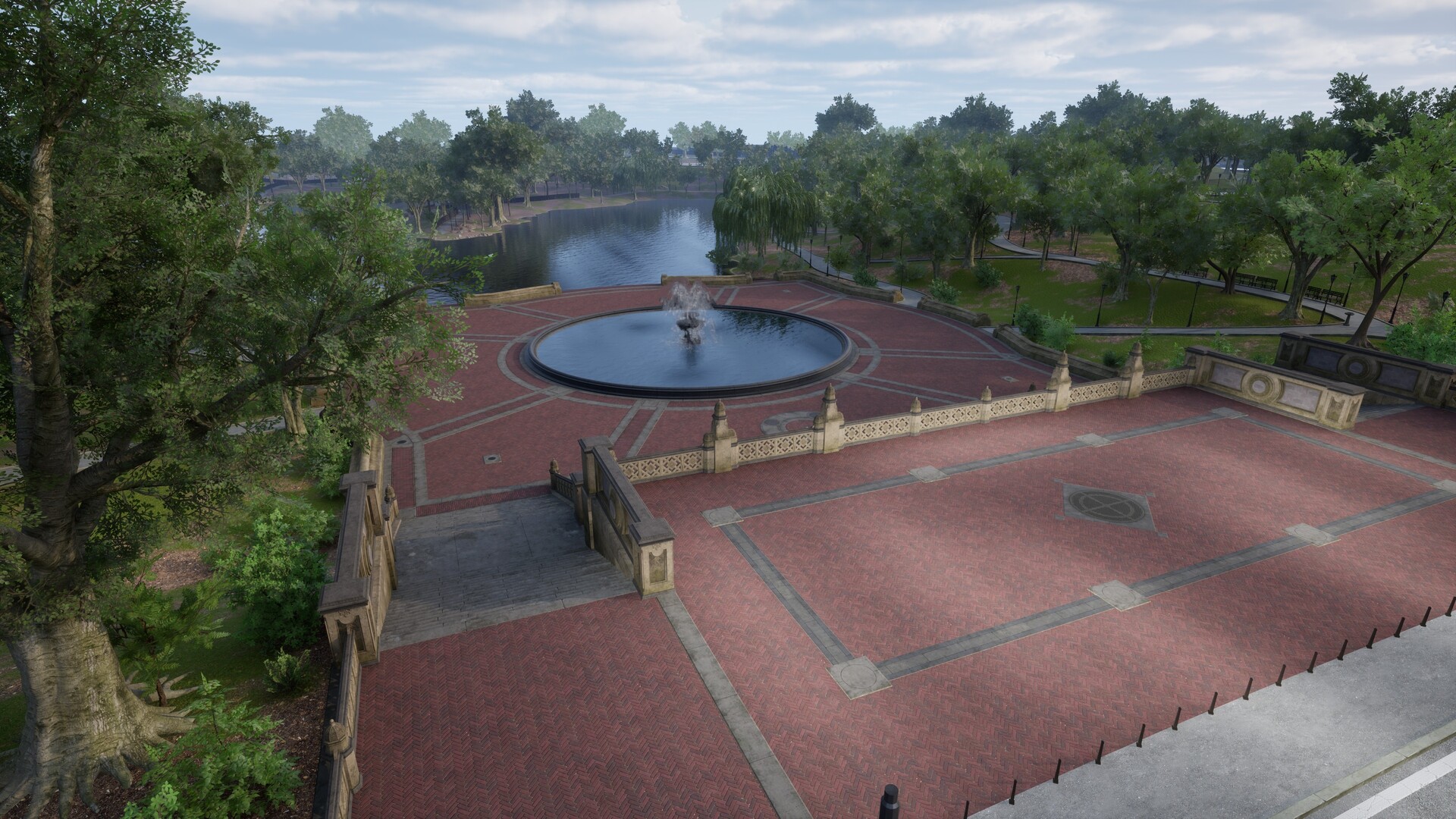


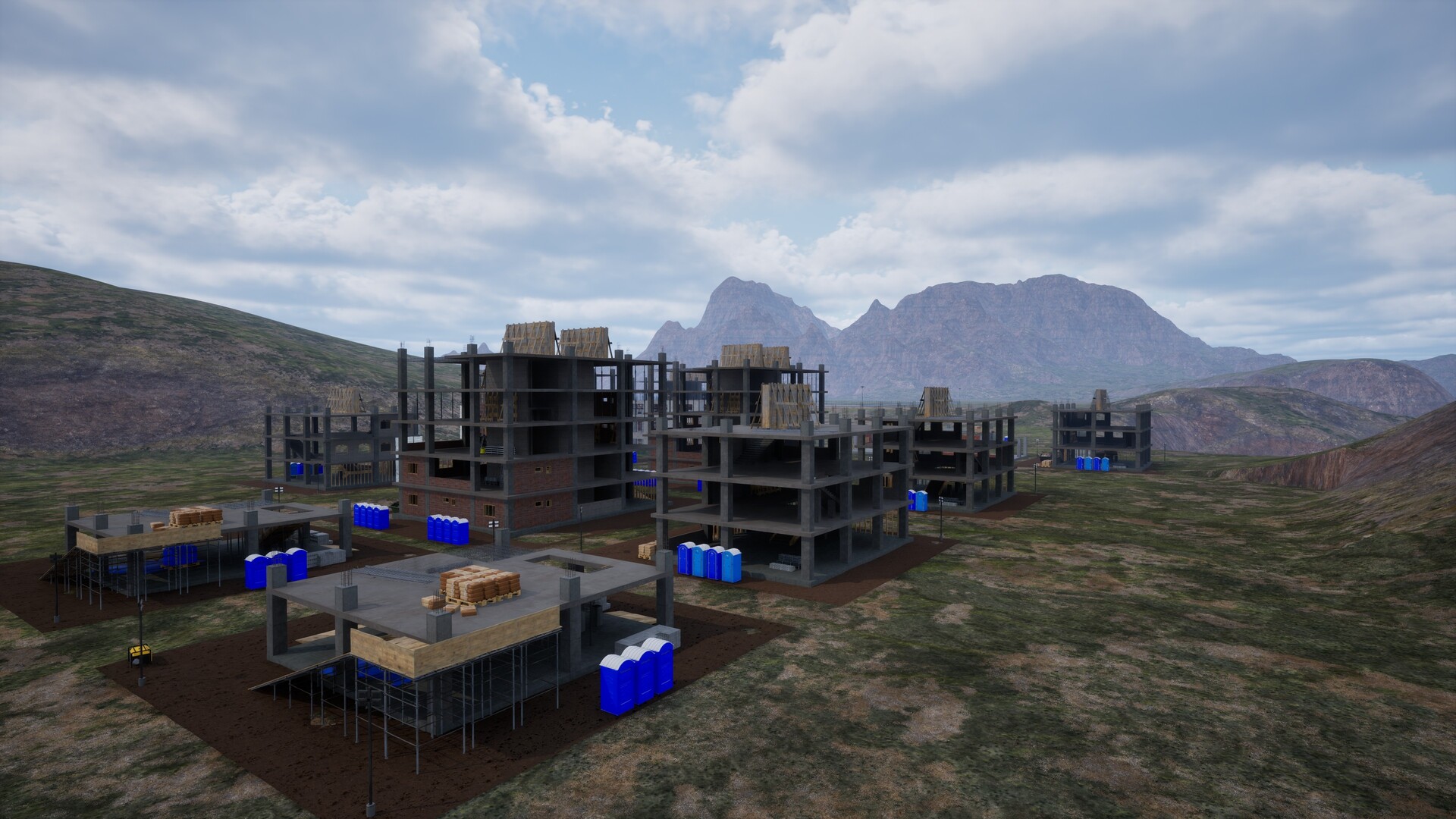

Description
FPV Skyline is a ground-up freestyle drone simulator packing a full flight-control stack, power electronics, and physics that bite—engineered for a high-fidelity, low-latency, fully user-tunable flight experience.
Platforms
Windows
Developer
QXNY
Publisher
QXNY Studio
About
FPV Skyline is a drone simulator focused on authentic flight experience. Featuring a complete flight control system and precise physics simulation, it delivers high-refresh-rate, low-latency flight feel while remaining user-friendly — no complex parameter tuning required to get realistic handling feedback.
- Note: FPV Skyline requires a drone transmitter or a supported game controller to play.
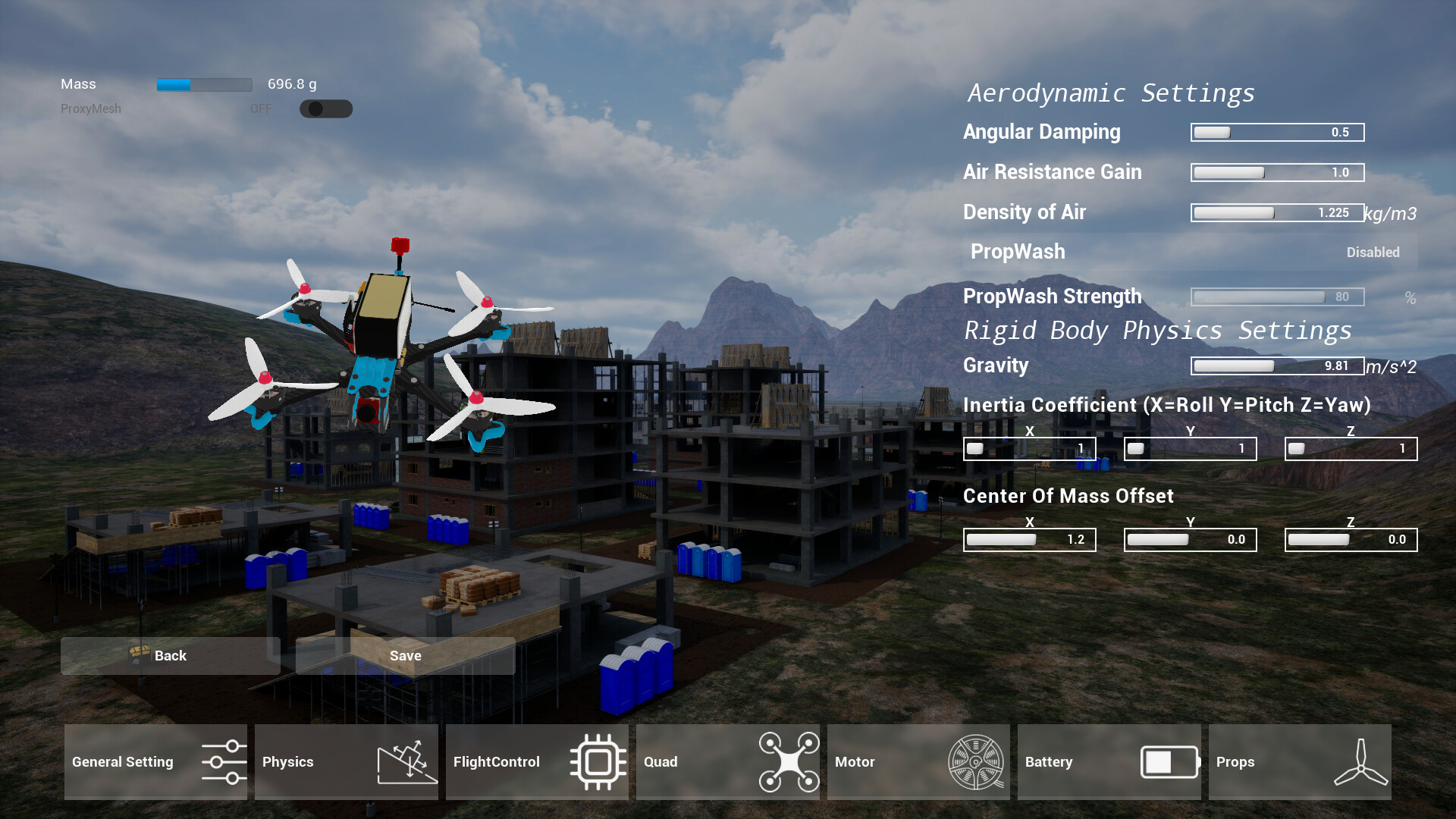
FPV Skyline's Flow physics is a high-fidelity physics engine built on real-world measurement data and academic models.
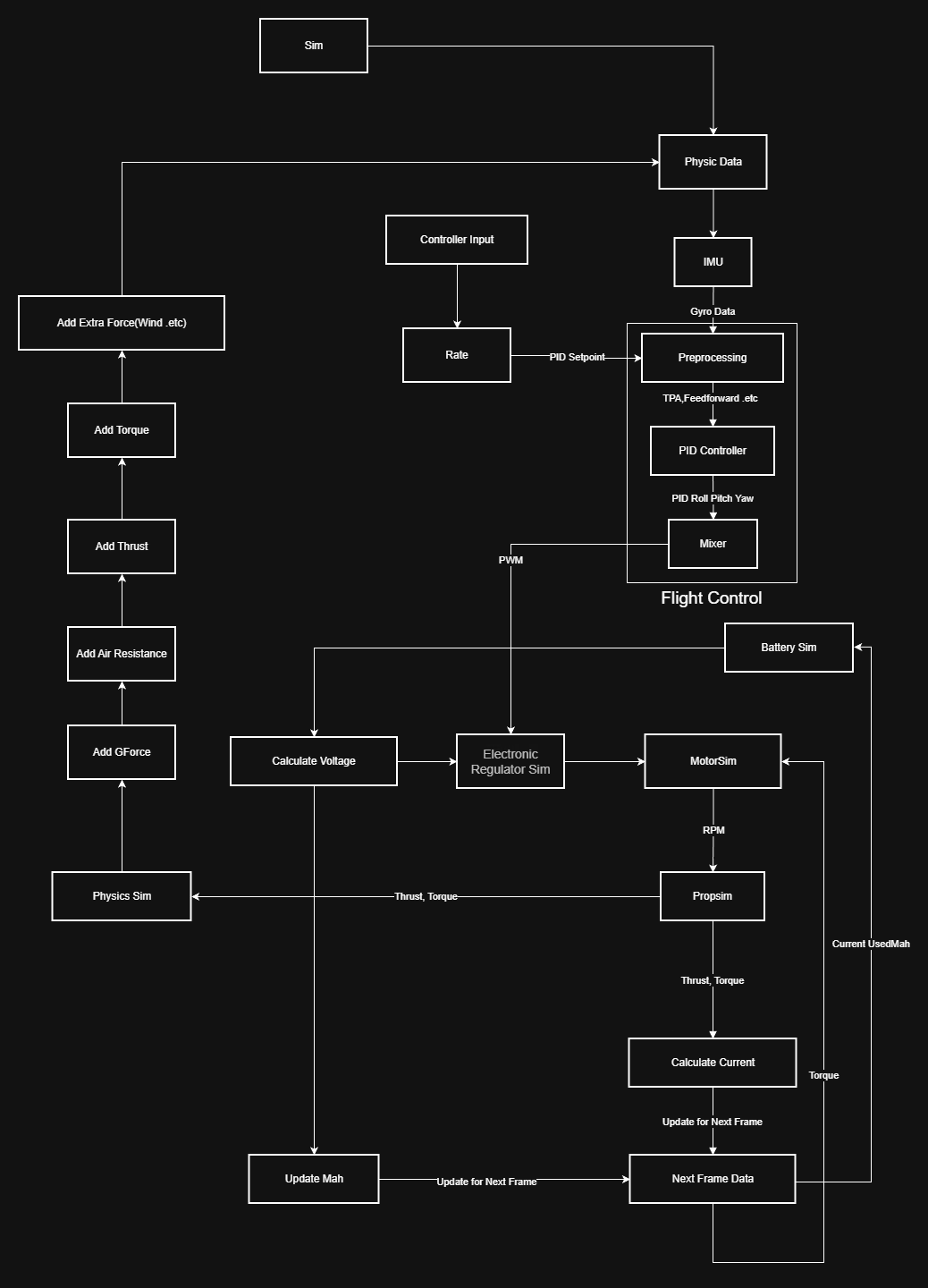
Flow Physics runs at 1000 Hz (substep-free, zero jitter) with full-loop simulated response. The built-in flight controller faithfully replicates Betaflight behavior.
*SITL will soon enter testing in the PlayTest — it features a full compilation of the latest Betaflight flight controller and supports ground station connectivity.
Aero Voxel is the core of Flow Physics. It generates high-precision proxy meshes in real time while simultaneously calculating center of gravity and moment of inertia.
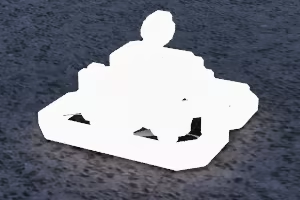
Original Model Proxy Model
It goes beyond rigid-body dynamics — the generated proxy meshes are also applied to the aerodynamic model, perfectly addressing the challenges of aerodynamic simulation.
Another major highlight of FPV Skyline is its high degree of customizability. With various editors, you can freely design your own drones, tracks, and more.
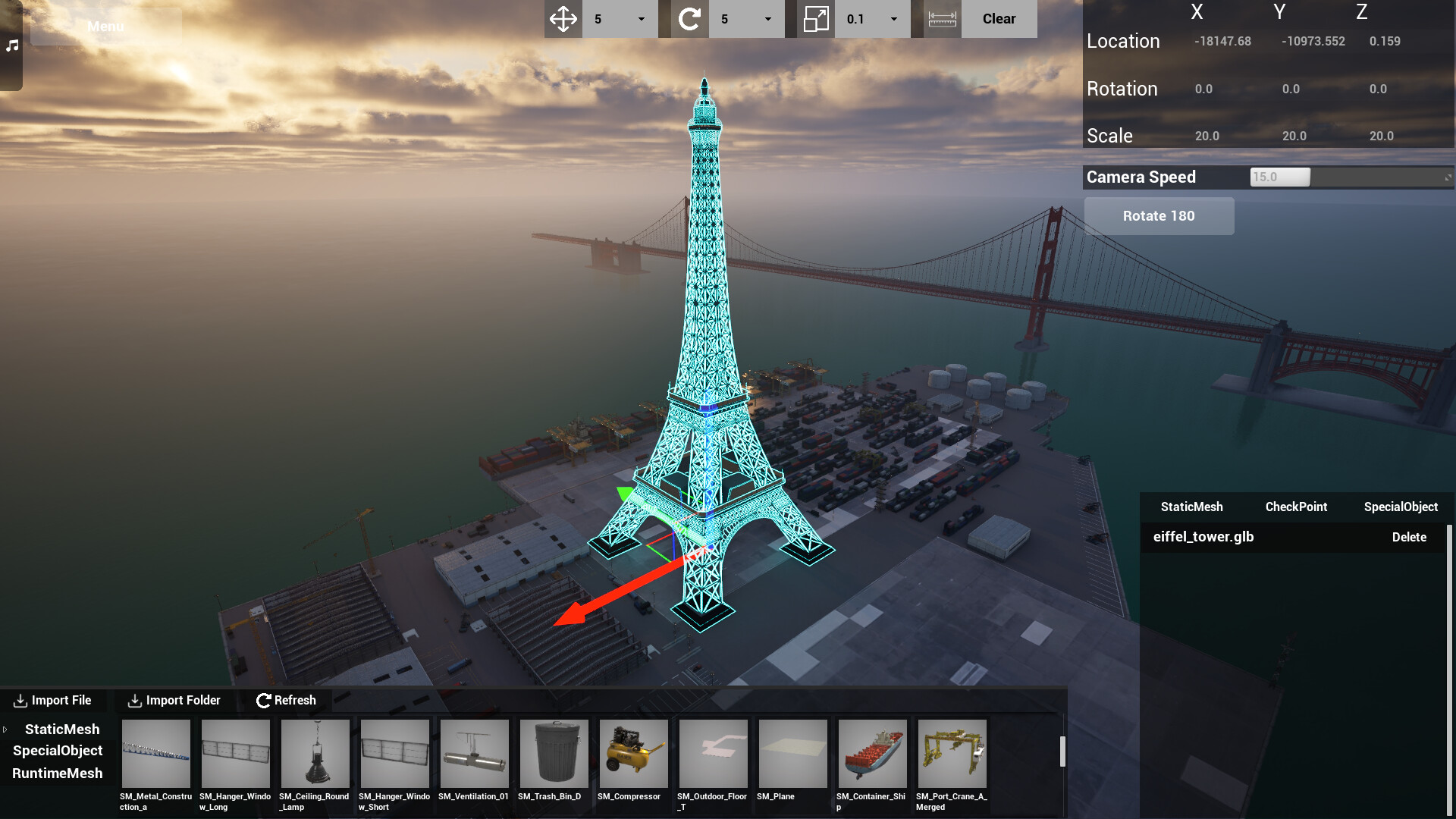
- Track Editor: FPV Skyline's track editor supports placing nearly every object in the game, importing 3D models in multiple formats, and generating collisions in real time. Created maps can be uploaded to the Workshop with one click and used in online multiplayer.
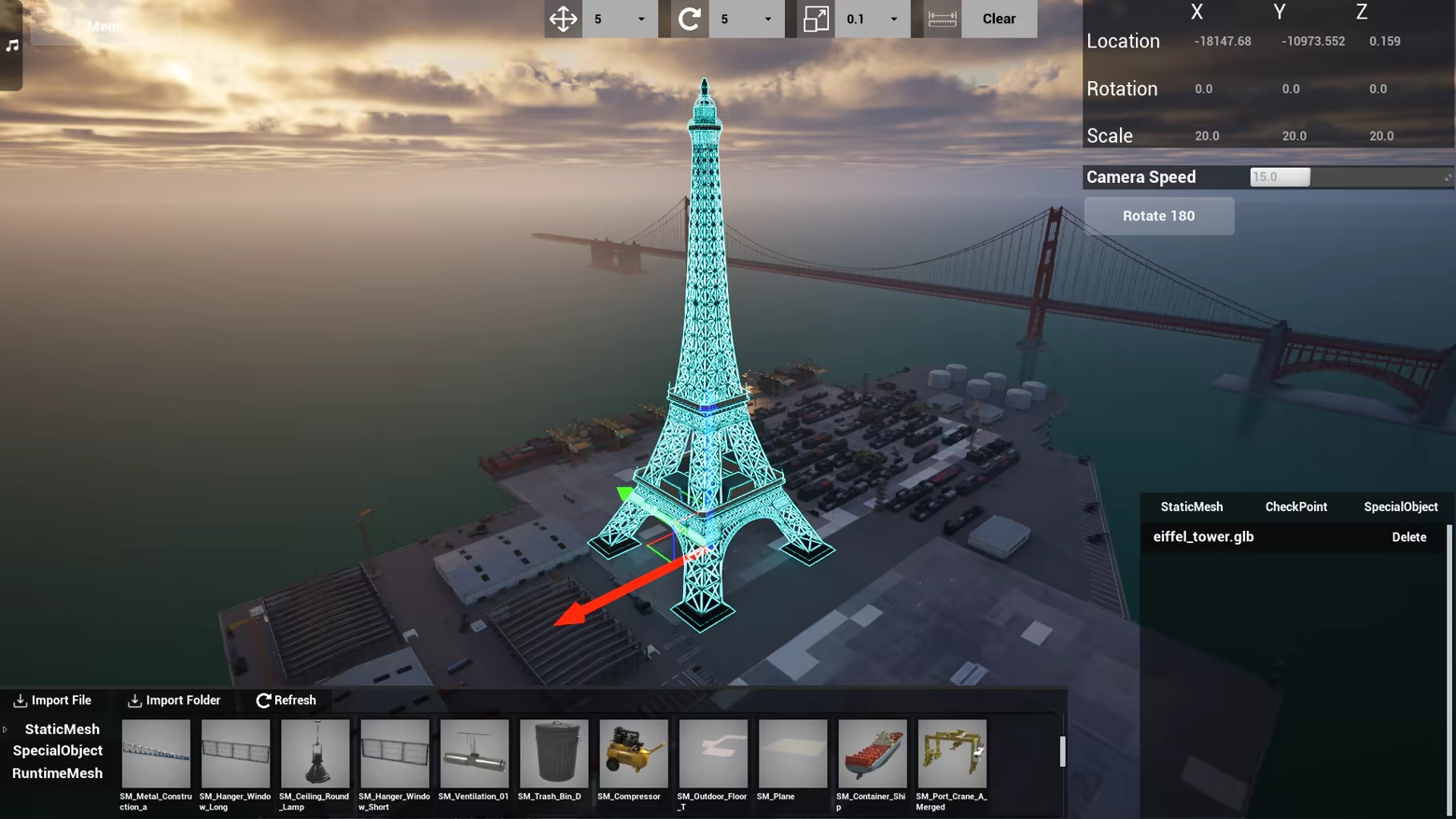
*Imported Eiffel Tower model (.glb format).
- Drone Editor: FPV Skyline's drone editor lets you freely assemble your aircraft. Official drones, custom imports, and Workshop items can all be mixed and matched on your build, offering tremendous extensibility.
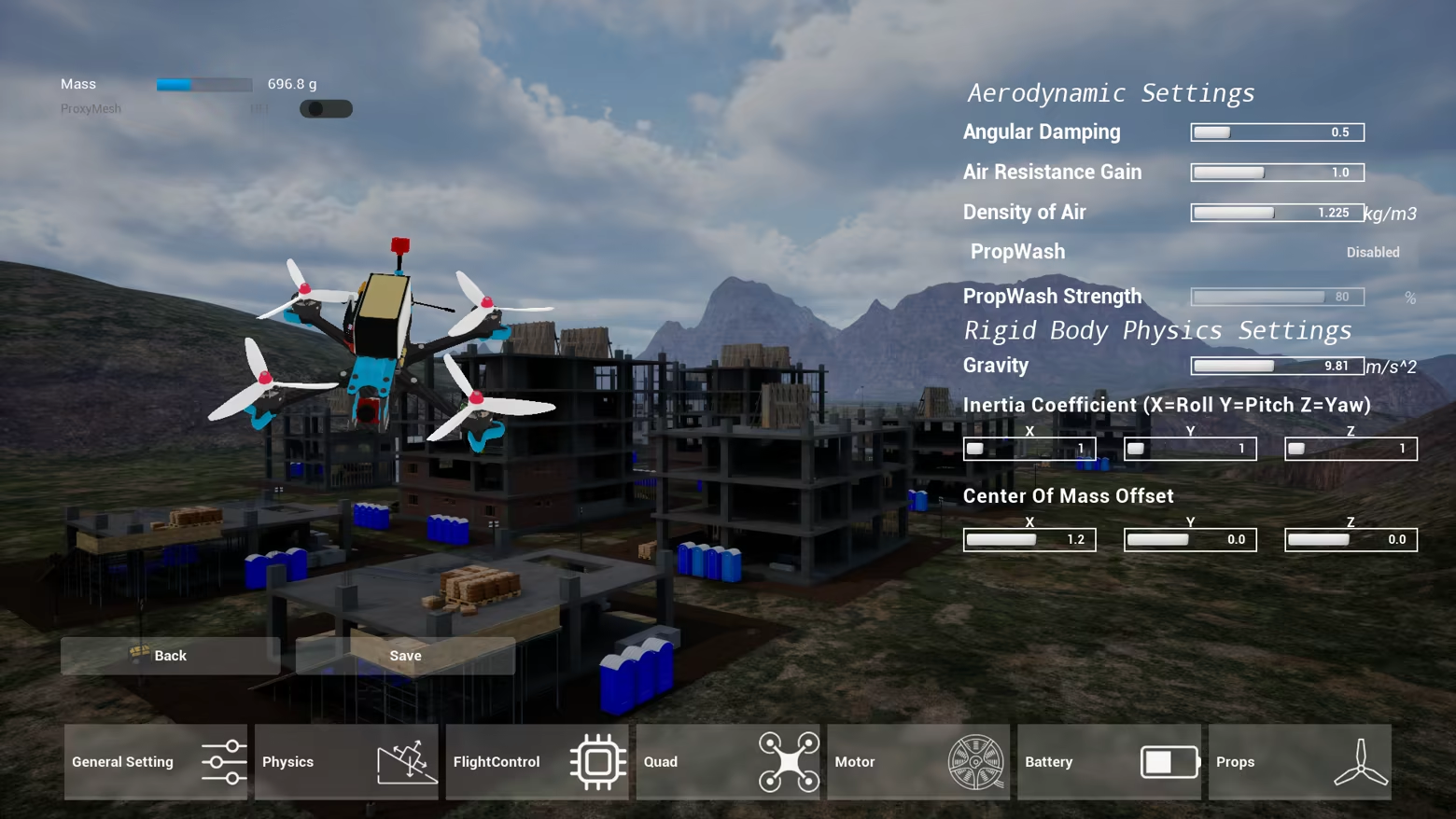
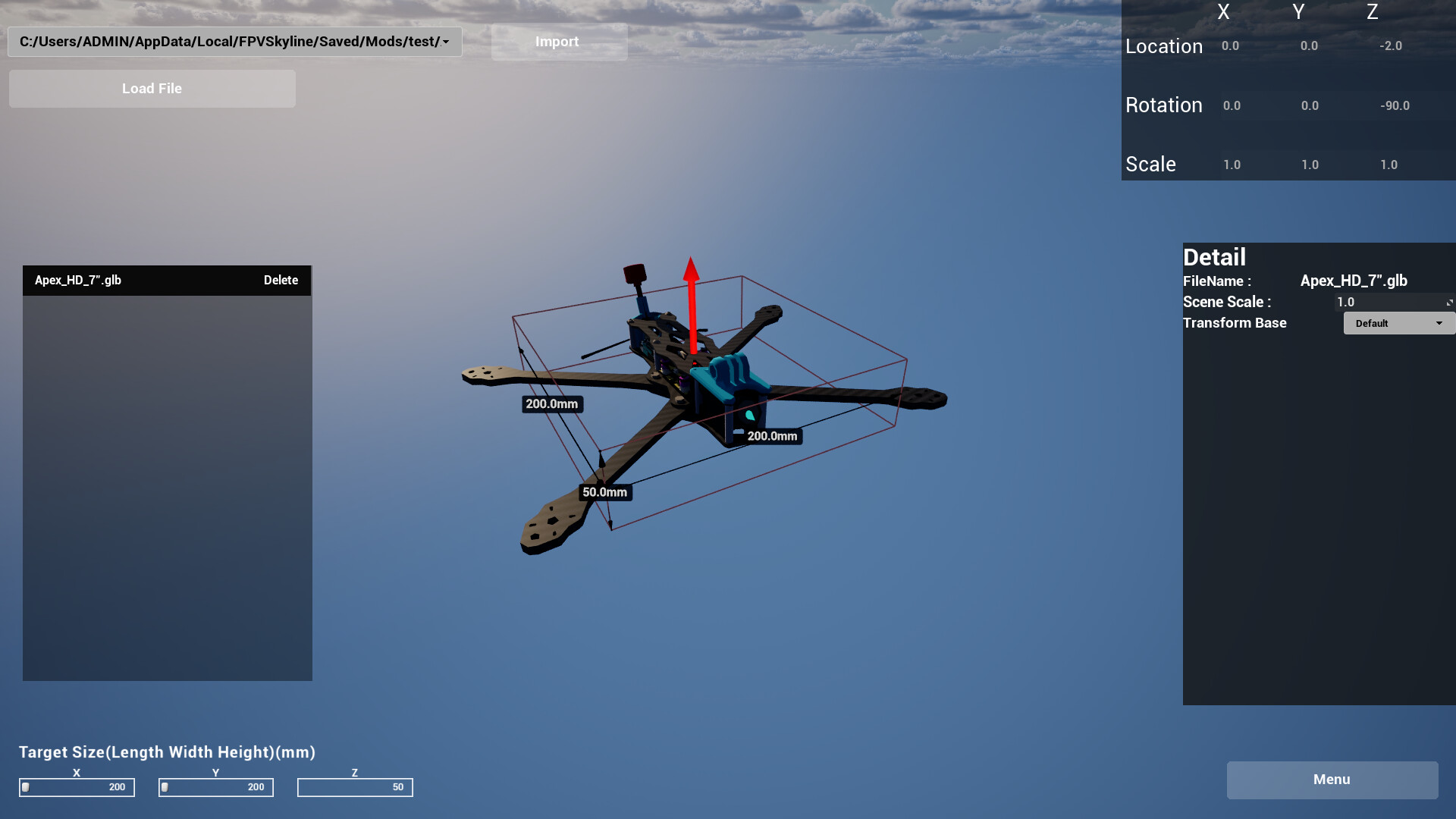
- Mod Editor: In FPV Skyline, you can freely import your own frame designs and assemble them in the drone editor.
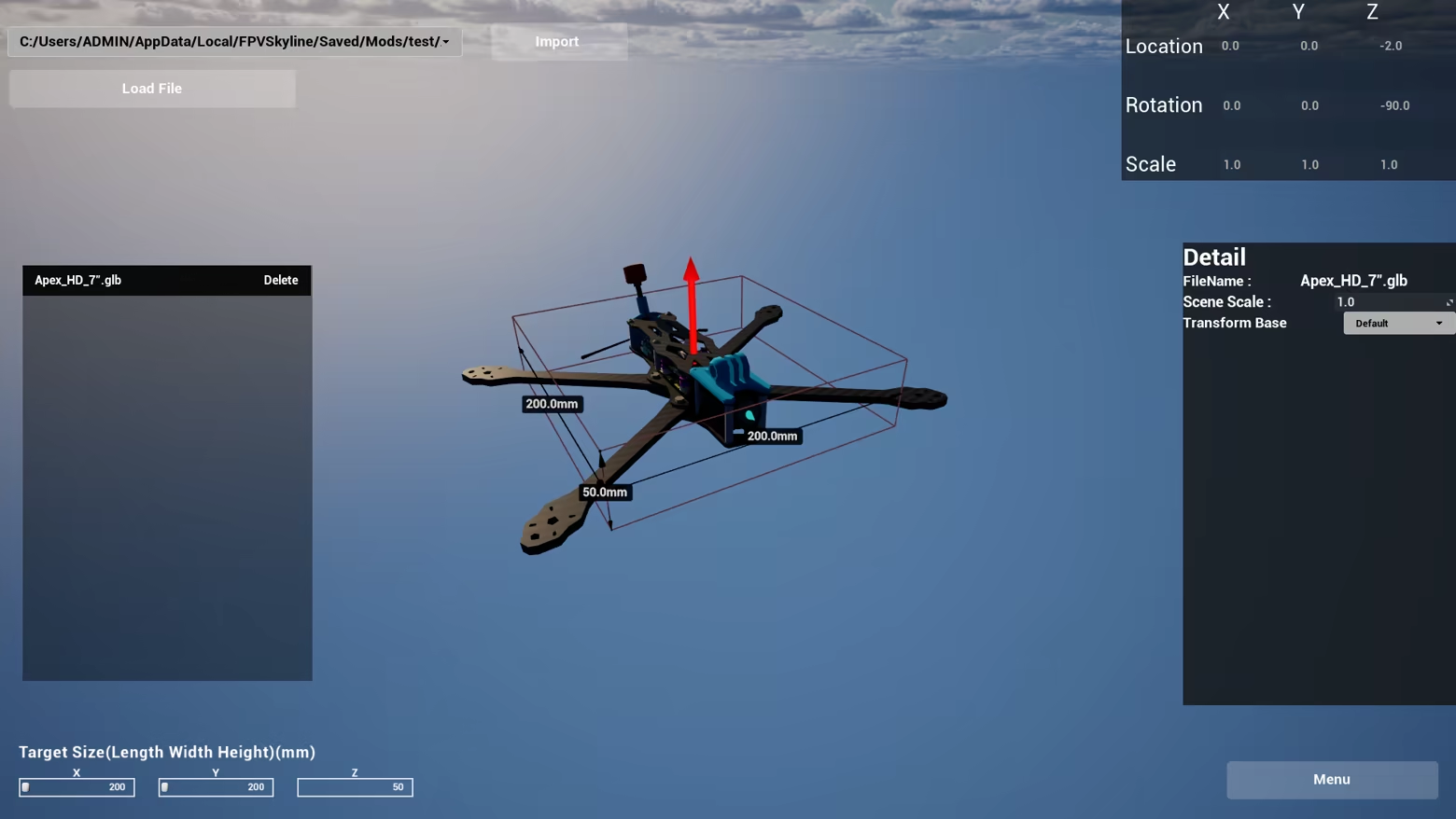
The Flow Physics Engine automatically generates precise collision data and calculates moment of inertia, while simultaneously generating proxy meshes for aerodynamic computation. This means the frame is not merely visual — it actually participates in the physics simulation.
Beyond frames, FPV Skyline also supports importing motors, batteries, propellers, and more, with fully customizable parameters. Once configured, they can be assembled directly onto your drone.
FPV Skyline's deep customizability extends to other areas as well:
- Automatically detects audio currently playing on your PC and allows you to control playback through the in-game media player.
- Supports custom UI backgrounds (video or image).
- One-click retrieval of local weather, automatically applied to the game.