
#Action #3D #Adventure
VR Dinosaur City War
Dinosaurs escaped from human captivity and faced human tank artillery attacks in the city. Players control dinosaurs to fight back against human tanks.
View game
$3.99
 -30%
-30% Positive · 3 reviews
100% positive (3 / 3)
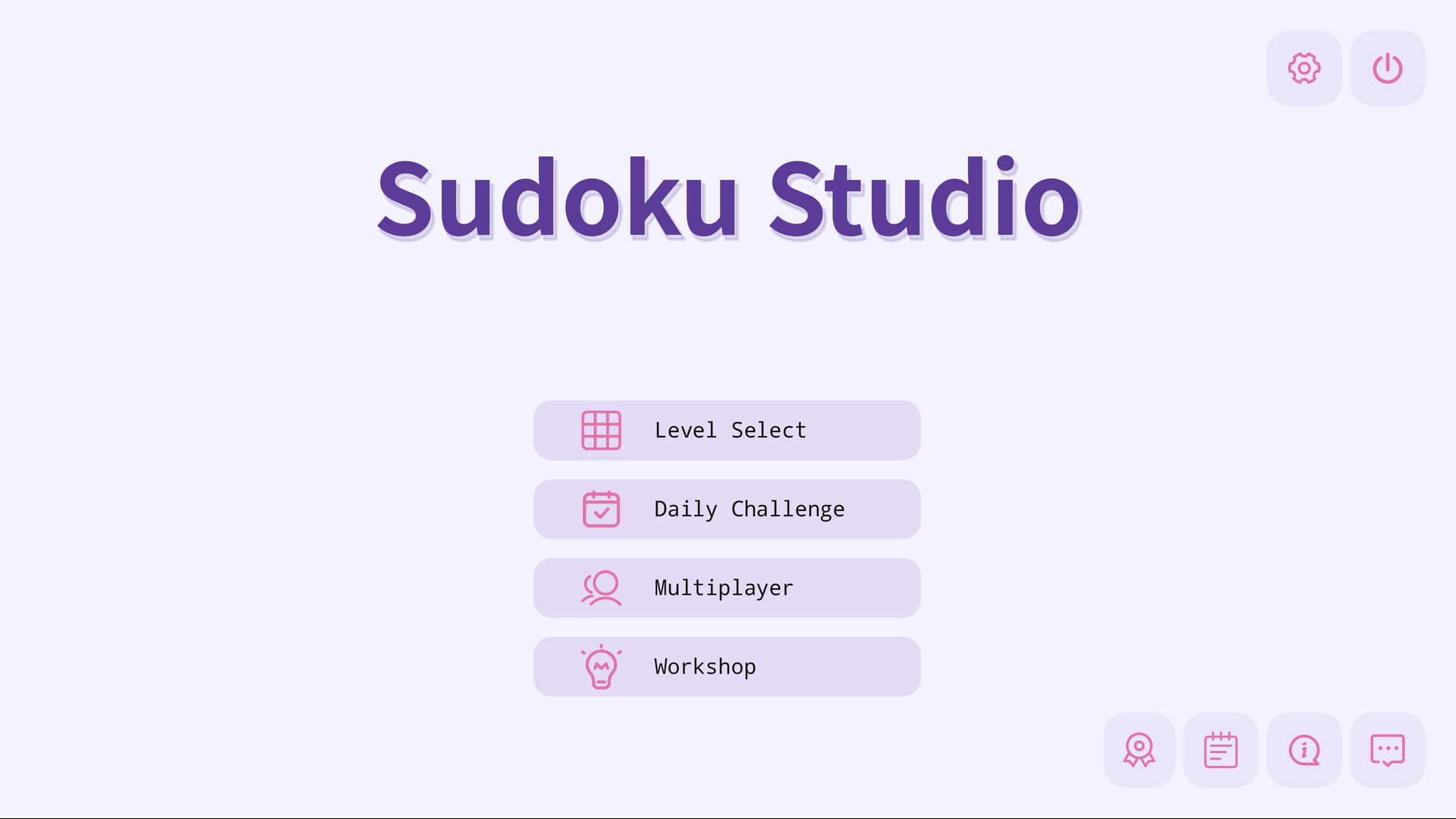
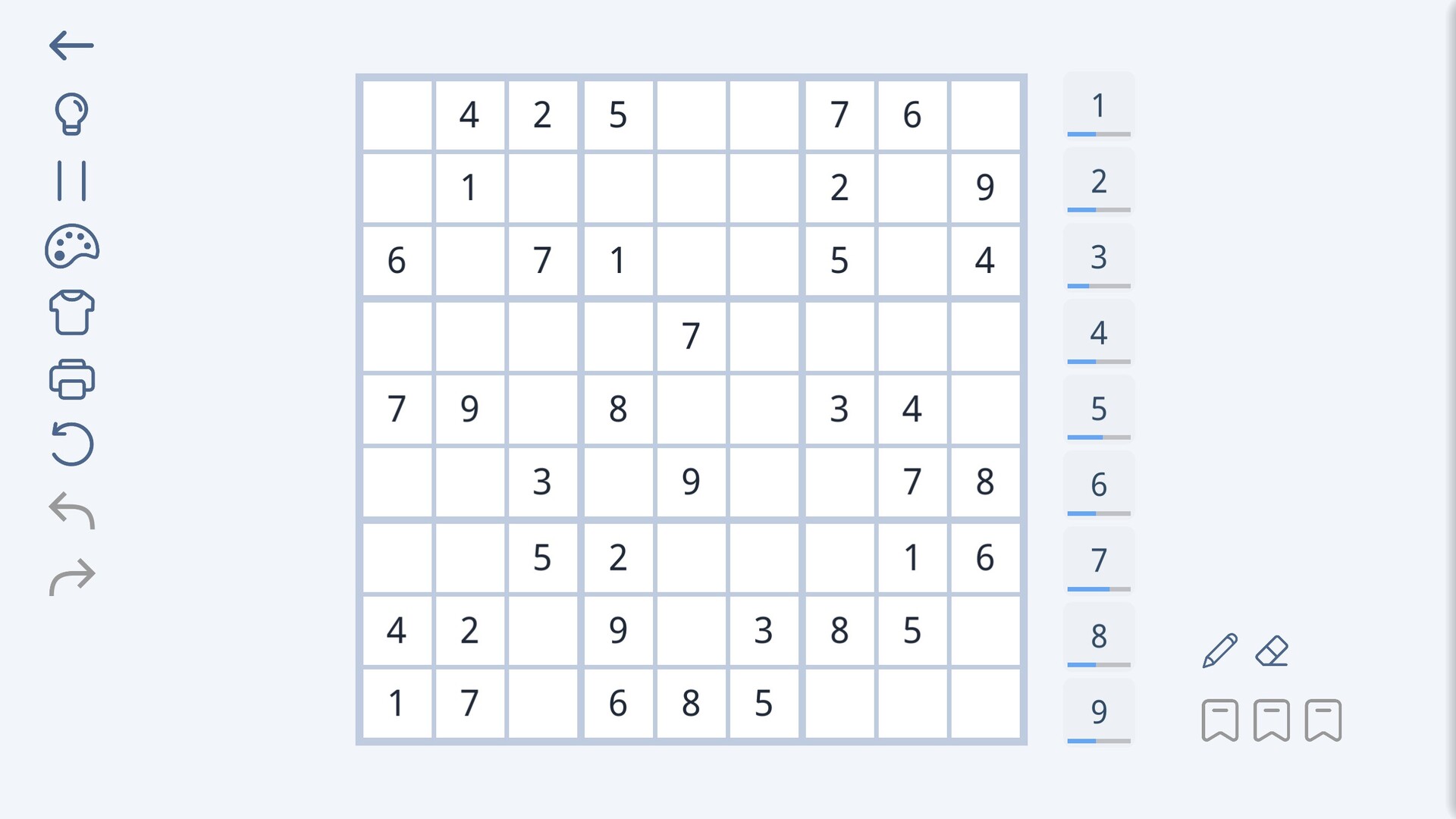



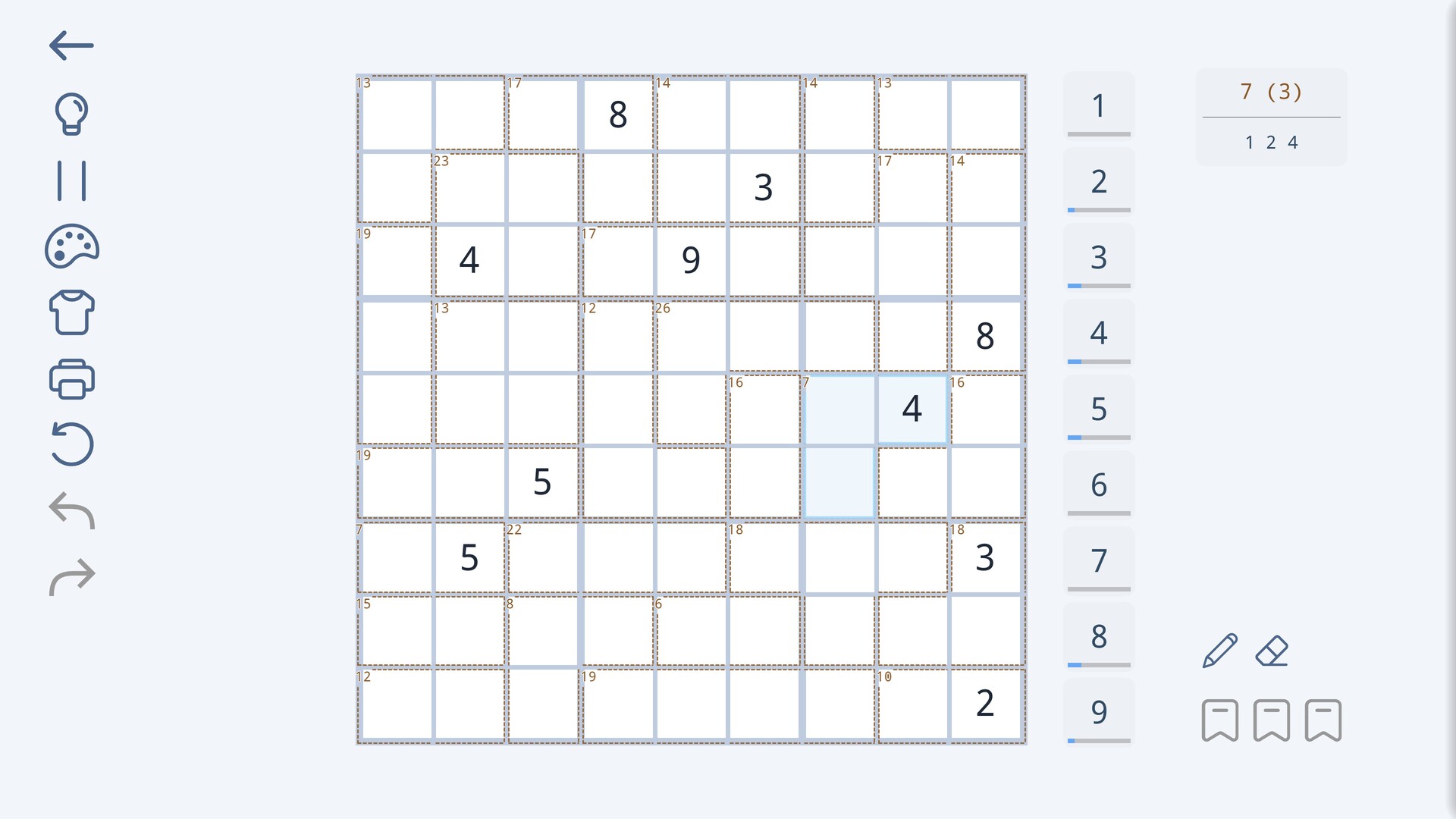
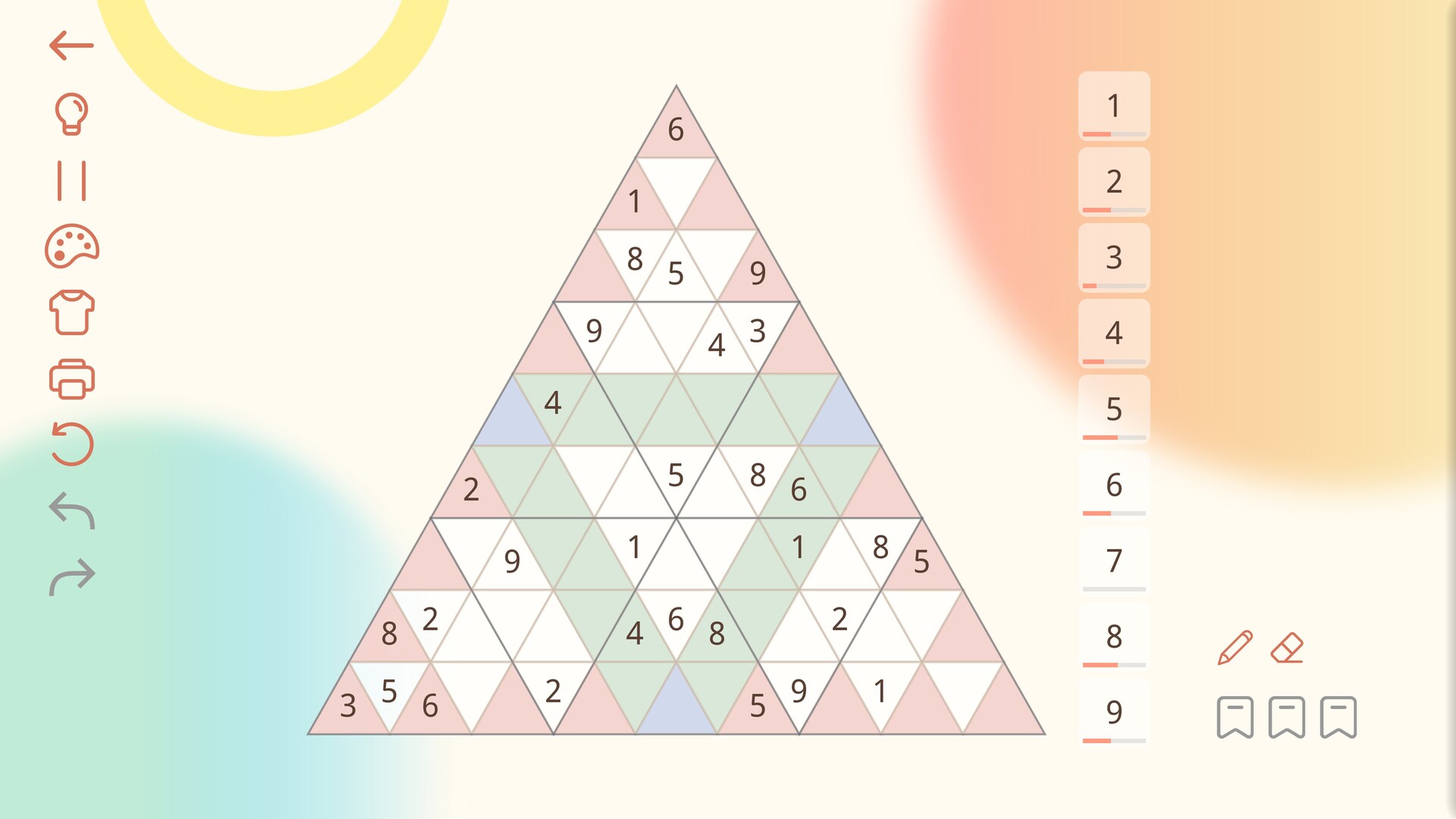


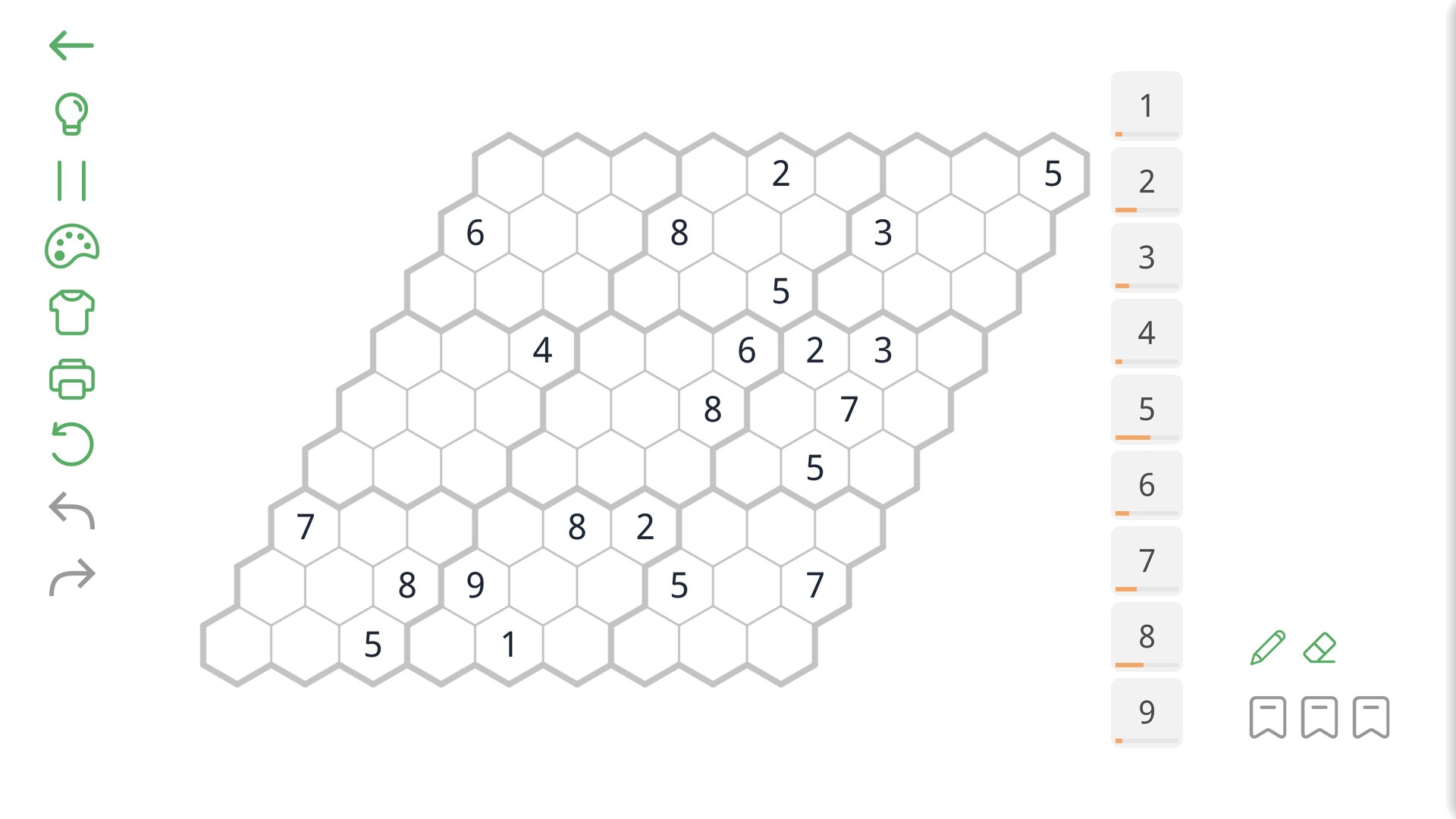
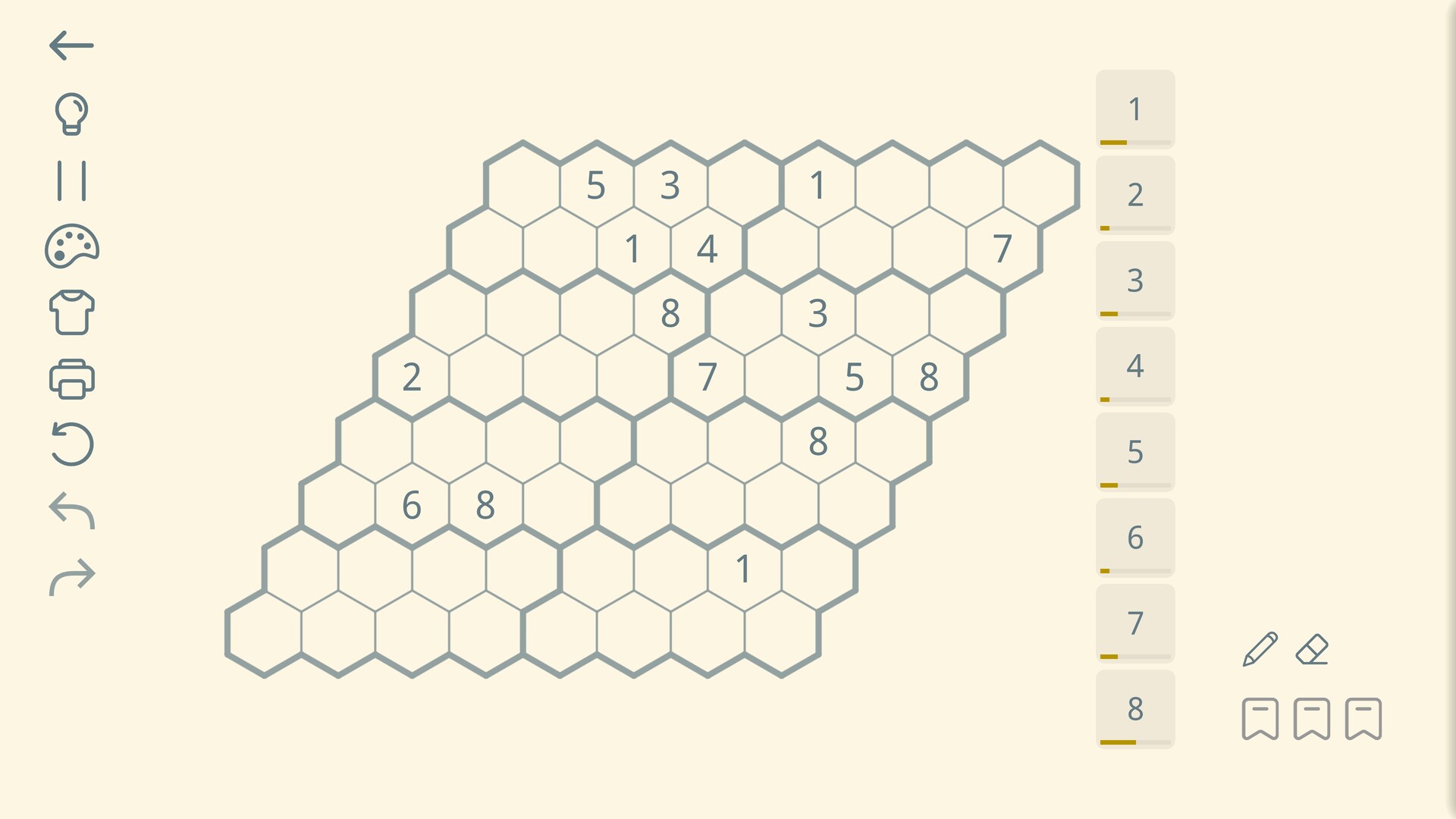
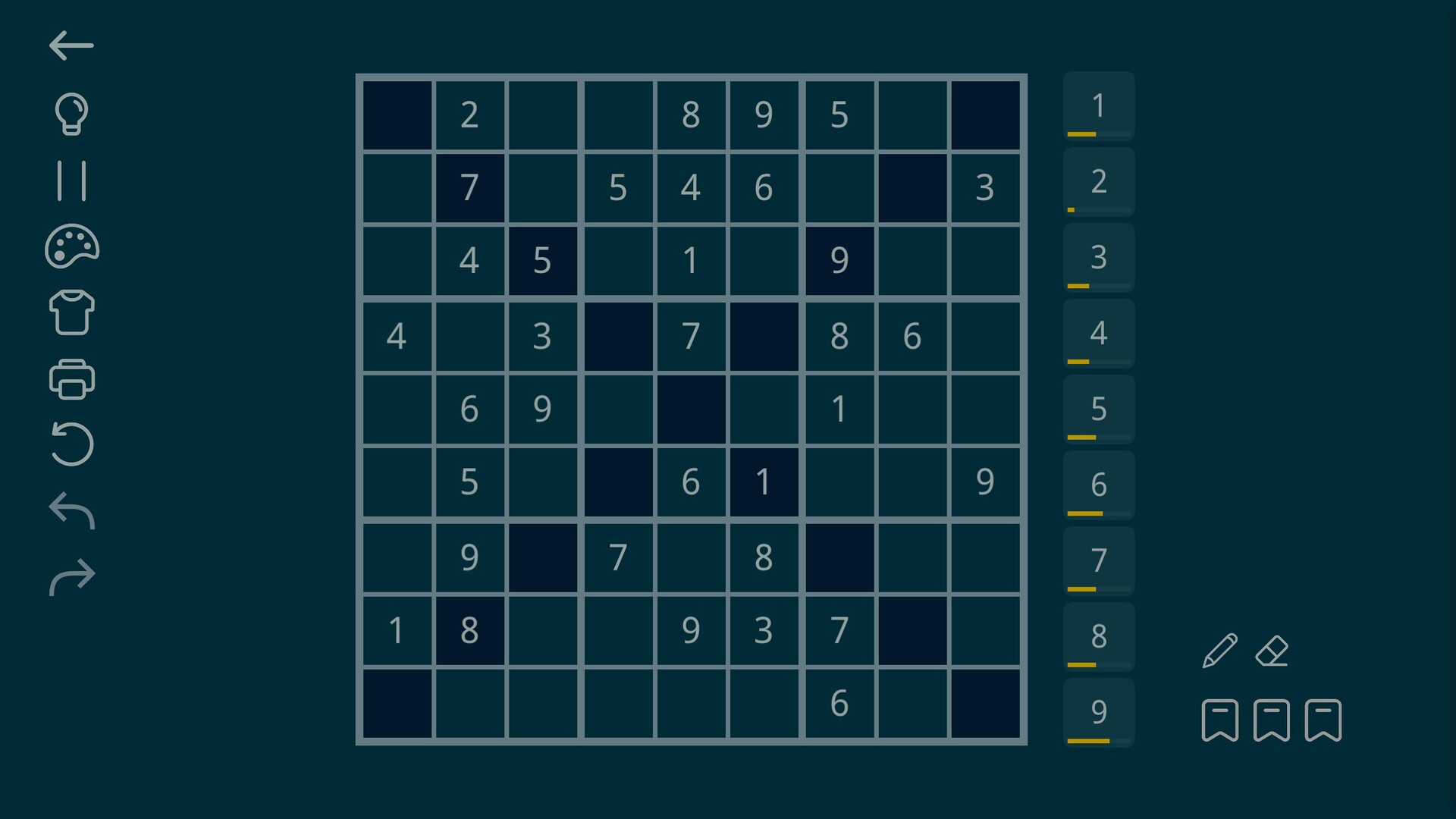
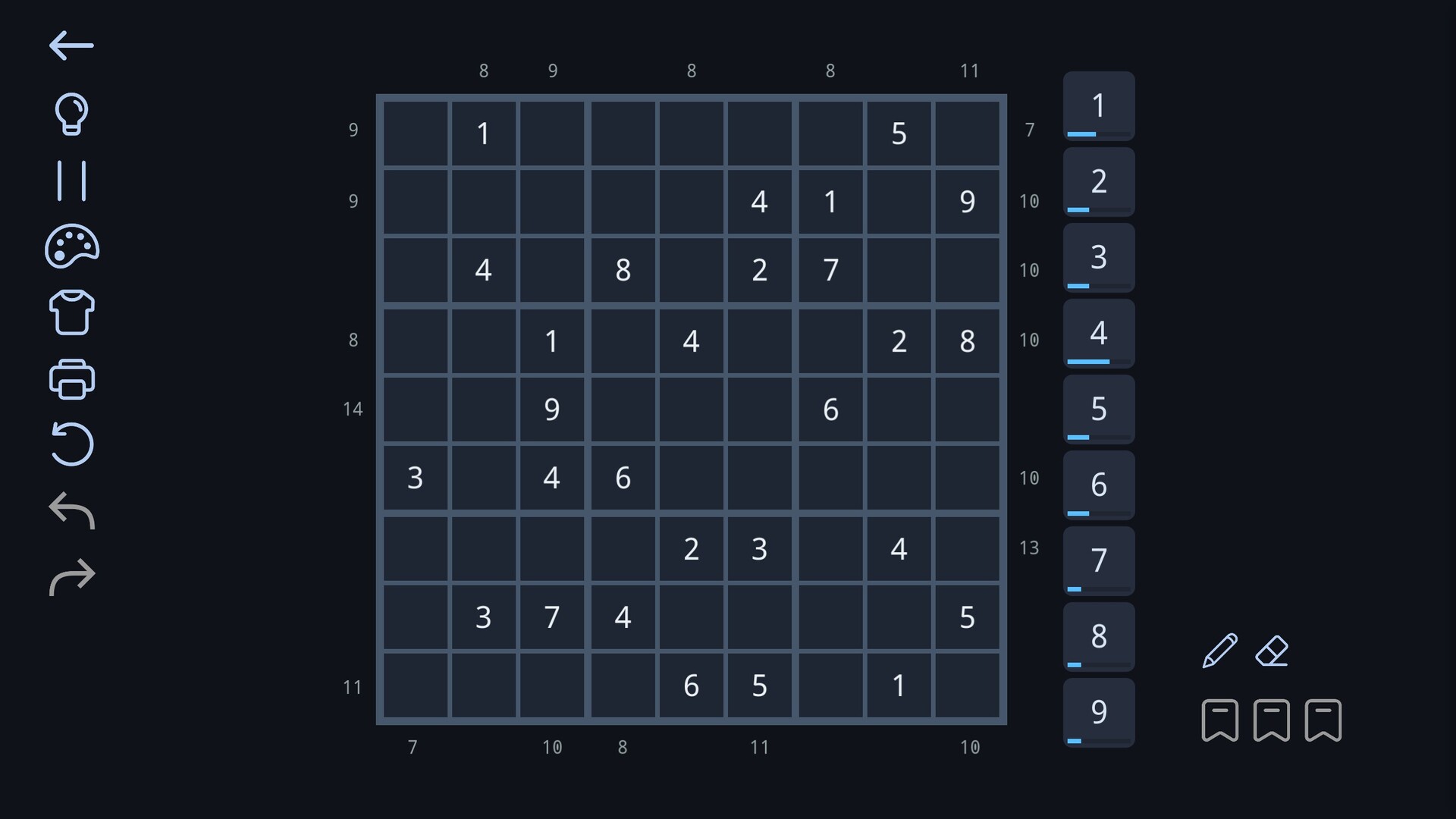
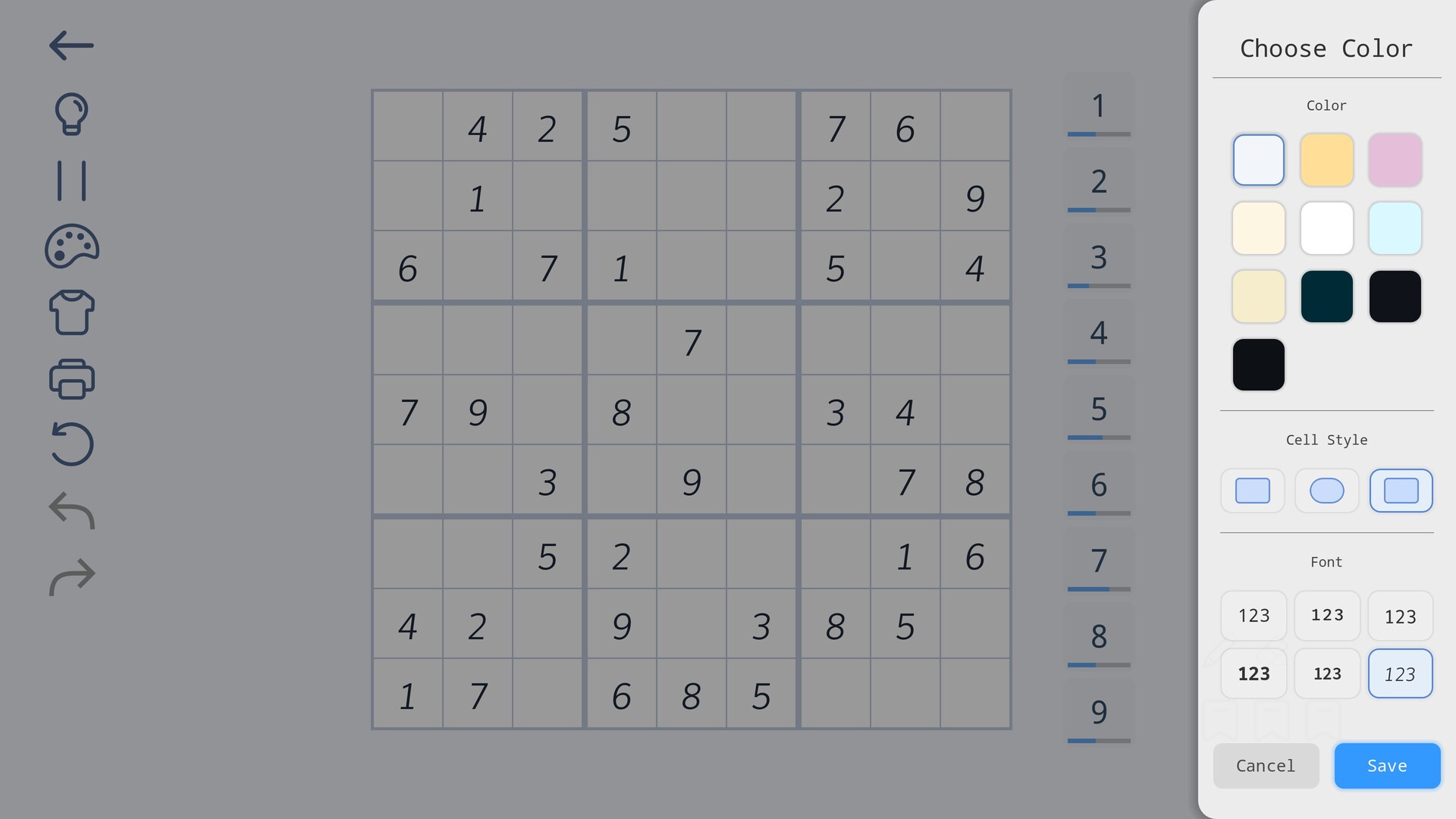

Sudoku Studio: Your own Sudoku world. Enjoy 27 Sudoku variants, daily and weekly challenges, real-time online co-op, and Steam Workshop sharing. Challenge your mind, unleash your creativity.
Released
March 31, 2026
Price
Platforms
macOS · Linux · Windows
Developer
Publisher
Last sync
October 3, 2026
Welcome to your ultimate Sudoku destination. Sudoku Studio offers a rich and endlessly engaging experience for both solvers and creators.
Vast & Varied Puzzles
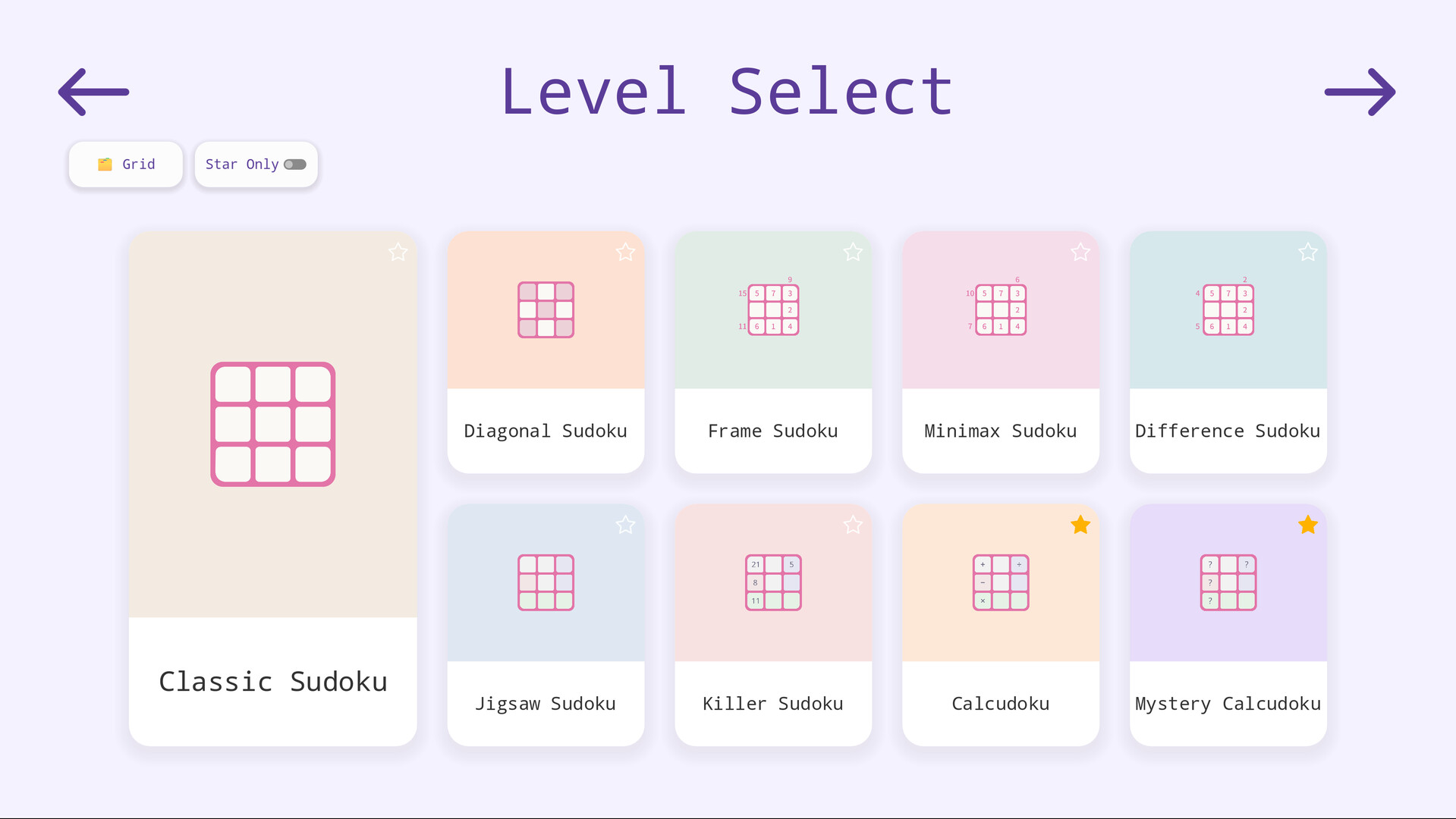
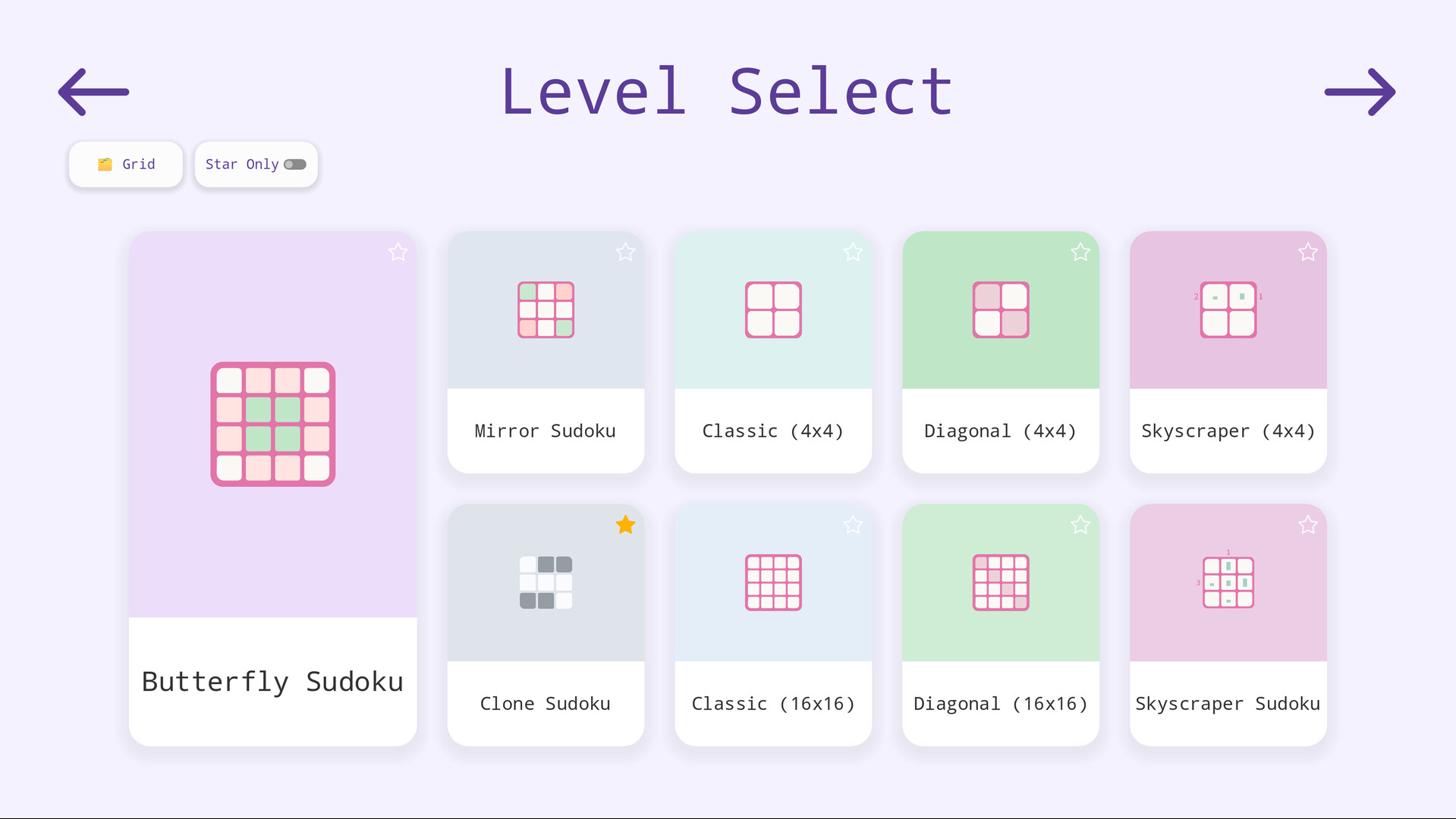
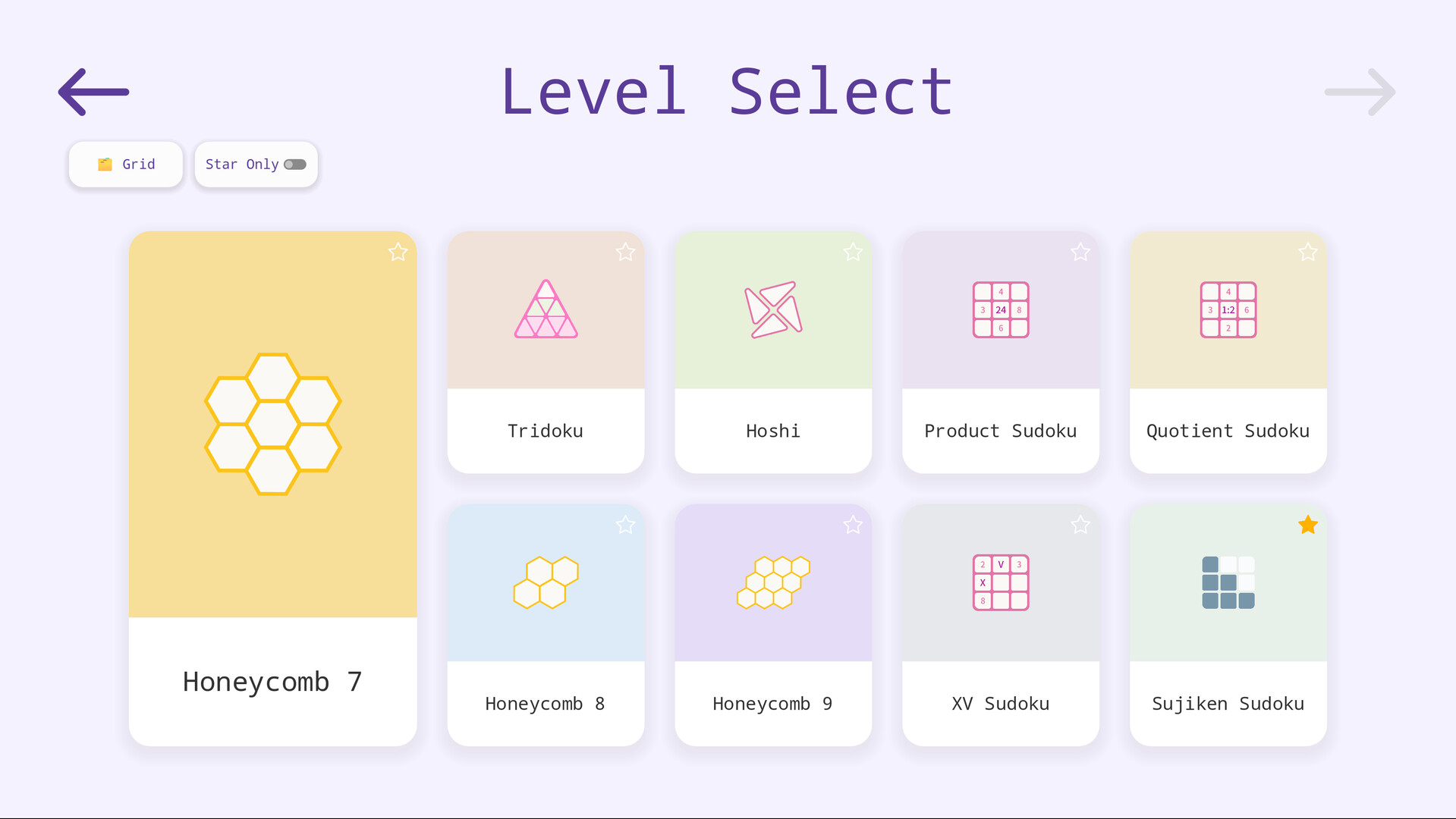
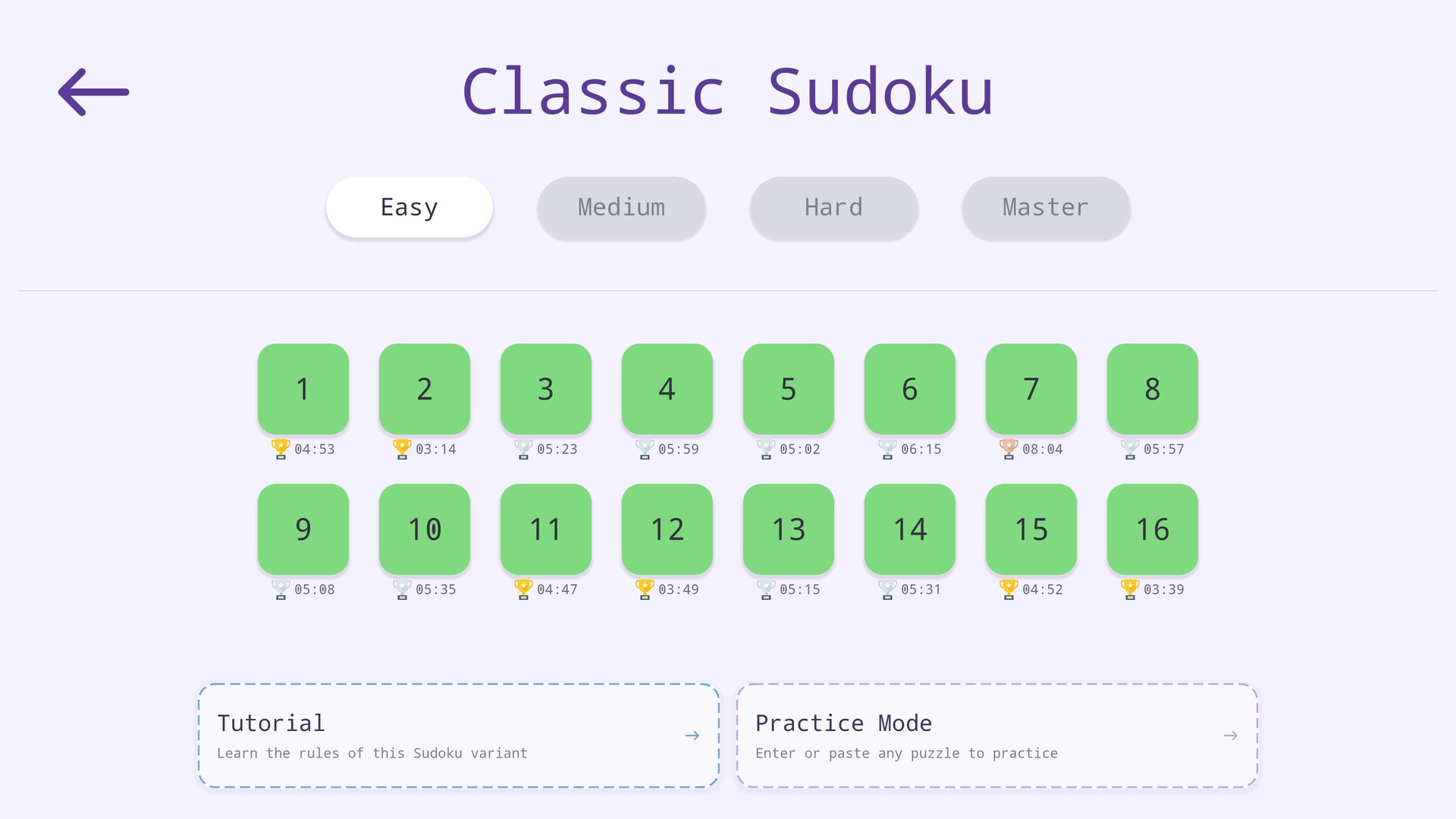
Immerse yourself in a library of 27 Sudoku variants, including Classic, Diagonal, Frame Sum, Jigsaw, Killer, Butterfly, Skyscraper (available in 4x4), Tridoku, Honeycomb, and more. Each variant features four difficulty levels: Easy, Medium, Hard, and Master. Classic and Diagonal also support 4x4 and 16x16 grids, offering quick sessions or extended marathons. More variants are on the horizon.
Daily & Weekly Challenges
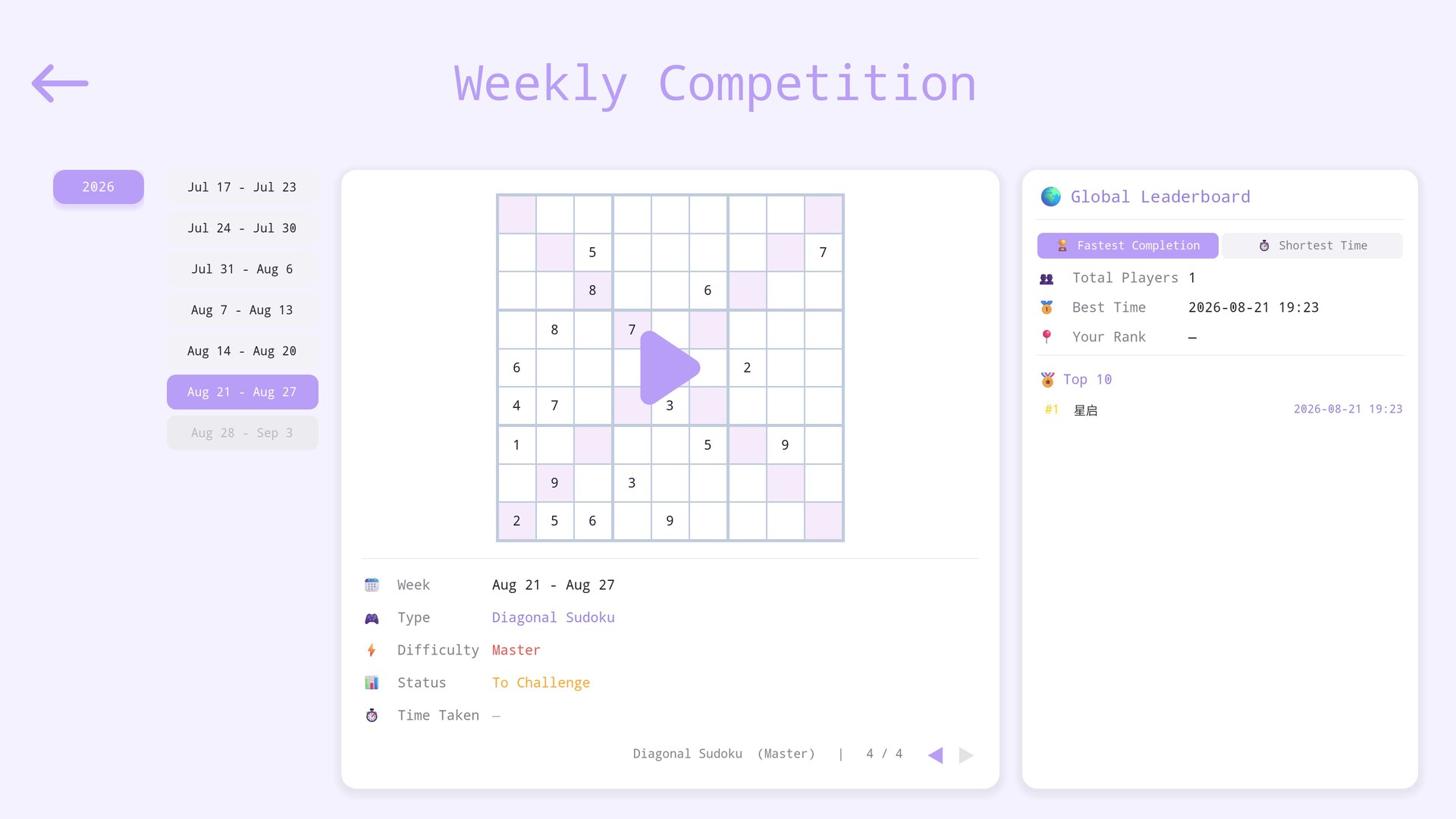
Tackle a fresh curated puzzle every day to build your skills over time. Each week, a new themed contest arrives with escalating difficulty. Compete alongside fellow solvers and never feel alone.
Online Co-op, Shared Solving
Play together online with friends in real time, collaborate on the same puzzle, and share the joy of deduction.
Practice & Tutorial Mode
Now supporting every Sudoku variant, Practice Mode lets you manually enter any puzzle and play at your own pace. Tutorial Mode is now available, with a dedicated tutorial for every variant to help you get started quickly.
Steam Workshop
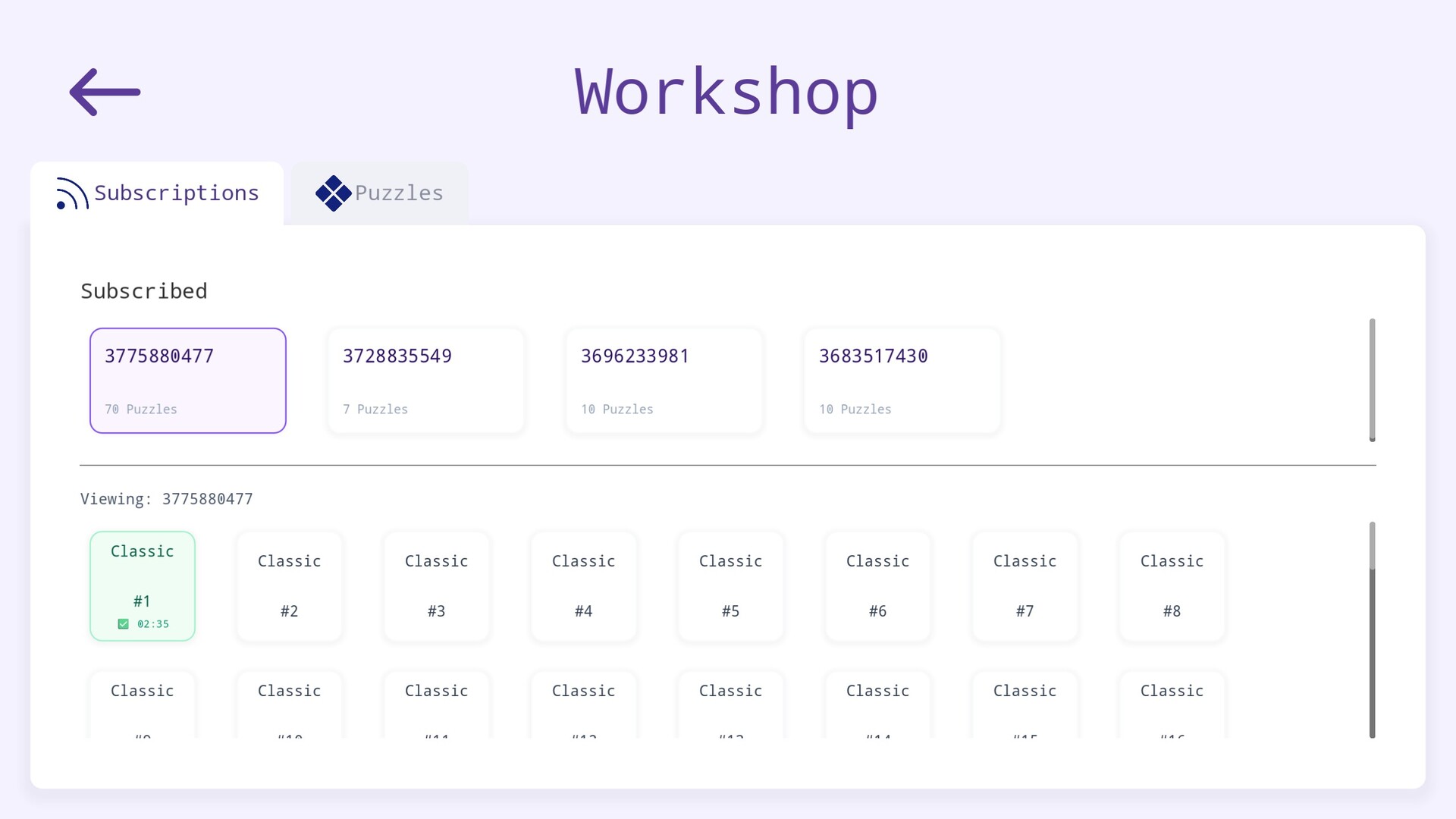
Unleash your creativity with our powerful editor. Create, publish, and share your own Sudoku puzzles directly via Steam Workshop. All 9x9 variants now feature graphical editing, and every puzzle type supports JSON import and editing – so your custom designs can use any rule set. Subscribe to community creations and enjoy an ever-growing collection of puzzles.
Smart Tools & Seamless Interaction
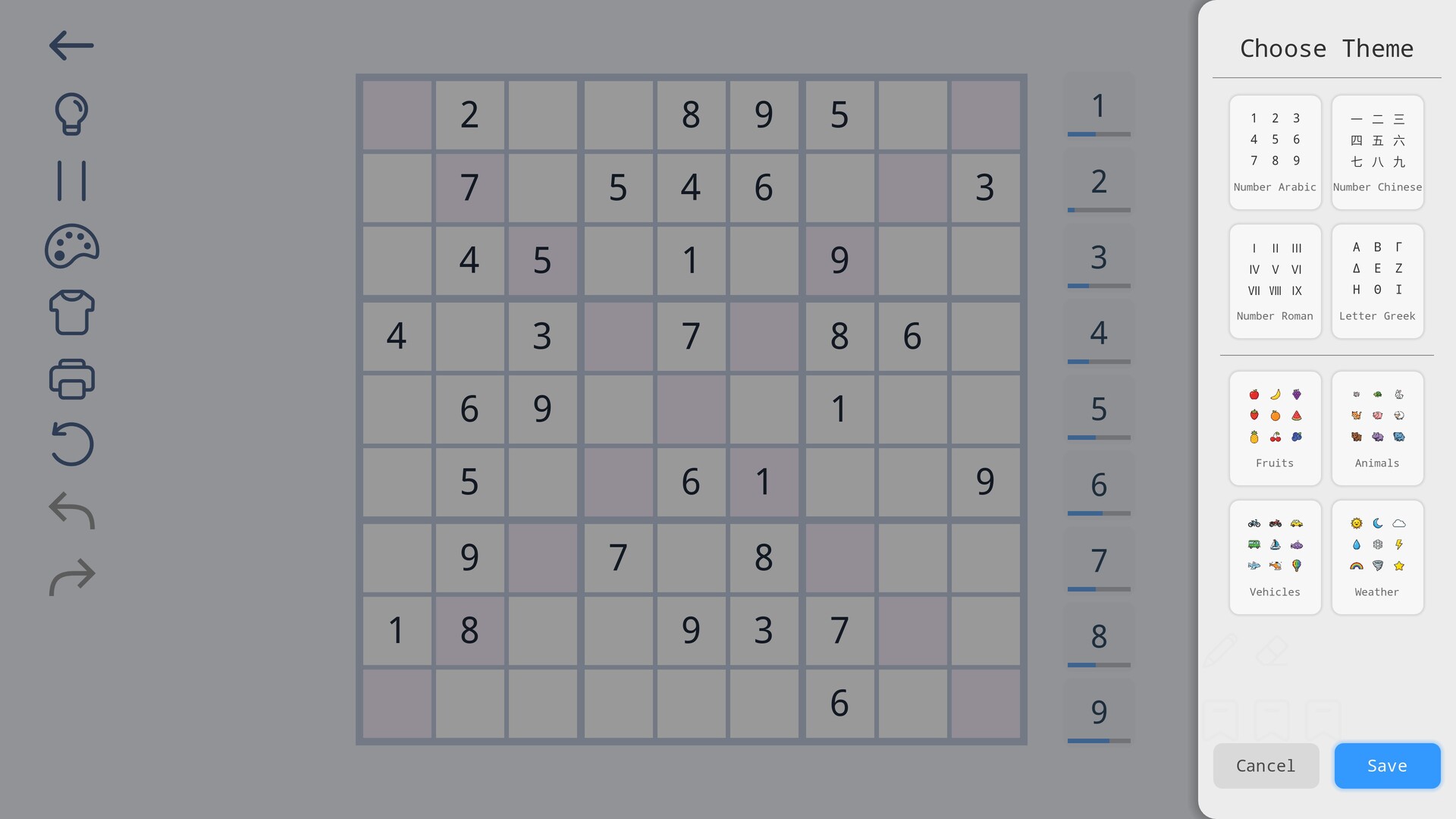
A clean, customizable interface with multiple themes keeps you focused. Use draft marks (copy, paste, one-click fill, and one-click clear), highlights, and error checking to refine your strategy. Save your progress anytime and resume instantly, and enjoy keyboard shortcuts that make every move smoother and more efficient. You can also export your current puzzle as a PDF—optionally including your progress, drafts, and the solution—perfect for printing or offline practice. A feedback button on the home page makes it easy to share your thoughts or report issues anytime.
Whether you're here for a mindful break, a serious brain workout, or a platform to share your passion, Sudoku Studio is your perfect puzzle haven.
Have fun!