#Casual #2D #Atmospheric
Little Stars
A puzzle game that asks you to find Hamiltonian and Euler paths in interesting and complex graph patterns. The ambience is set in the night sky for a relatively relaxing experience.
View game
$0.99

No user reviews · 0 reviews
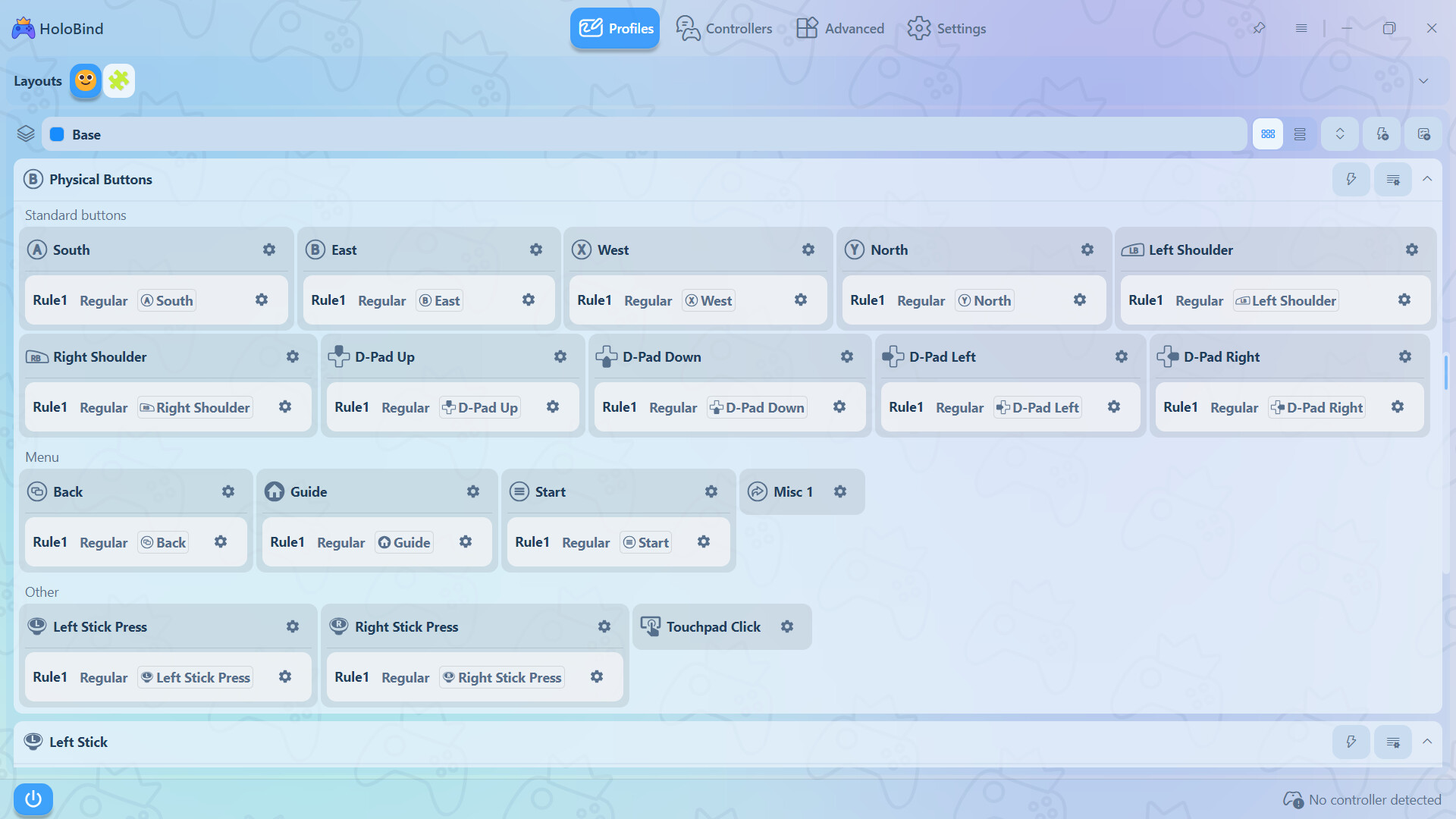

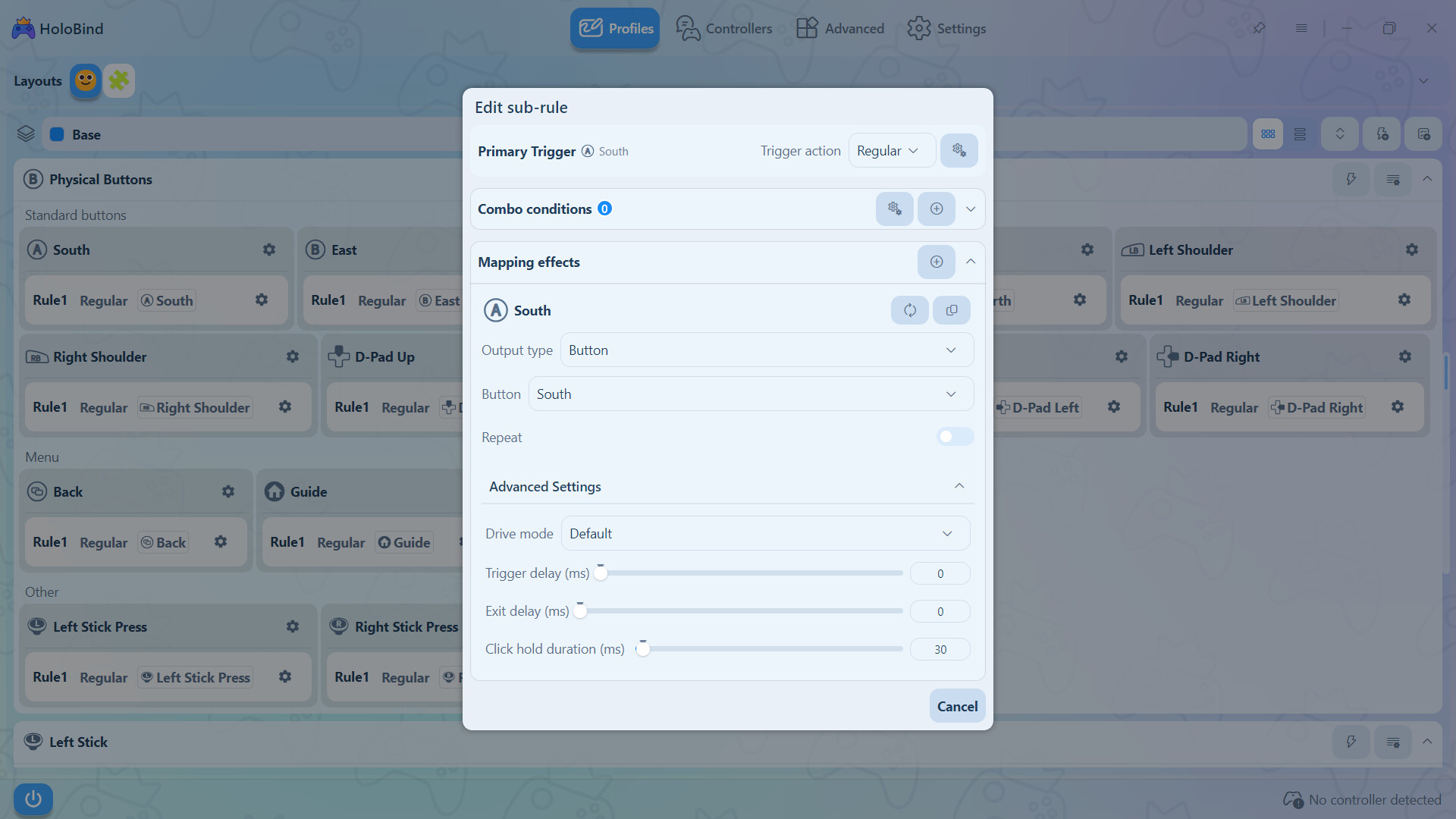
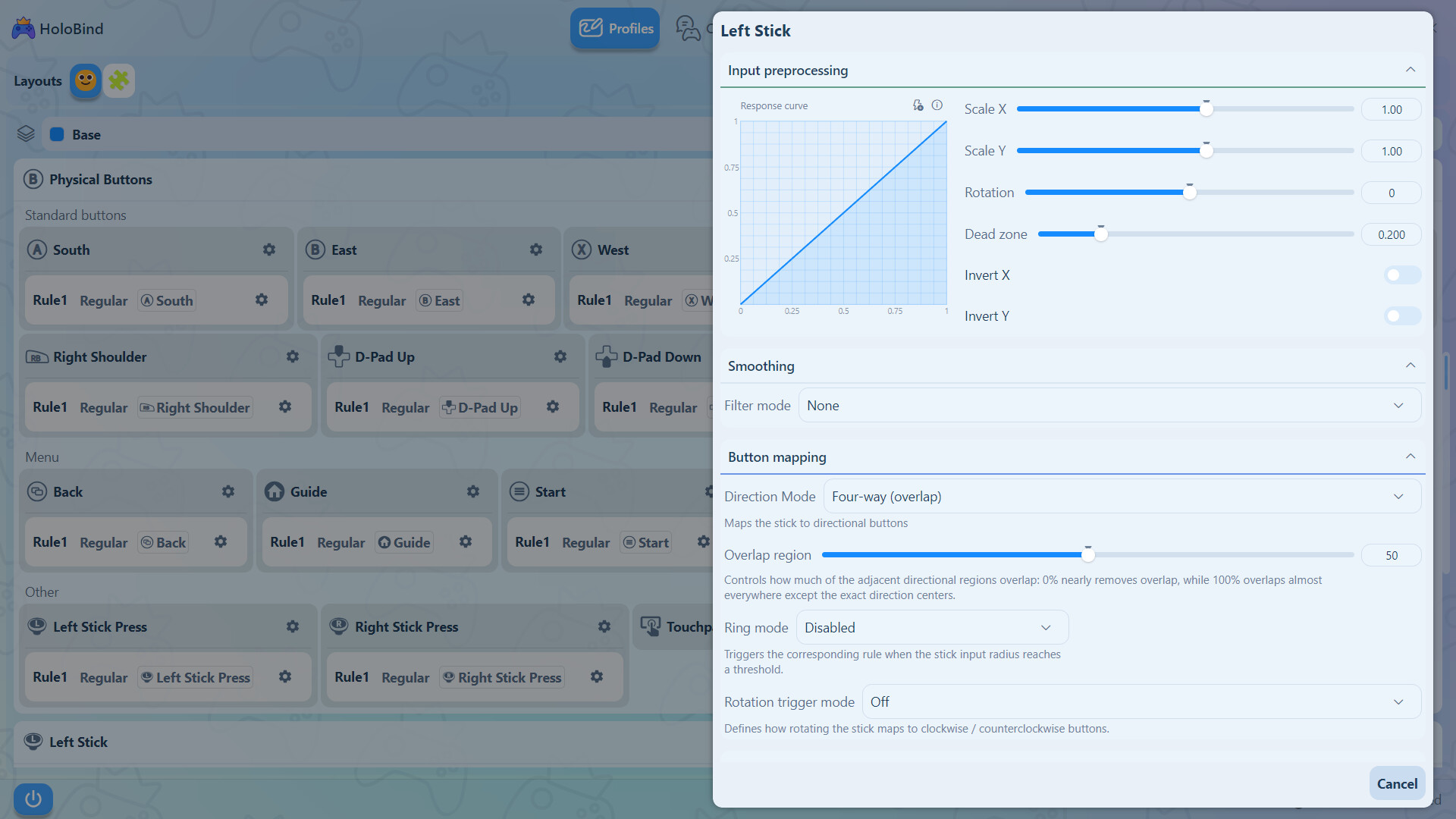
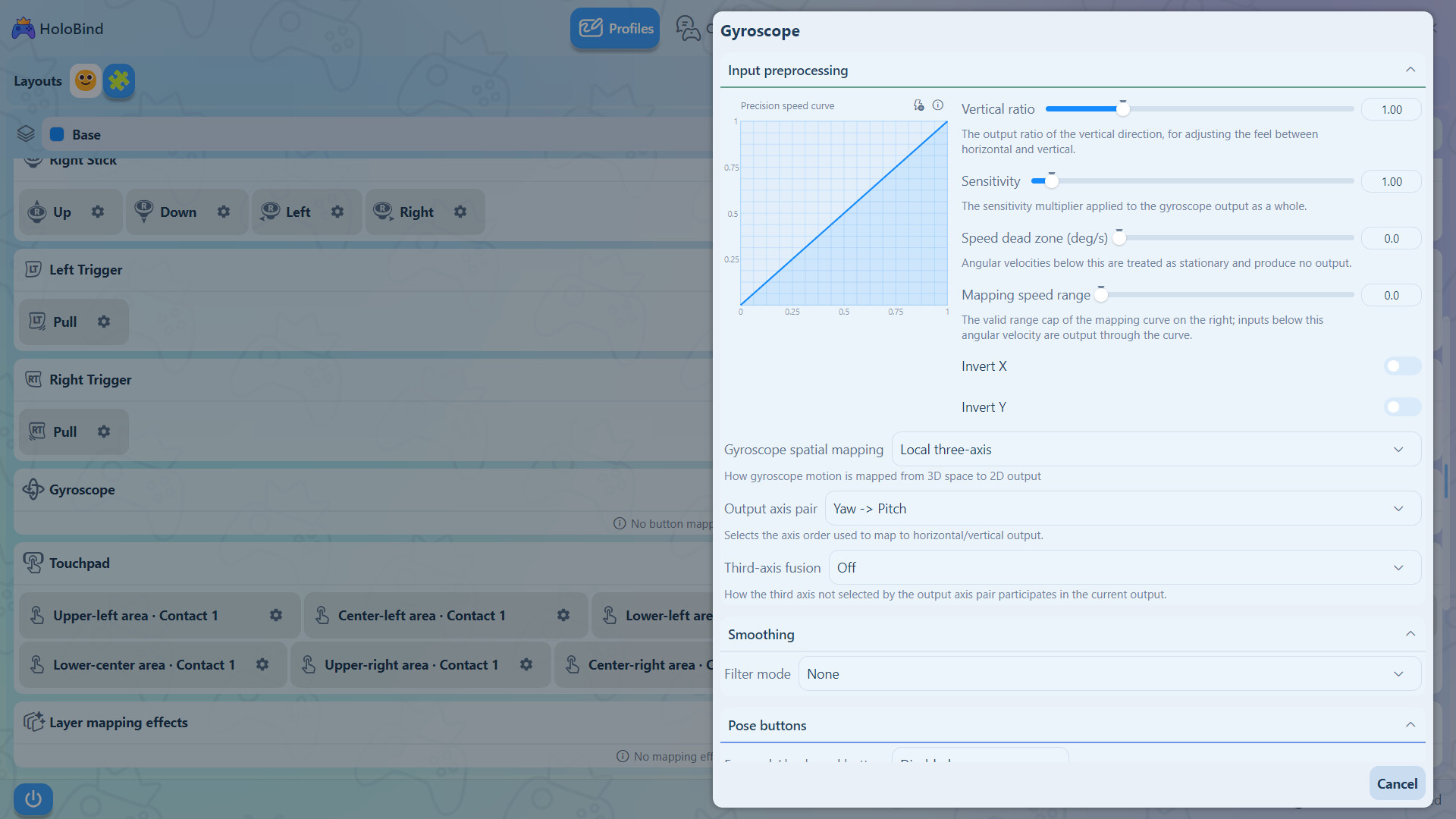
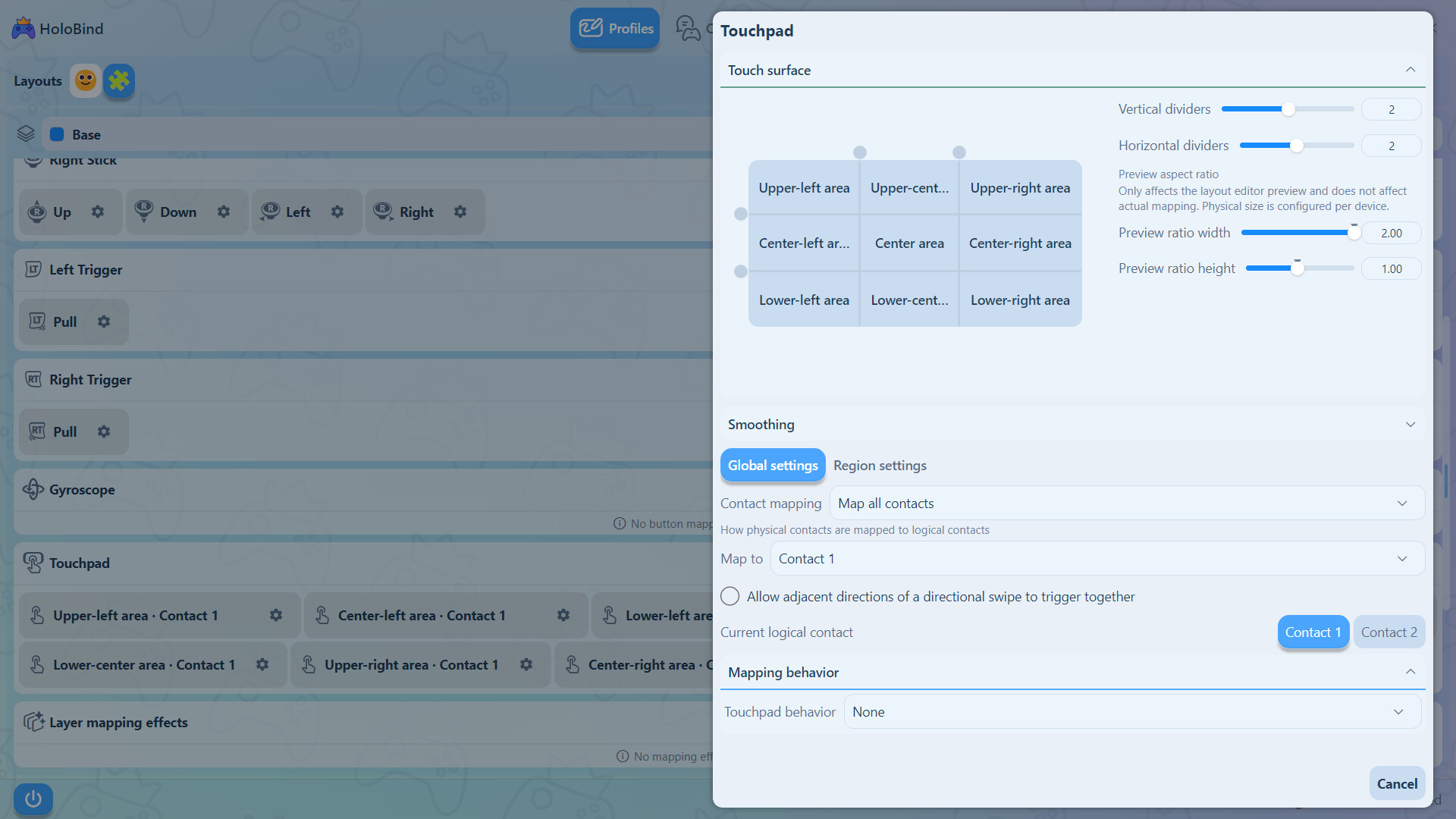
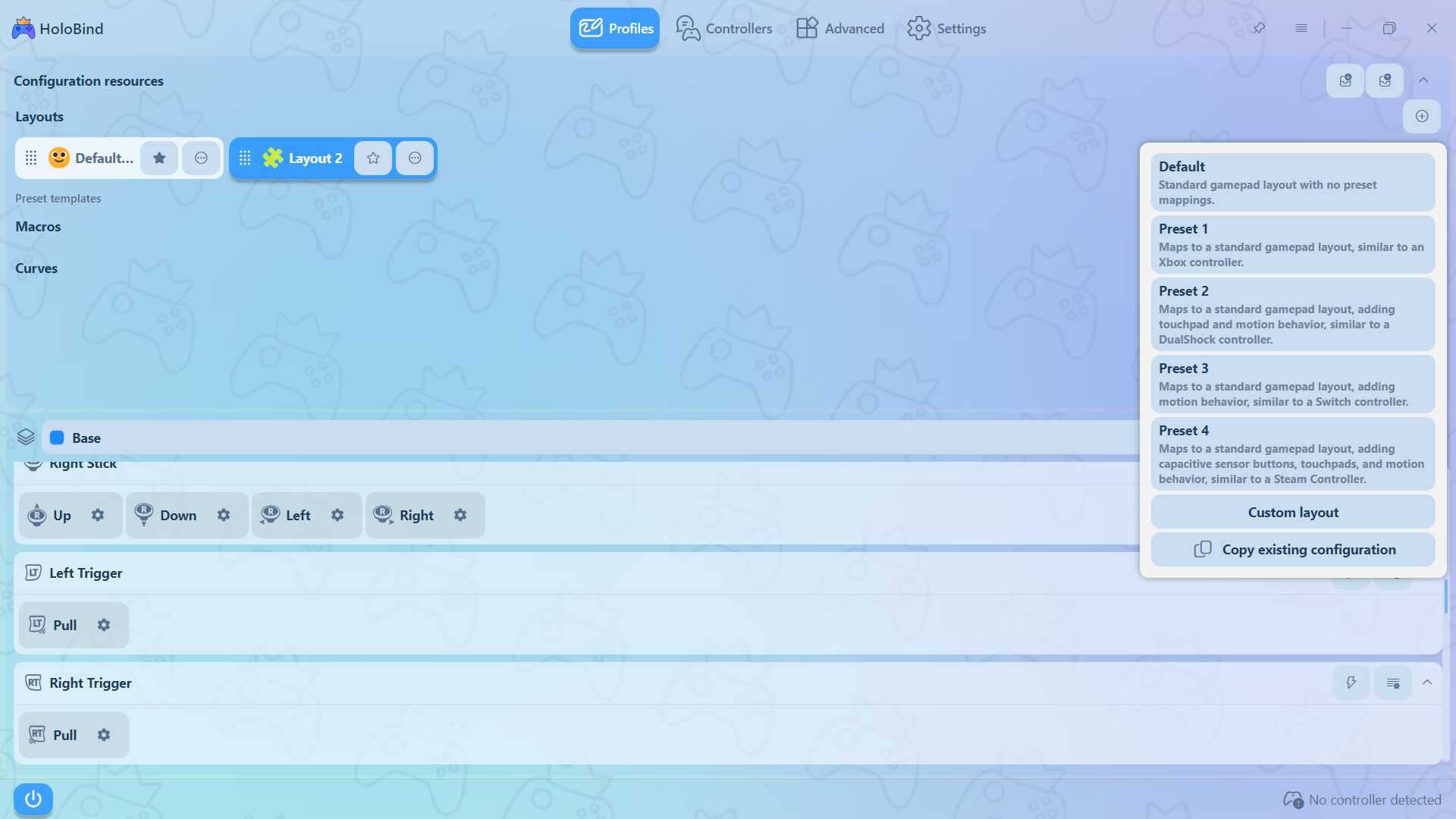
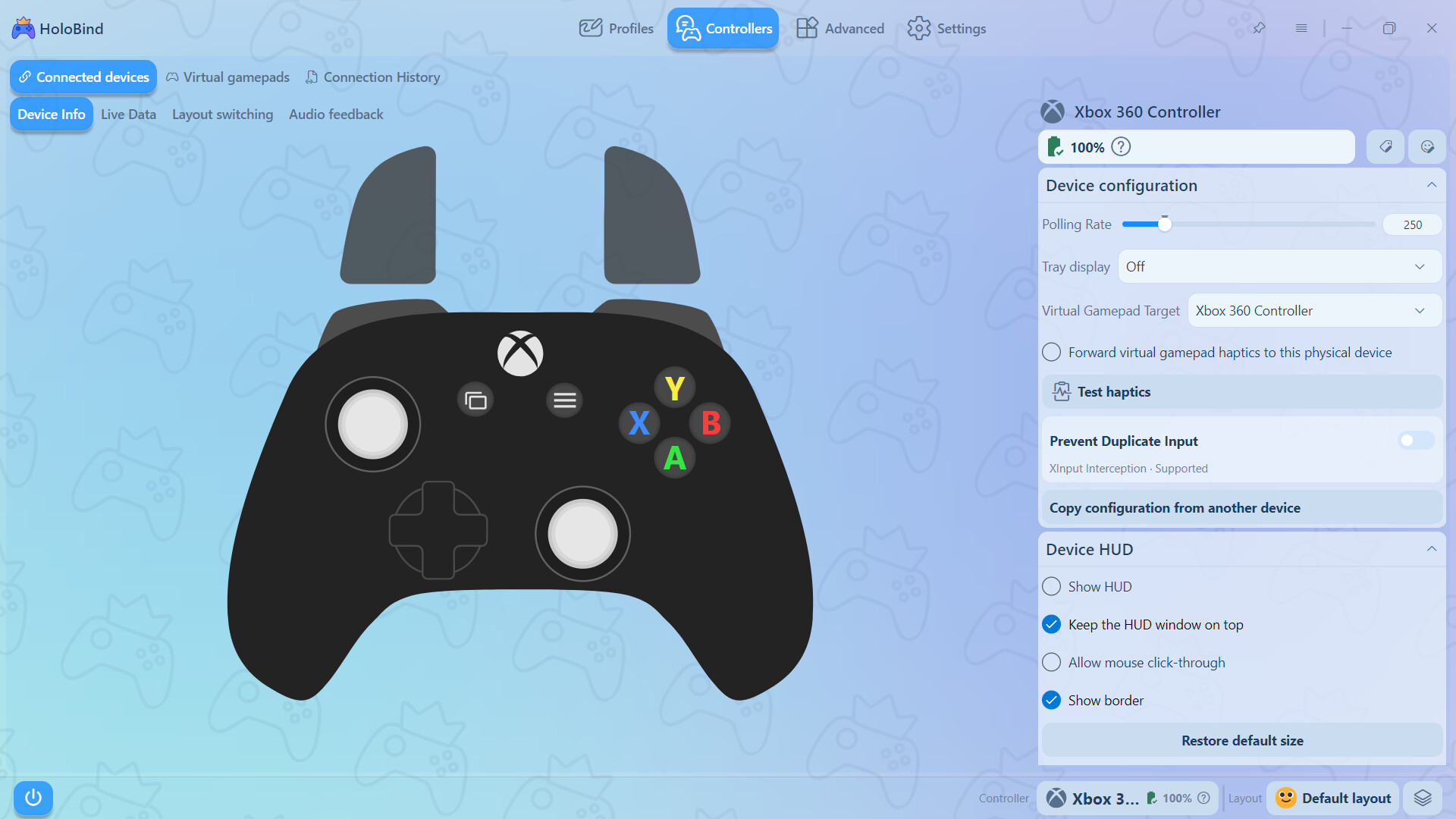
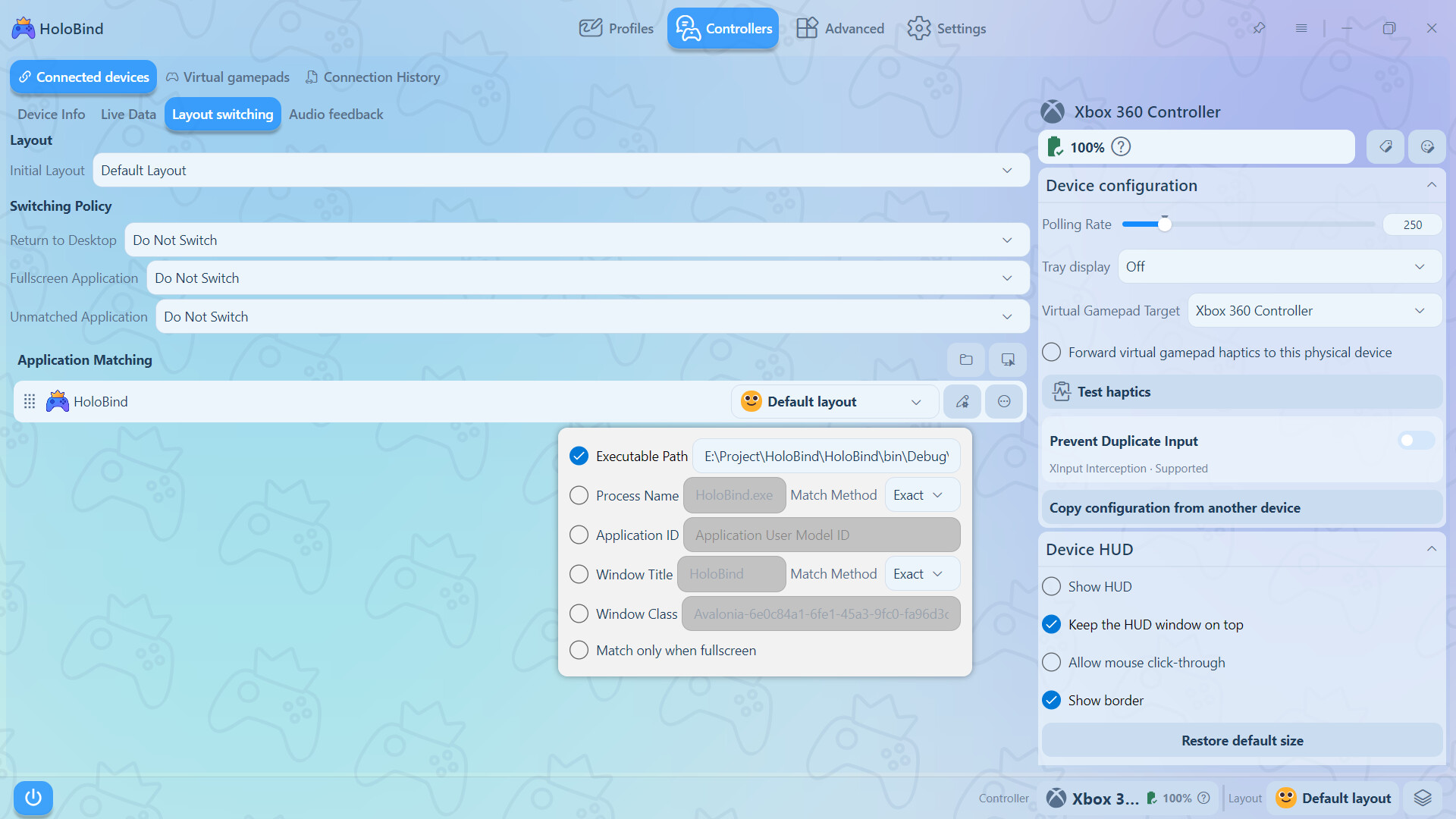
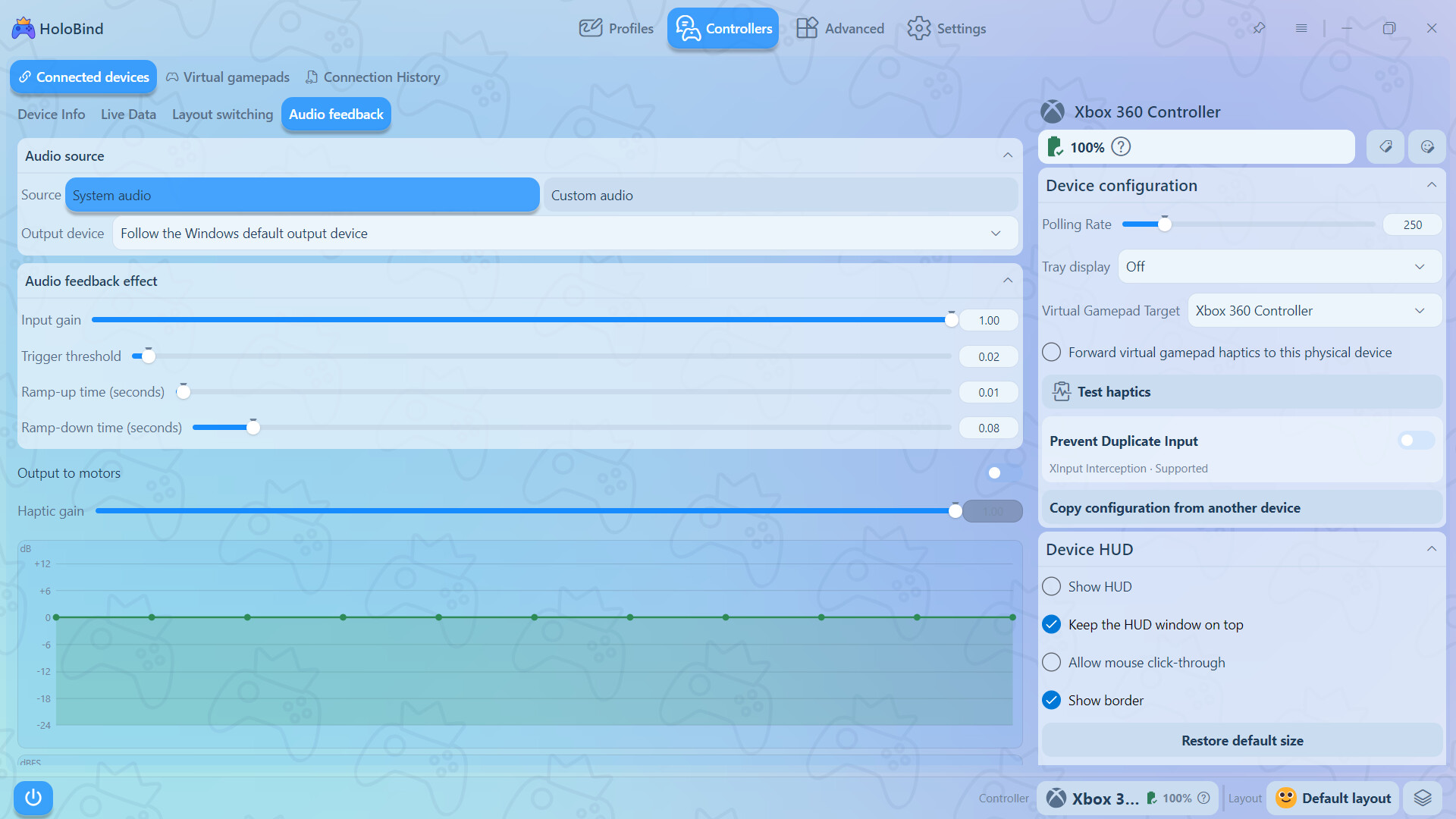
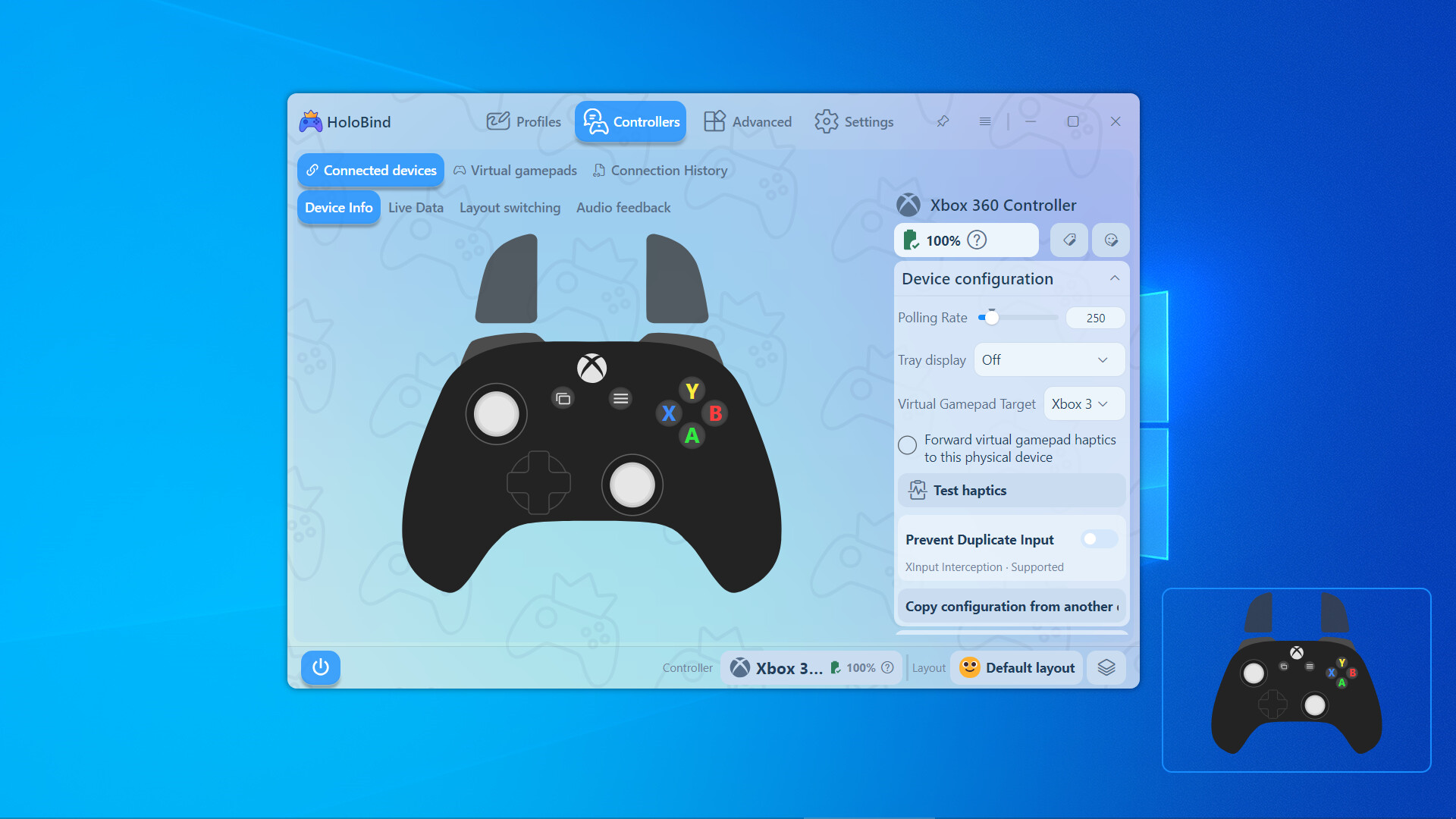
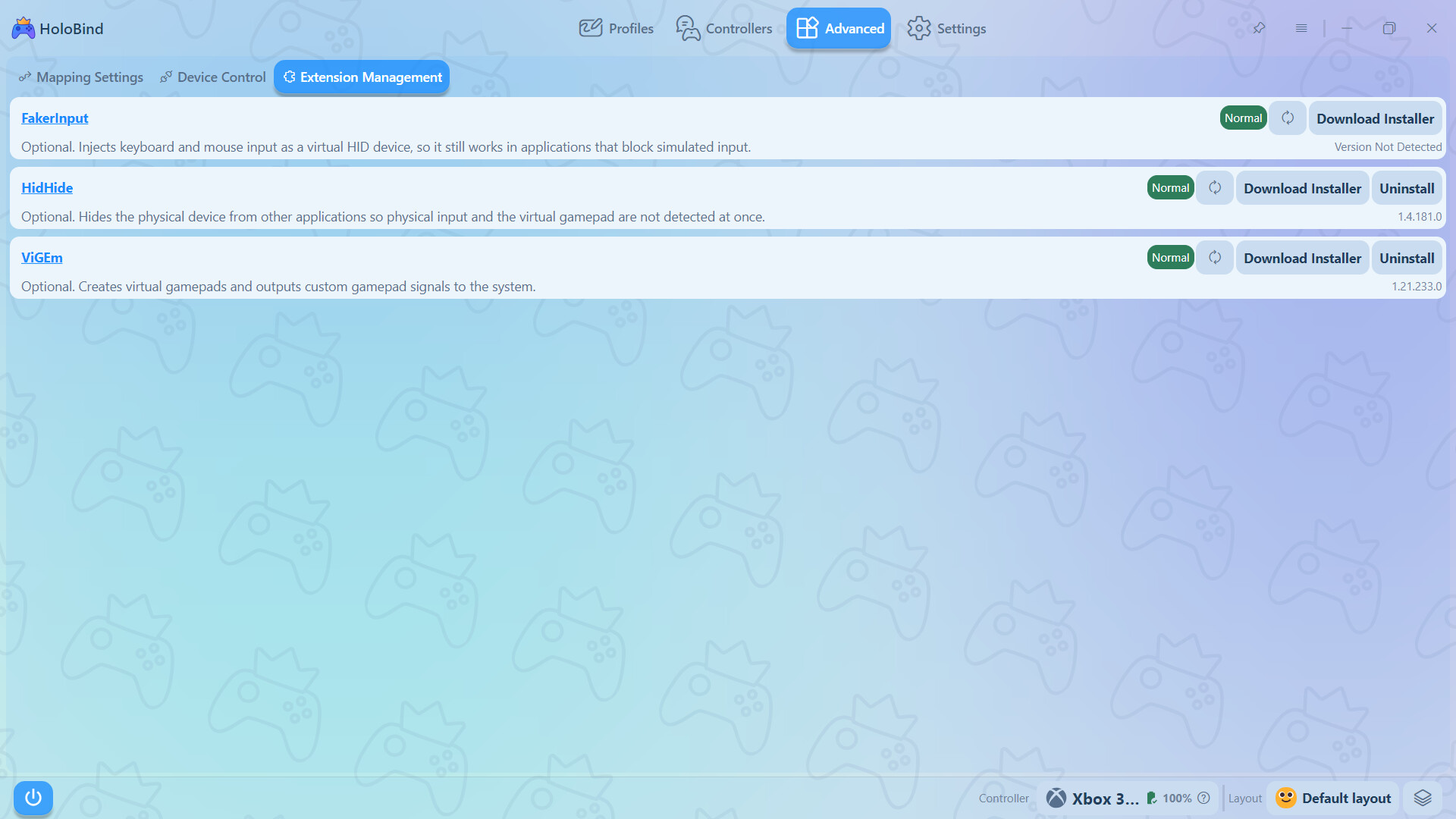
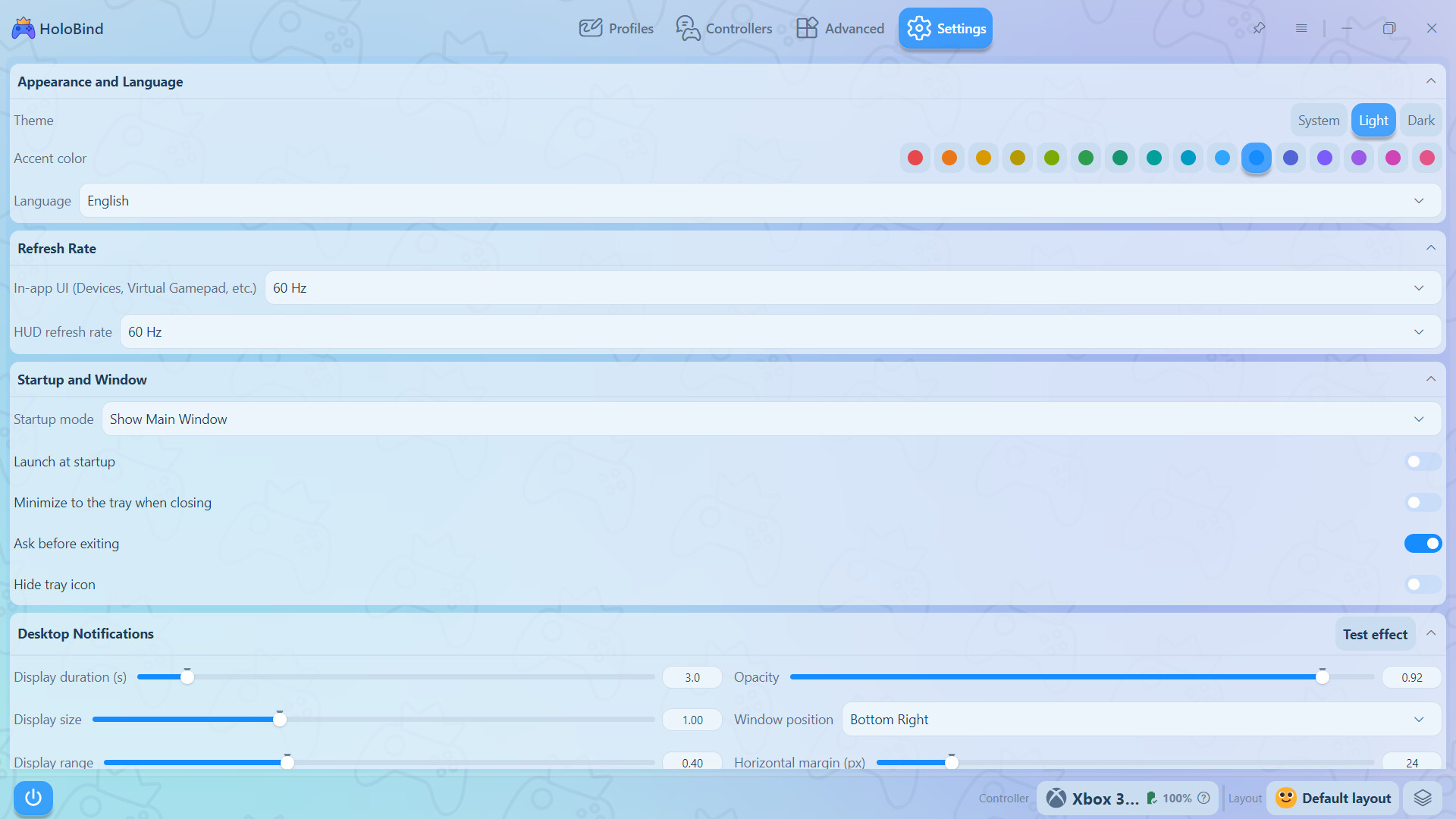
HoloBind is a gamepad mapping tool that rebinds buttons, sticks, triggers, and gyroscope input to keyboard keys, mouse actions, or virtual gamepad output, with extensive customization options to suit individual needs.
HoloBind provides highly customizable mapping configurations, allowing dedicated control schemes for individual applications and games, with all mapping rules freely adjustable. It supports mainstream gamepad models with plug-and-play operation and no additional drivers required. Compatible with Xbox 360 / Xbox One, PlayStation 3 / 4 / 5, Nintendo Switch Pro and Joy-Con, Steam Controller, and the vast majority of USB and Bluetooth gamepads.
The above covers the main features. Beyond these, the software includes more detailed mapping settings that are not listed here individually.
HoloBind's goal goes beyond being a mapping tool. We are exploring ways to make gamepads work with a wider range of devices and scenarios, continuously extending the boundaries of customization. Future versions will add more mapping capabilities.