Use this software if you:
- Want to automatically resize and position different apps & games
- Play games in "windowed mode" and want to remove the title bar
- Use an Ultrawide or Dual-Wide monitor, but don't play all of your games in full screen
- Frustrated with other similar applications that just don't quite seem to work correctly
How it Works:
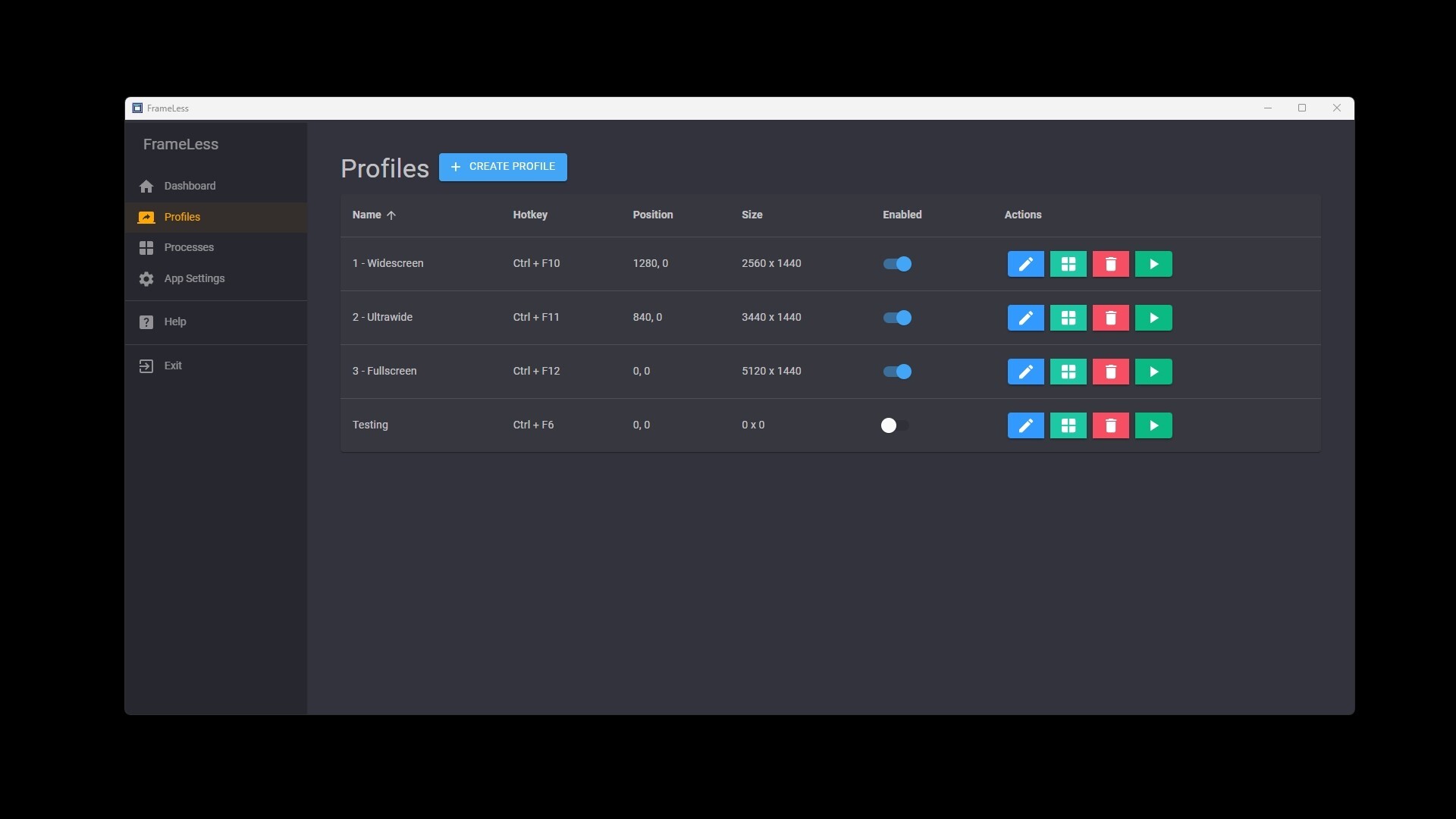
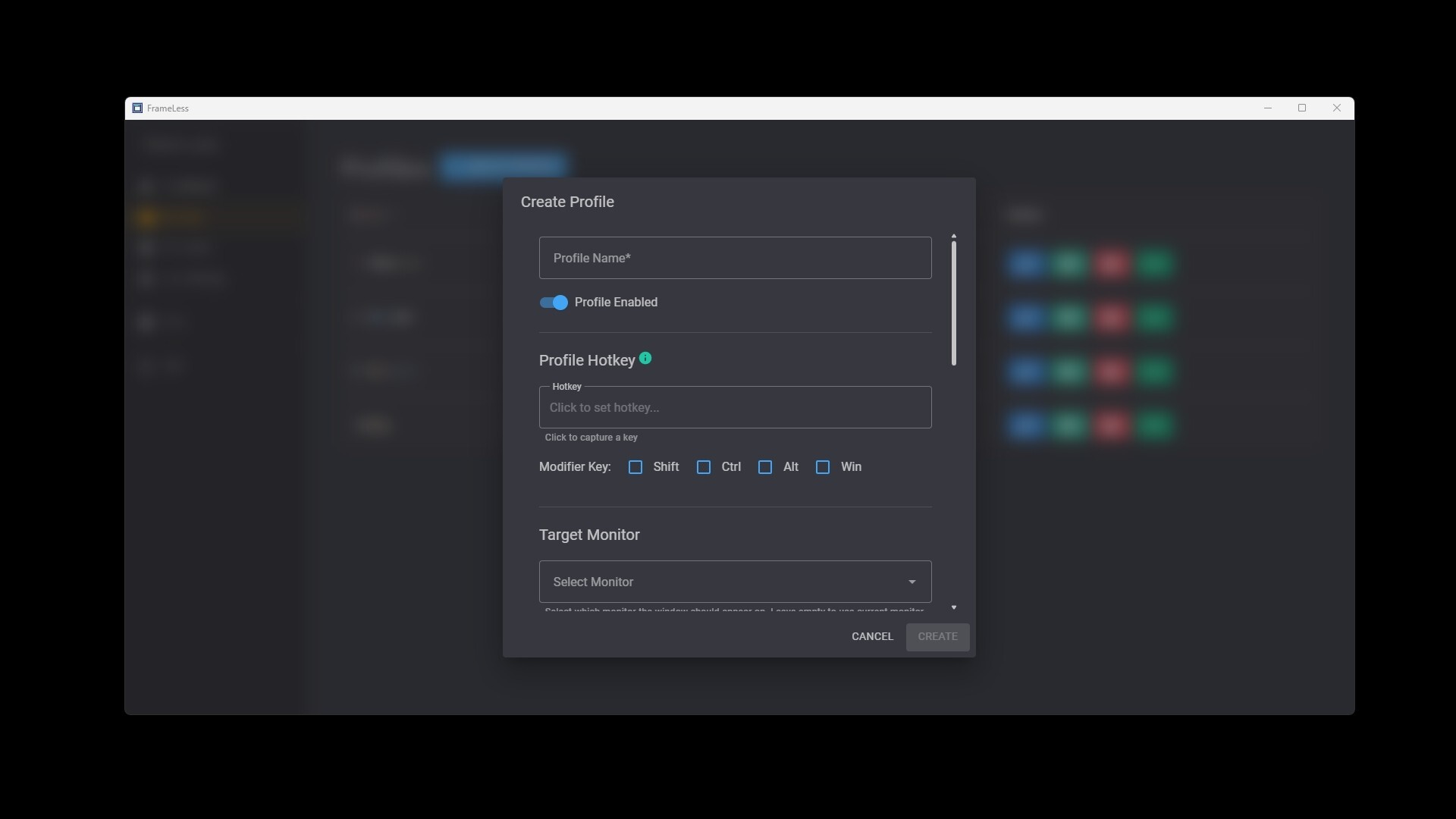
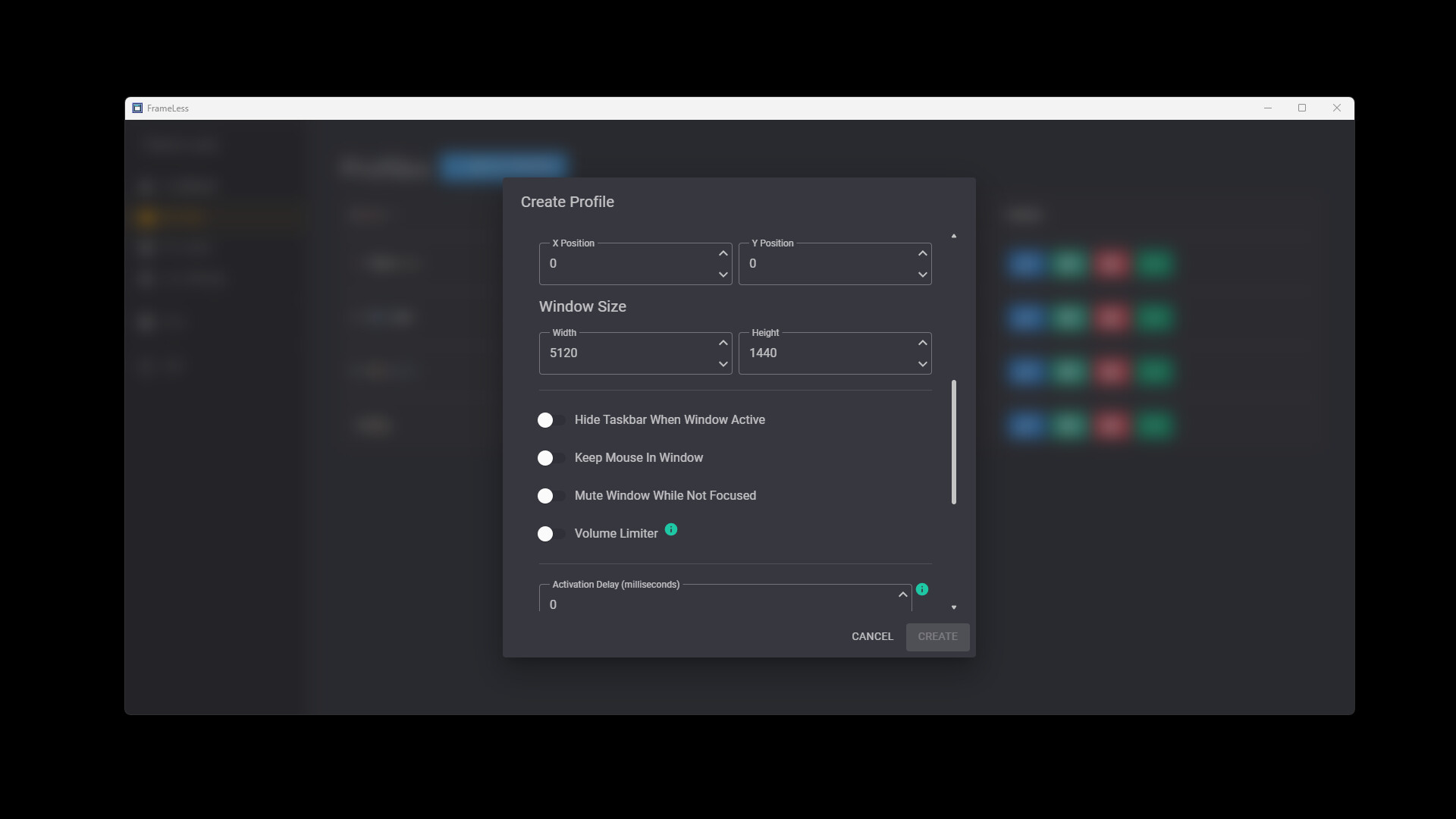
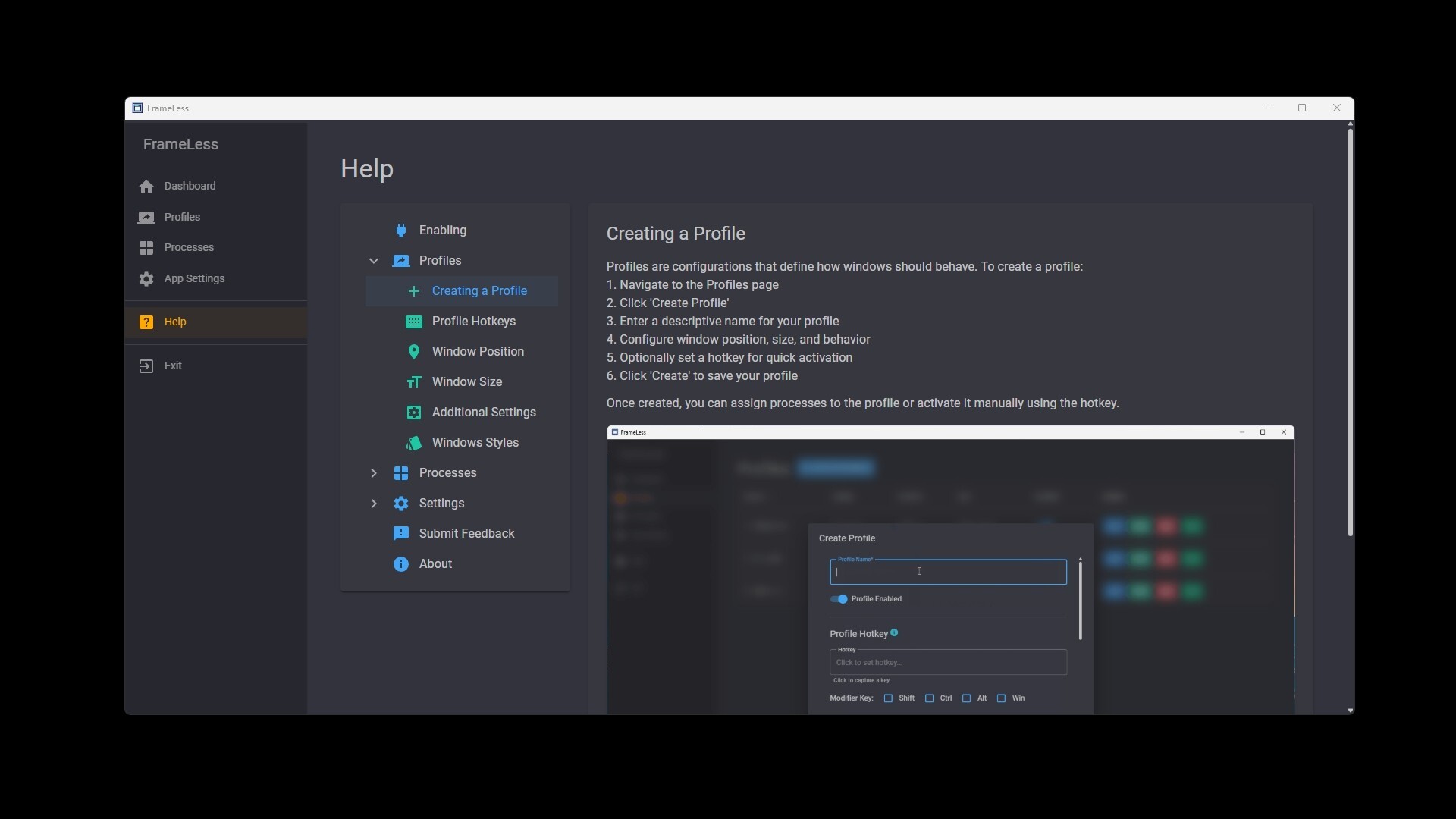
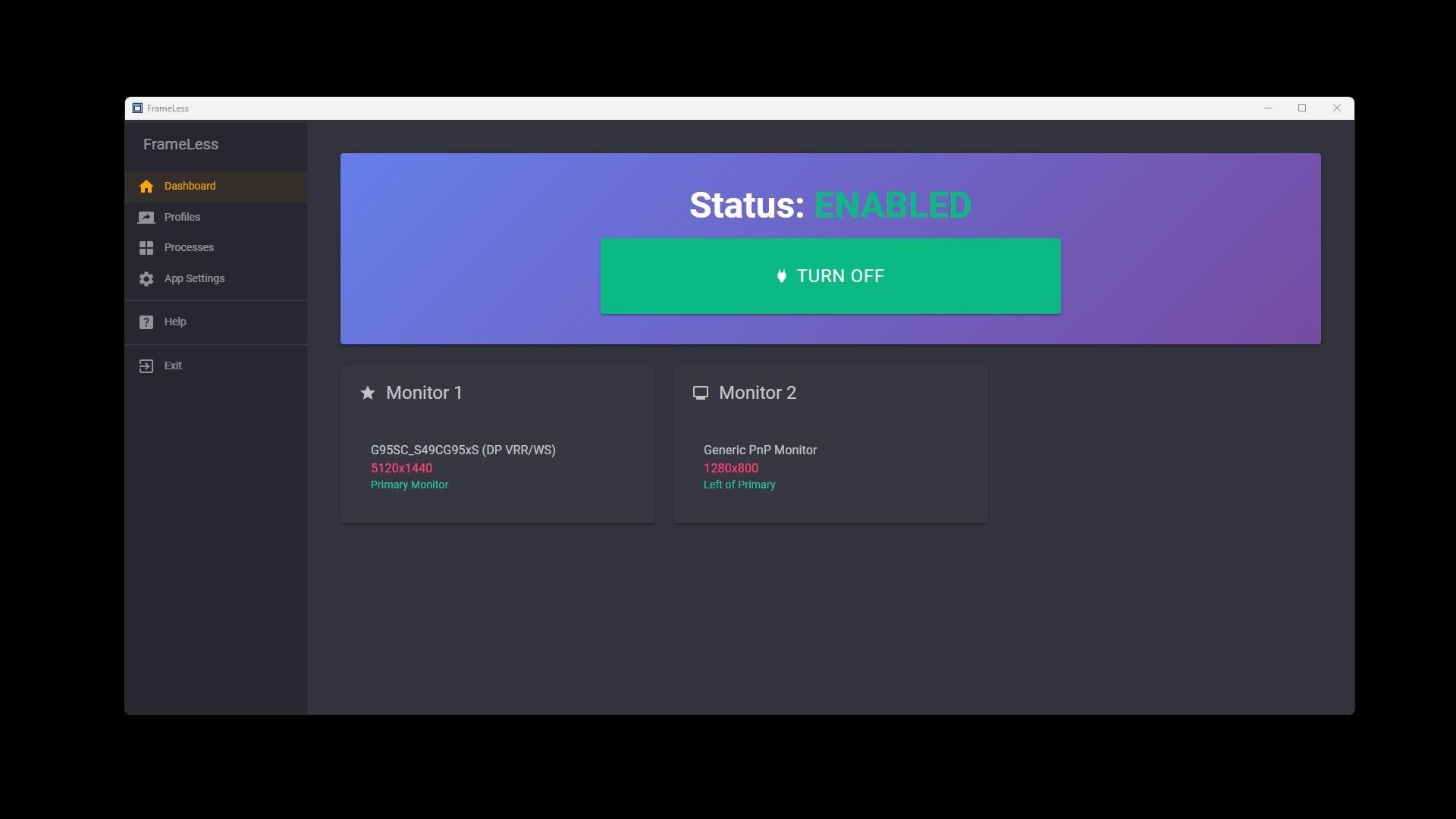
1. Create a Profile with settings to your liking (window position, size, mouse lock, etc.)
Optionally, assign a Hotkey to the Profile
2. While a game or application is focused, hit your profile's hotkey
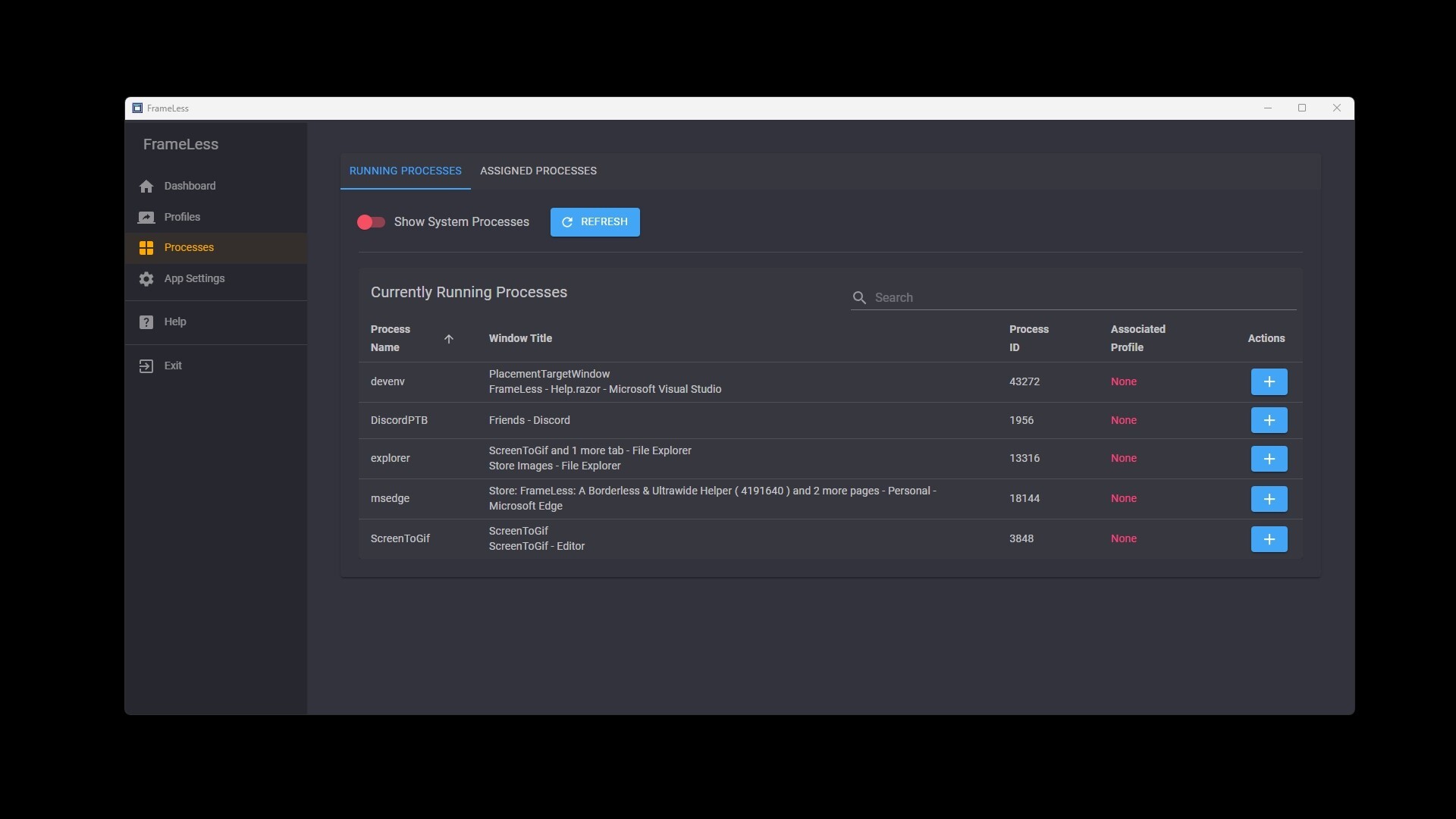
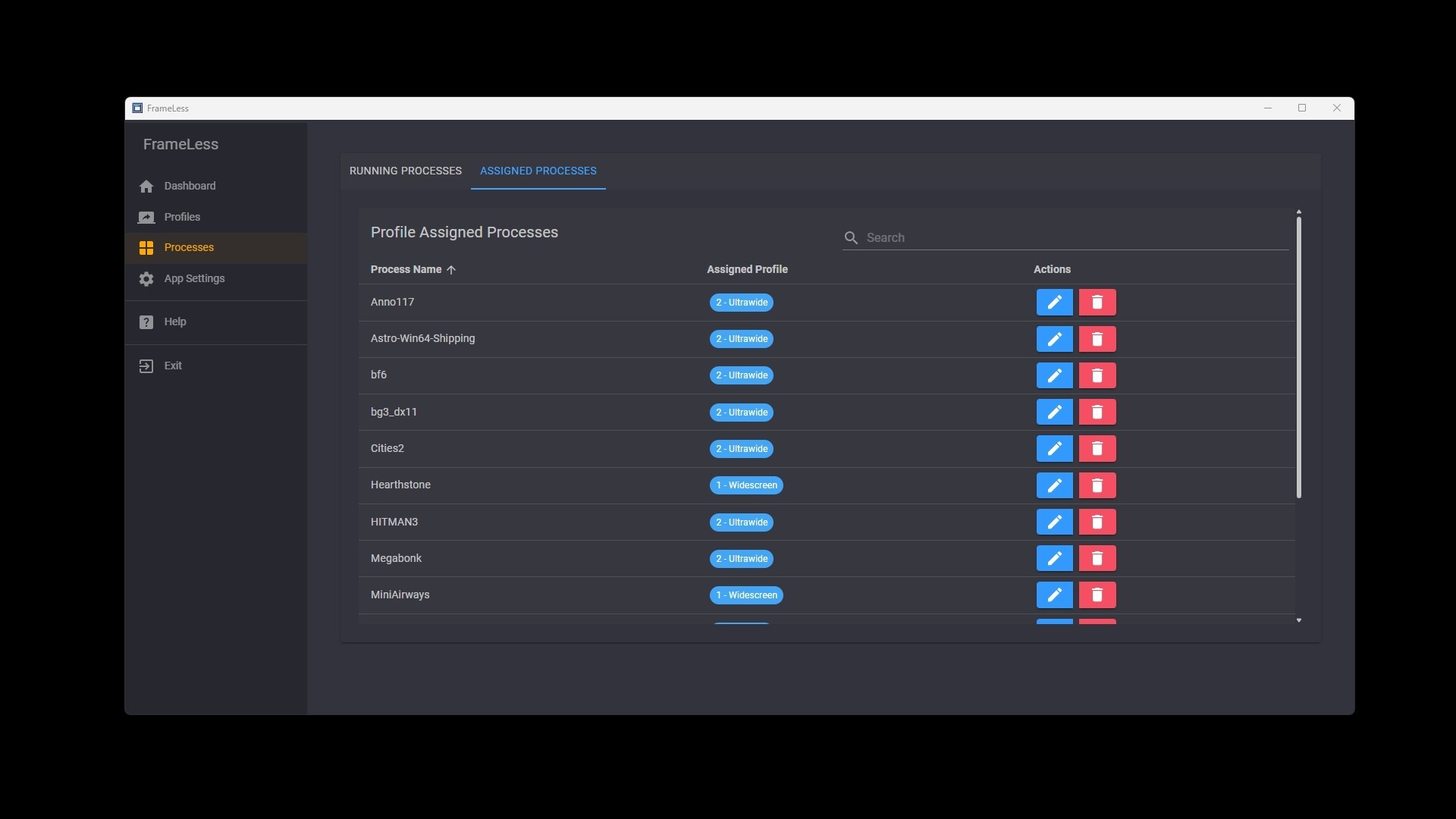
Alternatively, use in the Process Browser in the GUI to assign a profile to a game/app
3. That's it! The rest will happen automatically from now on, as long as FrameLess is running!
Features:
- Remove title bars, borders, and apply a selection of native Windows styles to your apps & games
- Automatically resize and position your windows
- Lock your mouse cursor in a window
- Force hide the taskbar while focused in a window
- Automatically mute a window when it loses focus
- Limit application volumes
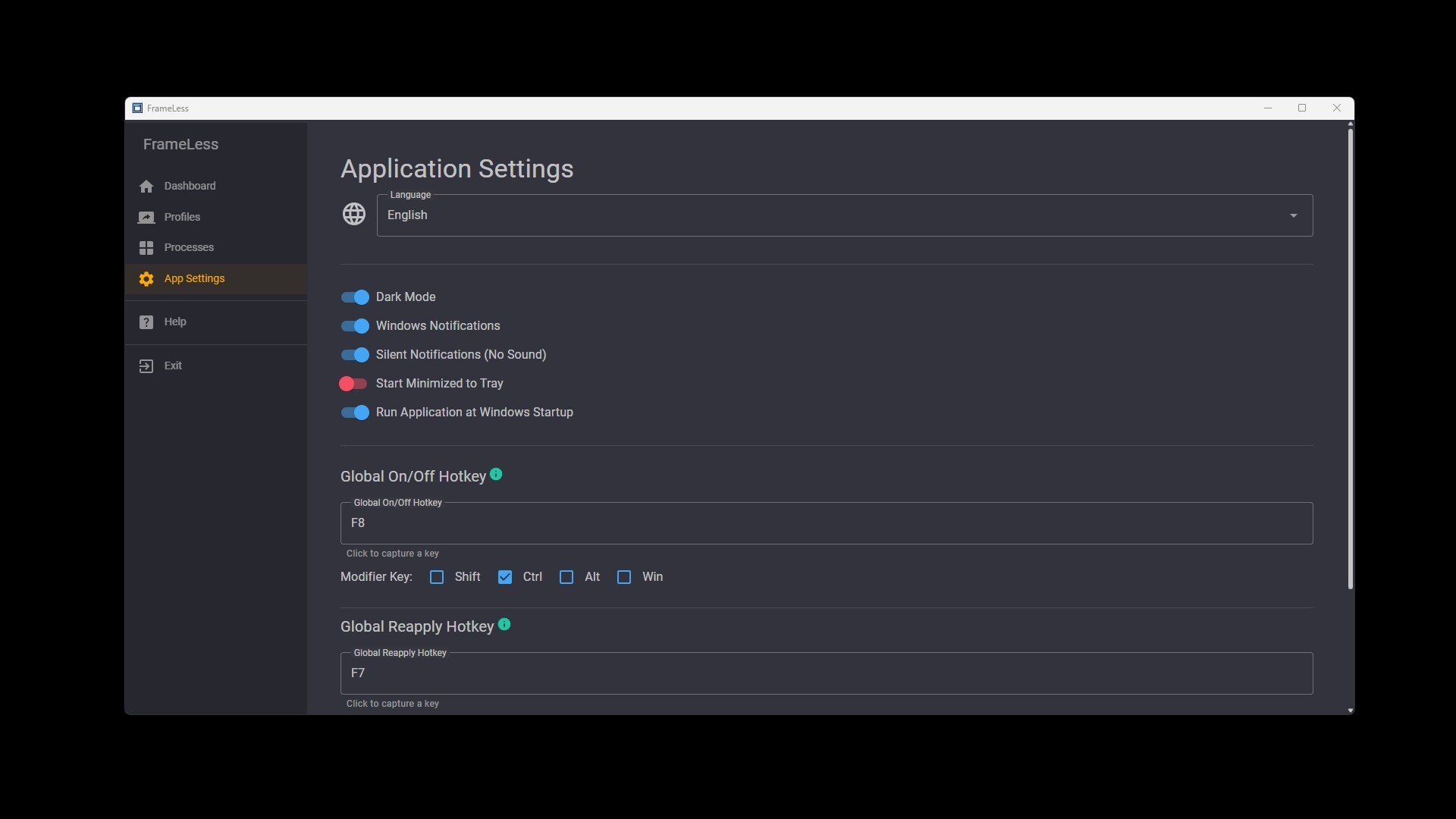
- Global On/Off to easily disable window modifications
- Windows restore to original state when FrameLess is disabled or closed
- Easy Profile setup
- Profile Hotkeys
- Per-Profile Enable/Disable functionality
- Intuitively associate processes (apps, games, etc.) to a profile with Hotkeys or the GUI
- Dark Mode
- Many languages supported
- Notifications when a window is modified (with a silent option)
- Lightweight and very low system resources
NO DRM
NO FEEATURES LOCKED BEHIND "DONATIONS" OR ADDITIONAL PURCHASES
BUY ONCE USE ANYWHERE, FOREVER
WINDOWS Operating System ONLY!!!