
#Utilities #Indie #Management
Qip
Qip is game save data version control and backup software which makes your save data backup and switch easier.
View game
$9.99
No user reviews · 0 reviews
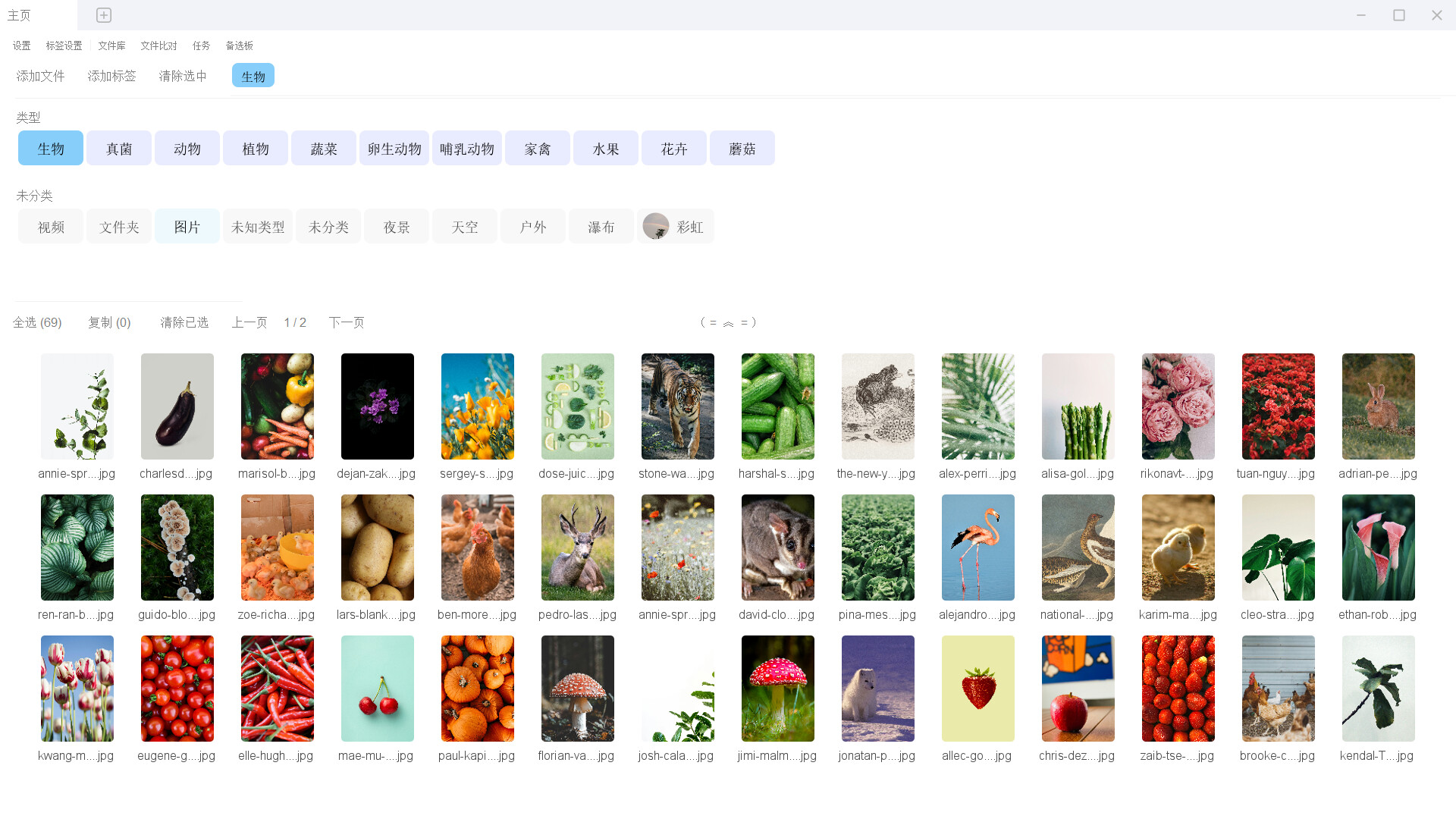
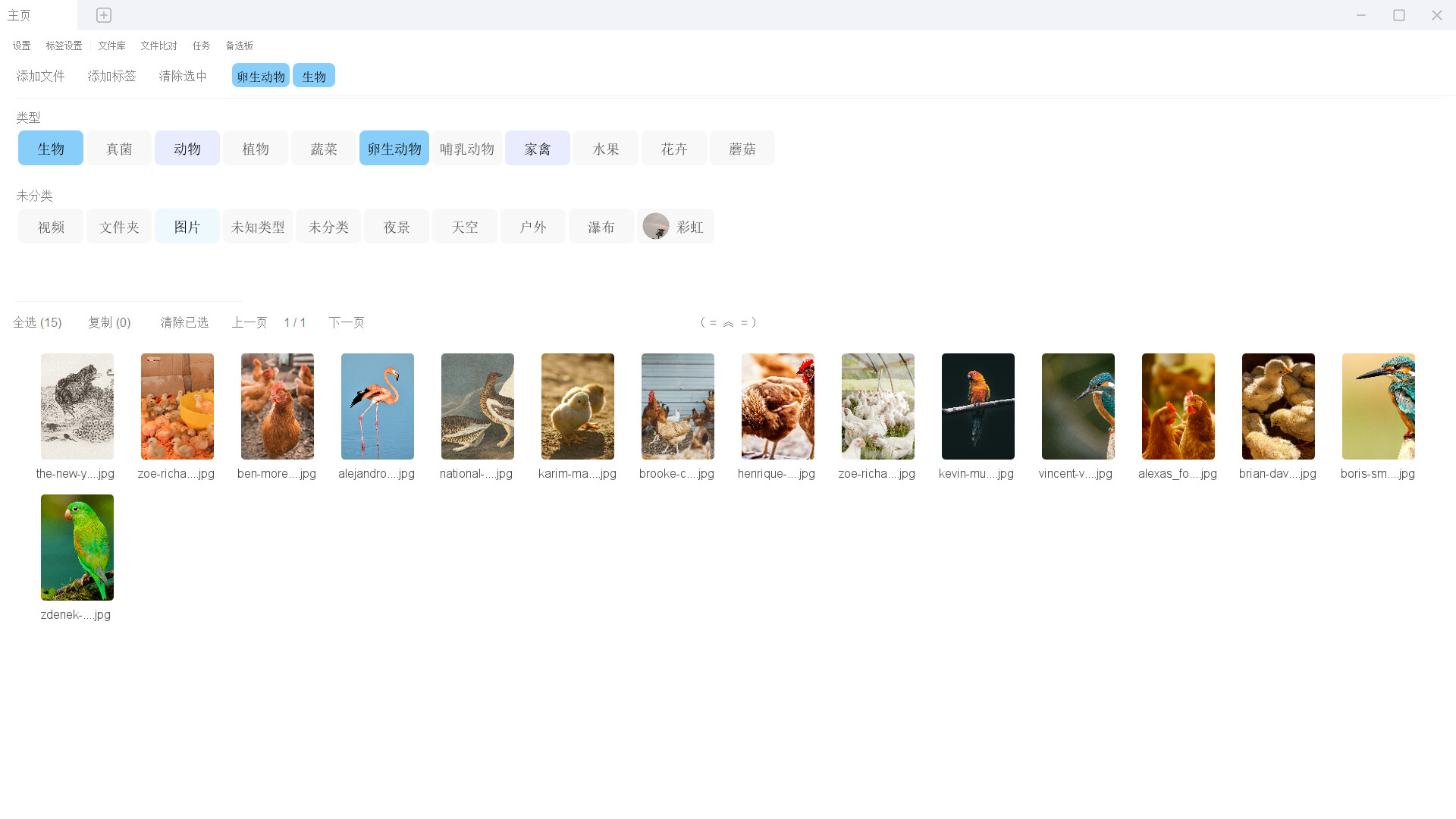
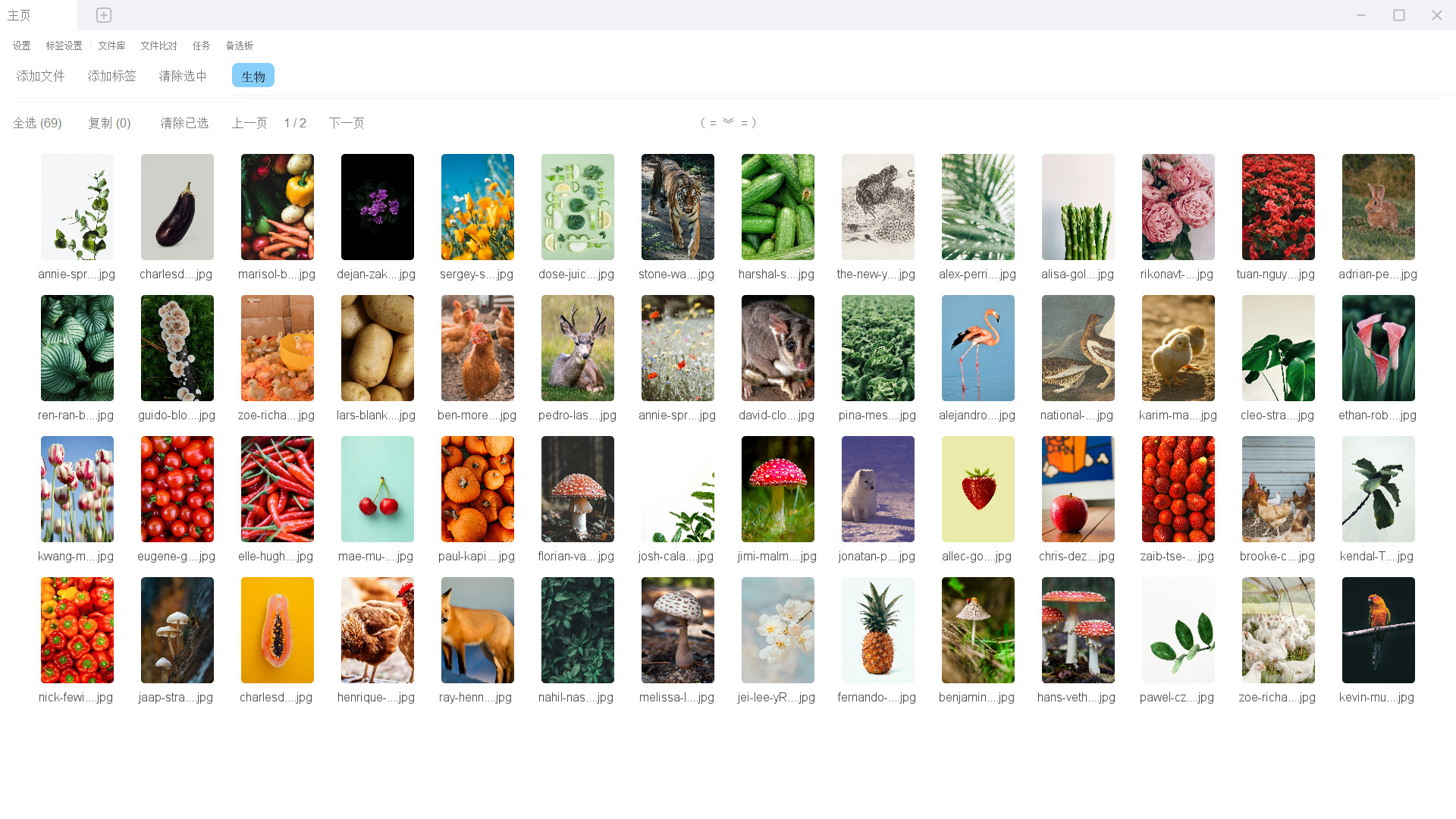
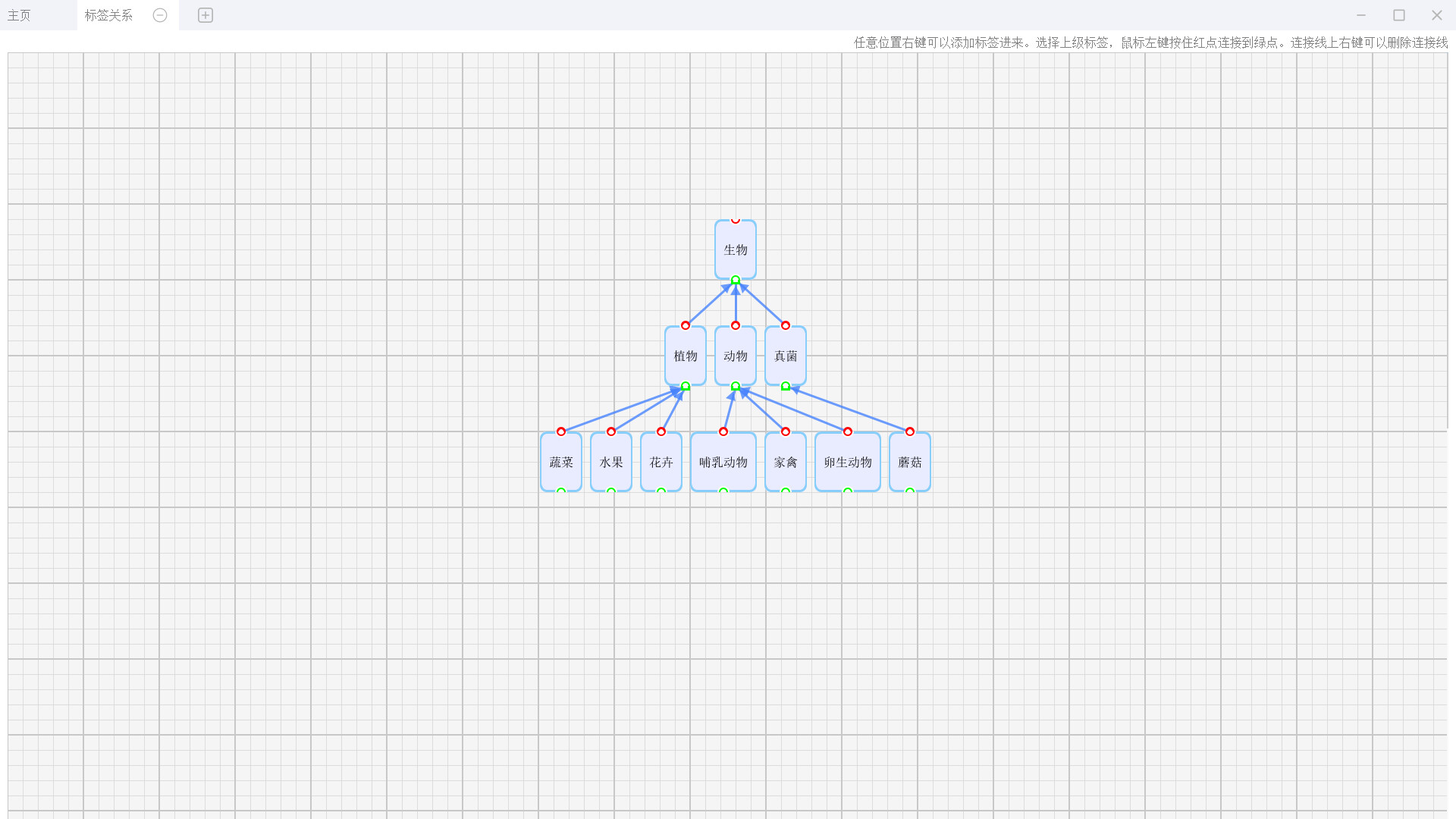

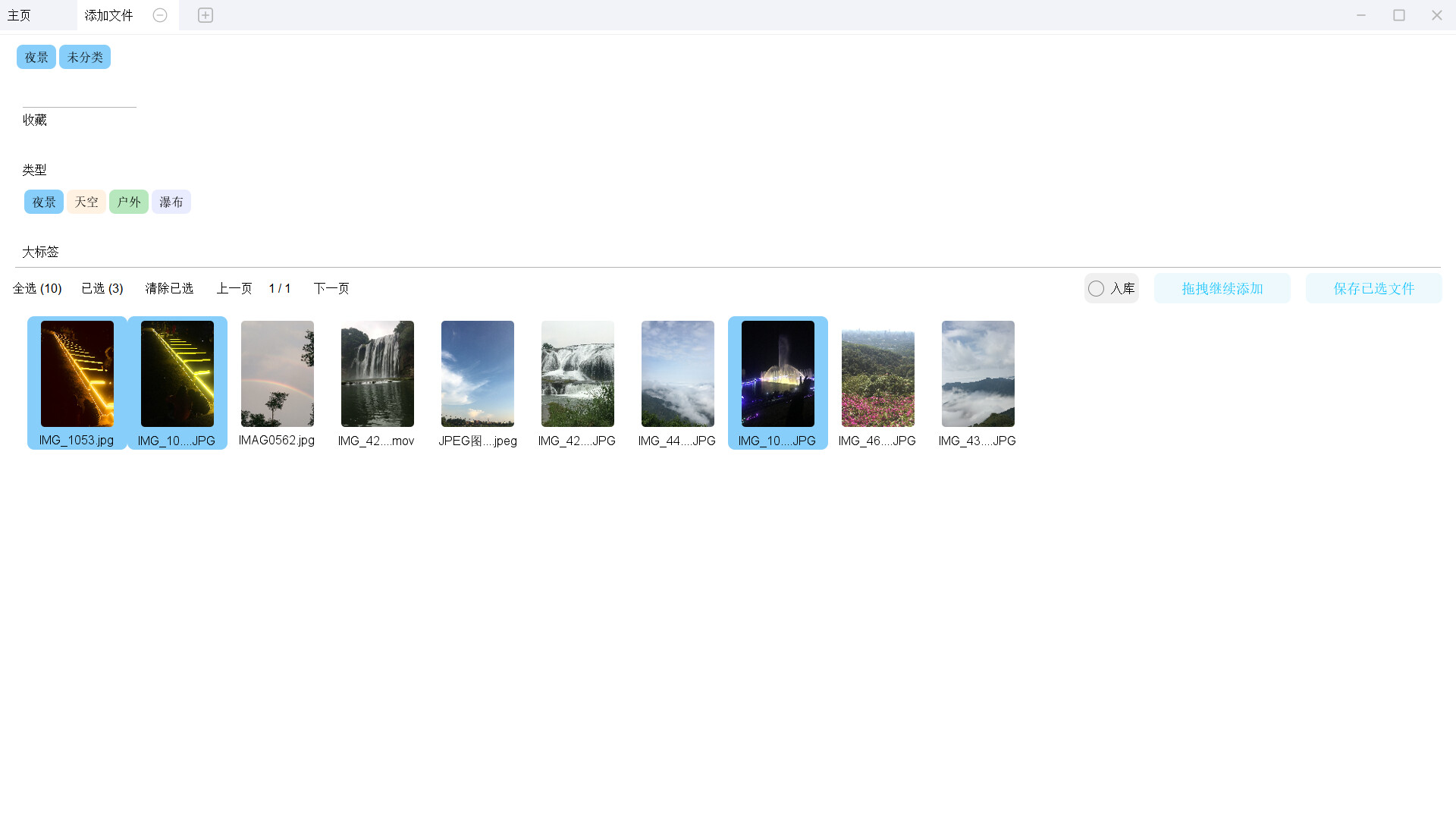

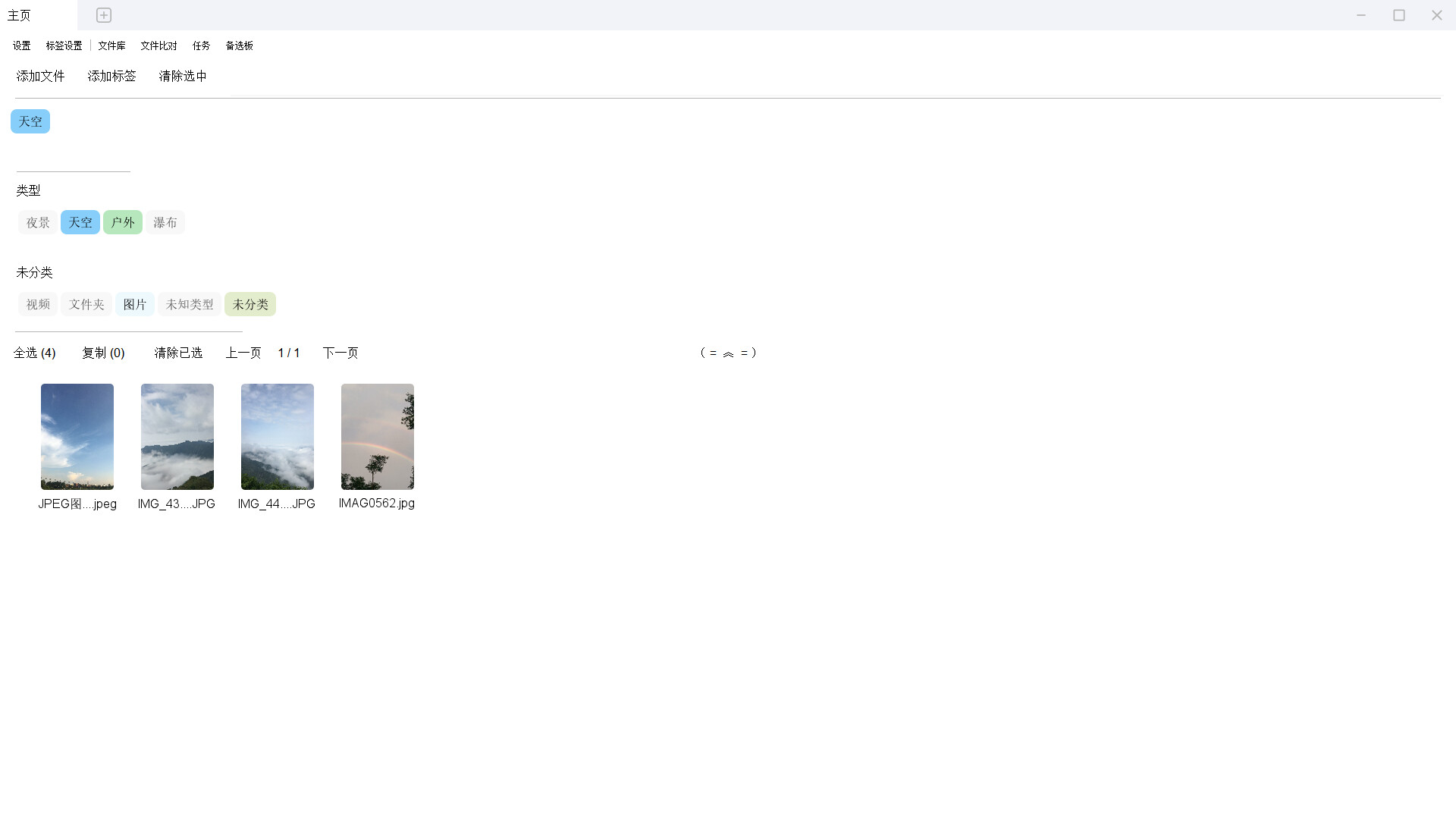
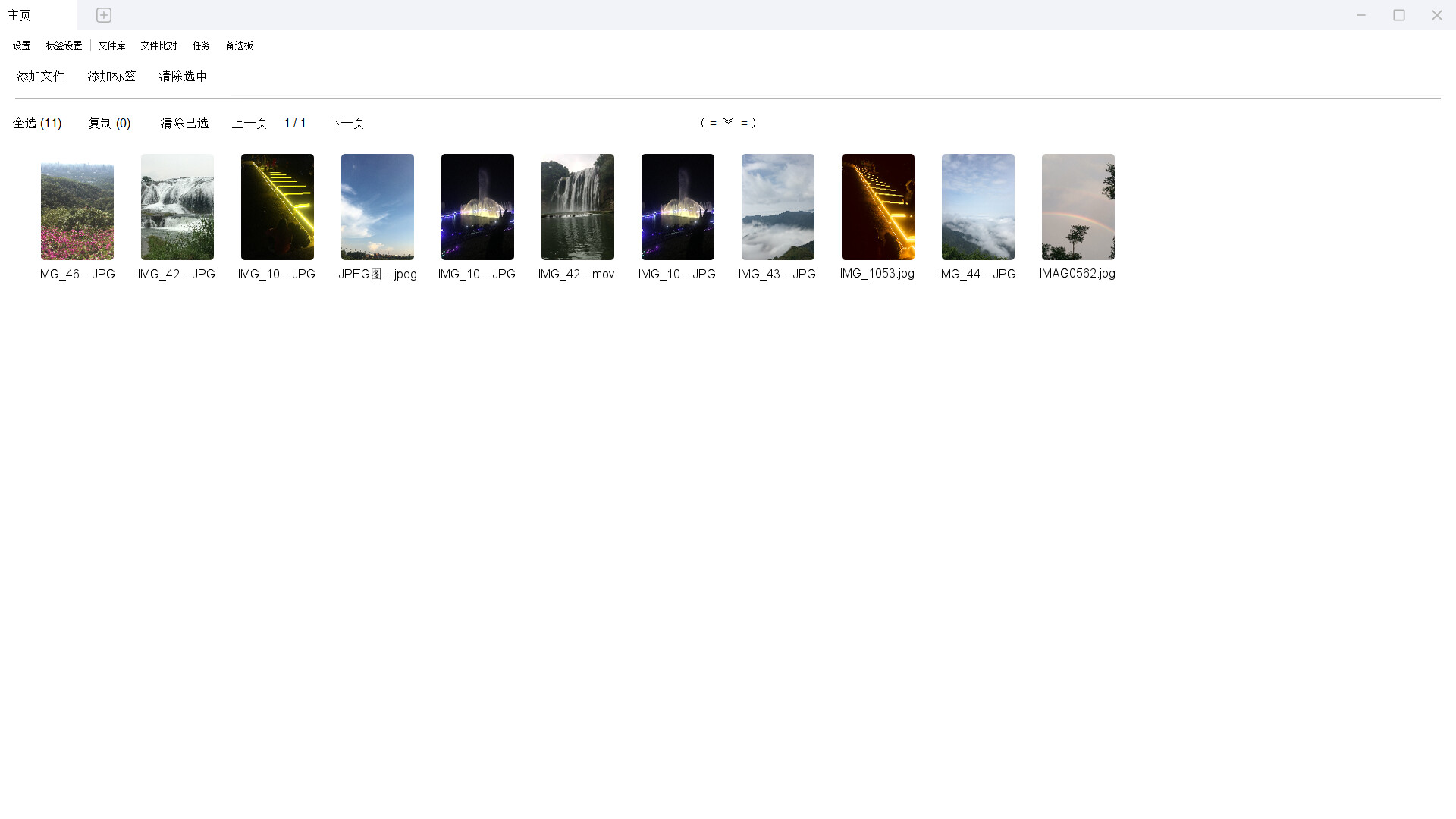

A "smart" file manager with a tree-like tag system. Tags intelligently highlight relevant options when selected. Drag-and-drop and one-click archiving make file control effortless and efficient.
Released
January 21, 2026
Price
Platforms
Windows
Developer
Publisher
Last sync
September 26, 2026
File Label CC | Redefine File Management with Hierarchical Tags
Organize your files as you organize your thoughts. Build a visual tag tree to enable intelligent association, batch operations, and one-click archiving, ensuring every file finds its place automatically.
Tired of messy files and flat, disconnected tags? File Label CC offers a revolutionary management approach. By creating a clear parent-child hierarchical tag system, your files are automatically logically categorized. The newly added tag tree interface makes the entire classification structure clear at a glance, allowing you to intuitively view and manage the relationships between tags.
When selecting tags, the system intelligently predicts: highly relevant tags are highlighted, while irrelevant ones are automatically dimmed, precisely guiding your choice. Through drag-and-drop or "one-click archiving," files can be intelligently stored and linked to specific nodes in the tag tree. This is more than just adding tags; it's about building a dynamic, intelligent, and personalized file ecosystem.
It can automatically match tags when adding files based on tag names and matching names, eliminating the need to select them one by one.
Core Features
🌳 Hierarchical Tags & Visual Tree Interface: Create tags with parent-child hierarchies. Child tags automatically inherit all parent tag attributes. The new tree diagram interface makes complex hierarchical relationships clear at a glance, enabling more intuitive management.
🧠 Intelligent Association Suggestions: When selecting tags, the system intelligently analyzes, highlights relevant tags, and dims irrelevant options, significantly narrowing down choices.
📁 Flexible Tagging & Batch Operations: Supports quick batch tagging for individual files, multiple files, or entire folders.
🎨 Personalized Visual System: Customize tag colors, group them into different columns, and set avatar icons to create a highly recognizable visual classification system.
⚡ Efficient Interaction: Manage files through convenient drag-and-drop operations or use the "One-Click File Archiving" function to automatically save new files and link them to preset tag nodes.
🔍 Panoramic Filtering: Click any tag (parent or child) to instantly display all related files, with smart and comprehensive filtering logic.
How will it change your search habits?