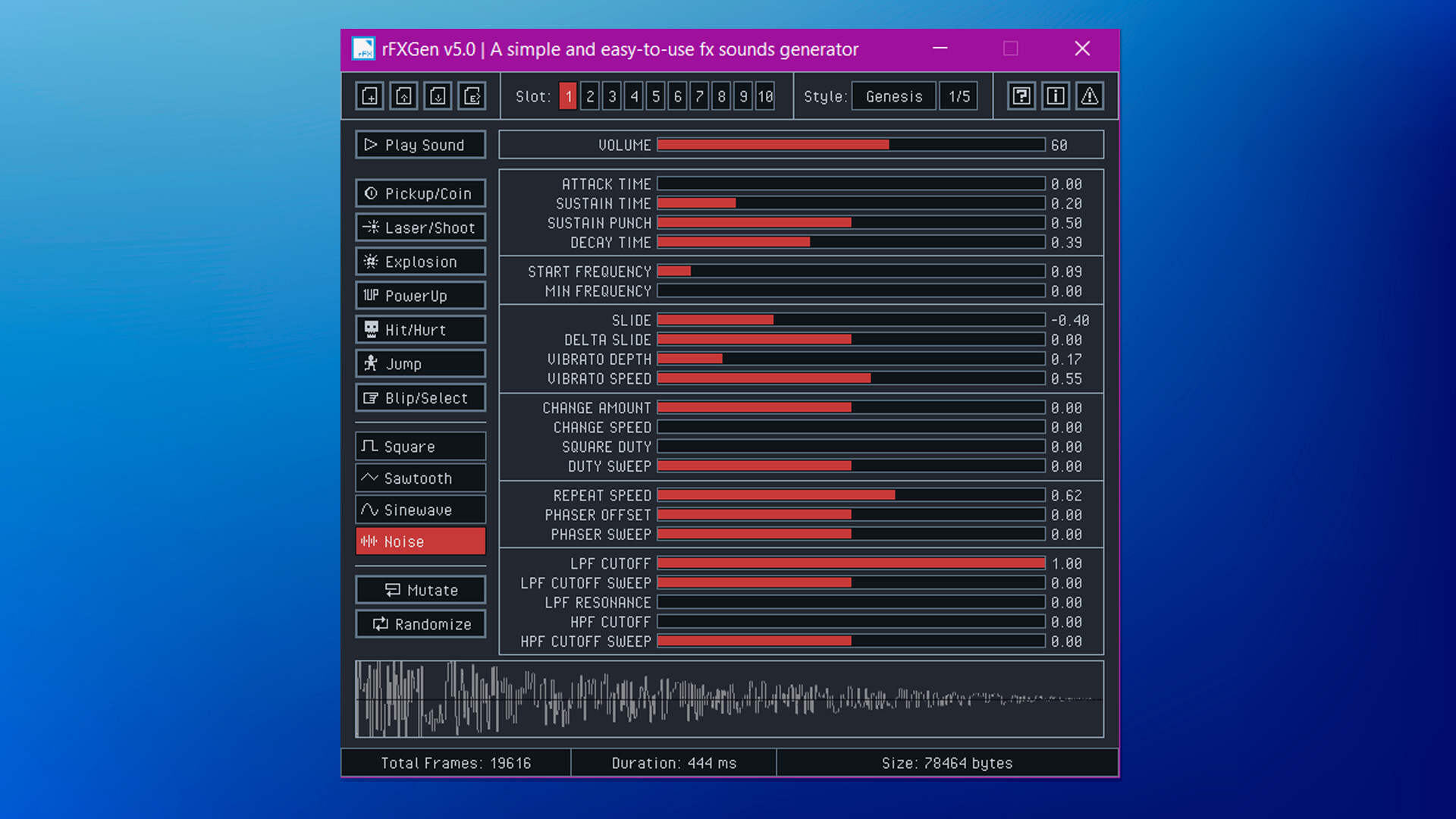
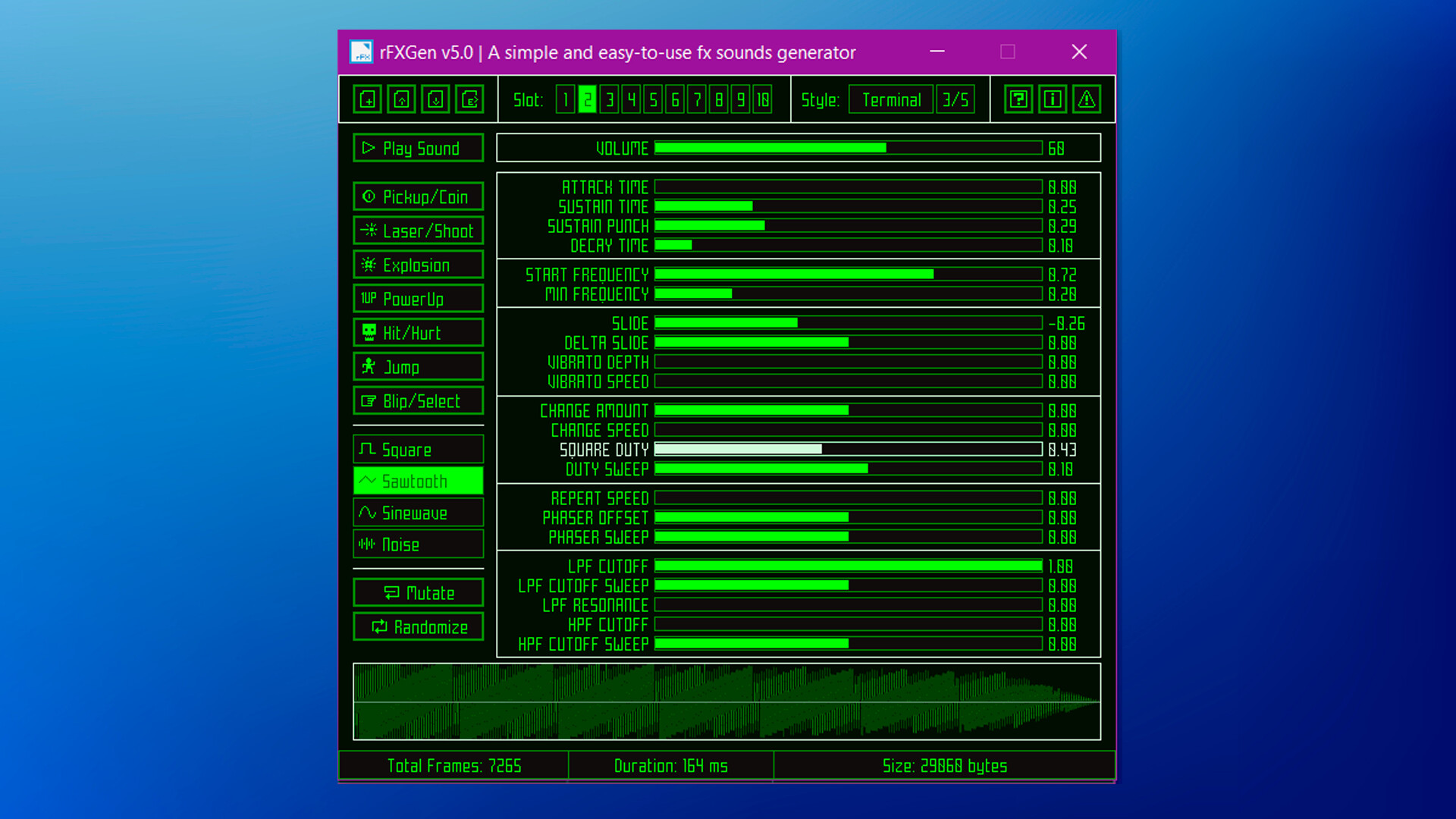
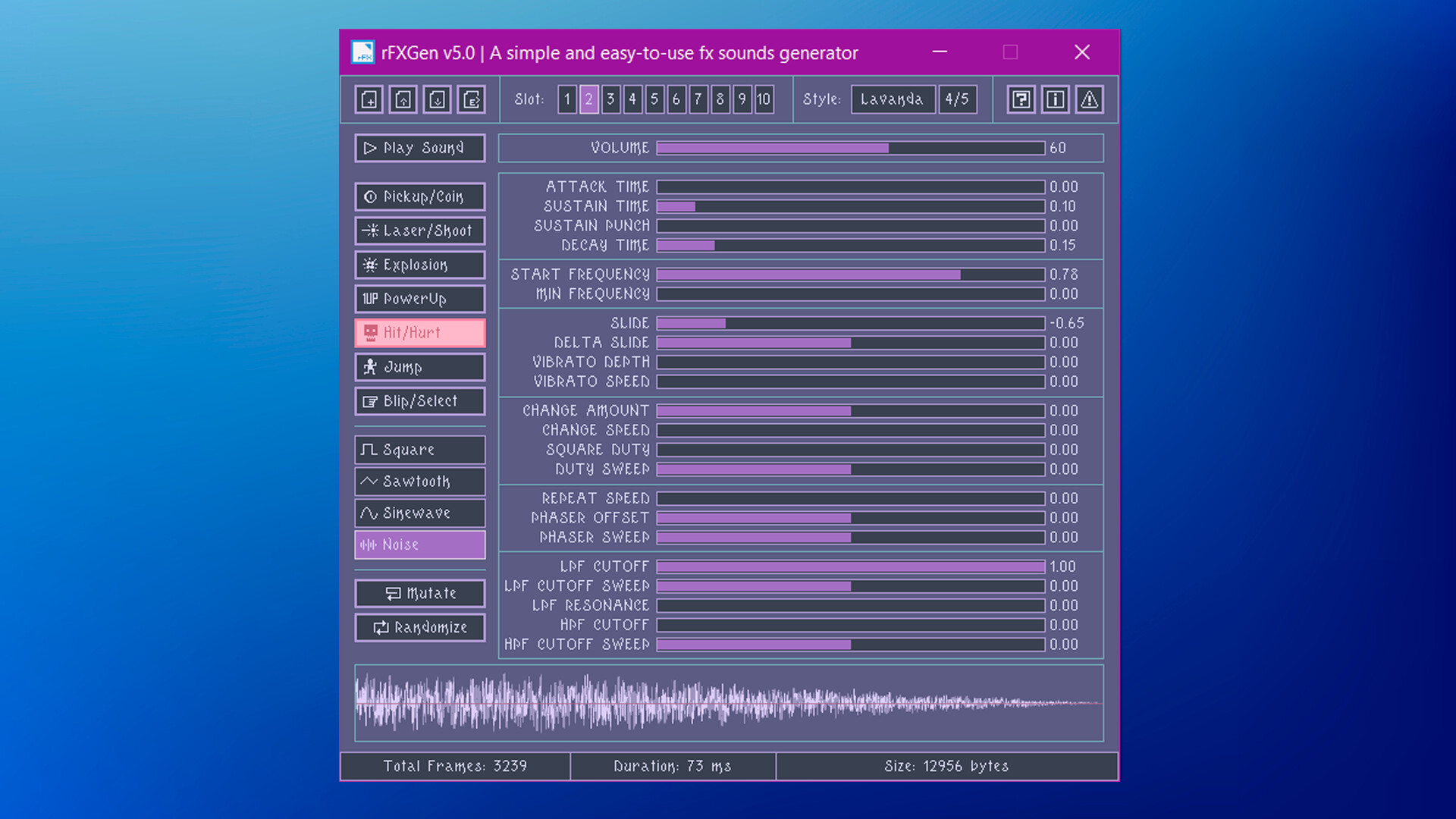
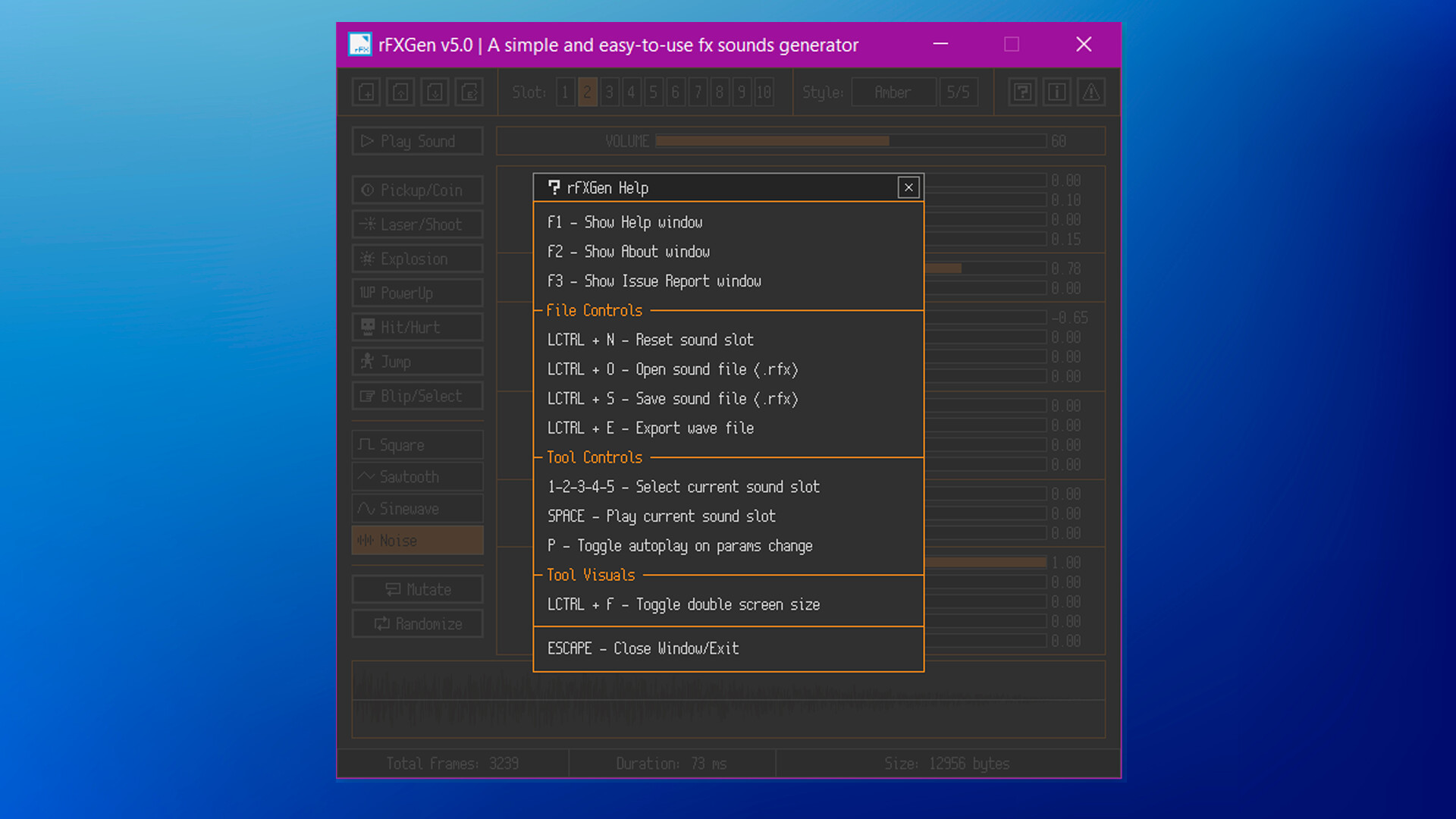
Open the tools and use the buttons to generate random sounds. Use the sliders to customize sound parameters.
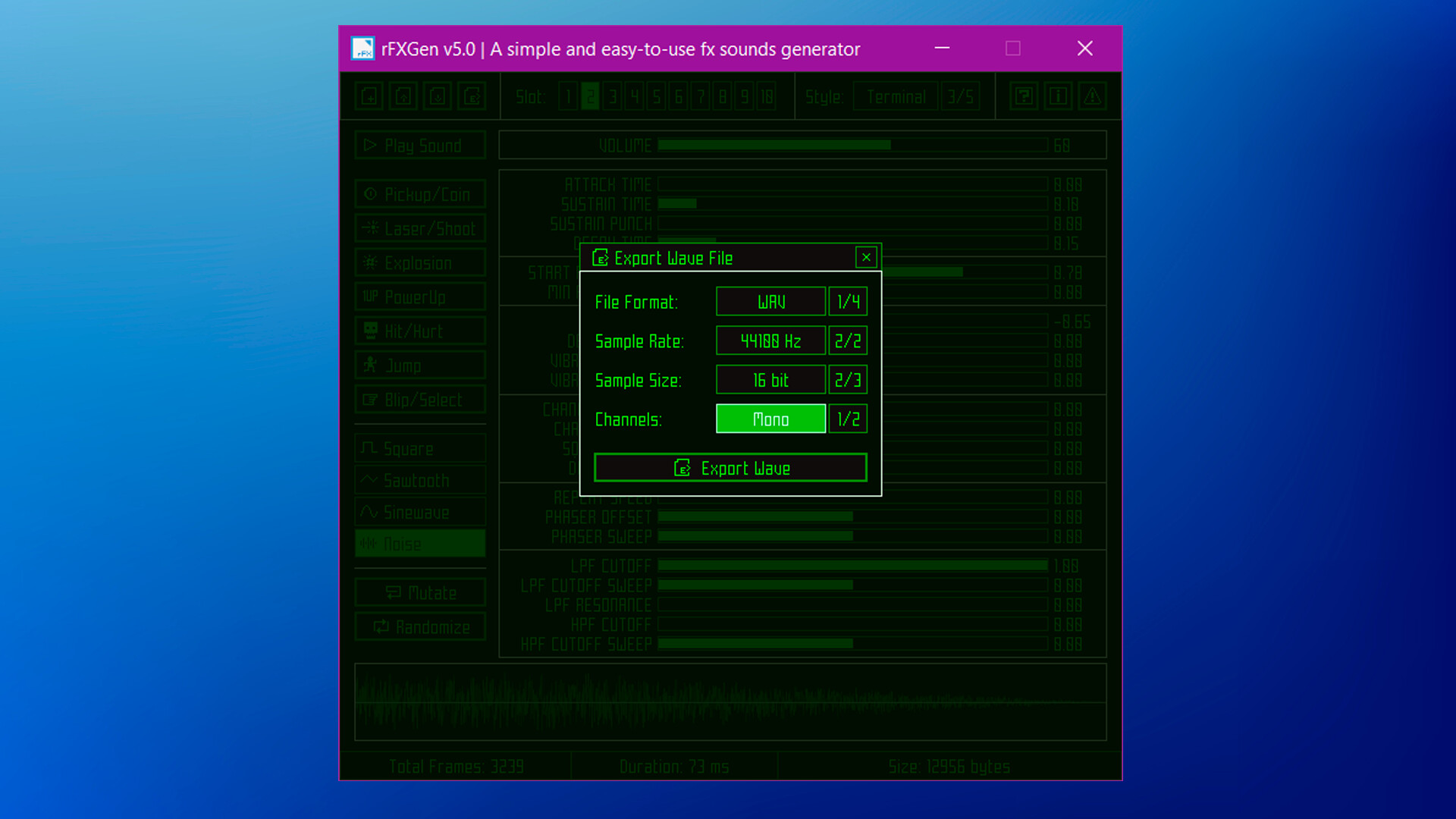
Sounds could be saved as `.rfx` (sound generation parameters) and also exported to `.wav`, `.raw` (samples data) and `.h` (byte array code file).

- Predefined sound presets (Coin, Shoot, Explosion, PowerUp...)
- Multiple wave types supported (Square, Sawtooth, Sine, Noise)
- Up to 10 sound slots to store generated sound (temporary save)
- Load `.rfx` files with sound generation parameters
- Save `.rfx` files with sound generation parameters (104 bytes only)
- Export wave data as `.wav`, `.raw` data or `.h` code file (byte array)
- Configurable sample-rate, bits-per-sample and channels on export
- Multiple GUI styles with support for custom ones (`.rgs`)
- Command-line support for `.rfx` to `.wav` batch conversion
- Command-line support to generate audio files based on presets
- Command-line audio player for `.wav`, `.ogg`, `.mp3` and `.flac`
- Completely portable (single-file, no-dependencies)

rFXGen is handmade software, it has been meticulously developed using the C programming language, with great attention put on every line of code written. This approach usually results in highly optimized and efficient code, but it is also more time-consuming and require a higher level of technical skills. The result is great performance and small memory footprint.