#Casual #Design&Illustration #Education
OpenDraft
OpenDraft is a minimalistic & offline writing, note-taking, and doodling tool with infinite space and distraction-free focus.
View game
$4.99
Positive · 37 reviews
100% positive (37 / 37)
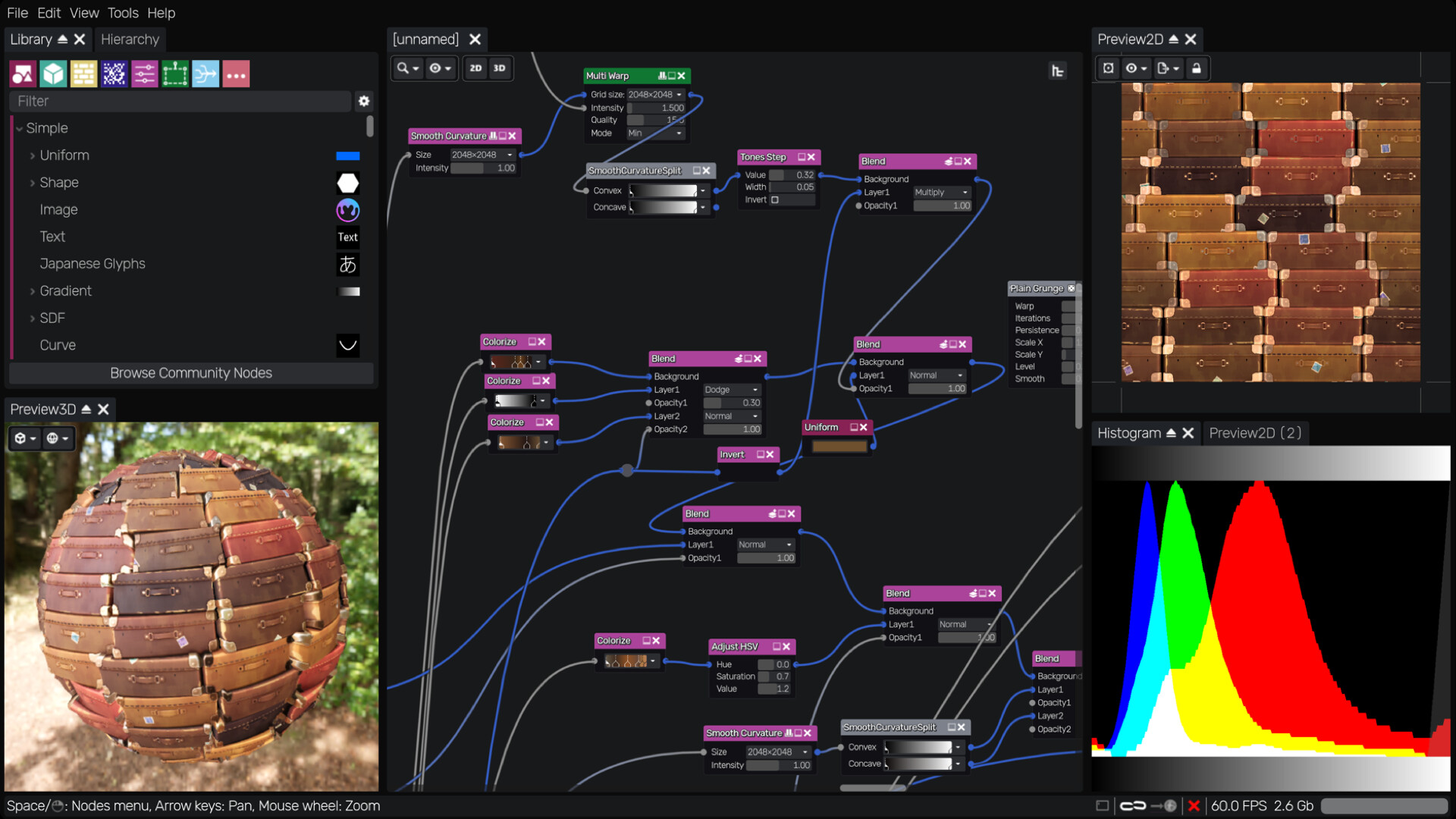
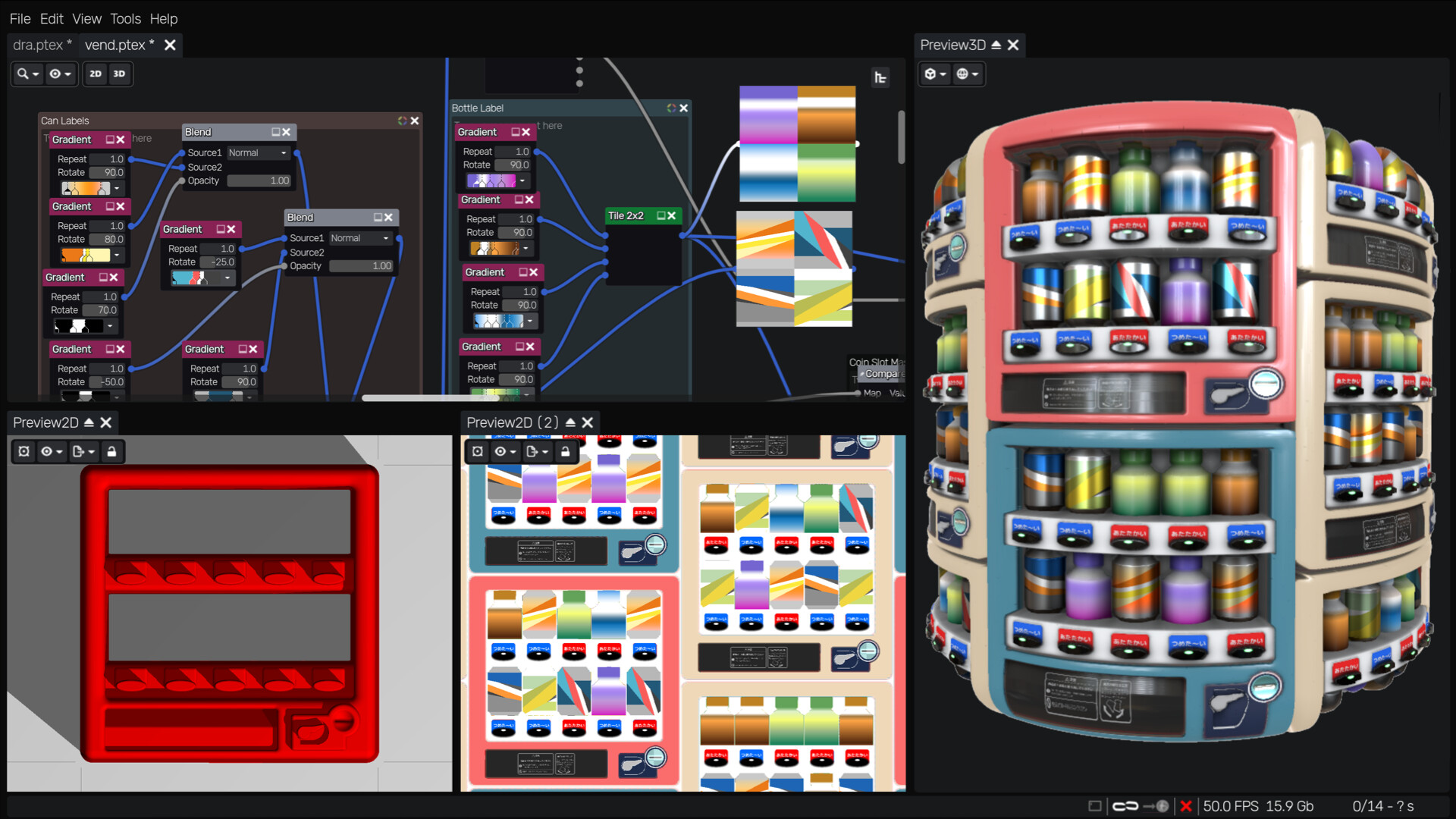
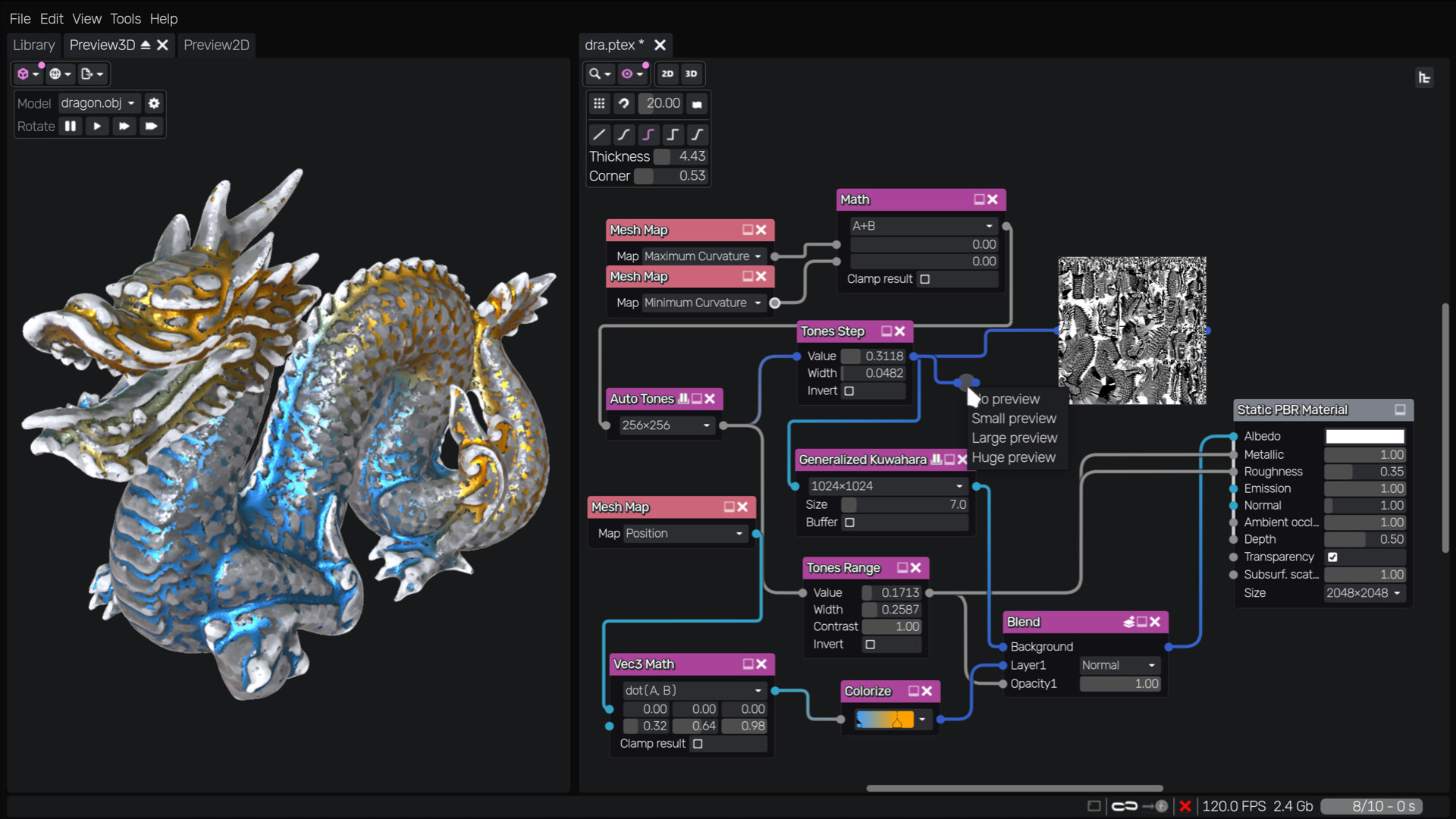

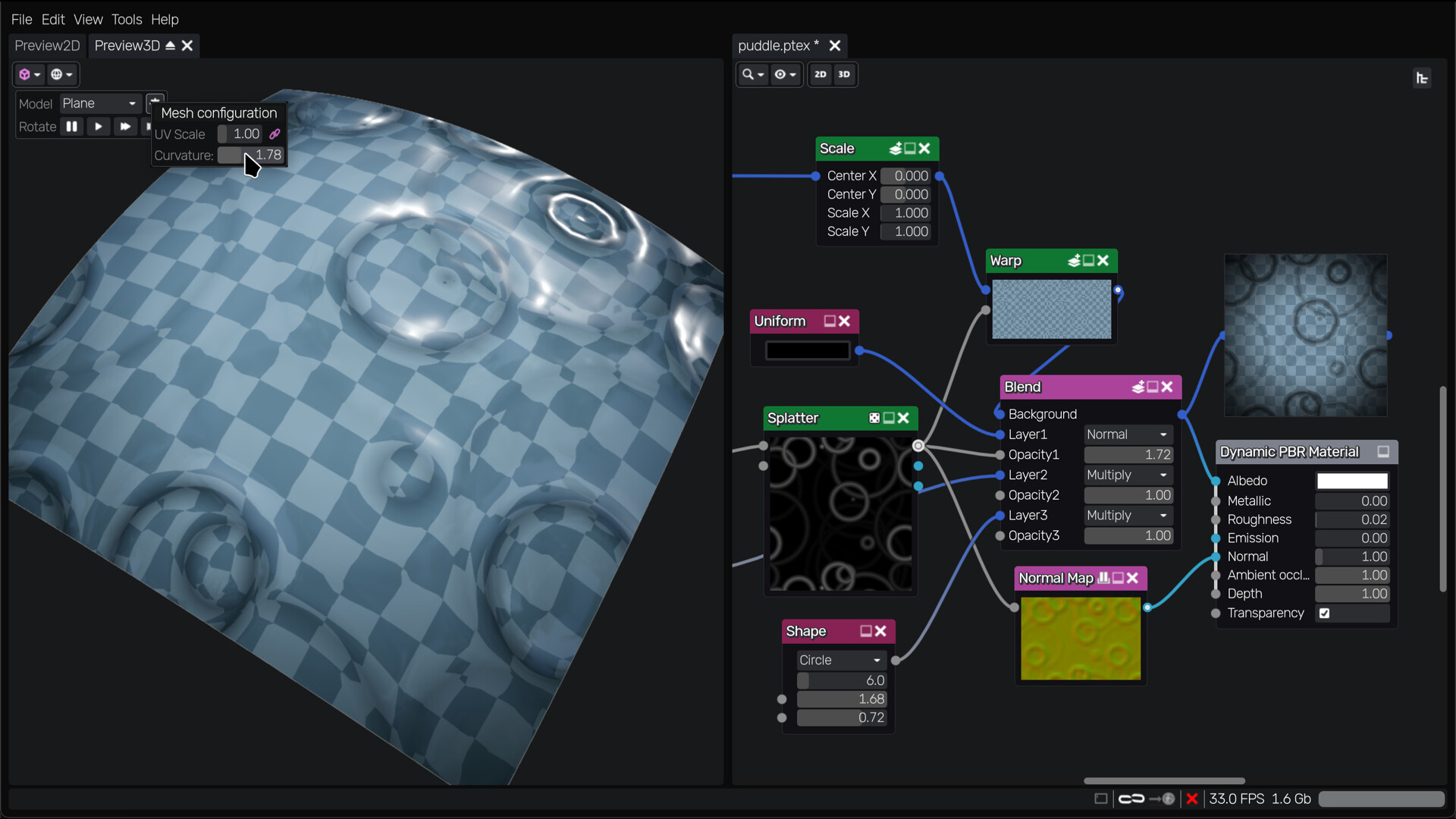

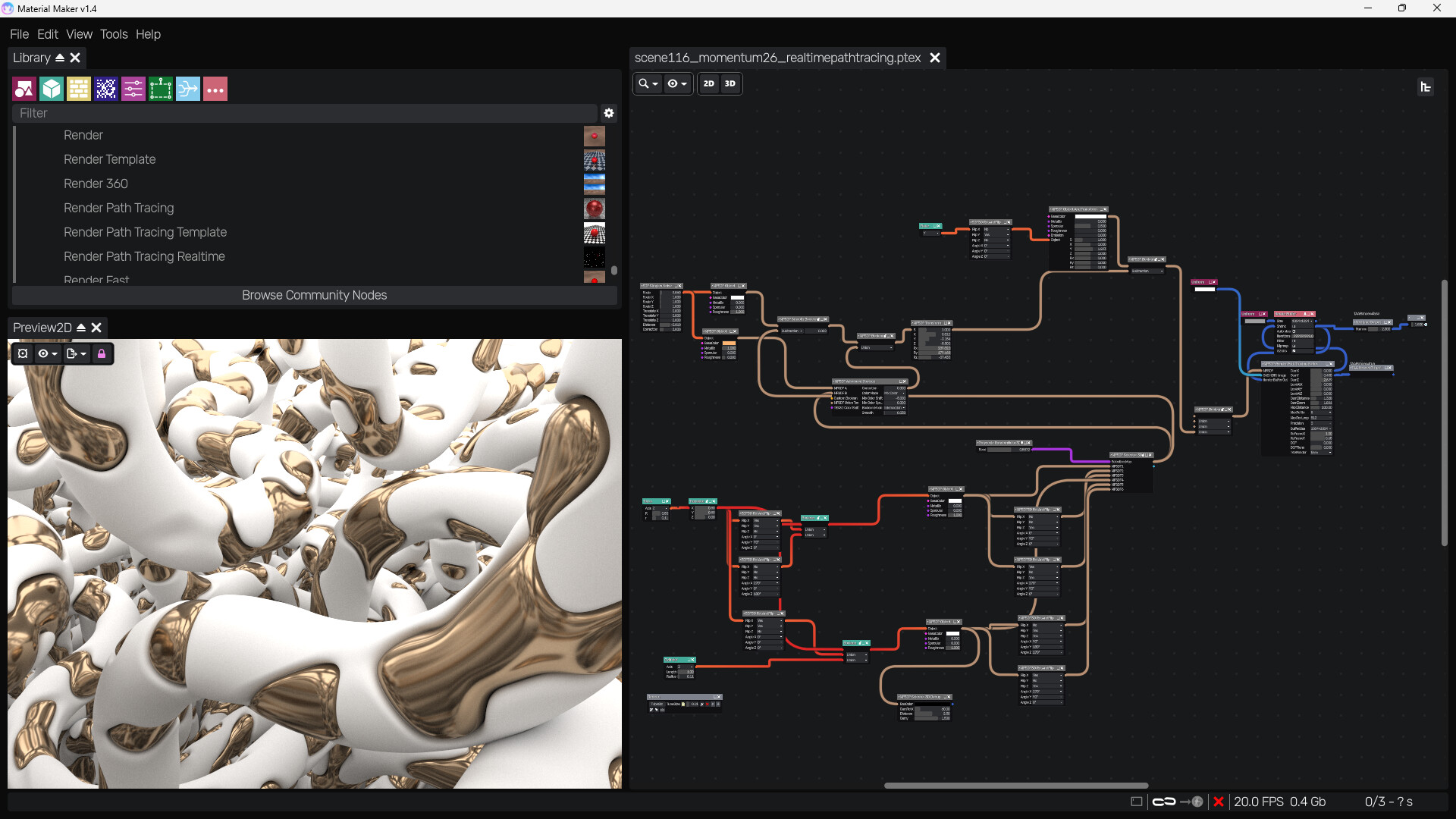
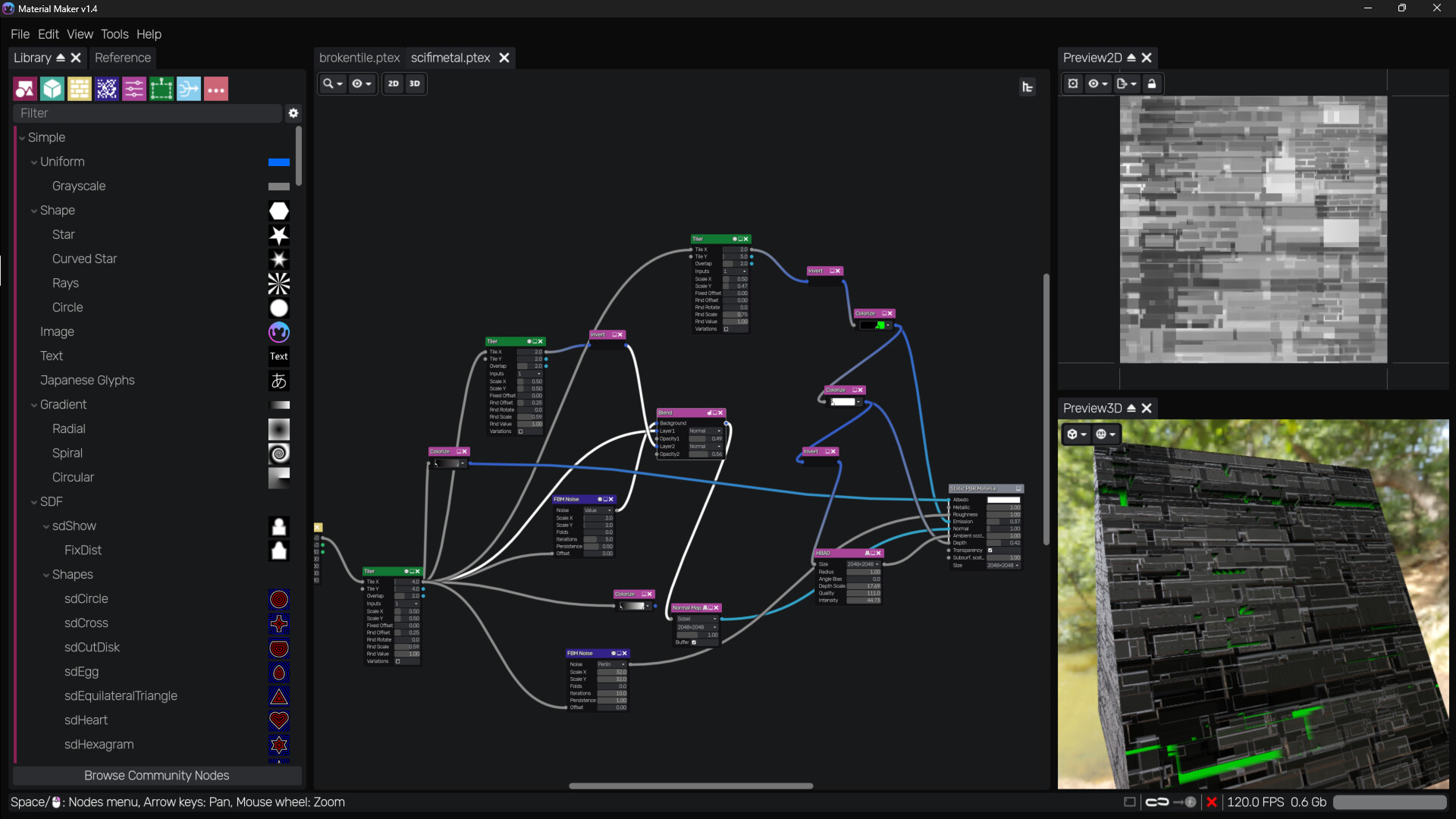
Create procedural materials and texture 3D models with node-based graphs. Export to Godot, Unity, and Unreal Engine, and access a website with hundreds of community-made materials. Runs on Windows, Linux, and macOS.
Released
July 14, 2026
Price
Platforms
macOS · Linux · Windows
Developer
Publisher
Last sync
September 28, 2026
Procedural Material Authoring & 3D Model Texturing
Material Maker is a procedural material authoring tool and 3D model texturing application.
Materials are defined as node-based graphs, where nodes create, transform, and combine shapes and patterns. These materials can then be exported directly to Godot, Unity, and Unreal Engine.
Material Maker runs on Windows, Linux, and macOS.
Join the community on the Material Maker Discord, where you can ask questions, share tips, and help others.
You can also showcase your creations on the Material Maker website, dedicated to sharing procedural materials and brushes.
Material Maker supports several material types, and is fully extensible:
new custom material types and export targets can be added when needed.
A procedural texture generation engine built around a small, focused set of node types
(shaders, buffers, node groups, image, text, switch…).
Instead of generating an image at every node, shaders are combined until a buffer or target Material node is reached, making textures resolution independent.
An experimental 3D painting engine
Paint albedo, roughness, metallic, emission, normal map, depth, and ambient occlusion simultaneously.
Generated shaders can be used as brushes, with patterns mapped in brush, screen, or texture space.
Supports multiple Paint, Procedural, and Mask layers.
A dedicated website for sharing procedural materials and brushes.
A base library of ~250 nodes, including shapes, patterns, filters, transforms, and both 2D and 3D signed distance function (SDF) shapes.
Nodes are accessible from the Library panel or directly from the graph context menu.
Easily create custom group nodes and shader nodes through the UI
(creating shader nodes requires some GLSL knowledge).
A node-based graph editor with multiple material types:
Static PBR, Dynamic PBR, 3D PBR, Raymarching, and Unlit.
Game engine exports
A hierarchy view showing the structure of group nodes in the current material.
2D preview panels displaying generated textures, with export options for single images, multiple images, or animated spritesheets.
A 3D preview panel showing the current PBR material on a model.
Includes basic shapes (cube, sphere, etc.) and supports custom .OBJ models.
An Histogram panel displaying tonal distribution for the selected node output.
A Reference panel where image files can be dropped to pick colors and gradients.