Plug in a REAL USB DJ controller or Mouse/Keyboard and learn professional mixing techniques while playing! Rise through a career of epic gigs, and master skills you can use on real decks — the only game where fun truly turns you into a professional DJ.
DJ Life Simulator is the first simulation game that doesn't just let you play as a DJ, it teaches you how to become one in real life using the same techniques employed by professional DJs.
Built on a solid technical and educational foundation, the game recreates the real fundamentals of professional DJing.
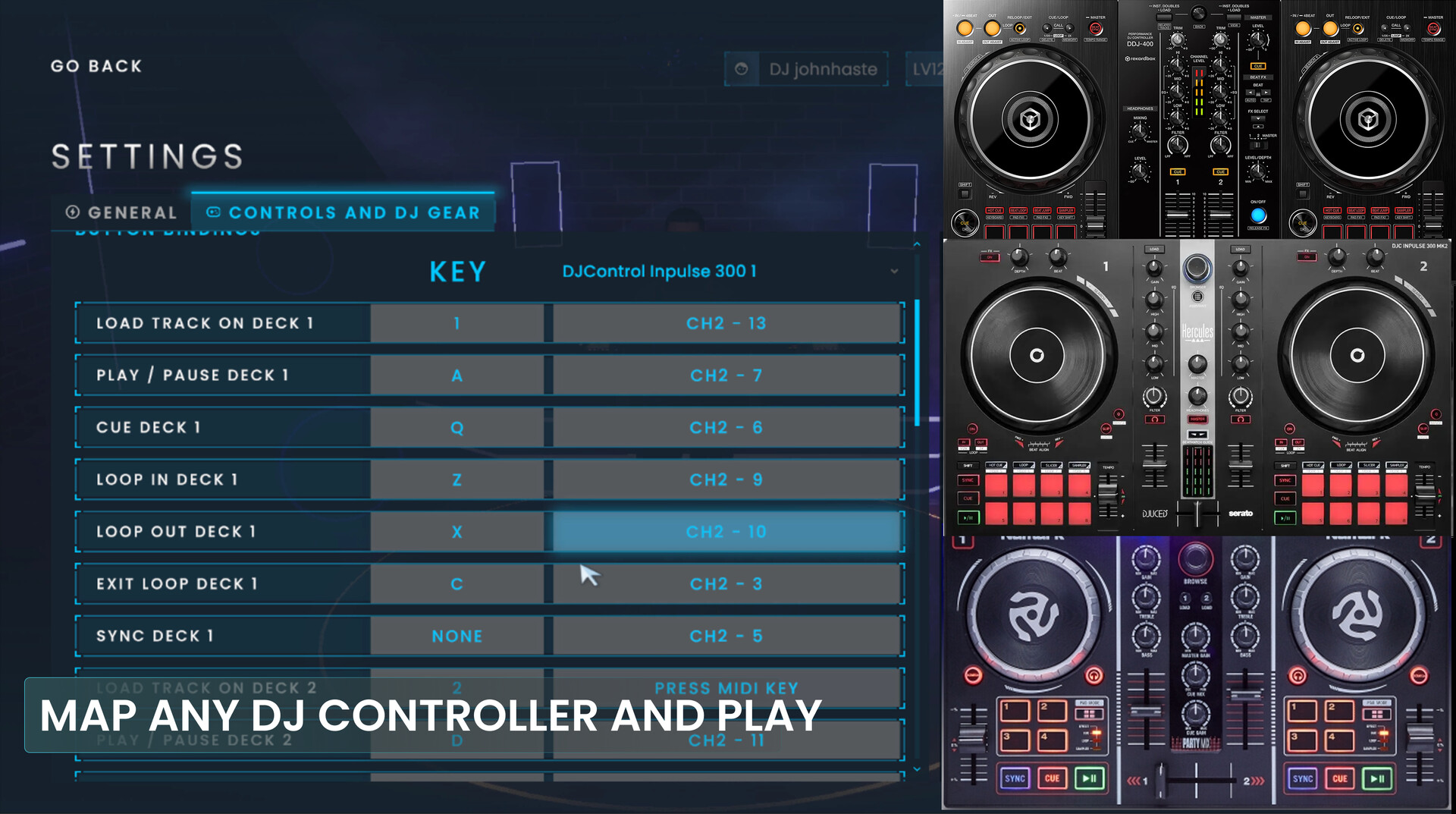
You can play using a mouse and keyboard or connect a compatible USB/MIDI DJ controller for an authentic mixing experience, just like using real equipment. Check the "Compatibility" section below to see the list of supported controllers.
You can also import your own music using the most popular audio formats, including MP3, WAV, FLAC, AIFF, and M4A.
Every mechanic was designed to be applicable outside the game. Here, you don't just play, you learn, practice, and grow as a real DJ.
Compatibility
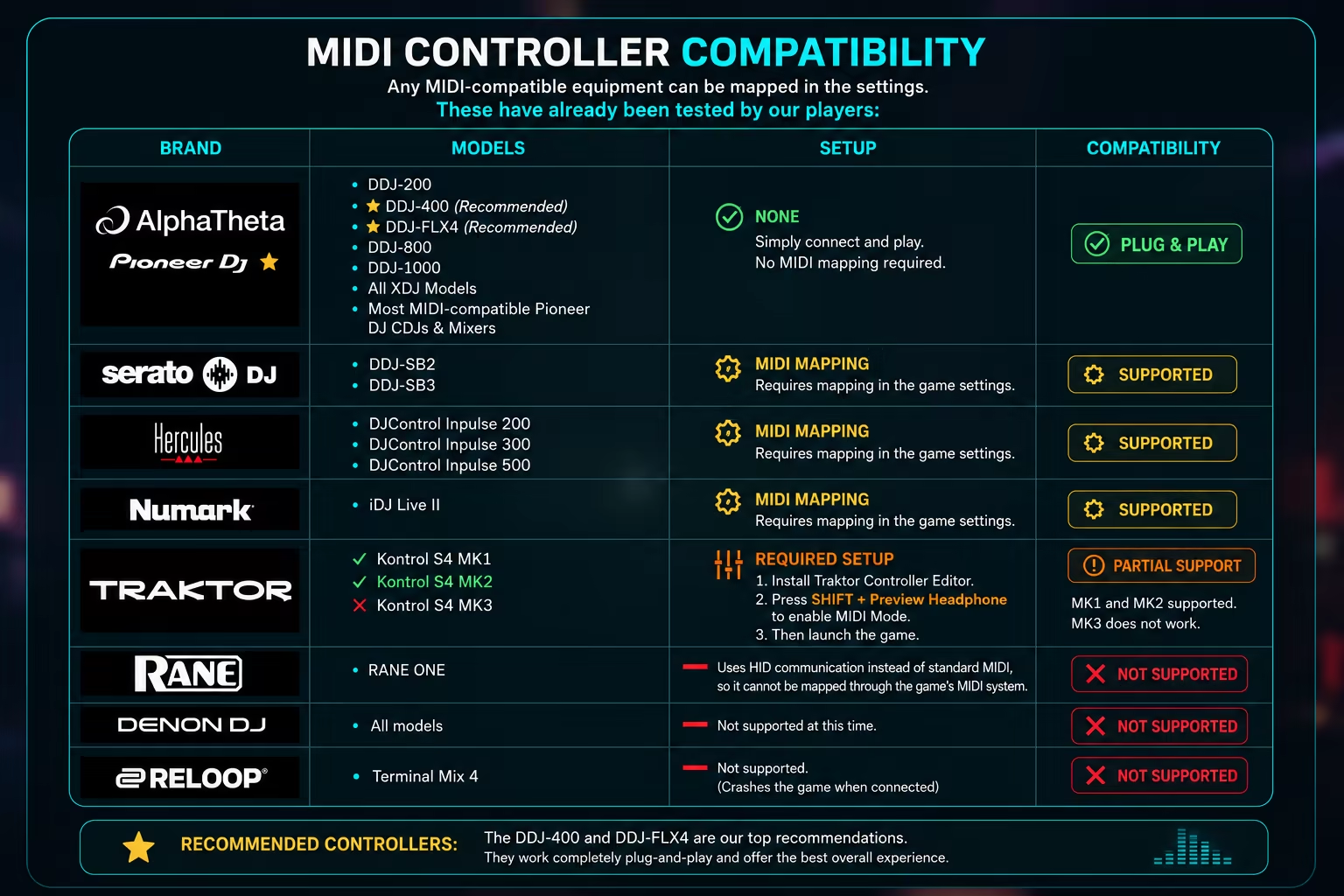
DJ Life Simulator supports a wide range of MIDI-compatible DJ controllers.
Pioneer DJ (AlphaTheta) controllers work plug-and-play, with no configuration required. Controllers from Serato, Hercules, Numark, and supported Traktor models are also compatible and only require a one-time MIDI mapping or setup.
Check the compatibility table below to see the current list of tested devices.
If your controller isn't listed, download the free demo and give it a try. If you need any assistance, our community on Discord is always happy to help.
Please note: Controller support is still under active development during Early Access. Core mixing features are fully supported, but some hardware-specific functions, such as headphone cue (pre-listening), Performance Pads, and Beat FX, are not yet available. These features are planned for future updates.
Academy Mode: Learn for Real
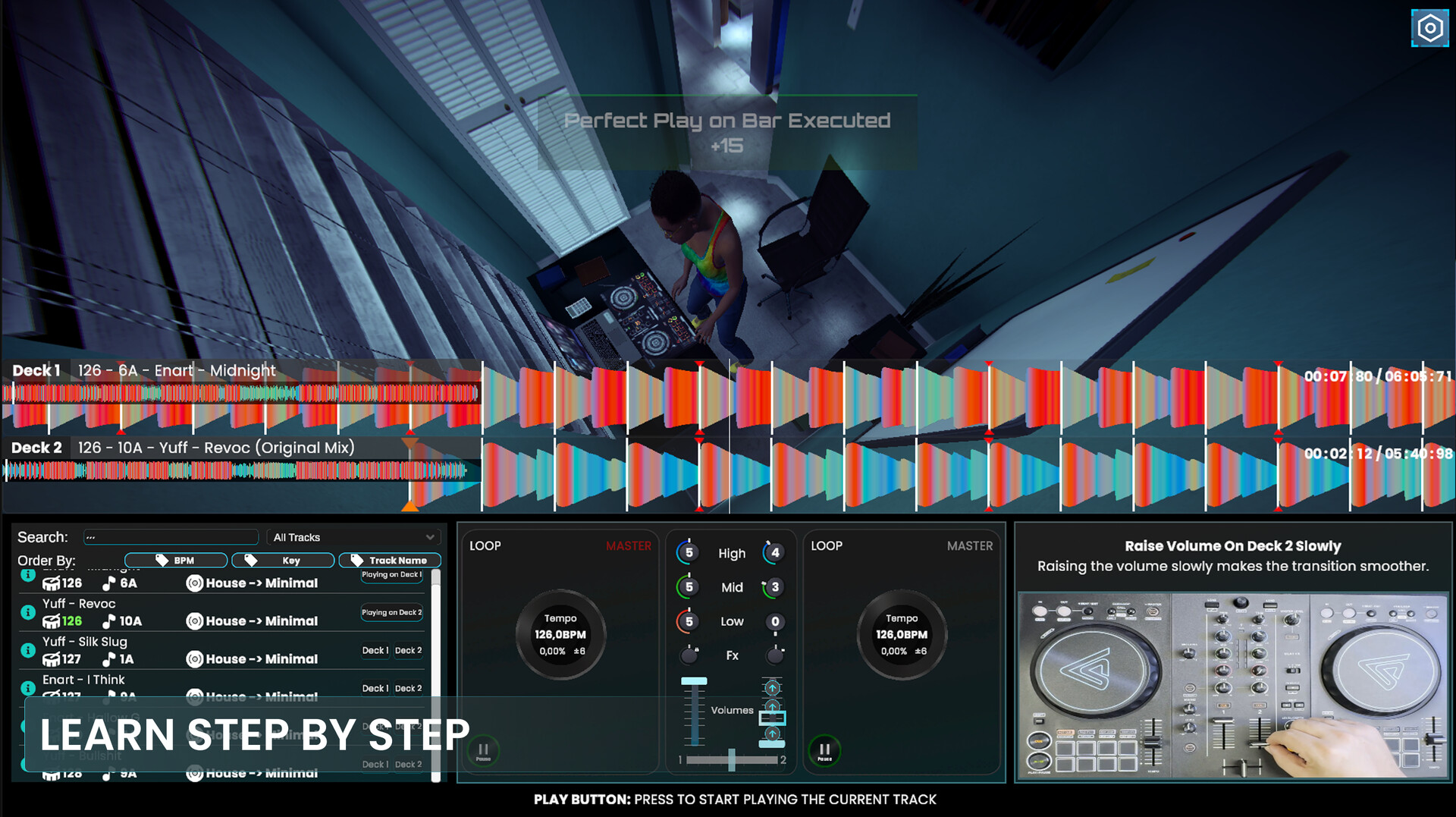
Enter the DJ Academy and learn through more than 20 interactive lessons, designed to take you step by step from Beginner to Expert.
Learn about: • Beatmatching and beat counting • Crossfader transitions • Volume Fader transitions • EQ and frequency control • Master Volume control • Filters • Beat FX and effects • Harmonic Mixing • Loops • Ending a Set • Track selection
All lessons are fully gamified and structured step by step, allowing complete beginners to start from zero while gradually introducing more advanced techniques, including the use of Echo and Reverb Beat FX in transitions, build-ups, drops, and Set endings.
The game teaches you not only how to use these tools, but when to use them musically, rewarding proper timing and technique.
Every skill developed here is designed to be transferable to real DJ equipment.
A DJ Setup That Evolves With You
You don't need to learn every control at once.
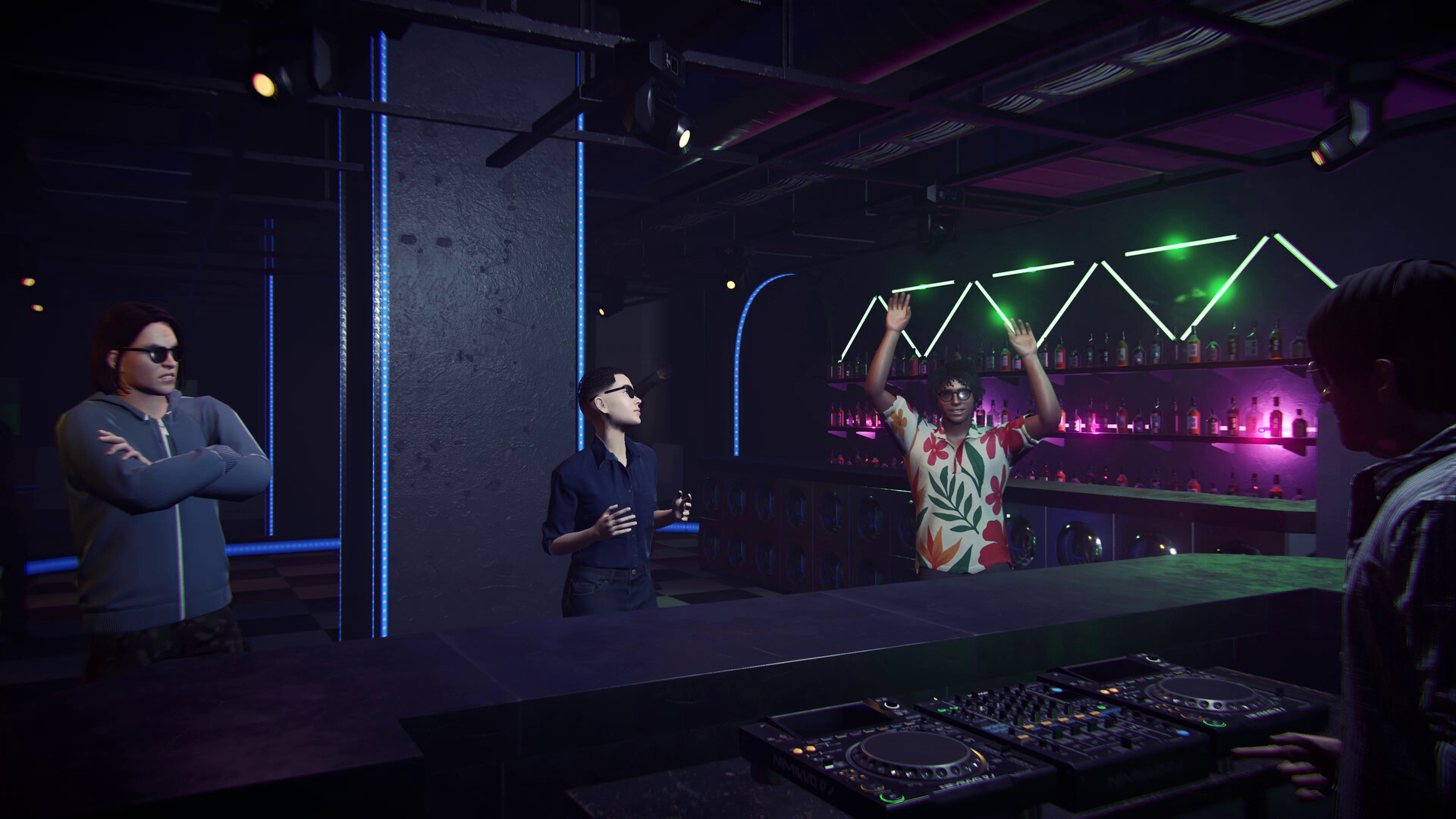
The DJ setup is adapted to your current skill level, starting with the essential controls and gradually introducing more advanced features as you progress.
Start with the fundamentals, then expand your setup with more advanced controls and tools, including filters and Beat FX, as your skills grow.
Career Mode: From House Parties to Massive Festivals
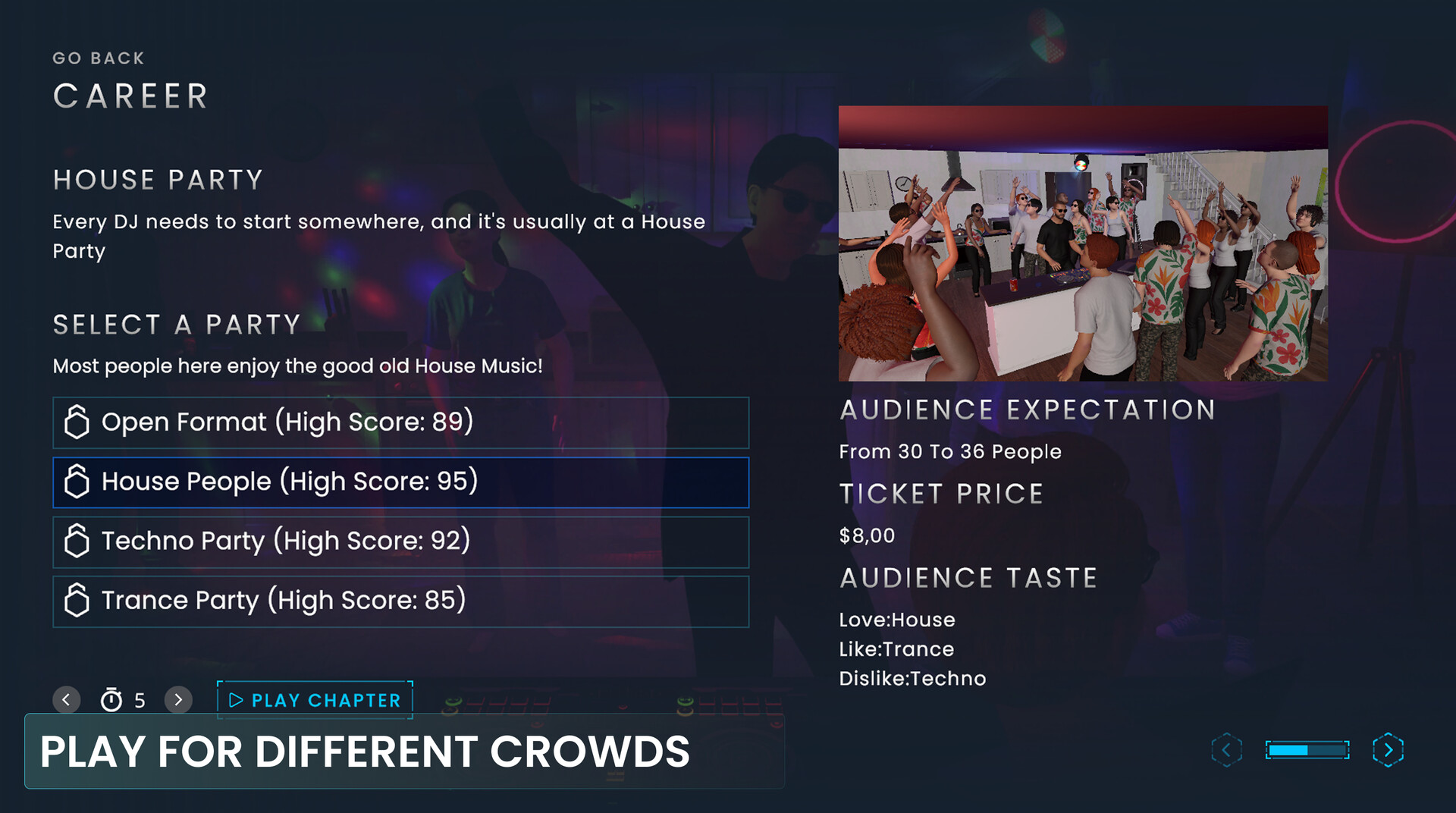
Start your journey at small parties and work your way up to massive festival stages.
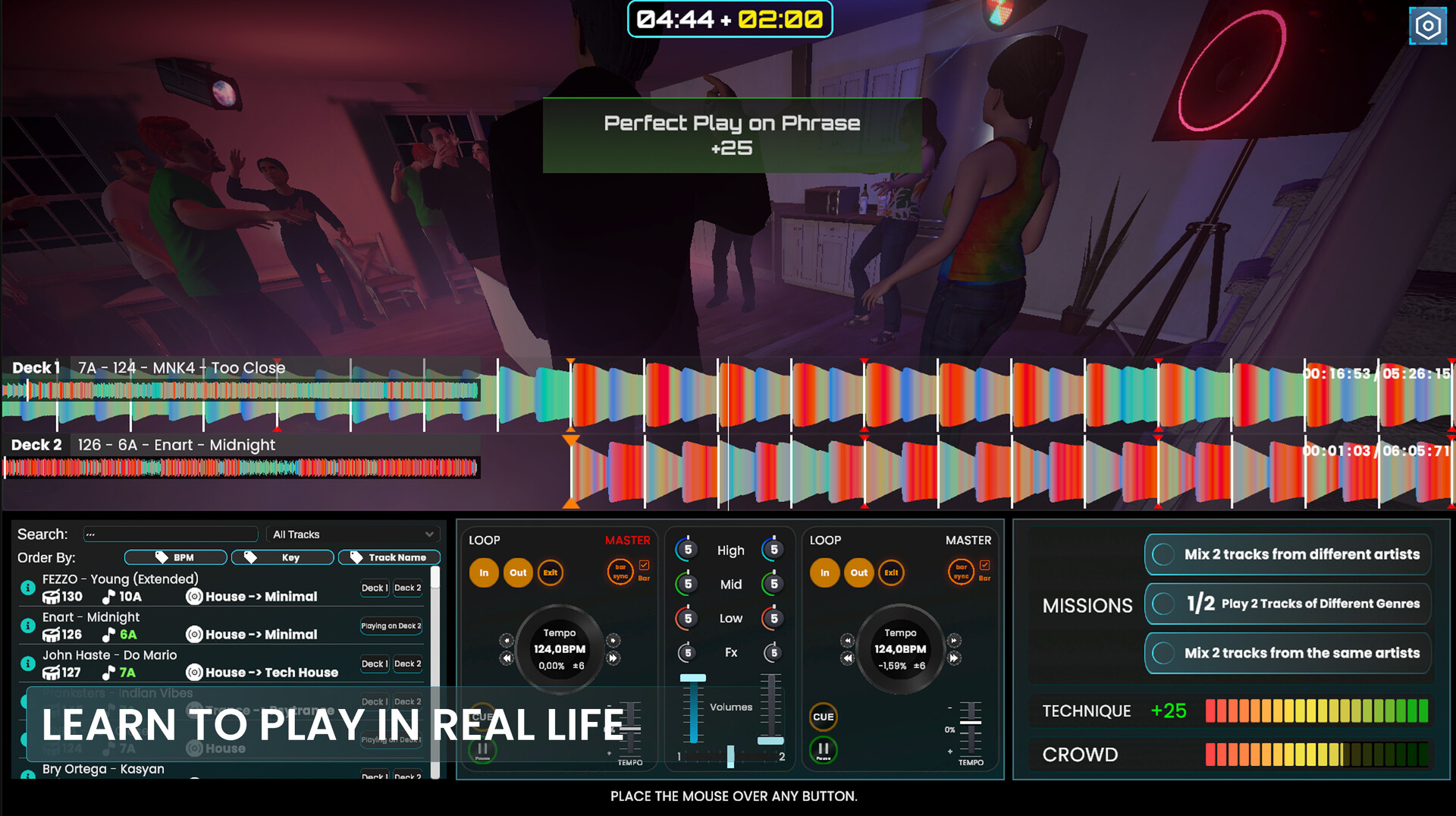
Face more than 100 missions distributed throughout the different gigs and stages of your career, challenging you to apply the techniques you've learned in real DJ situations.
Complete missions, earn money, gain fans, unlock new gigs, and build your reputation as a rising DJ.
Your progression reflects the real growth of a DJ: bigger events require better technique, better Track selection, and a stronger ability to read the dancefloor.
The better you perform, the faster your career progresses.
You will also face several Minigame challenges based on difficulties DJs experience, helping you develop your attention and multitasking skills!
Performance Statistics
At the end of each Set, receive a detailed analysis of your performance.
Analyze: • Transition quality • Beat accuracy • Completed missions • Most used effects • Technical mistakes
The system shows exactly where you improved and where you still need to get better, helping you grow with every session.
Dynamic Crowd: Learn to Read the Dancefloor
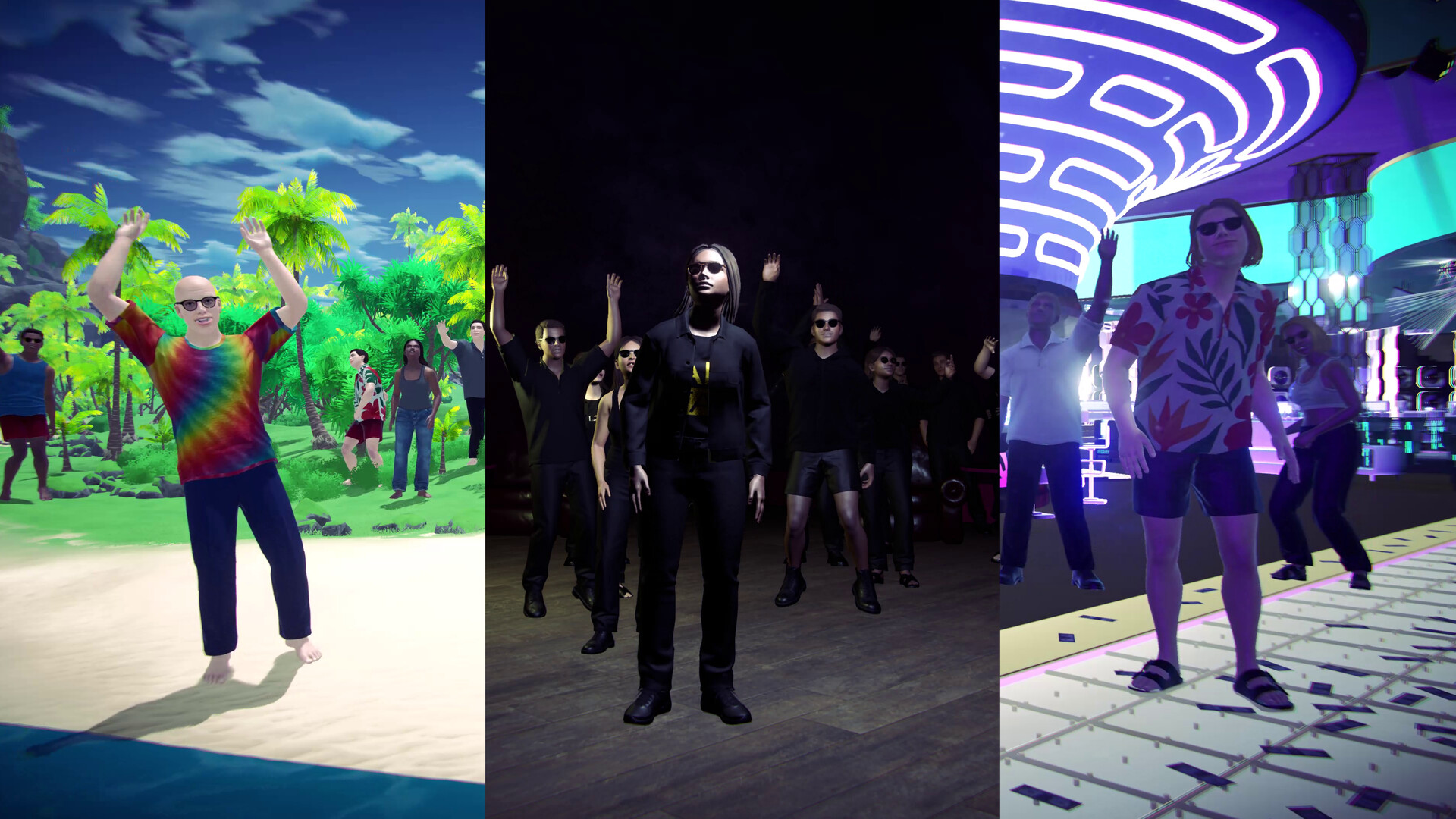
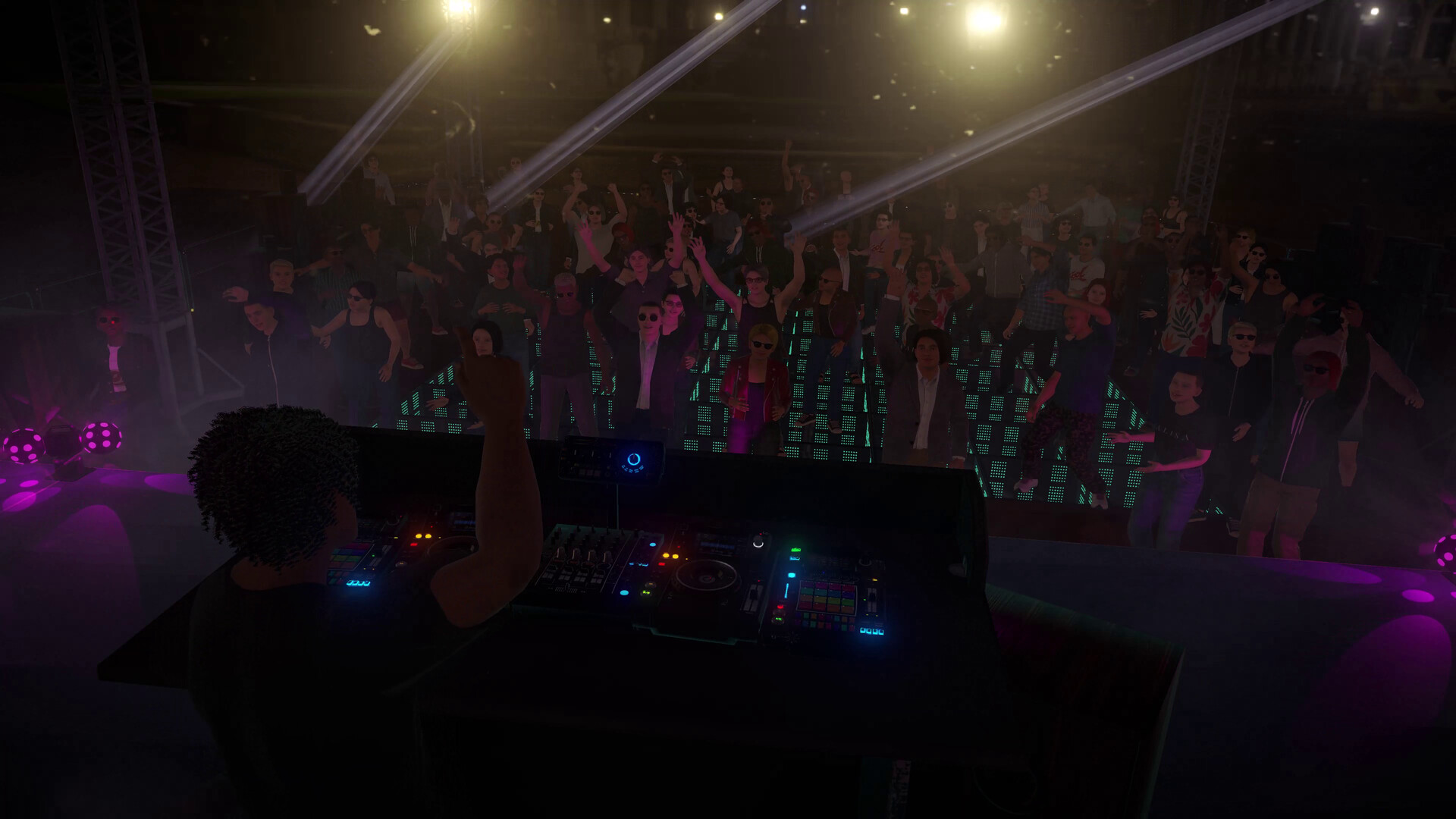
The crowd in DJ Life Simulator is not just a background animation. It is alive and reactive.
Each person on the dancefloor has musical preferences based on the clothing styles they wear.
Play the right Tracks to keep the energy high, experiment to win over different types of people, and learn how DJs read the dancefloor.
The crowd's reaction directly reflects your technical and musical decisions through their dancing and the aura indicators.
Your Style, Your Journey
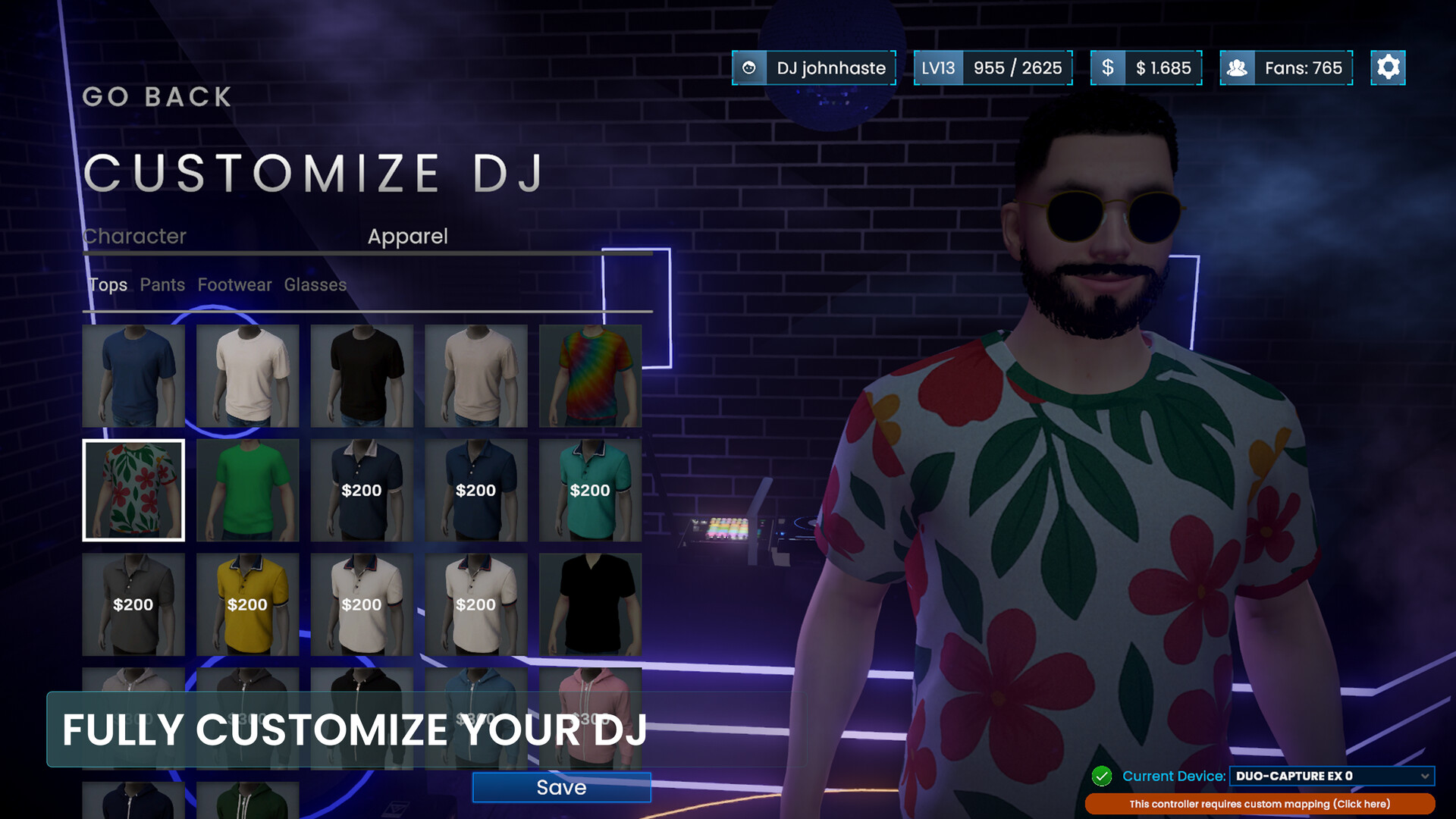
Customize your DJ to reflect your identity by customizing the body and clothing using the money earned from gigs.
Import Your Own Music
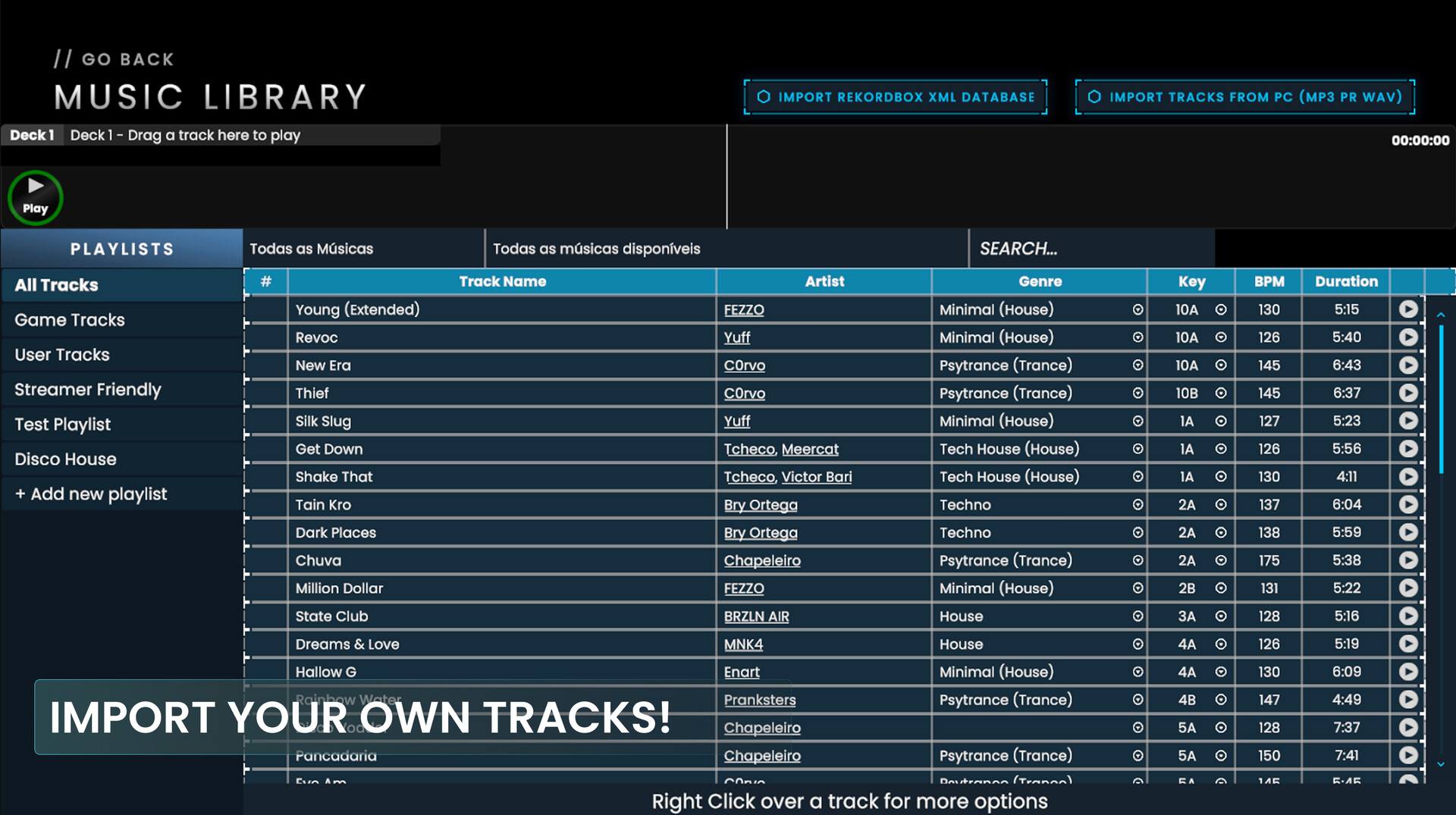
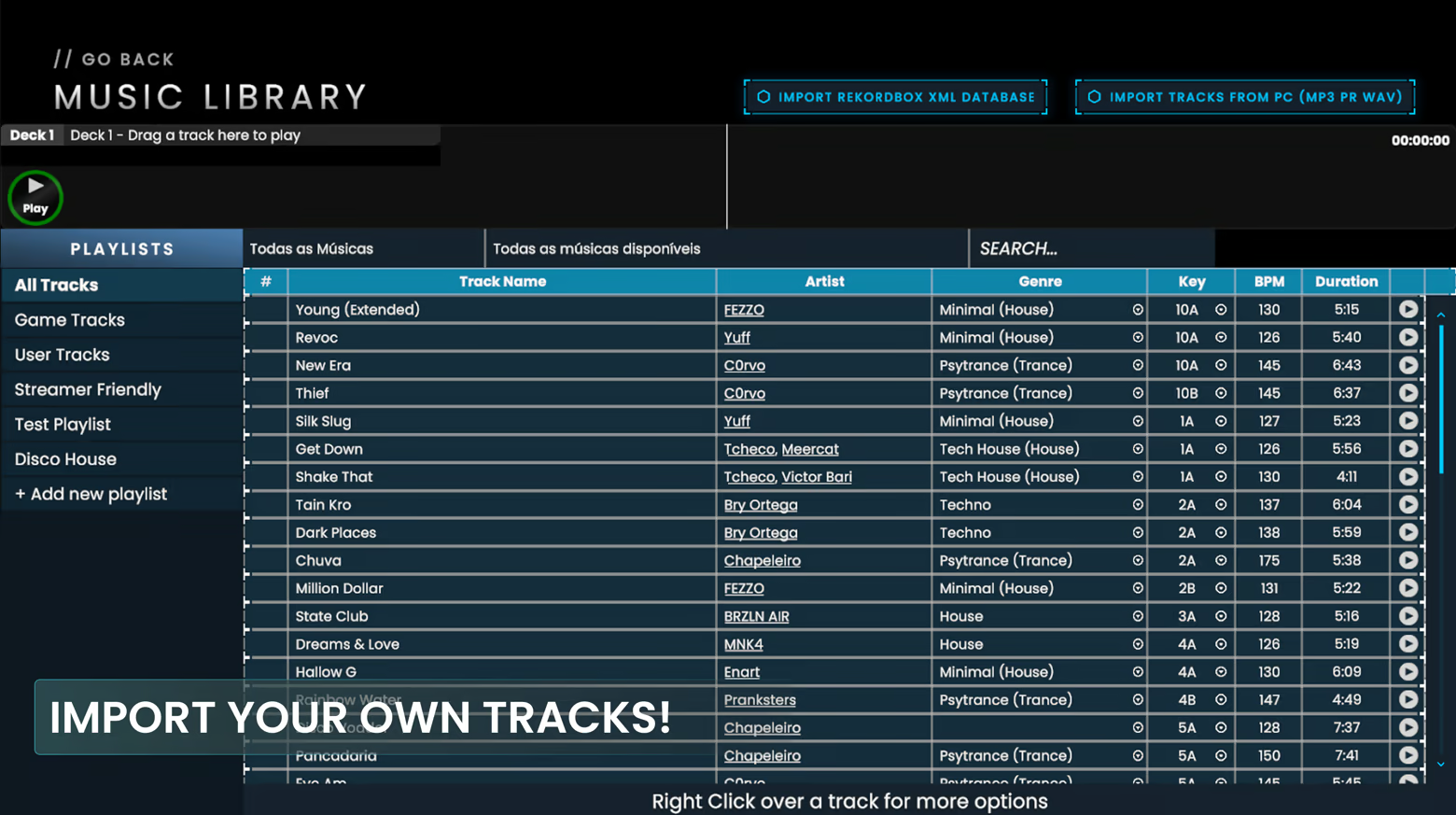
Practice and perform using your own music library. DJ Life Simulator supports MP3, WAV, FLAC, AIFF, and M4A audio files.
There are two main ways to bring your music into the game:
Import directly from your PC • Select individual Tracks from your computer • Import an entire folder of Tracks • Build your in-game library using your own music files
Import your Rekordbox library • Export your library as an XML file from Rekordbox • Import it directly into DJ Life Simulator • Bring your library information and Track metadata into the game
This makes it easy to practice with Tracks you already know or bring your existing DJ library directly into the simulator.
We also have a tutorial on our YouTube channel showing how to import your music.
Add It to Your Wishlist
Add DJ Life Simulator to your wishlist and begin your journey to becoming a real DJ.