#Action #3D #Arcade
Cheftastic!: Buffet Blast
Cheftastic!: Buffet Blast is a new exciting top-down arcade shooter! Take back the Isle of Verdura from swarms of mutant vegetables and climb your way to the top of the leaderboard!
View game
Free
No Reviews · 0 reviews
Control your games with your voice. Voice2Action turns spoken commands into keyboard shortcuts, letting you trigger actions, combos, and macros hands-free.
Released
August 27, 2026
Price
Platforms
Windows
Developer
Publisher
Last sync
August 27, 2026
Voice2Action is a voice-powered control tool designed for gamers who want to play smarter, faster, and hands-free. With Voice2Action, your spoken words become real in-game actions. Whether you want to trigger abilities, execute combos, or manage complex shortcuts, everything can be done with a simple voice command.
Key Features
Voice2Action gives players a new way to interact with their favorite titles—making gaming more immersive, responsive, and inclusive.
Voice2Action uses the microphone defined in Windows, so a microphone is required.
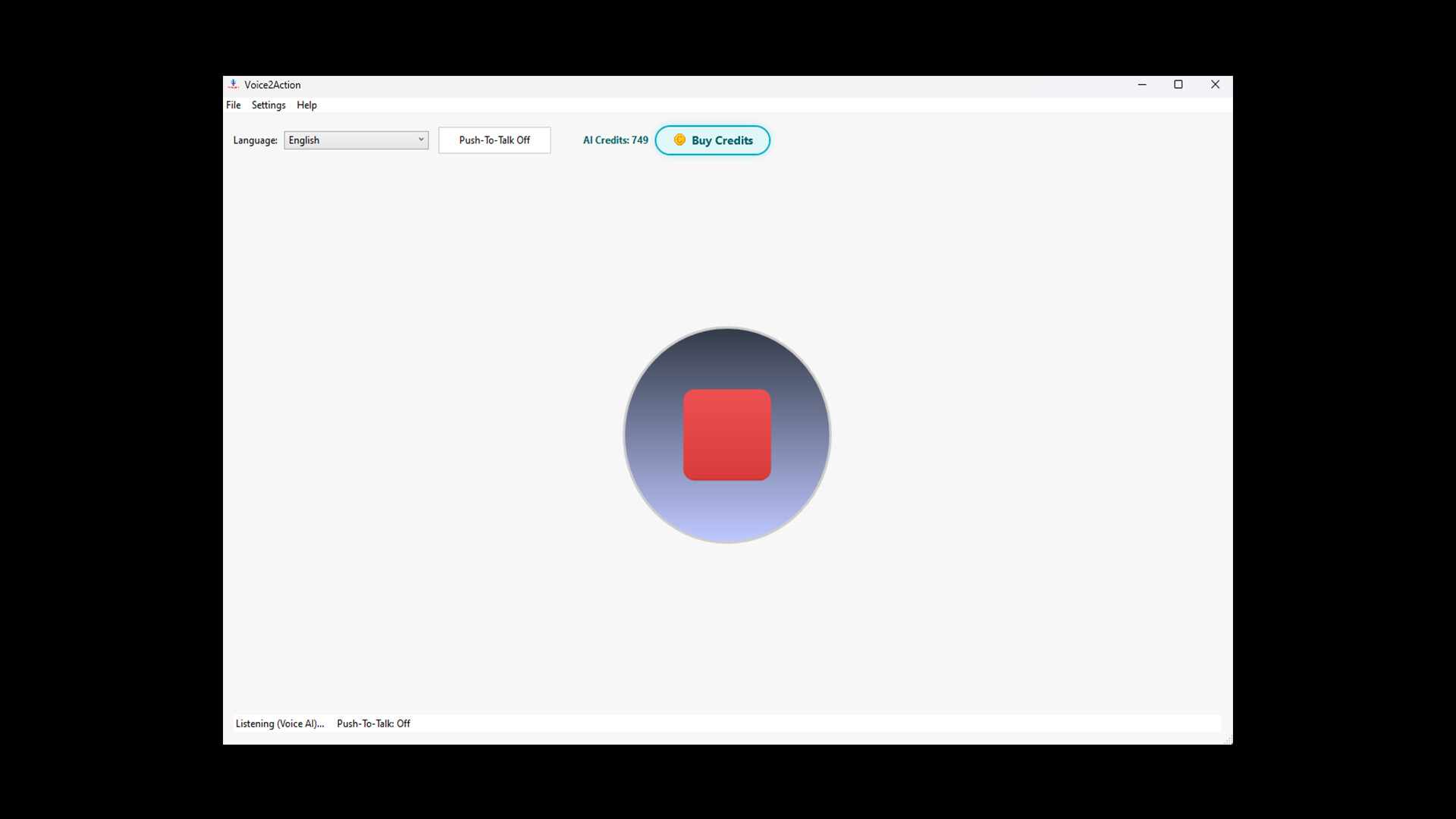
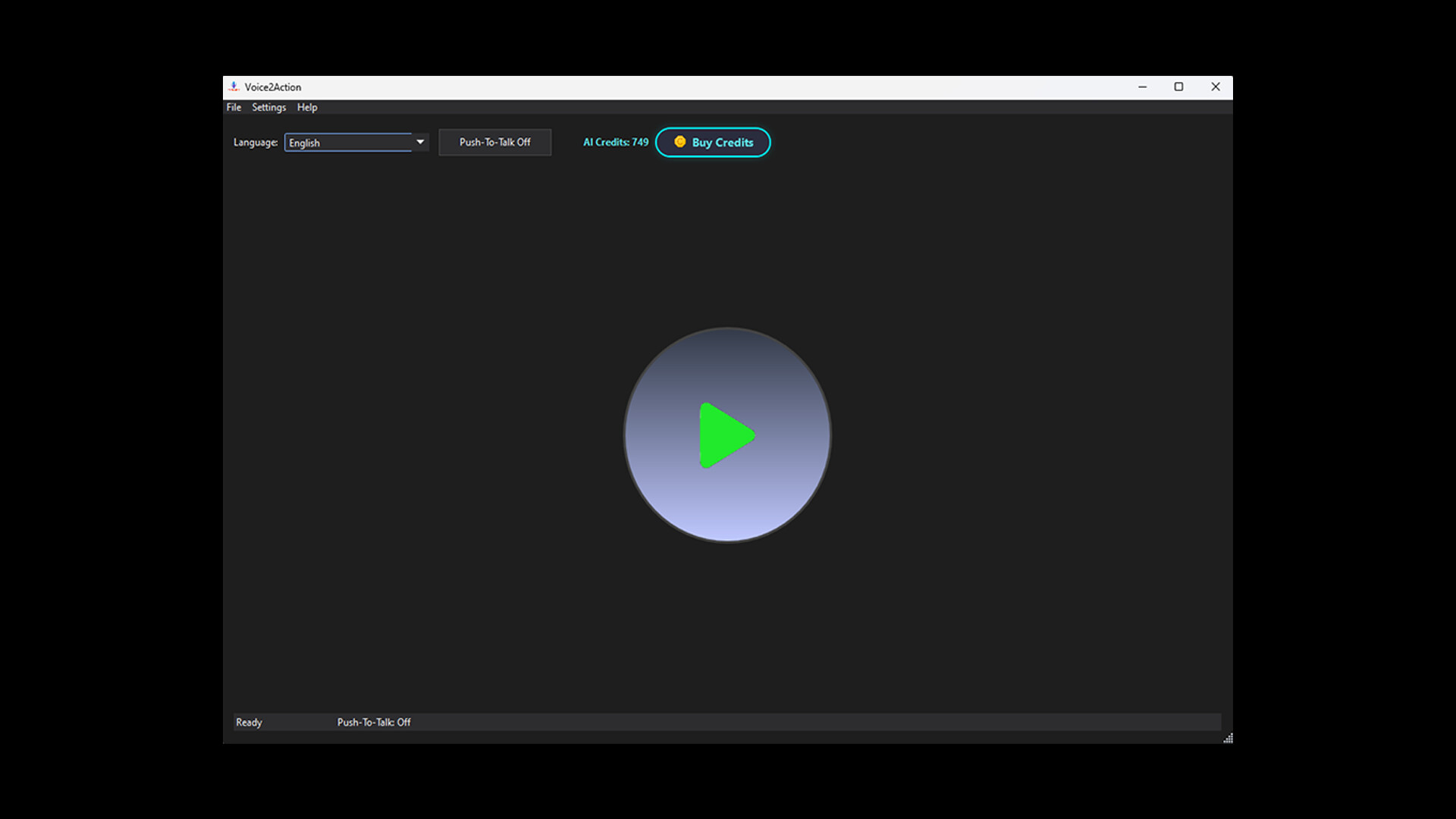
If a microphone is available and you don’t want to use AI mode, you can simply press Start to begin listening.
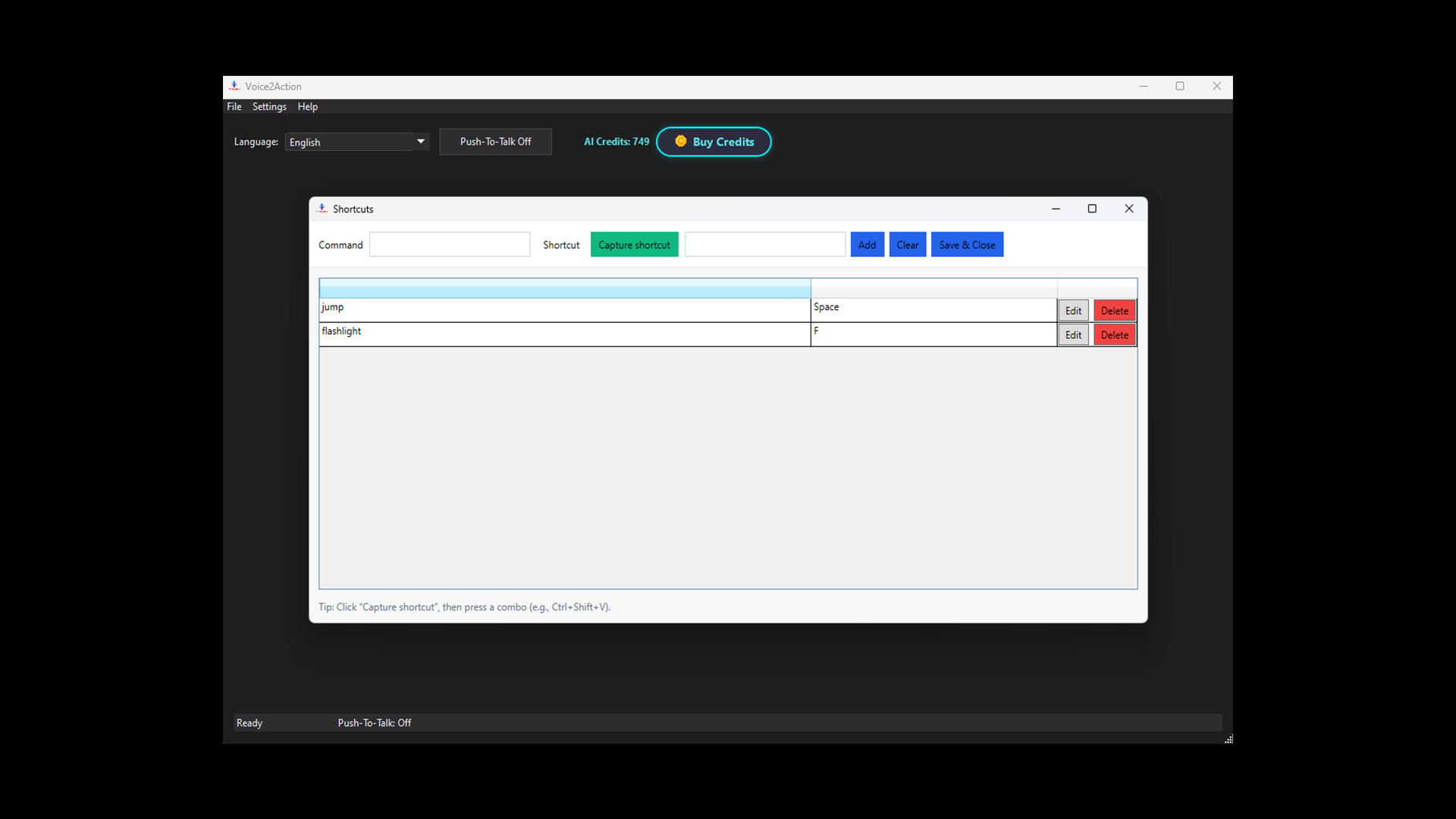
Before that, you should add new shortcuts from Settings → Shortcuts.
Currently, hold-to-press functionality is not available, but it will be added later.
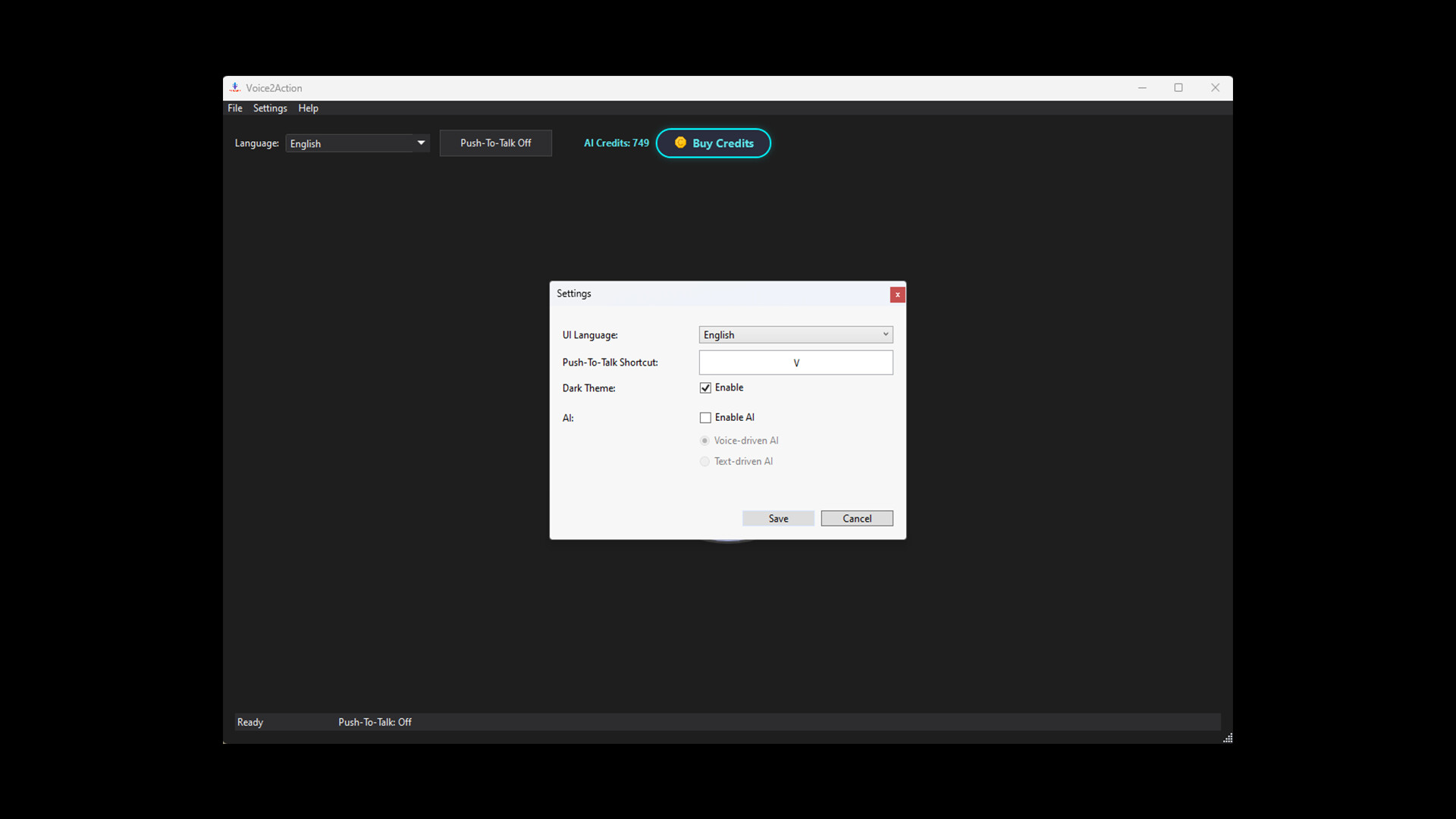
From Settings → General, you can also set your Push-To-Talk key.
In the main window, you can choose the language you want to speak in, and you can toggle Push-To-Talk on or off.
Finally, if you encounter any bugs or issues, please report them to us.