FilterMob – Screen Filter for Gaming, Work & Eye Strain

FilterMob – Screen Filter for Gaming, Work & Eye Strain

Positive · 10 reviews

80% positive (8 / 10)
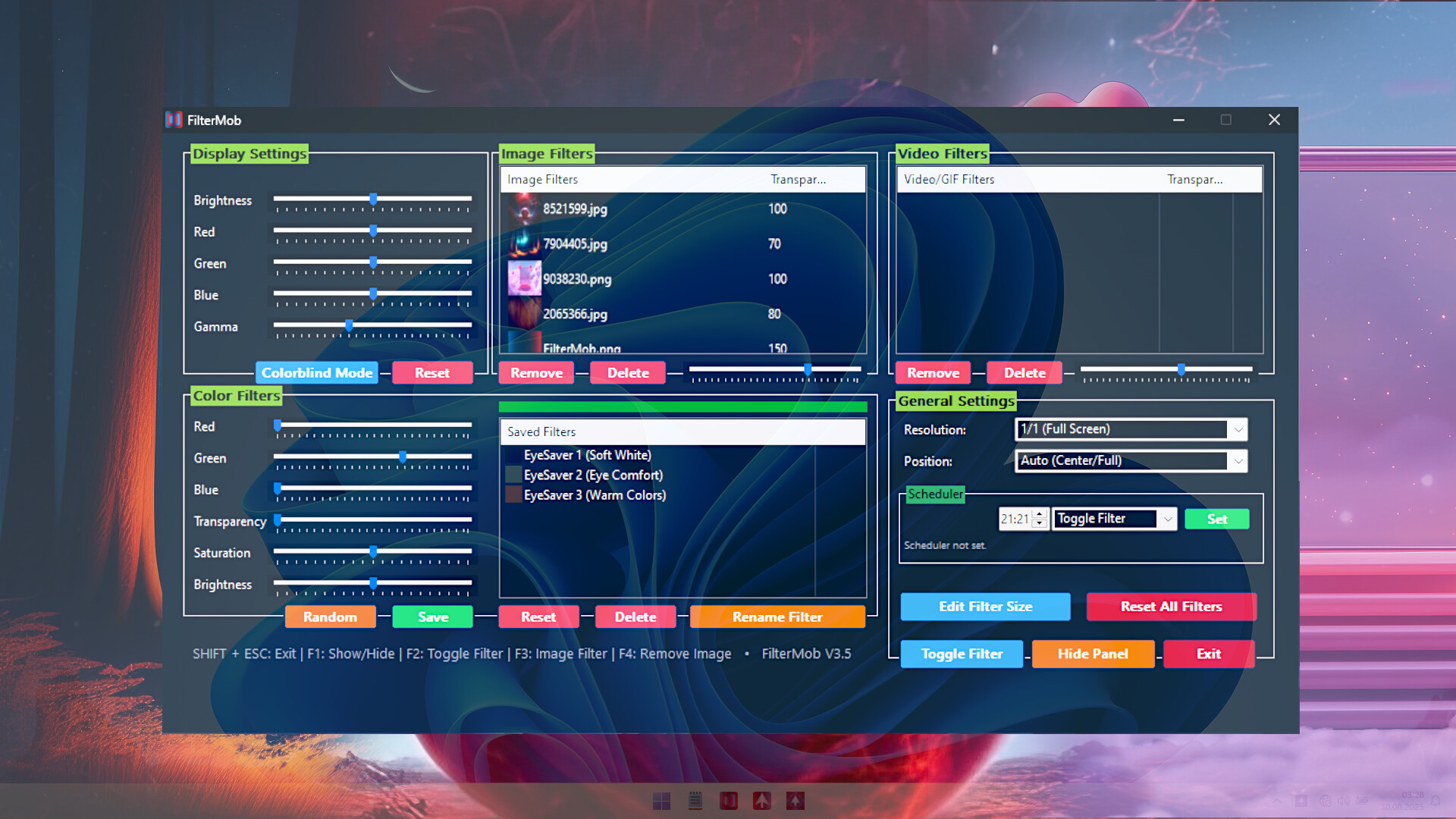
Screenshots

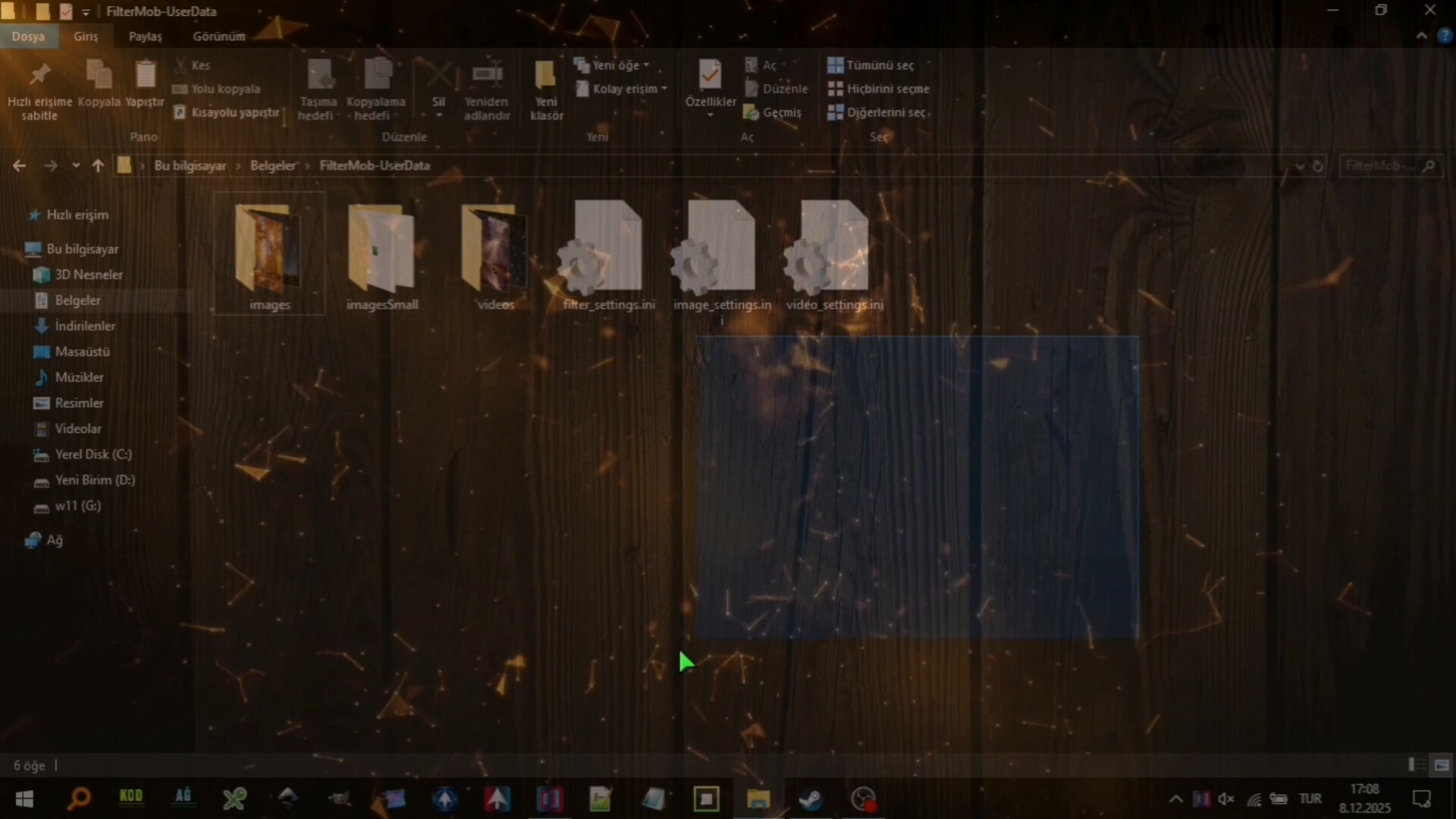
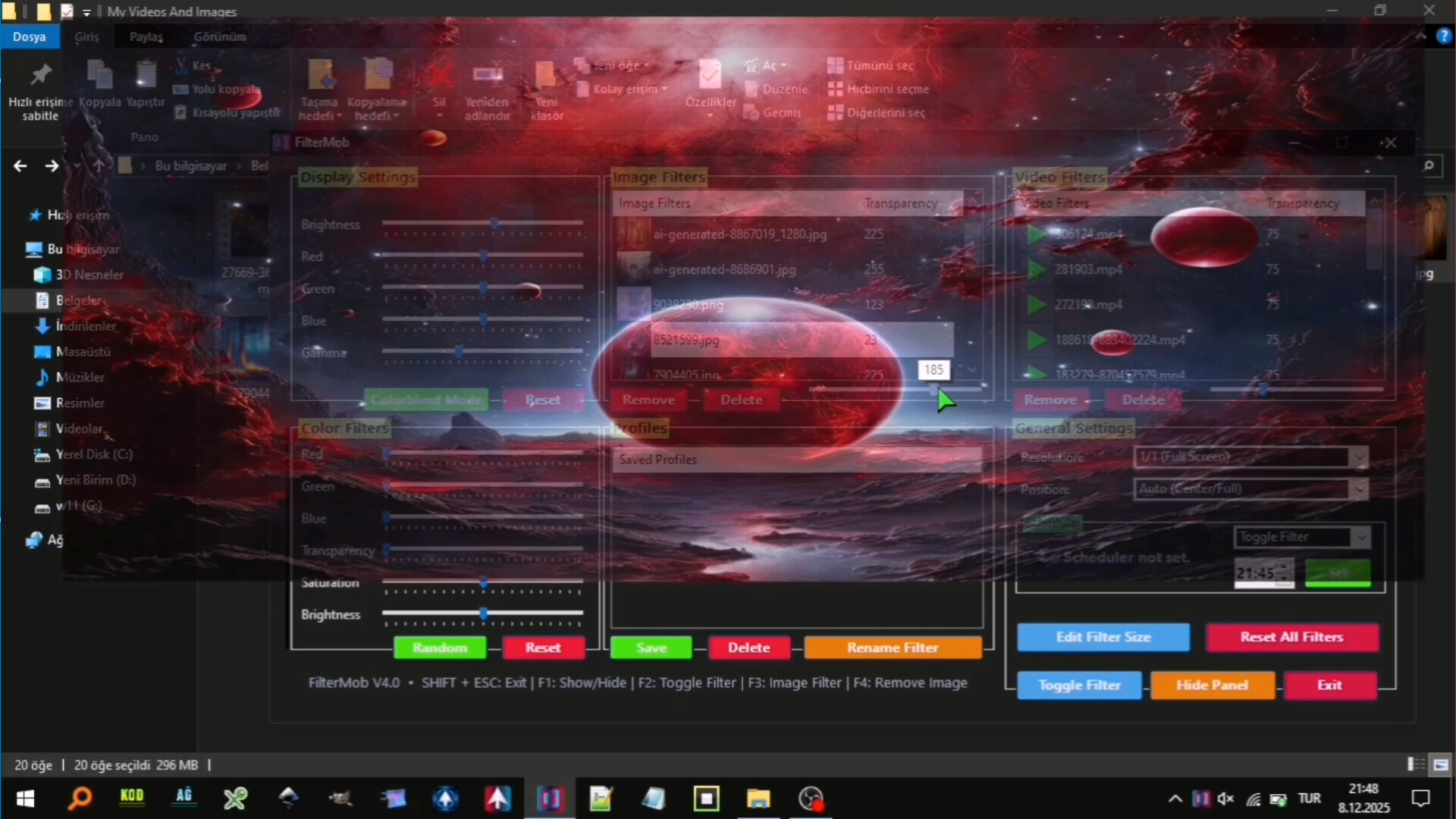
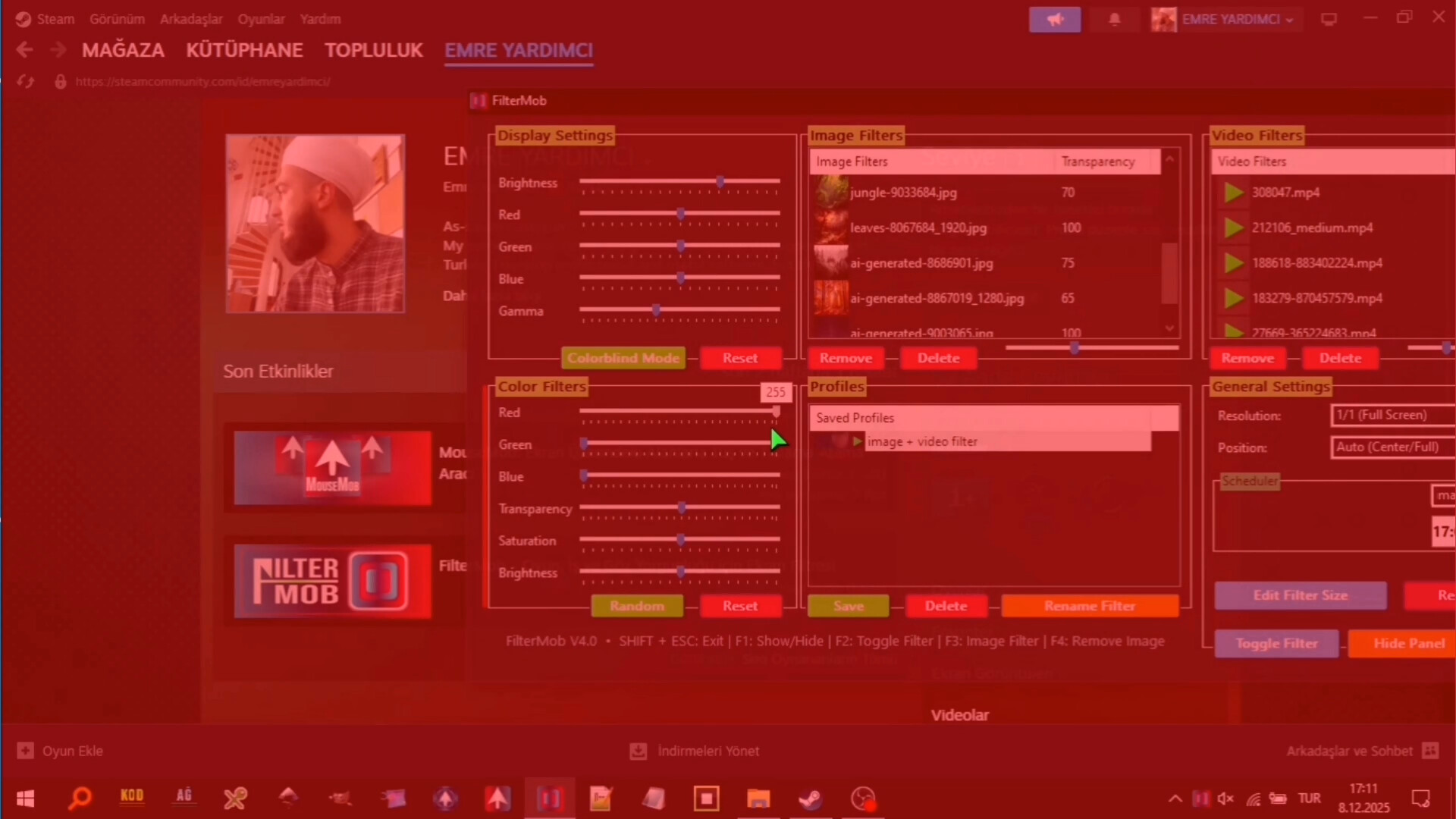
FilterMob – Screen Filter for Gaming, Work & Eye Strain screenshot 1
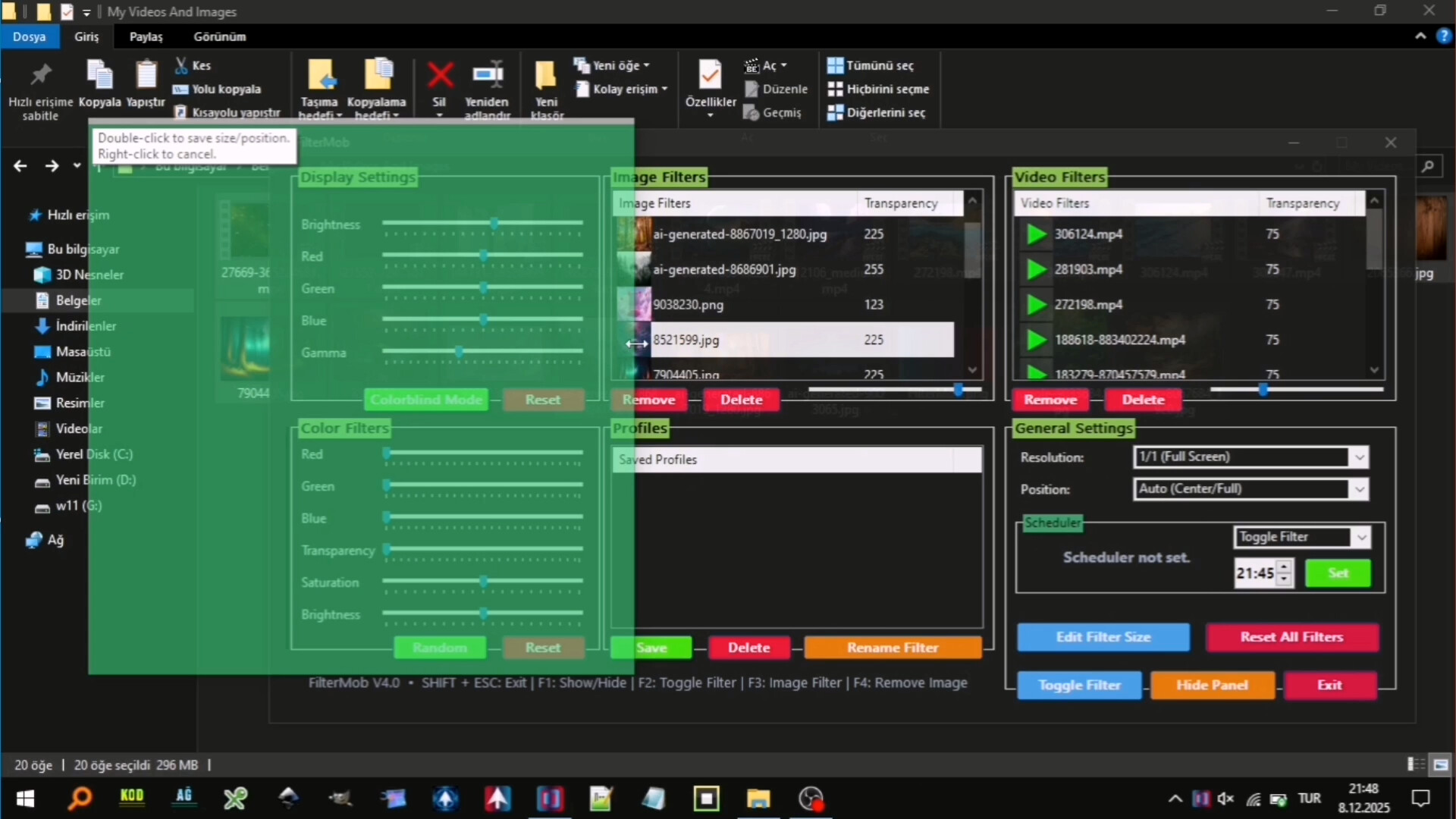
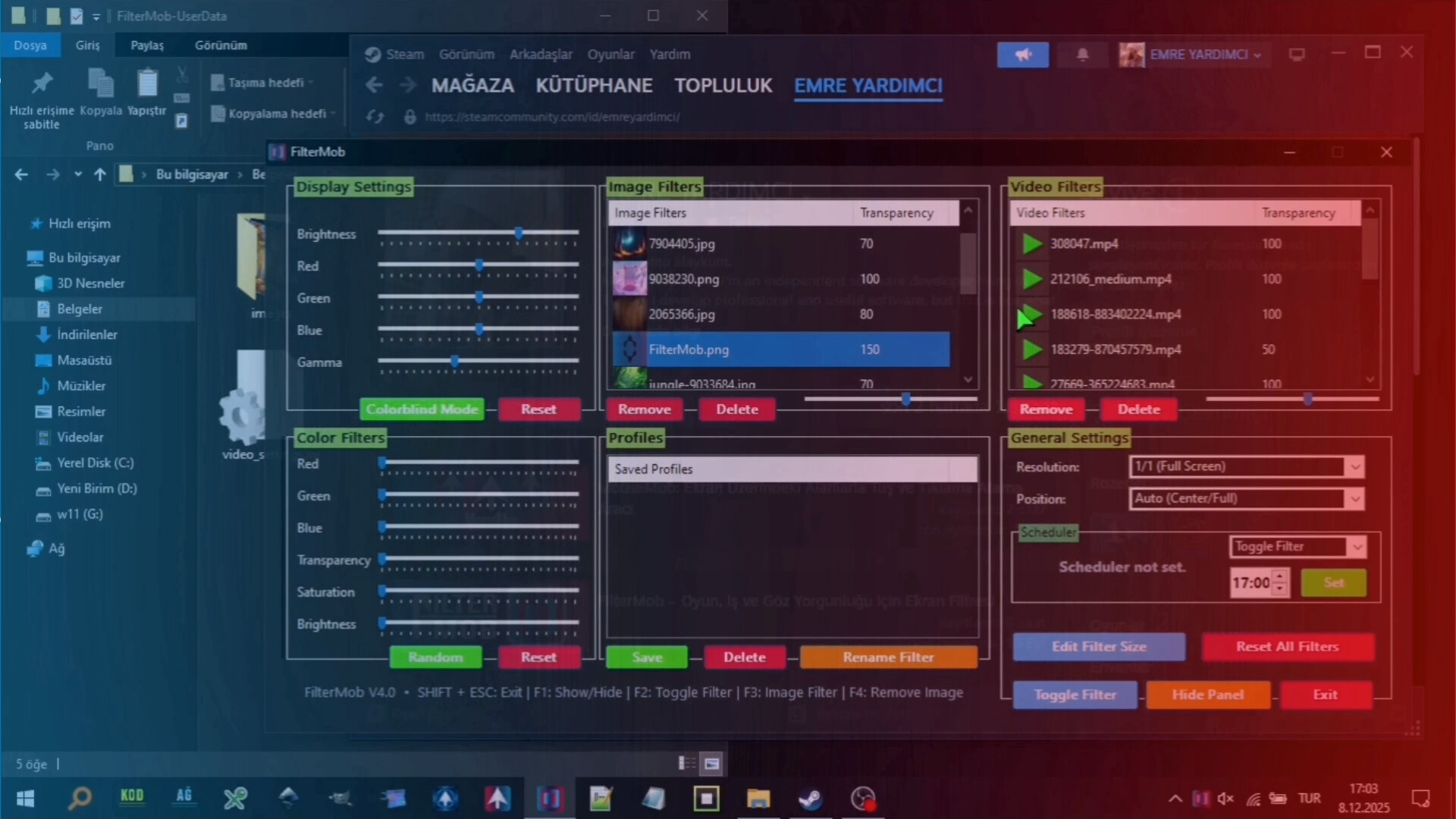
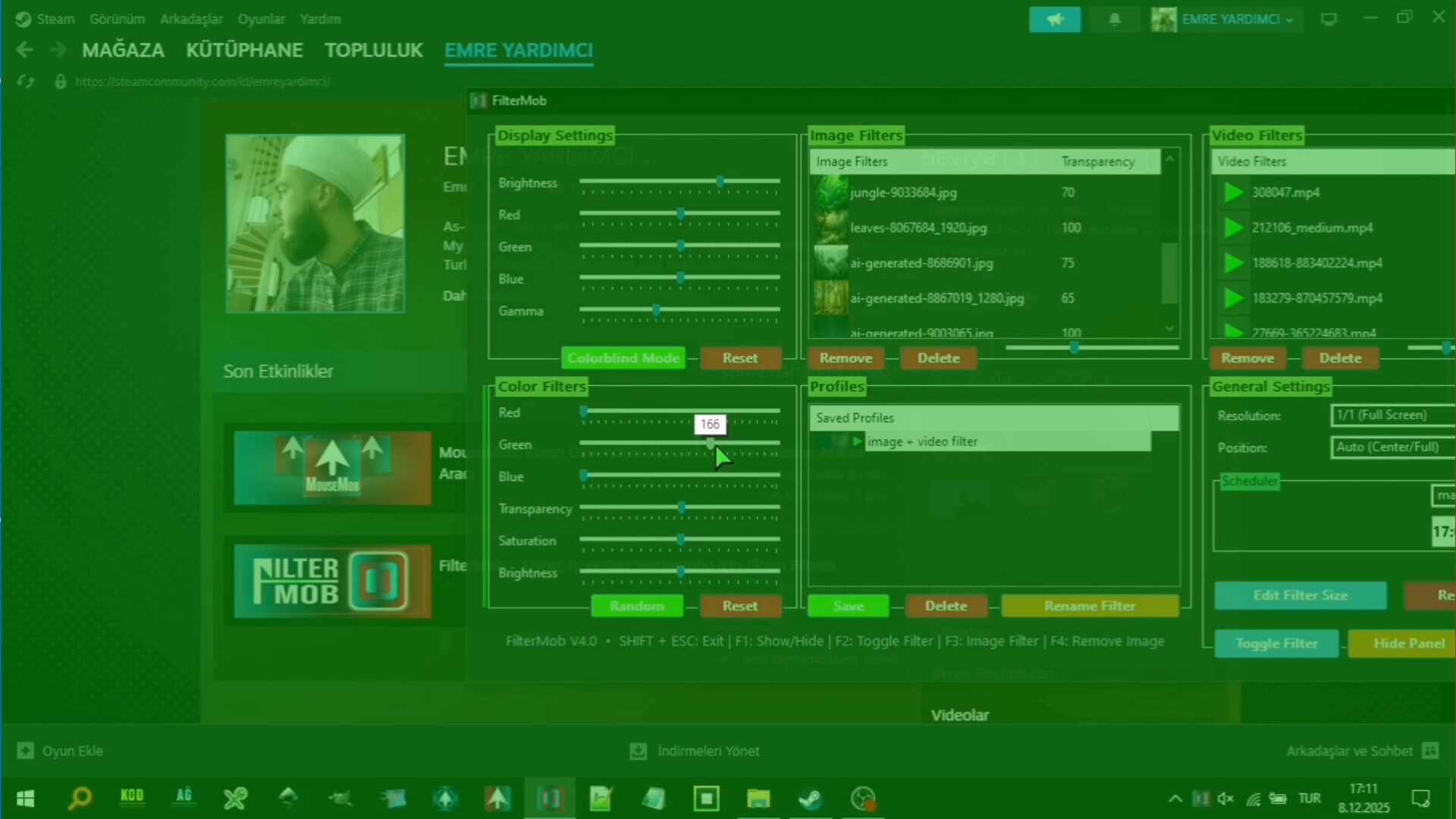
FilterMob – Screen Filter for Gaming, Work & Eye Strain screenshot 2
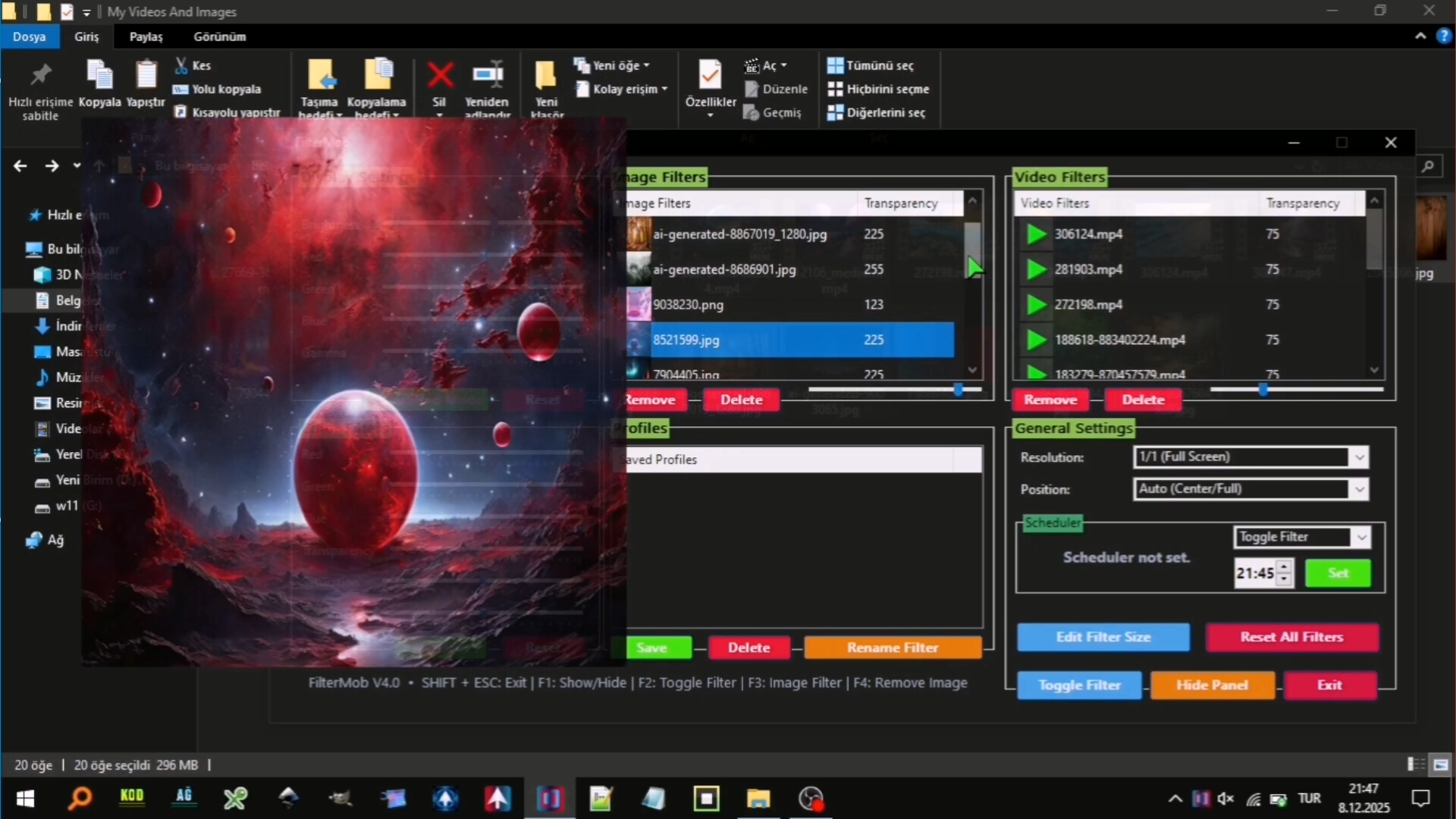
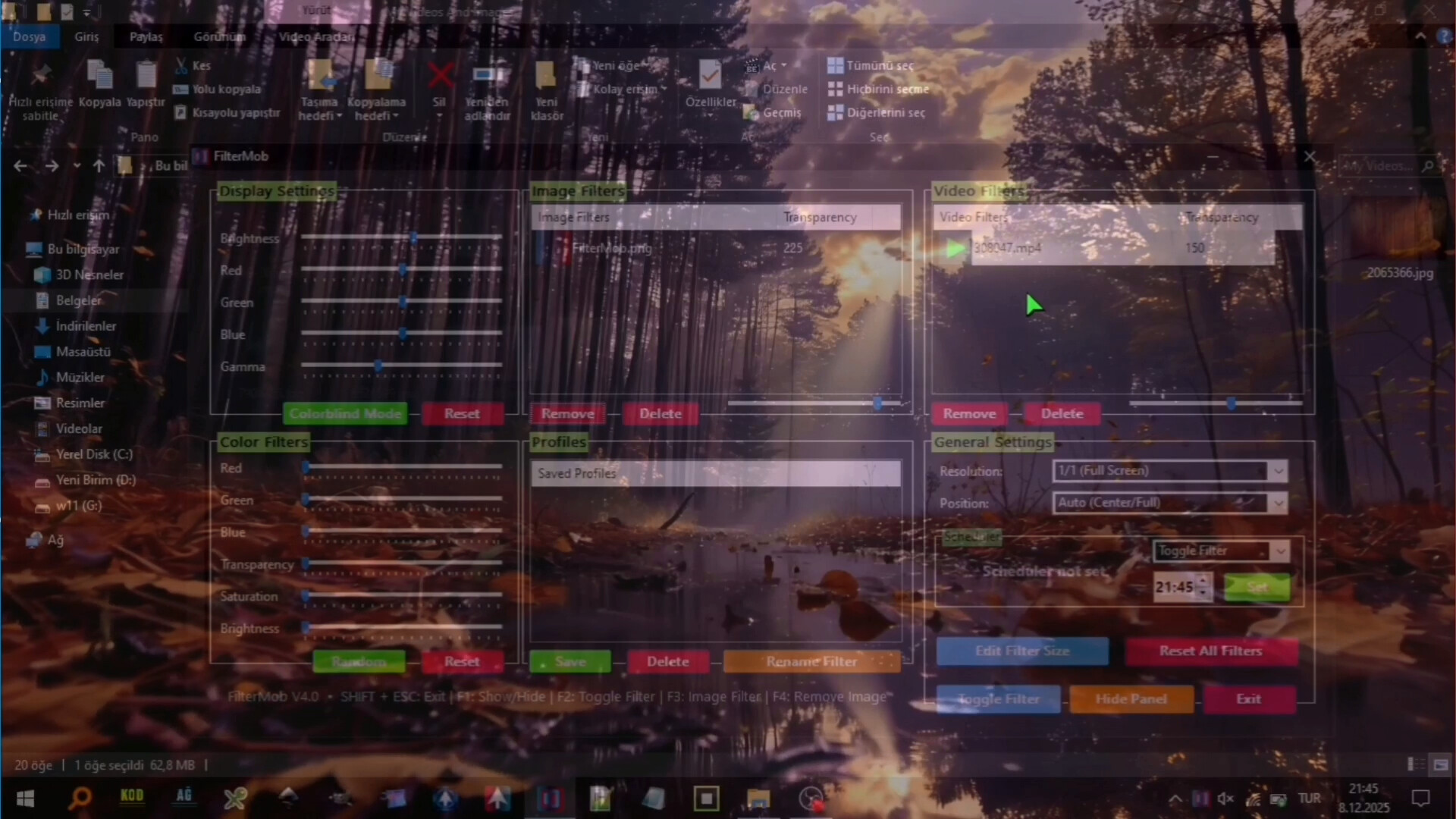
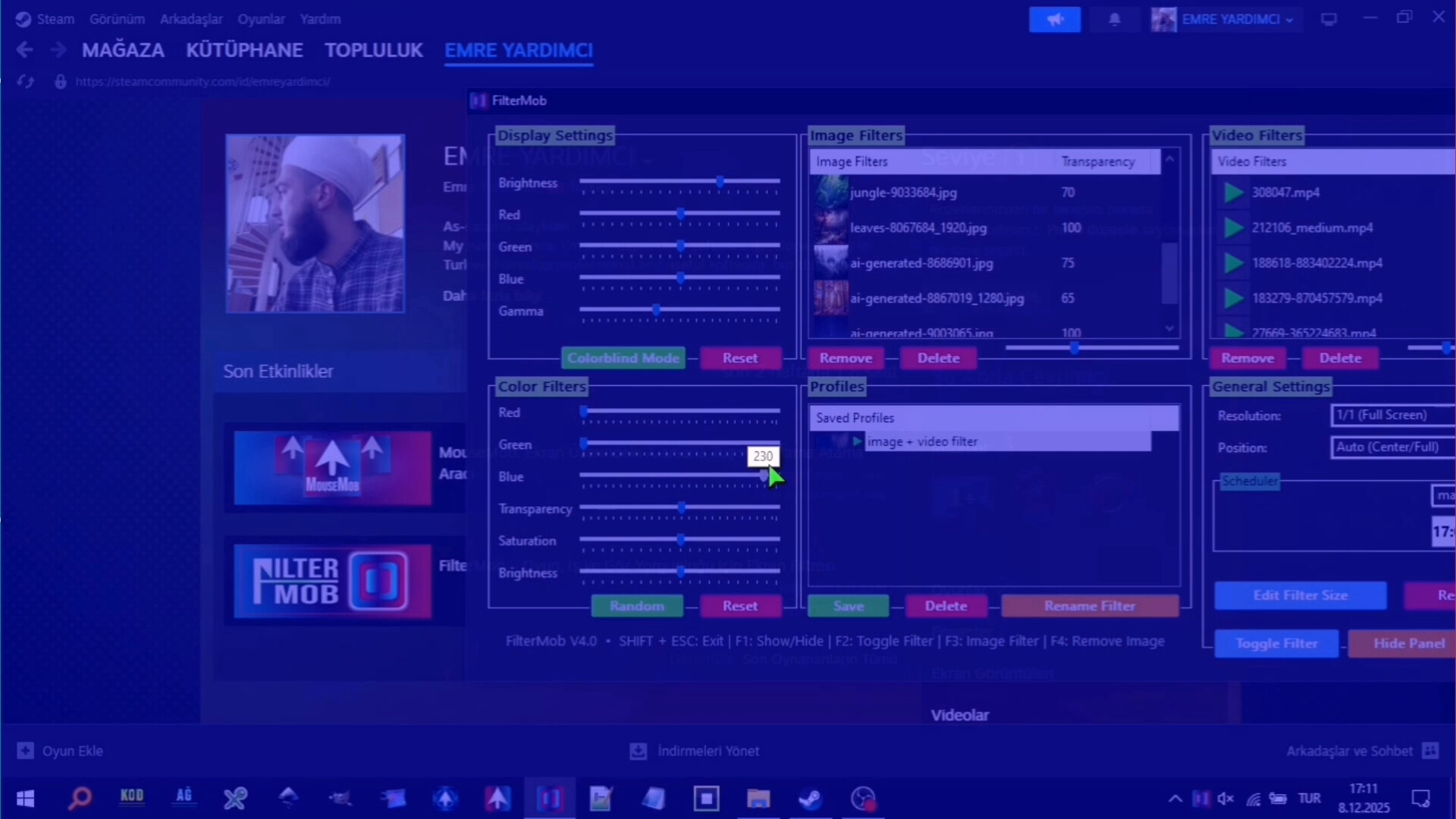
FilterMob – Screen Filter for Gaming, Work & Eye Strain screenshot 3
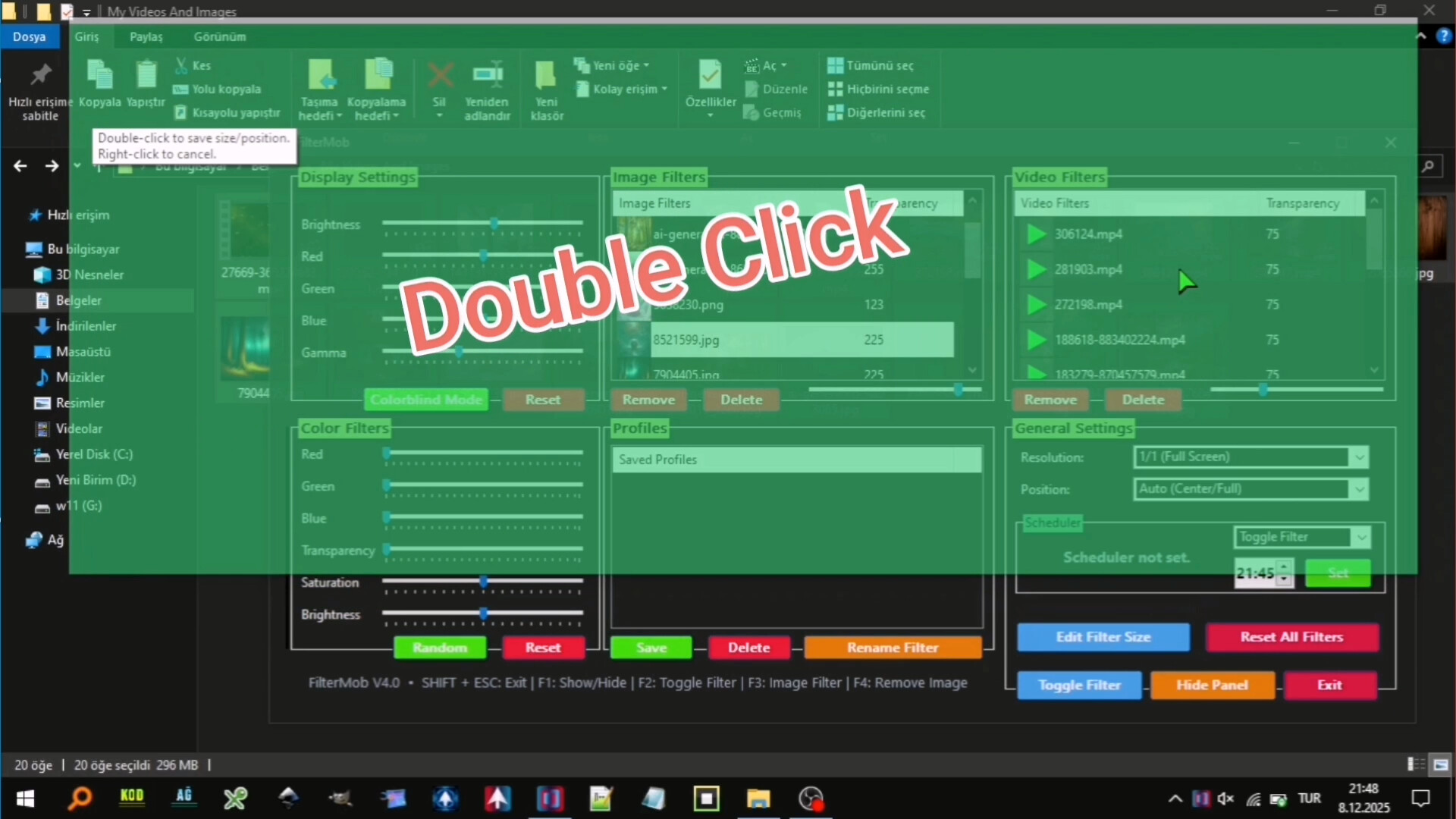
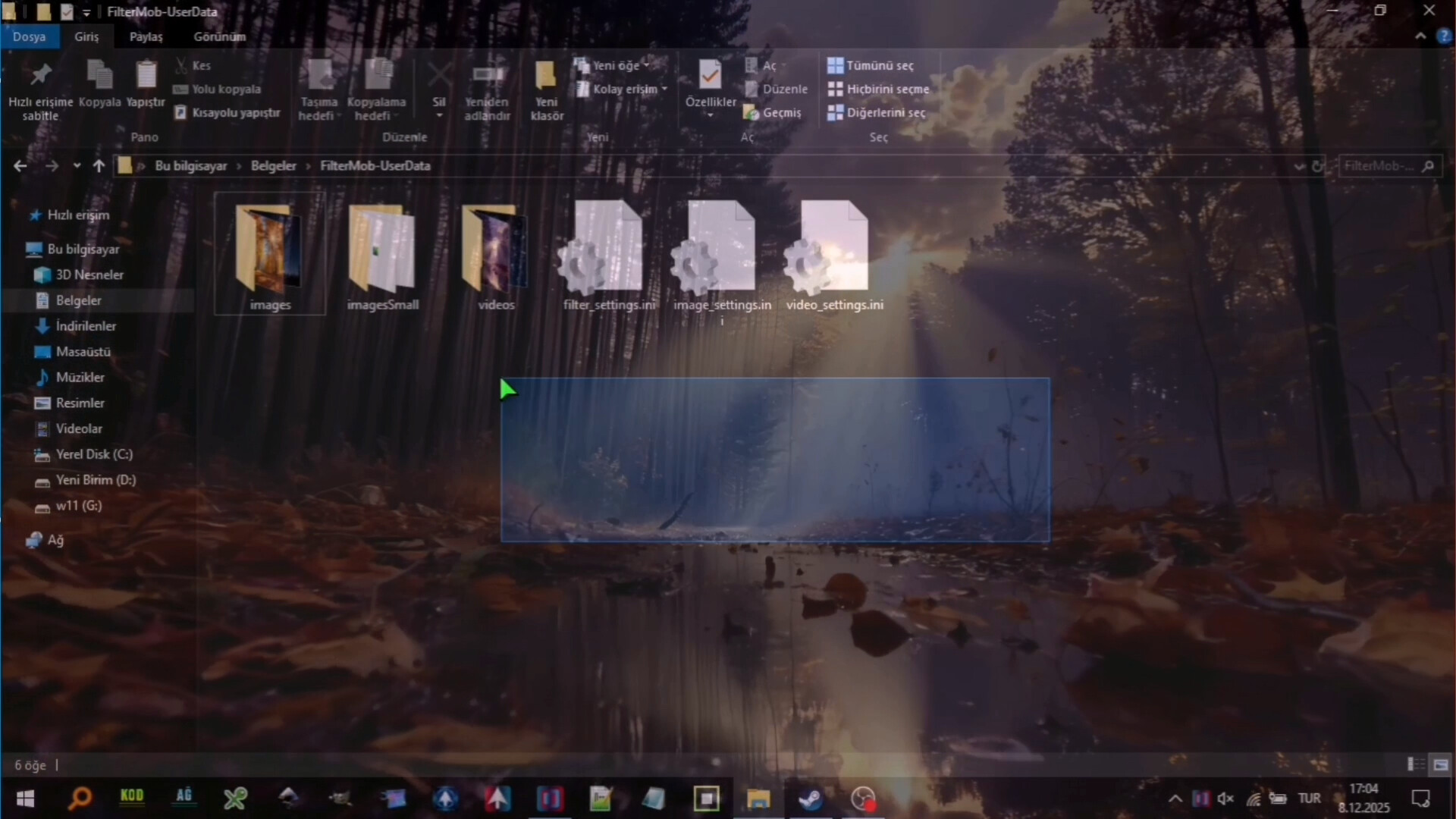
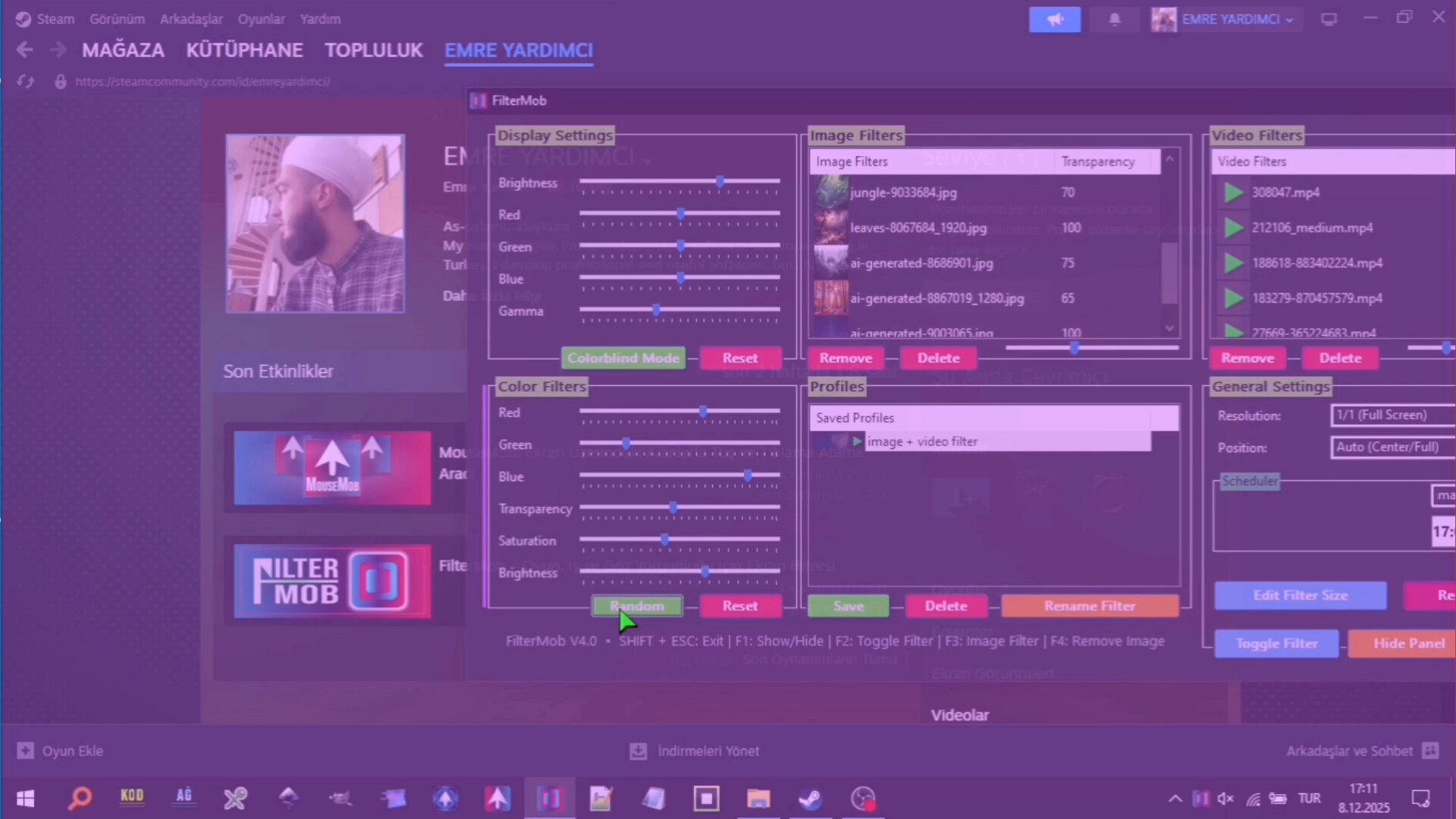
FilterMob – Screen Filter for Gaming, Work & Eye Strain screenshot 4
FilterMob – Screen Filter for Gaming, Work & Eye Strain screenshot 5
FilterMob – Screen Filter for Gaming, Work & Eye Strain screenshot 6
FilterMob – Screen Filter for Gaming, Work & Eye Strain screenshot 7
FilterMob – Screen Filter for Gaming, Work & Eye Strain screenshot 8
FilterMob – Screen Filter for Gaming, Work & Eye Strain screenshot 9
FilterMob – Screen Filter for Gaming, Work & Eye Strain screenshot 10
FilterMob – Screen Filter for Gaming, Work & Eye Strain screenshot 11
FilterMob – Screen Filter for Gaming, Work & Eye Strain screenshot 12
FilterMob – Screen Filter for Gaming, Work & Eye Strain screenshot 13
FilterMob – Screen Filter for Gaming, Work & Eye Strain screenshot 14
FilterMob – Screen Filter for Gaming, Work & Eye Strain screenshot 15
FilterMob – Screen Filter for Gaming, Work & Eye Strain screenshot 16
FilterMob – Screen Filter for Gaming, Work & Eye Strain screenshot 17
FilterMob – Screen Filter for Gaming, Work & Eye Strain screenshot 18
FilterMob – Screen Filter for Gaming, Work & Eye Strain screenshot 19
FilterMob – Screen Filter for Gaming, Work & Eye Strain screenshot 20
FilterMob – Screen Filter for Gaming, Work & Eye Strain screenshot 21

Description

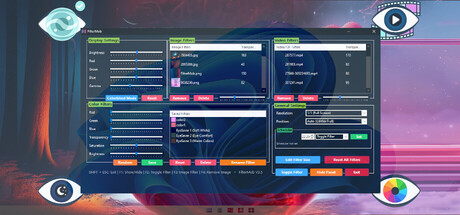
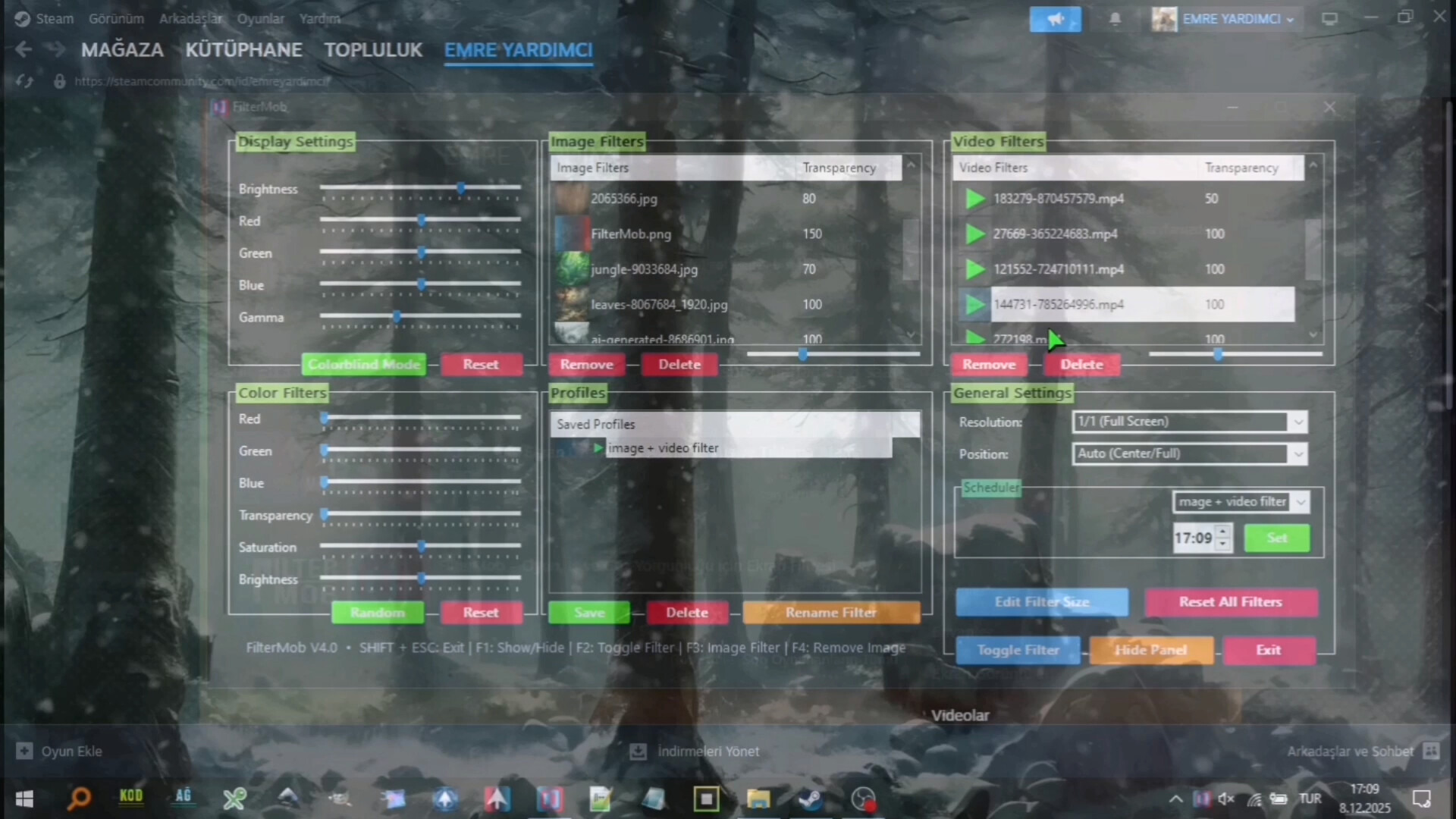
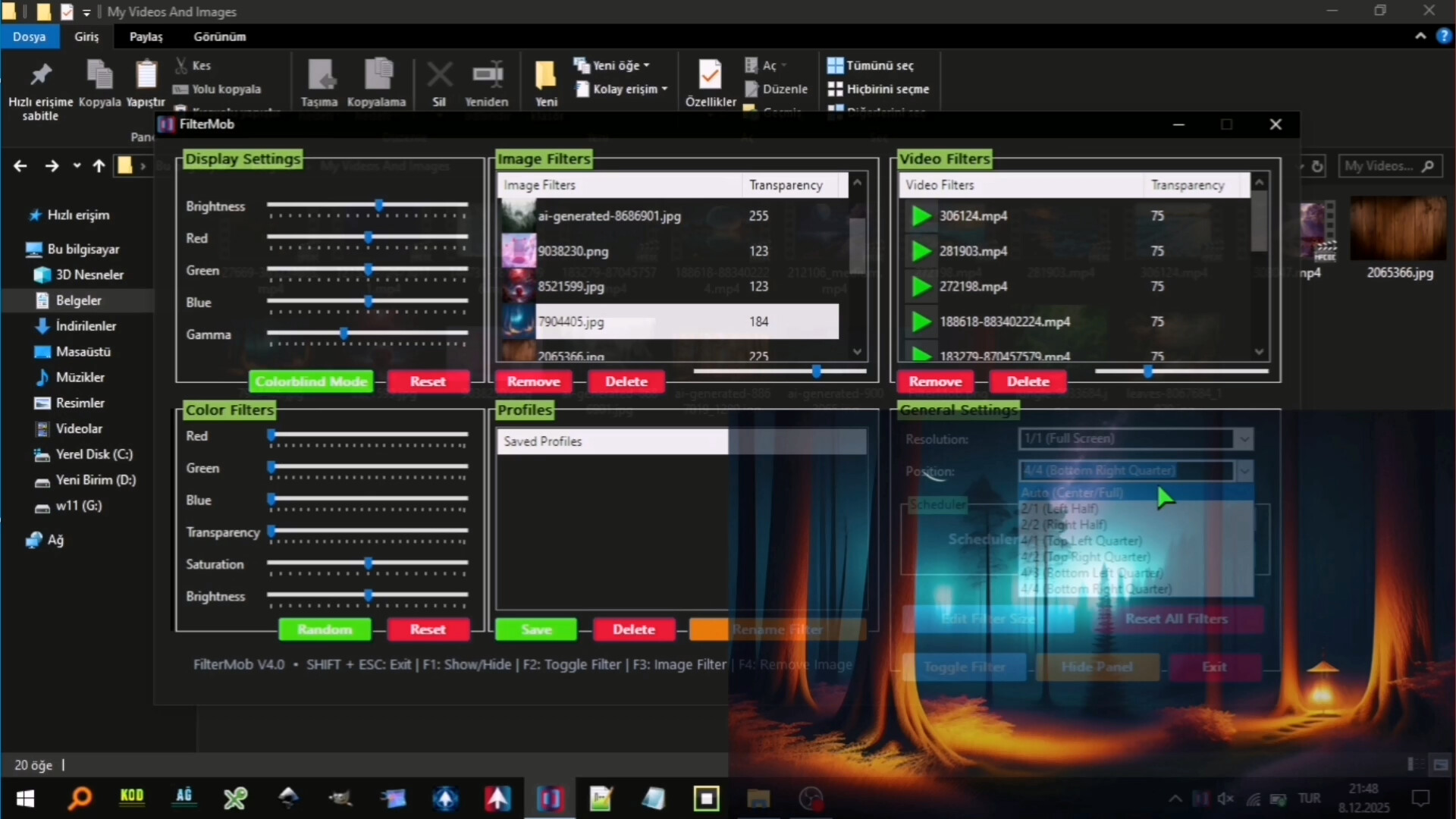
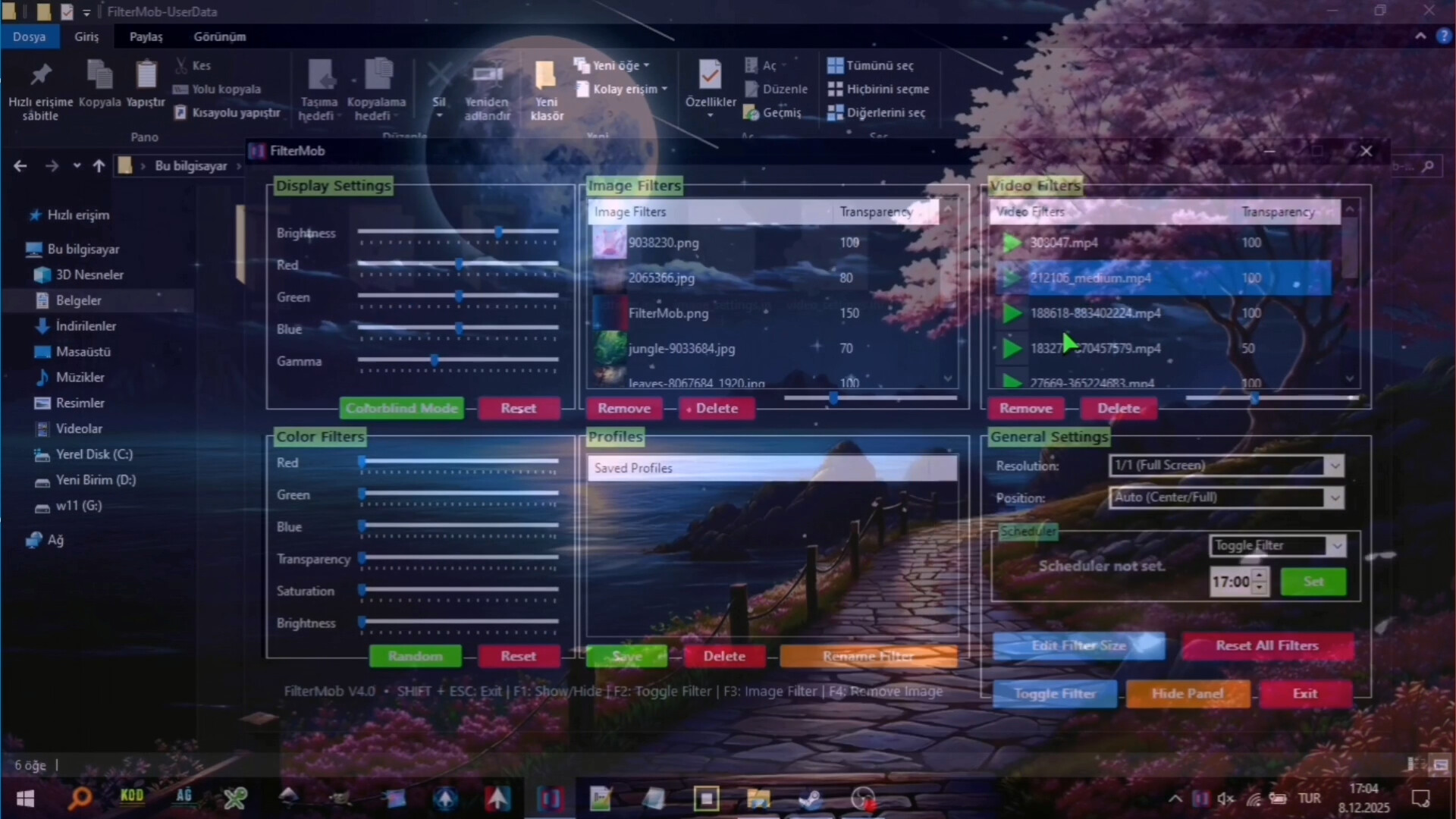
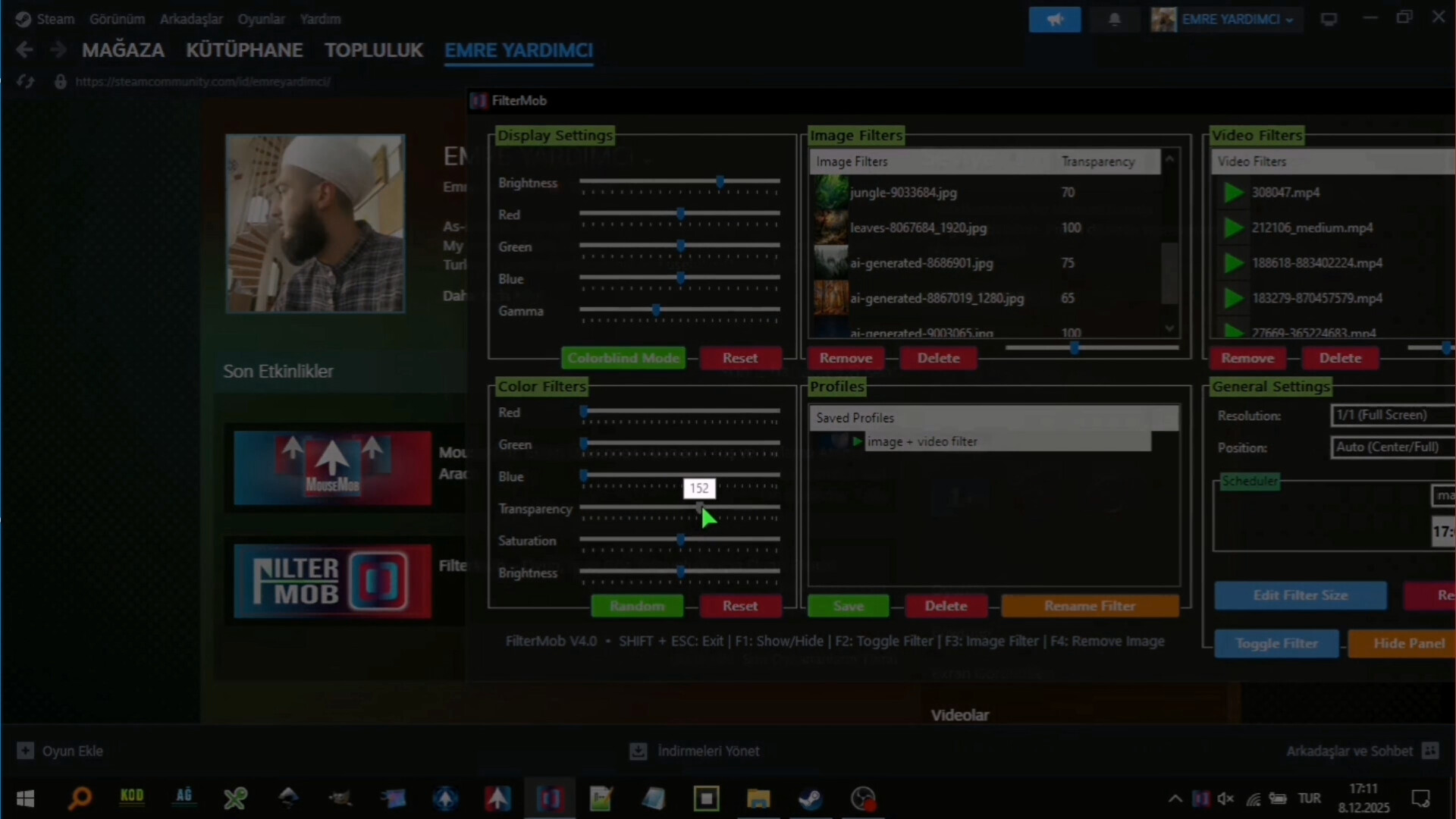
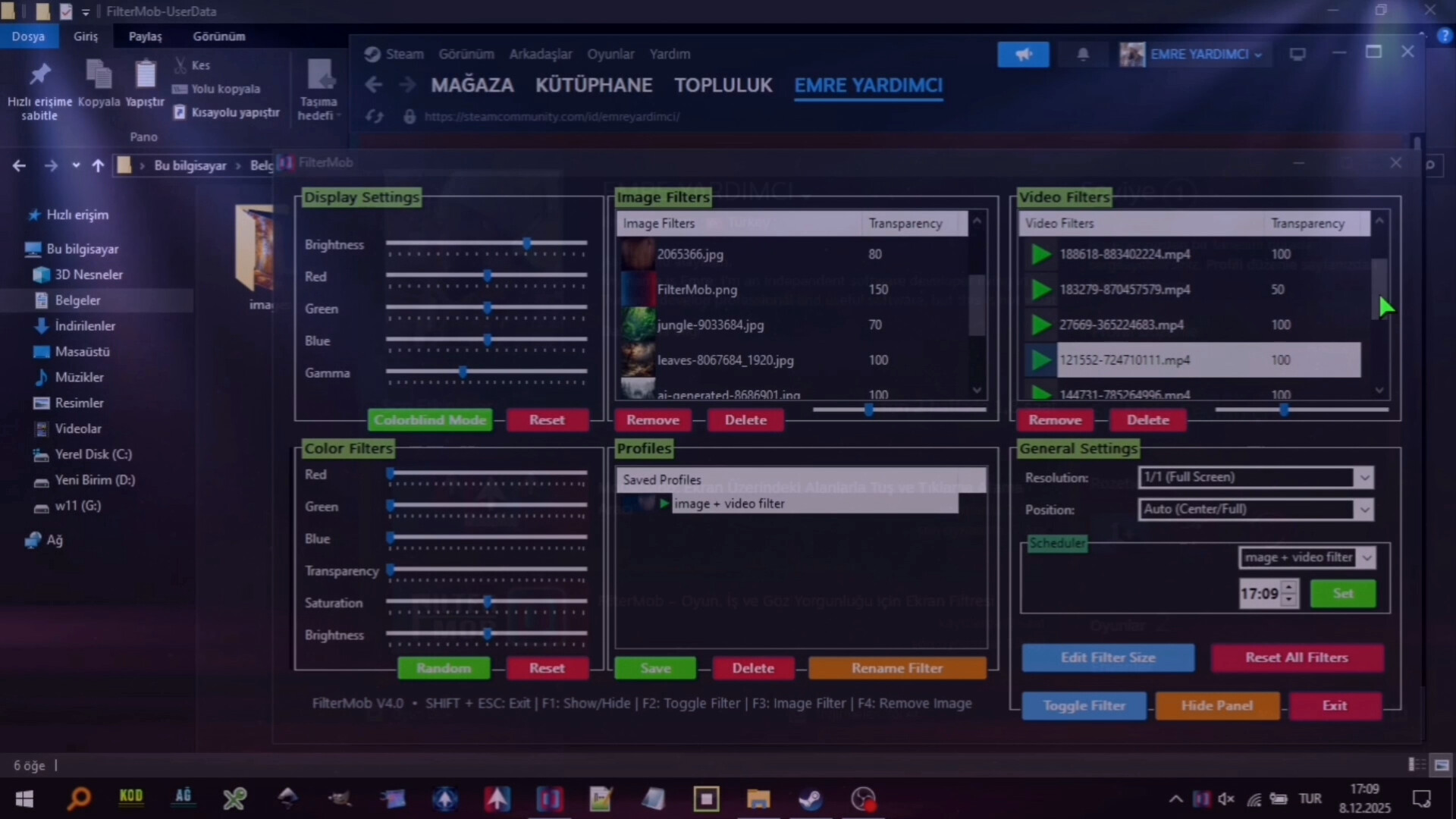
Transform your screen with FilterMob! Perfect for eye protection, gaming/work atmosphere, and accessibility. Easily apply color, image or video filters. Customize RGB, Saturation, Brightness, and Transparency in real time. Save Profiles and Schedule.

Released

August 21, 2025

Price

$4.99

Platforms

Windows

Developer

istenen

Publisher

istenen

Last sync

September 26, 2026

About

A powerful and easy-to-use tool to personalize your visual experience.

• 🚀🖱️ Change atmosphere during gaming or work!

• 👁️ Adjust color and brightness as you wish to protect your eyes!

• 🖼️ Use your JPG/PNG images as screen filters!

• 🎥 Use your MP4/WEBM/AVI/MKV/MOV videos as screen filters!

🎨 Color Filters:

  • Real-time RGB, saturation, brightness adjustment
  • 0-100% transparency control
  • Save your filters to a list
  • Easily apply / rename / delete your saved filters

🖼️ Image Filters:

  • Add JPG/PNG images via drag-and-drop
  • Image transparency adjustment
  • Save your images to a list
  • Easily apply / change opacity / delete your saved images

🎥 Video Filters:

  • Add MP4/WEBM/AVI/MKV/MOV videos via drag-and-drop
  • Video transparency adjustment
  • Save your videos to a list
  • Easily apply / change opacity / delete your saved videos

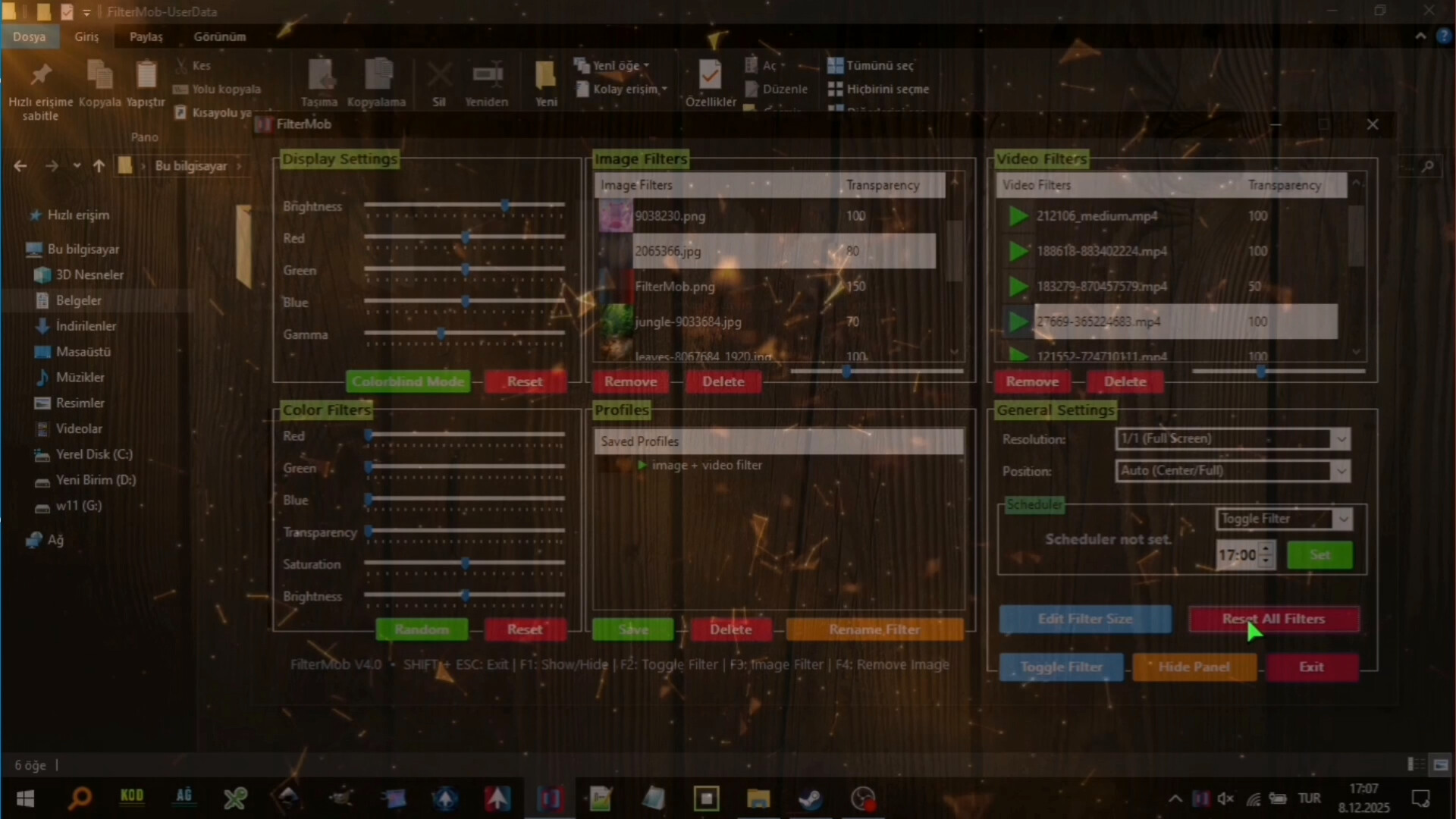
🕒 Scheduler System

With the Scheduler tab, you can set a specific time to automatically:

  • Toggle the All FilterMob filters on/off
  • Automatically load a saved profile
  • Shutdown PC
  • Restart PC
  • Lock PC

💾 Advanced Profile Management

You can now save every setting (Color, Image, Video, Gamma, and System Brightness) as a named Profile.000

  • Saved profiles are now listed with visual icons (Color previews or thumbnails).
  • Switch between "Game Mode," "Reading Mode," or "Night Mode"... (your profiles) with a single click.

💾 Automatic Save Management:

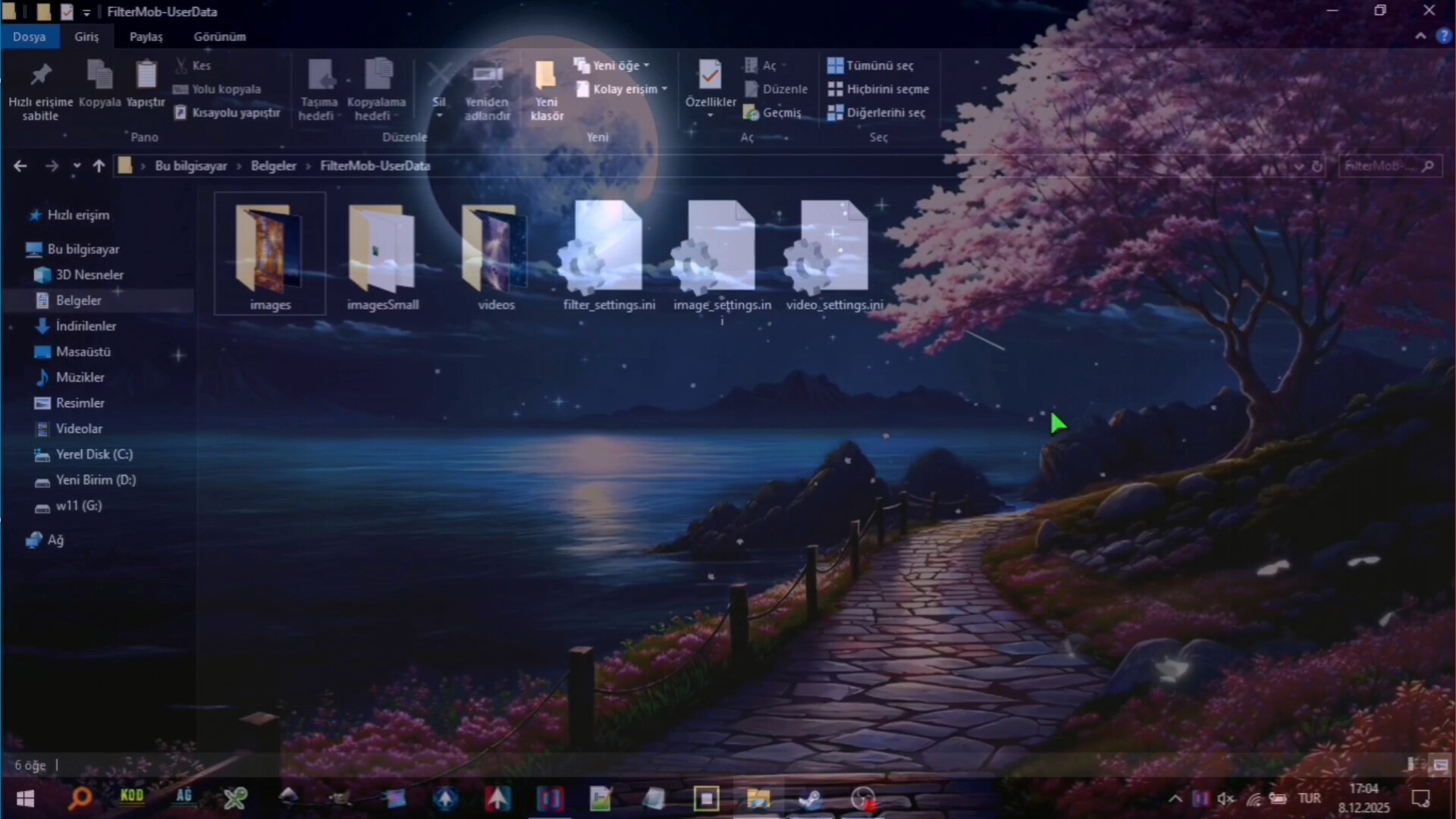
  • All settings are automatically saved
  • Last used filters and overlays are remembered and automatically set at startup
  • Your settings are safe even in unexpected shutdowns

⚡ Performance

  • Optimized Efficiency:Designed for low resource consumption.

⌨️ Quick Actions:

  • Instant control via customizable global shortcuts (Shift+Esc, F-keys)
  • Automatic system language detection (30+ languages).
Browse all