Use your computer without taking the headset off
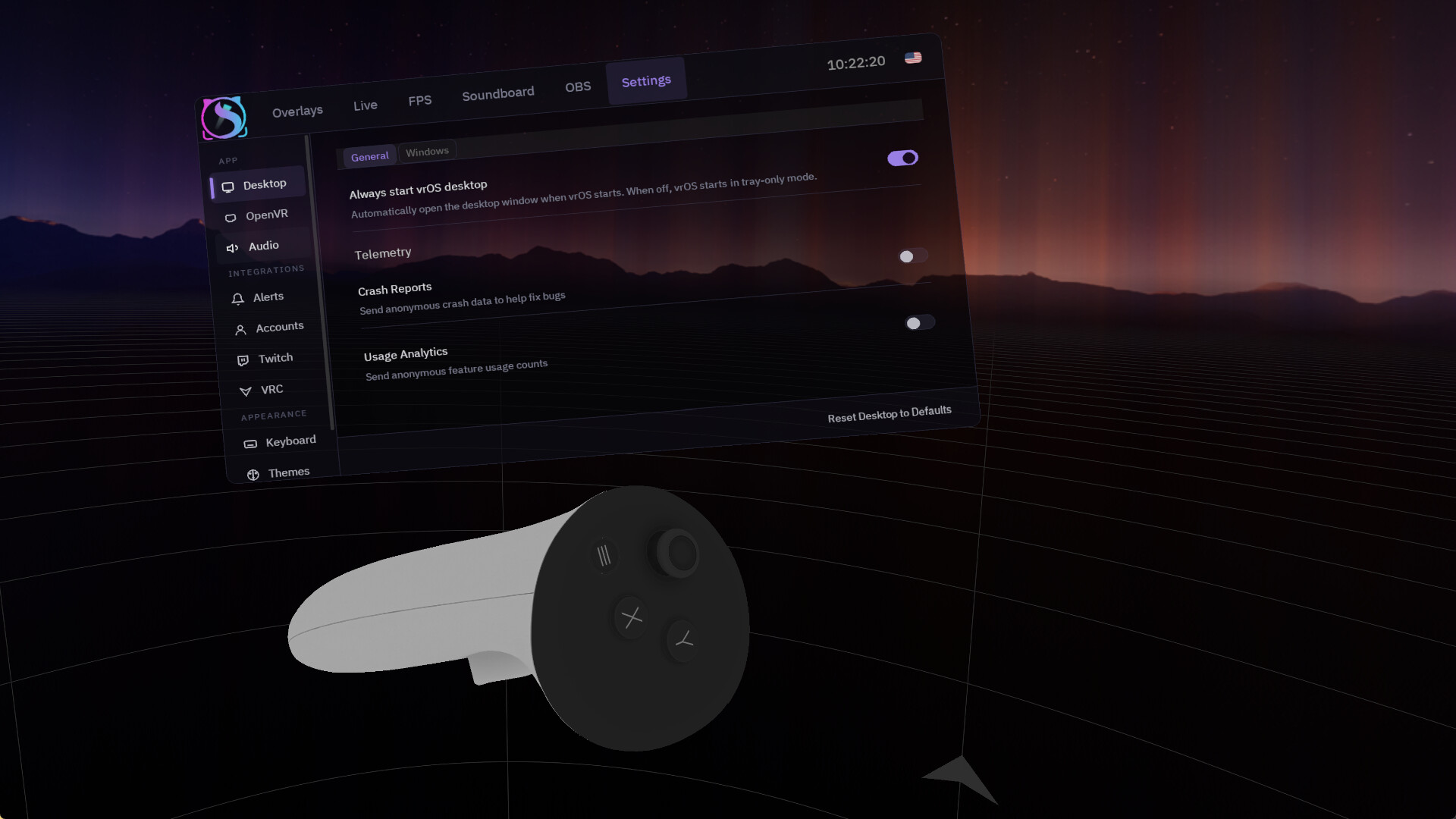
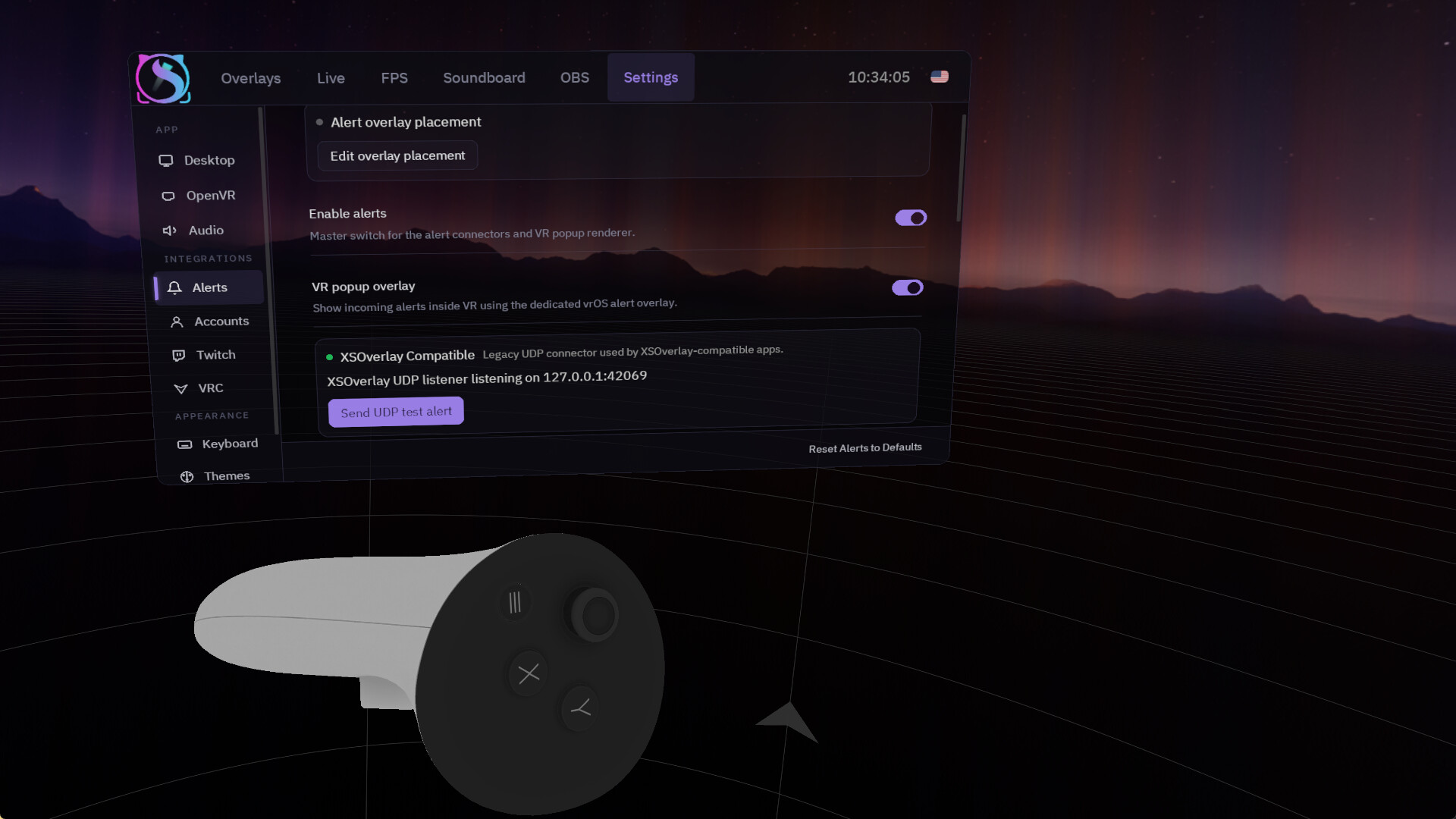
vrOS puts your desktop windows on floating panels inside VR, with a laser pointer that clicks, drags and scrolls in the real window, a VR keyboard that types into it, and playspace tools that fix your floor. It runs as a desktop app first; VR attaches when you put the headset on.
Overlays
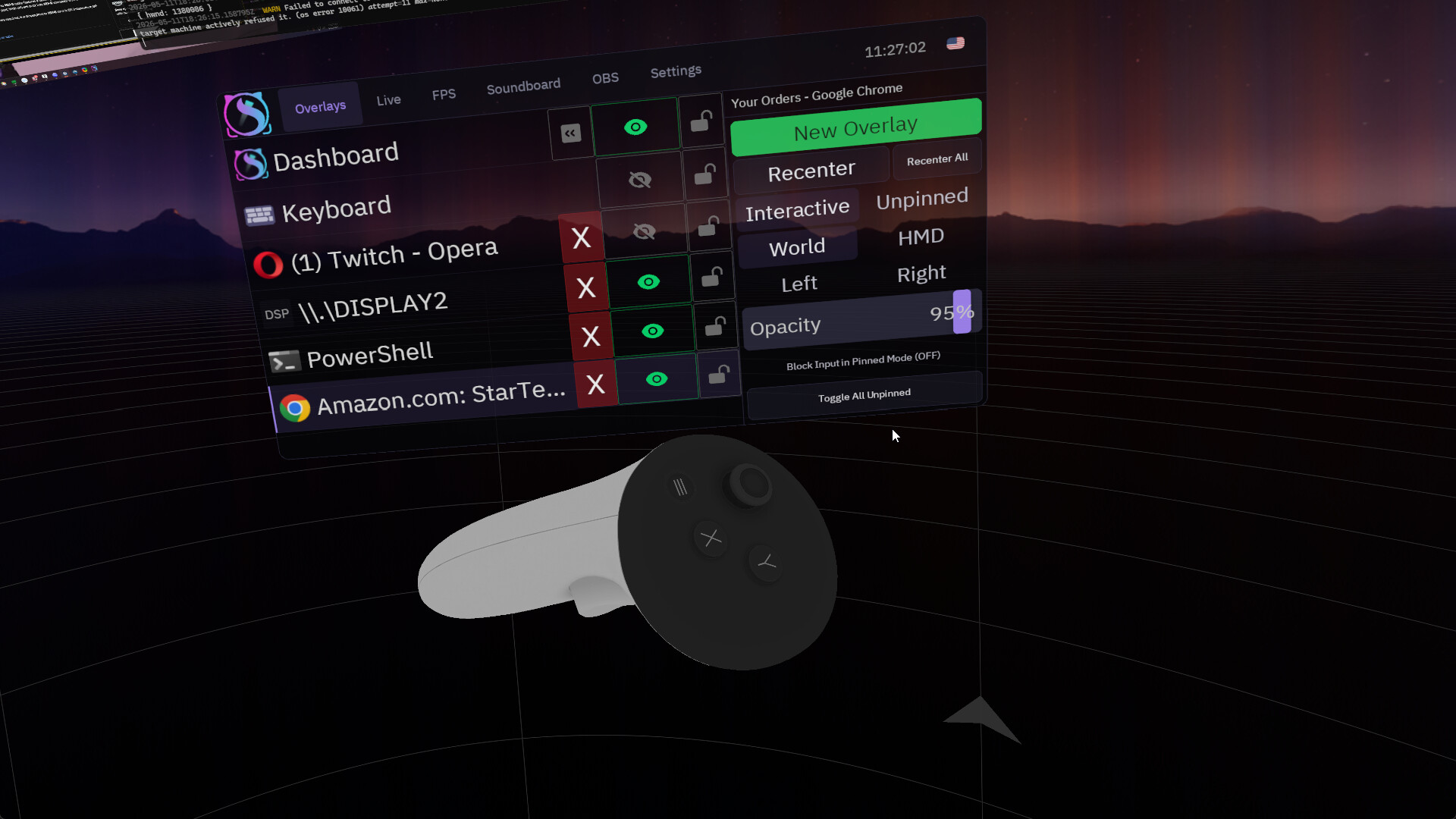
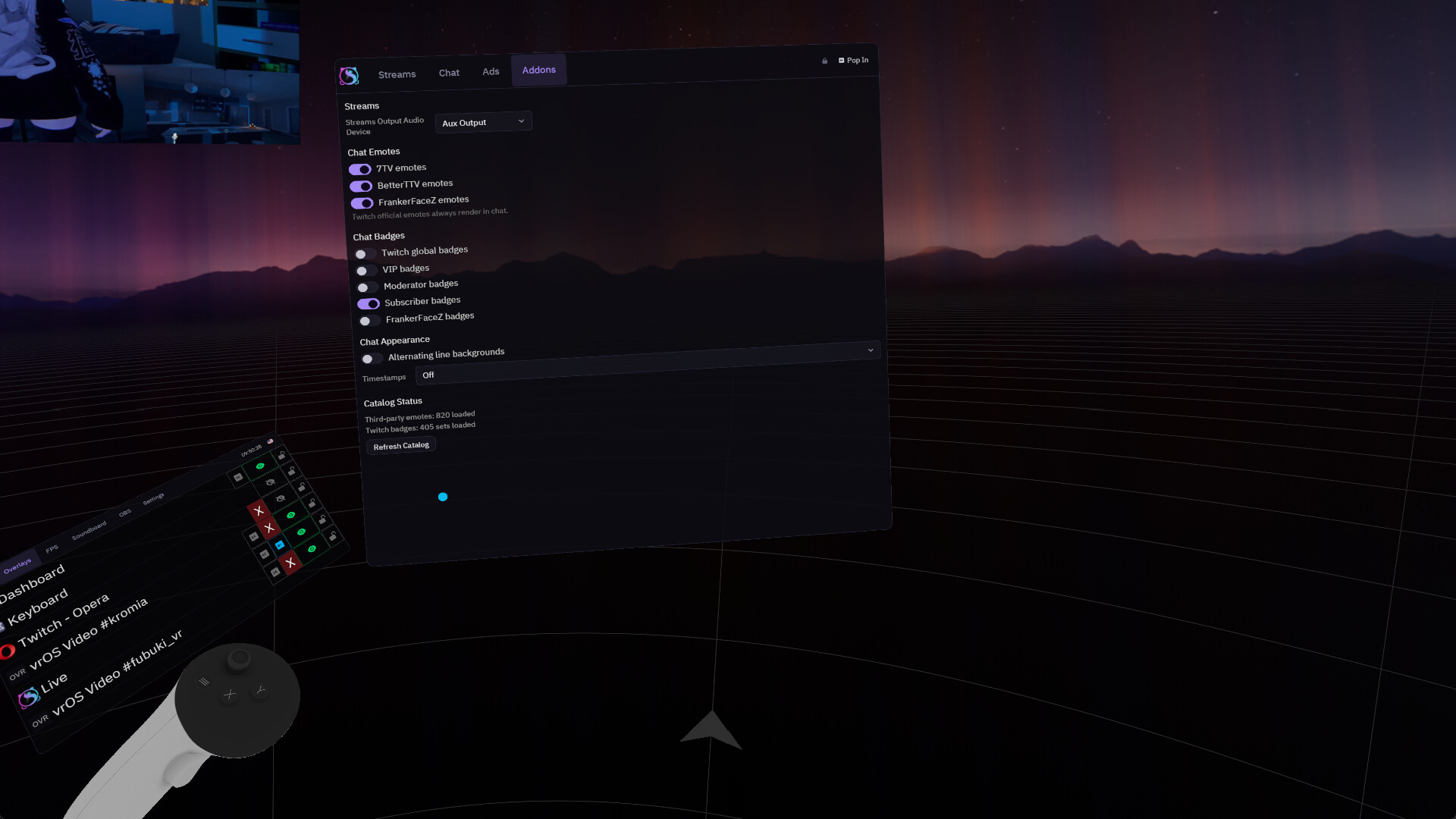
Capture any window or a whole display and place it in the world, on your head, on either hand or on the SteamVR dashboard. Popups and menus open as their own panels. Grab a panel and push or pull it along your laser; set its size, curve and opacity; pin or lock it; save whole layouts and bring them back at once.
Input that gets out of the way
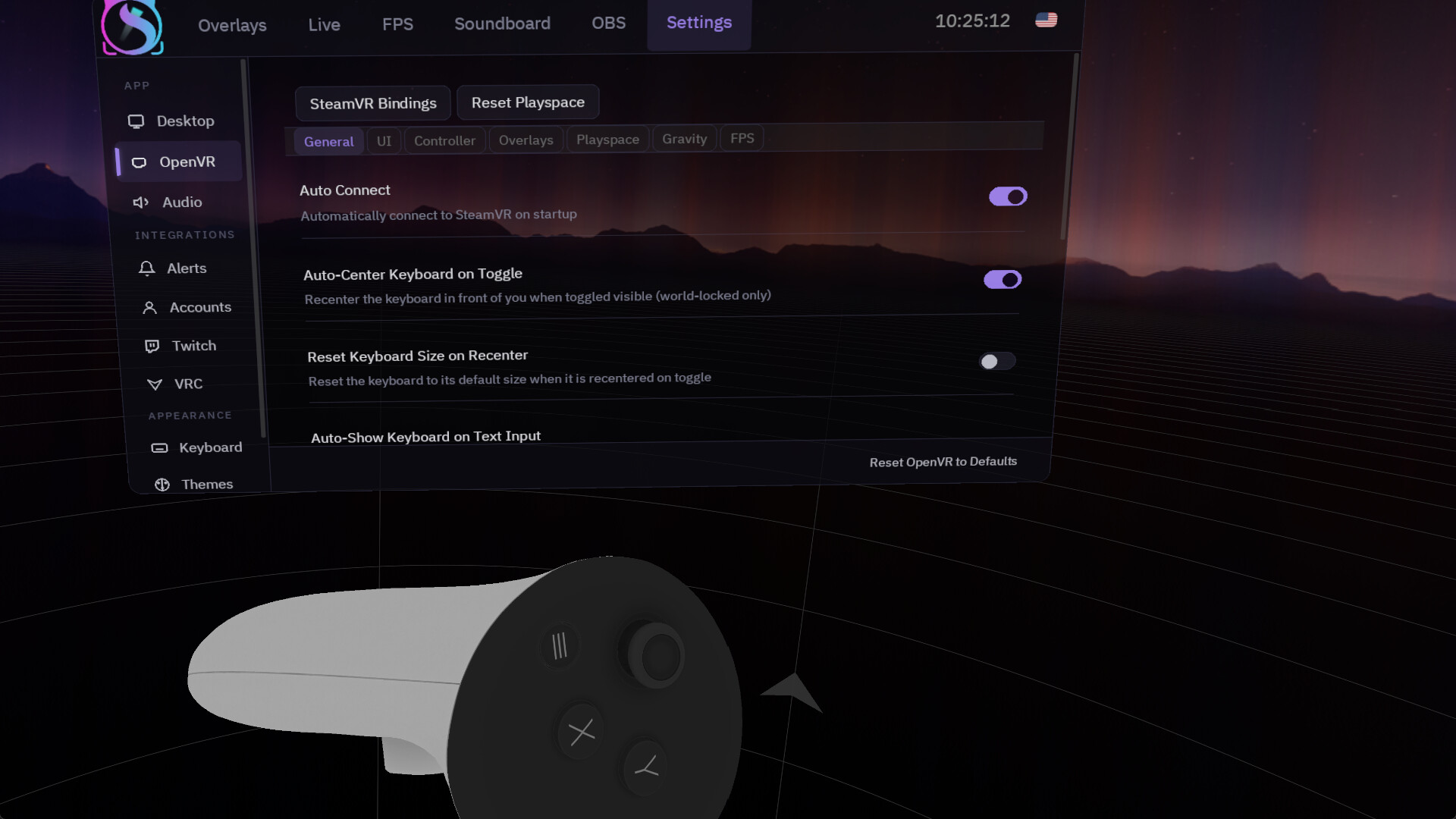
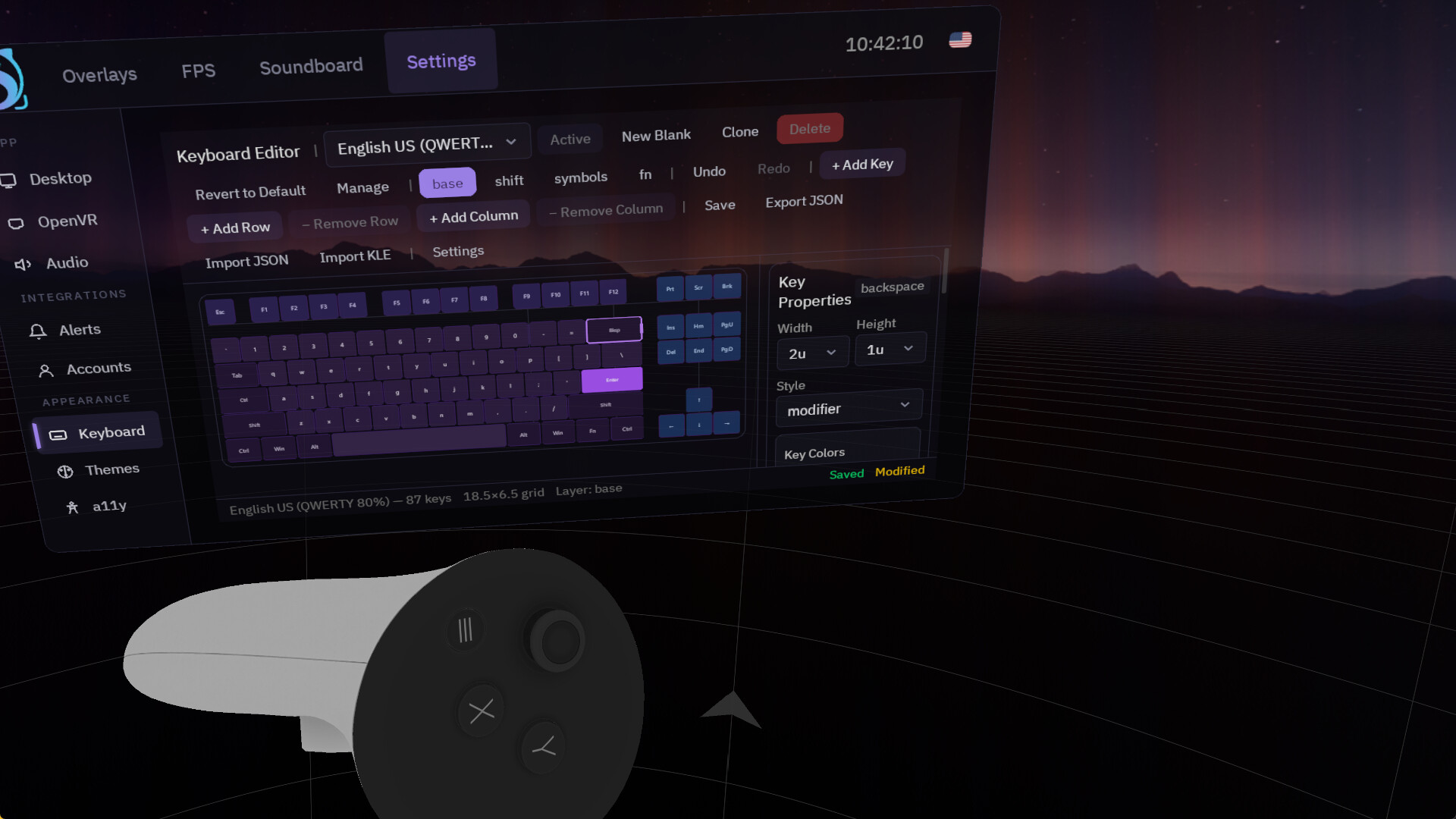
Click, drag, right-click and scroll with your controllers. The moment you touch your real mouse or keyboard, vrOS hands control back — no cursor fights. The VR keyboard pops up when you click into a text field: English, Korean and Japanese boards, a layout editor, and the Windows clipboard.
O·VR: playspace and body tools
Drag and rotate your playspace, fix the floor, recenter and reset. Assign tracker roles on a body map, calibrate a second tracking system, add virtual trackers and virtual IK, record and replay poses, and send face and eye tracking to VRChat — including Steam Frame eye tracking.
Performance
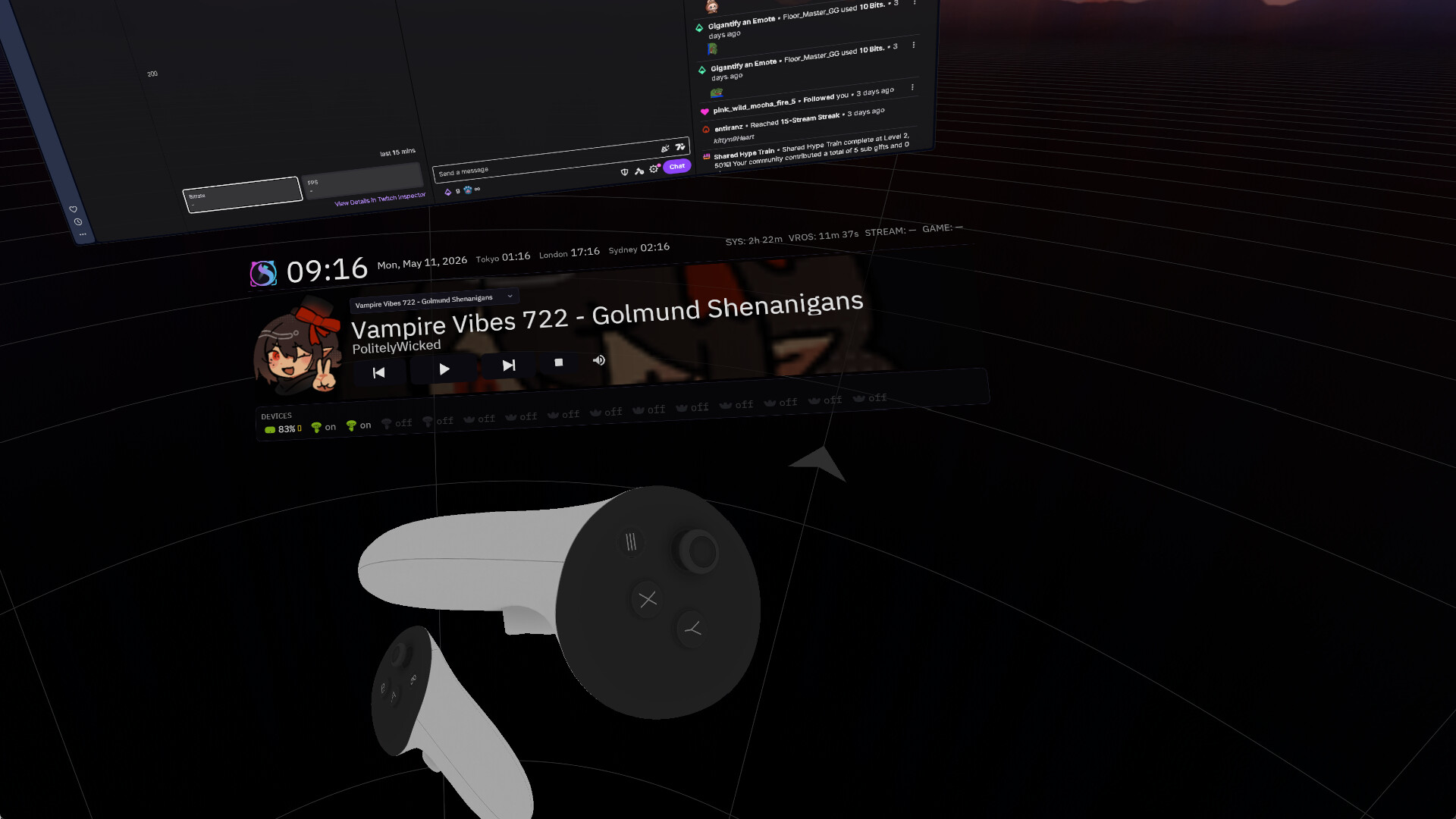
Frame timing and hitches next to what your PC was doing — CPU, GPU, RAM and VRAM — plus controller and tracker batteries, in four layouts.
Extensions for creators
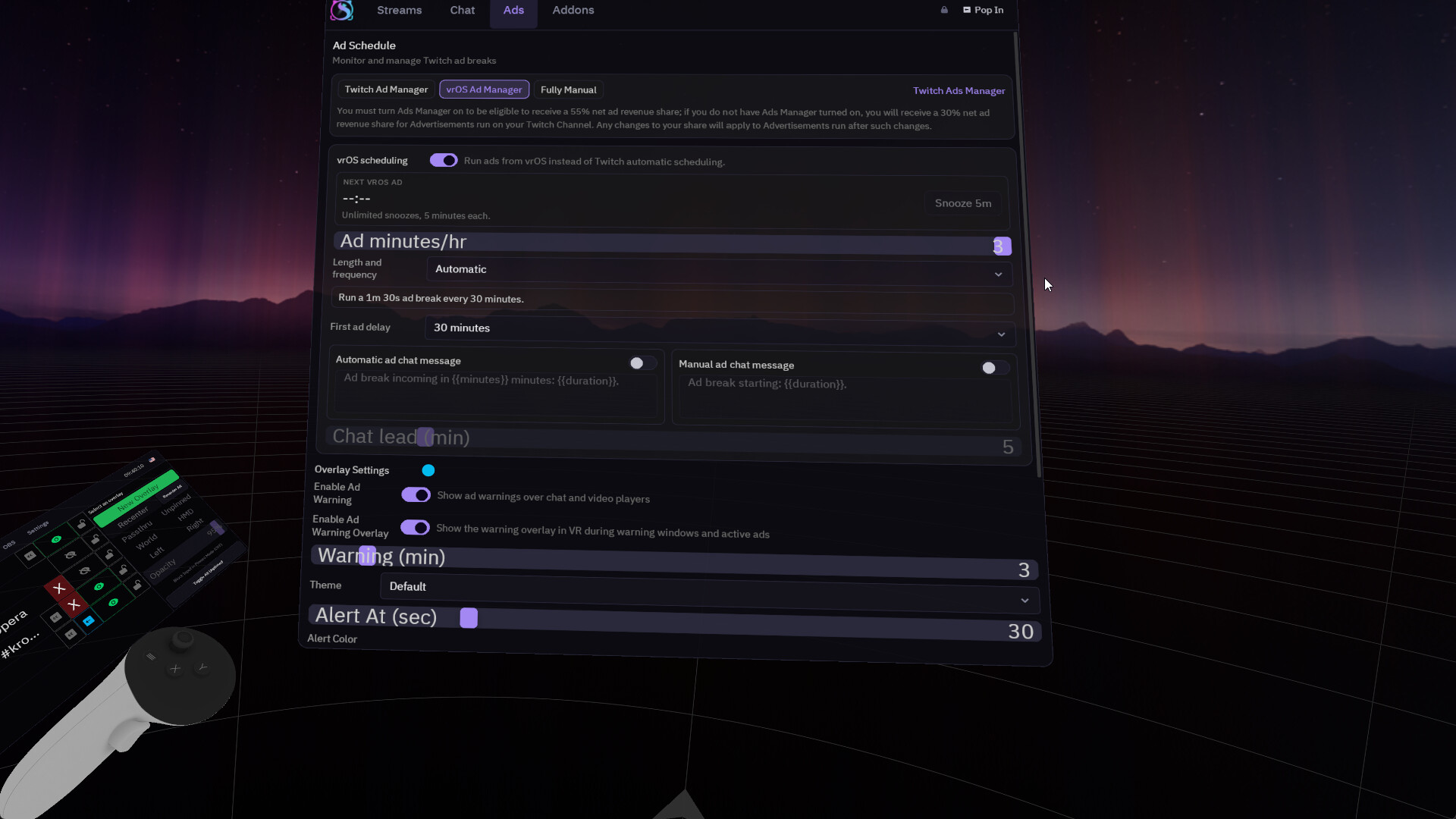
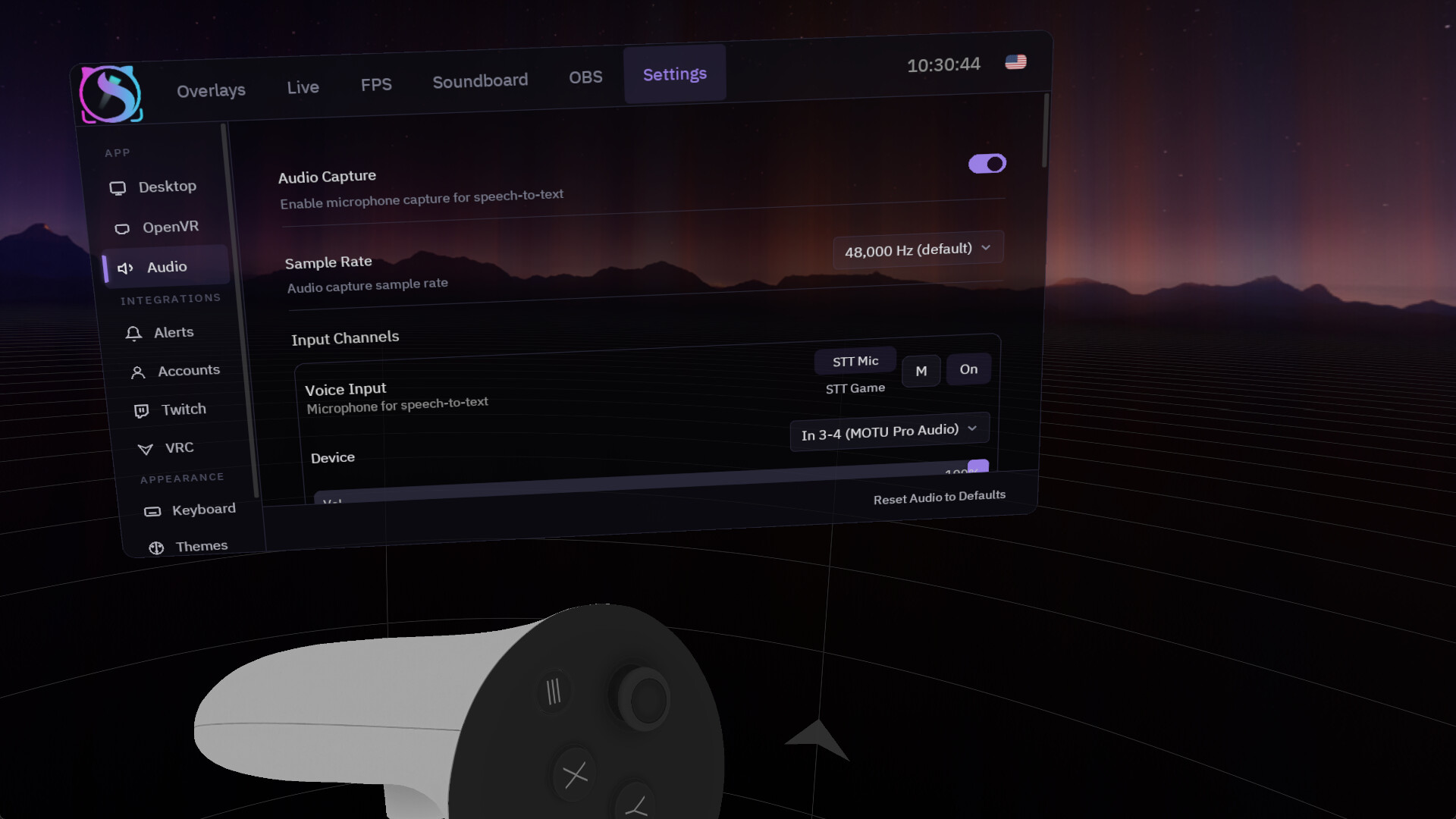
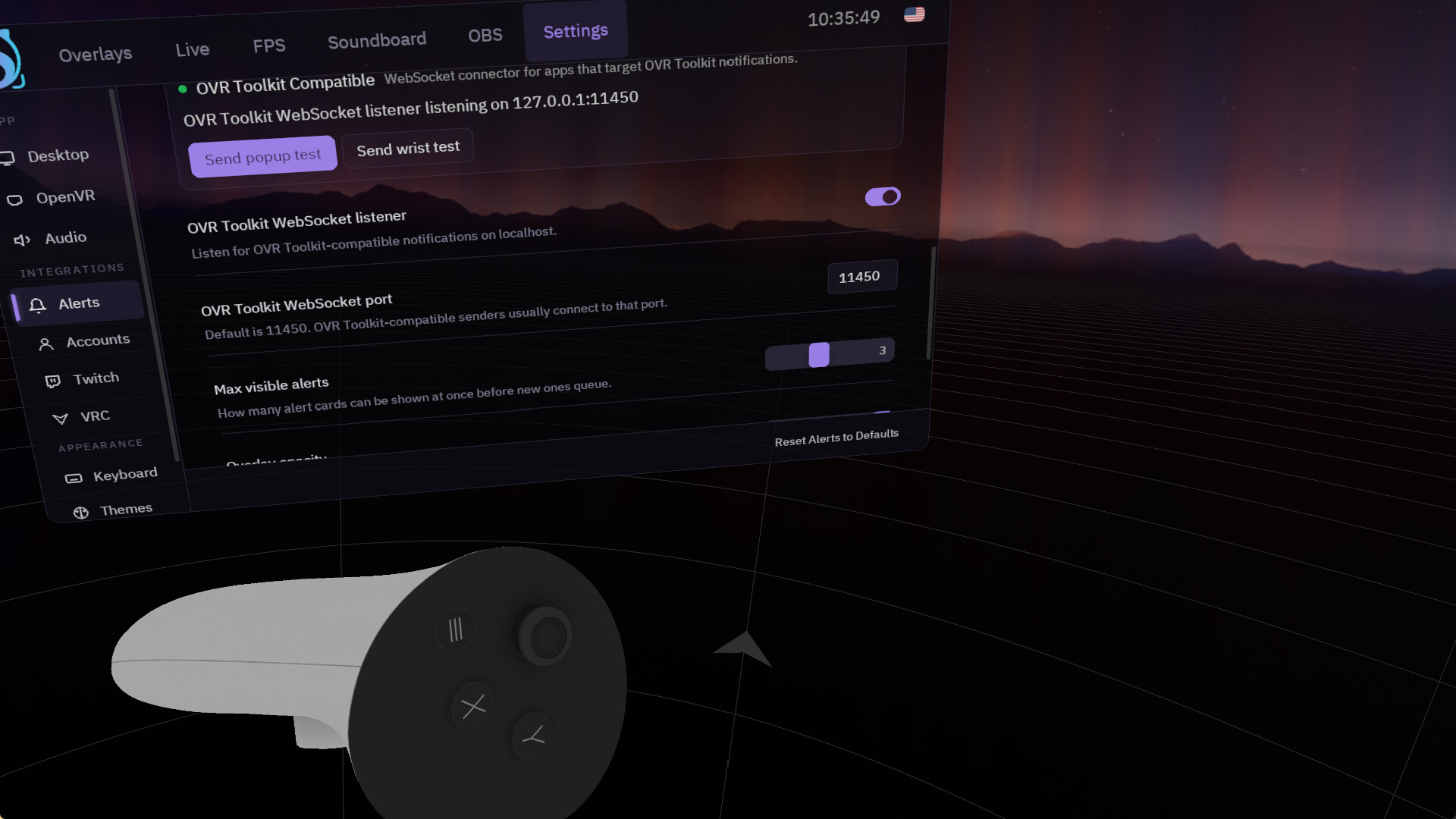
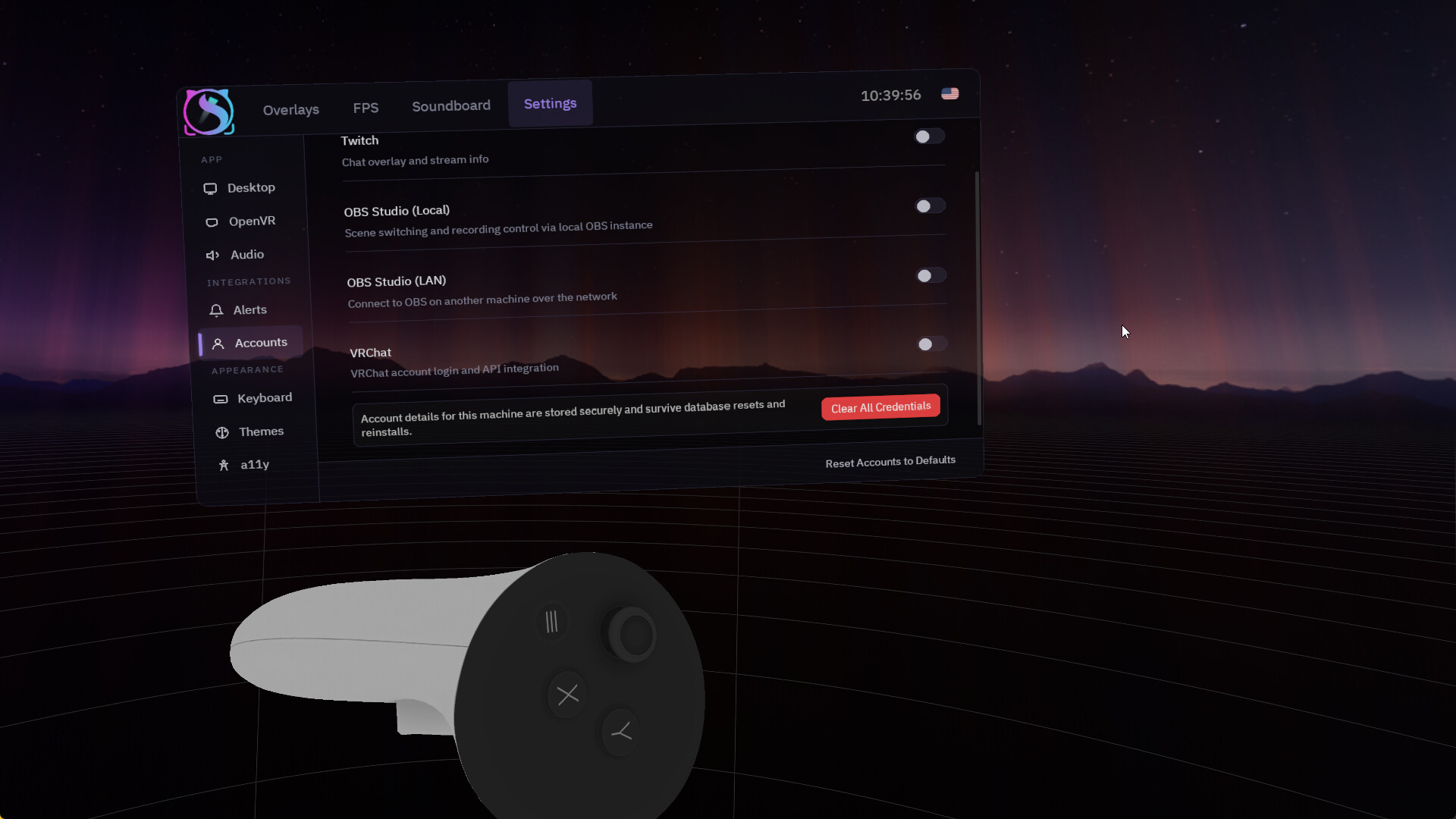
Turn on only what you need: VRChat OSC (chatbox, avatar parameters, camera, OSC trackers), OBS Control (up to 16 OBS instances and a director panel), a Soundboard with per-pad routing to your headset and mic, and Twitch (chat with 7TV, BTTV and FFZ emotes, an ad manager with in-VR ad warnings, and live streams on panels in VR).
Built not to fall over
Everything that touches SteamVR, the GPU or window capture runs in its own supervised process. If SteamVR crashes, vrOS keeps running and puts your panels back when it returns. vrOS never starts or quits SteamVR unless you tell it to.
Make it yours
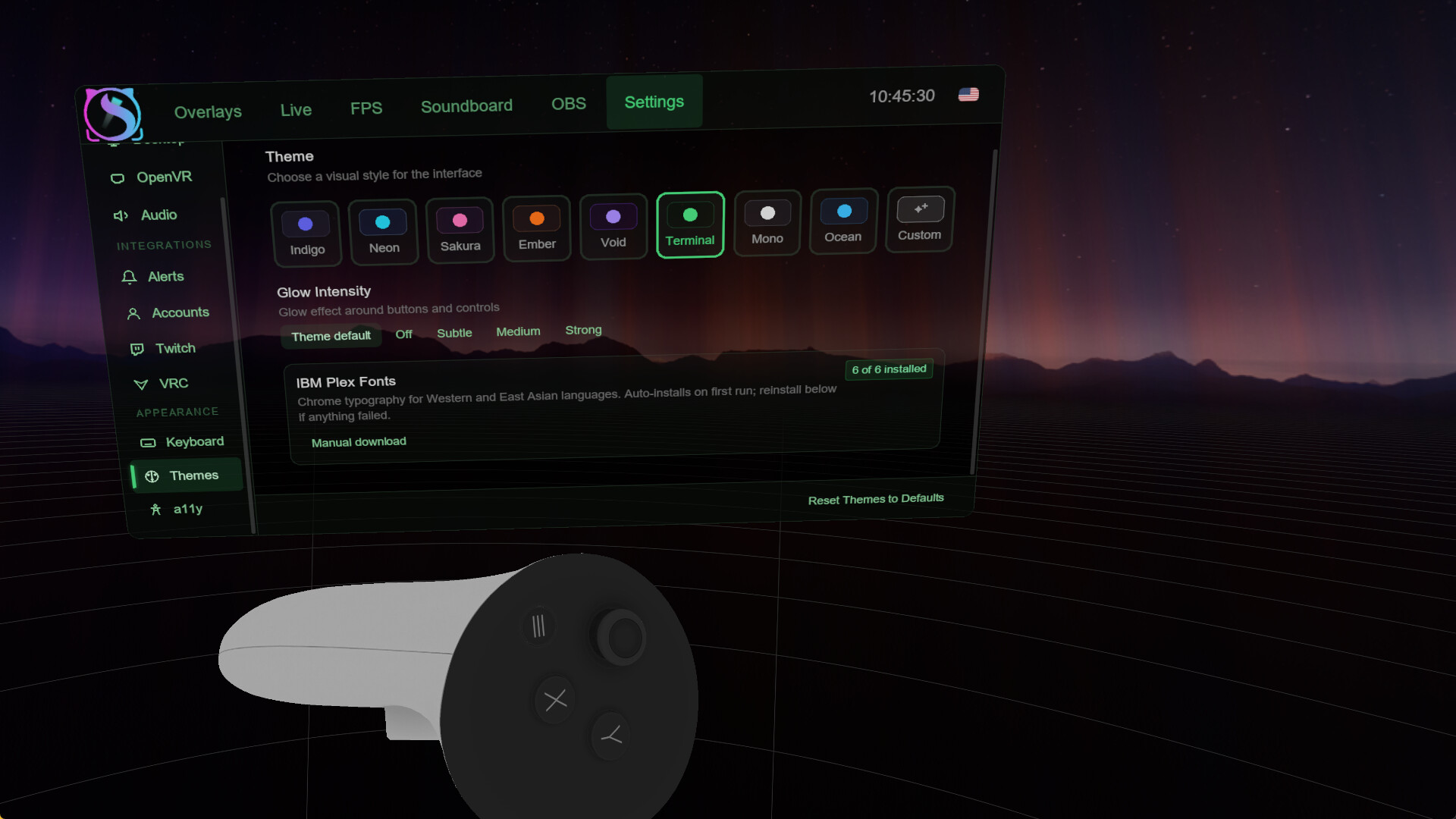
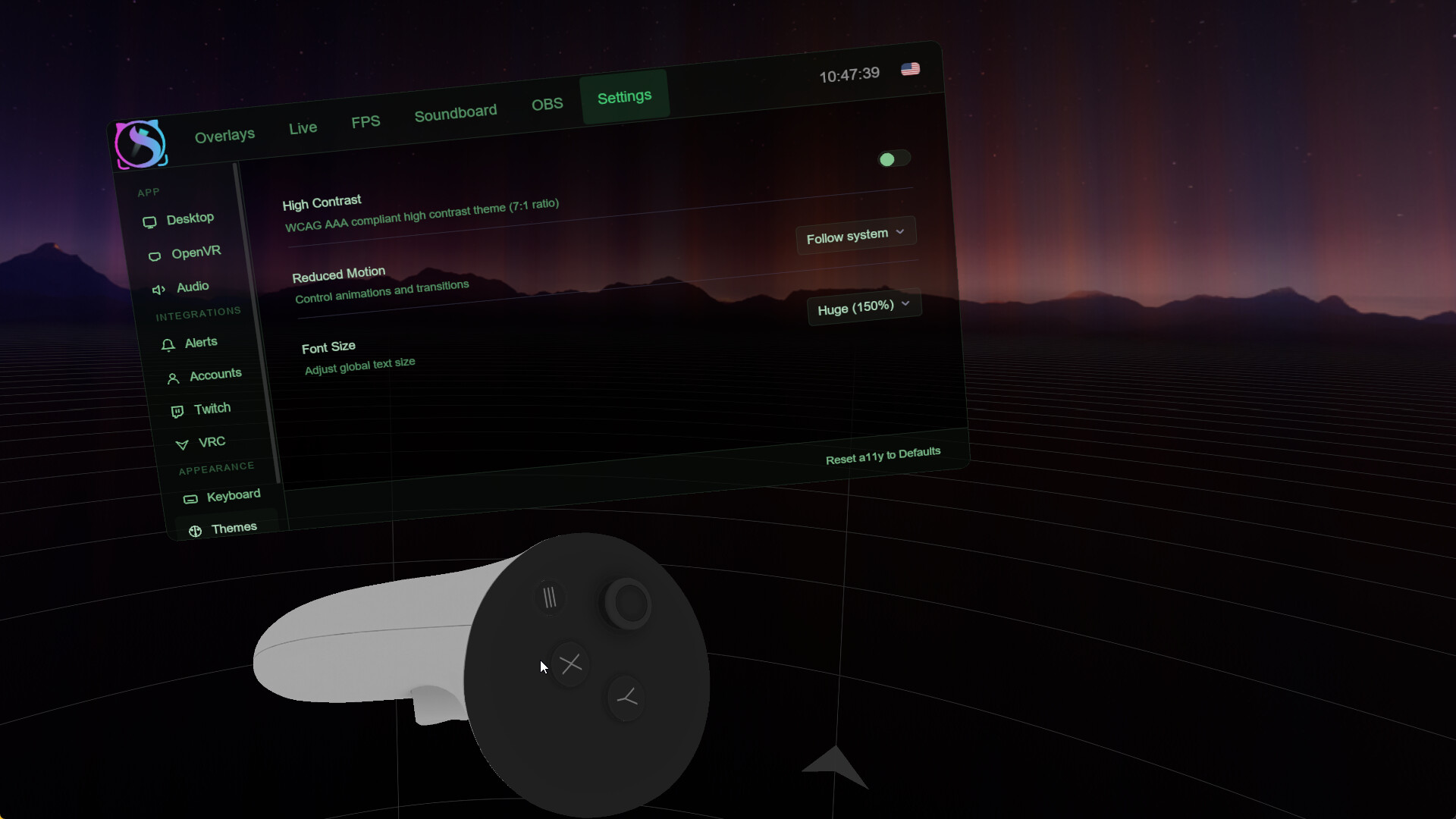
12 themes and an OLED mode, UI scale, reduced motion and high contrast, and every screen in nine languages: English, Deutsch, Español (Latinoamérica), Français, Italiano, 日本語, 한국어, Русский and 简体中文.