

My Crosshair

My Crosshair

Positive · 2 reviews

100% positive (2 / 2)

Screenshots

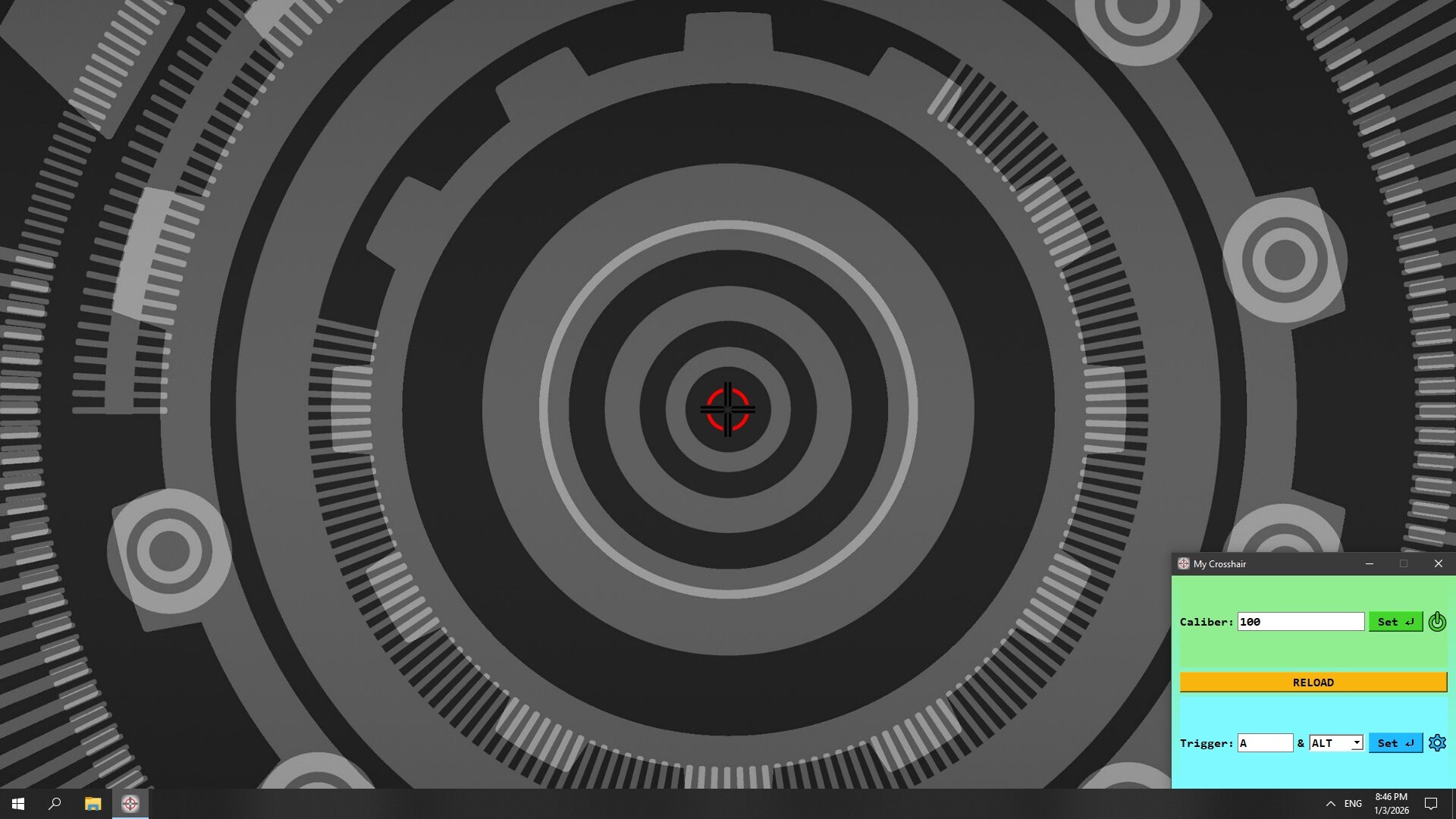
My Crosshair screenshot 1
My Crosshair screenshot 2
My Crosshair screenshot 3
My Crosshair screenshot 4
My Crosshair screenshot 5
My Crosshair screenshot 6

Description

Use any image as your crosshair: animated GIFs, transparent PNGs, and many other formats.

Released

July 15, 2025

Price

$7.99

Platforms

Windows

Last sync

September 26, 2026

About

My Crosshair is a multi-module crosshair overlay application for Windows. It allows you to use any image as a crosshair with various customization and share options.

🎯 FEATURES

  • Omnivorousness: Use any image as a crosshair – it supports both static BMP, JPEG, PNG and animated GIF formats
  • Aiming accuracy: The center of the image is always in the center of your screen, even on a massive 8K setup
  • Full DPI awareness: Scale your crosshair from a pixel to the image size retaining its quality at any resolution
  • Game Compatibility: Support for Windowed and Fullscreen Windowed display modes
  • Image Editor: Turn any BMP, HEIC, JPEG, PNG, or WEBP images into your brand-new, fine-tuned crosshairs
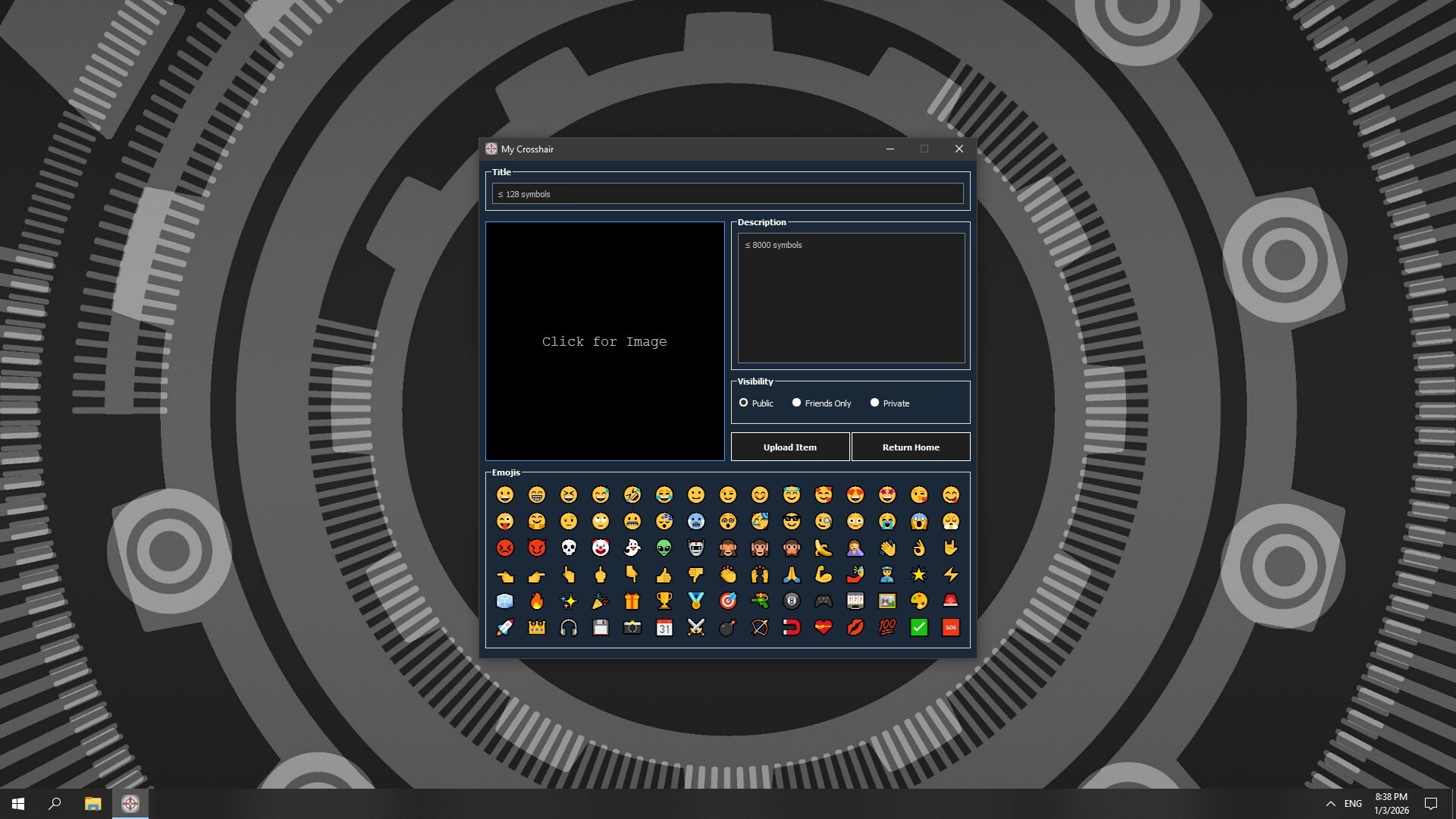
  • Workshop Integration: Publish your animated or static crosshairs in just a few clicks

🏅 USAGE

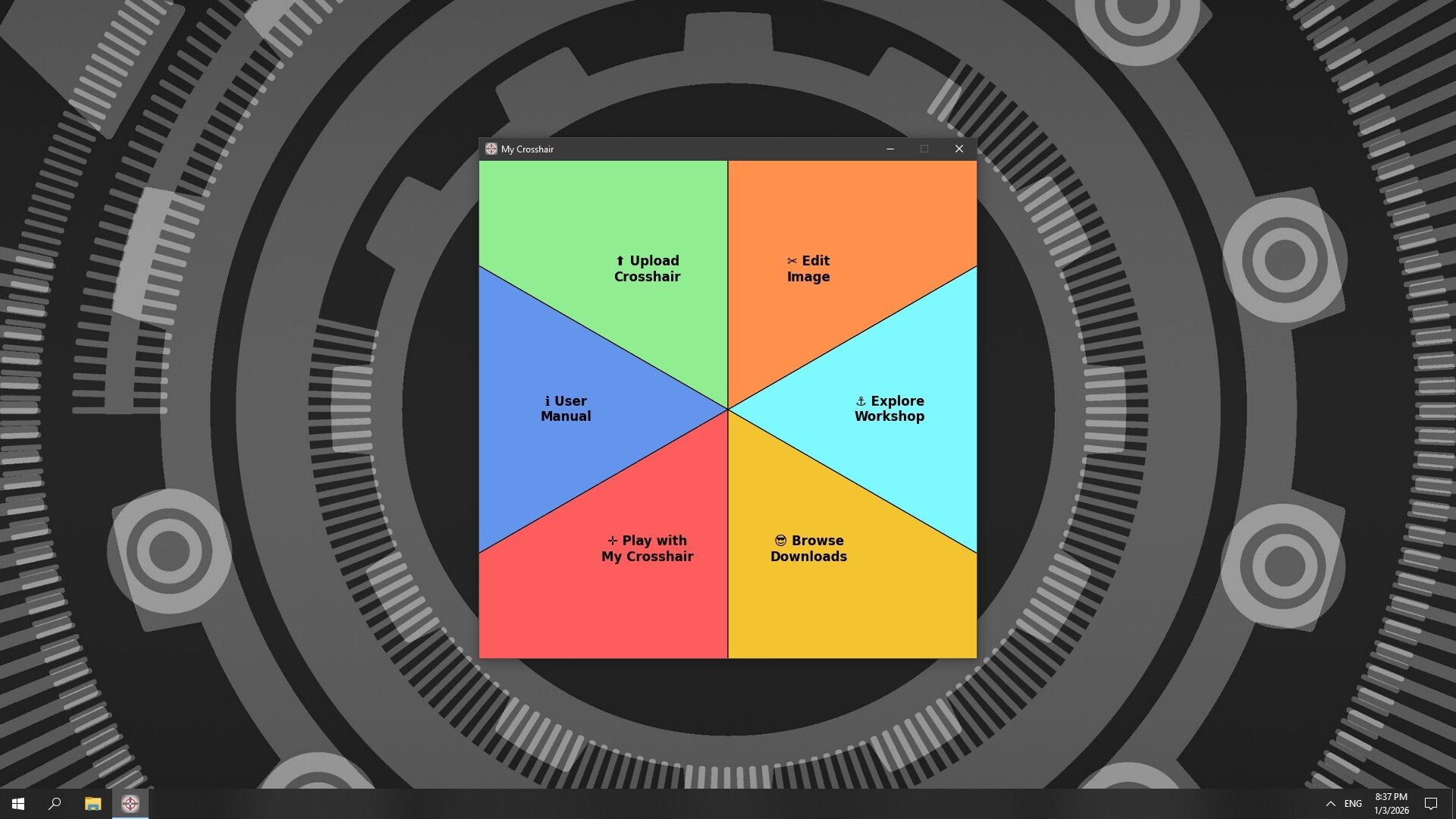
Instead of a monolithic structure, My Crosshair organizes each feature into its own dedicated module:

  • Upload Crosshair: Workshop uploader for My Crosshair
  • Edit Image: Image Editor tool for your crosshair images
  • User Manual: Access the user manual for My Crosshair
  • Explore Workshop: Explore My Beautiful Crosshair Hub
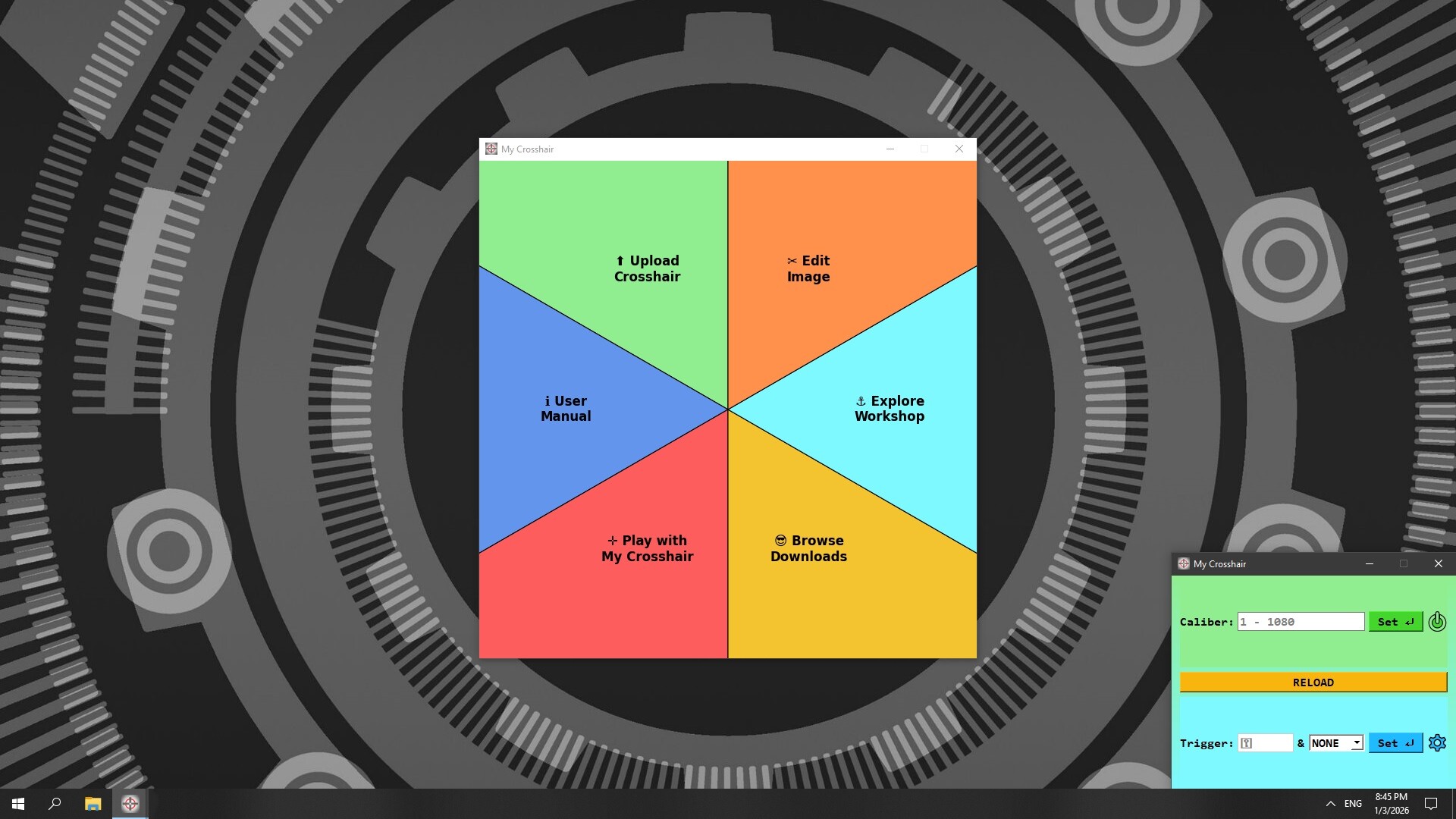
  • Play with My Crosshair: Play games with your crosshairs
  • Browse Downloads: Access all the crosshairs you have subscribed for

This isolation ensures that resource-intensive tasks run independently. This guarantees that your in-game overlay remains responsive and lag-free at all times.

Browse all