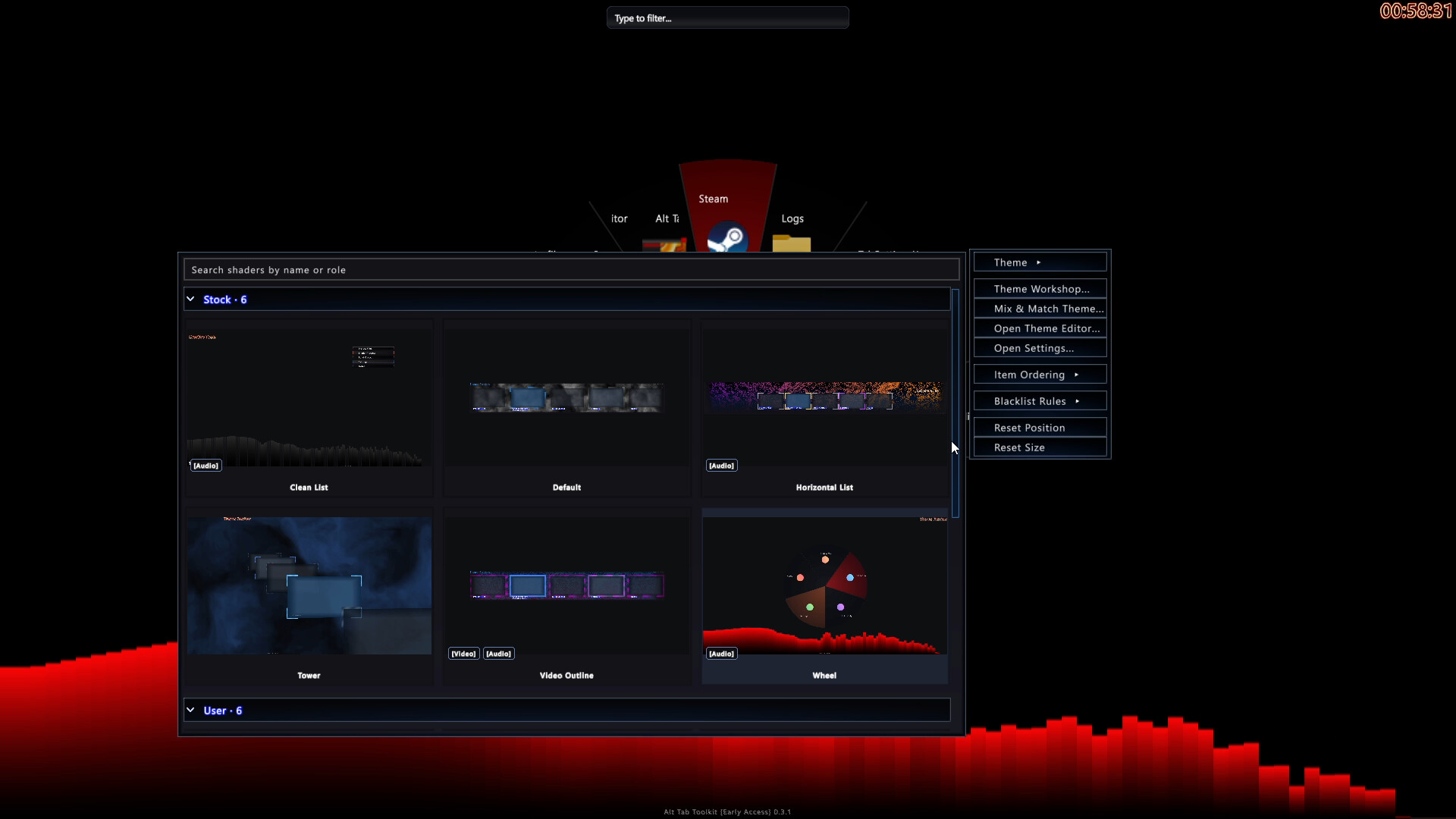
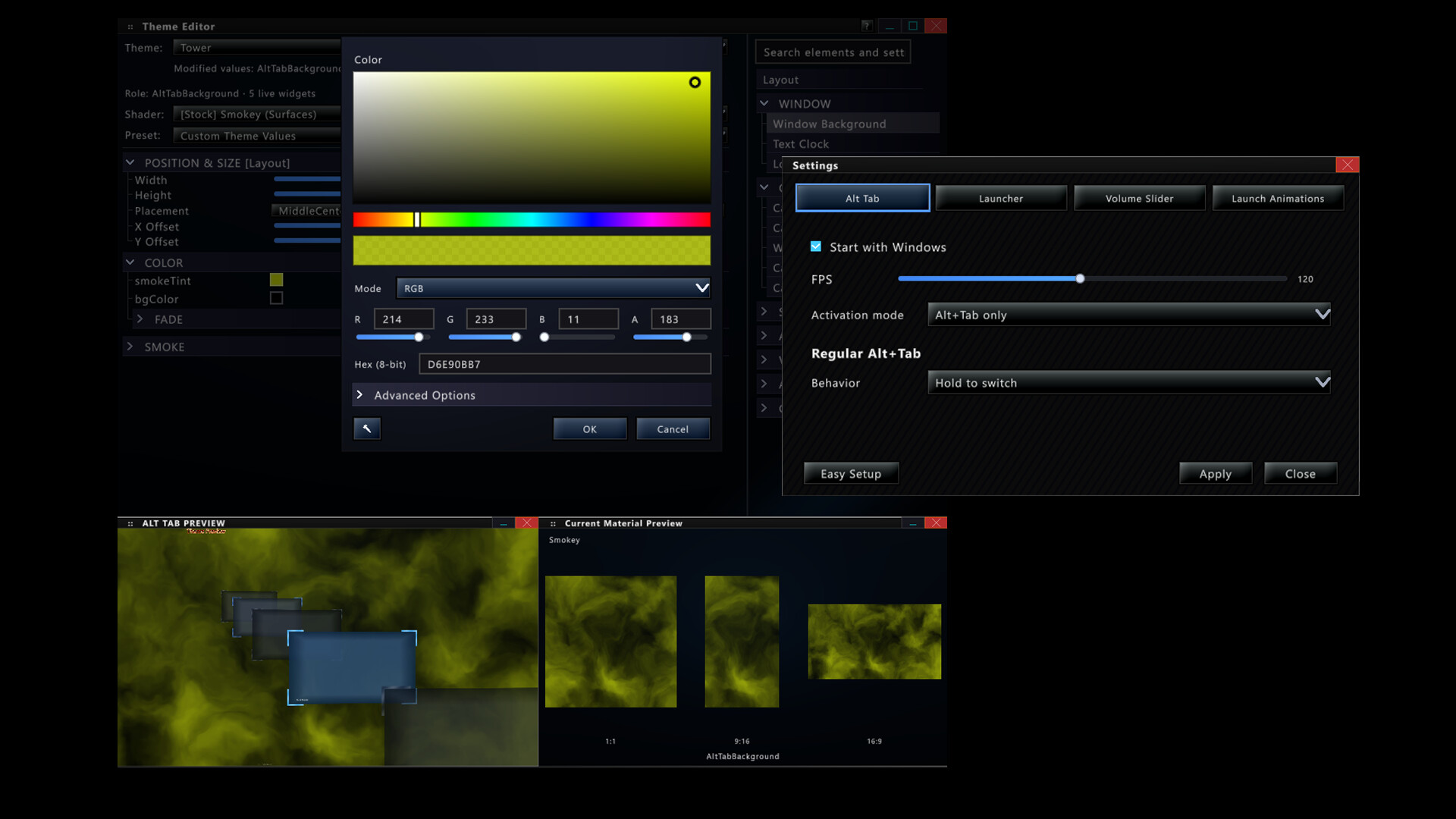
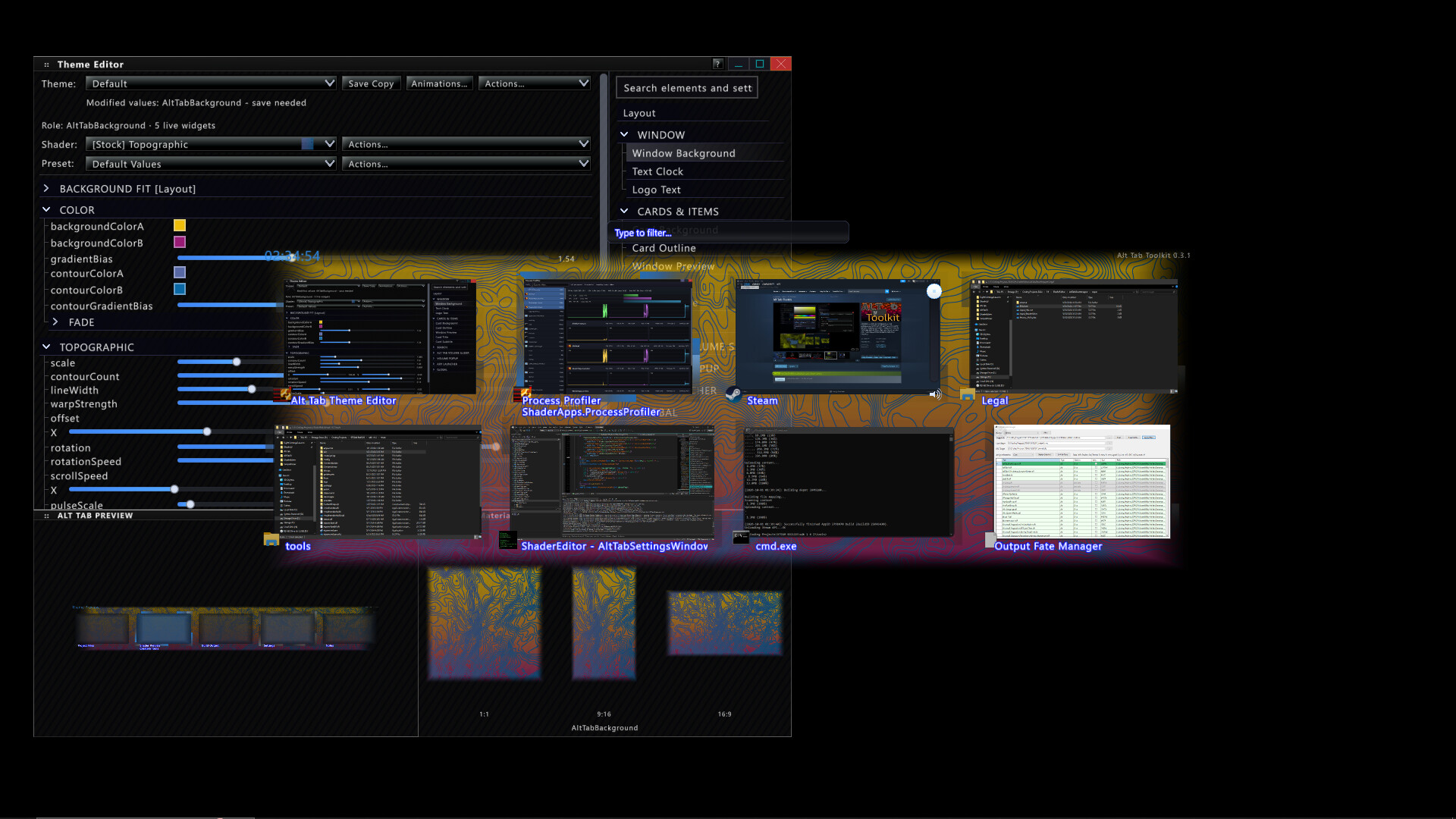
Fast / Responsive Alt Tab replacement. Enjoy Customizable Themes, Layouts, Window Previews, Shader driven visuals and more. Featuring Alt Tab layouts such as Wheel, Tower 3D, Classic, List, and more. Download Themes right from the in-app Steam Workshop, or Customize your own in the Theme Editor.
Upgrade your task switching workflow with this powerful and customizable experience.
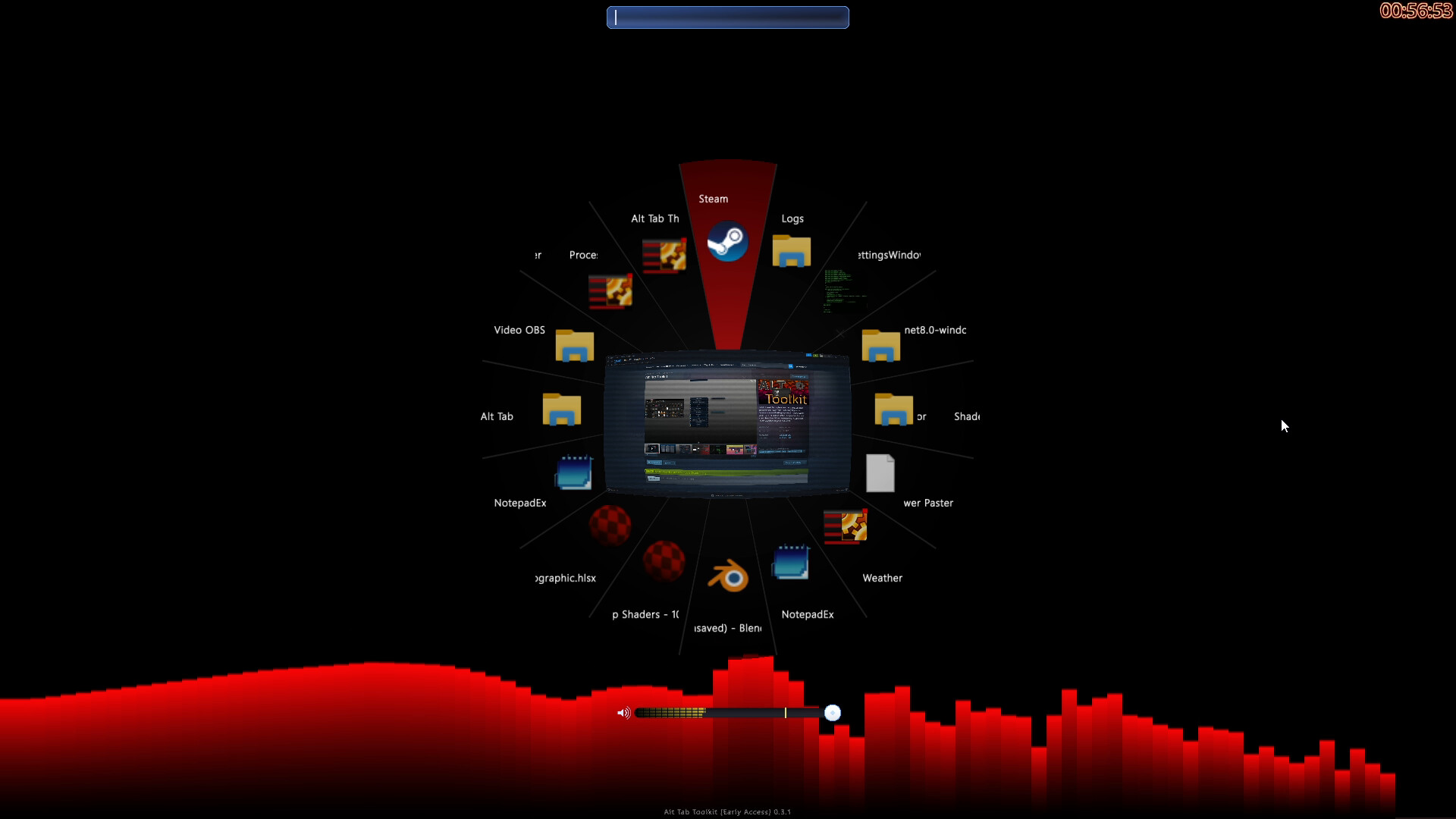
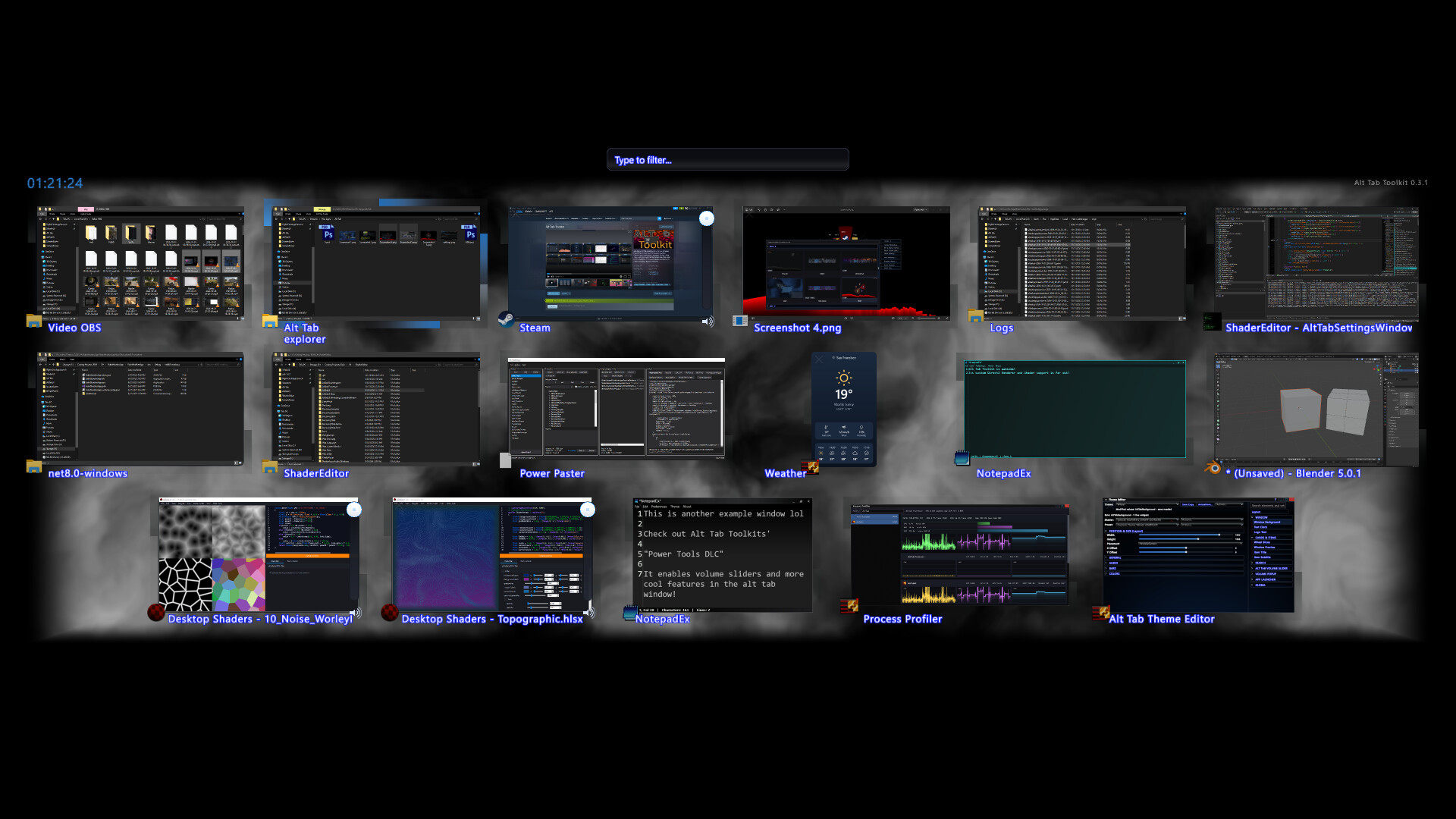
Utilize alternative layouts like Wheel, List, Tower (3D) and more.
The switcher has been tailor made around Efficiency First. The speed at which the switcher appears and disappears is highly optimized, even with the large amount of visuals.
Amazingly deep and powerful rendering capabilities. (Now with High Performance DirectX Rendering!)
Visuals can be interactive based on the system
i.e. Influenced by Audio or System Metrics like Cpu usage, and much more
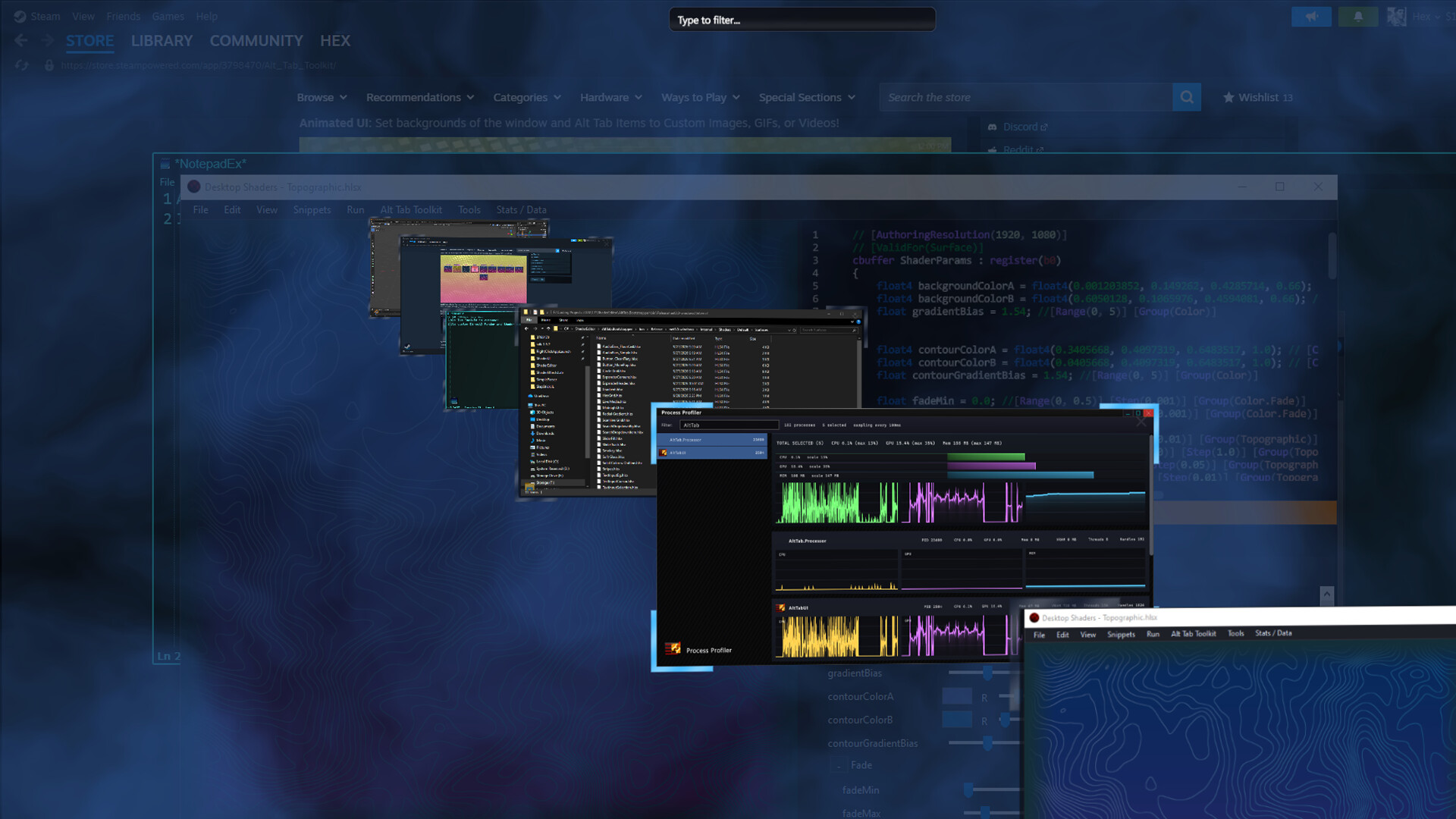
Visuals may also opt to use many types of media - png, gif, mp4, more
Animated UI: Don't confuse this with pixel or vertex shader animations! This is the physical animating of the alt tab UI elements themselves. These are built in, and optional.
UI Elements are powered by Pixel and Vertex Shaders (Pixel Shader 5.0),
Themes are easily shared via the Steam Workshop.
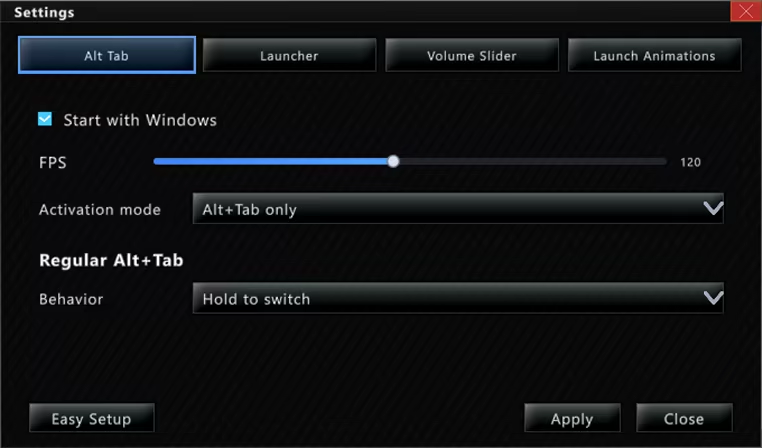
Frame rate is adjustable up to 240FPS
Improved Navigation: Navigate the Alt Tab menu using keys, mouse clicks, or Mouse Wheel Scrolling.
'Alt Tab' Hotkey and behavior can be customized
Lock / Toggle Alt Tab Window: Option to make the alt tab window "toggle on" instead of staying visible only while alt is held.
Custom App Icons: App Icons can be substituted for custom images, including animated ones. (These custom app icons are used universally in this app, including DLC features like app launch animations, and the app launcher)
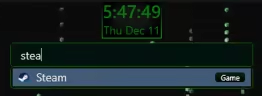
Searchbar / Filter: Any time you type while the alt tab window is open it automatically begins typing in the searchbar. This acts as a filter (i.e. typing "Th" would filter to windows like "Theme Editor"). For DLC owners, the search bar doubles as an app launcer, using the same apps you have registered with the app launcher itself. Tags may also be applied to any "App item" (i.e. "Game") and will be included in search filtering
Blacklist Support: Hide certain windows from appearing in your Alt Tab window at all! (Toggleable)
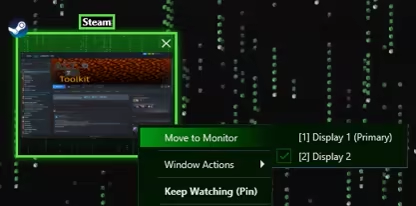
Move Monitors: Swiftly change what monitor a given window resides on
Keep Watching: This feature displays the contents of a given window in a duplicate window, which may become transparent and click-thru on hover. Awesome for single monitor work flows and watching a video while working, or quickly duplicating a screen for a multi monitor setup.