Taking inspiration from The Witness, Tunic, and many other great games, Gordian is a finely crafted puzzle game full of tricks and secrets.
This game can be quite a challenge at times. If you find yourself overwhelmed, your brain tied into knots, just set the game down for a bit. Don't worry, it will save your progress.
Take your time. Before you know it your brain will be solving knots in the background and you'll come back with a whole new perspective.
Features:
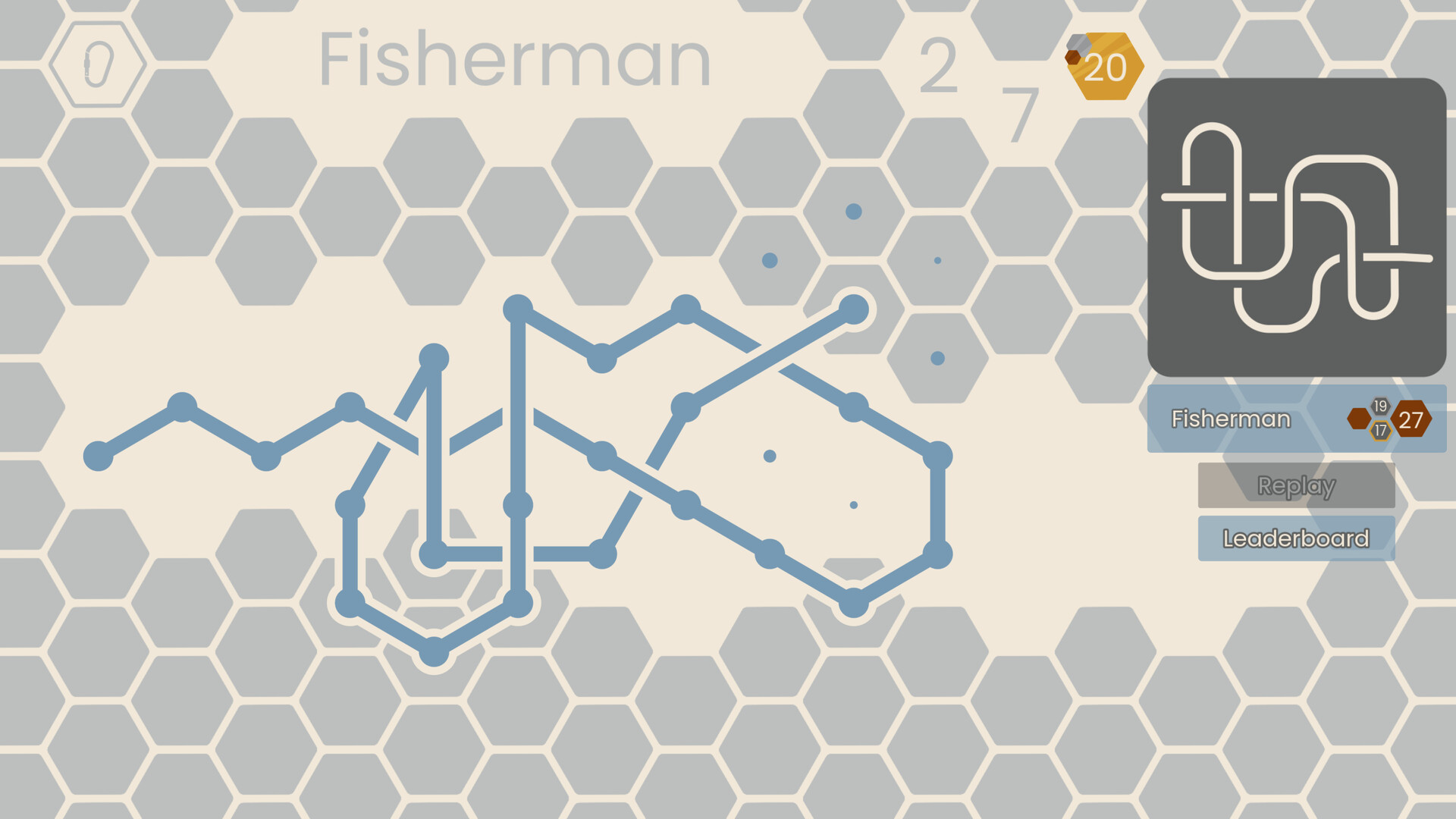
- Tie all 21 knots as tight as possible in order to learn about topology through the rule set Gordian uses to represent it.
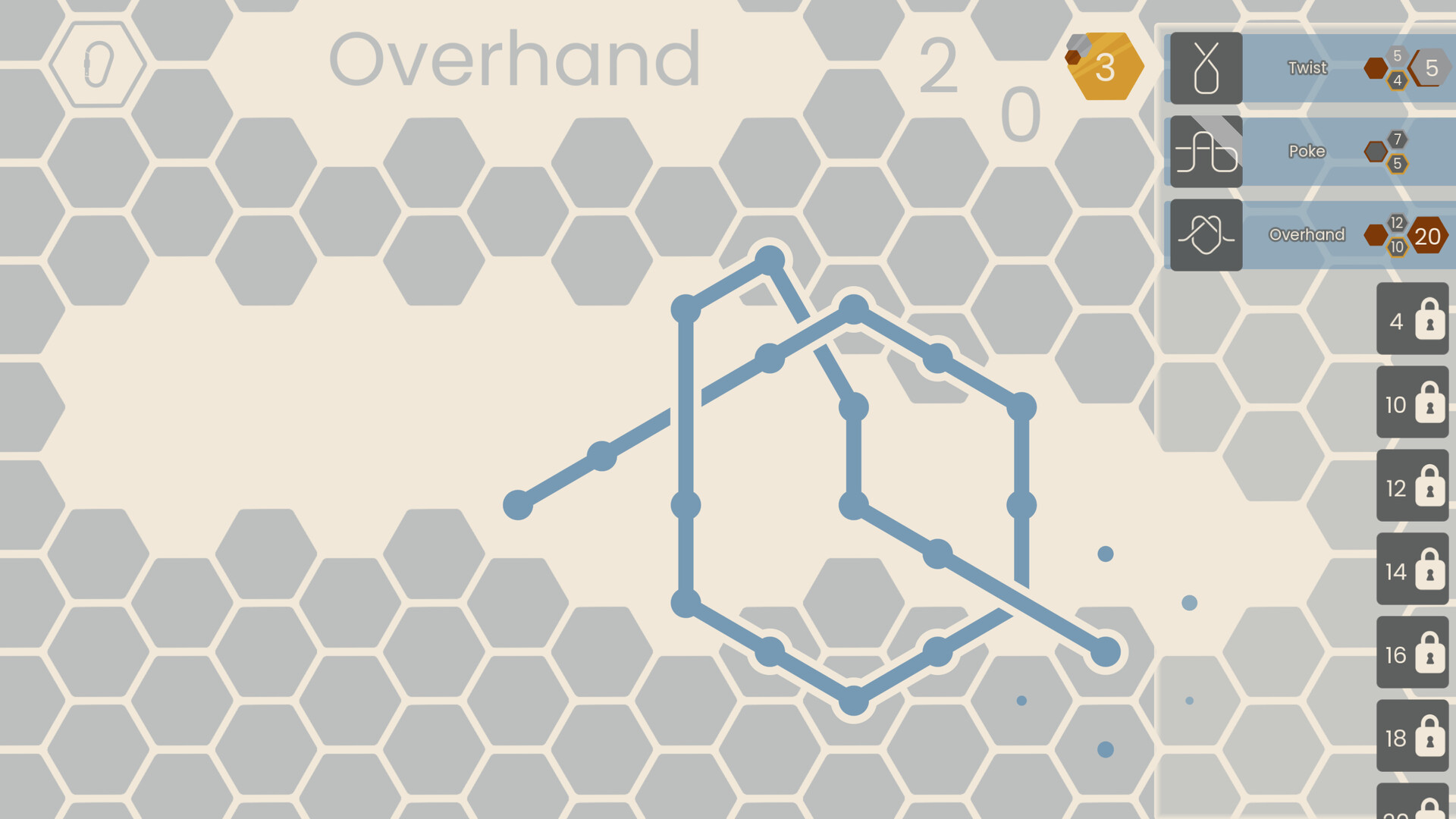
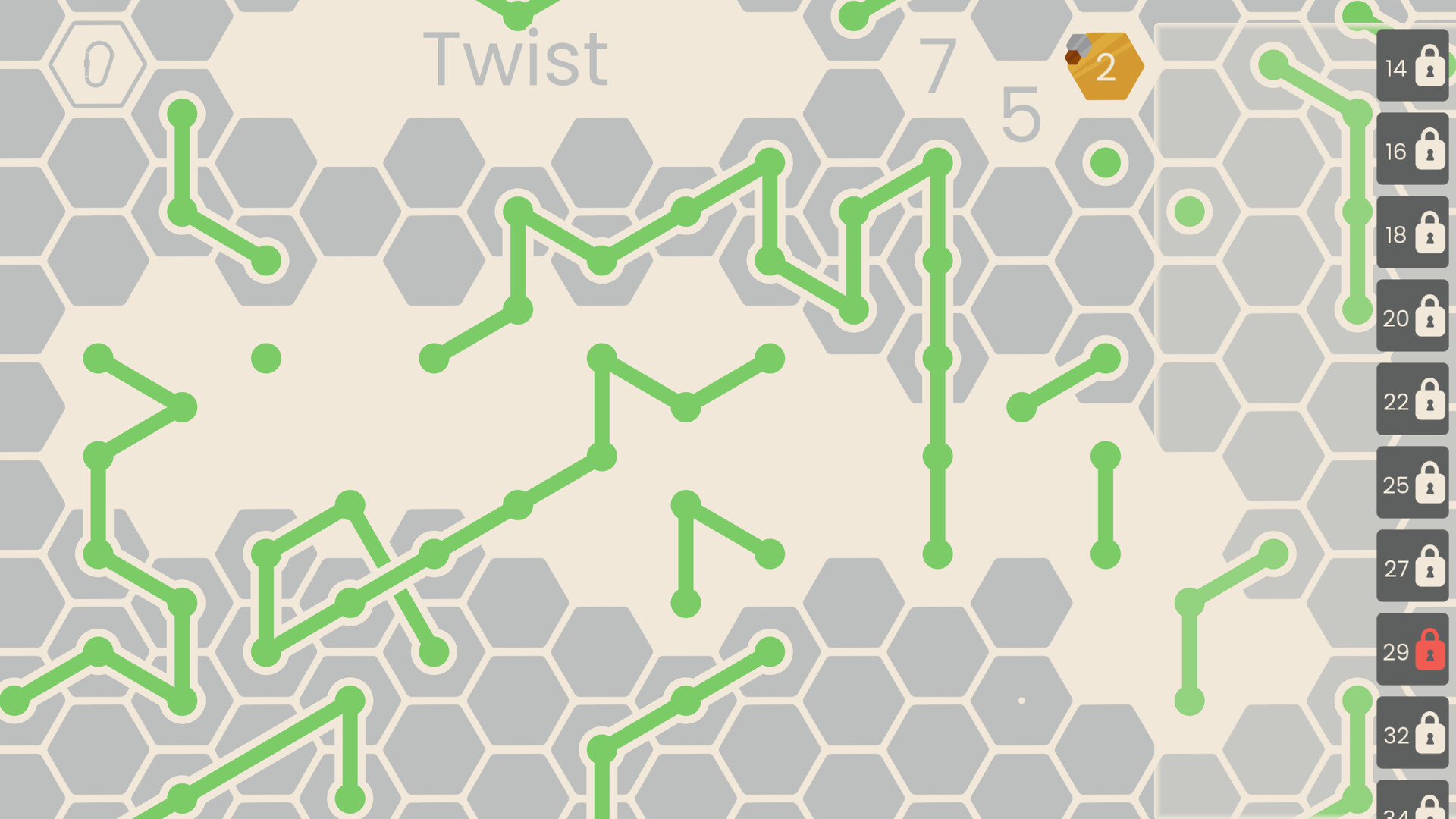
- Earn medals by tying knots as tight as possible, which unlocks more knots for you to puzzle over.
- Explore 3 Worlds with unique placement rules that will test the limits of your spacial reasoning.
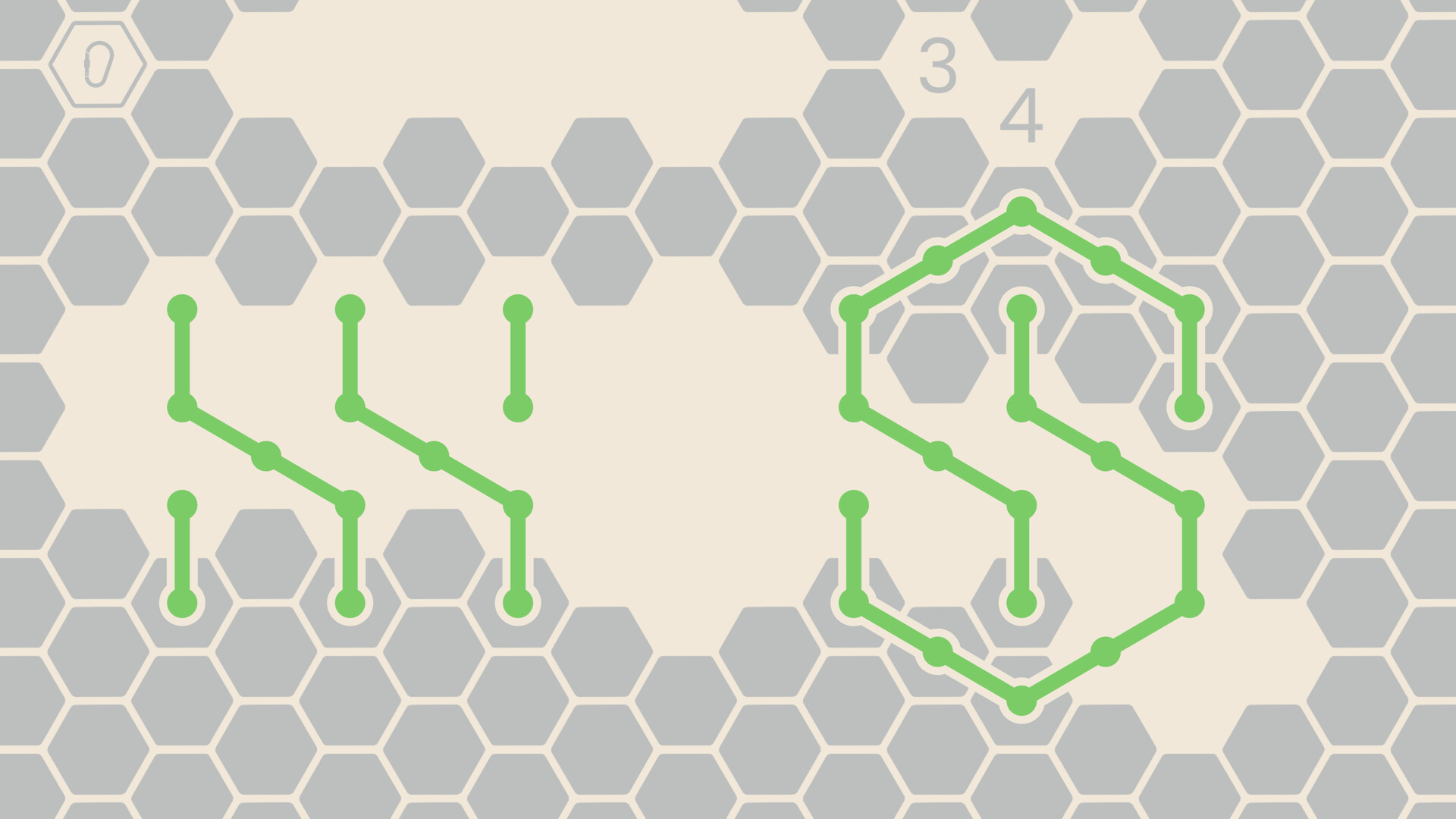
- Use the grid as your own canvas for an art project, a real world knot, or maybe just a really cool S.
- Leaderboards for all knots, compare your scores with everyone else.
- Replay your personal best for each knot, letting you hop back in where you left off last.
Mouse and Keyboard:
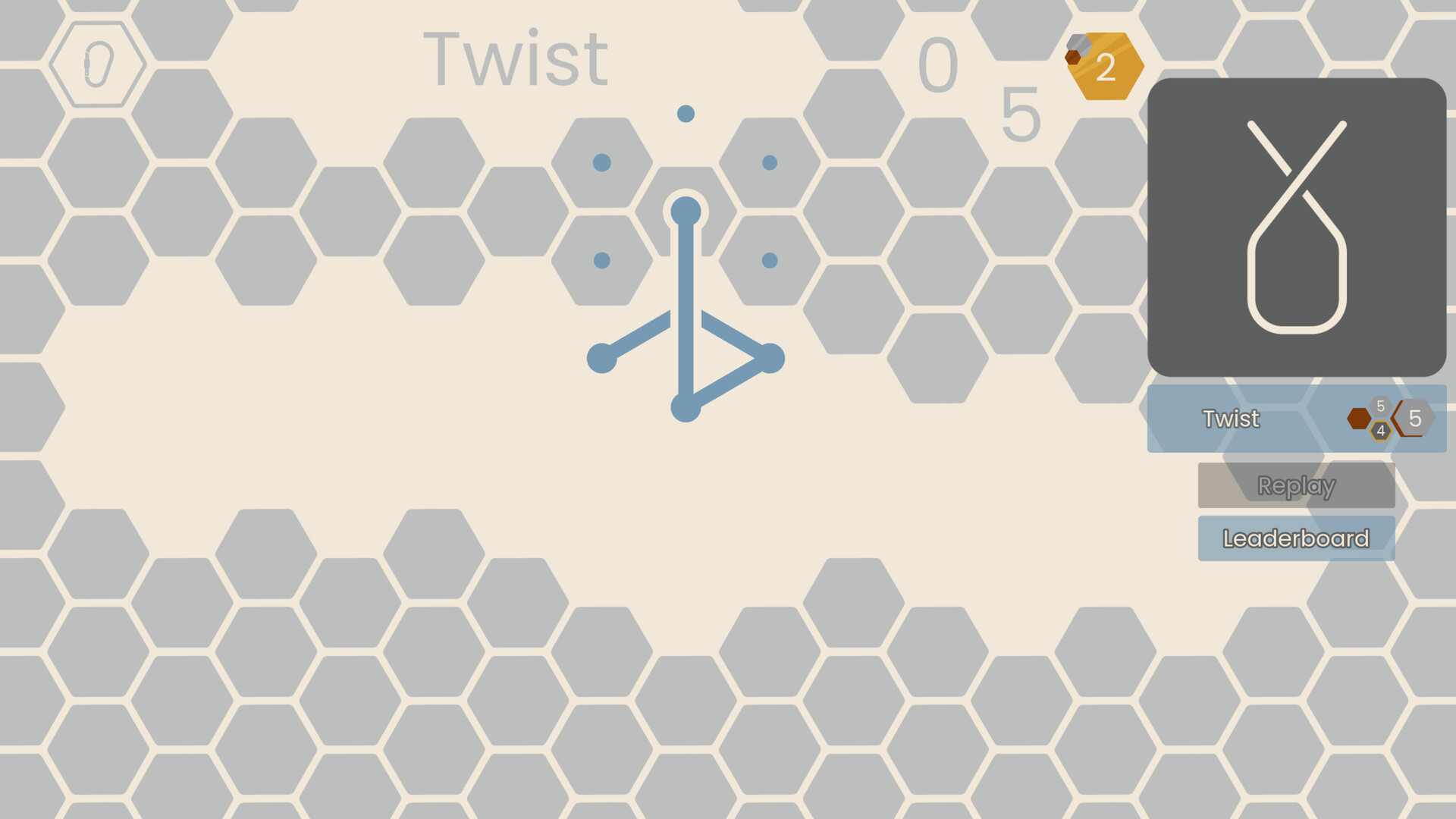
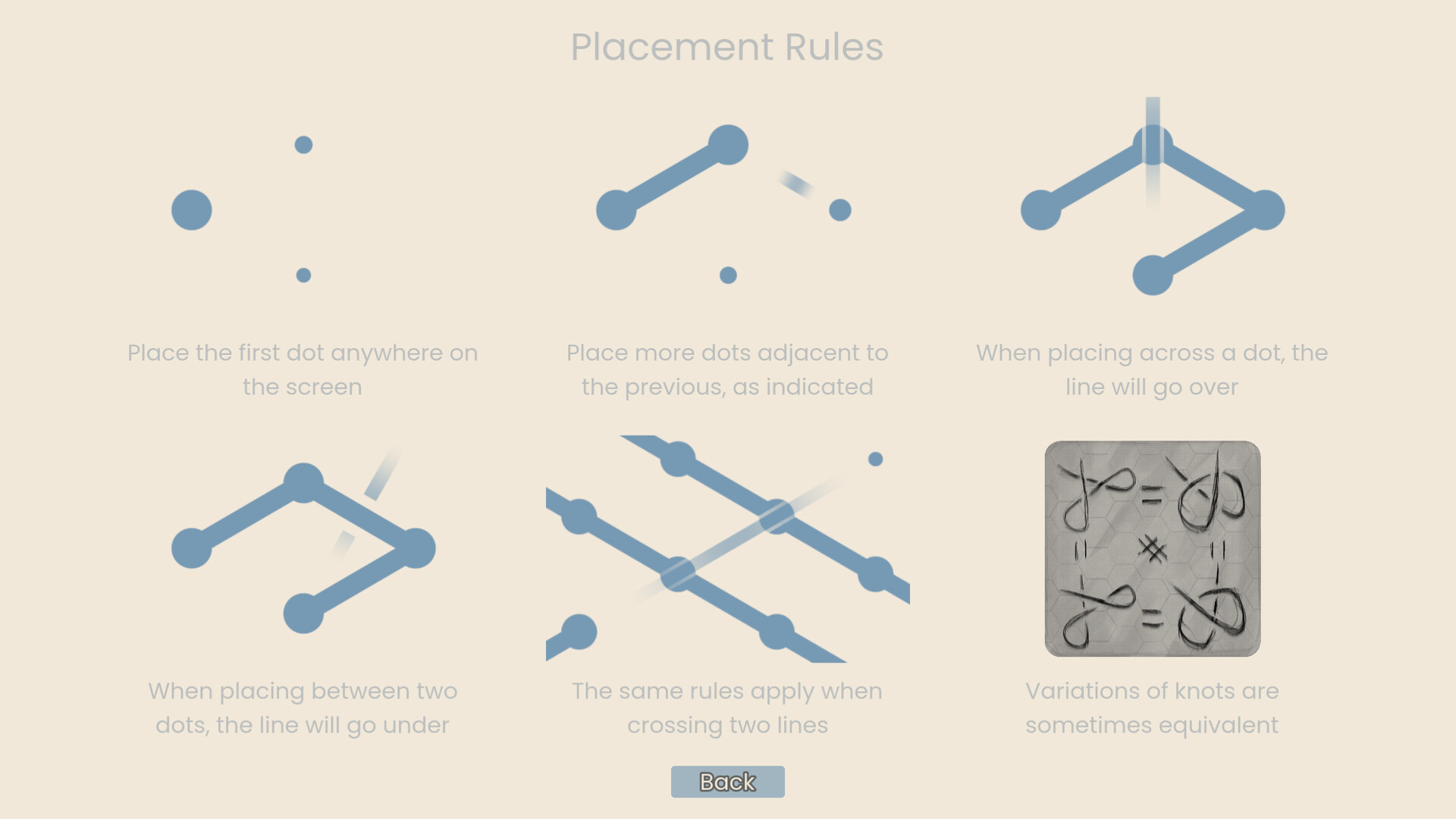
Click anywhere place the first dot, from there you may extend the rope in any of the indicated directions by clicking (or tapping) in a valid location. Hover over the preview dots to see where the rope will go.
Right click to undo your last move. Hold it down to continue to undo.
The settings menu is in the top left, allowing you to adjust volume, reset the game, hide the UI, or quit.
Controller:
Move the on screen cursor with your left stick. Place dots with "A" on an Xbox controller.
Press "B" on an Xbox controller to undo. Keep it held down to continue to undo.
Controllers can move their cursor to the right side of the screen or use the D-Pad to interact with the list of unlocked knots.
Press "Start" to open the pause screen, allowing you to adjust volume, reset the game, hide the UI, or quit.