Mcat is a versatile desktop reading app dedicated to giving you a customizable, efficient, and focused reading experience. From e-books and documents to code, every reading feature runs locally and offline — no account, no telemetry, your data is completely under your control.
Supported formats:
E-books: EPUB, TXT, Markdown, CBZ
Office documents: PDF, DOCX, PPTX, XLSX
Images: PNG, JPG, WebP, GIF, BMP, SVG
Code: JSON, HTML, XML, CSV
More formats are continuously being added.
Immersive reading:
- Customizable typography – Fine-tune font size, line height, letter spacing, paragraph spacing, margins, alignment, background color, text color, and more.
- Customizable window – Adjust the window corner radius and transparency, and optionally hide the window border.
- Multi-color highlighting – Five styles: background highlight, solid line, wavy line, dashed line, and dotted line, with freely combinable highlight and text colors.
- Two-page reading – Two-page mode, page-turn direction and animation, zoom, and paper dragging.
- Headers and footers – Independent configuration for the left, center, and right zones.
- Simplified/Traditional conversion – Switch with one click for effortless reading.
Efficient management:
- Note system – Notes for the current book plus a global note library, with search and one-click jump to the original text.
- Bookmarks and reading history – Mark anytime, find again anytime.
- Global search – Full-text search across books, plus metadata matching by title, author, and format, and pinyin search.
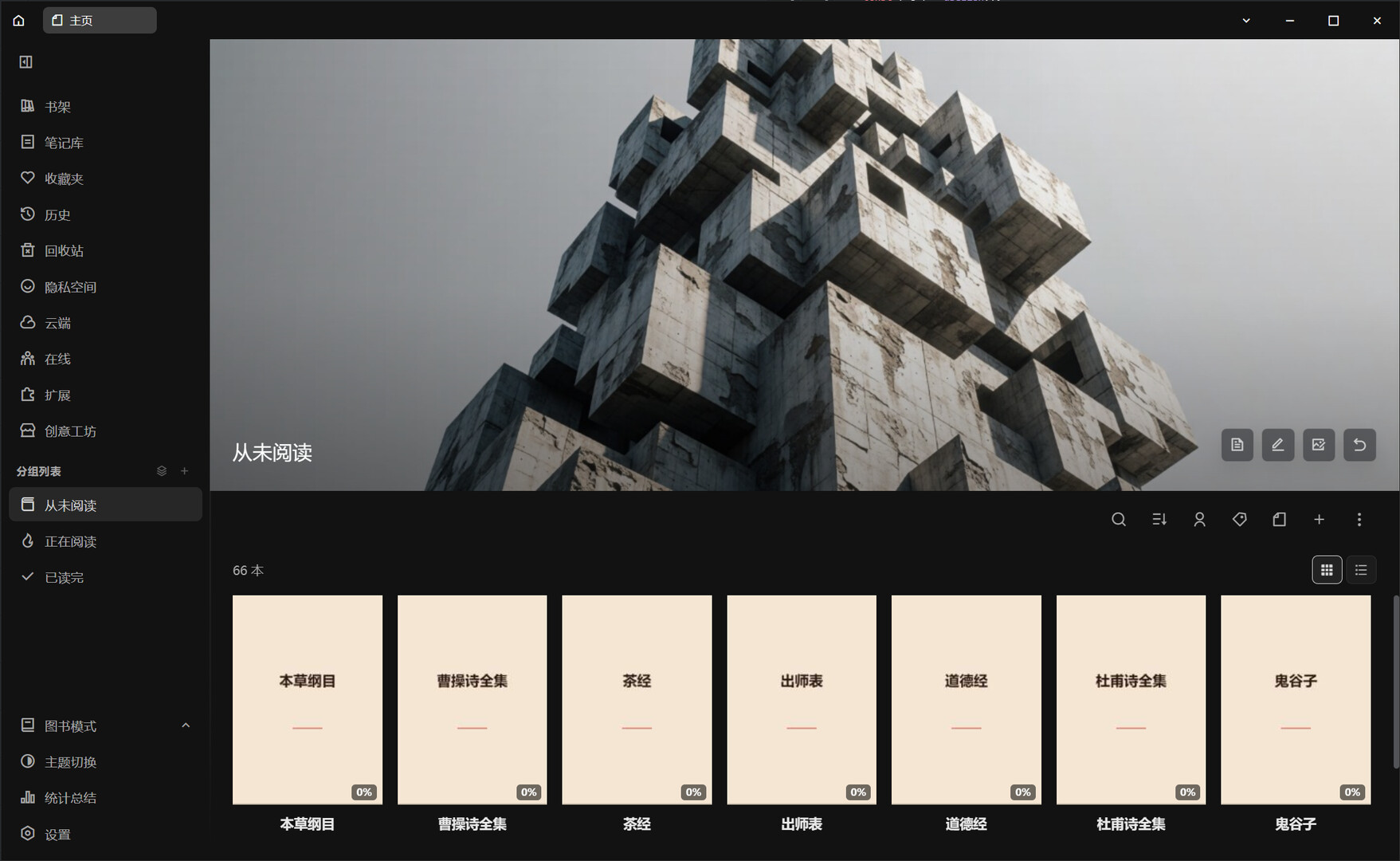
- Tags, groups, and favorites – Organize your bookshelf from multiple dimensions.
- Reading stats – Reading time, word count, open count, and a calendar heatmap, which can be disabled in settings.
- Custom rules – Text replacement rules, chapter recognition rules, and noise word filtering to clean up typographic clutter with one click.
- Style presets – Save multiple reading styles and switch anytime.
Privacy and security:
- Local-first – Your data is stored on your machine by default.
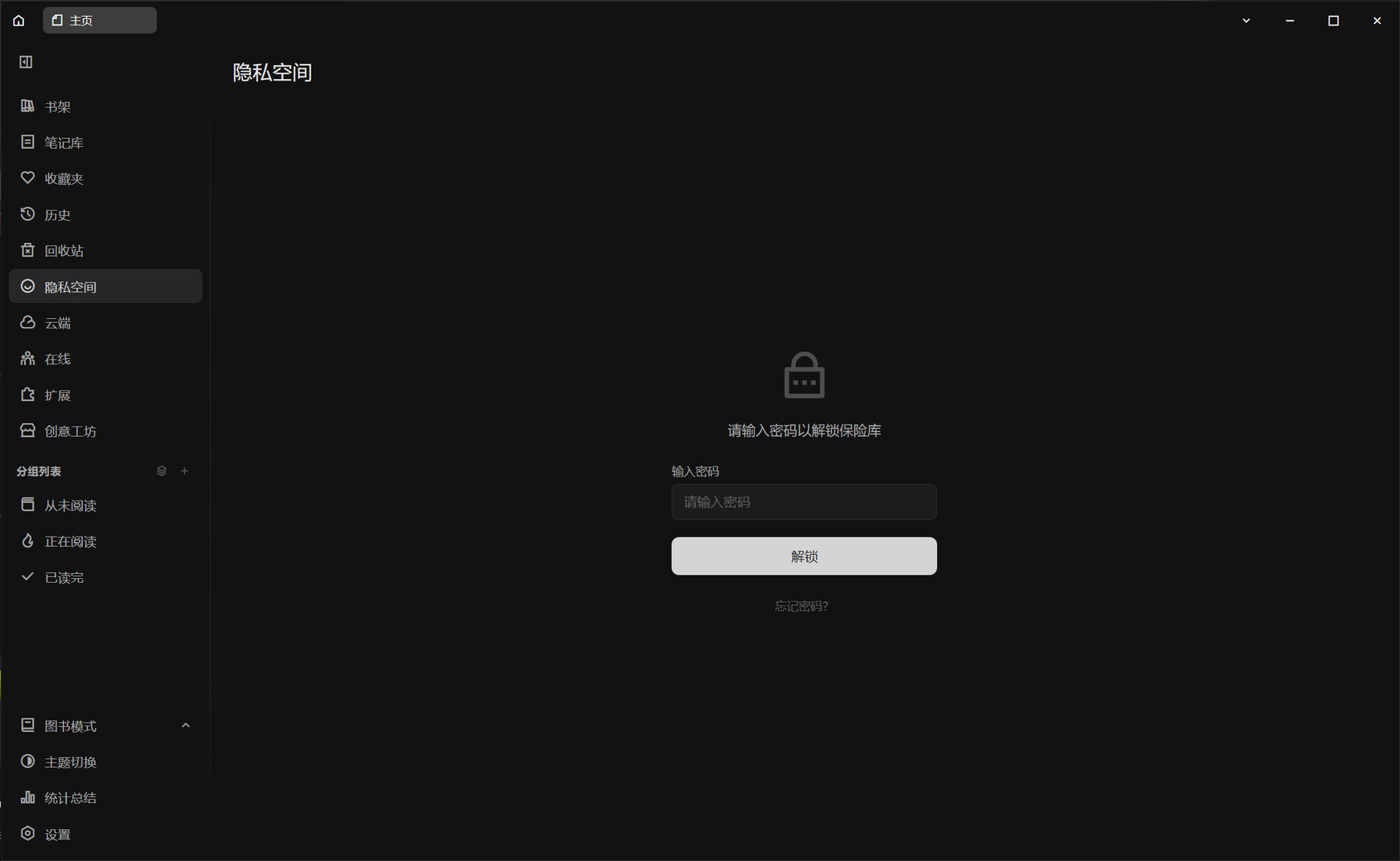
- Private space – Password-protected encryption for sensitive books.
Online reading:
- Online reading – Read the same book with Steam friends in rooms of up to 8 people, with chat, paragraph comments, and bookshelf sharing.
Extensions:
- Workshop – Browse, subscribe to, and publish reading extensions.
- Plugin system – Plugins run in separate windows with a controllable permission whitelist.
- Steam Cloud sync and rich presence – Bookshelf and notes sync across devices, and the book you are reading is visible to friends.
More features:
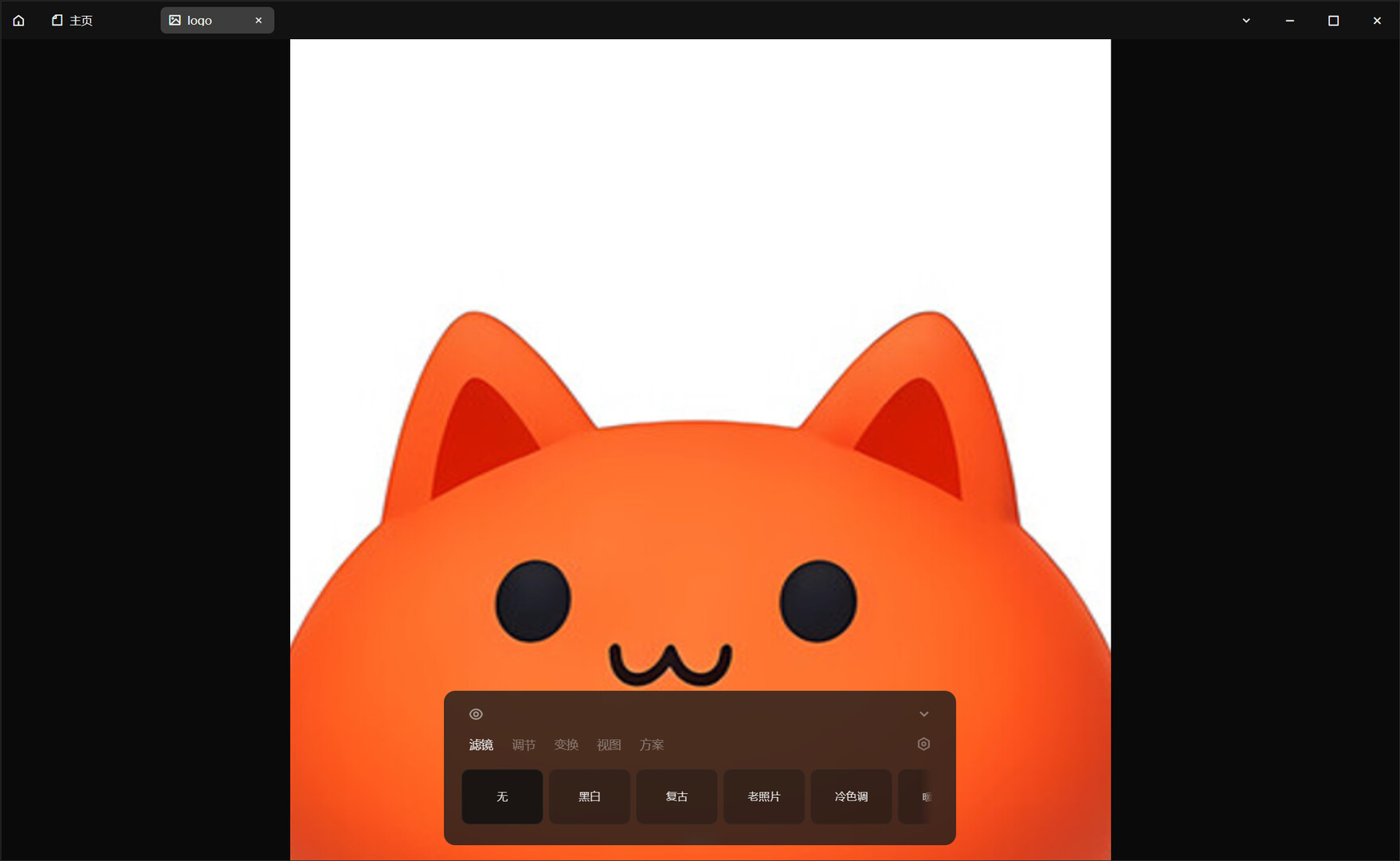
Wallpaper and screensaver, mouse trail, hotkeys and boss key, slacking mode, multi-user switching, data directory migration, cover templates, image filters, recycle bin, batch import, custom themes, safe mode...
Mcat is still growing steadily, and every piece of your feedback shapes what it becomes next. We look forward to hearing from you.