
Amarillo's Desktop Pets
No Reviews · 0 reviews
Screenshots
Description
A physics-powered 3D desktop companion engine where crazy ragdoll physics meet living, reactive characters. Import VRM characters, or create your own, and let them live on your desktop.
Platforms
Windows
Developer
AmarilloArts
Publisher
AmarilloArts
About
Is this the most advanced 3D desktop companion?
I made Amarillo's Desktop Pets to be the most fun way to showcase and interact with any 3D character. Here characters feel fully alive and responsive, while still giving you an easy-as-pie way to import and customize your own. All the while making them have the best physics you'll find in any desktop companion!
Be physics-crazy
Have fun grabbing a character. Click on them and toss them around. See how their limbs jiggle and twitch. Push them off balance, make them fall, then watch them get back up and keep going.
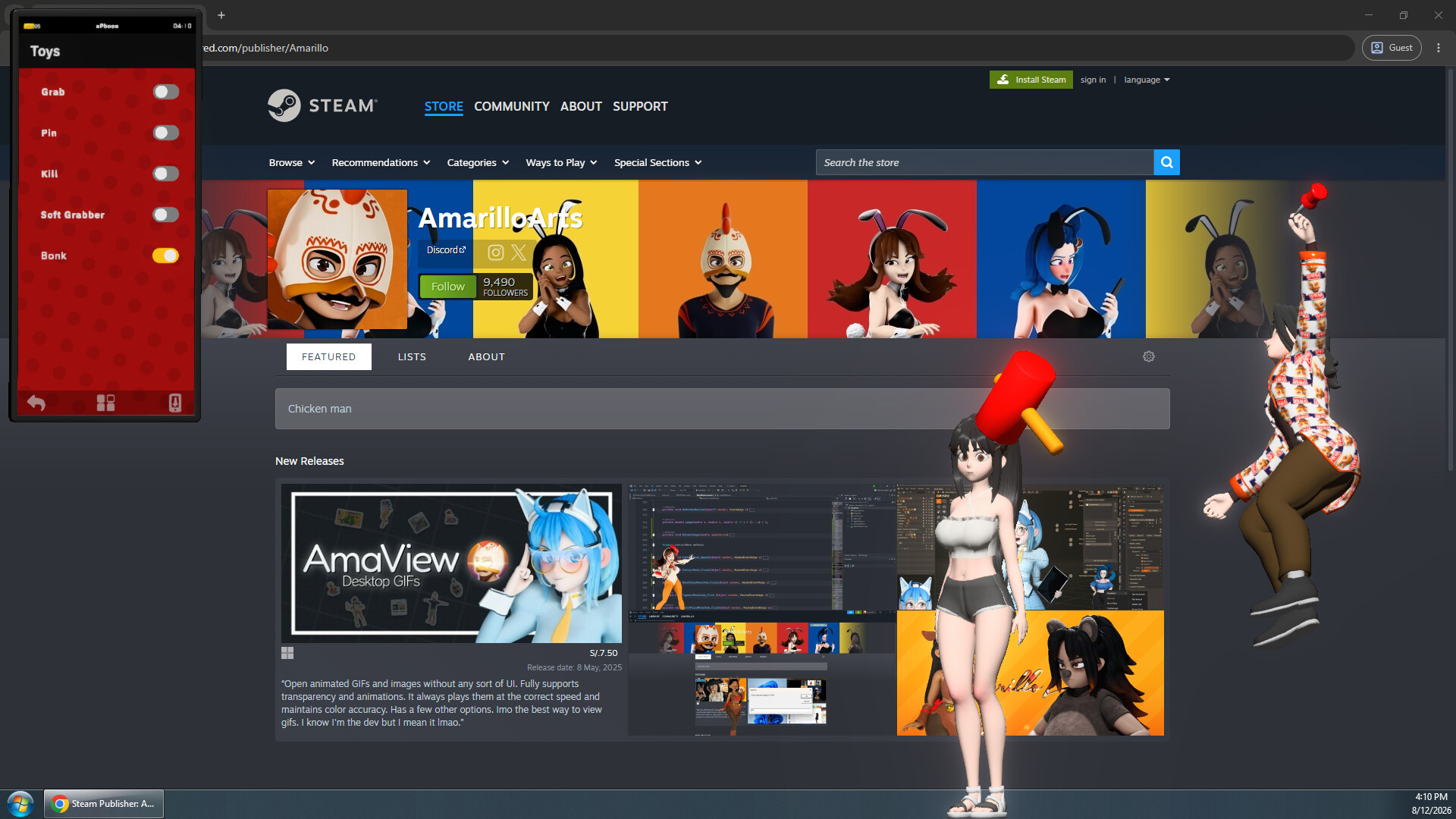
Or use the Toys included with the game, like the Bonk Toy or the Pin Toy. And I want this side of the game to keep expanding: I'll work on more ways to mess with your characters, more reactions, and more dumb little moments.
Oh, be-ha-ve!
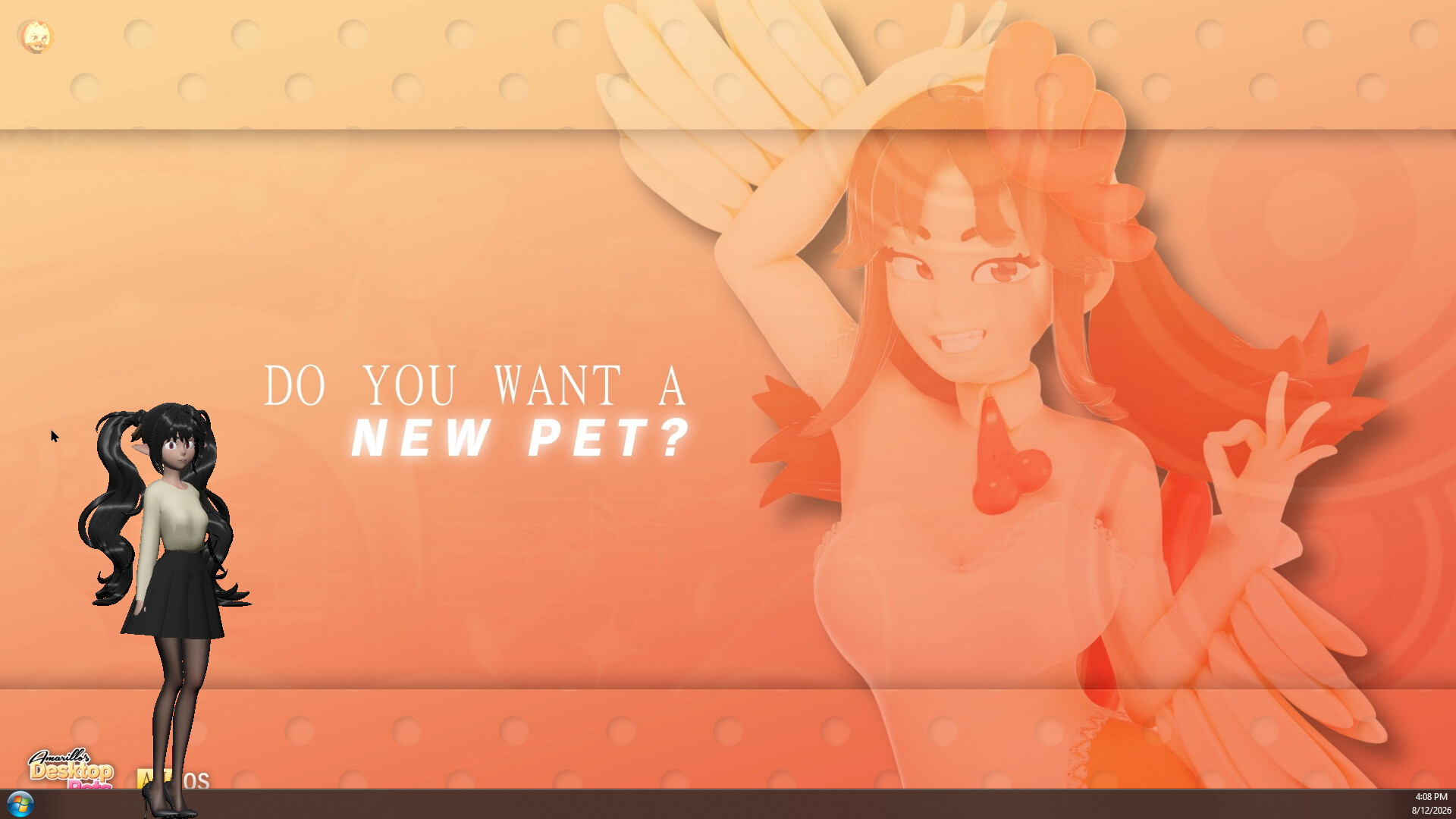
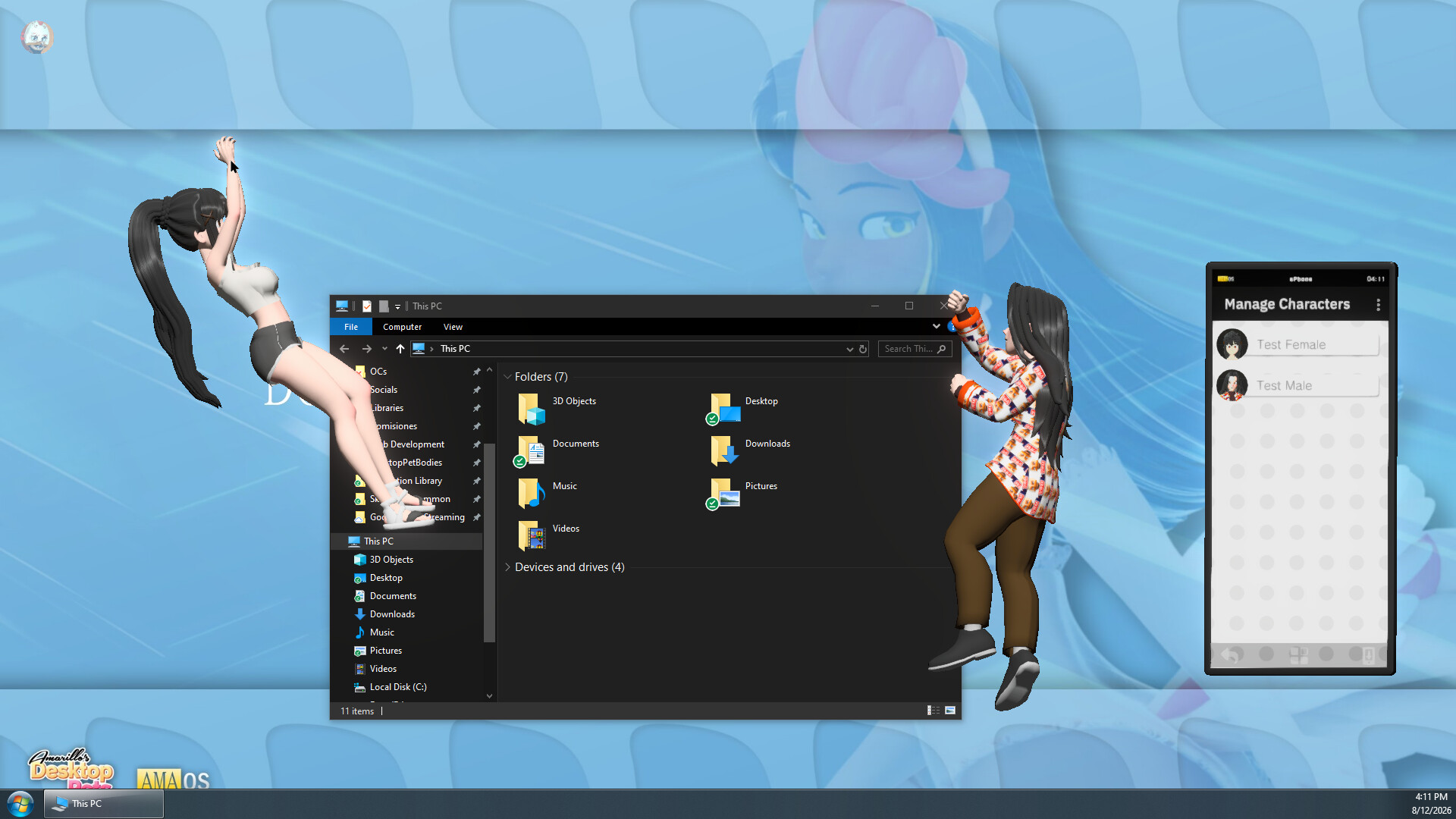
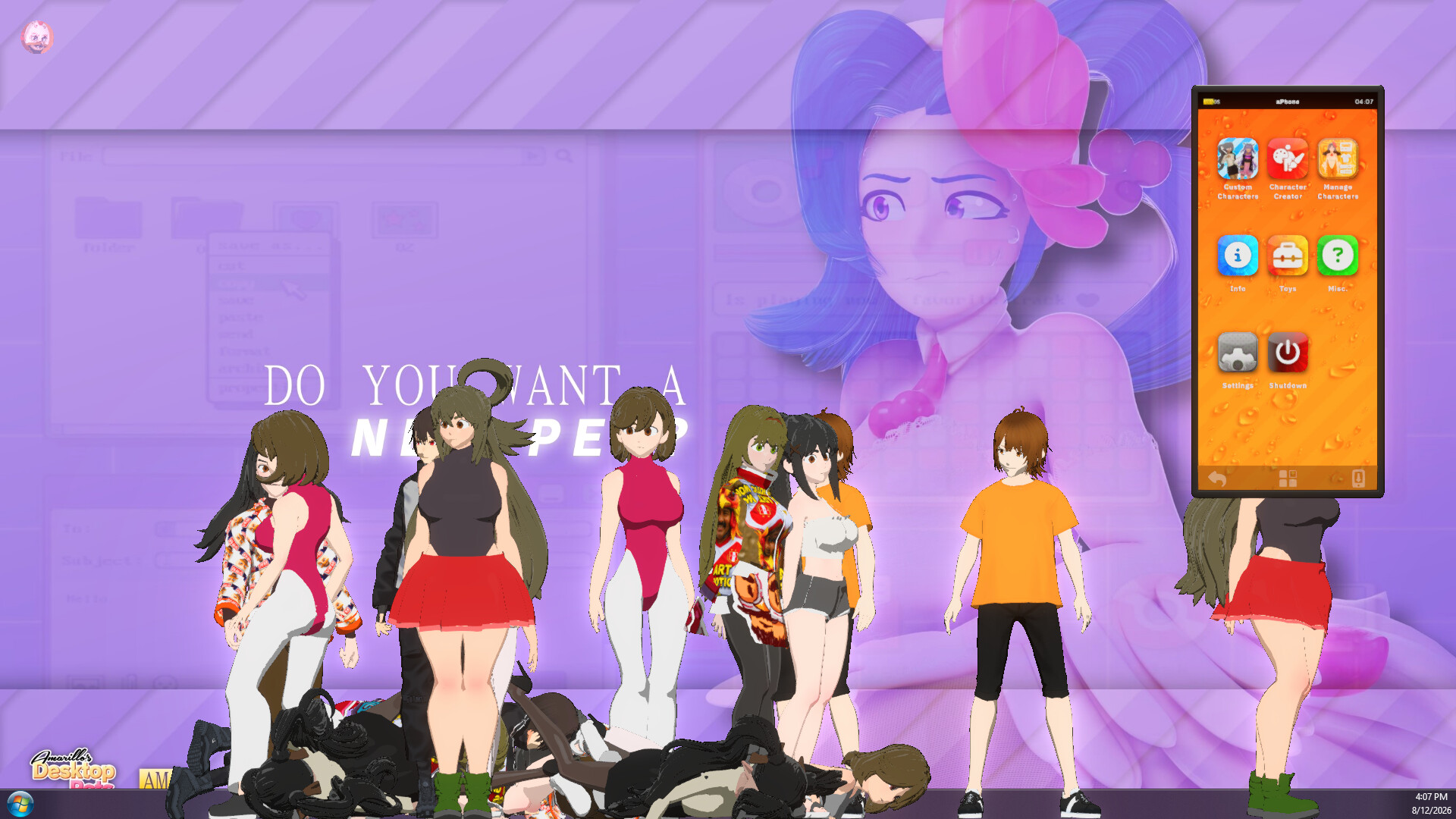
The default behavior of your characters will keep them moving around your screen, climbing onto your windows and causing mayhem.
You will also see them pushing each other, looking at your mouse cursor, chilling, and tripping all the time. The point is not for you to puppet a character every time you want them to do something; I want it to feel like there is a bunch of tiny people hanging around in your PC, each doing their own thing.
But that's not all, I'm also giving you the ability to change their behavior in-game. If you want them to stay in place for a bit, you can do so, but you can also make be more curious about the mouse cursor or climb your windows more often.
Some of the interactions the game offers are grabbing, pinning, head patting, bonking, and more. The Toys and Behaviors options will grow throughout Early Access.
Import, customize, or CREATE
Amarillo's Desktop Pets supports VRM 0.x, the format used by a huge number of 3D avatar makers and virtual creators. If you are a VTuber with a VRM model, you can load that same character into the game and have them hang around on your desktop instead of leaving them trapped inside your streaming software.
If you are a 3D artist, VRM support means your own characters can be brought into the game too. Import them, customize them, save them, and let people actually interact with the work you made in full 3D, either via the Workshop or privately exporting it as a single file and sharing on your Patreon. And you might find my own official Blender VRM extension pretty useful for this too, just look for "Amarillo's VRM Toolkit" in the Get Extensions menu.
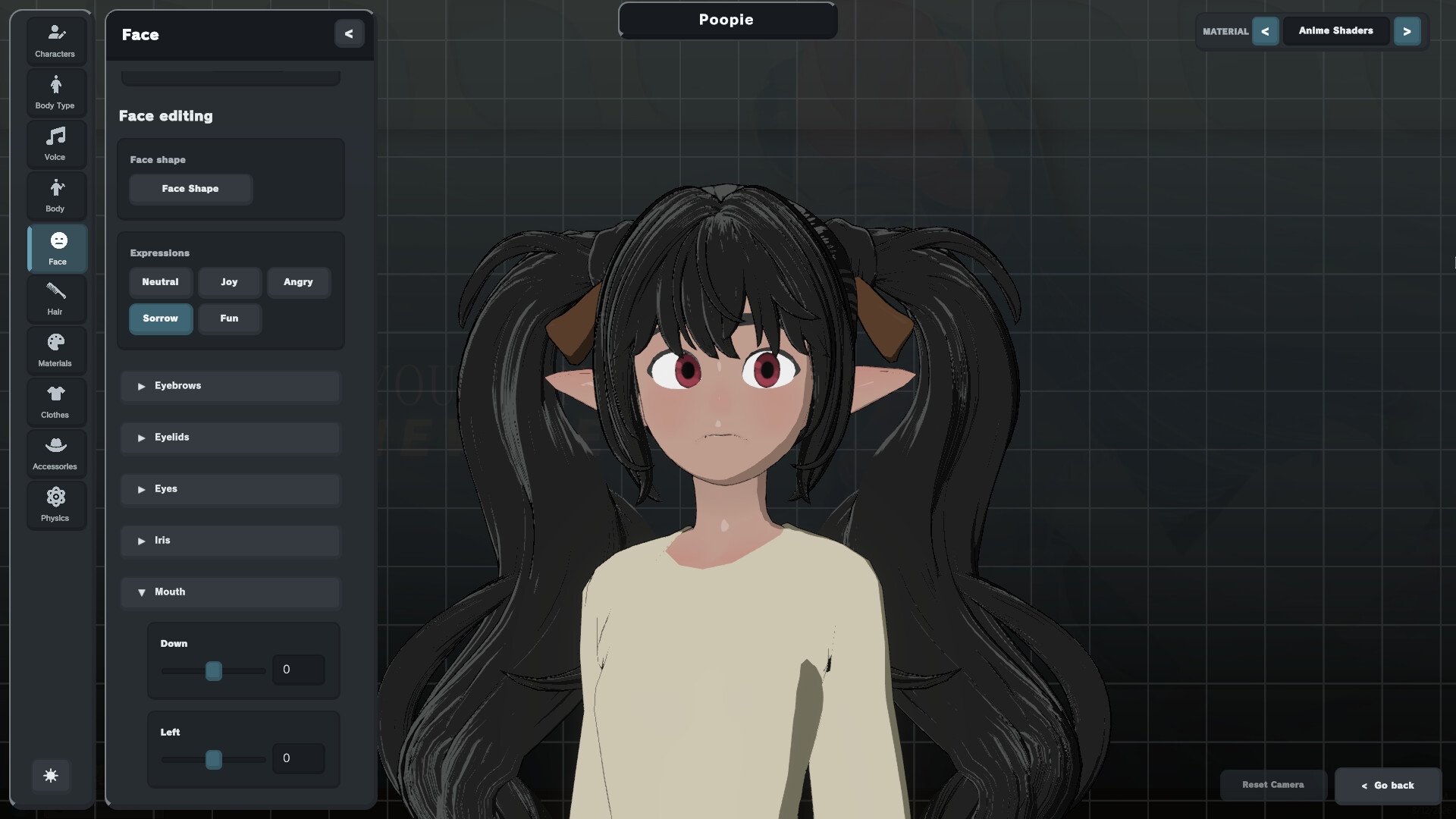
And while the game was conceived for artists to import their own models, non-artists will have the chance to create their own characters using the in-game Character Creator as well. Shape your character's body, tweak their face and expressions, choose a hairstyle, spawn different clothing items, and more. For those so inclined, you can also import your own textures. Transparency is supported.
Here's the basic flow of the Character Creator:
- Create or import an unlimited number of characters
- Customize their materials, physics and blendshapes
- Add your own custom voice lines / subtitles
- Save easily swapable presets
- Share them in the Workshop, or as .amaCharacter files
Artistic control
I am a 3D artist too, so I care a lot about how a model looks once it is inside a game. Amarillo's Desktop Pets gives you two visual directions you can switch between whenever you want.
Amarillo Shaders is my own artist-authored shader family, made to present characters with a stylized, semi-realistic look: something a little closer to the classical 3D look I use in Blender. My shaders give you plenty of options for customizing the look of your character's skin, hair and clothes.
Anime Shaders (a.k.a. RealToon shaders) are for the anime and stylized NPR crowd. They are feature-rich, highly customizable, and made to look great with non-photorealistic 3D characters. Many other games/software use these too, so you might find them familiar.
Switching shader modes does not mean rebuilding your character's customizations from scratch. Your model, physics, textures, colors, and other properties carry across the switch, while each shader mode keeps the visual settings that actually belong to it. You can switch shaders at any time!
Presenting the aPhone
How do you control a game running on top of your desktop? This is the question that my (ficticious) team of engineers have been worked tirelessly to solve. We have seen floating menus of different qualities across many simlar games. But nothing truly as immersive as this. Let me introduce you to the ultimate form of immersive game UI: the aPhone.
With a single click of the optional floating button (or the system tray icon) you bring up the aPhone. Powered by AMA OS, this revolutionary tech device will show you a plethora of options and tools: spawn characters, manage them, equip Toys, access the game's settings, and more!
A lot of characters, without killing your whole PC
This is meant to live on top of your normal desktop life, not turn it into a slideshow. I have put serious work into optimization so you can have tons of characters without the game becoming a giant resource hog.
On a good computer, Amarillo's Desktop Pets can stay on top of light to medium games, so your characters can keep you company while you play. Of course, performance depends on your PC, your settings, how many characters you have active, and how heavy the models are -especially imported ones.
One important note for 3D artists is that Blender itself seems to have a very high priority gpu usage, so if you plan to use it while running Desktop Pets, you won't get good performance. Feel free to try the demo first.
A game made for gamers, VTubers and 3D artists
Amarillo's Desktop Pets is a project that is trying to become something special: a suite of fun tools for 3D artists who want to show their work to general audiences, and for non-artists who want to enjoy the beautiful 3D characters so many talented creators are making.
As a 3D character artist myself, I have struggled with the fact that my creations mostly live inside my computer. Getting them out there usually means making silly social-media reels, memey posts, or following trends, just so people can only look at my models for a few seconds.
There are very few real platforms where 3D creators can painlessly get their work posted, seen, and enjoyed in its full three-dimensionality - never mind in an interactive, more fulfilling way. There are so many beautiful models out there that people will never discover because social media is a brutal place for artists, especially 3D ones.
I want this game to help with that. I want artists and VTubers to have another place where their characters can actually exist, be played with, and make people laugh. And I want players who love art to discover those characters in a way that is much more interactive than scrolling mindlessly on one's phone.
That's what sparked this project. I love character art.
Sincerely, Amarillo.
-CEO of The Amarillo Spicy Corporation