HAELE 3D - Portrait Studio Lite - Drawing References

HAELE 3D - Portrait Studio Lite - Drawing References

No Reviews · 0 reviews

Screenshots

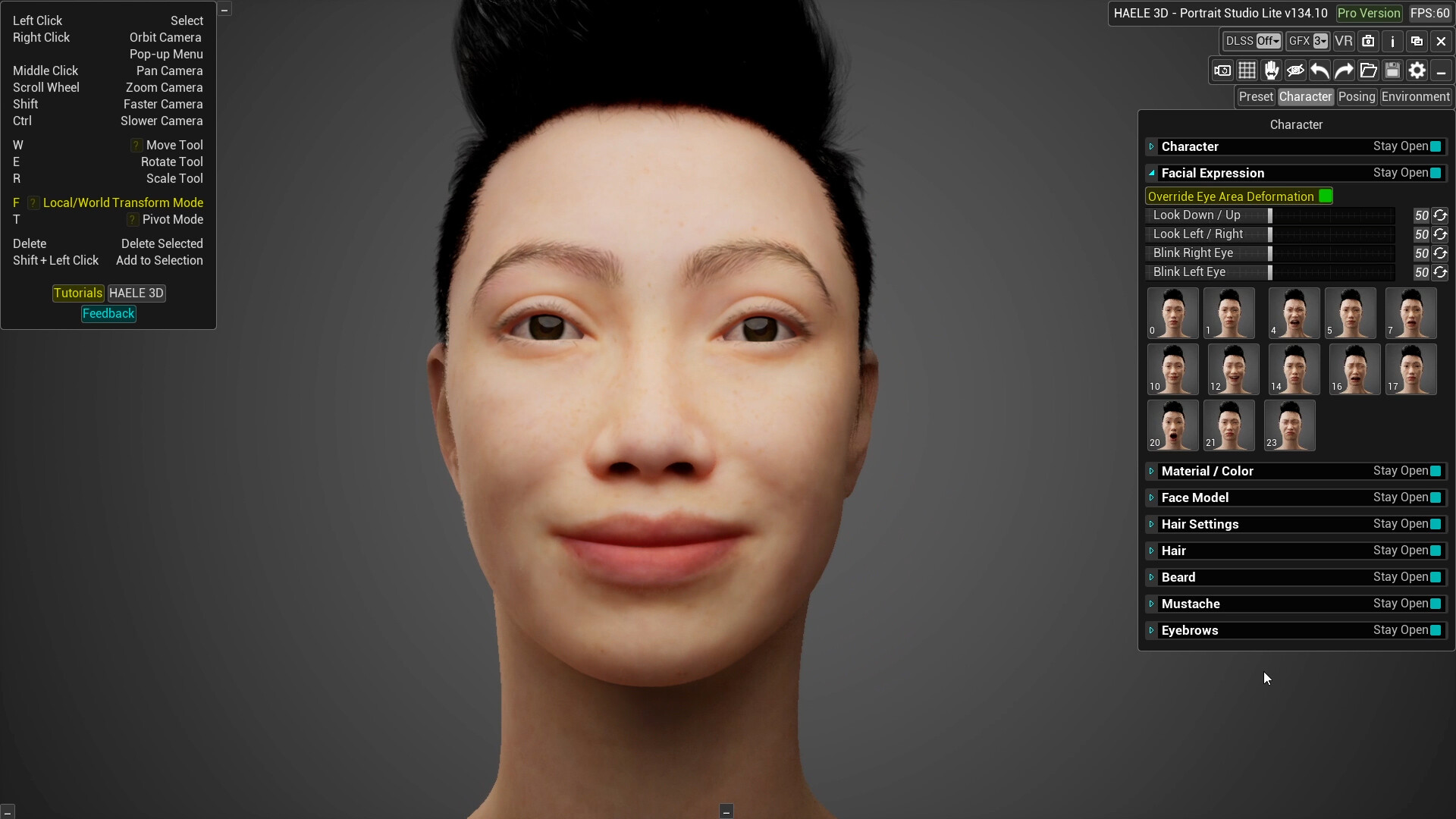
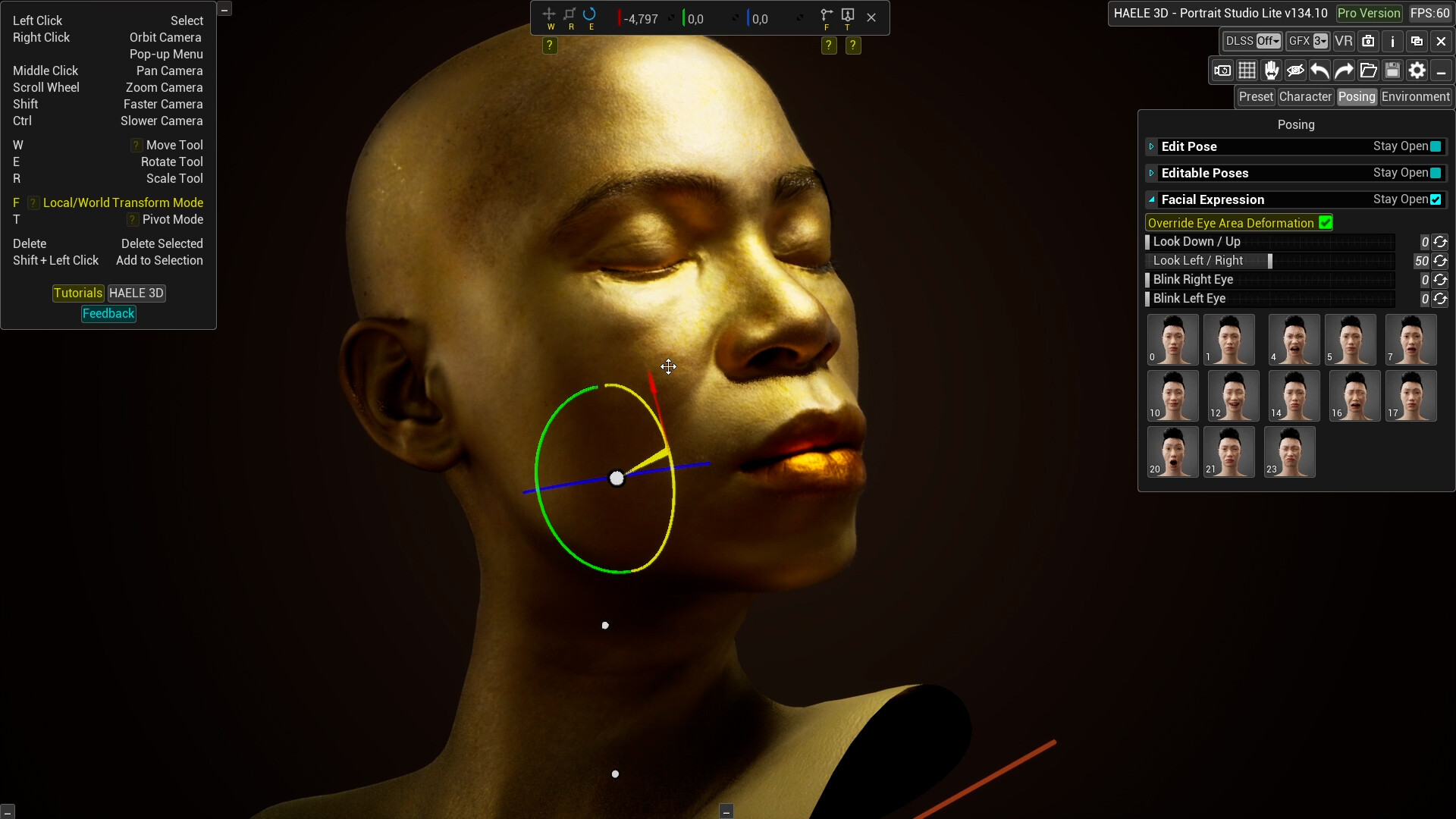
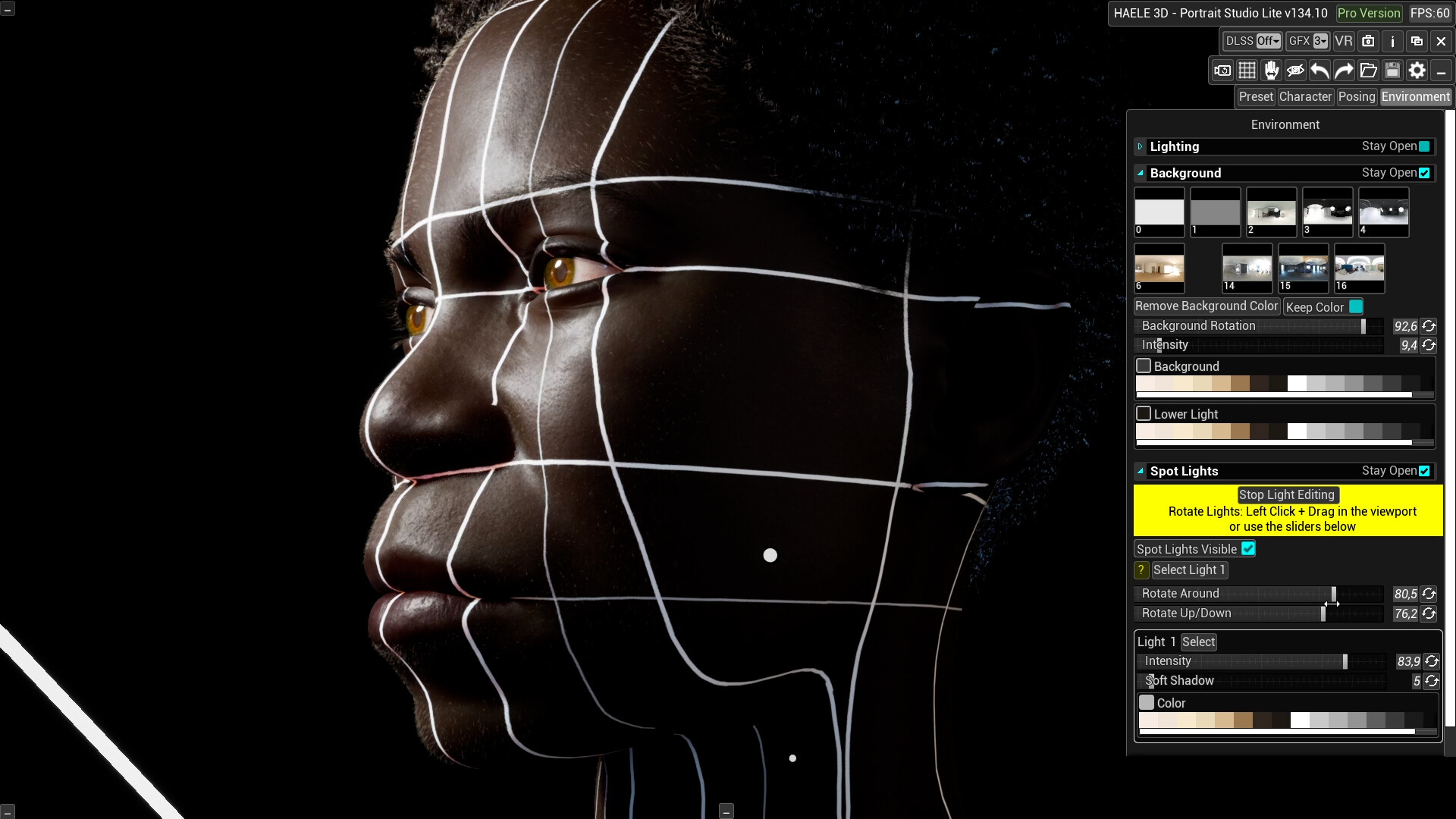
HAELE 3D - Portrait Studio Lite - Drawing References screenshot 1
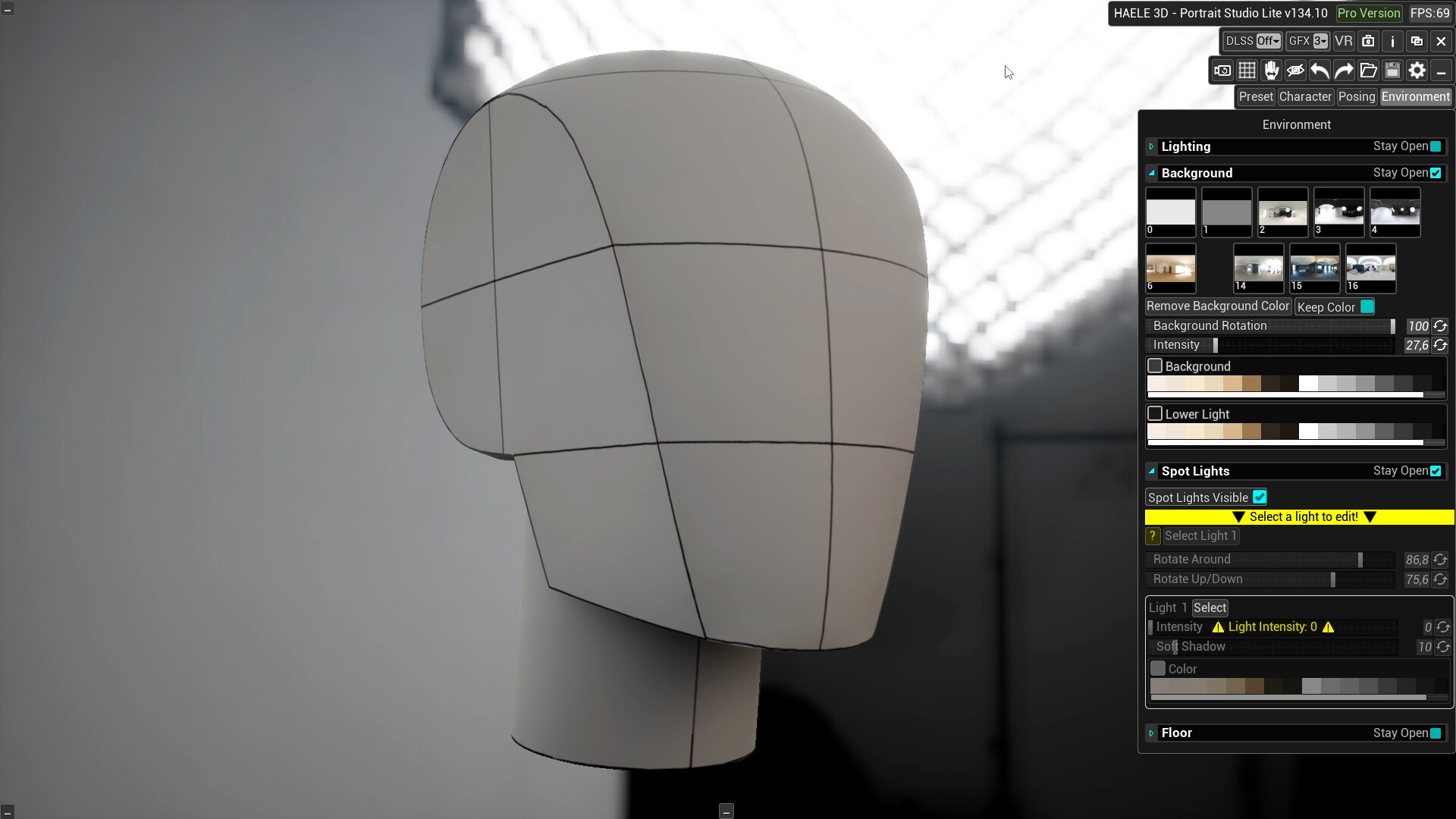
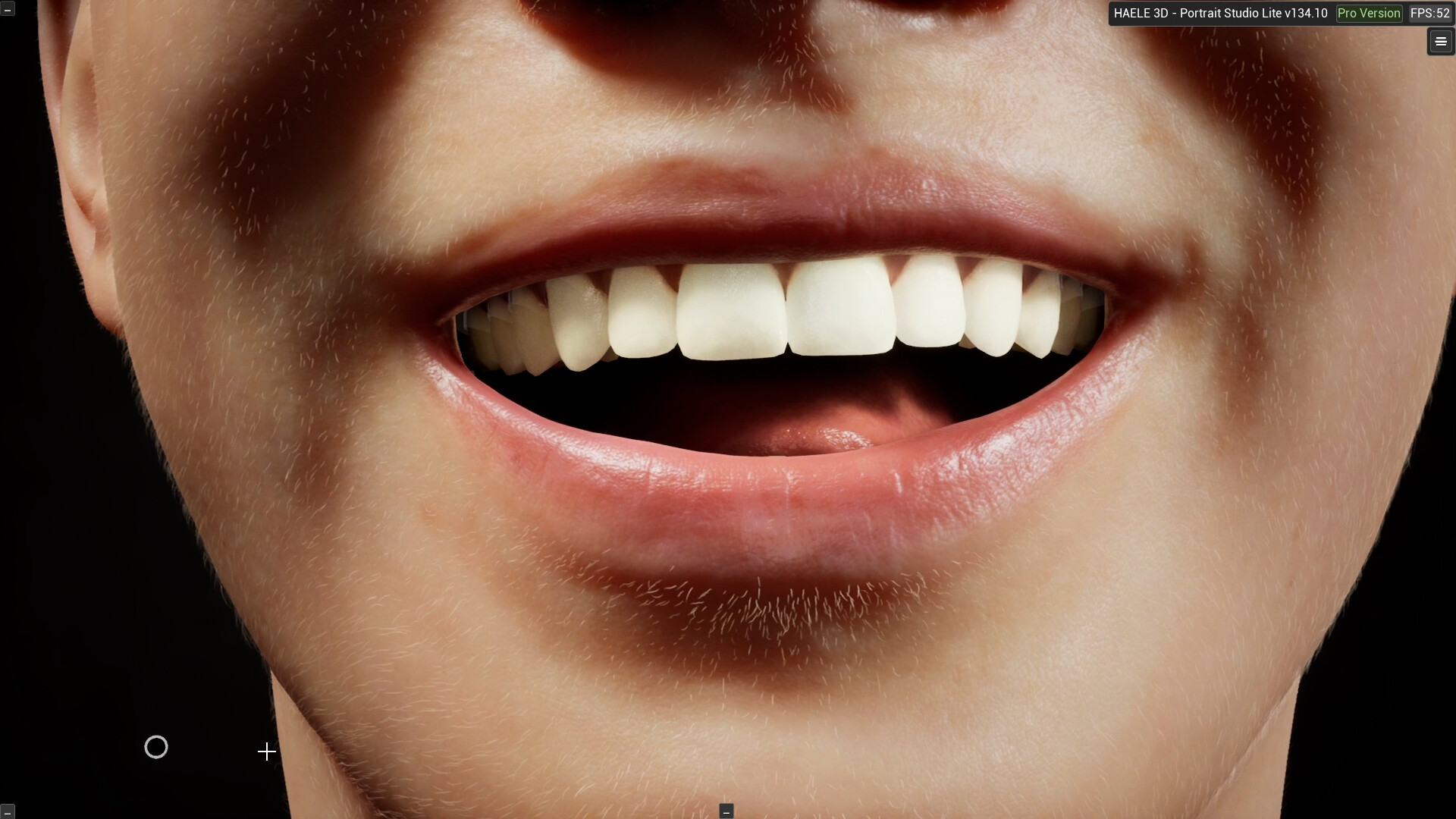
HAELE 3D - Portrait Studio Lite - Drawing References screenshot 2
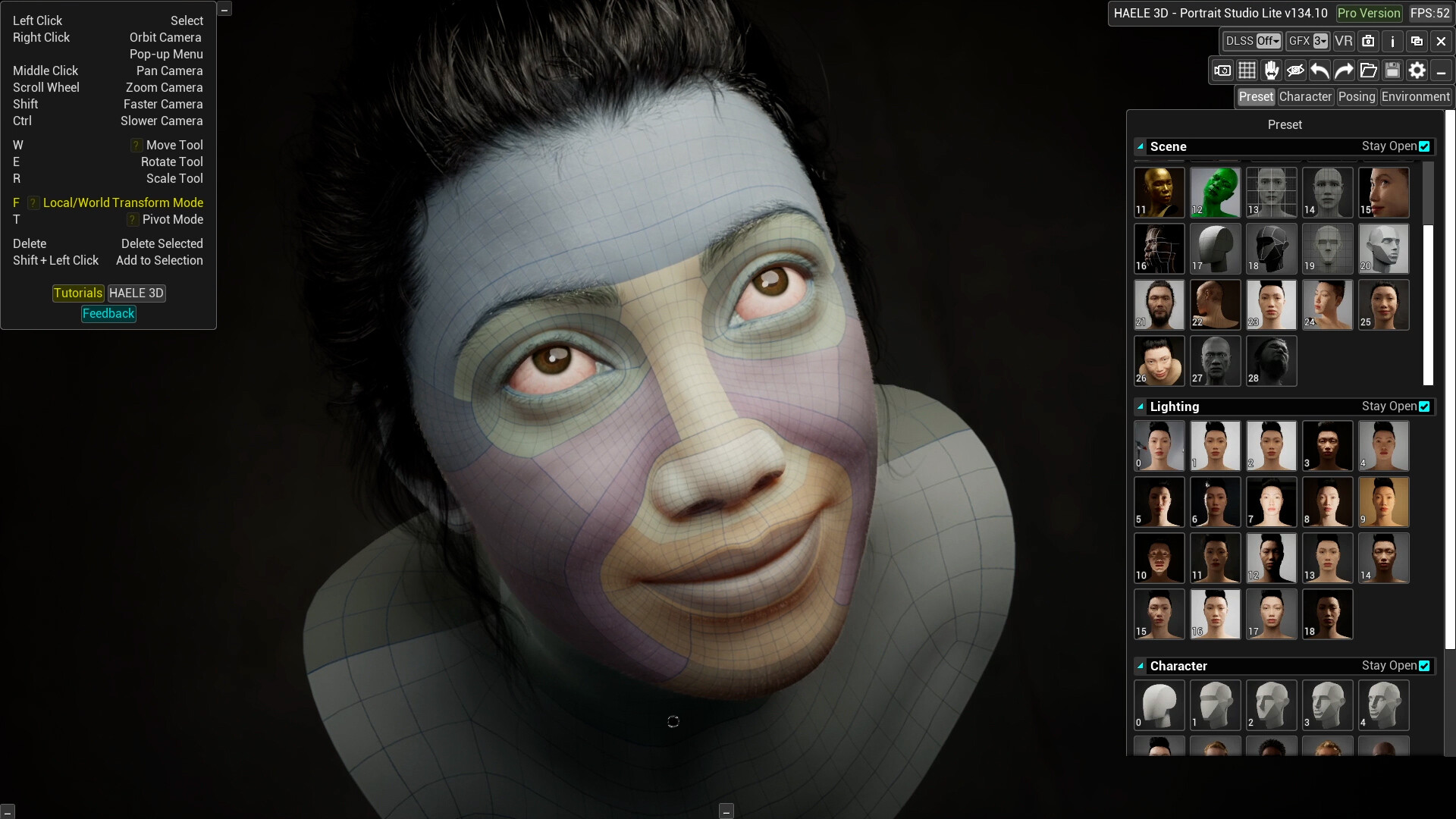
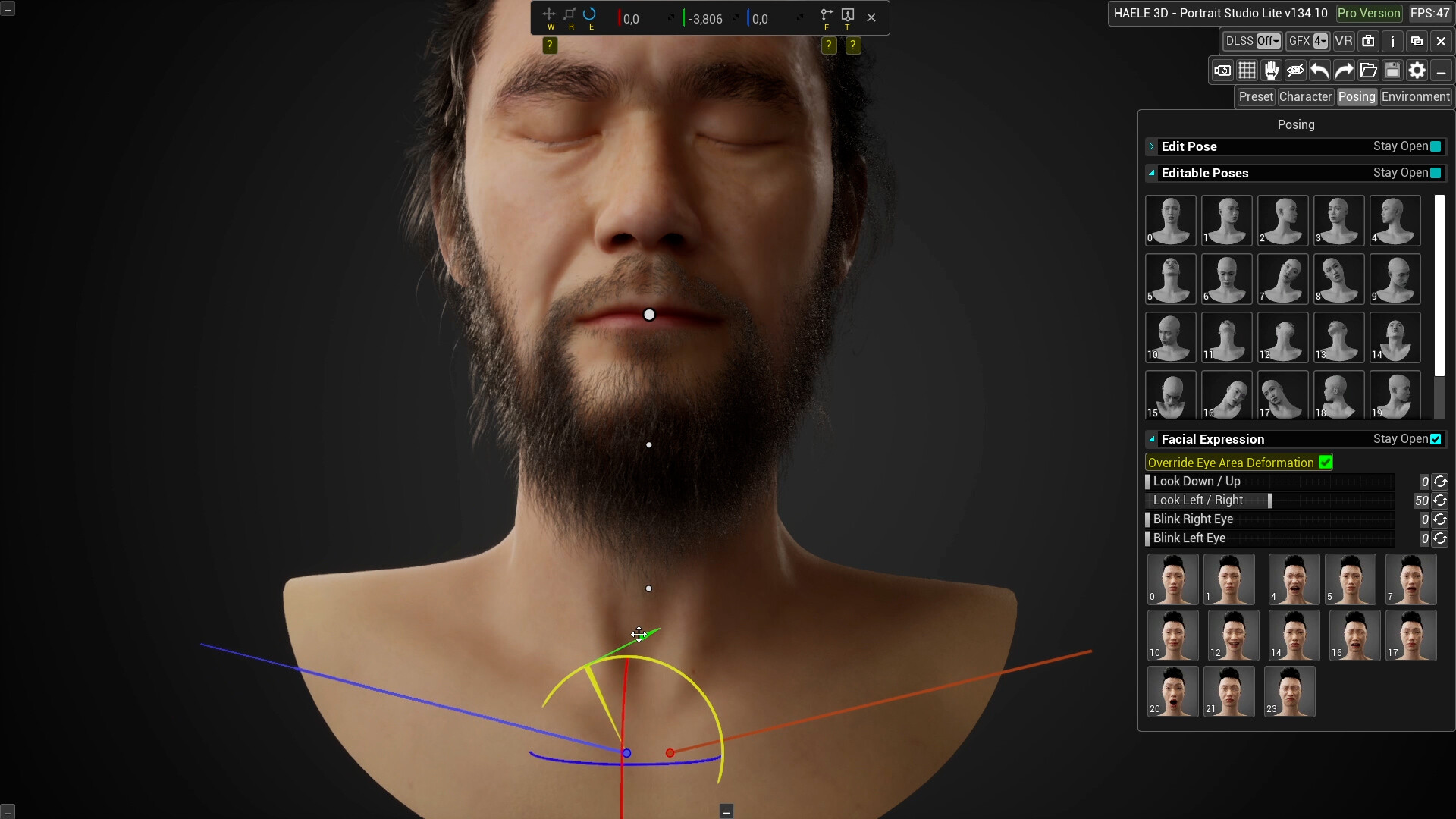
HAELE 3D - Portrait Studio Lite - Drawing References screenshot 3
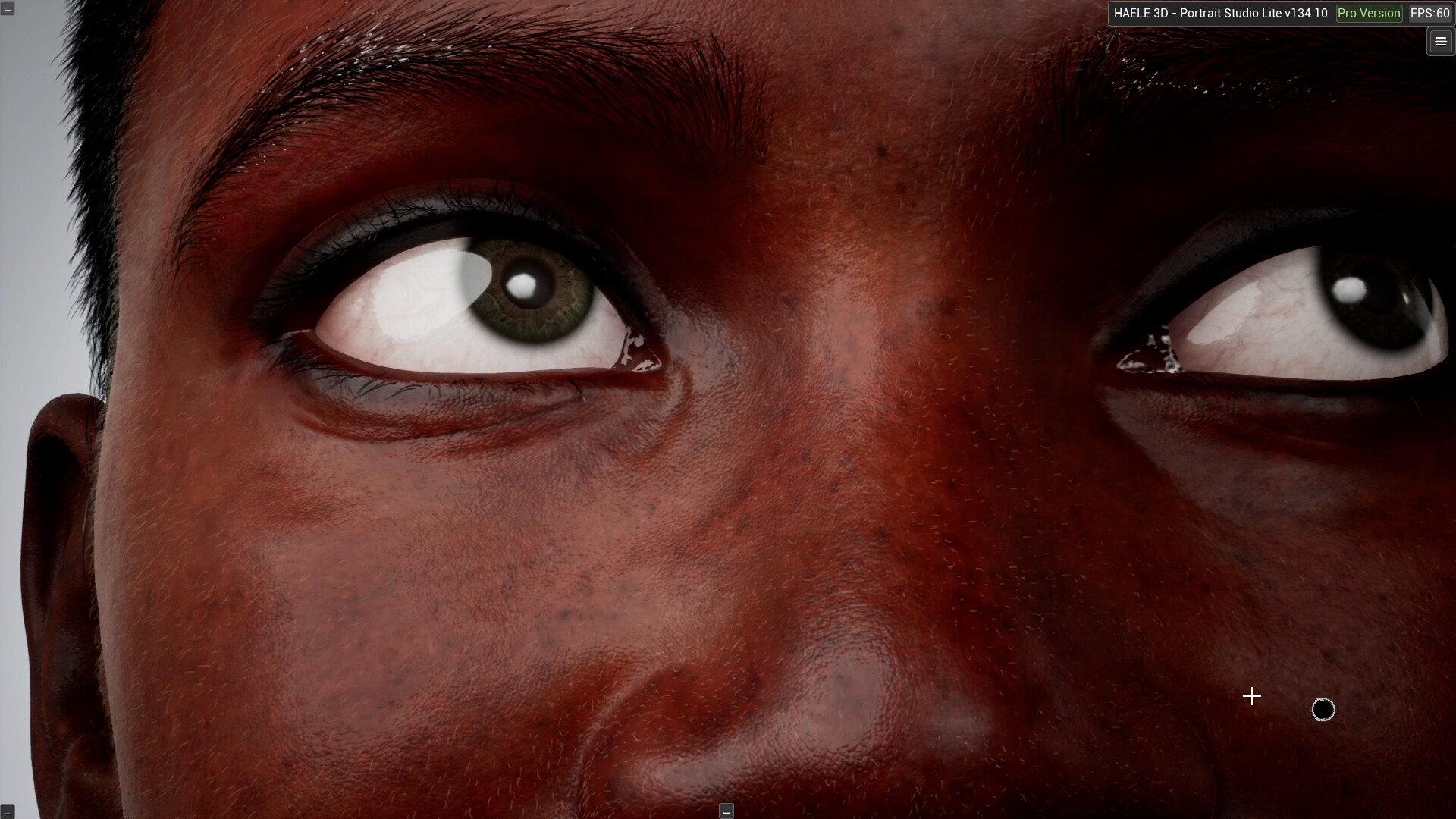
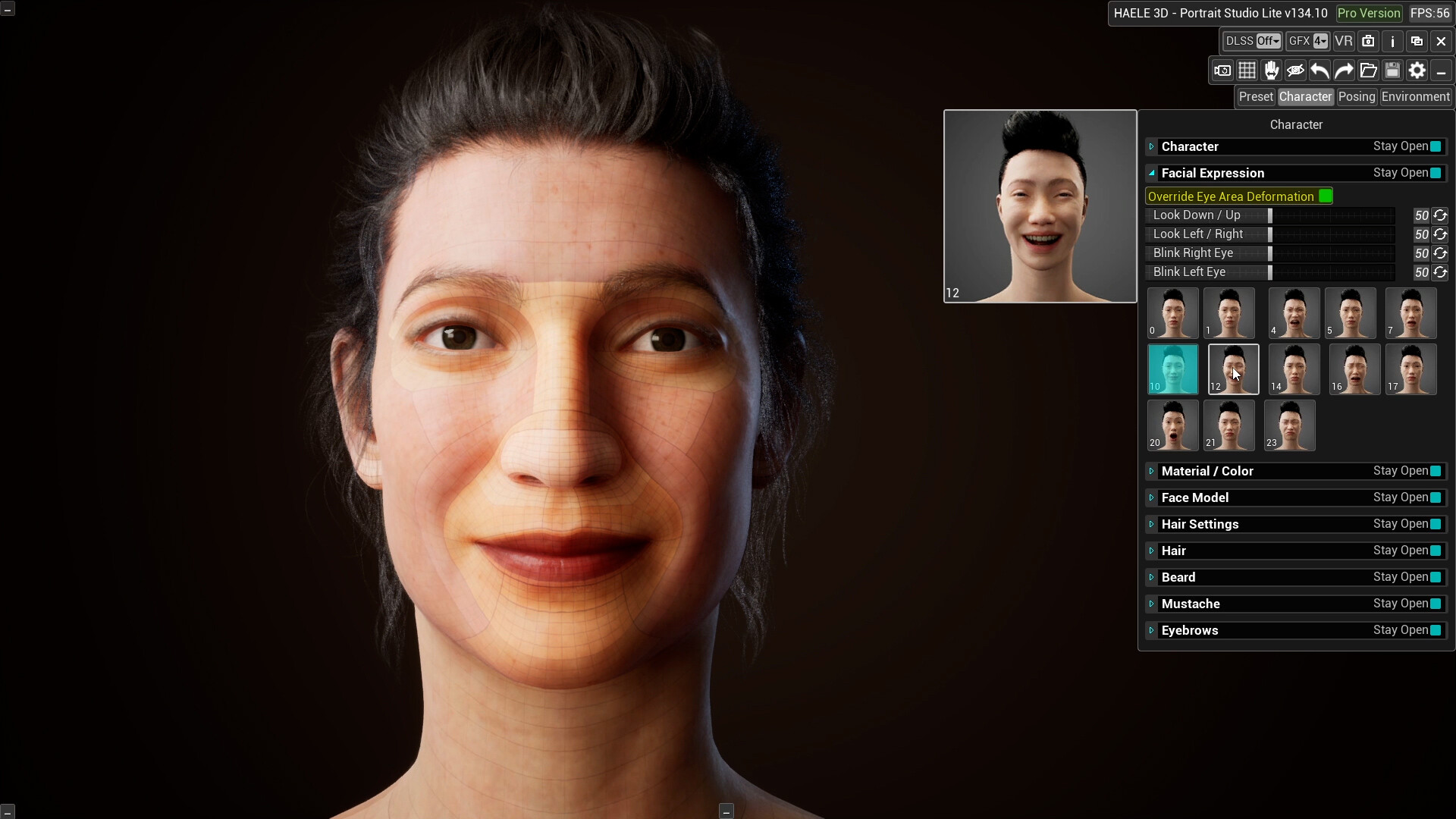
HAELE 3D - Portrait Studio Lite - Drawing References screenshot 4
HAELE 3D - Portrait Studio Lite - Drawing References screenshot 5
HAELE 3D - Portrait Studio Lite - Drawing References screenshot 6
HAELE 3D - Portrait Studio Lite - Drawing References screenshot 7
HAELE 3D - Portrait Studio Lite - Drawing References screenshot 8
HAELE 3D - Portrait Studio Lite - Drawing References screenshot 9
HAELE 3D - Portrait Studio Lite - Drawing References screenshot 10
HAELE 3D - Portrait Studio Lite - Drawing References screenshot 11
HAELE 3D - Portrait Studio Lite - Drawing References screenshot 12
HAELE 3D - Portrait Studio Lite - Drawing References screenshot 13
HAELE 3D - Portrait Studio Lite - Drawing References screenshot 14

Description

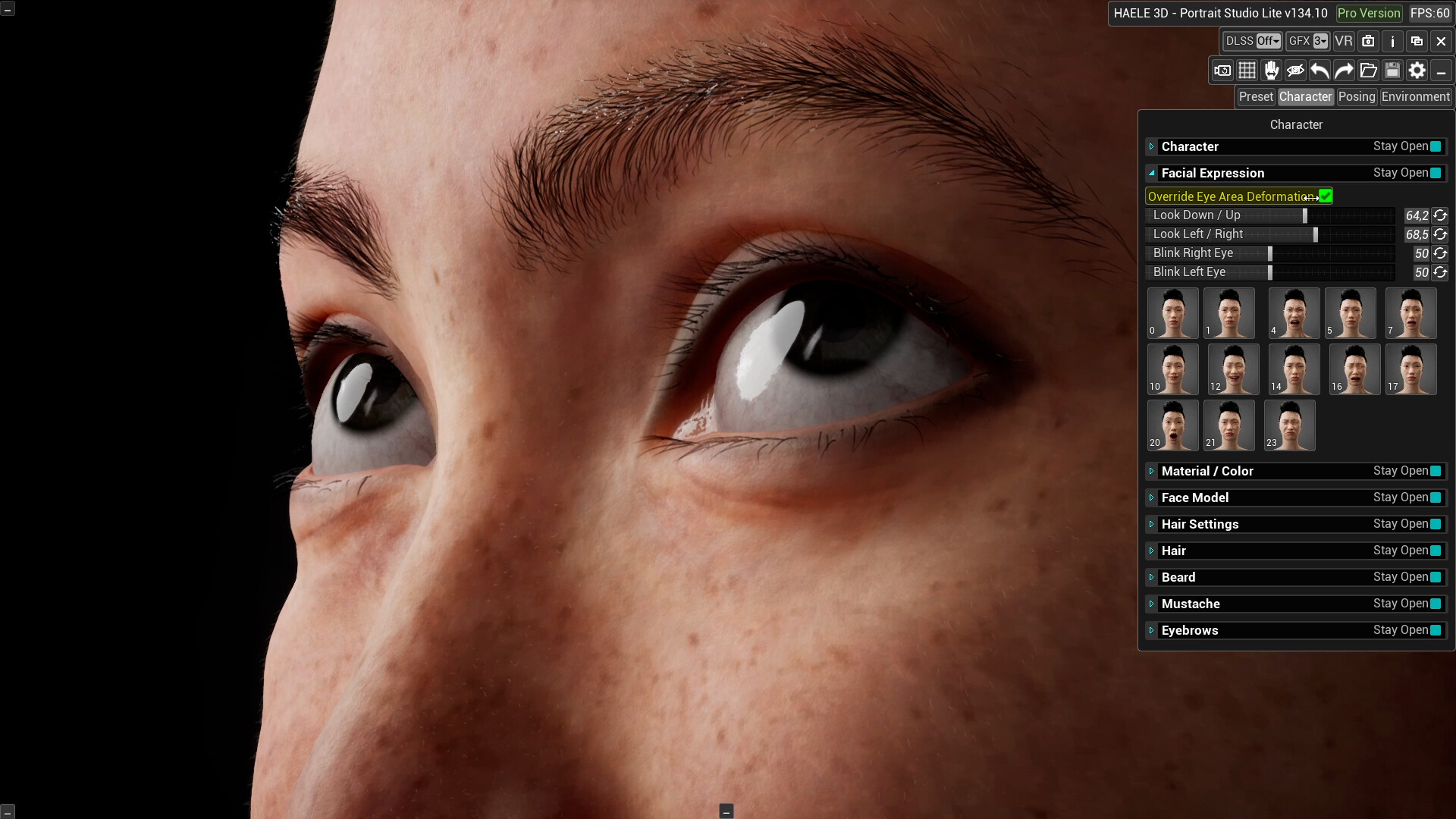
HAELE 3D - Portrait Studio Lite is a facial anatomy drawing reference tool designed for beginners to advanced artists. It includes a variety of realistic and simplified characters, expressions, and editable lighting. It is easy to use and made to complement tutorials. It helps artists practice and improve their face drawing skills.

Released

June 22, 2026

Price

$17.99

Platforms

Windows

Developer

HAELE 3D

Publisher

HAELE 3D

Last sync

September 30, 2026

About

HAELE 3D - Portrait Studio Lite is a 3D face drawing reference tool designed for beginners to advanced artists. It includes a diverse range of characters, from simplified models to realistic male and female faces, along with facial expressions, lighting setups, and environments. It serves as a helpful resource for learning how to draw the human head. Whether your art style is realistic, stylized, cartoon, anime, or anything in between, this easy-to-use app complements tutorials and helps you practice portrait drawing or sculpting skills from sketch to finish.

Features:

  • Switch quickly between simplified and realistic models.
  • Facial expression library.
  • Editable head and neck poses.
  • Fully editable lighting.
  • Adjustable camera field of view.
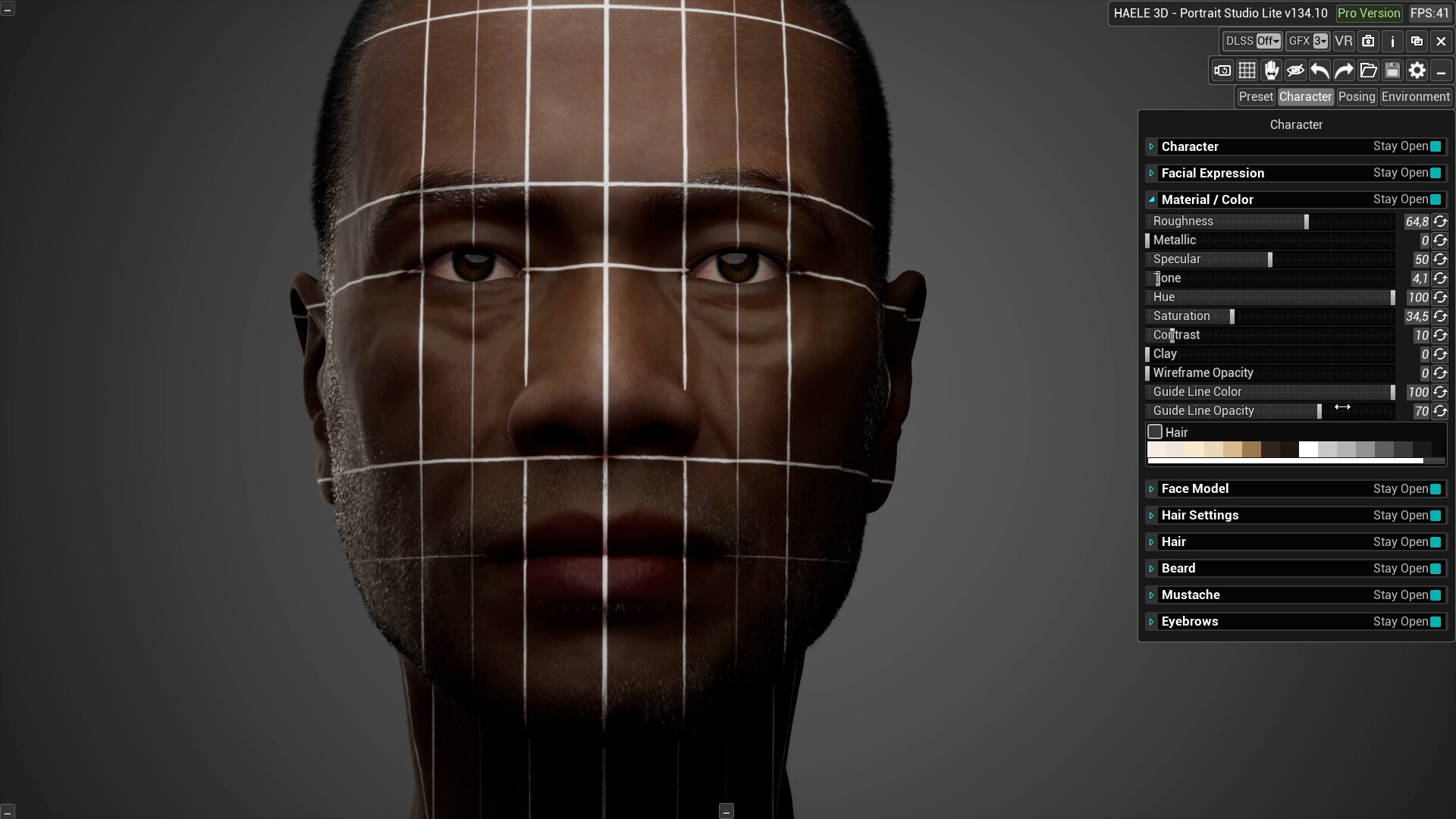
  • Facial guidelines and wireframe mode.
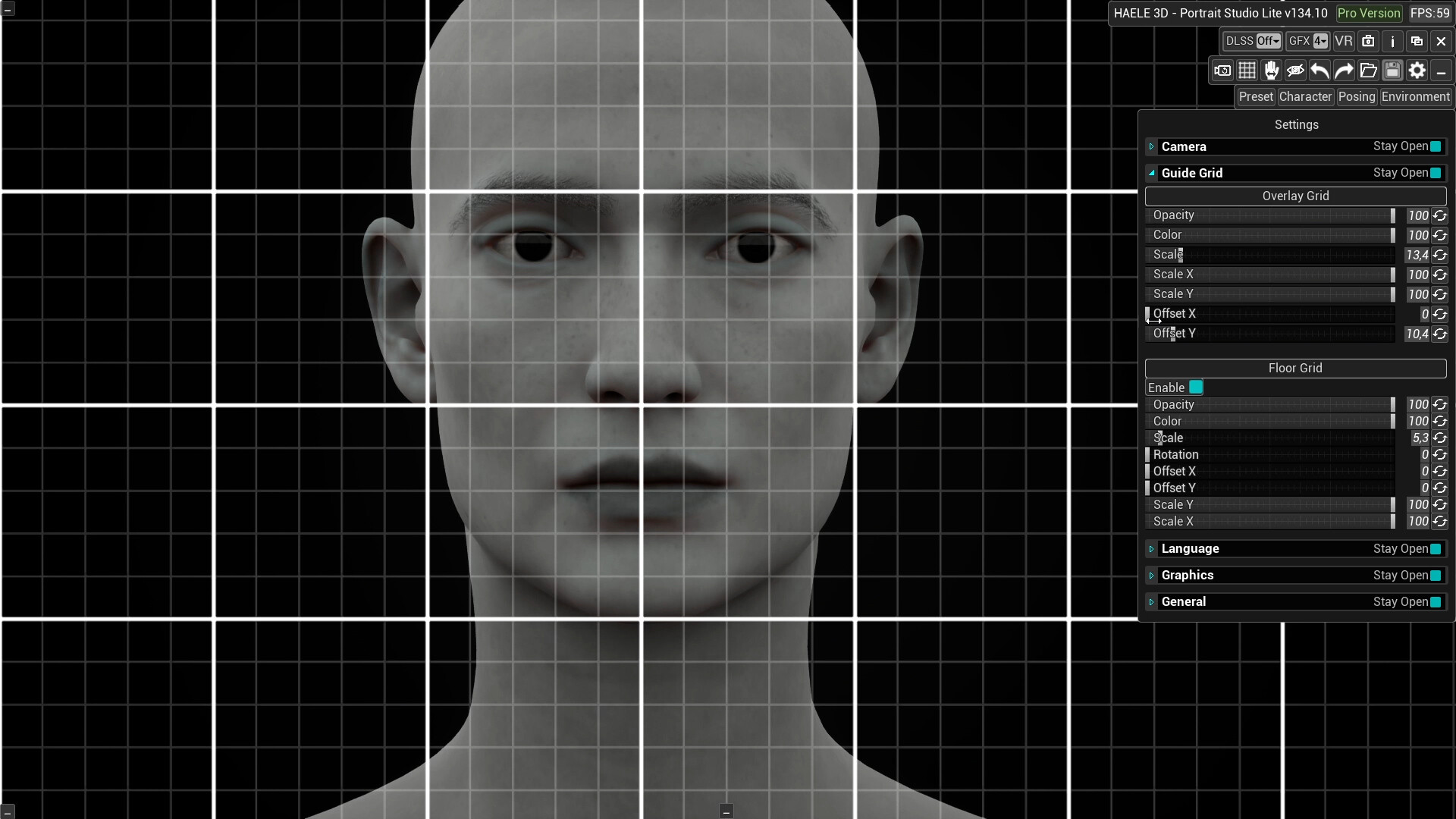
  • Editable overlay grid.
  • Editable skin tones, materials, and shading modes.
  • Various hair, beard, mustache, and eyebrow styles.
  • View scenes in VR.
  • Save and load your scenes.
Browse all