PingViewer

PingViewer

Positive · 8 reviews

100% positive (8 / 8)
Screenshots

PingViewer screenshot 1
PingViewer screenshot 2
PingViewer screenshot 3
PingViewer screenshot 4
PingViewer screenshot 5
PingViewer screenshot 6
PingViewer screenshot 7

Description

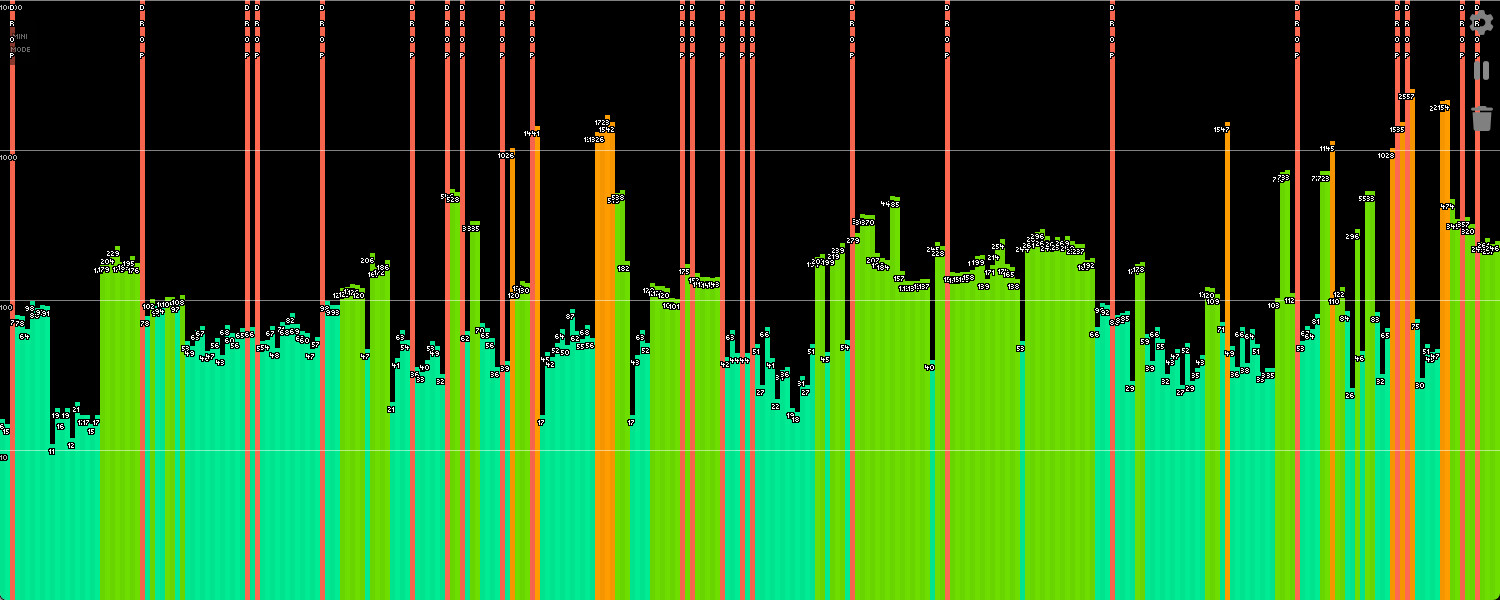
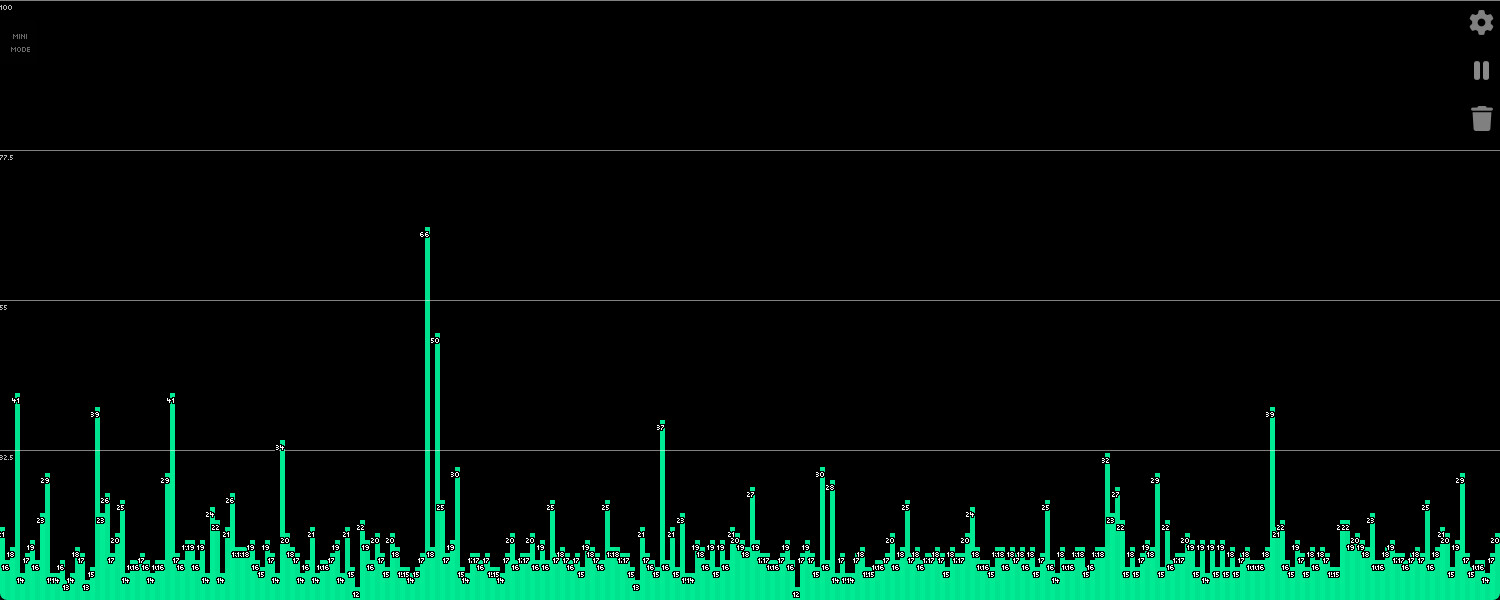
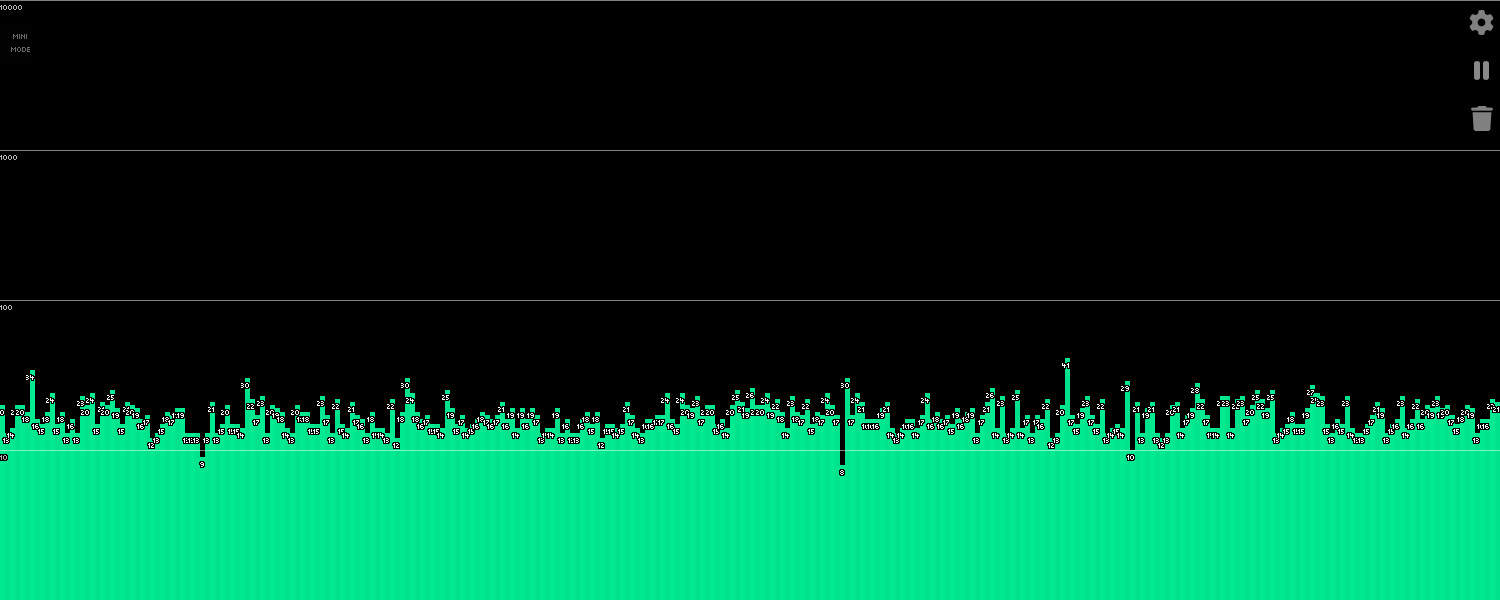
PingViewer is a network visualization tool that displays real-time ping on a graph. At a glance, you can understand your current network stability for gaming.

Released

August 16, 2024

Price

$1.99

Platforms

Windows

Developer

ynot01

Last sync

September 24, 2026

About

PingViewer is a graphical ping displayer. At a glance, you can understand how stable and delayed your connection is.

Felt a stutter in your online session? Check the graph.

Features:

  • Intuitive color-coded interface, quick reads enabling quick awareness.
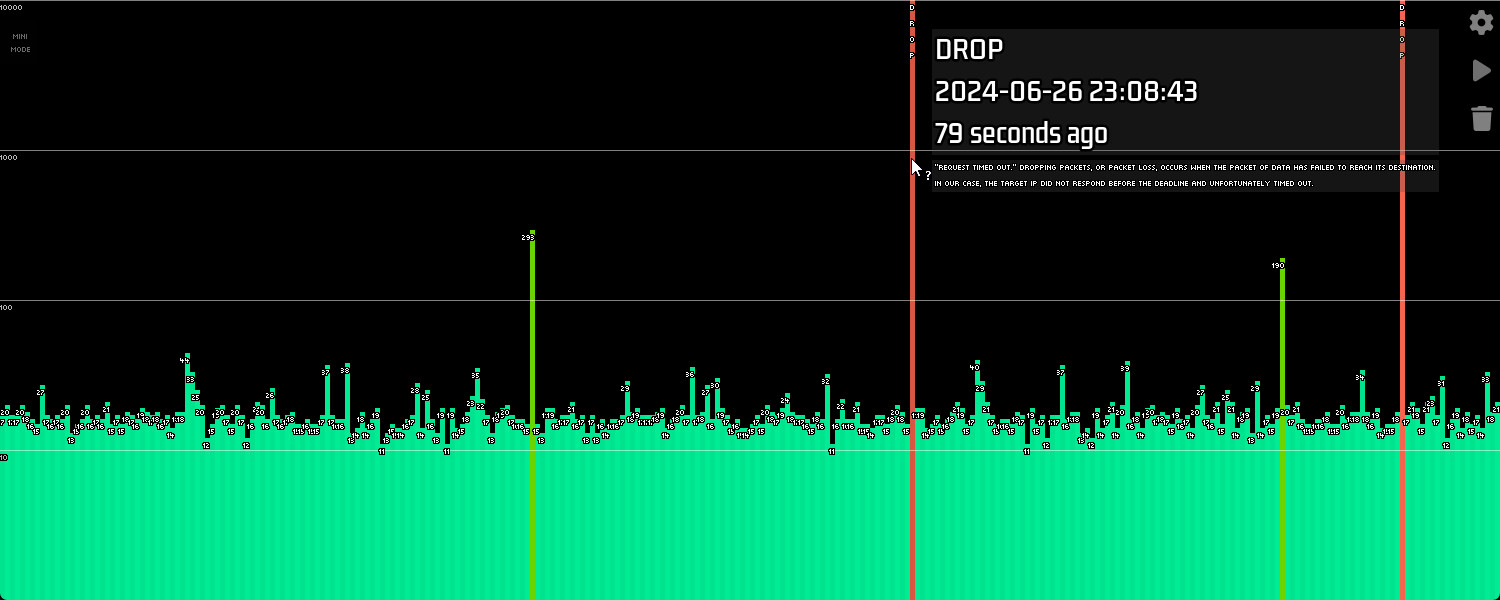
  • Hover any ping bar for a detailed readout and timestamp.
  • Pause & clear for focus & sampling.
  • Overlay any game or desktop environment by enabling "Pin PingViewer". (Fullscreen games running as administrator must be ran borderless or windowed)
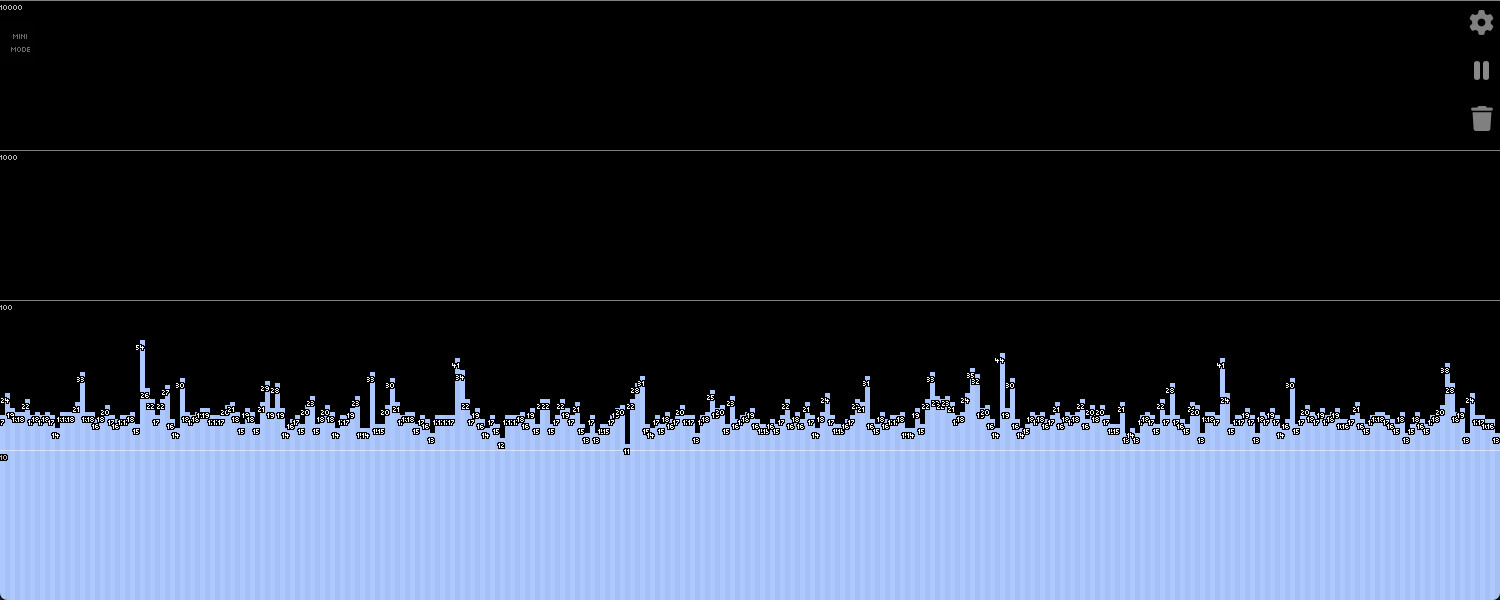
  • Press "Mini Mode" on the left to switch to a more low-profile UI.
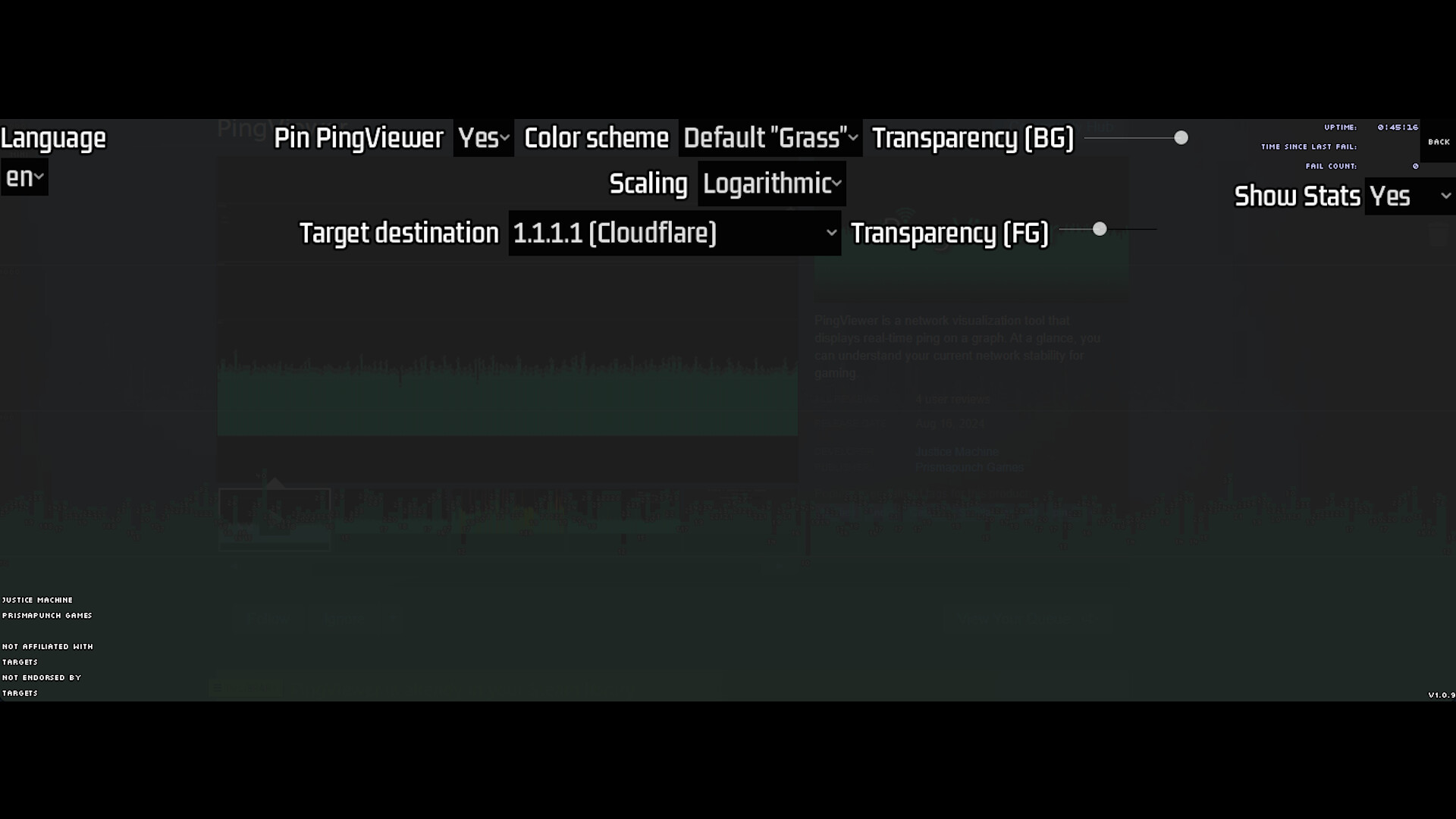
  • Customize color schemes, transparency, and scaling.
  • Configure IP destinations with presets of common DNS servers.

Convenient for:

  • Figuring out whether your ping is stable enough to enter a multiplayer match without headache.
  • Testing out different network configurations (router positions, ethernet cables).
  • Visualizing your ping for a livestream or just for yourself as an in-game overlay.
  • Showing it to your friends to excuse poor gameplay, as I have done so very many times.
Browse all