#Casual #3D #Arcade
Blocknator
In this game, your objective is to fit the pieces on the board to accumulate points. When you complete one or more floors, the pieces are destroyed and you earn points. It’s that simple!
View game
$0.99

No Reviews · 0 reviews
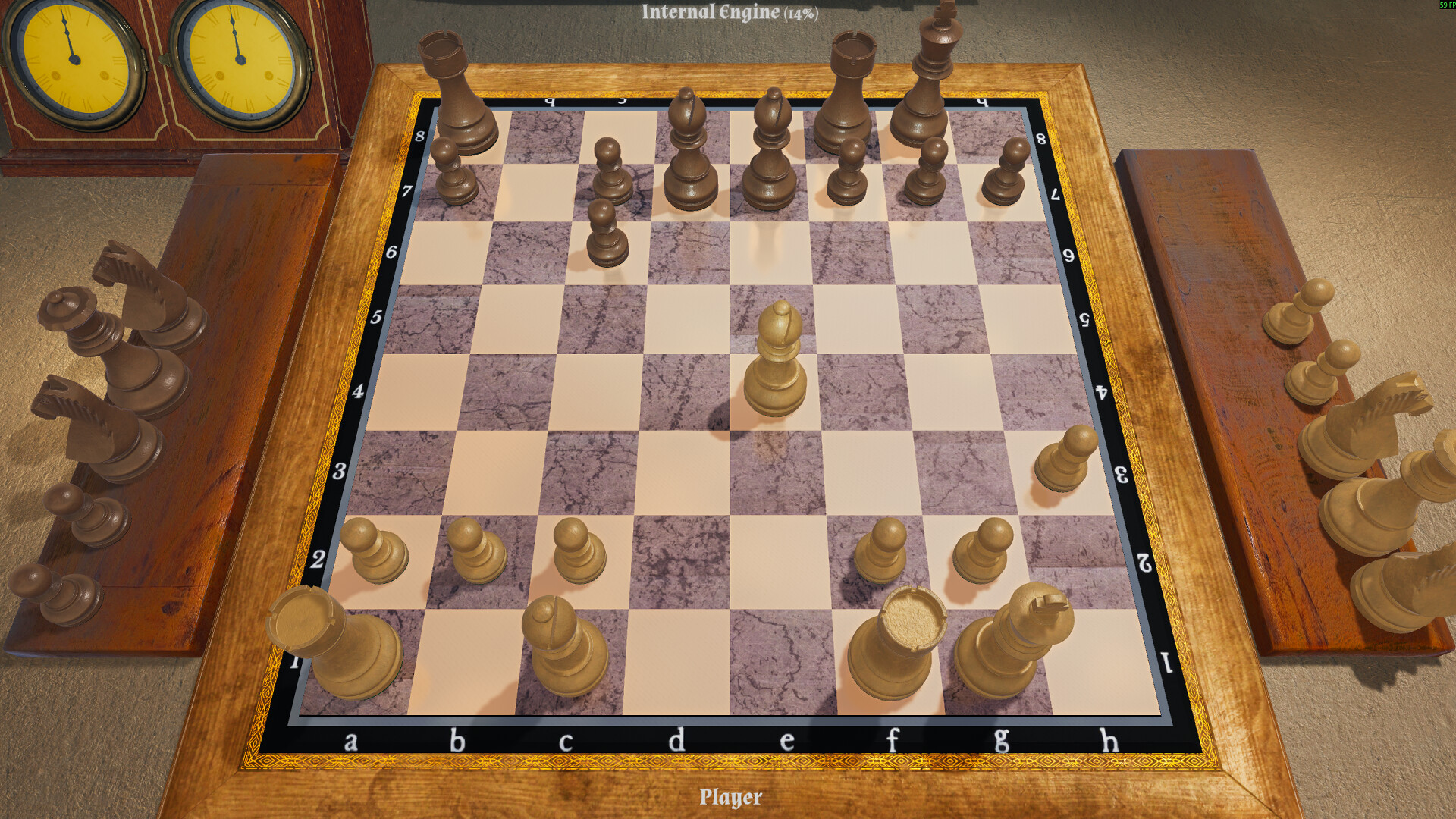
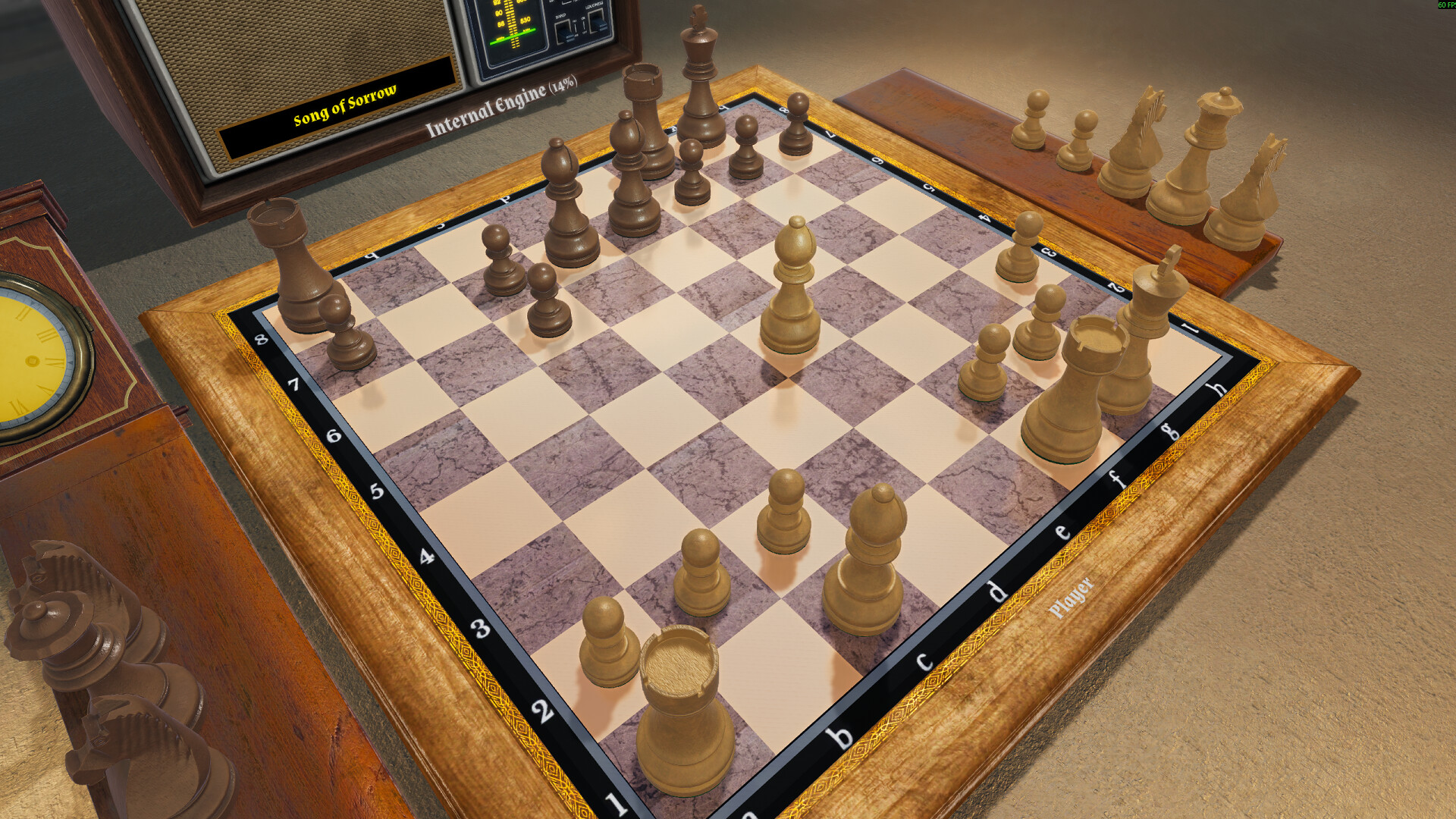
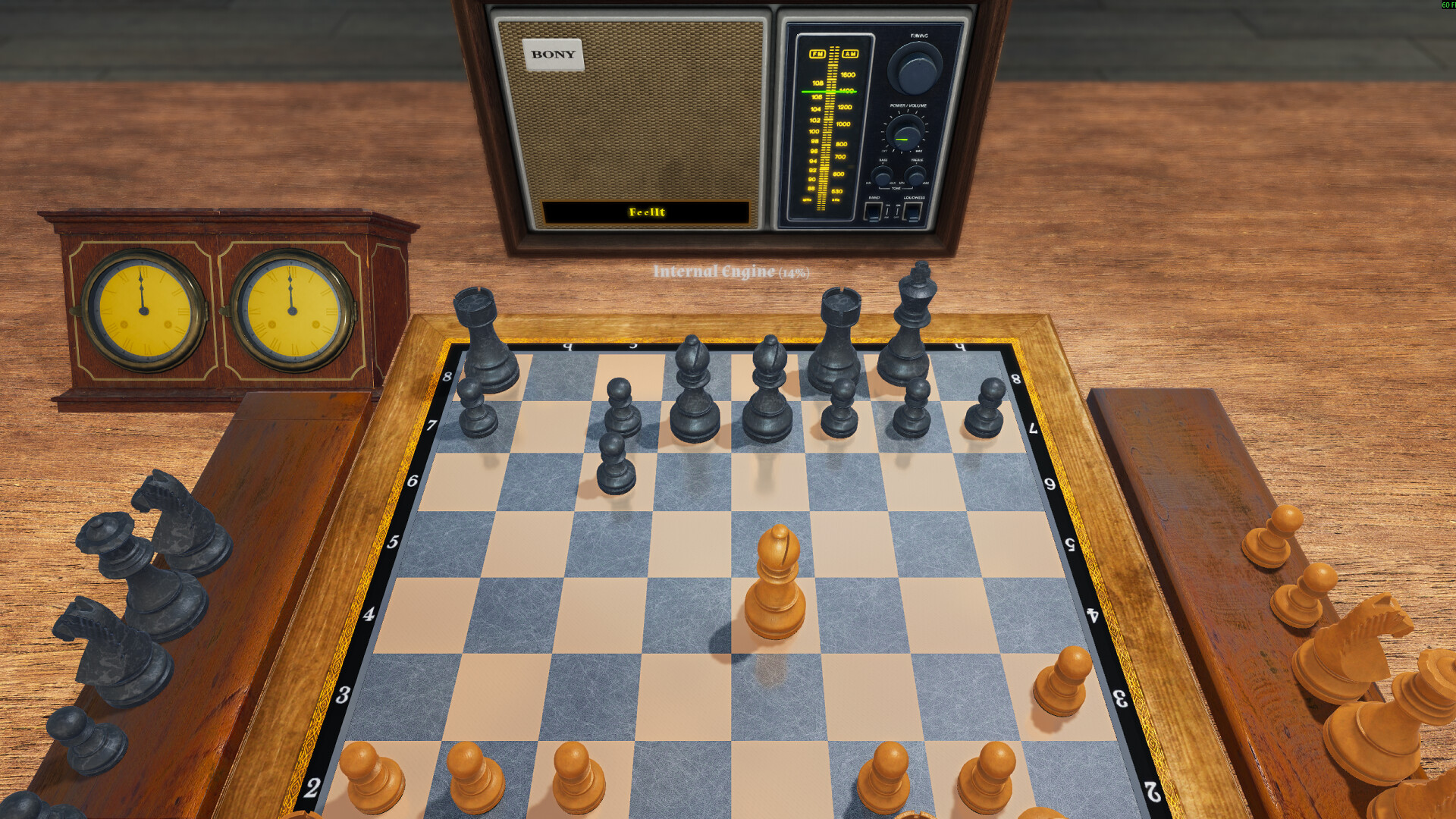
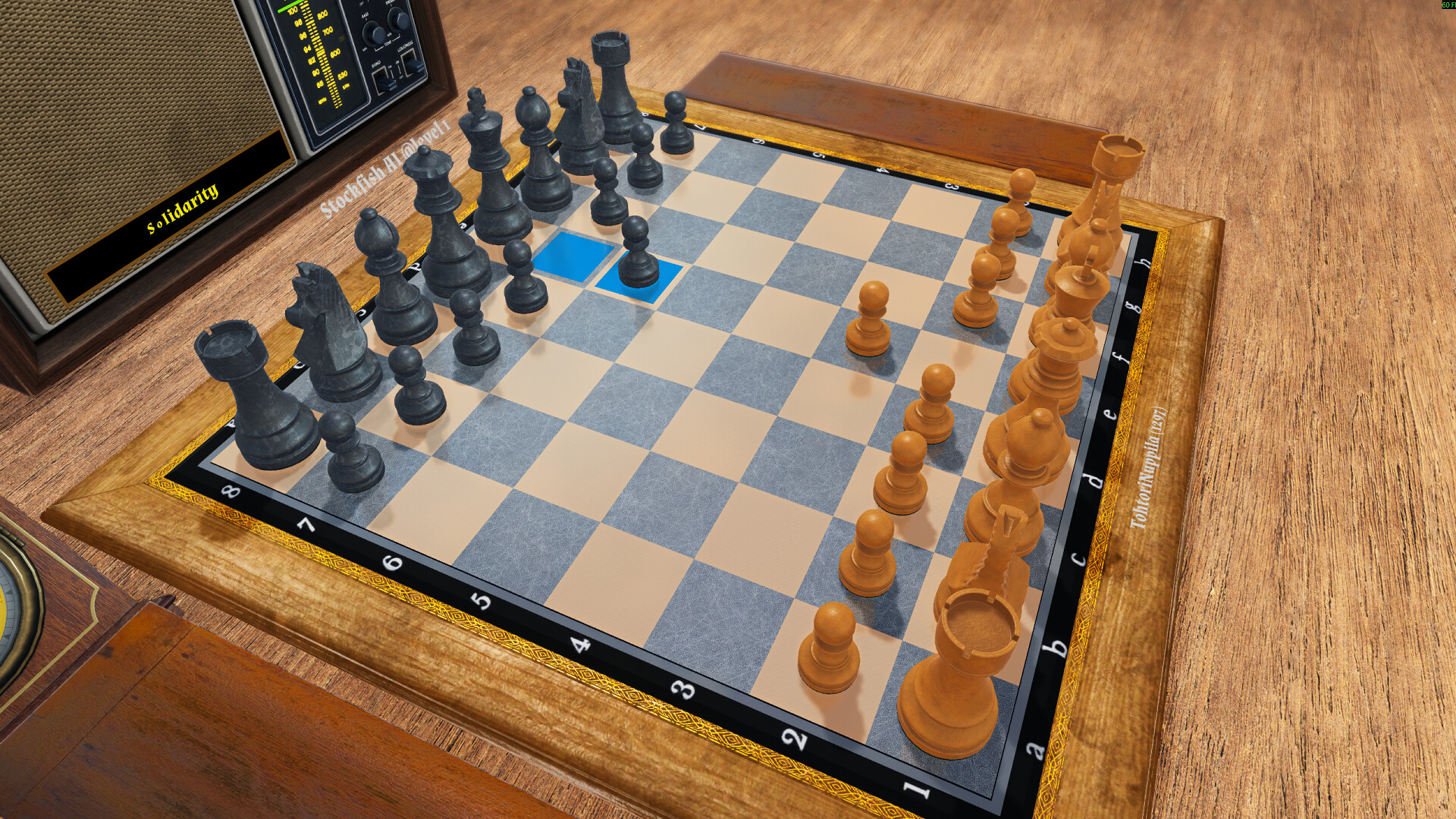
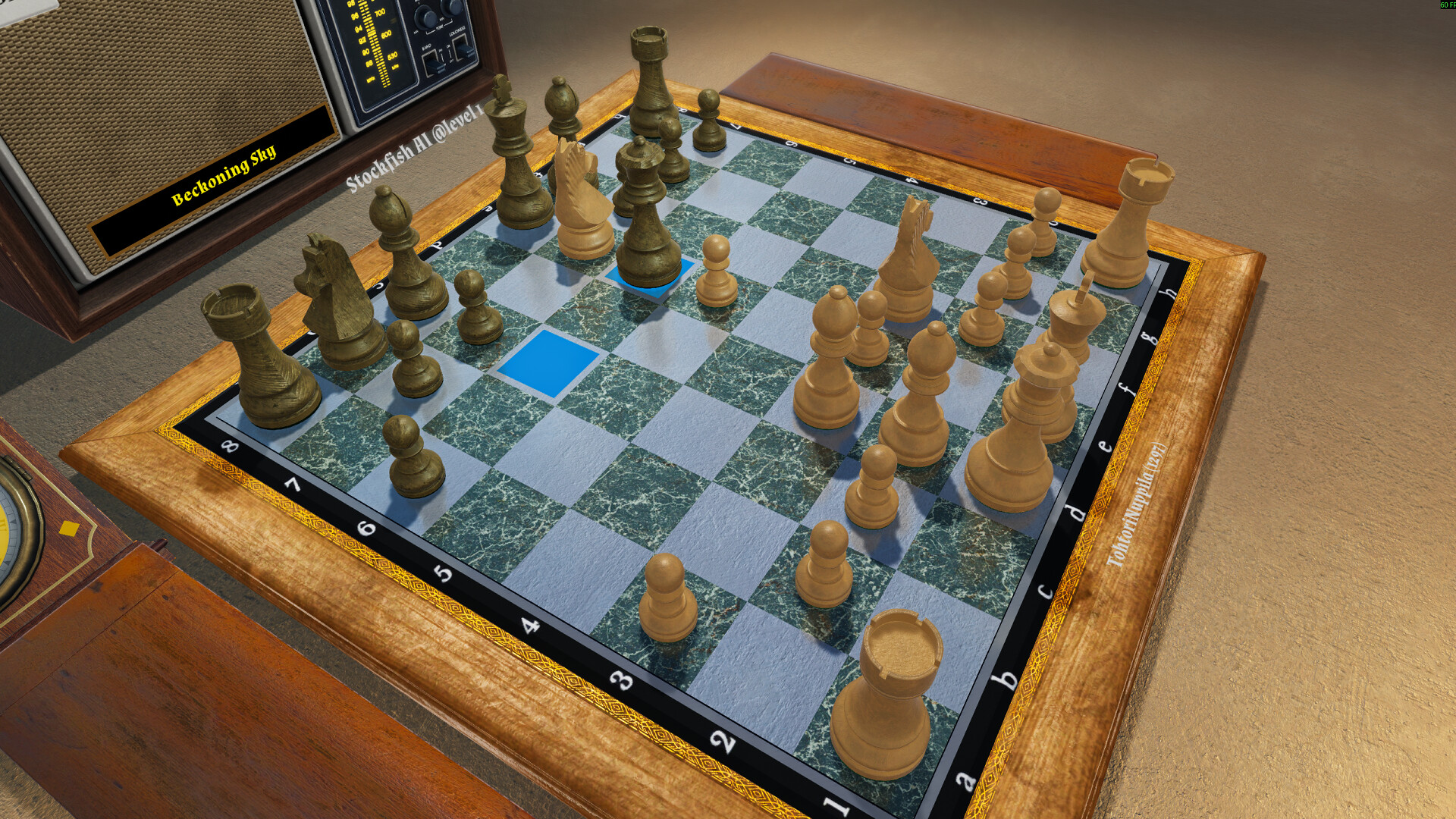
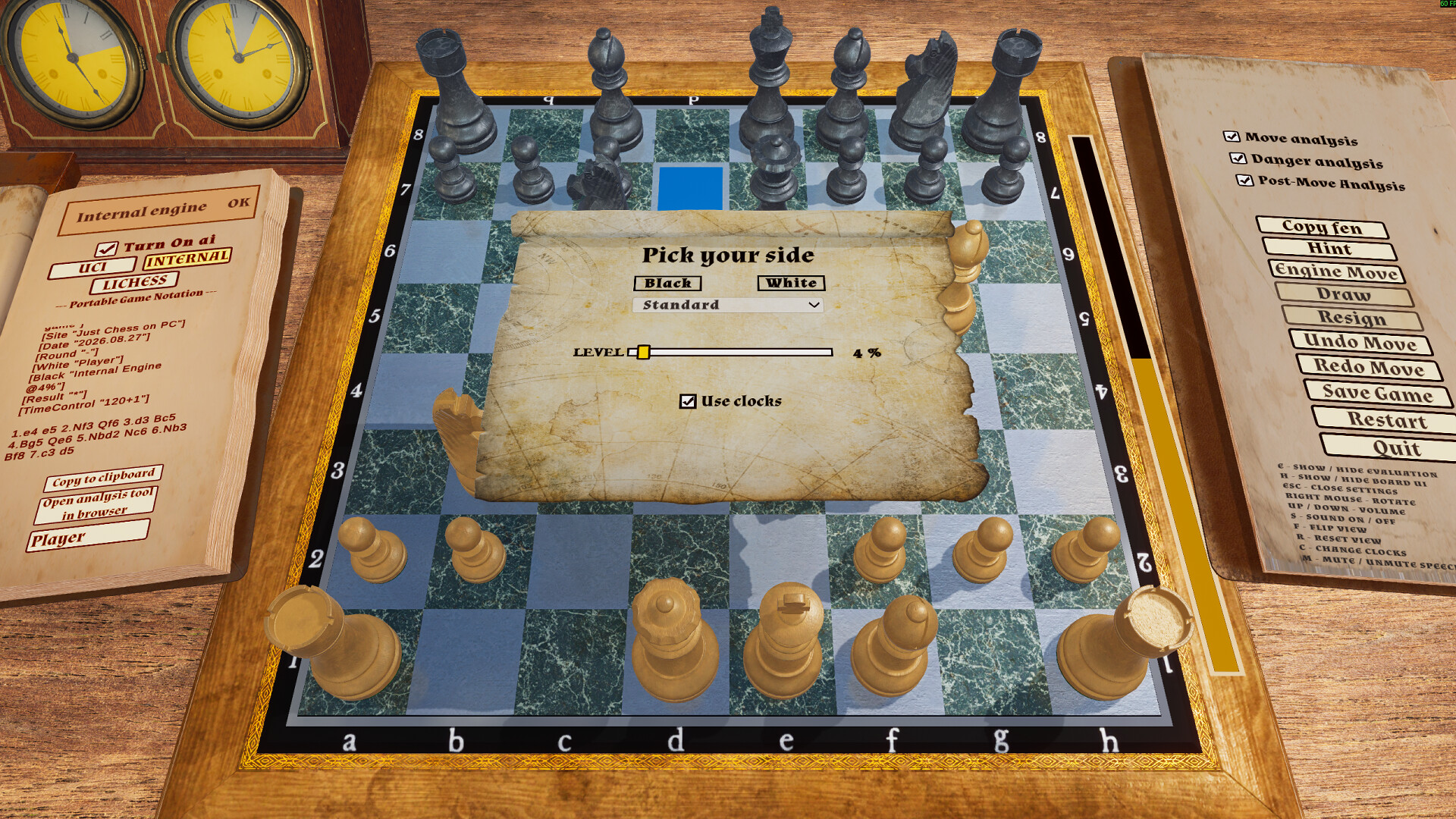
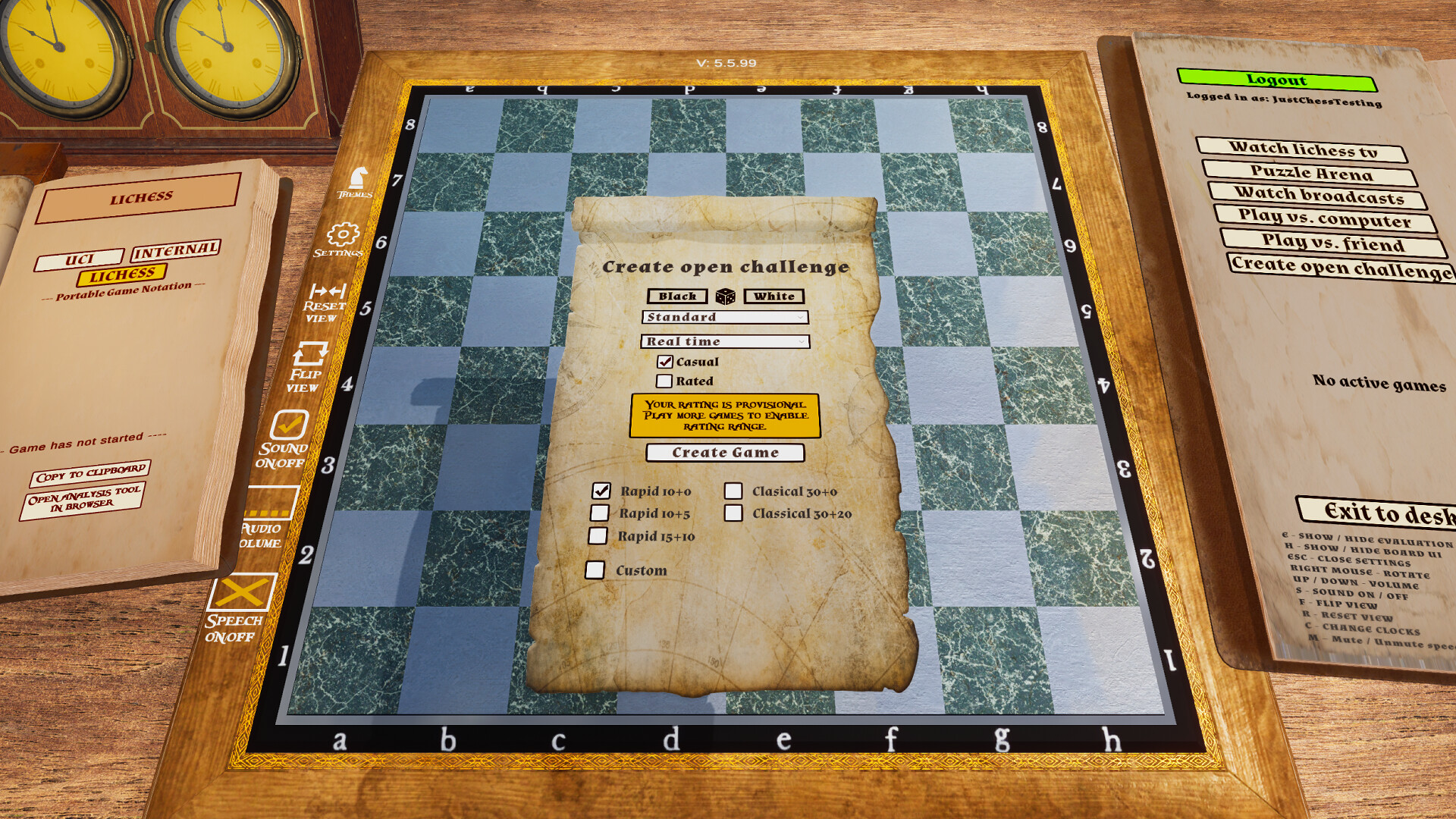

Enjoy a pure, distraction-free chess experience with Just Chess! Includes a built-in engine, UCI support and engine profiles, and a Puzzle Arena with 4M+ puzzles. Lichess integration lets you challenge players, play Chess960, and watch live games and broadcasts.
Released
March 13, 2025
Price
Platforms
Linux · Windows
Developer
Publisher
Last sync
October 9, 2026
Enjoy a deep chess experience – solo or online – with Just Chess!
Whether you're a beginner or a seasoned player, Just Chess has everything you need. Sharpen your skills against a chess engine in a modern 3D environment, test your tactical vision with over four million chess puzzles, play Chess960, or challenge the world with comprehensive Lichess integration.
Key Features:
Built-in Chess Engine – Play offline instantly using the game's internal chess engine, no setup required.
UCI Engine Support – Take your game to the next level by connecting any external chess engine that supports the UCI protocol, such as Stockfish. Play against opponents at – and even beyond – grandmaster strength. Chess960 (Fischer Random) is also supported in UCI engine games.
Advanced UCI Profile Manager – Take full control of your imported engines. Create, rename, and save multiple custom profiles for any external engine. Adjust core settings like Hash (RAM), Threads (CPU), and Skill Level seamlessly from the UI, or dive into engine-specific advanced parameters for the ultimate tailored experience.
Simulated Player Tournaments – Play full offline tournaments against the Internal engine or imported UCI engines! In UCI mode, the game auto-generates opponents of varying skill levels. Choose the number of participants and play in 4 exciting modes: Simulated, Arena, Survival, and Time Attack. You can save your tournament progress via the intermission panel and resume later.
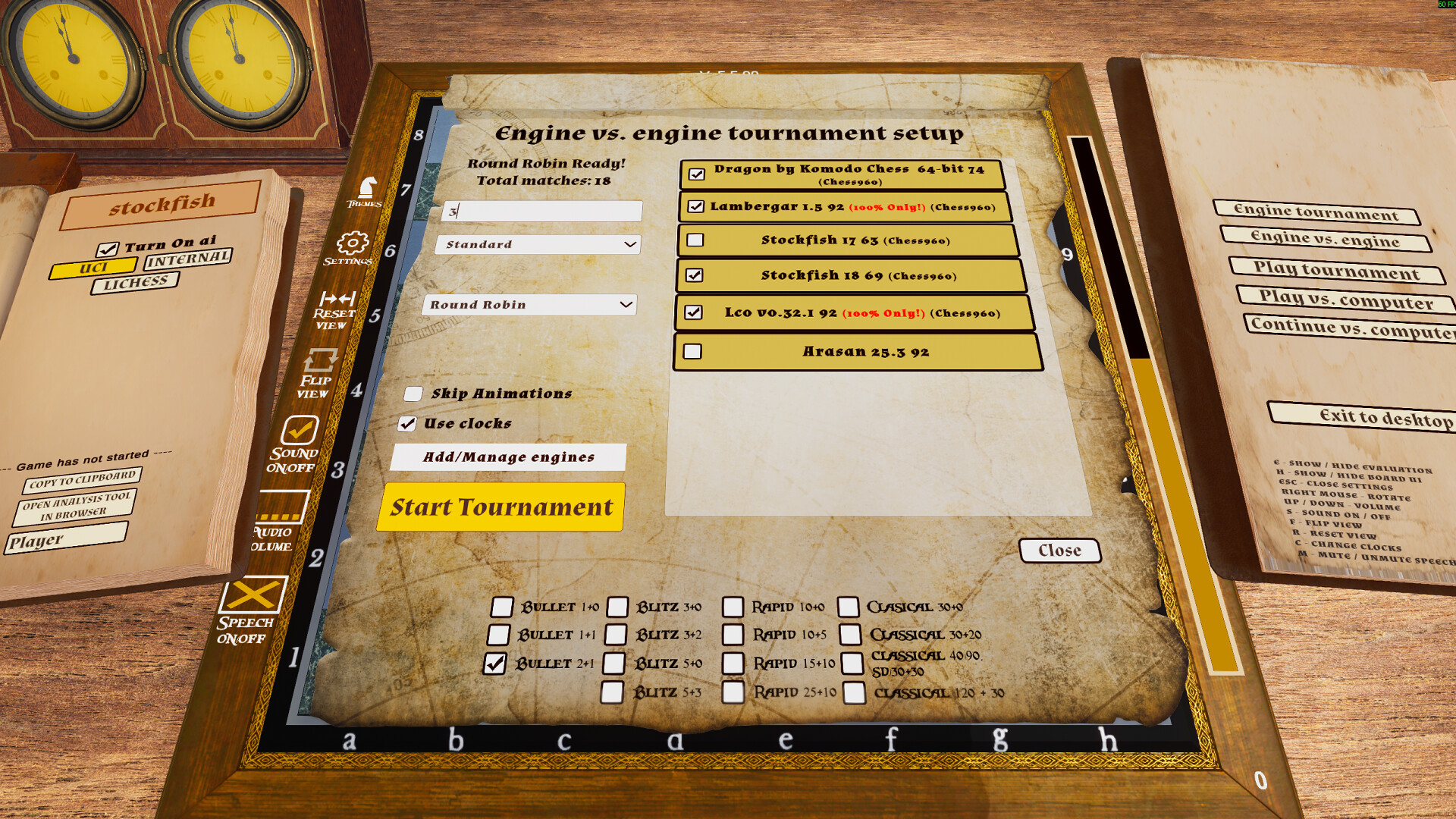
Engine vs Engine (EvE) Tournaments – Curious to see which engine is stronger? Pitch your custom UCI engine profiles against each other in massive auto-battles! Support for Round Robin (everyone plays everyone), Swiss (winners face winners), and Gauntlet (one "hero" engine plays against everyone else). View final cross-tables, skip animations for faster processing, and instantly copy the full PGN of the tournament to your clipboard for Lichess Study!
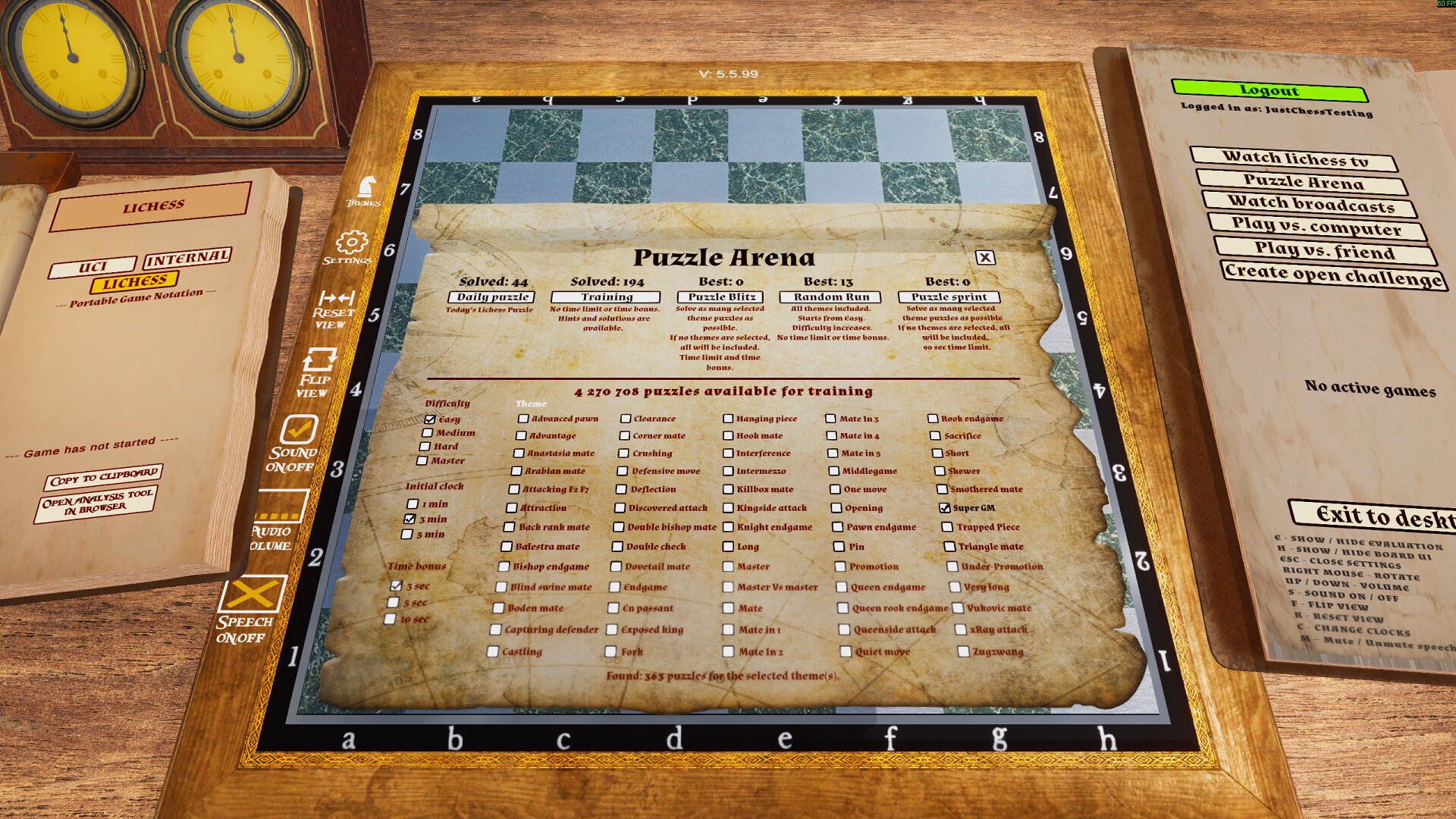
Puzzle Arena – Test your skills and improve your tactical awareness with a massive database of over four million puzzles from Lichess. Try different modes like the fast-paced Puzzle Blitz and the endurance-testing Puzzle Run.
Lichess Integration – Log in to your Lichess account directly from the game!
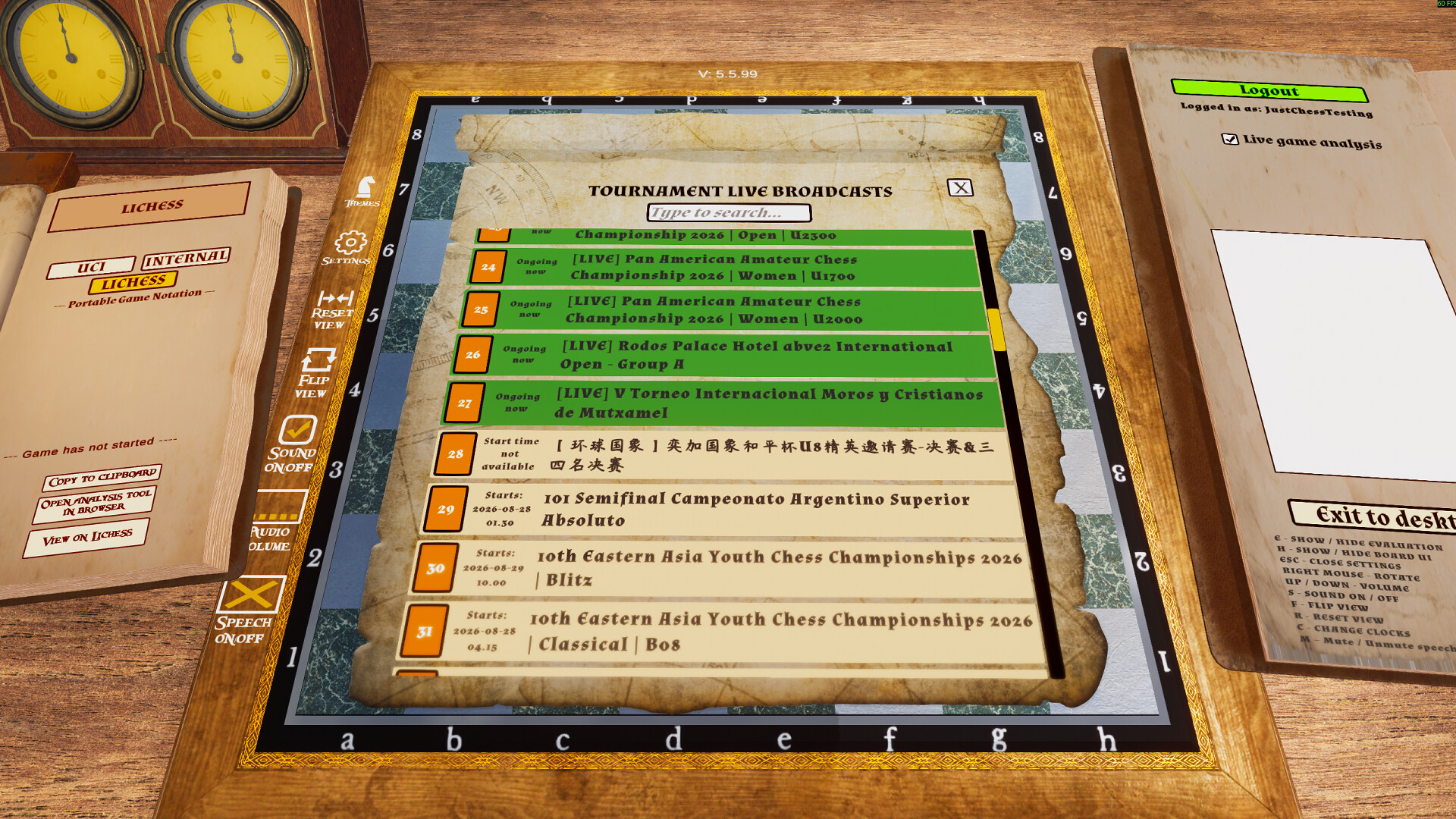
Lichess TV & Live Broadcasts – Follow games in progress on Lichess, including both standard chess and Chess960. Watch live broadcasts and grandmaster games unfold directly within the game's immersive 3D environment.
Live Game Analysis – During supported Lichess live broadcasts, enable Live Game Analysis to see the engine's best suggested move directly on the board.
Spoken Move Announcements – Hear moves, captures, checks, and the final result announced out loud. Adjust the volume with Page Up / Page Down or disable announcements from the board-edge UI or with the M key.
Opening Display – See the current chess opening by name and ECO code, such as C60 · Ruy Lopez. The opening information updates automatically as moves are played or taken back and works across all three game modes.
Manual Board Setup – Freely arrange the chessboard by dragging pieces into any position.
In-Game Music Player (Radio) – Listen to hundreds of included tracks! The radio UI appears seamlessly when you hover at the top of the screen. Features volume control, skip, mute, loop, shuffle, and remembers your power state between sessions.
Customizable Theme Manager – Make the board your own. Freely adjust the colors of the black and white pieces, board squares, board edges, and the table surface. Fine-tune the size of your selected chess pieces with the piece size slider.
Immersive 3D Interface – Experience a revamped interface with 3D UI elements designed for better immersion and a more consistent visual style.
Comprehensive Undo/Redo System – Effortlessly scroll back and forth through your entire move history to review past positions.
When playing against the computer, the following tools are available:
(Use the convenient right-side hover menu to toggle these features on/off to save hardware resources.)
Note: Analysis tools such as hints, the evaluation bar, and piece analysis are not currently available in Chess960 games.
Board & View Controls:
Additional Features:
Note: External chess engines must be downloaded separately. Please use only trusted sources. The developer is not responsible for third-party software.