📖 Introduction :
To your partner :
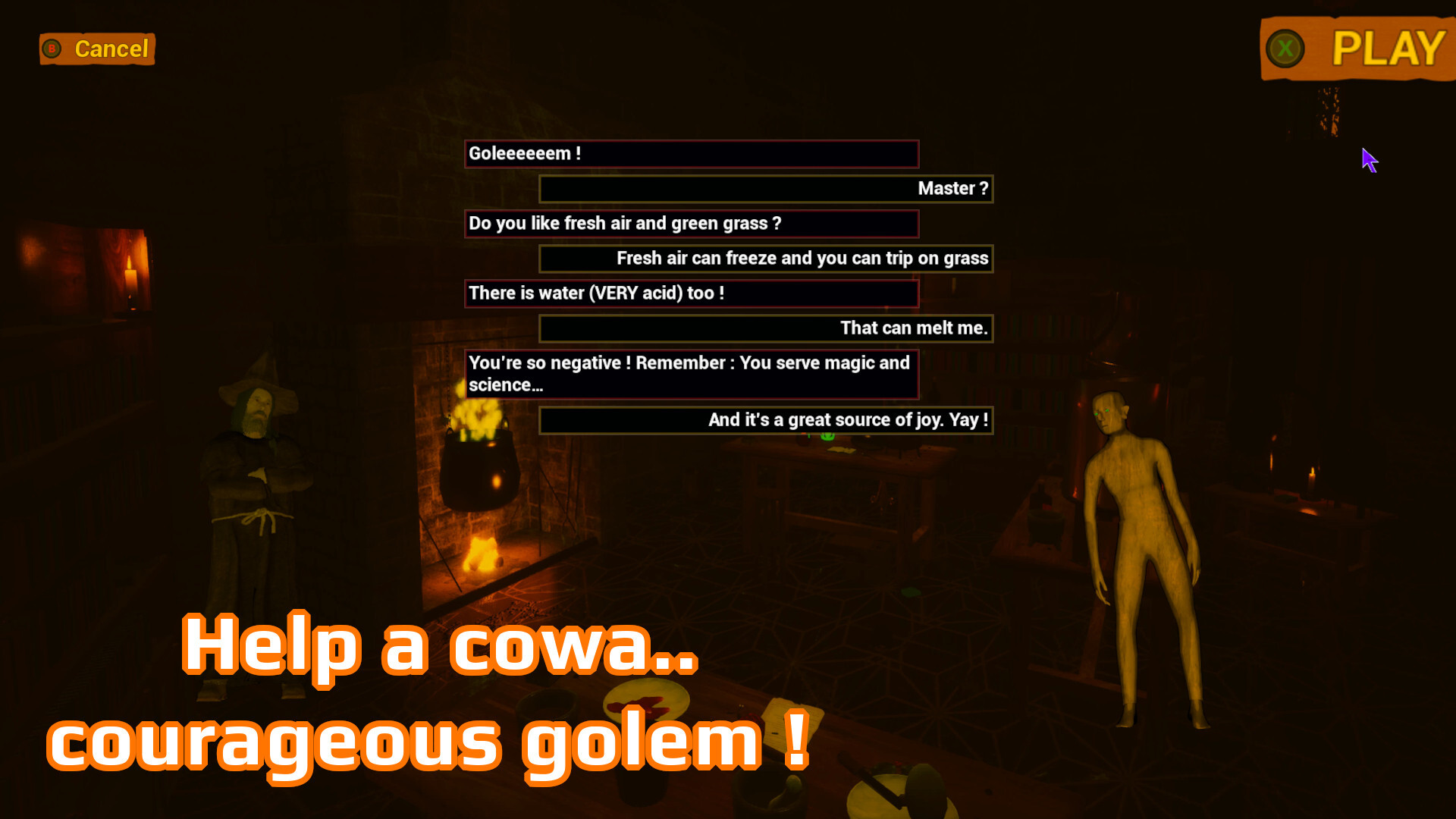
Hello Golem !
Your mission, and you accept it, is to find everything you can about this old fool and his inventions.
We NEED his incredible creations (including his infinite coffee cup) !!!
Now GO !
The Concilio Magorum
--------------------------
Hello sadi-- *khof I mean magic questing friends !*
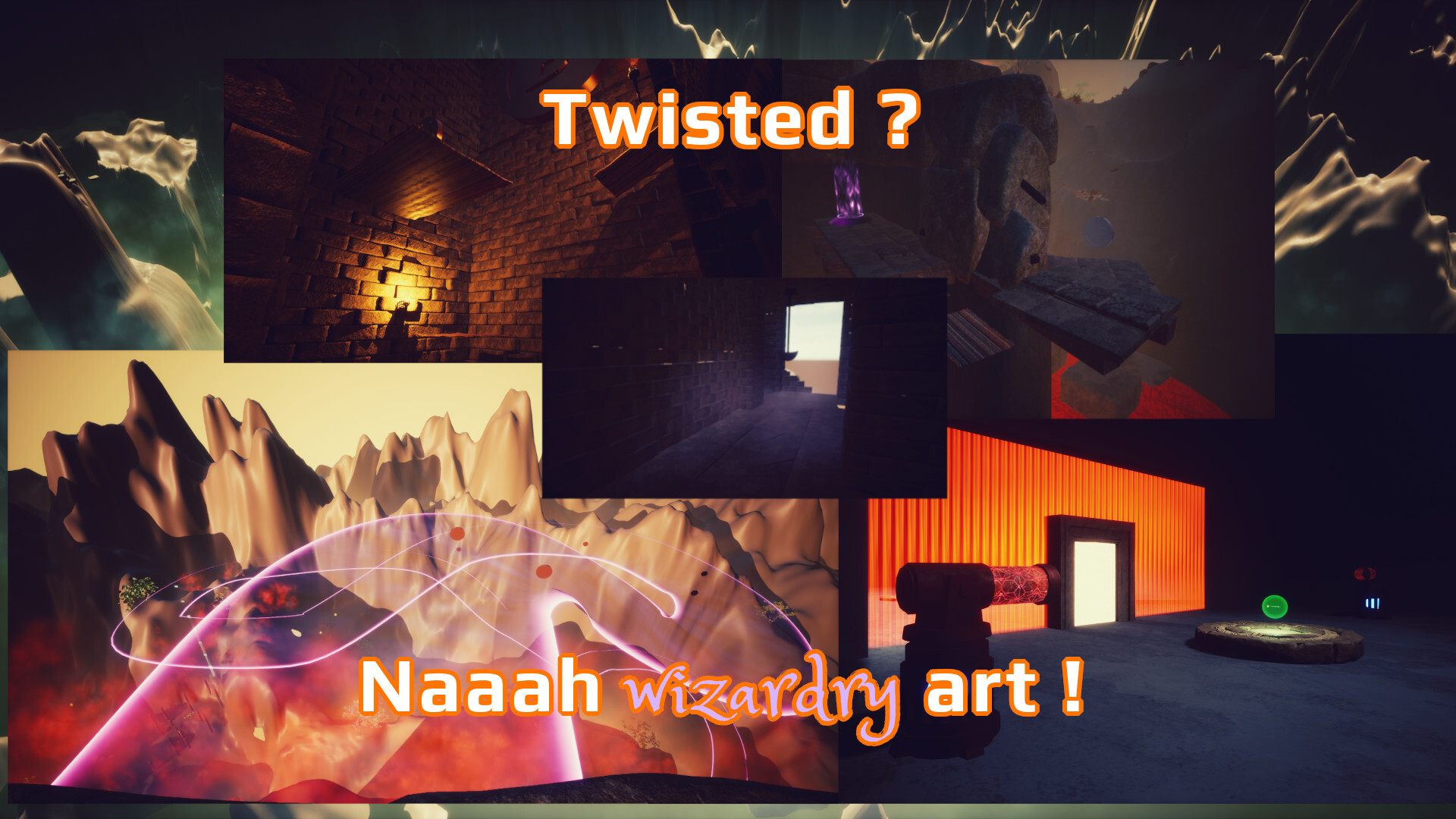
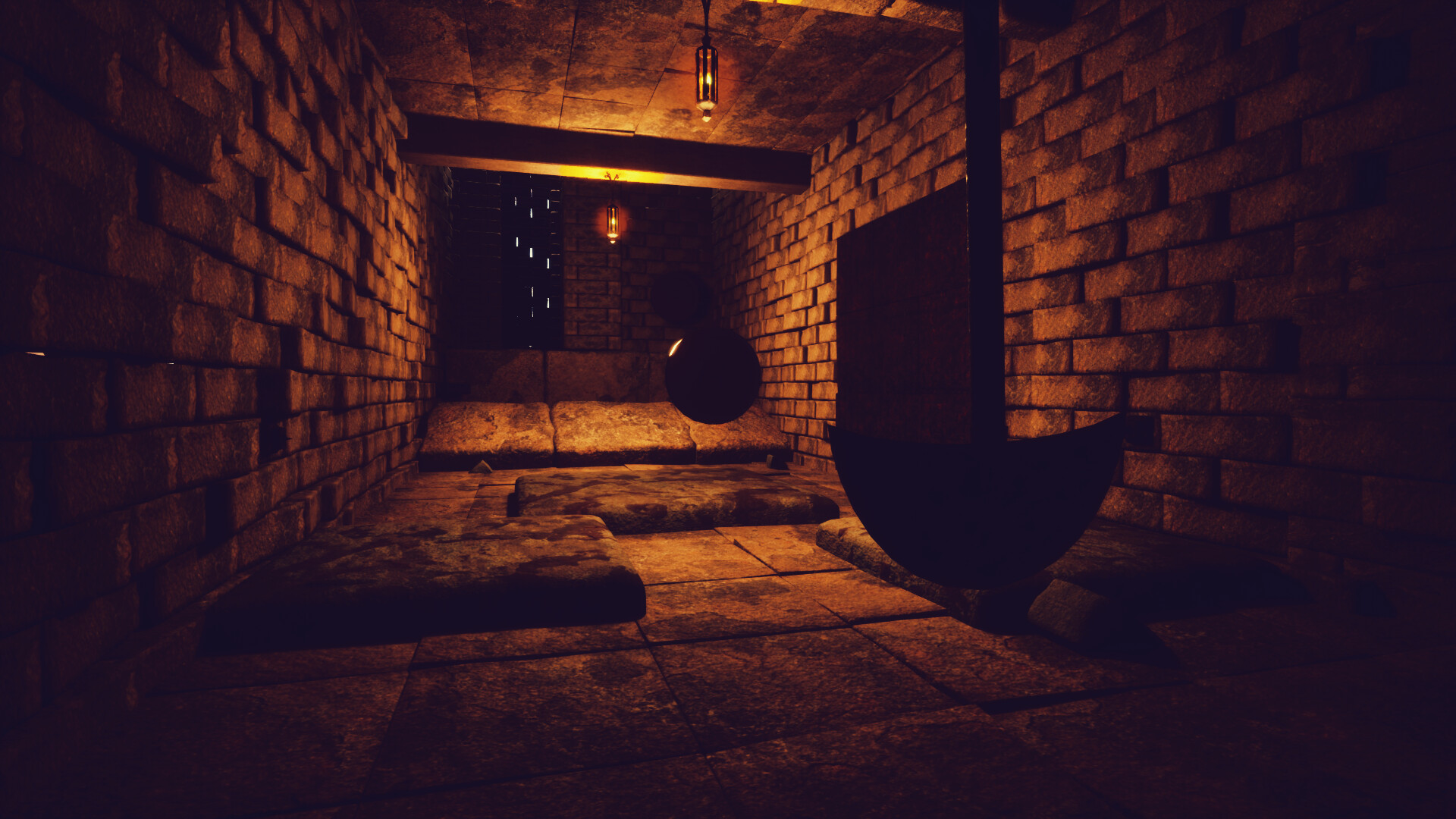
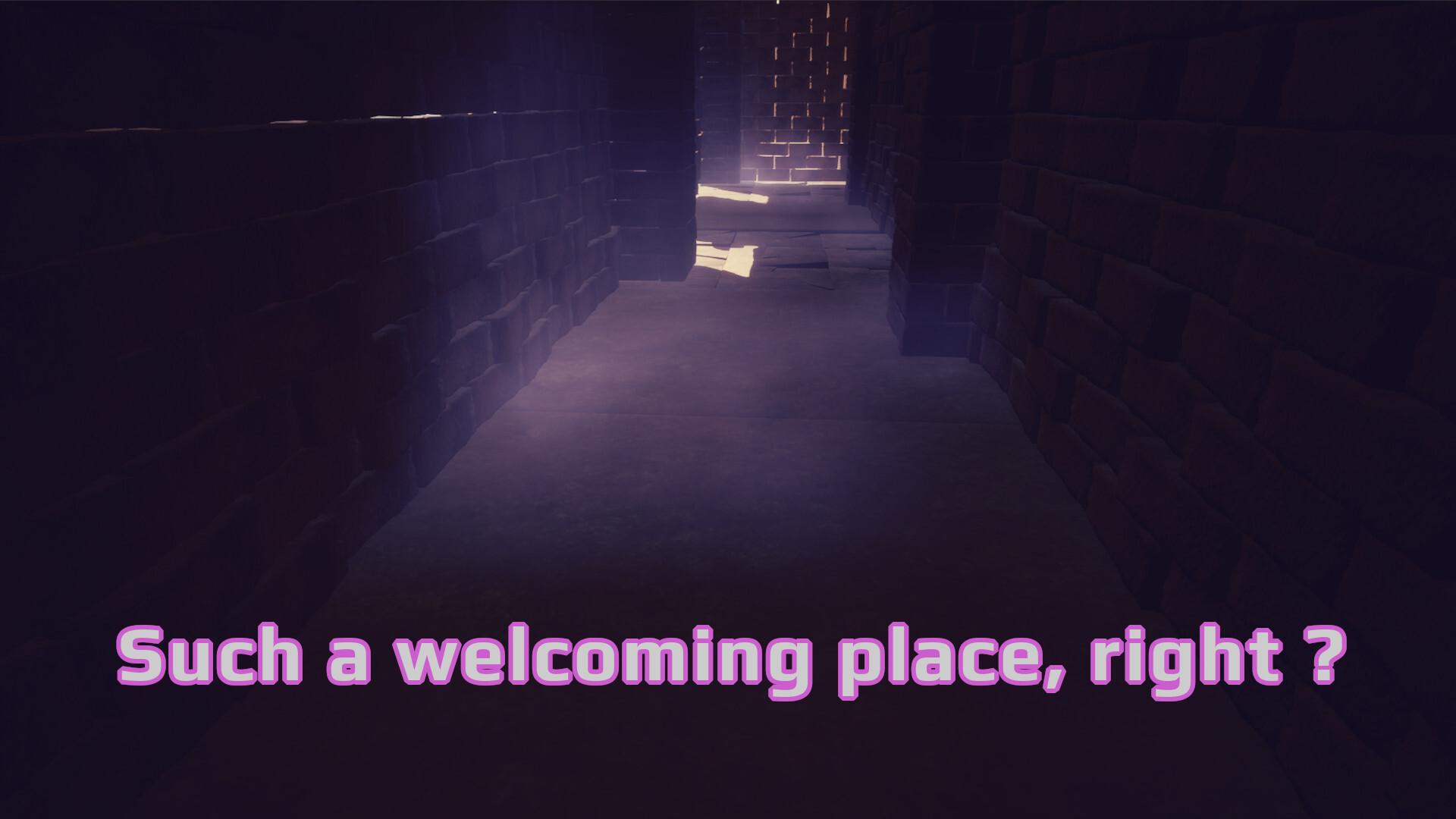
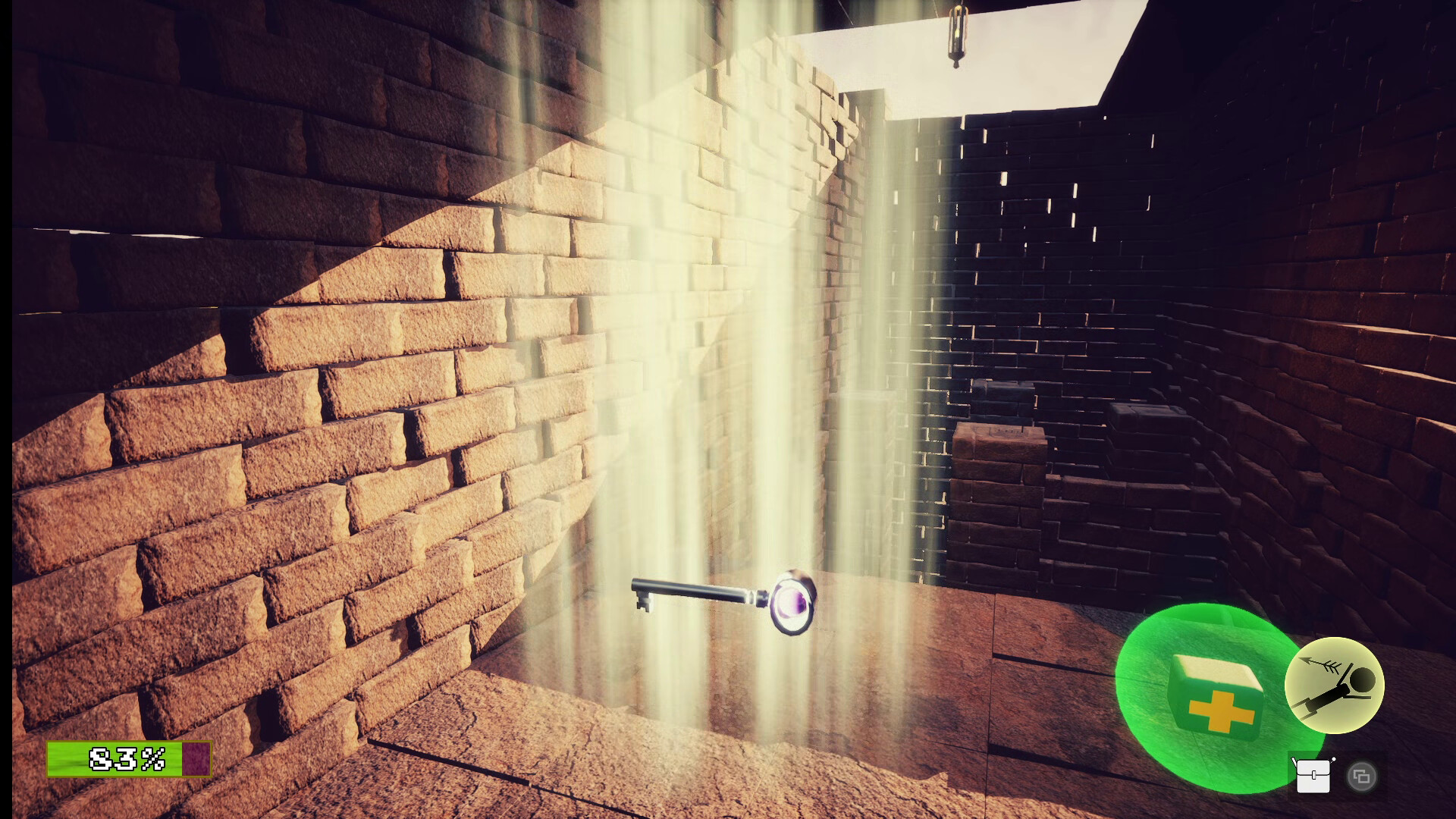
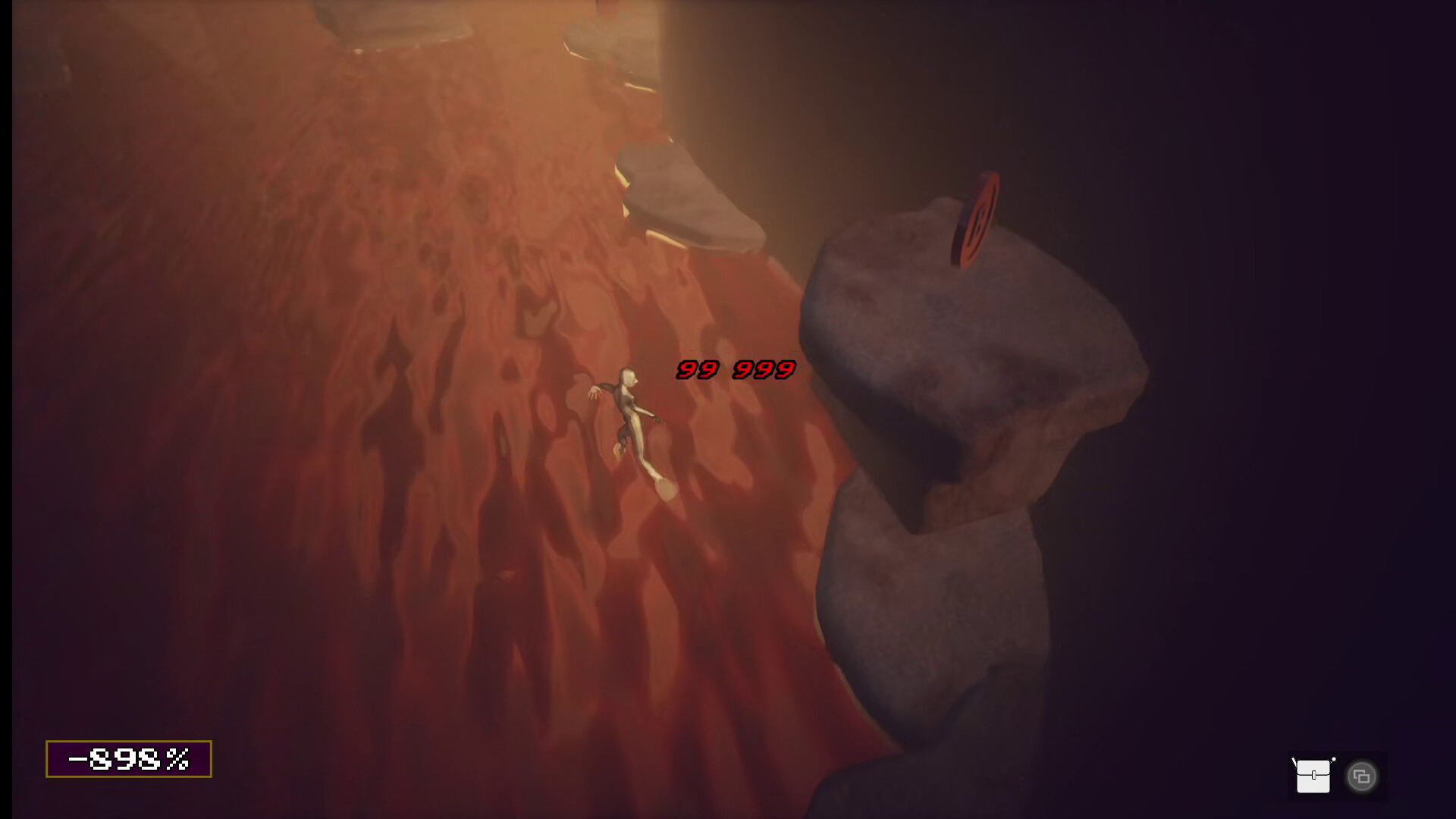
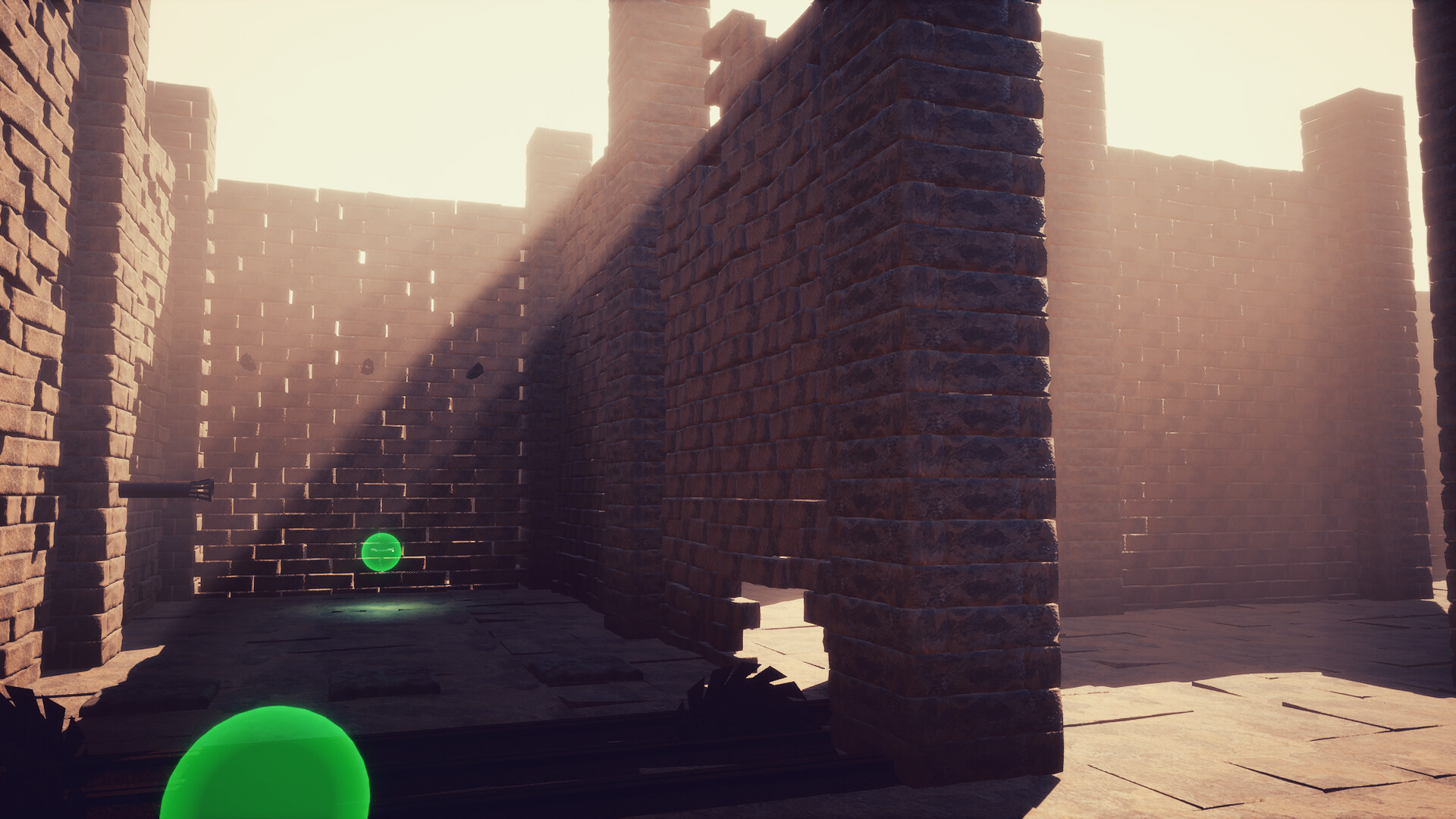
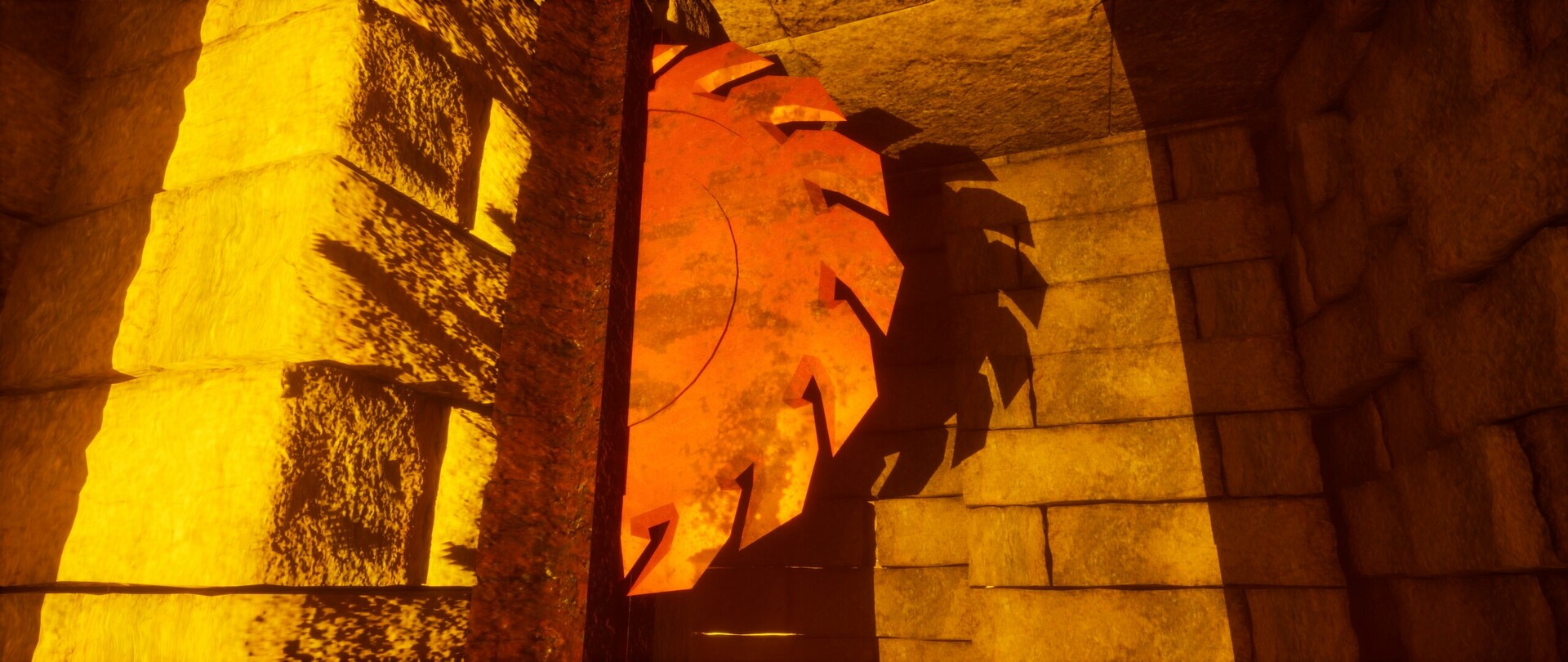
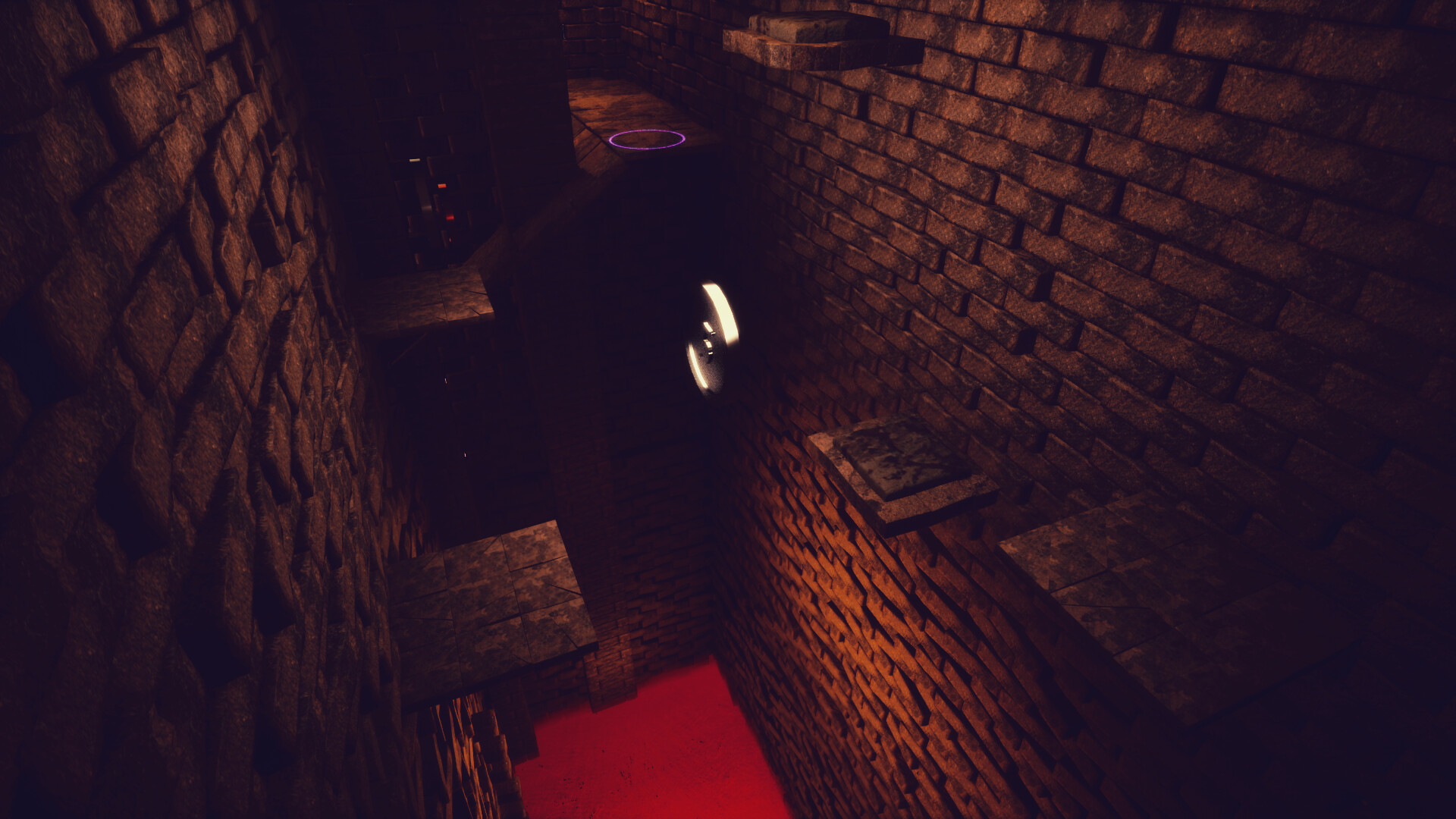
In Lovely Traps Dungeon, you will guide our dear golem friend through the mad wizard's mazes and twisted contraptions in an attempt to recover his immense knowledge ! 🧙♂️
P.S : Golems are just moulded clay so don't worry about petty things like pulverisation...
😈✒️ Game made with love and a bit of madness ❤️🔥
🎮 Gameplay :
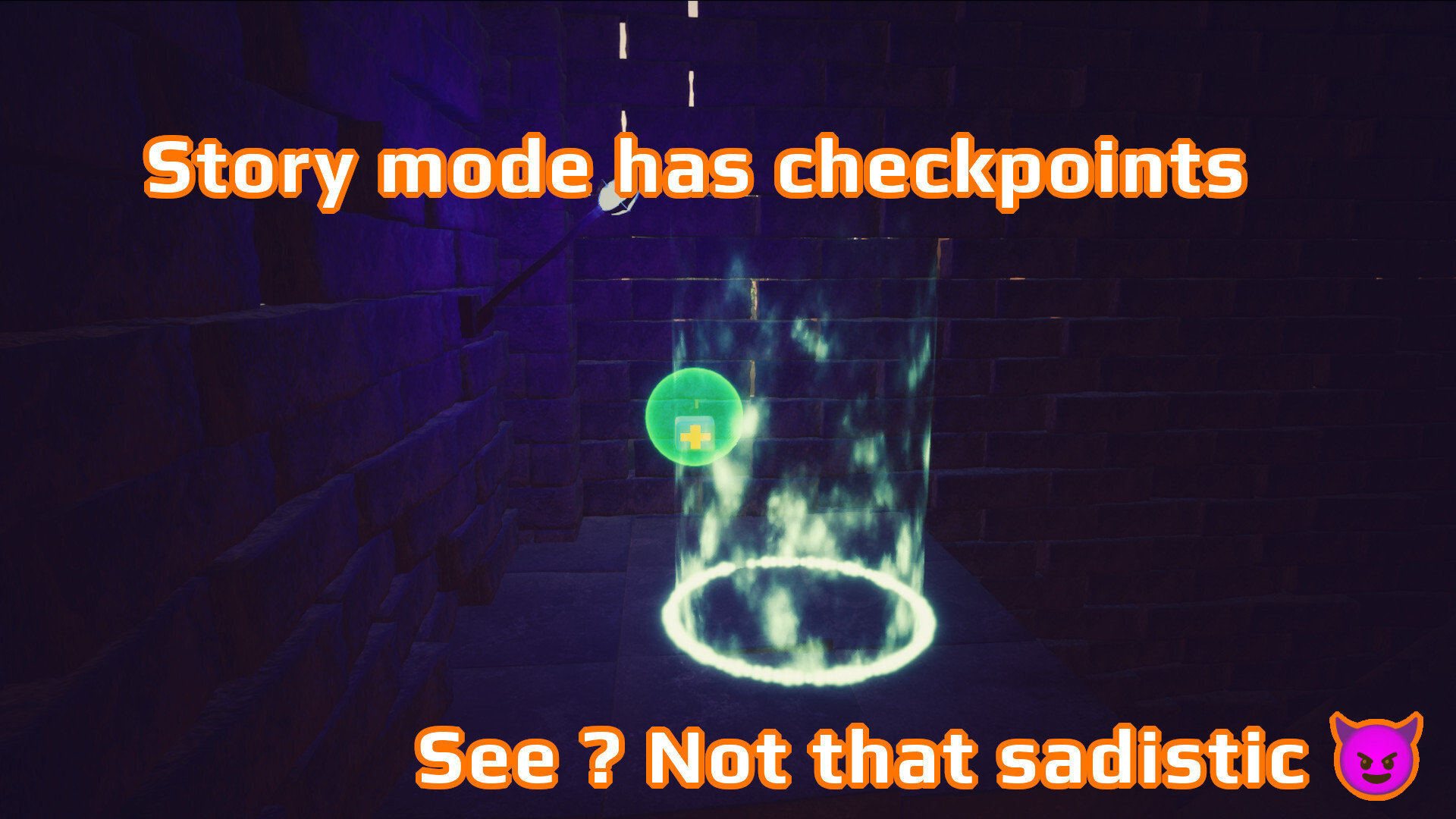
No lives or "continue". You melted, got compressed, crushed or rolled over ? You will respawn at the last visited checkpoint. At least in story mode. Otherwise : restart !
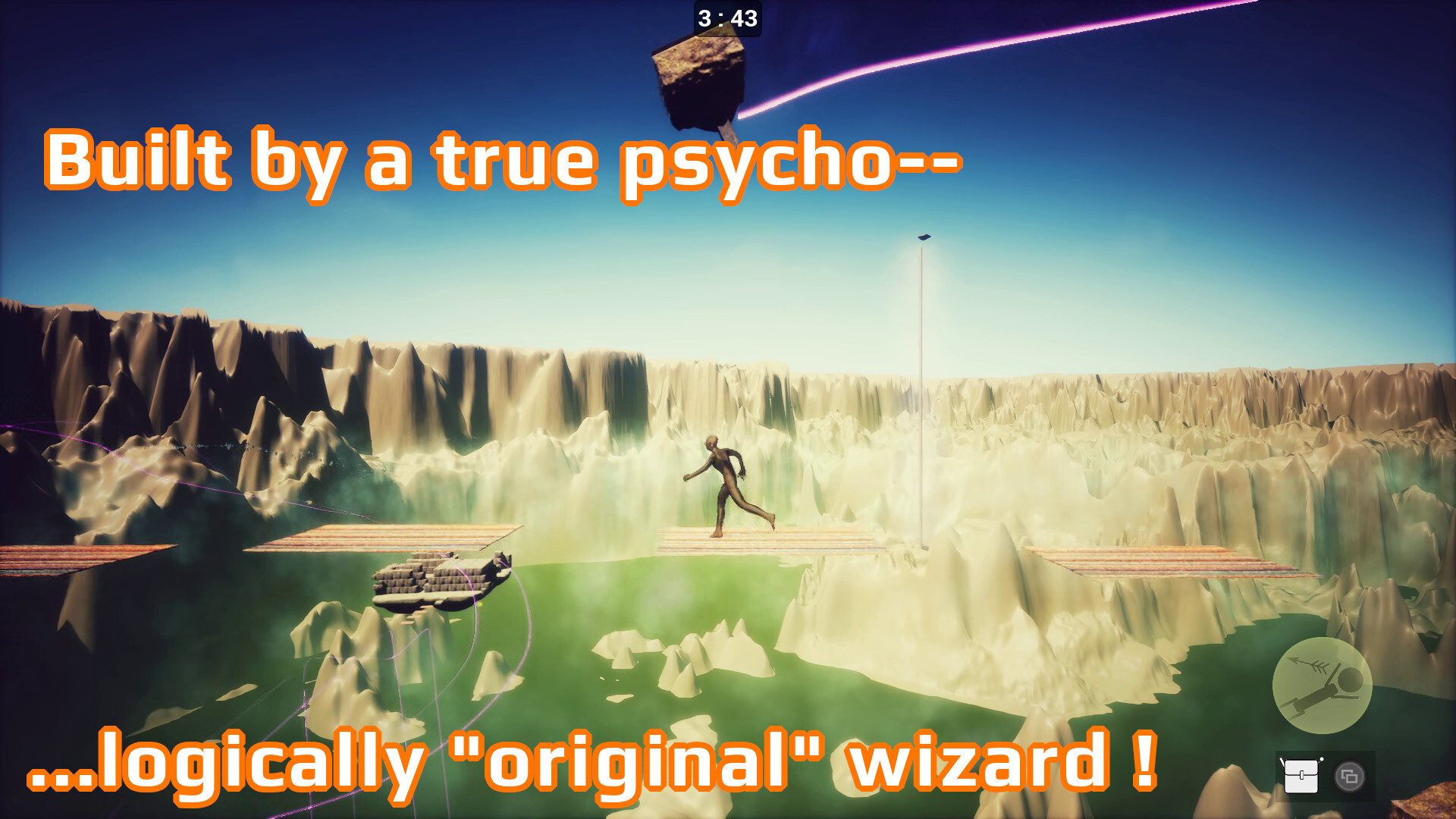
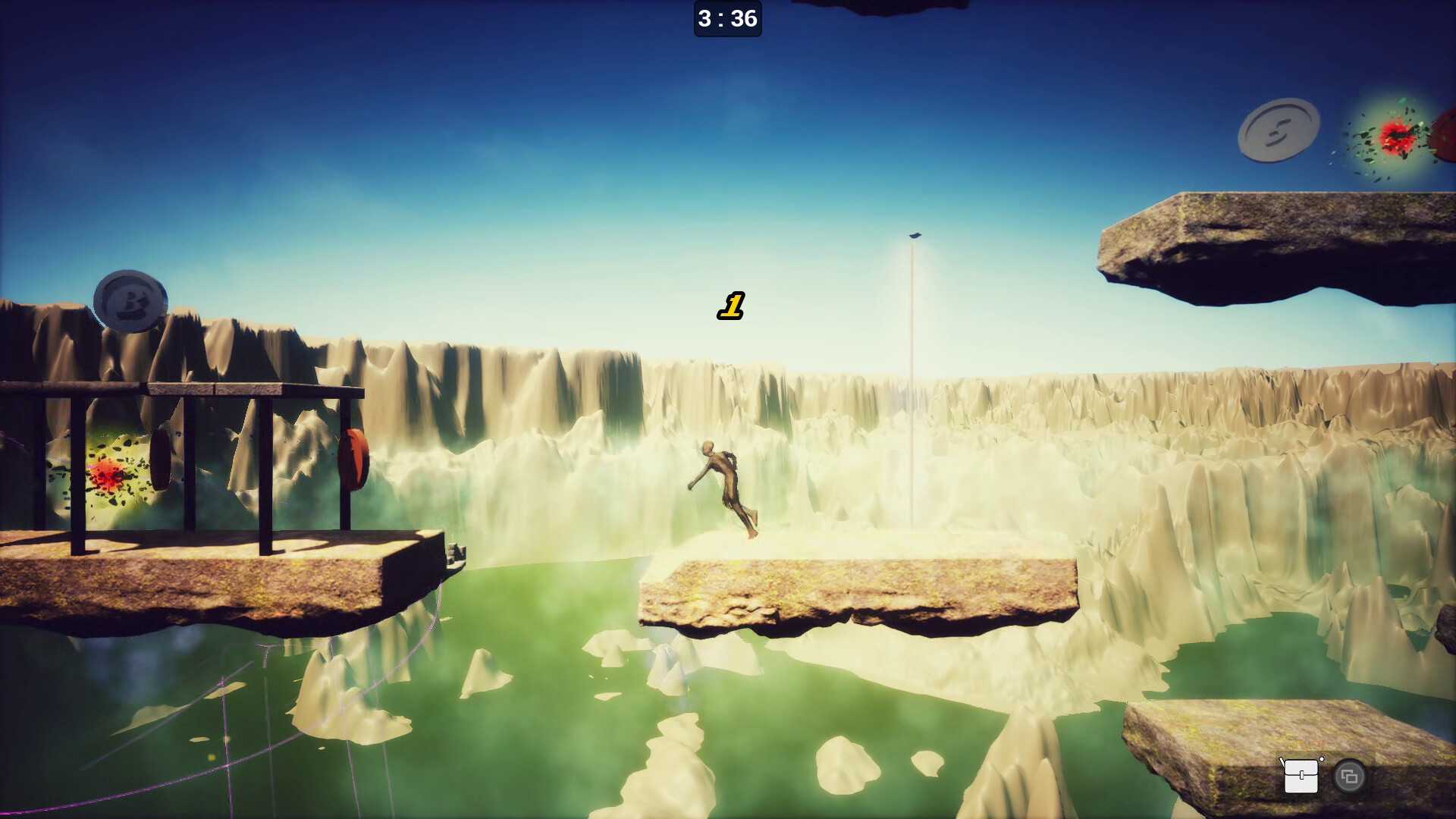
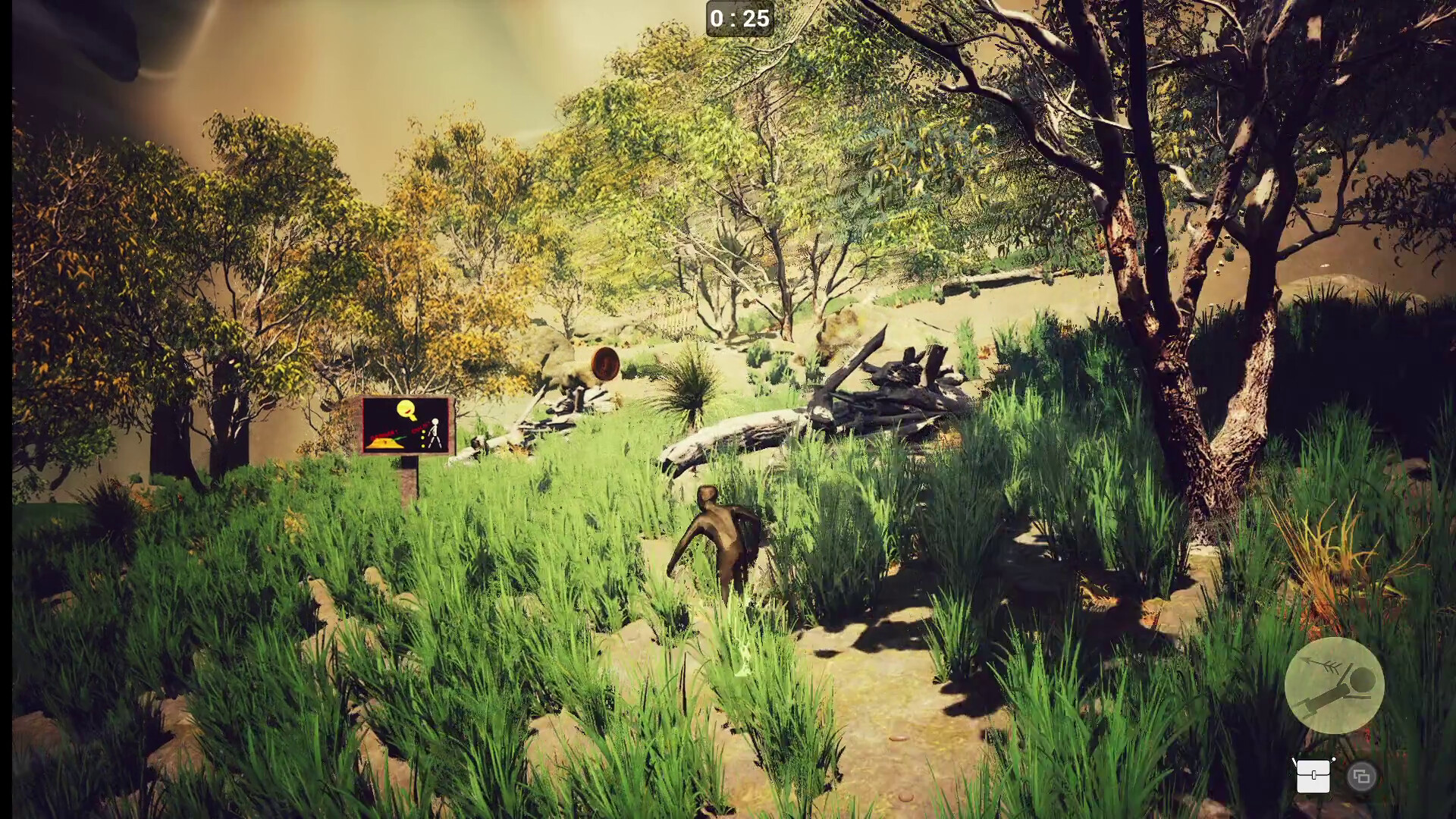
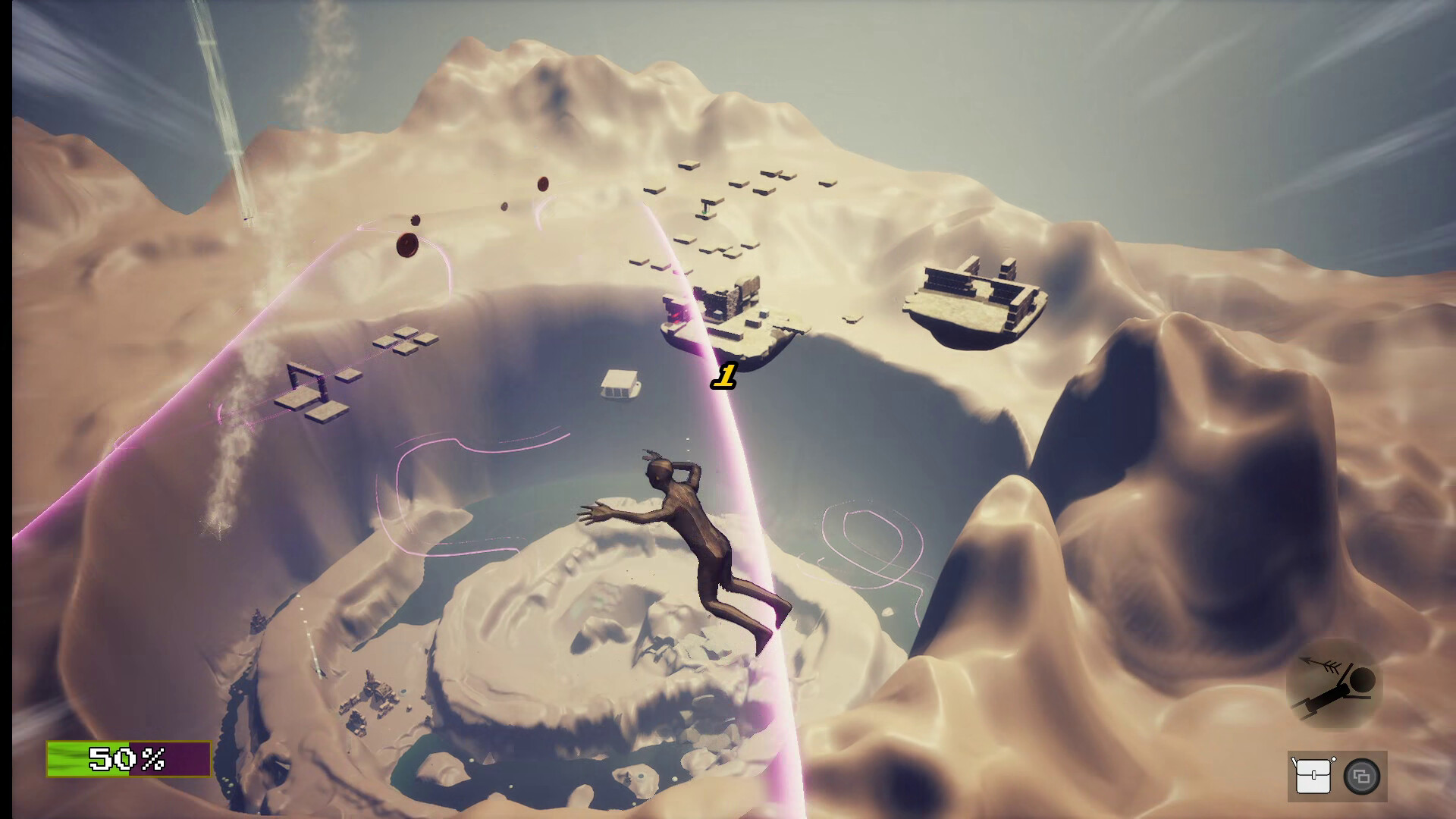
Third person platformer, sometimes sidescroller, with puzzle mechanics
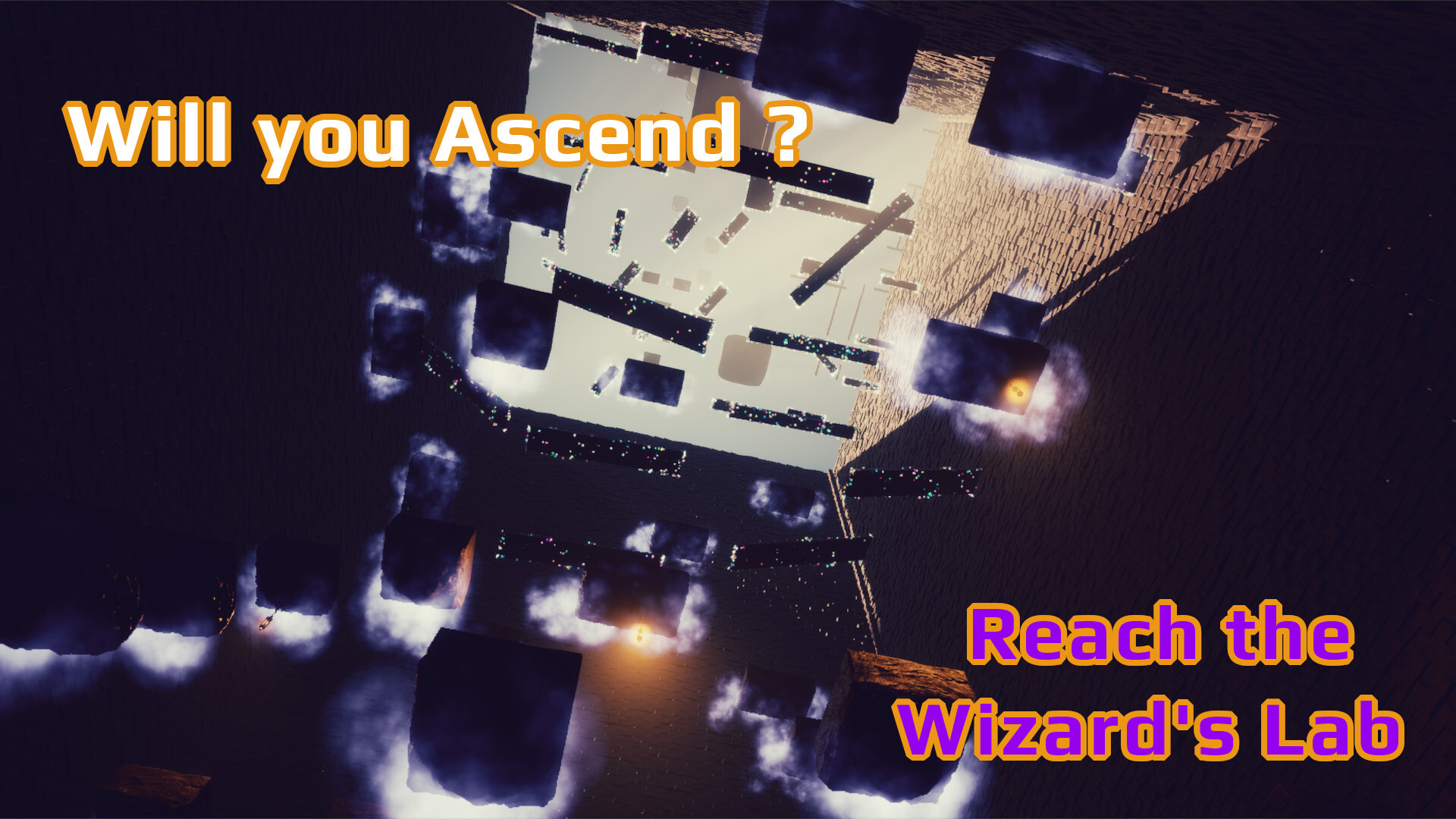
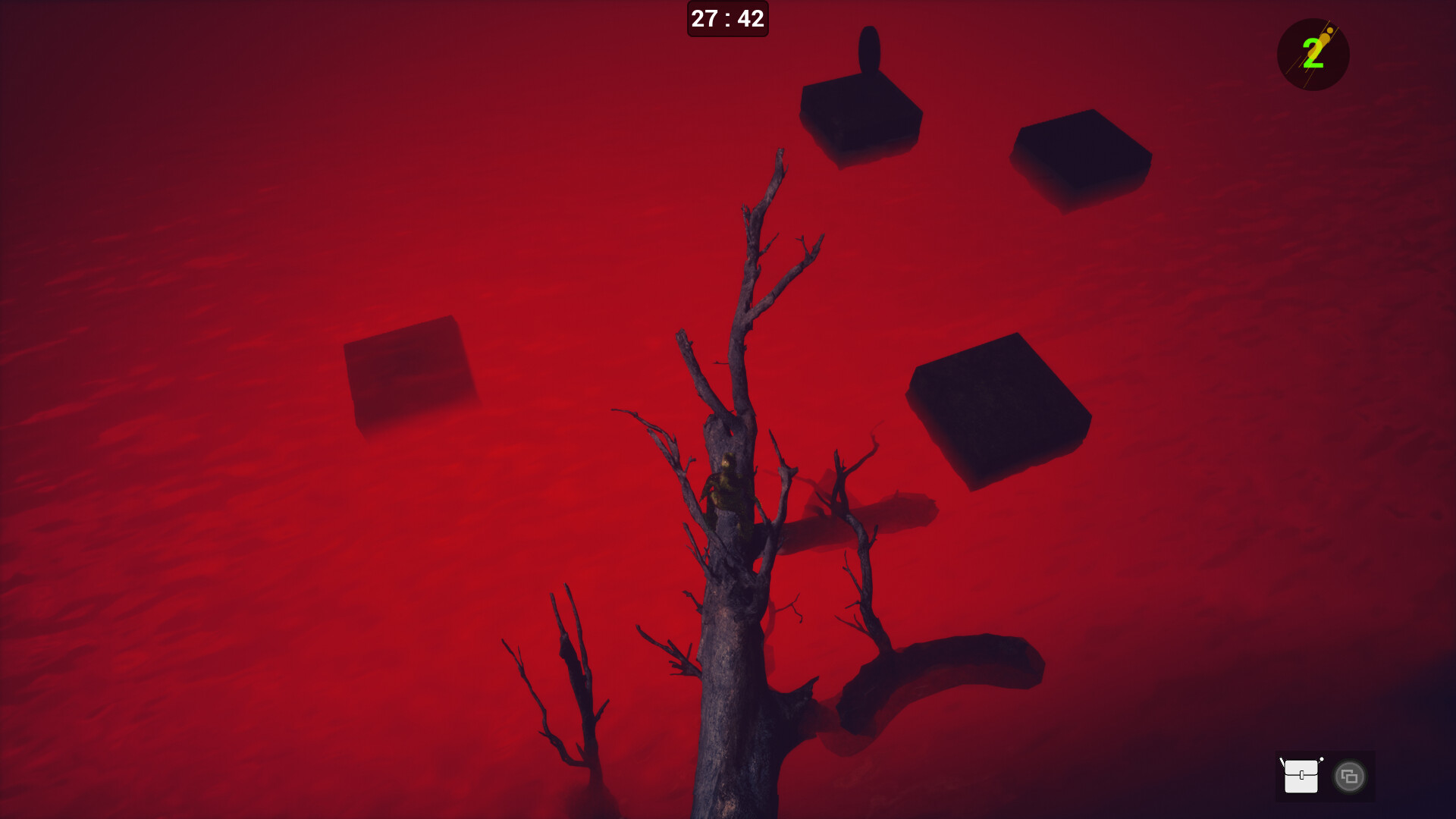
The Ascent mode tests your platformer skills. Try to reach the secret clouds lab and find the ultimate artefact !
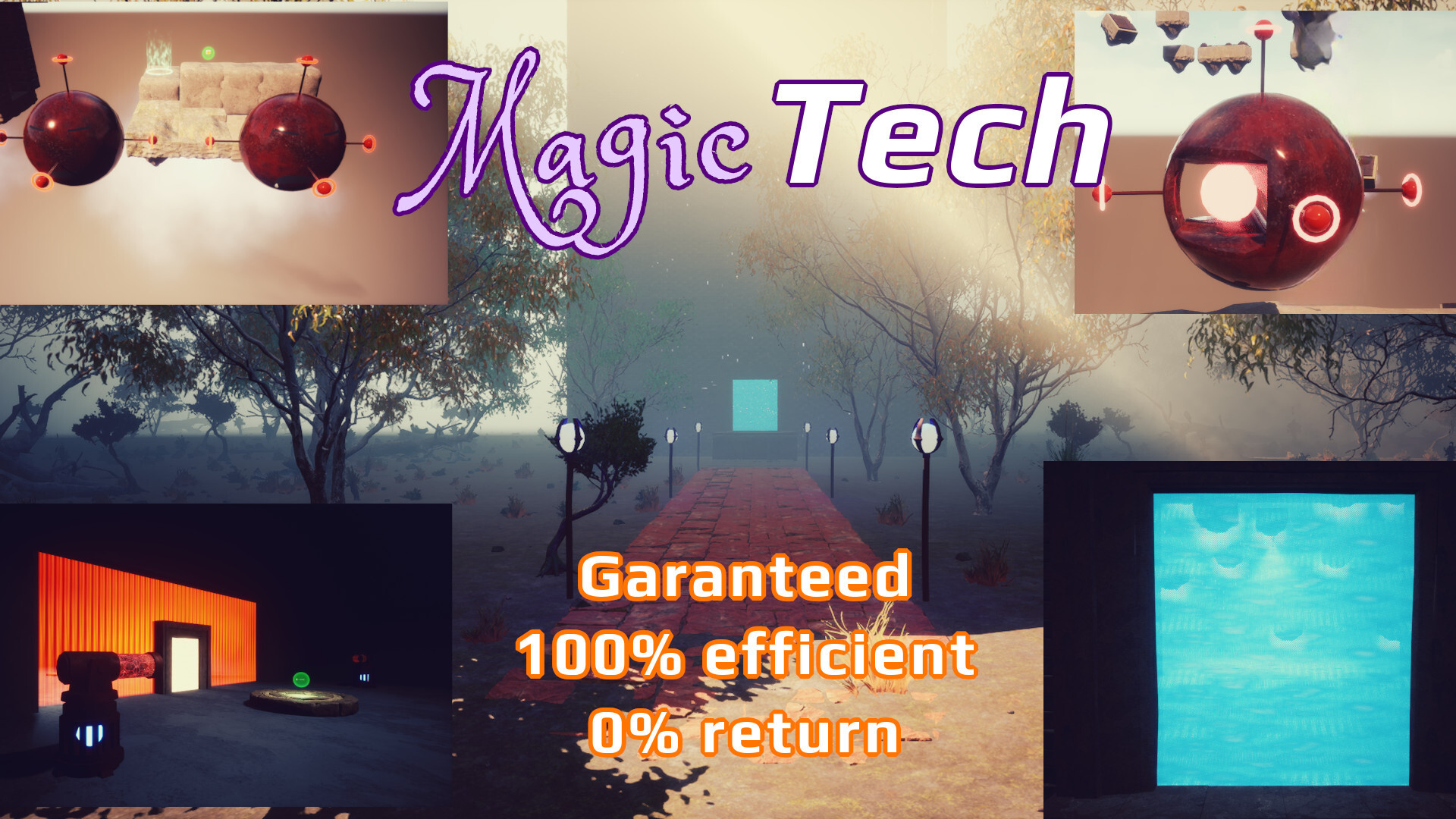
Grab magic gear to get abilities !
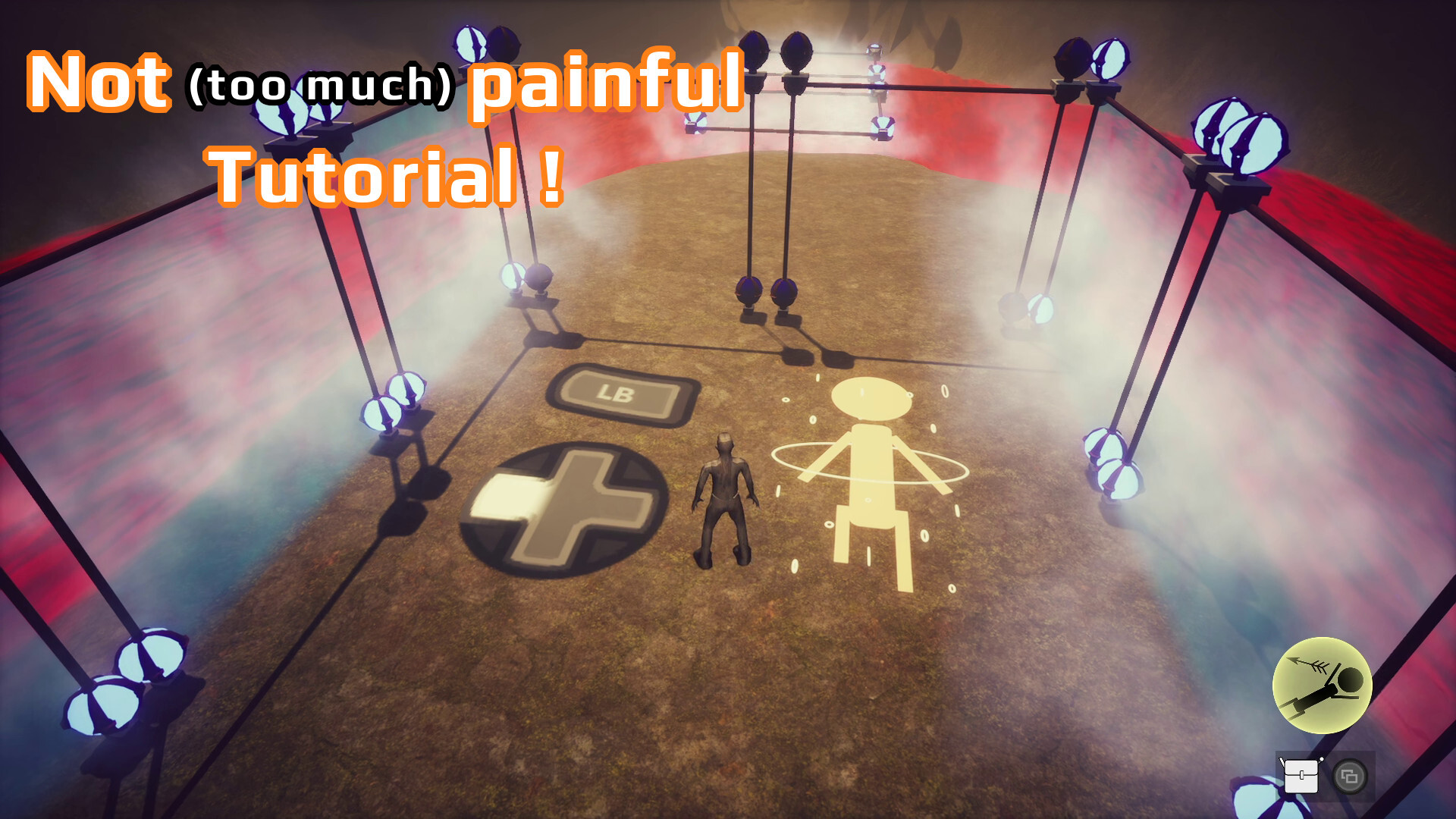
Classic WASD or ZQSD | left stick controls with mouse or right stick to orient view
Safe no-fall walk with shif key or X gamepad button
Mouse wheel or gamepad Up and Down control zoom
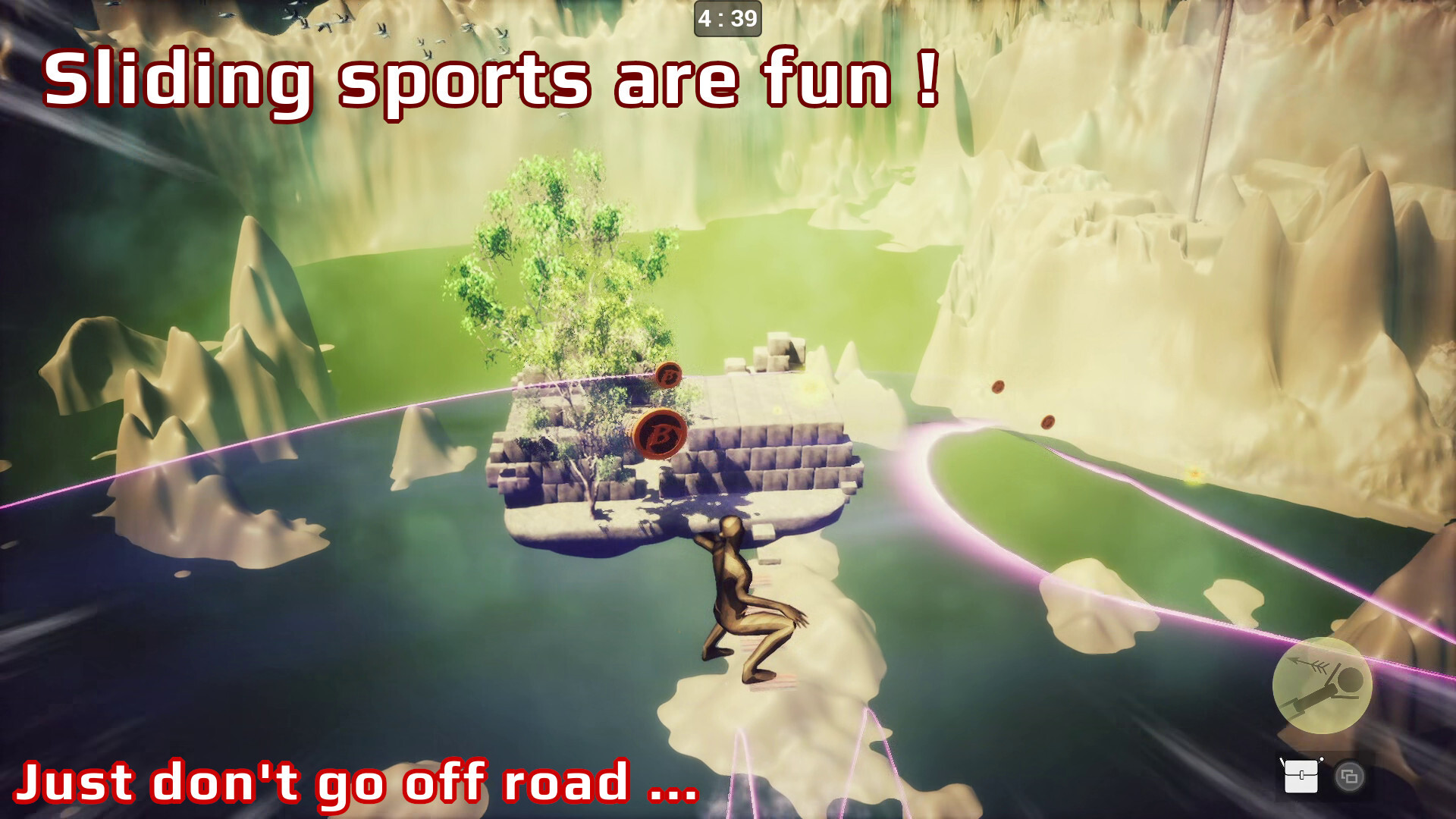
Slide on inclined surfaces, jump from them while keeping momentum !
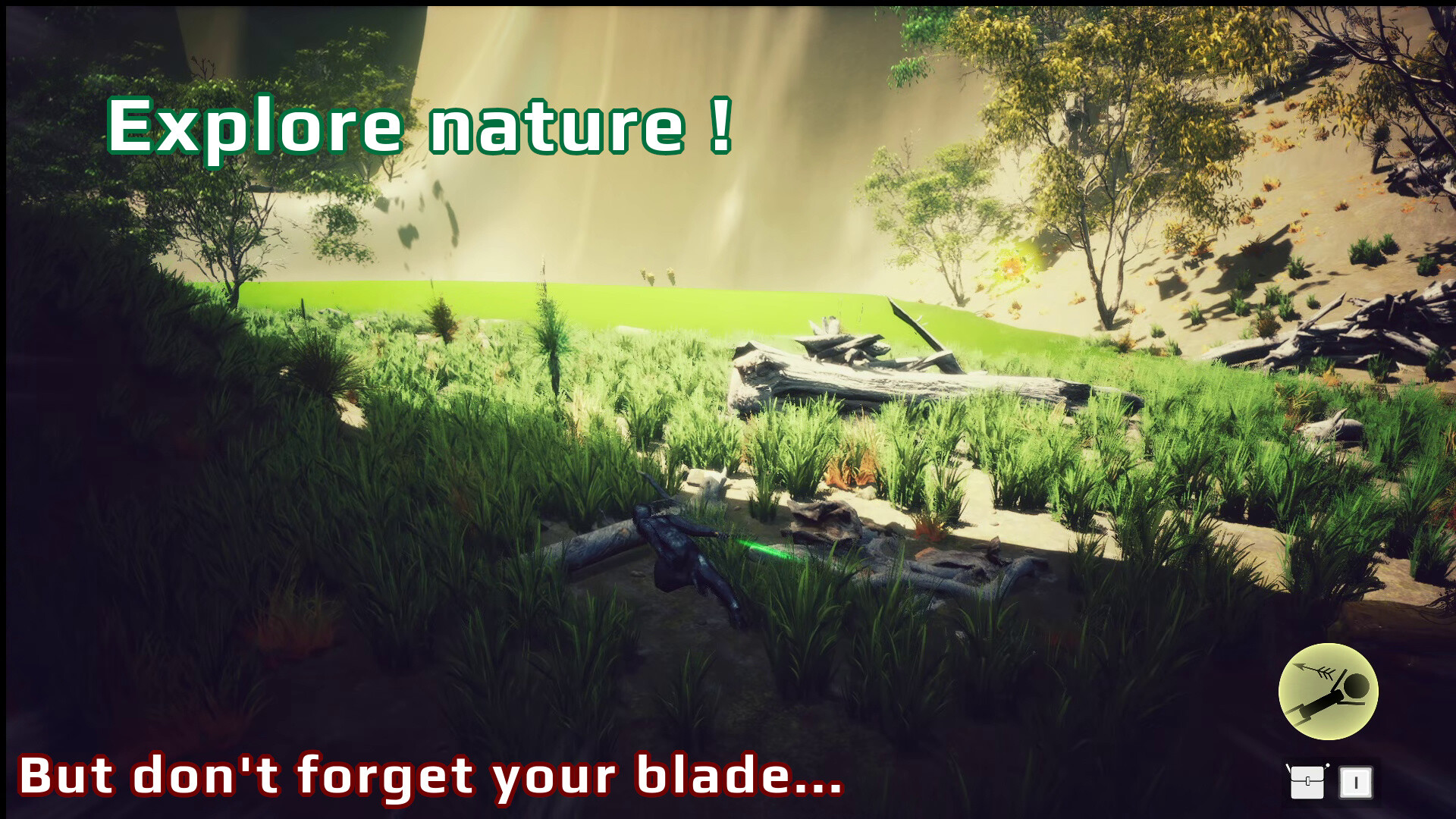
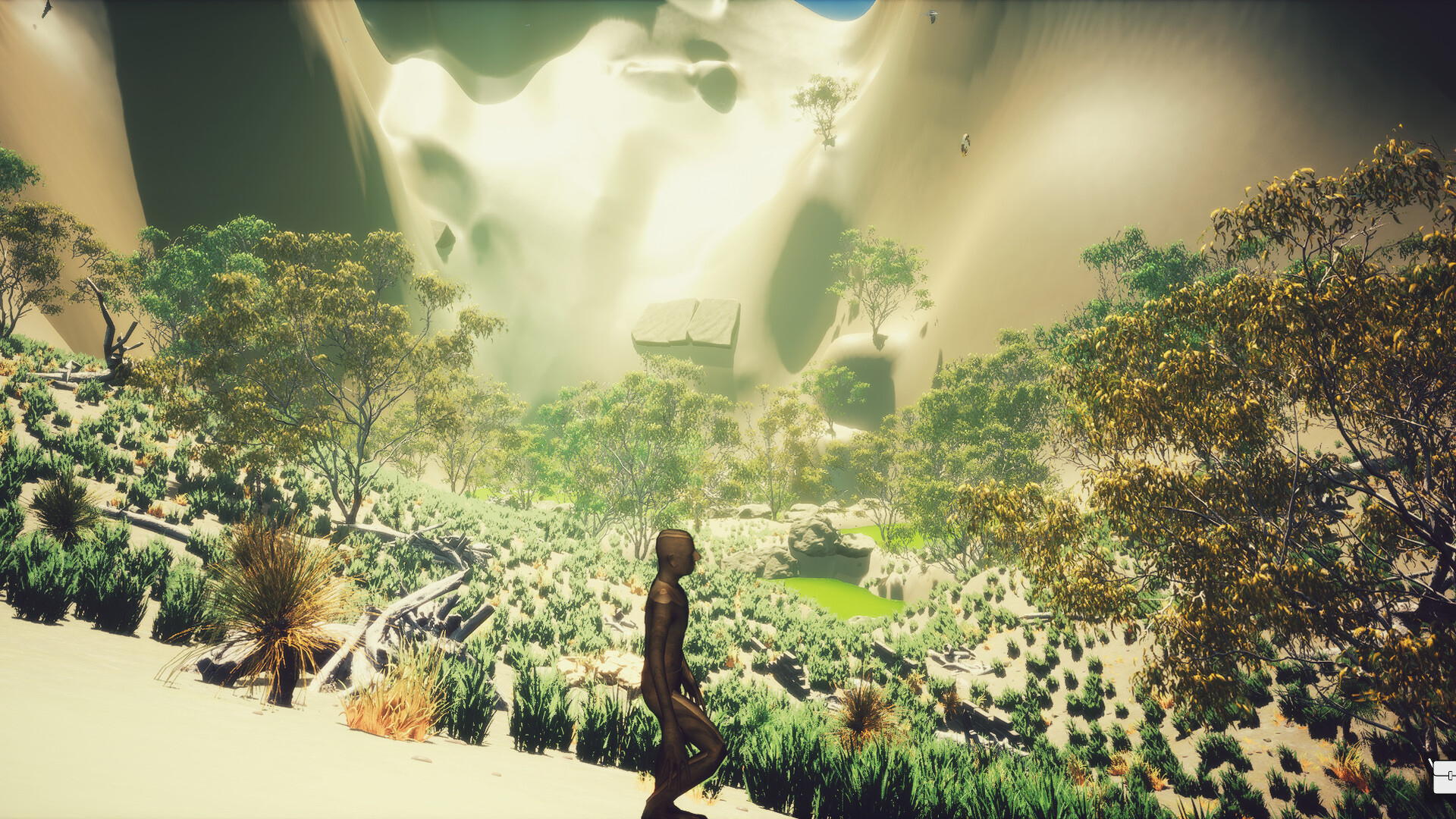
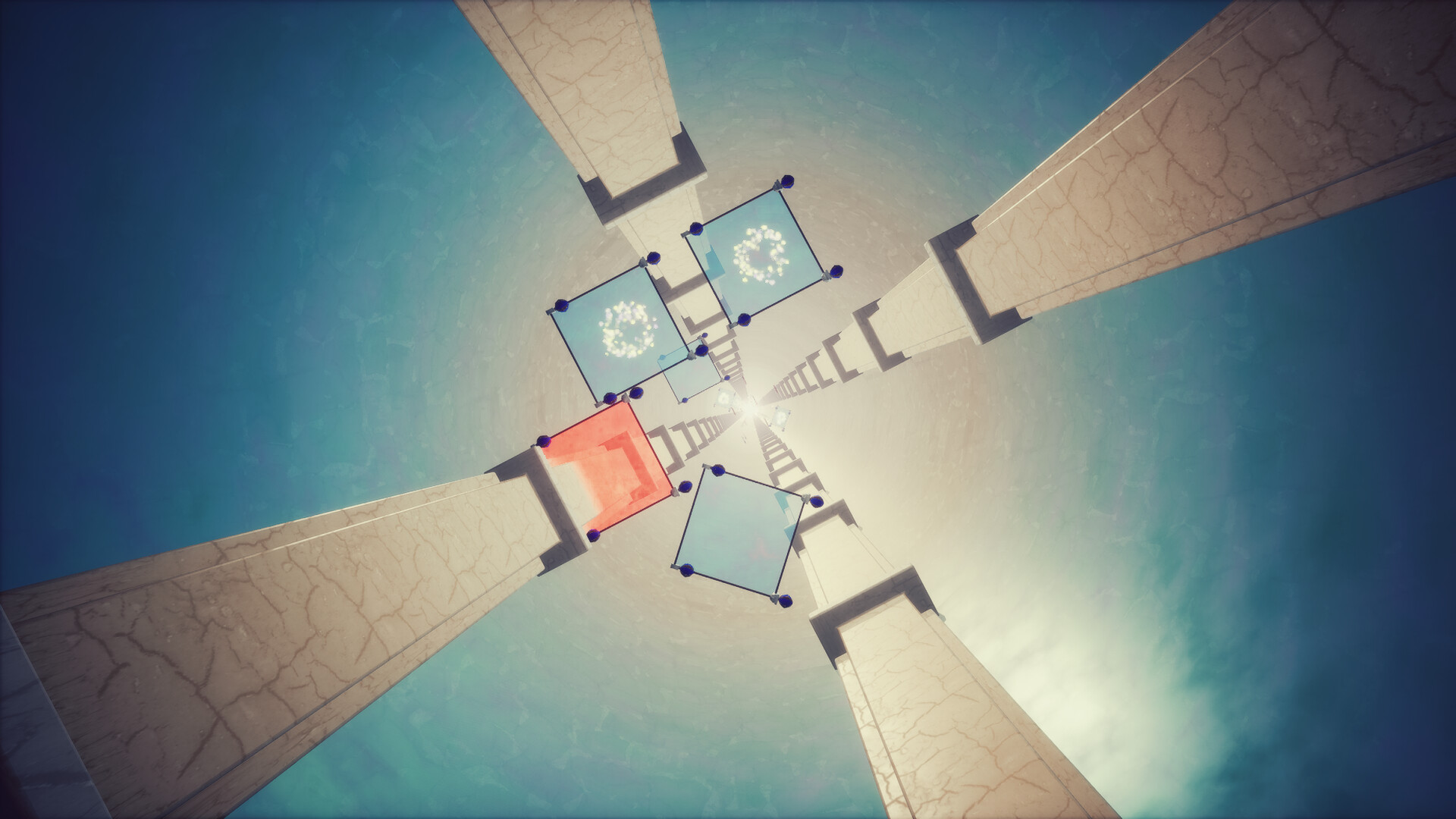
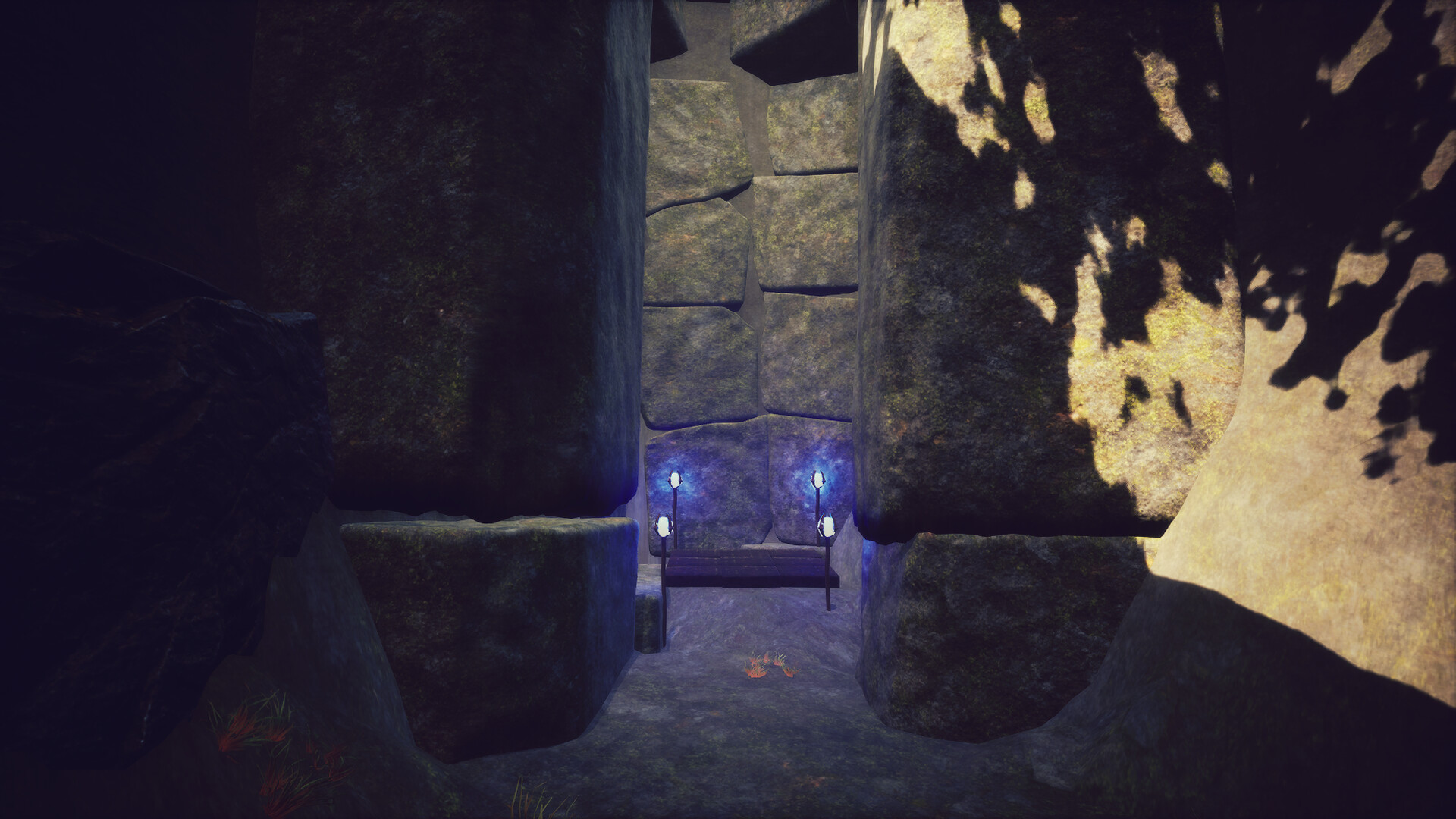
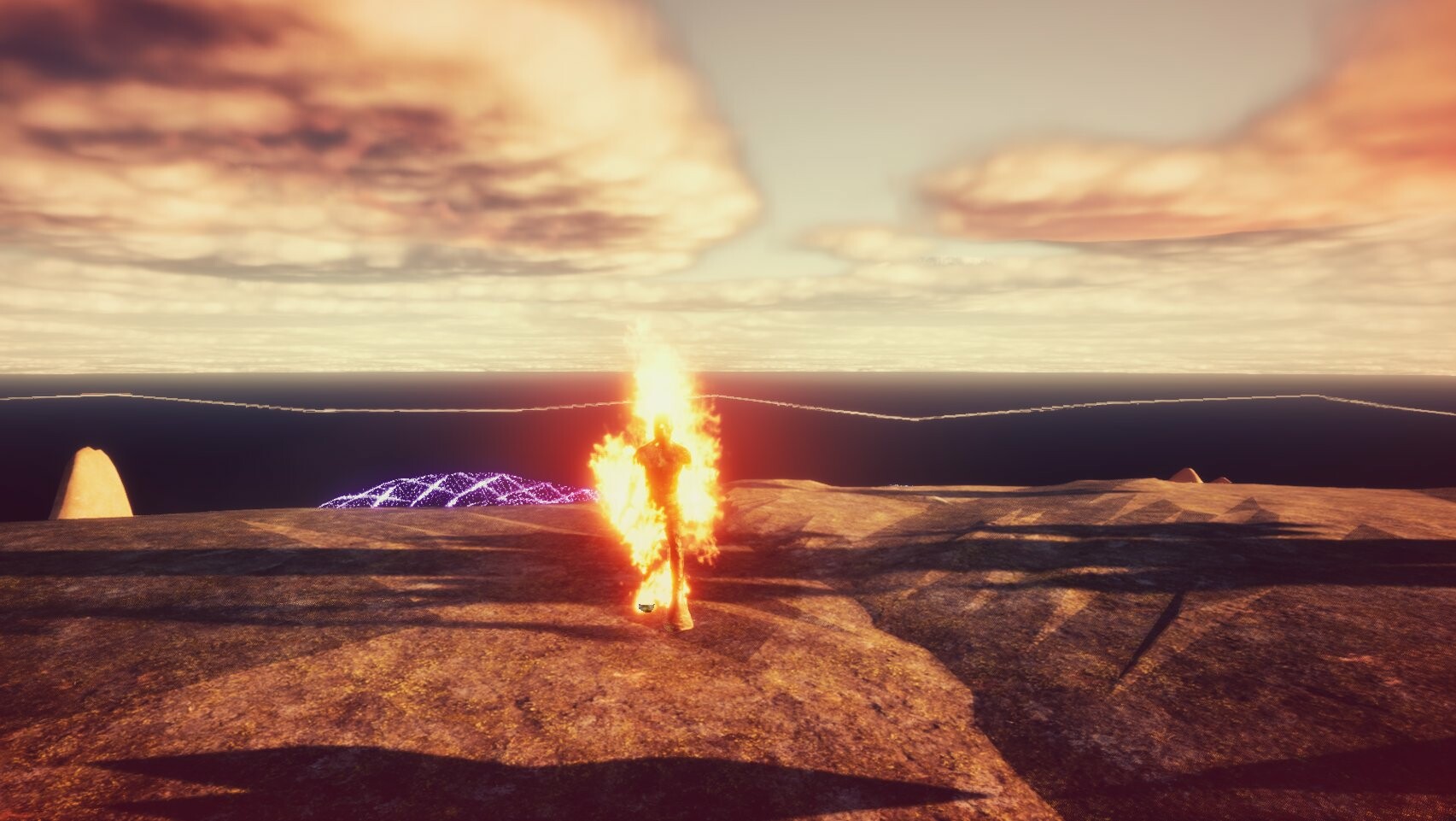
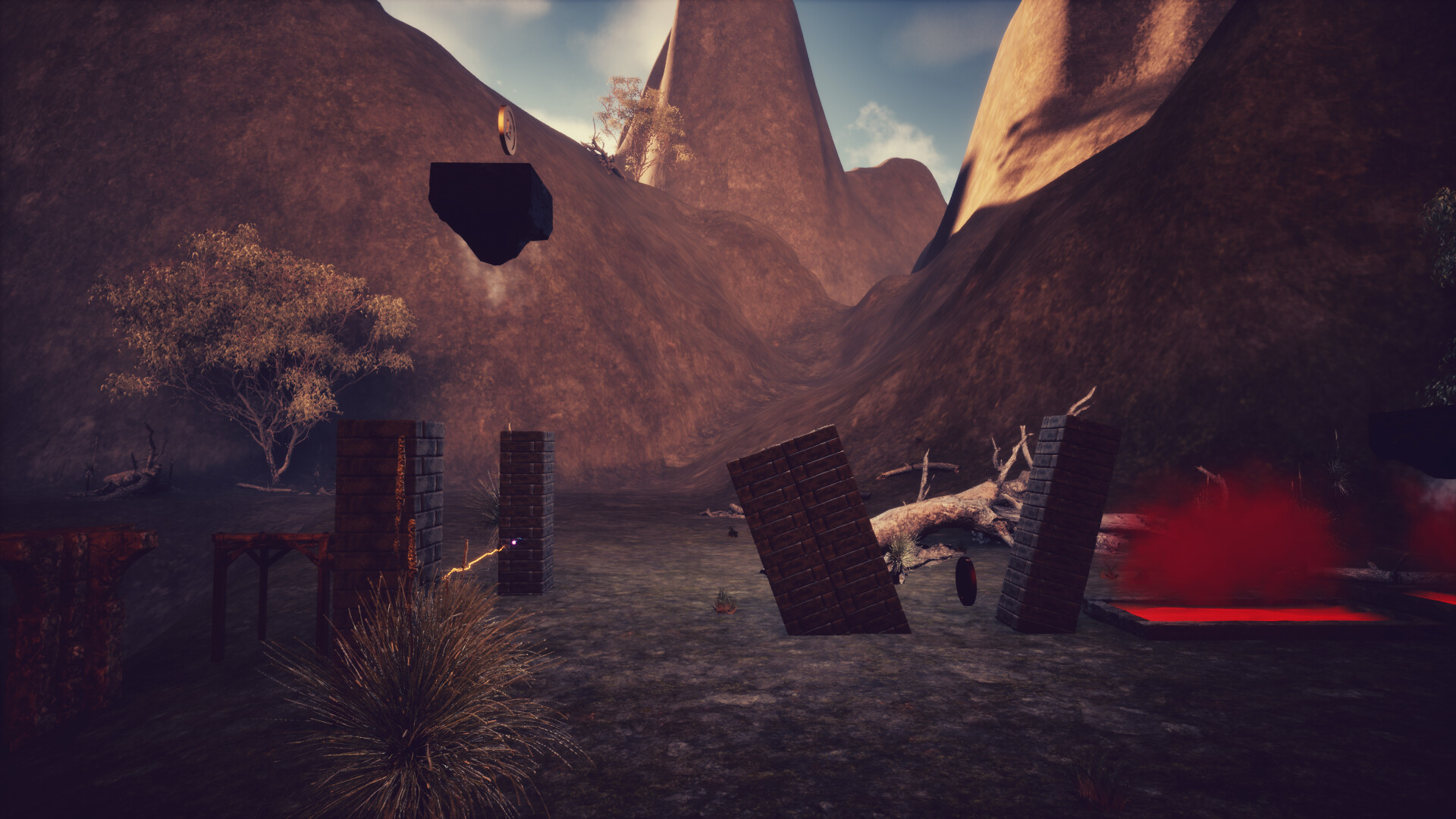
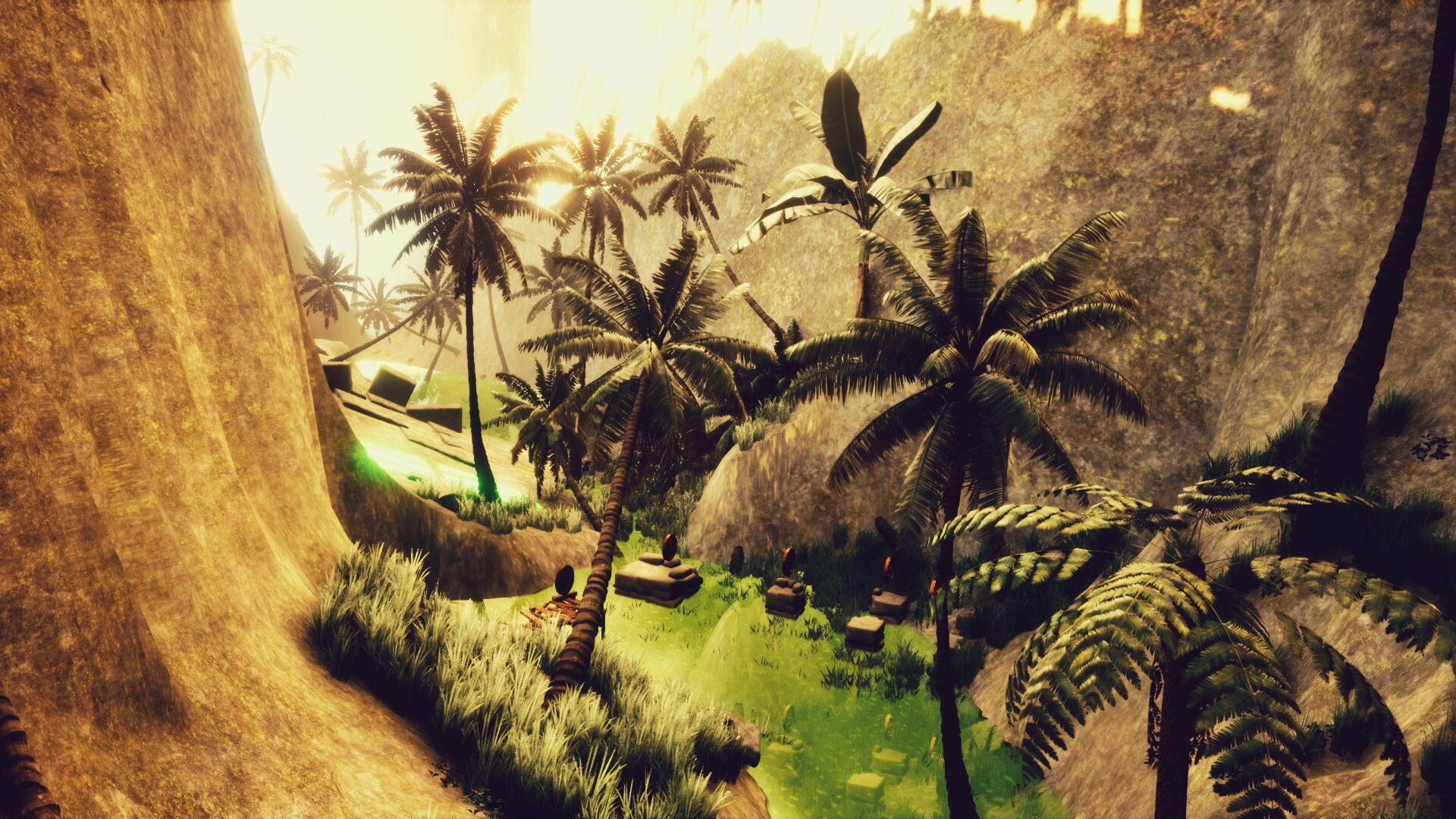
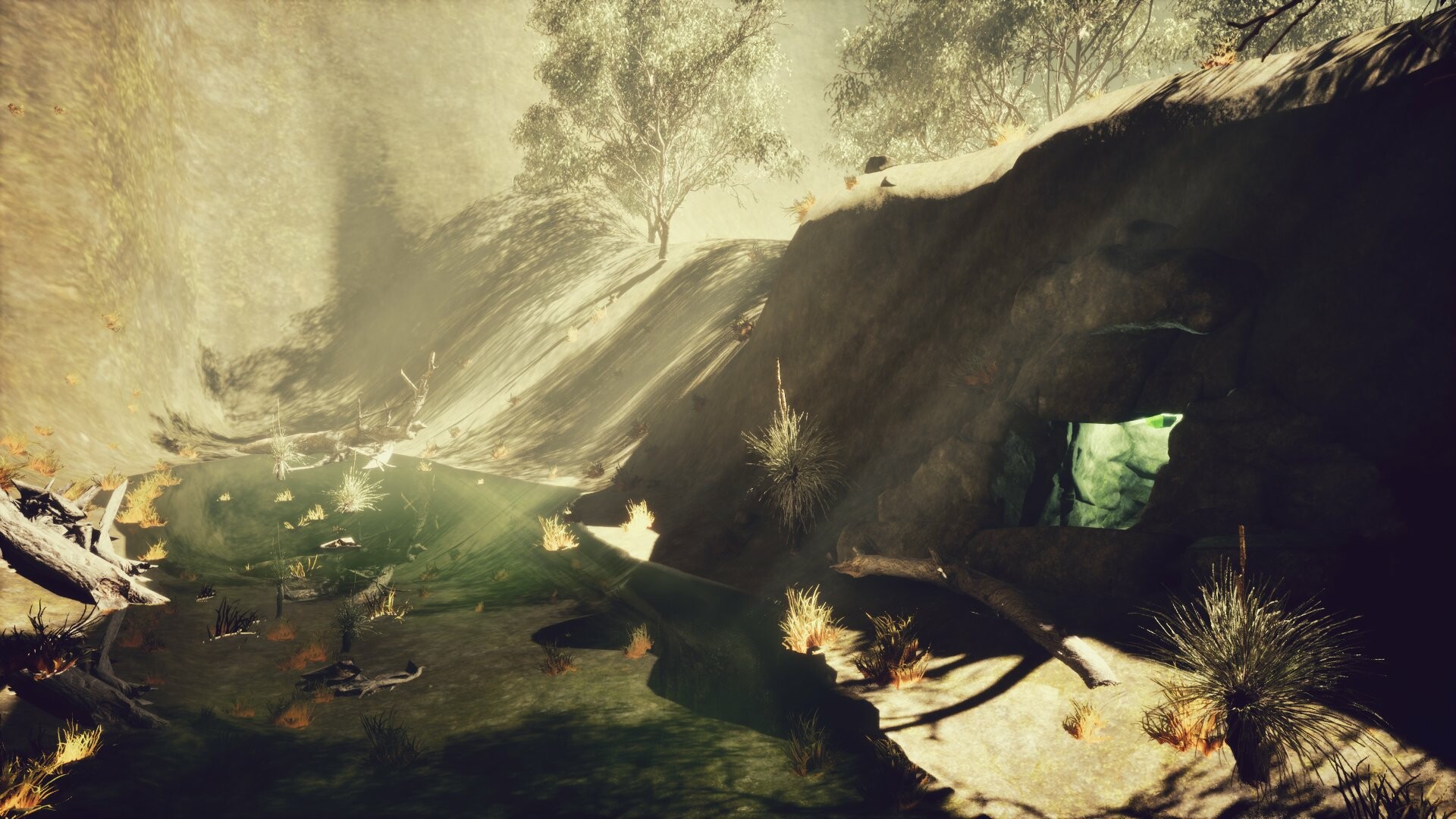
Beauuuutiful graphics ! (or at least we hope so)
If something can be pushed, just move towards it, the golem will handle it
Dodge death using skills. Unlock them in the challenges room !
Default one is a "dive" with an invincibility frame.
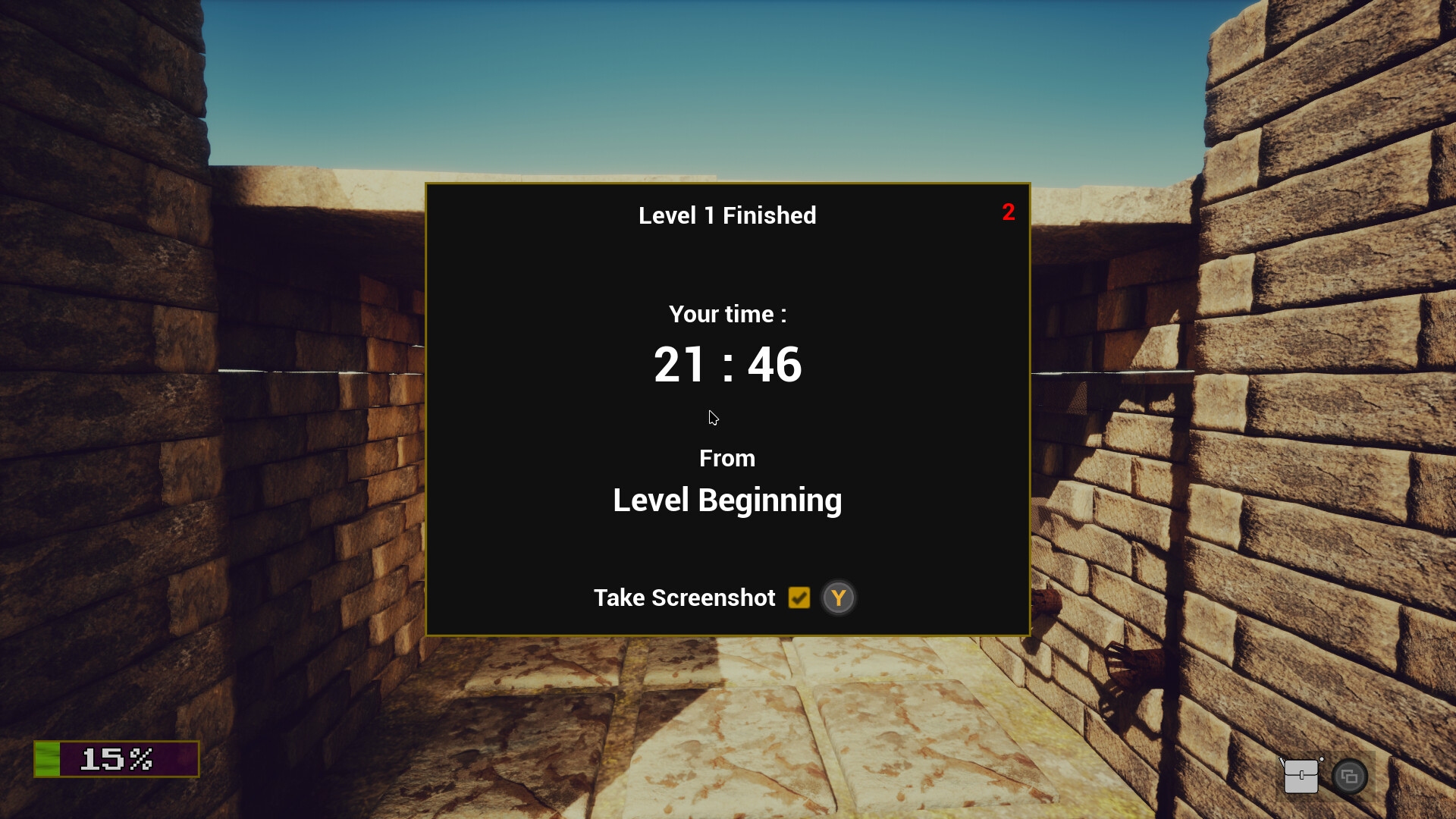
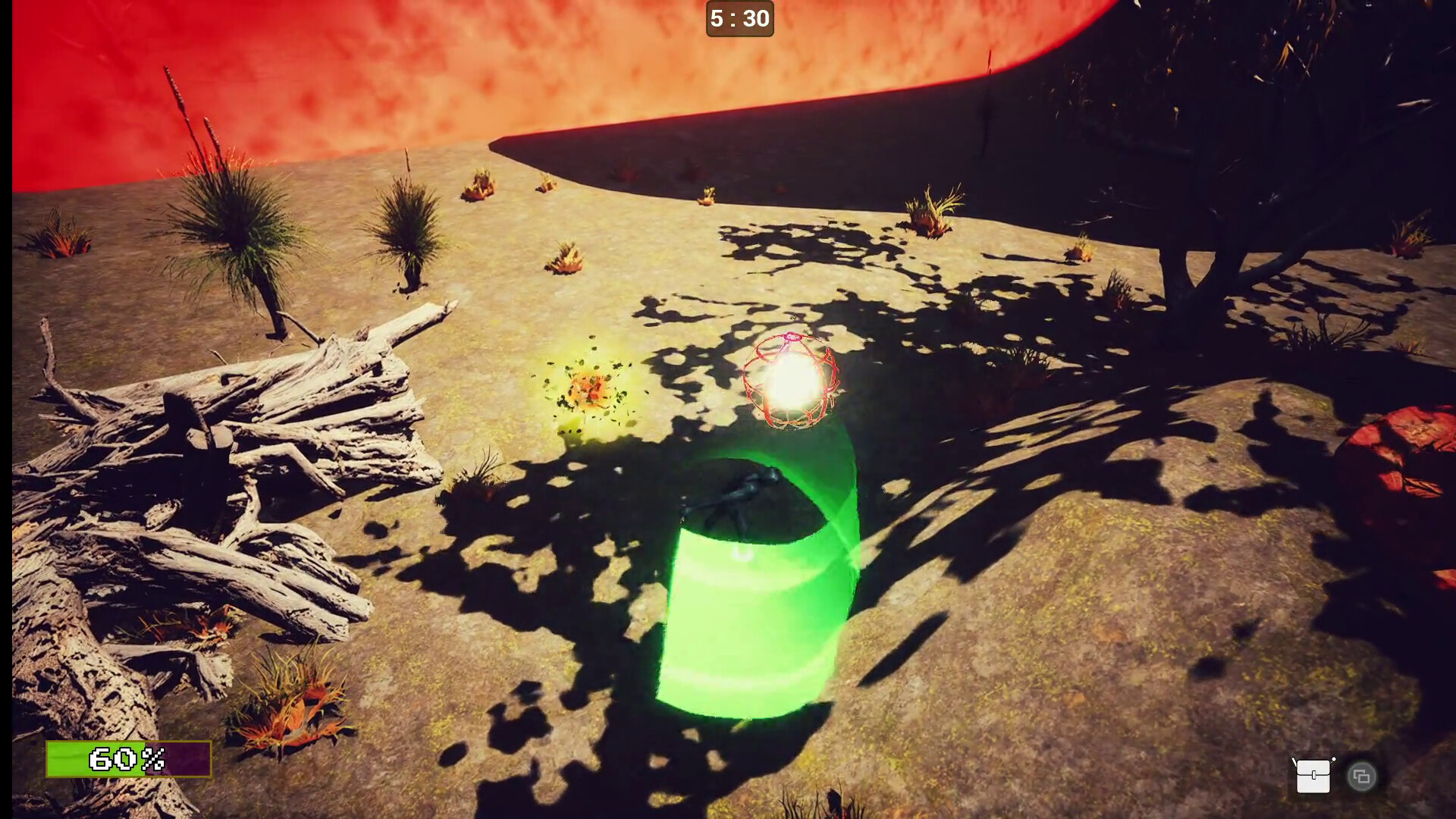
Time attack : there is a timer on top of your screen and a proof screenshot is taken at the end of each level.
You can manually make a high definition screenshot. Please first set a key in the Input menu.
There is often more than one solution
🎚️ Saved games and Screenshots
By default, on Windows, the files will be put in
%USERPROFILE%/AppData/Local/LovelyTrapsDungeon/Saved/SaveGames
to avoid authorisations issues when the game is installed in Program Files.
If on Linux or If launch scripts are used (don't use in program files), in-game and Level End Screenshots are put in
[the game folder]/Saved/Screenshots
💾 Setup and play (Outside of Steam) :
On Windows the LovelyTrapsDungeon(_Demo).bat script
On Linux the LovelyTrapsDungeon(_Demo).sh script
A desktop launcher can be created to put on your desktop or anywhere else :
On Windows, using the SETUP-CreateDesktopShortcu.bat script
On Linux, using the SETUP-CreateDesktopShortcu.sh script
Saved games in [the game folder]/Saved/Screenshots
🖥️ Performances :
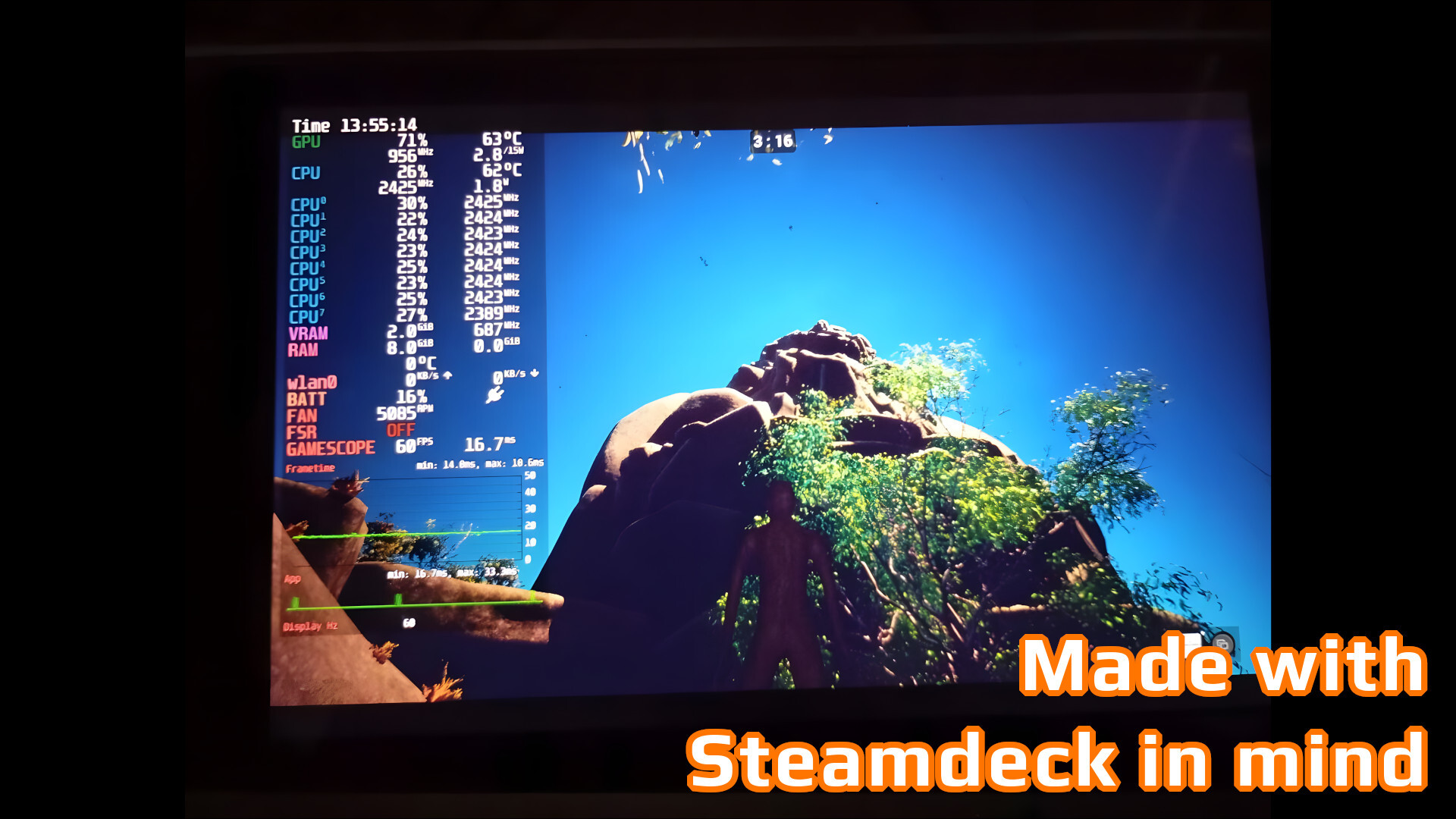
The game is as optimised as possible, the goal being to run smoothly on my favourite device : the SteamDeck ❣️
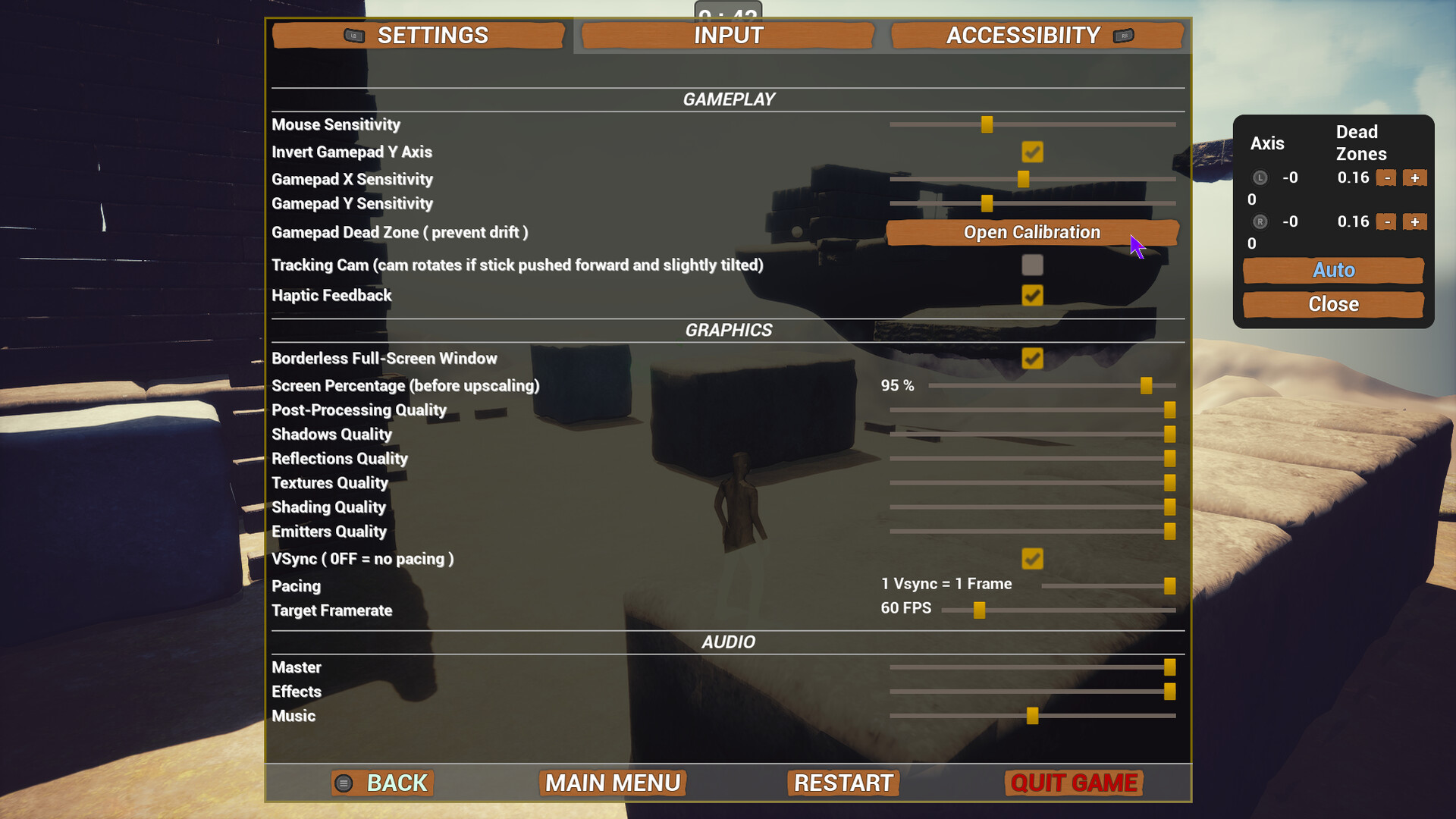
It tries to auto-configures but of course, you can tweak visual settings, key bindings, sensitivity, accessibility options...
HAVE FUN ! 😋
If you need help, feel free to ask !