

Party Quiz
No Reviews · 0 reviews
Screenshots





Description
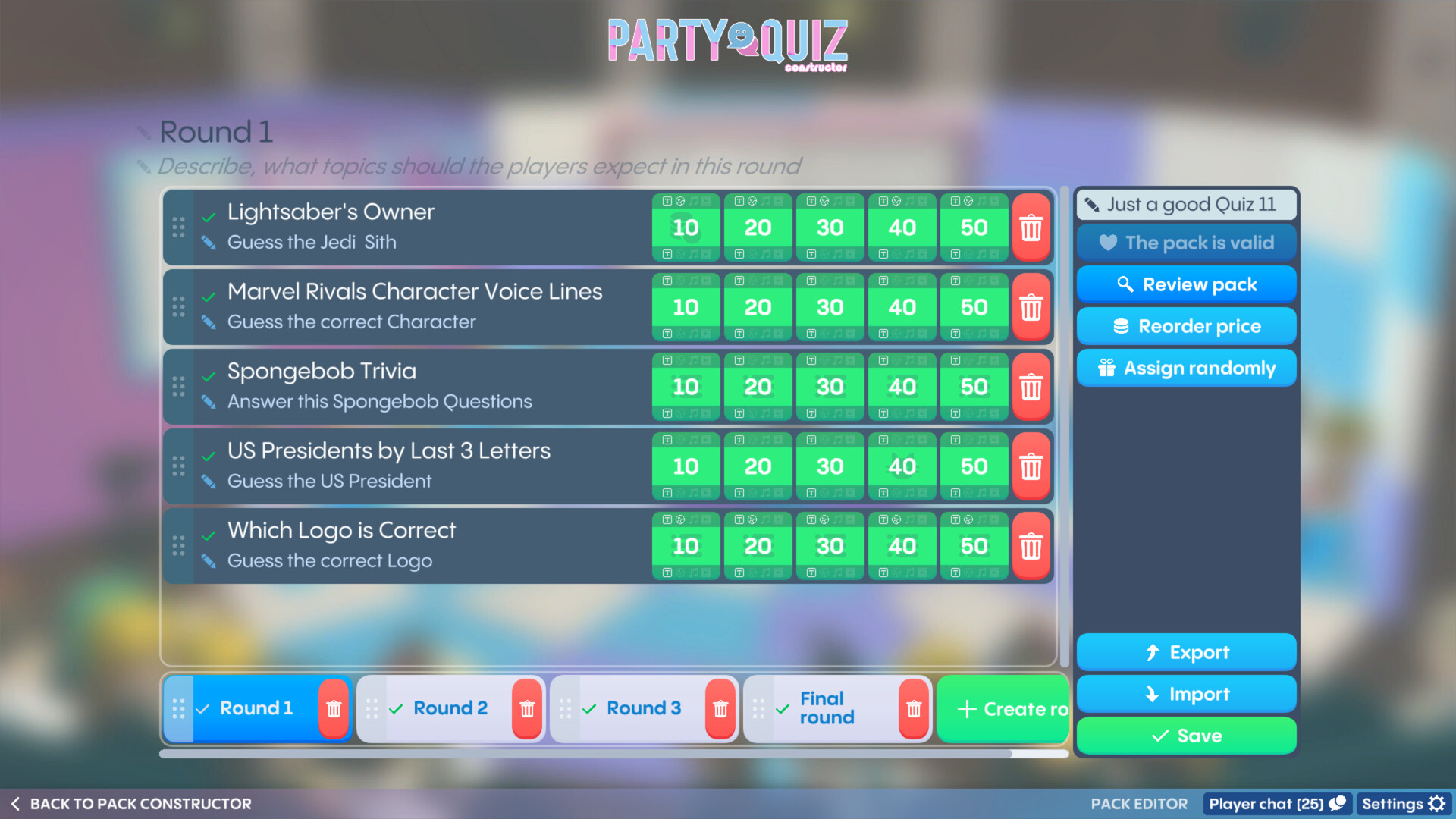
Play a local Quiz game with your friends and family. Create your own Quiz using the Party Quiz Constructor or use the Steam Workshop to download one of the Quizzes made by the community. Test your knowledge!
Released
July 31, 2026
Price
Platforms
Linux · Windows
Developer
White Ink
Publisher
White Ink
About
This game supports Steam Workshop
Share your packs and download them using Steam Workshop! Many languages are supported and new content is always welcome
About the Game

What's Party Quiz?
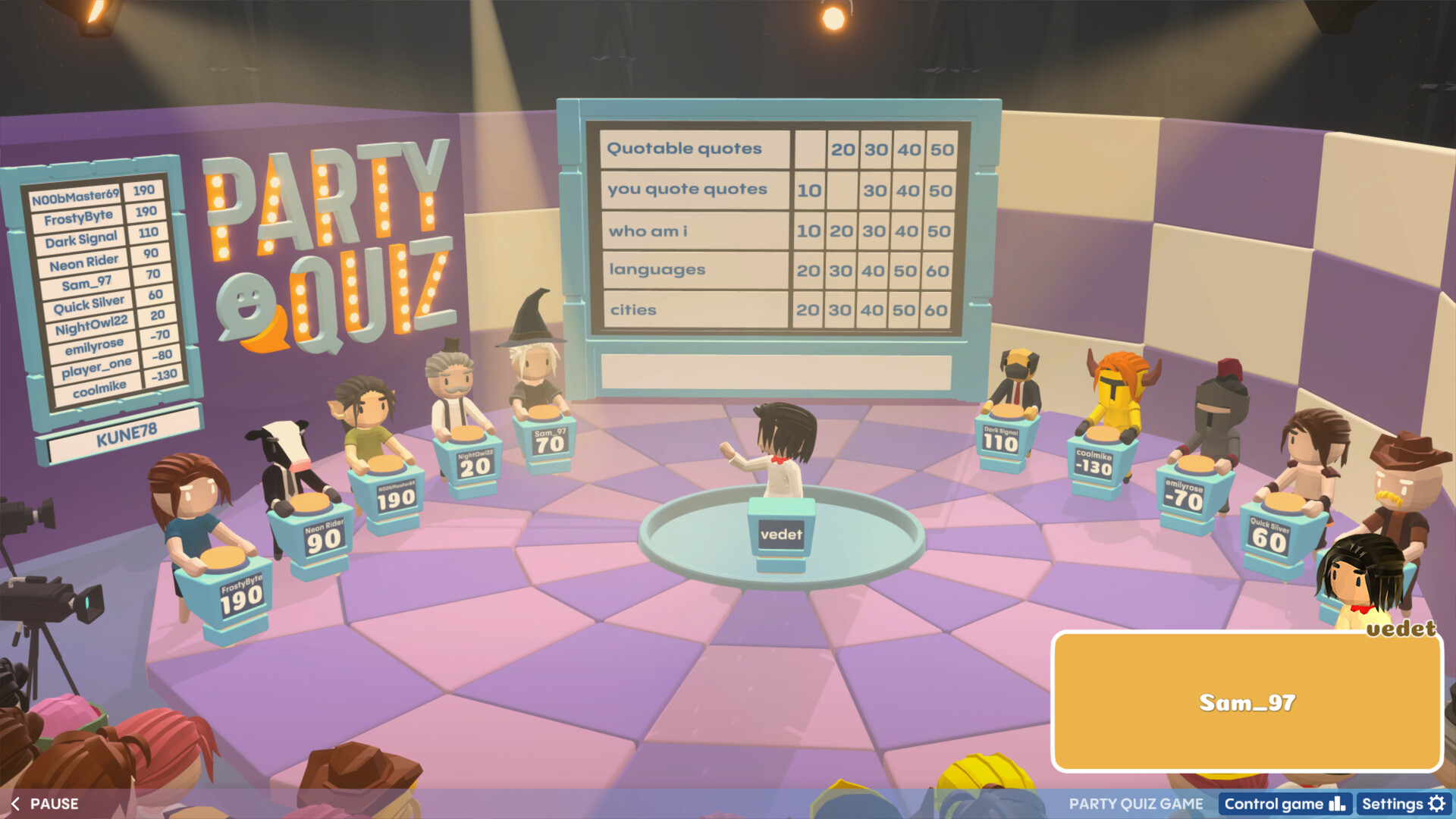
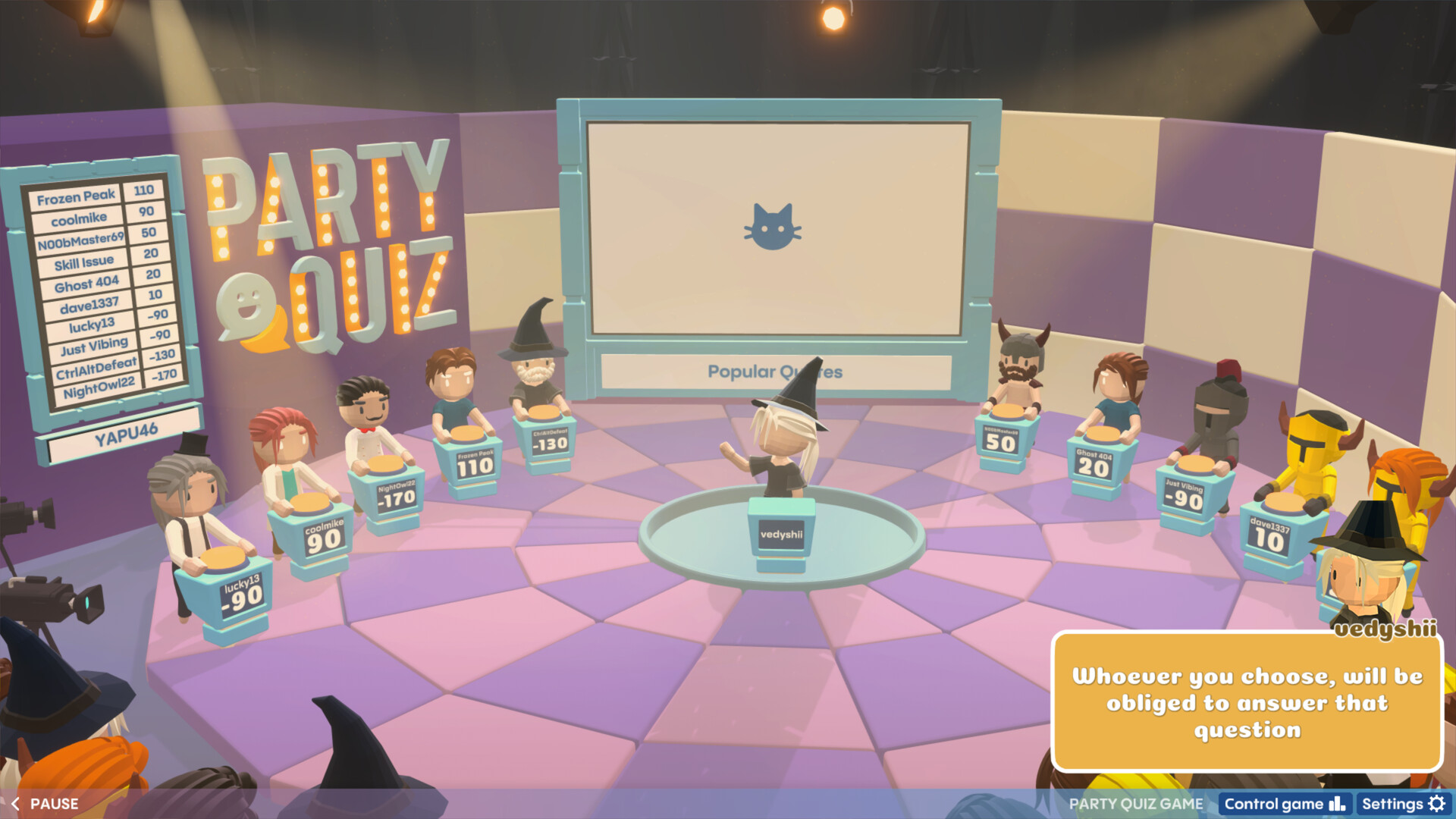
Party Quiz is a new cool way of playing trivia quizzes with your friends and family. If you've always wanted to test your knowledge with those close to you, this is your chance!
Play and enjoy with friends from the comfort of your sofa with your favorite pizza. No chance to get together offline? No problem! You can always play online and get just as much fun, plus more pizza for you.
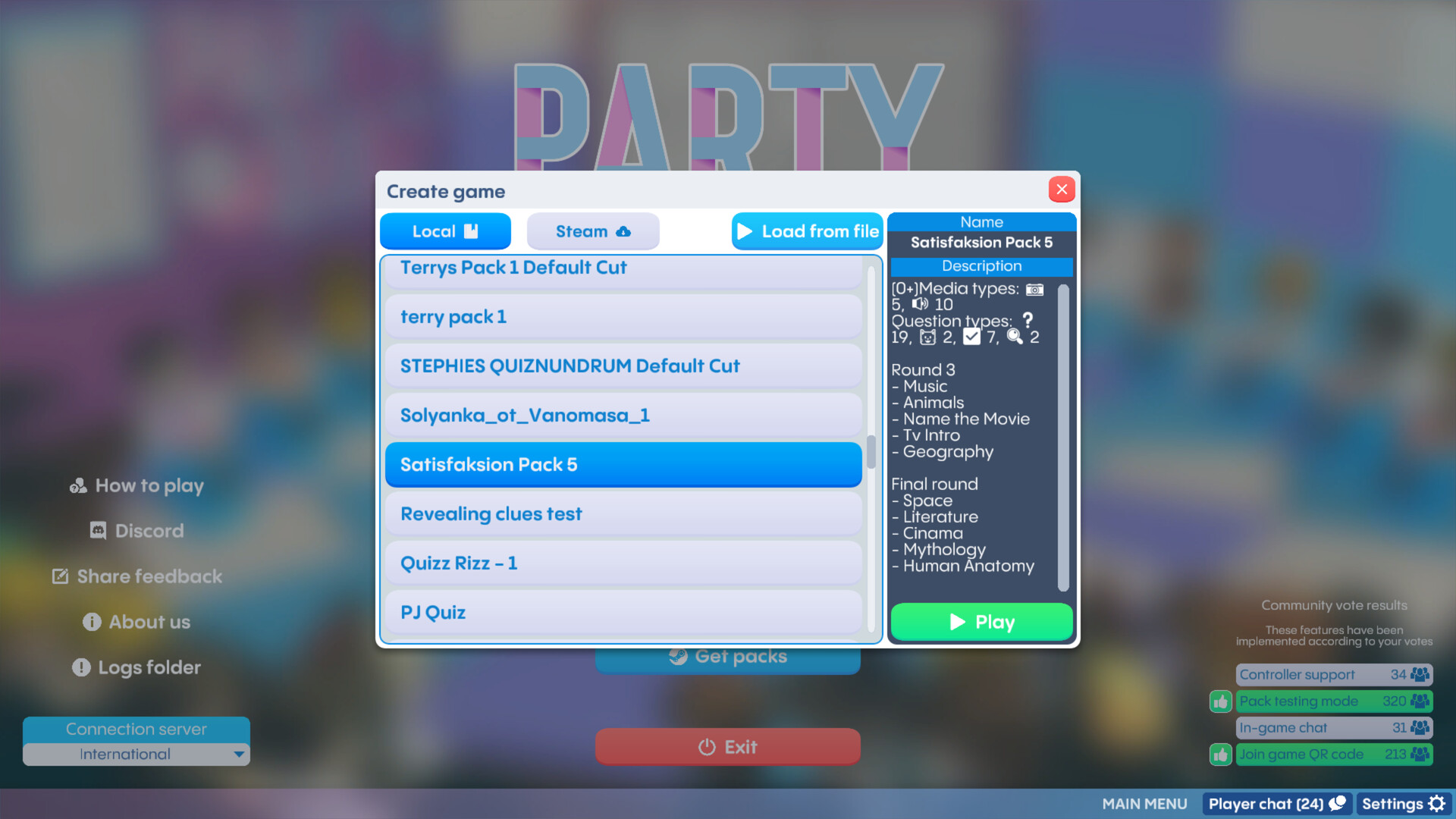
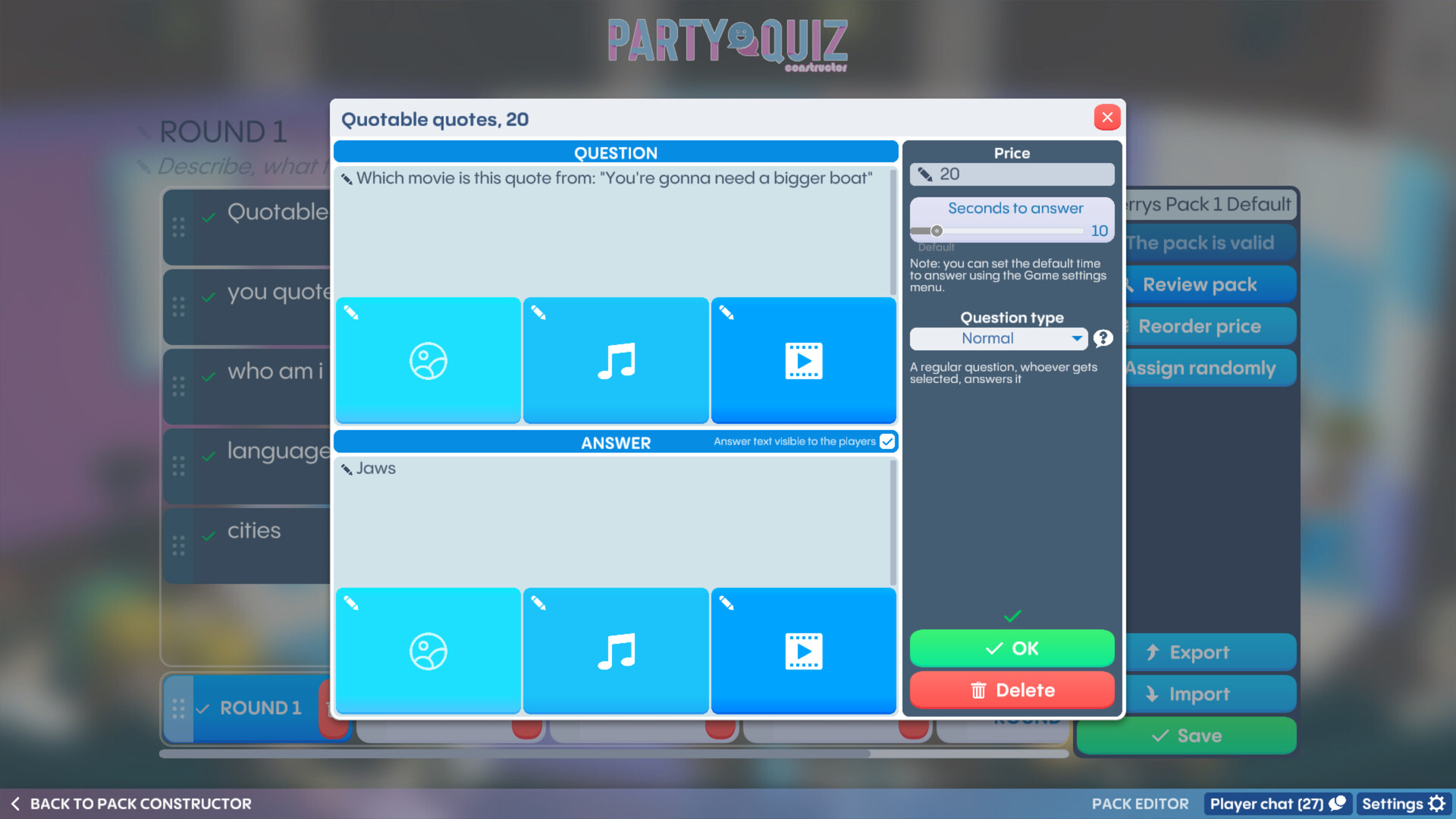
The game requires a minimum of 3 players, one of whom becomes the Host, and the other participants are the Players. Before the game, the Host creates a pack of questions in the built-in Party Quiz Constructor on various topics. No time to do it? Use Steam Workshop to start the game with a pack created by the community, filtering them by different difficulty levels and/or included topics.
- Party Quiz lets you spend a great evening with your family and friends
- Everyone can try to be both a Player and the Host, with fun avatars to choose from
- Be a part of the Party Quiz community and exchange questions with other players via Steam Workshop
- Challenge your skills in different areas of knowledge
How to Play Remotely
To join the game, players just need a web-enabled device like a smartphone or tablet. When playing with remote friends, you can use video conferencing tools like Zoom, Steam Broadcast, Google Hangouts, Discord, or similar platforms to stay connected. Simply share your screen during the call with Party Quiz launched and remember to share audio when prompted!