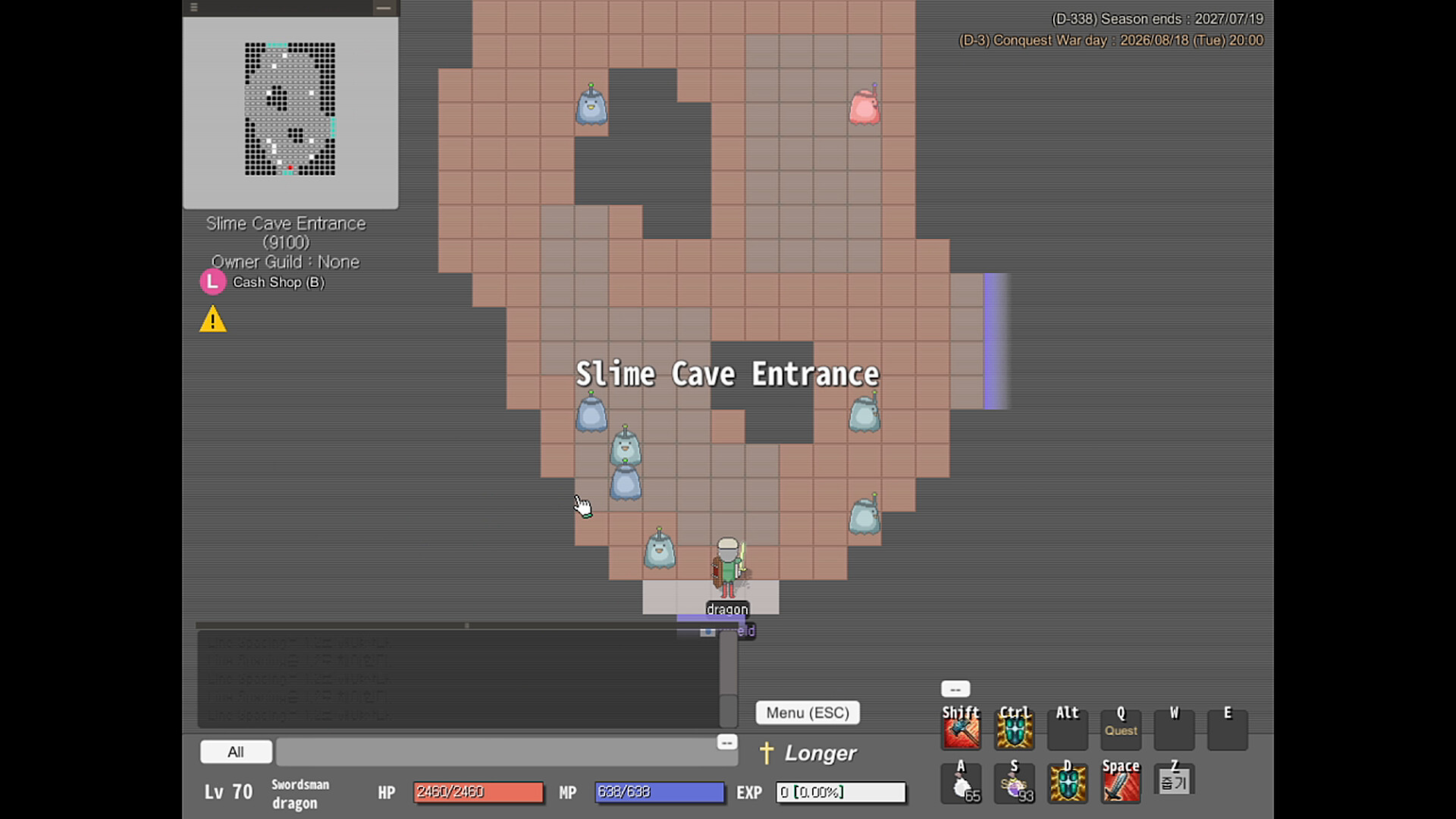
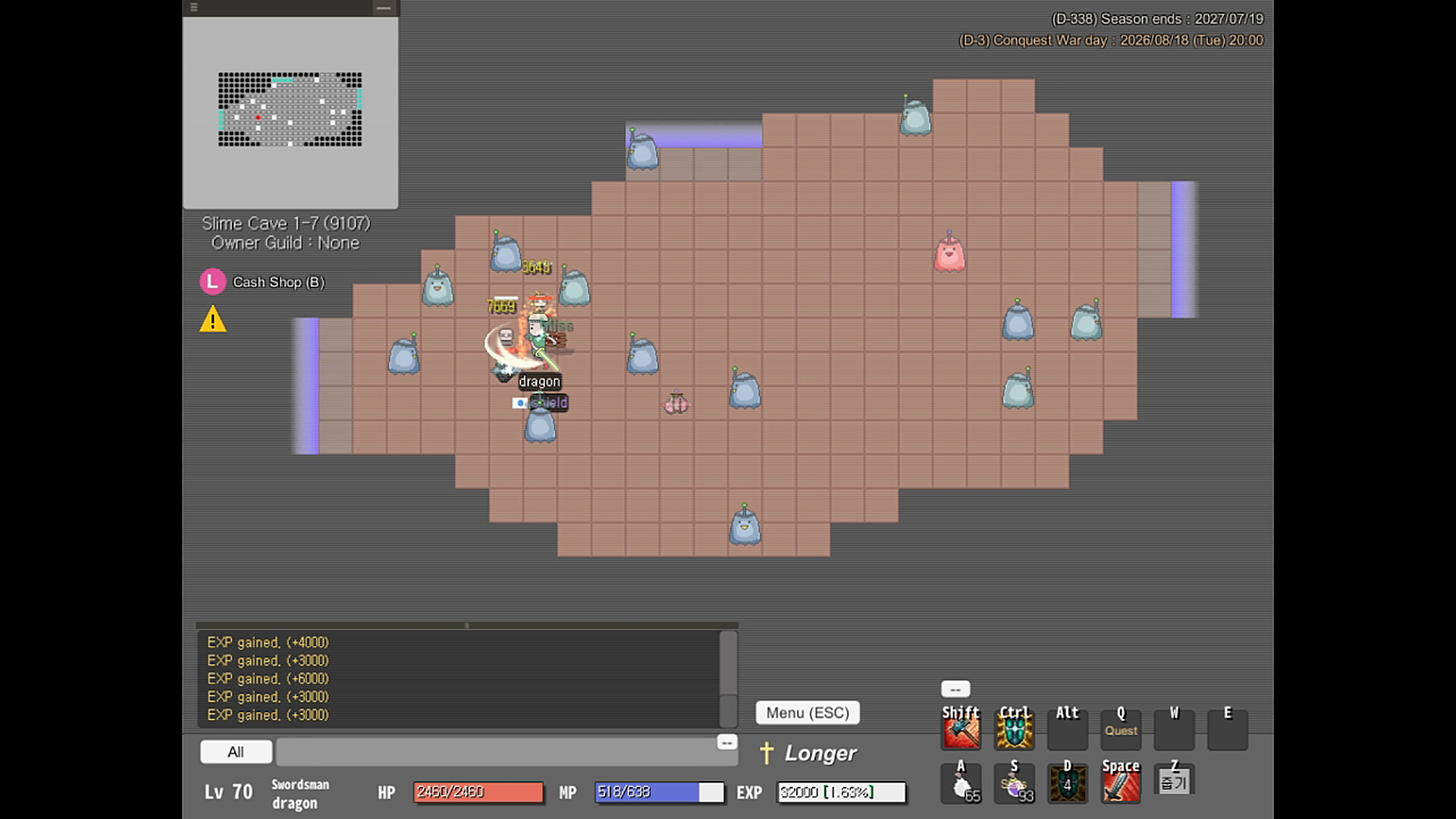
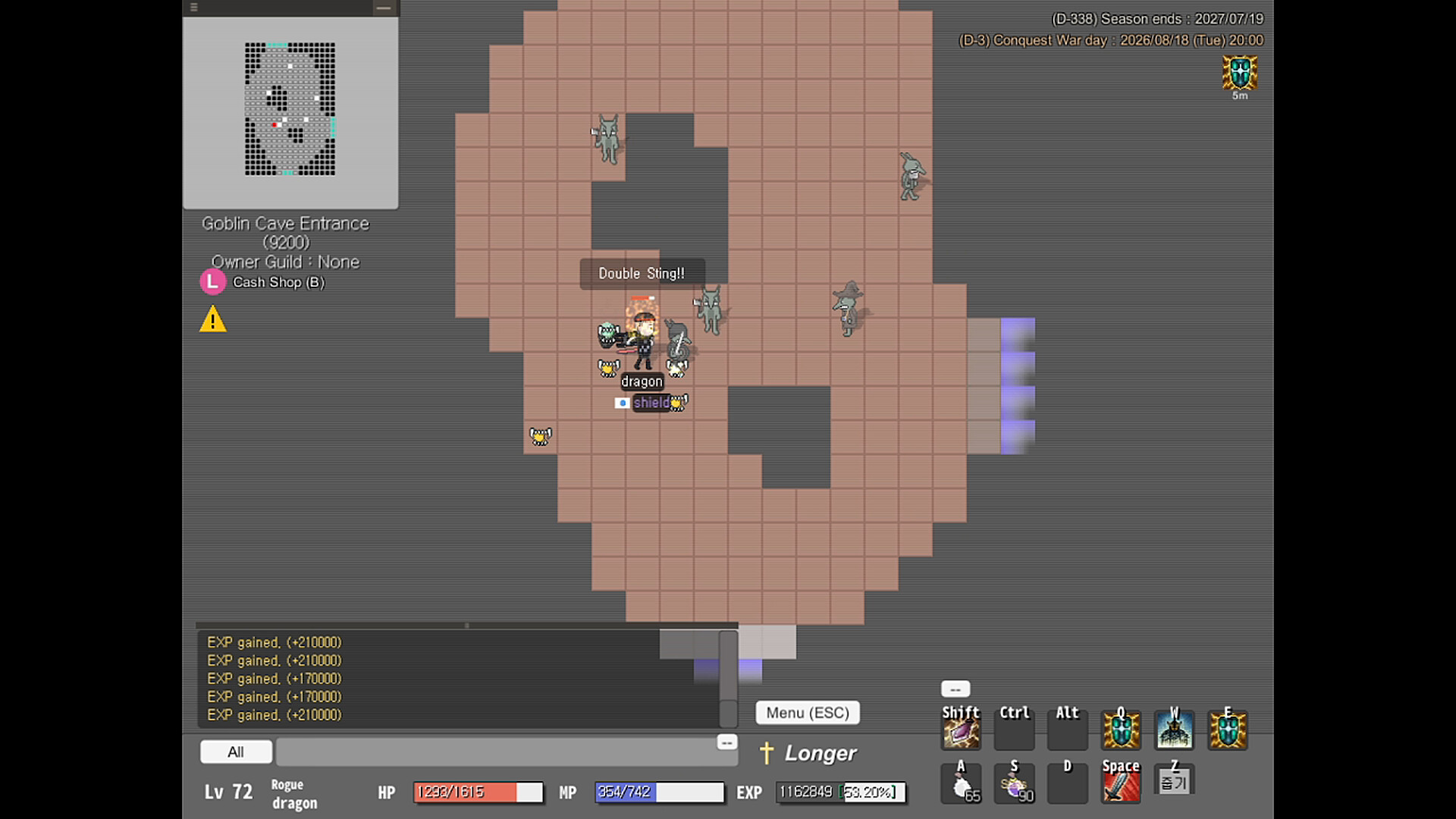
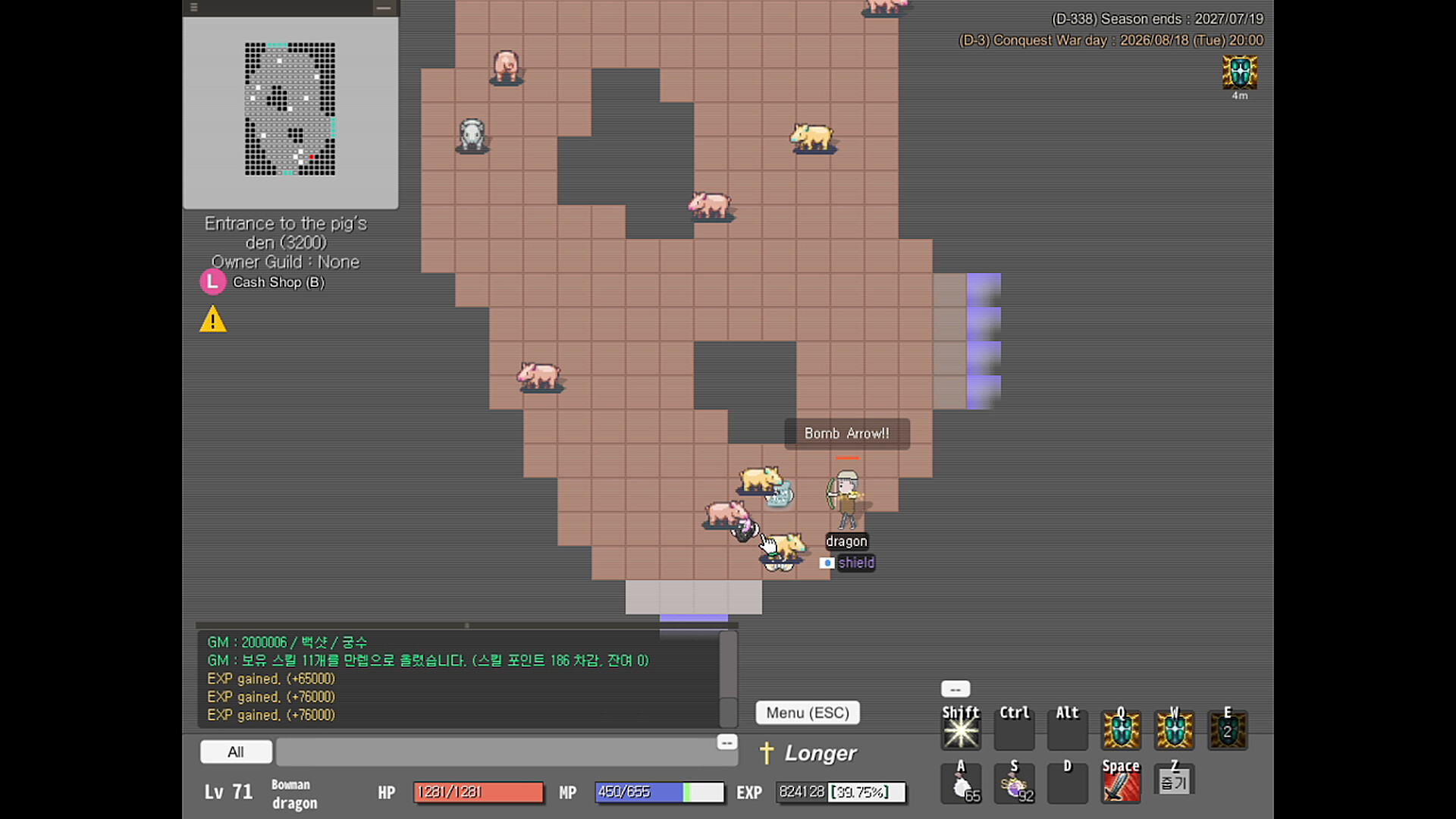
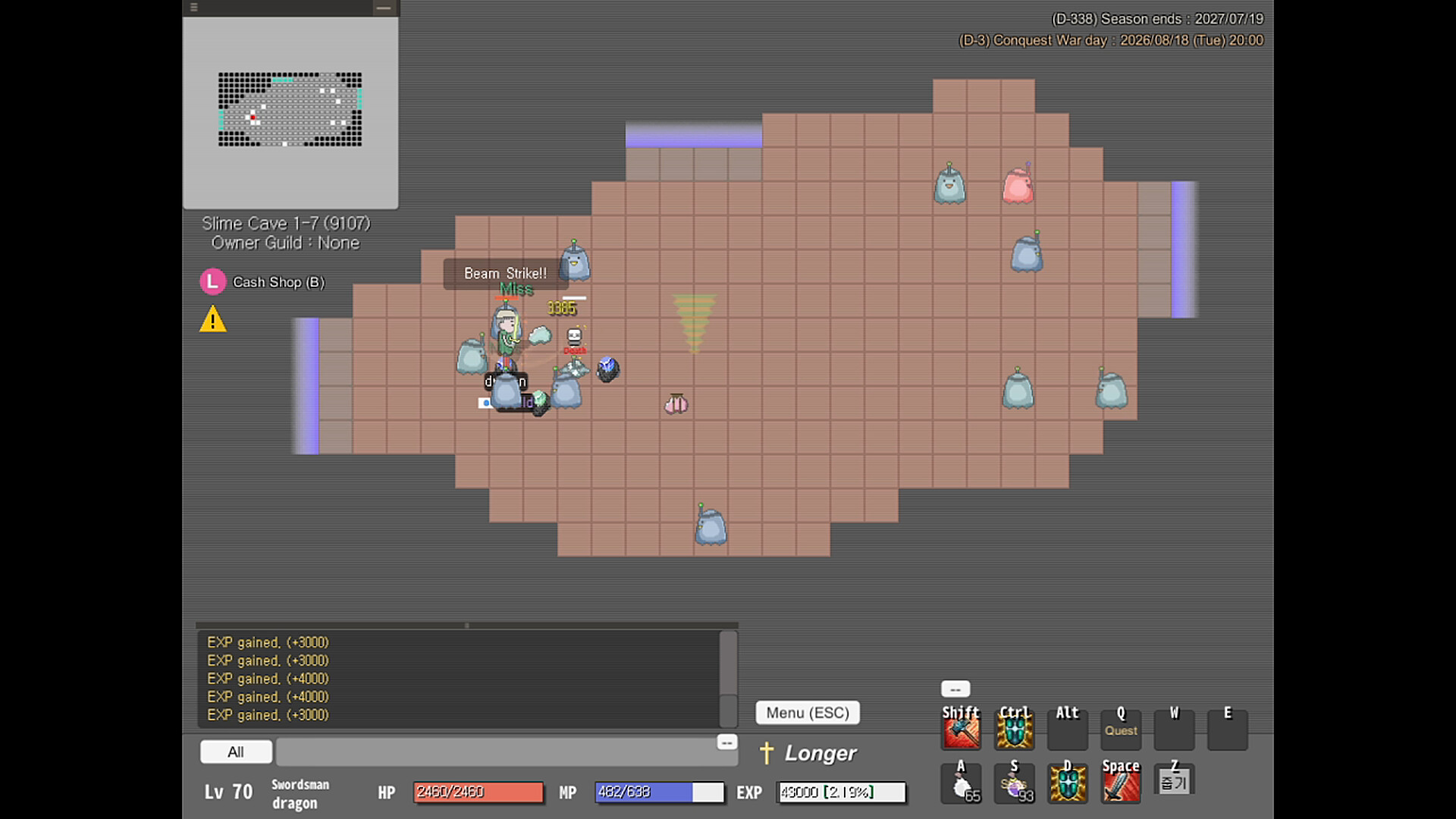
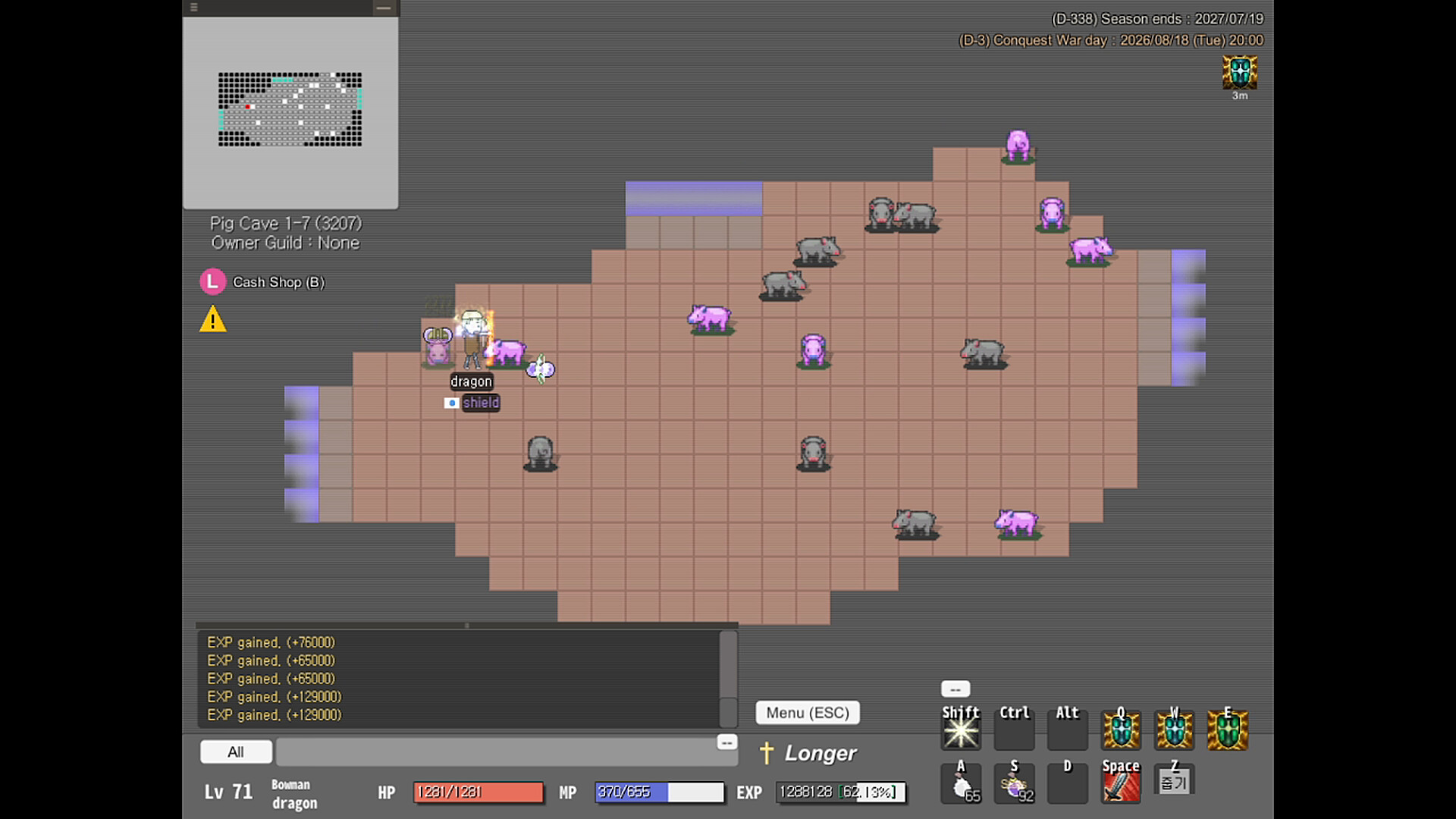
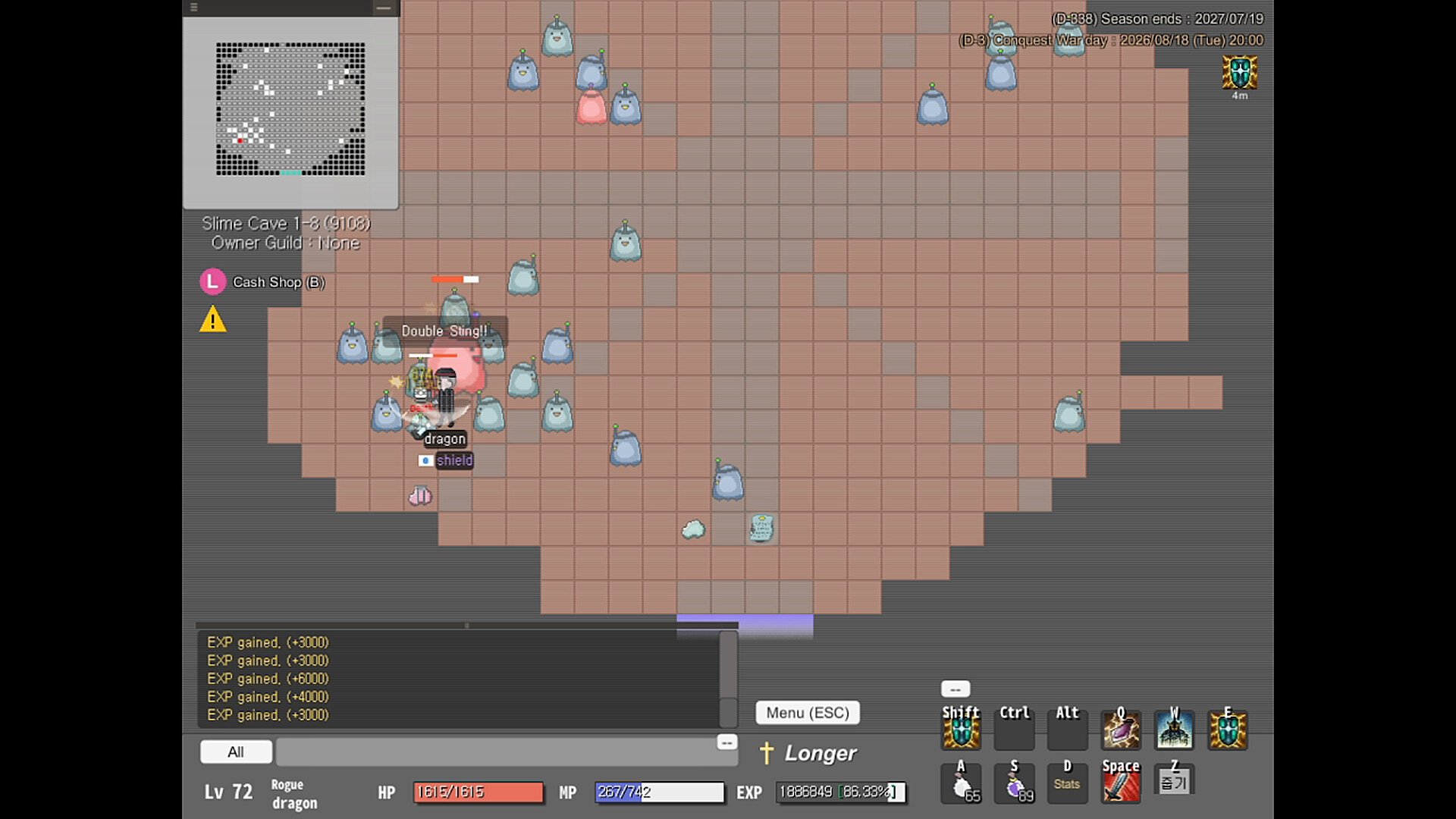
Genre : Fantasy real-time action RPG
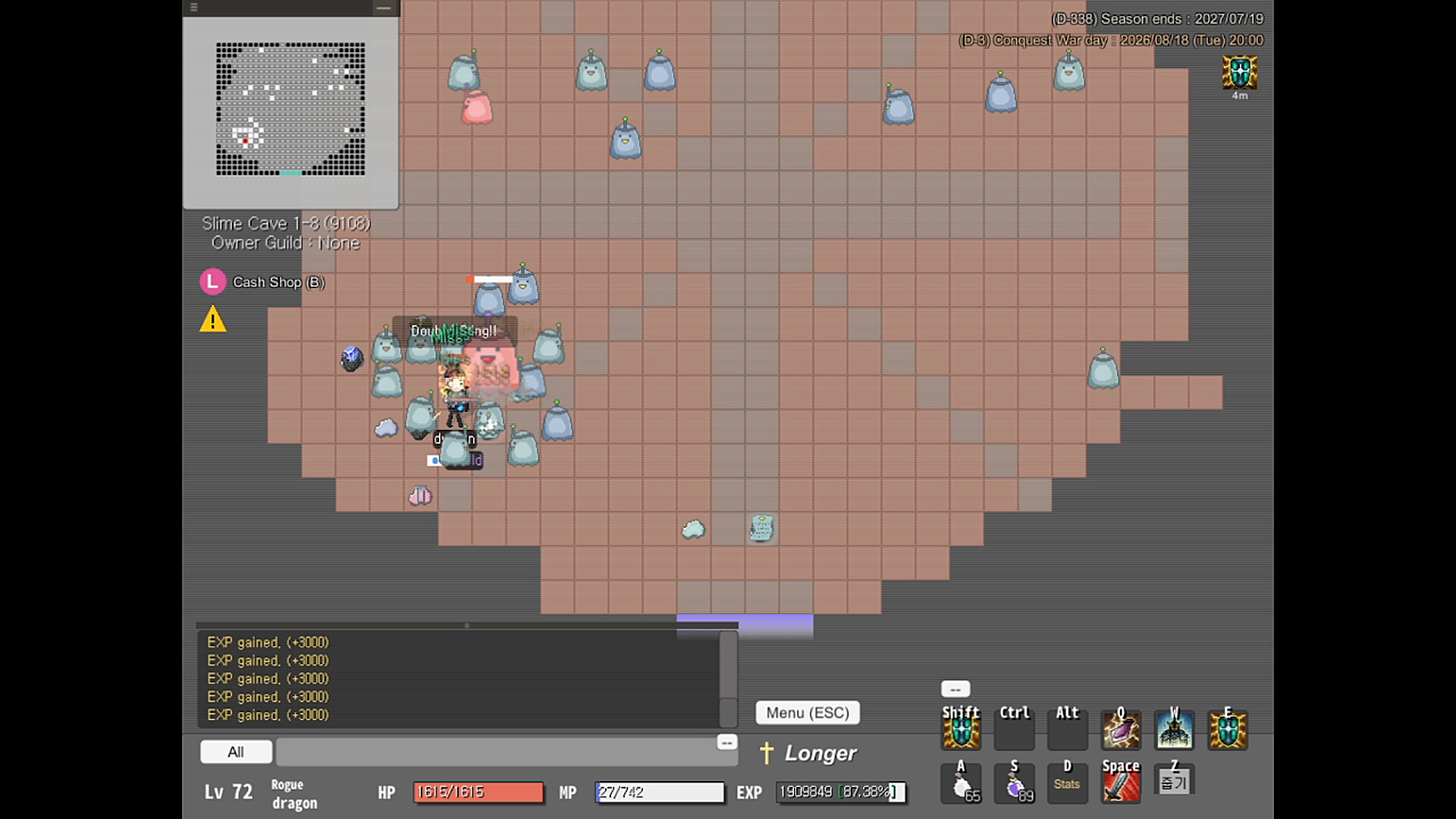
1. Hunt monsters to earn items, gold, and EXP!
Level up as you gain EXP, and at level 10 take your job advancement to unlock skills.
[ Controls ]
1) Move with the arrow keys (↑↓←→), attack with Space, and pick up items with the Z key.
2) Shortcuts can be rebound however you like. ( Key Settings window : \ key )
3) Press Enter to chat.
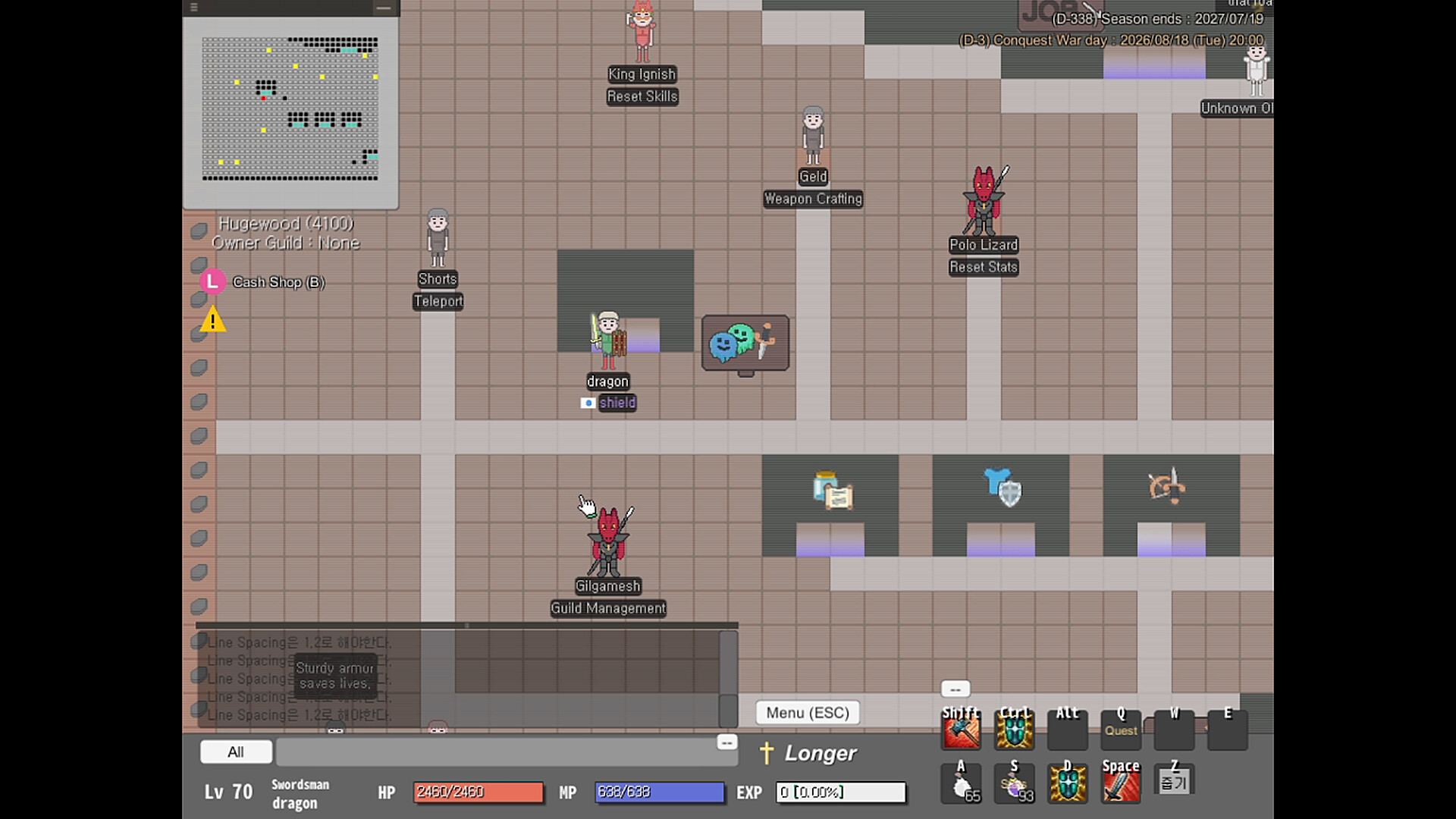
4) To talk to an NPC, double-click it with the mouse.
5) Curious about anything? Open the Guidebook (F1).
Gear up with cool items ( swords, spears, bows, staves, daggers, shields, hats ) and roam the world!
2. There are four main classes. ( Level 10 )
Warrior, Mage, Thief, Archer
Warrior : Holds the front line against monsters with high HP and defense.
Mage : Defeats groups of enemies with elemental and area magic. Can also protect allies with holy magic.
Thief : Specialized in one-on-one combat, with utility skills for mobility. Deals even stronger damage to debuffed targets.
Archer : Fragile, but powerful at range. Uses debuff skills to make enemies vulnerable.
At level 30, pass the party trial to take your second job advancement.
Warrior → Swordsman / Spearman
Archer → Bowman
Mage → Wizard / Healer
Thief → Rogue
Use each class's skills to take down boss monsters with your friends!
3. Get your hands on rare items and stand out from the crowd.
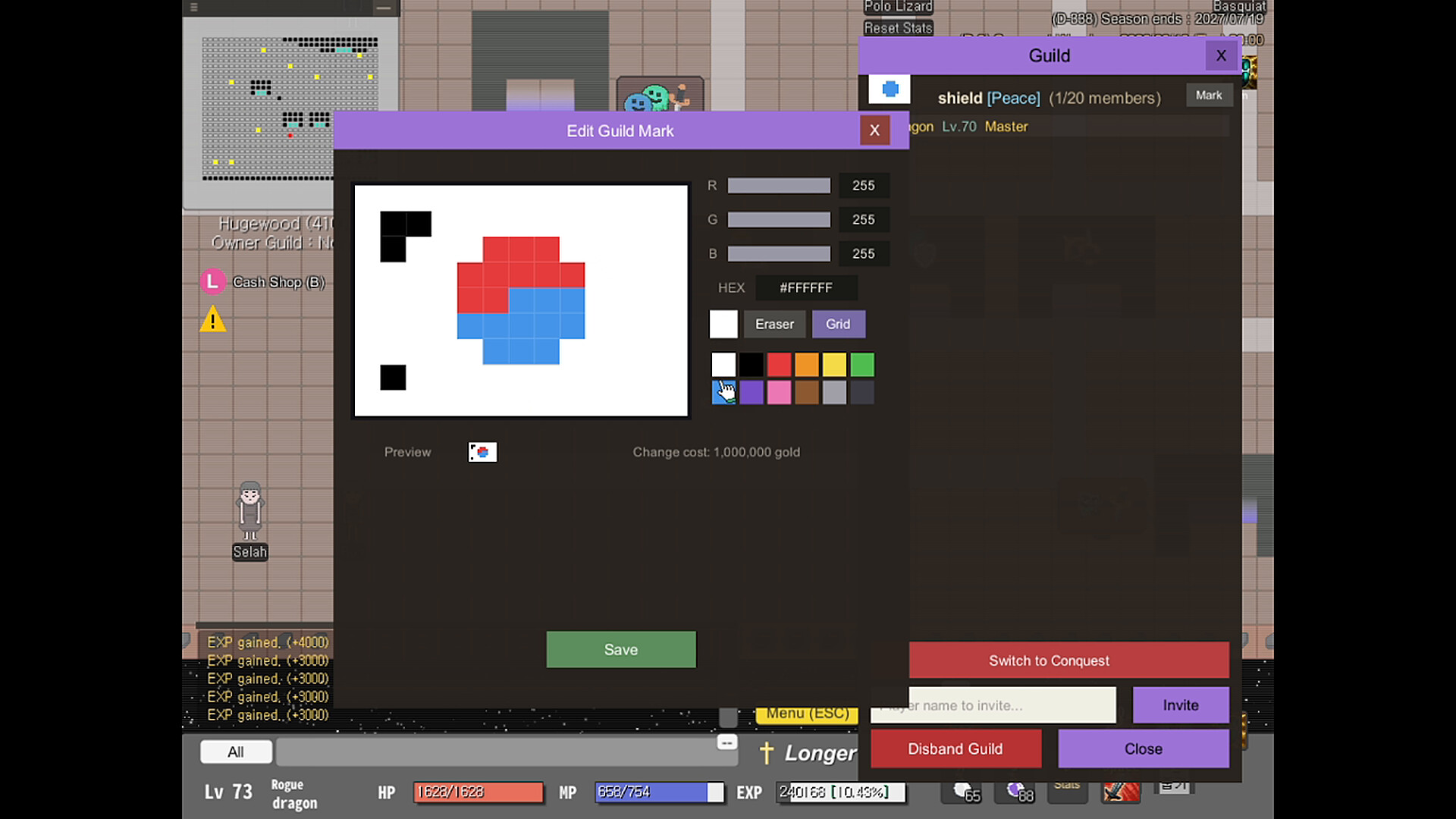
Refine gems, craft and enhance your own gear, and found a guild to grow together with your friends.
Explore the wide world and meet many companions!
[ Getting Started Guide ]
[Login]
1) Launch the game and the login screen appears. Click the Steam button in the middle to sign in with your Steam account right away.
( No separate registration needed. )
2) To change your region, click the [Region] button at the bottom right. ( Korea / N.America )
3) In the server select window, click the channel you want to join. ( Player counts are shown for each channel. )
[First Time Playing]
1) On the character select screen, click [+ Create Character]. ( Up to 3 characters per account )
2) Choose your nickname and appearance (hair / face / skin / gender), roll your starting stats with the dice, then click the [Create] button at the bottom.
3) Move with the arrow keys (↑↓←→), attack with Space, and pick up items with the Z key.
4) Shortcuts can be rebound however you like.
5) Press Enter to chat.
6) To talk to an NPC, double-click it with the mouse.
[Quitting]
1) Click the [Menu] button at the bottom right (ESC) and choose [Exit] to log out and return to the login screen.
2) To close the game completely, click the [Quit Game] button at the bottom right of the login screen.
( You can also close the window with the X at the top right. In fullscreen, press Alt+Enter to switch to windowed mode first! )
Have any questions? Contact us on our website!