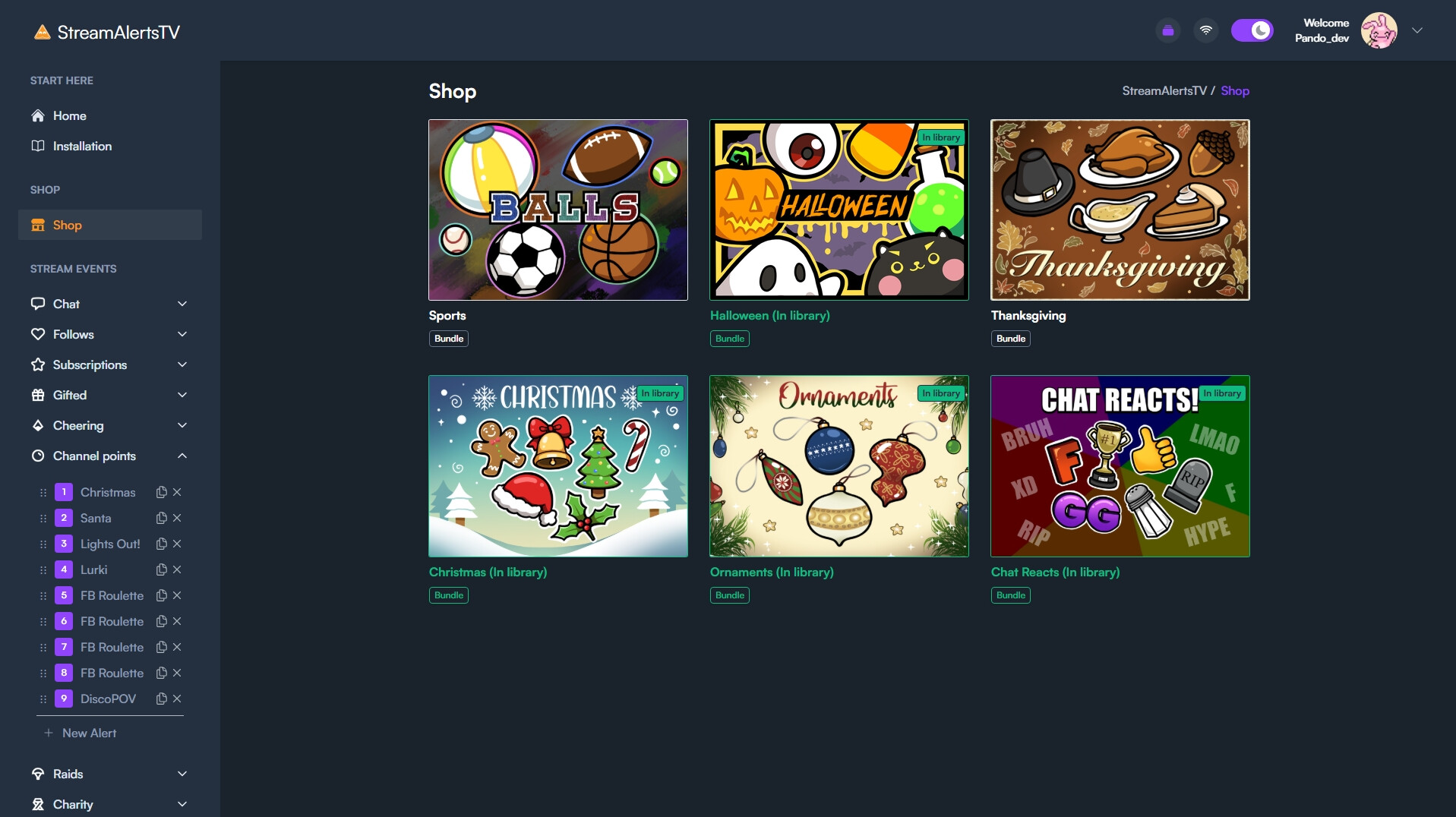
Give chat the power to distract you. Stay in control with our customization features. Creators are seeing up to 7x more Bits!
Chat, Clip That! 🚨
The immediate on-screen chaos sparks authentic reactions. This makes the content go viral! Let chat clip the shorts, get discovered and grow your channel.
Fresh content
You can play the game your channel is known for, but with StreamAlertsTV, every session becomes a new challenge for you and fresh experience for your viewers.
Every Game & Distraction Is FREE
Spin the Wheel of Misfortune. Blur the entire game. Drop a perfectly timed Flashbang. Get it for free, then customize it to your liking. There are in-app purchase options to extend your viewer notifications, such as new followers, raids, and subs. The Twitch extension enables the use of Bits. For each eligible use of Bits in this extension, subject to Twitch’s legal terms and policies, the extension developer and the streamer will receive 20% and 80%.
Viewer Notifications
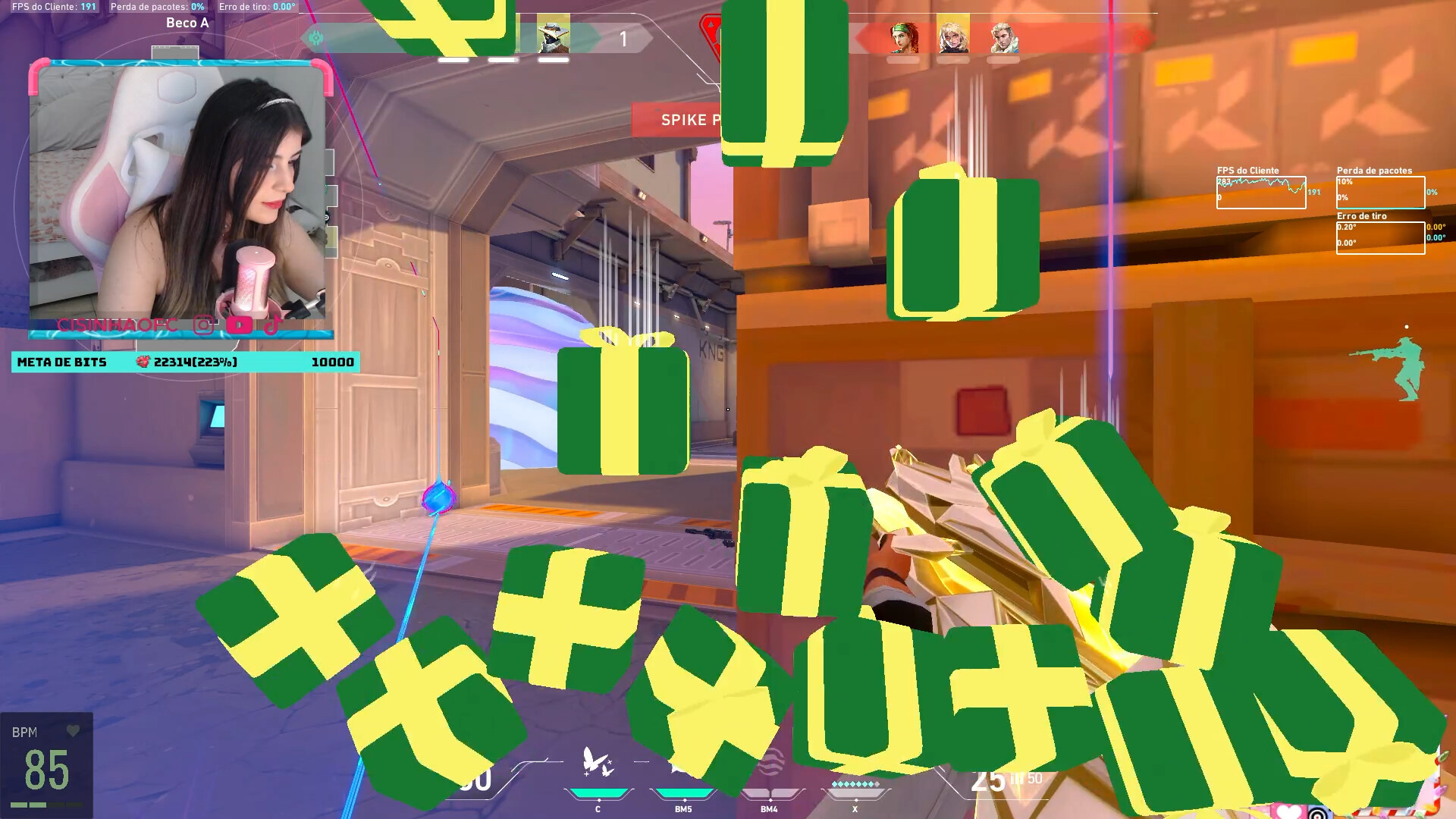
Make your alerts that stands out! StreamAlertsTV helps to celebrate your loyal subscribers by increasing the amount of objects for each month. This way it immediately shows their support, instead of just showing the same banner.
What makes it unique?
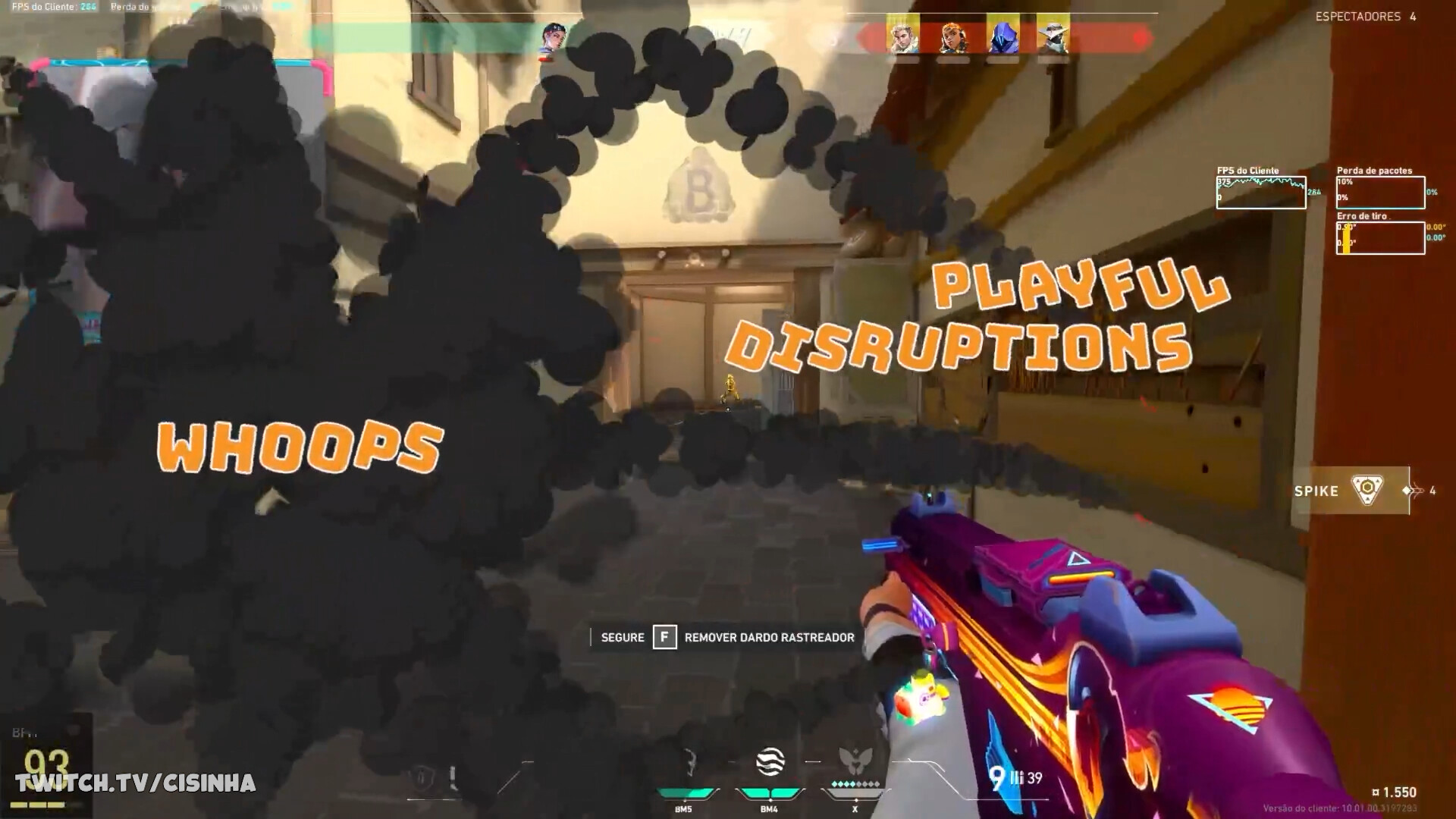
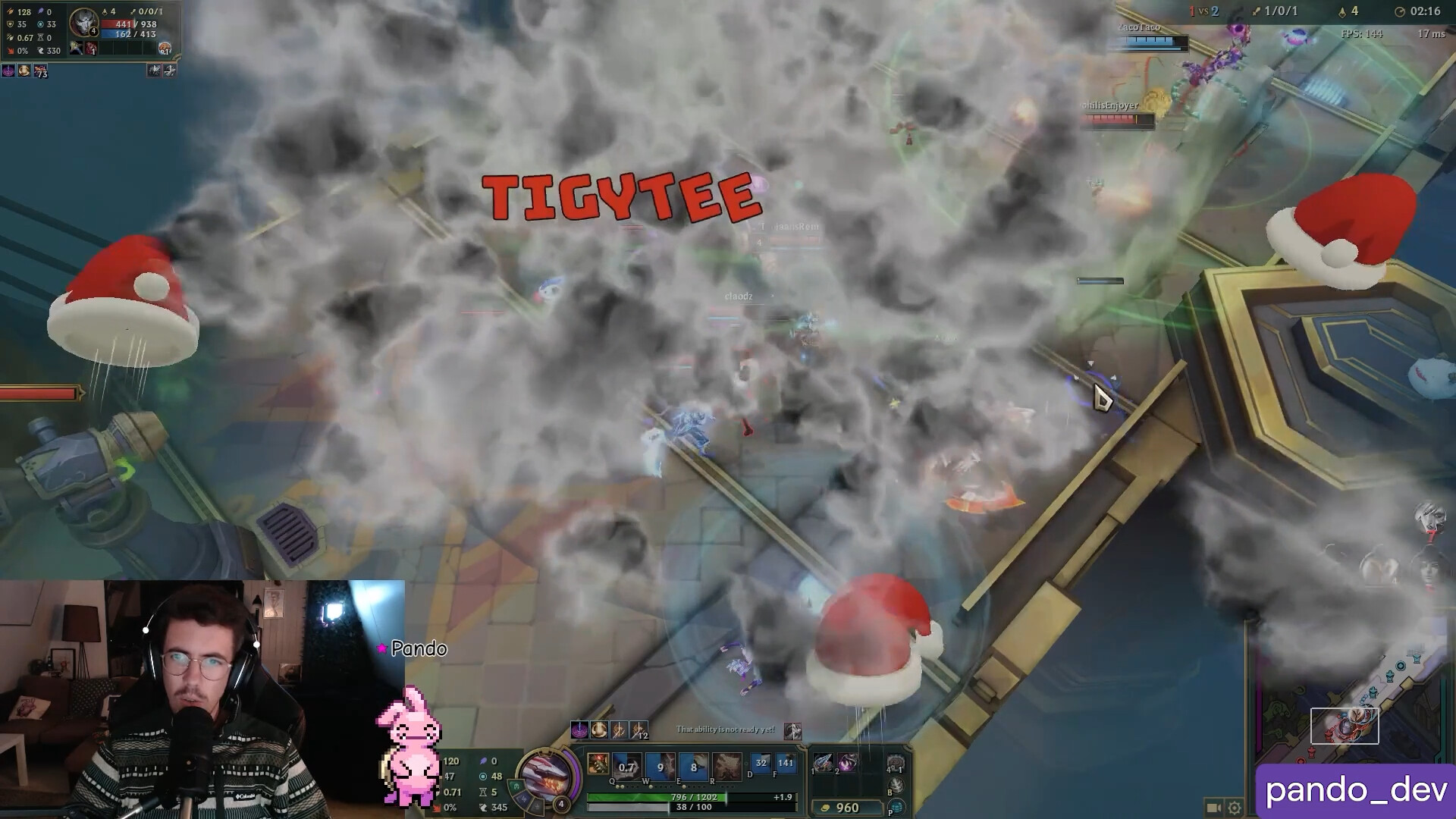
The action appears on your main monitor through a transparent overlay. You instantly notice who interacted because it has appeared right on top of your gameplay. This means your audience can jump in at any moment to disrupt, distract, or challenge you, all without pulling your eyes off the action. Embrace the chaos and remember, you’re in control.
How It Works 💡
StreamAlertsTV integrates with any setup. We support Channel Points, Cheers, Bits-in-Extension, Chat Commands, and more. Your broadcast can be set to record the full display, or a window capture. You can test everything offline through the configuration.