#Utilities #Benchmark
ComboBench
System benchmark that detects the bottleneck component in your PC.
View game
$1.99$1.49
Positive · 10 reviews
90% positive (9 / 10)
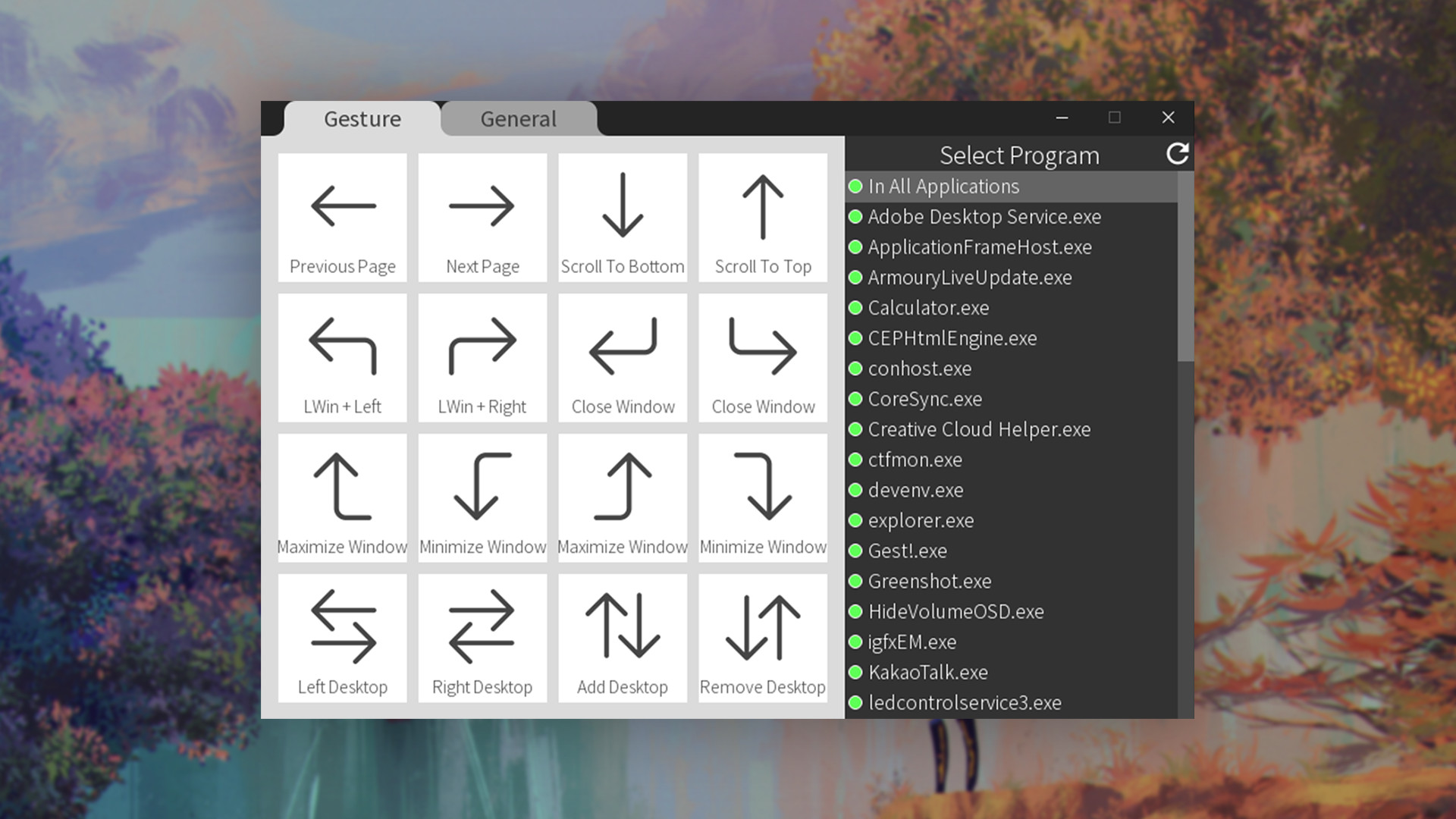
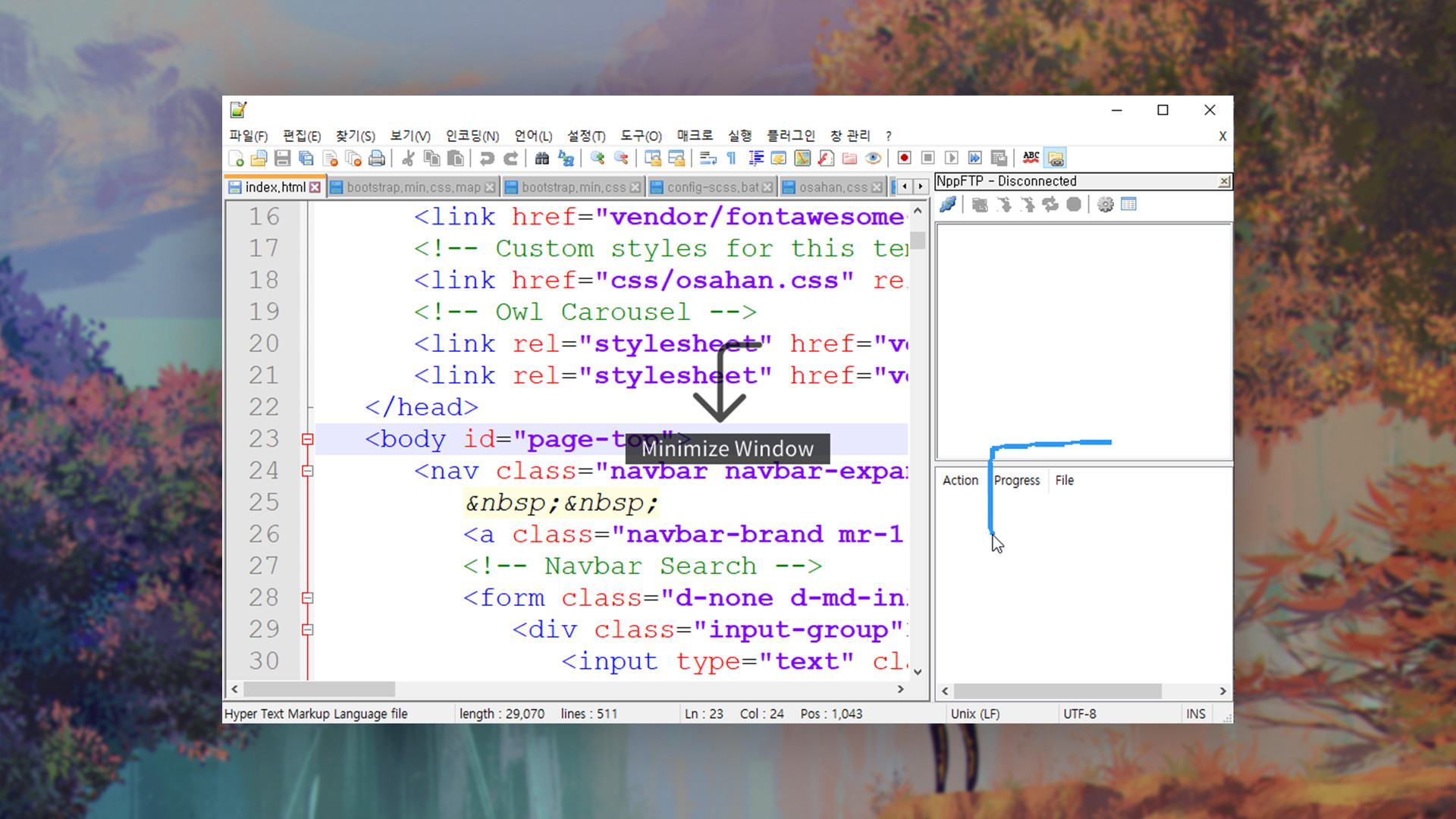
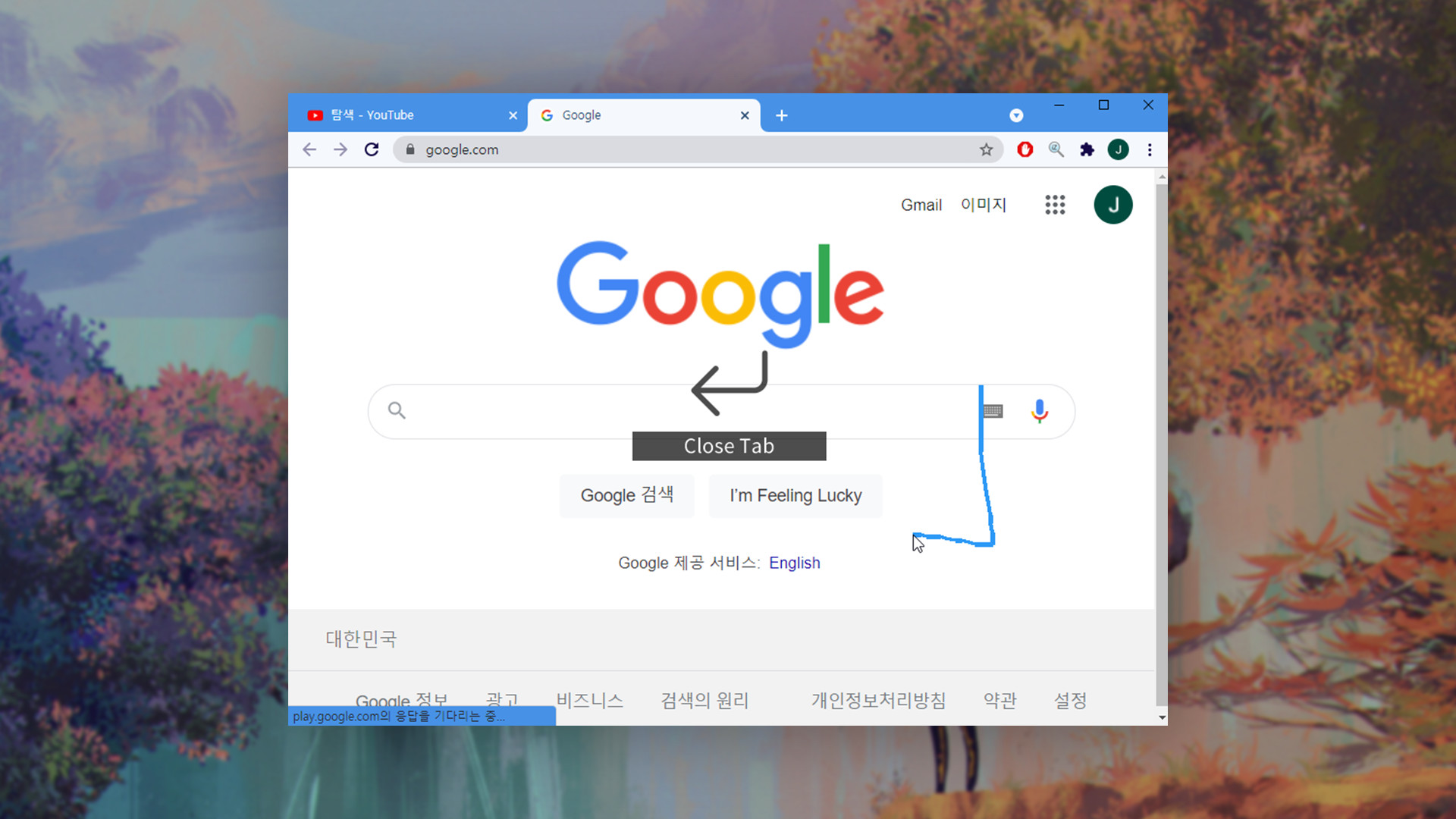
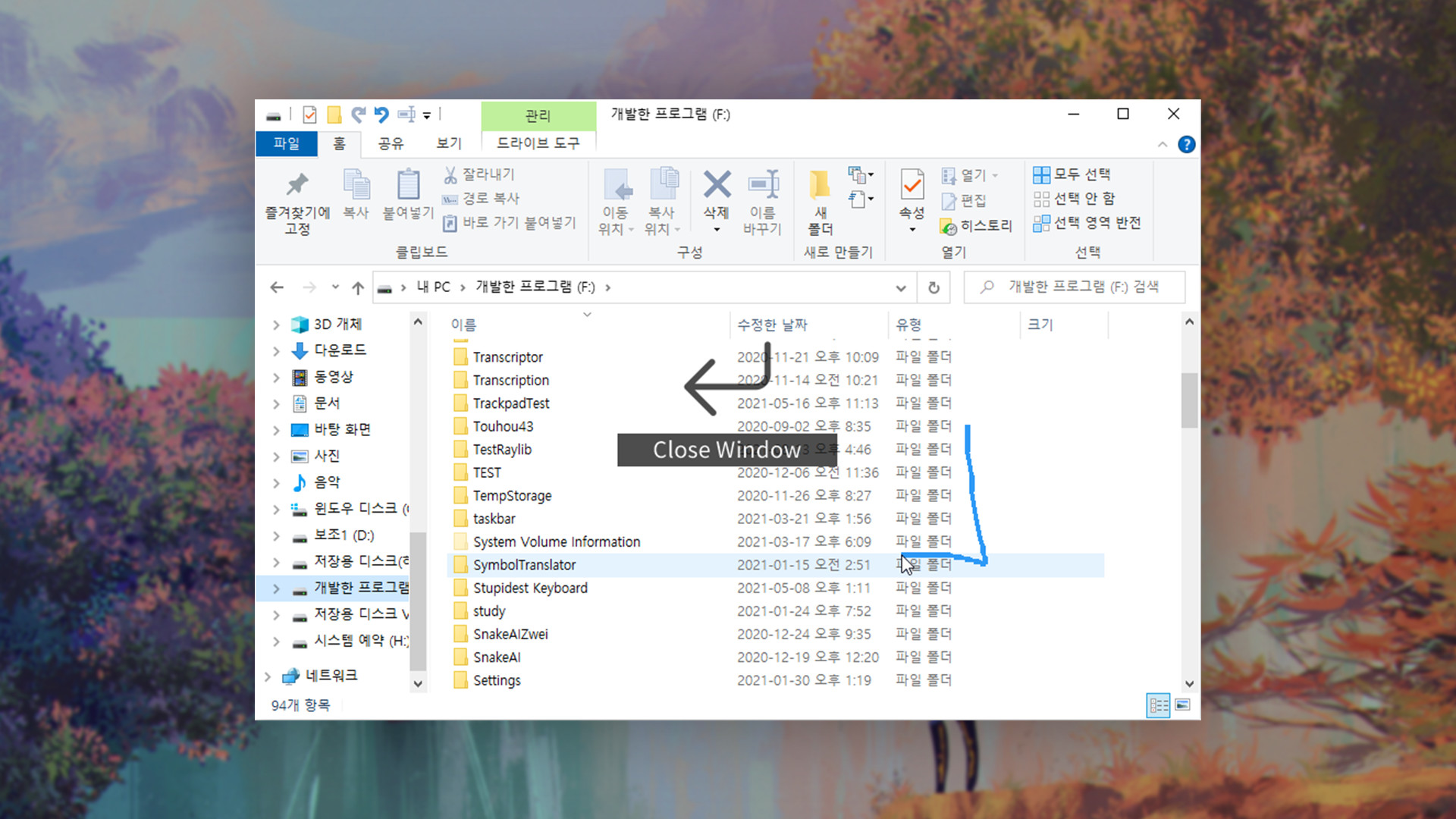
Try easy and comfortable gestures by using only a mouse. You DON'T need to purchase any extra devices for these functions. Select specific gestures for each programs. You can also disable them for certain programs.
Released
April 30, 2022
Price
Platforms
Windows
Developer
Publisher
Last sync
September 24, 2026
Try easy and comfortable gestures by using only a mouse. You DON'T need to purchase any extra devices for these functions.
Select specific gestures for each programs. You can also disable them for certain programs.
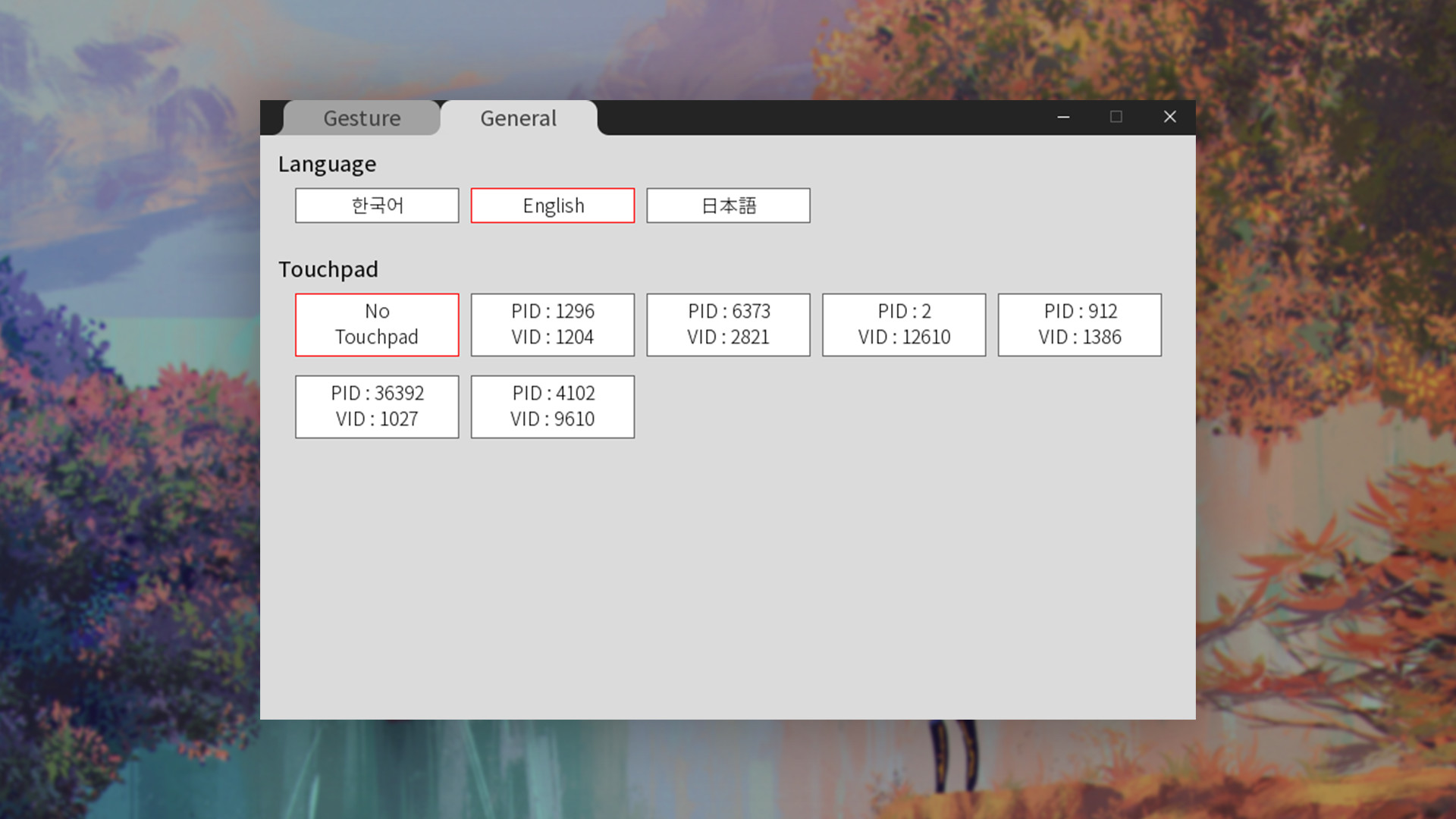
When you are using a laptop, you can use these gestures with your touchpad on your laptop!