Aircraft Operations
Use the A and D keys on your keyboard as well as the mouse.
You can move the aircraft left and right.
About the Game
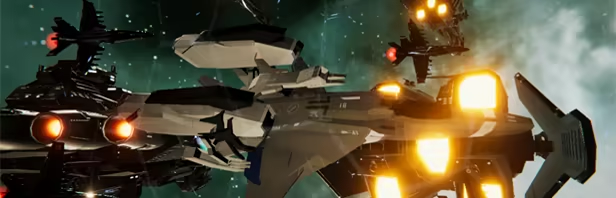
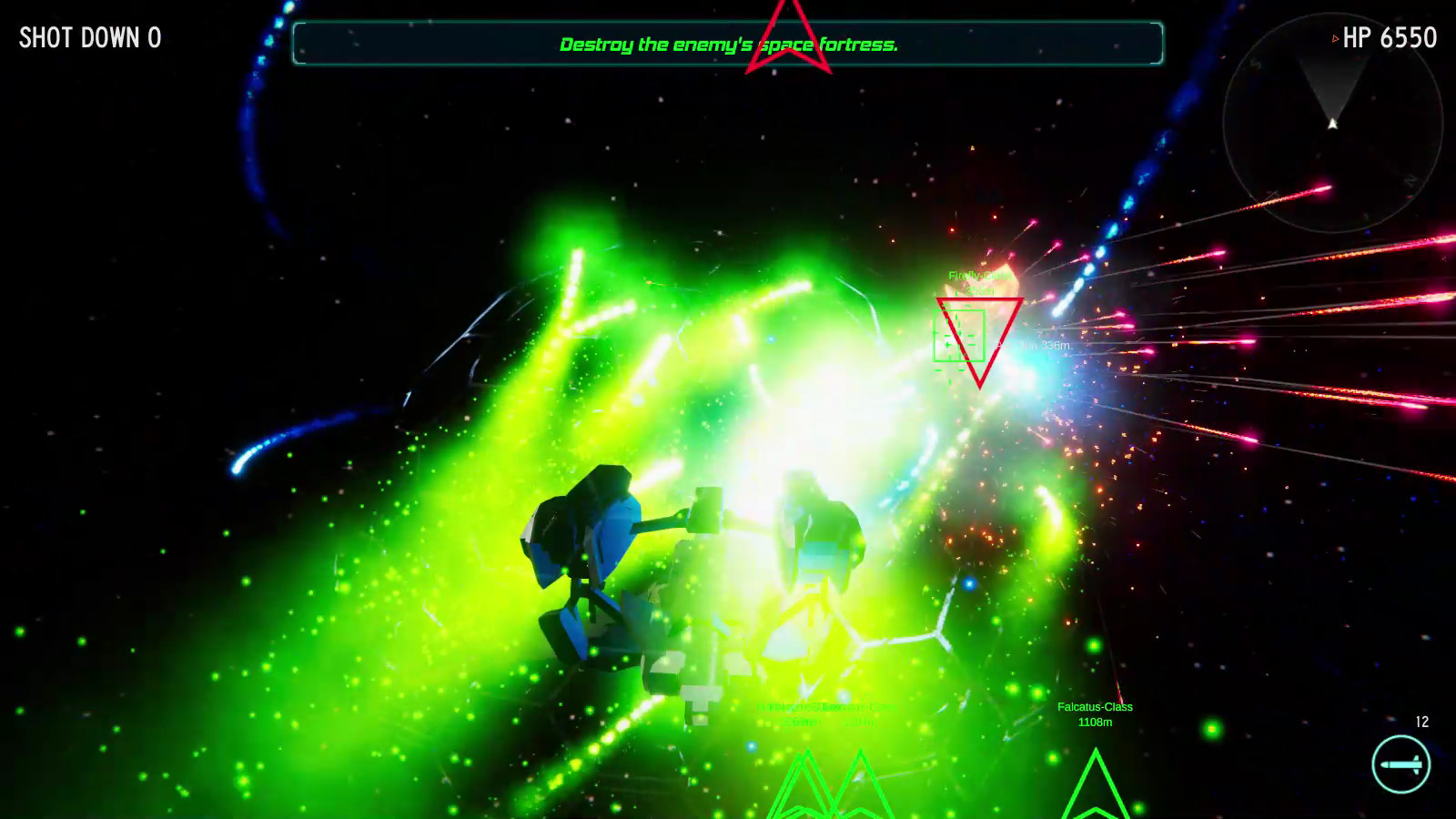
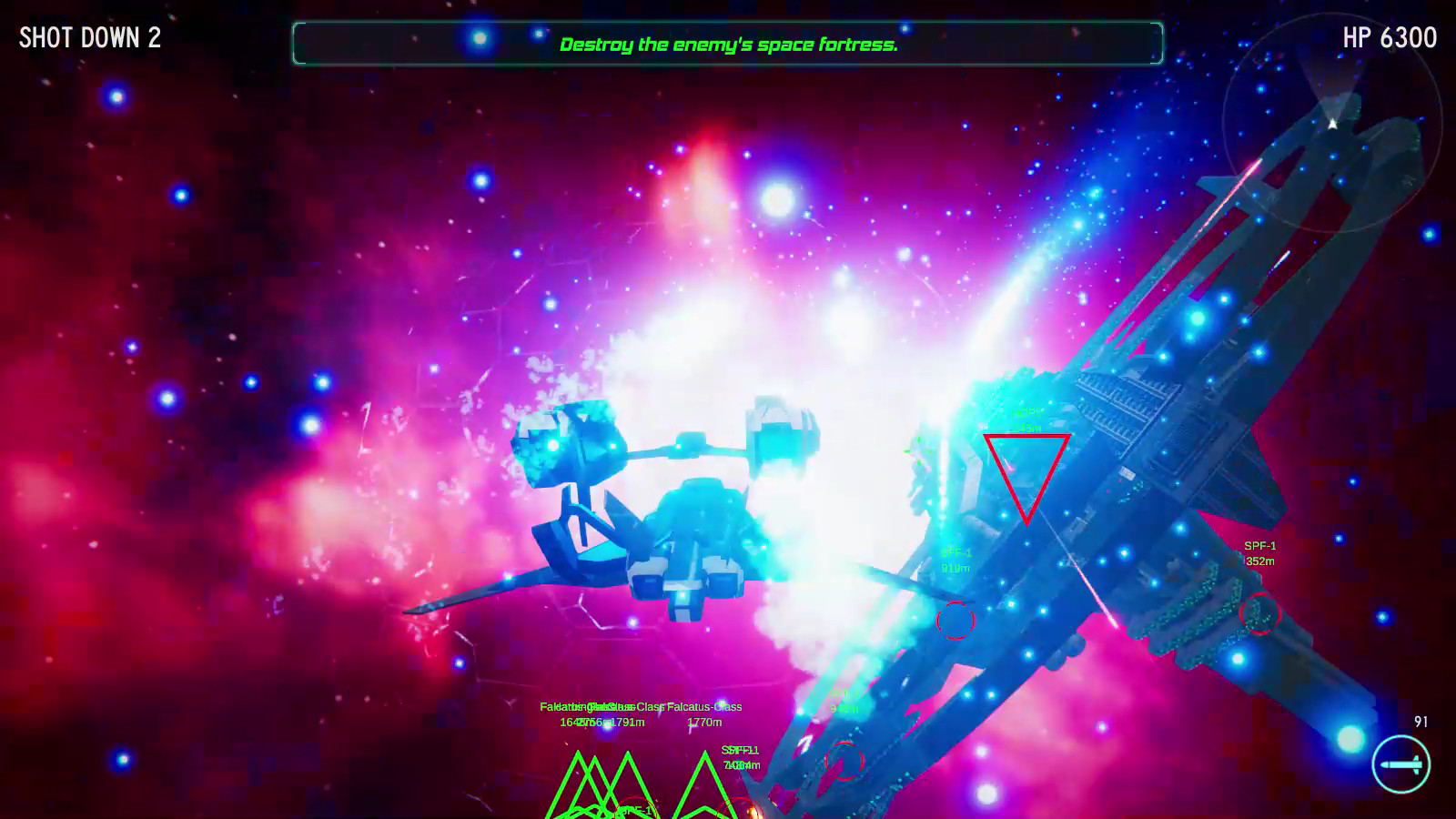
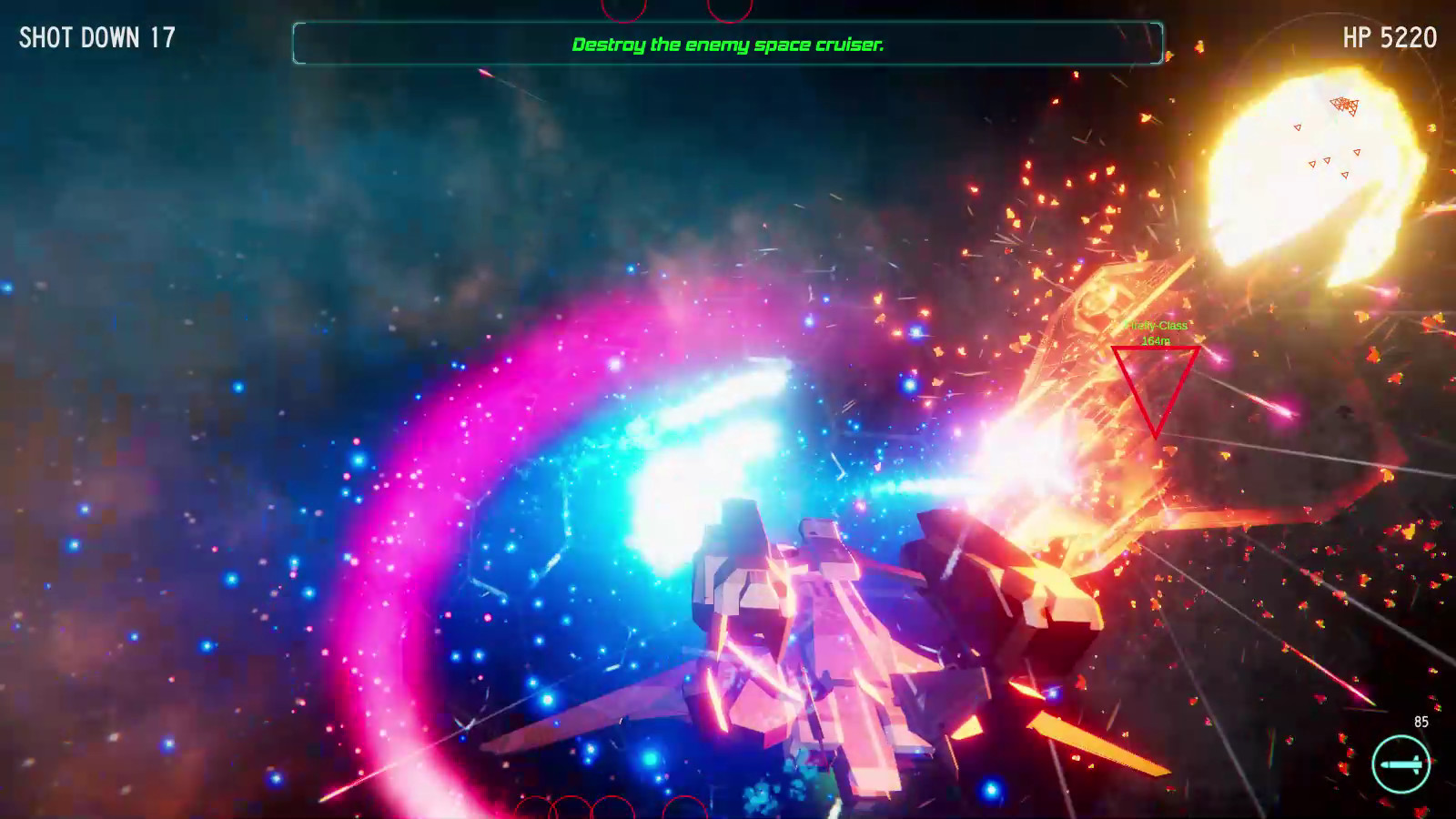
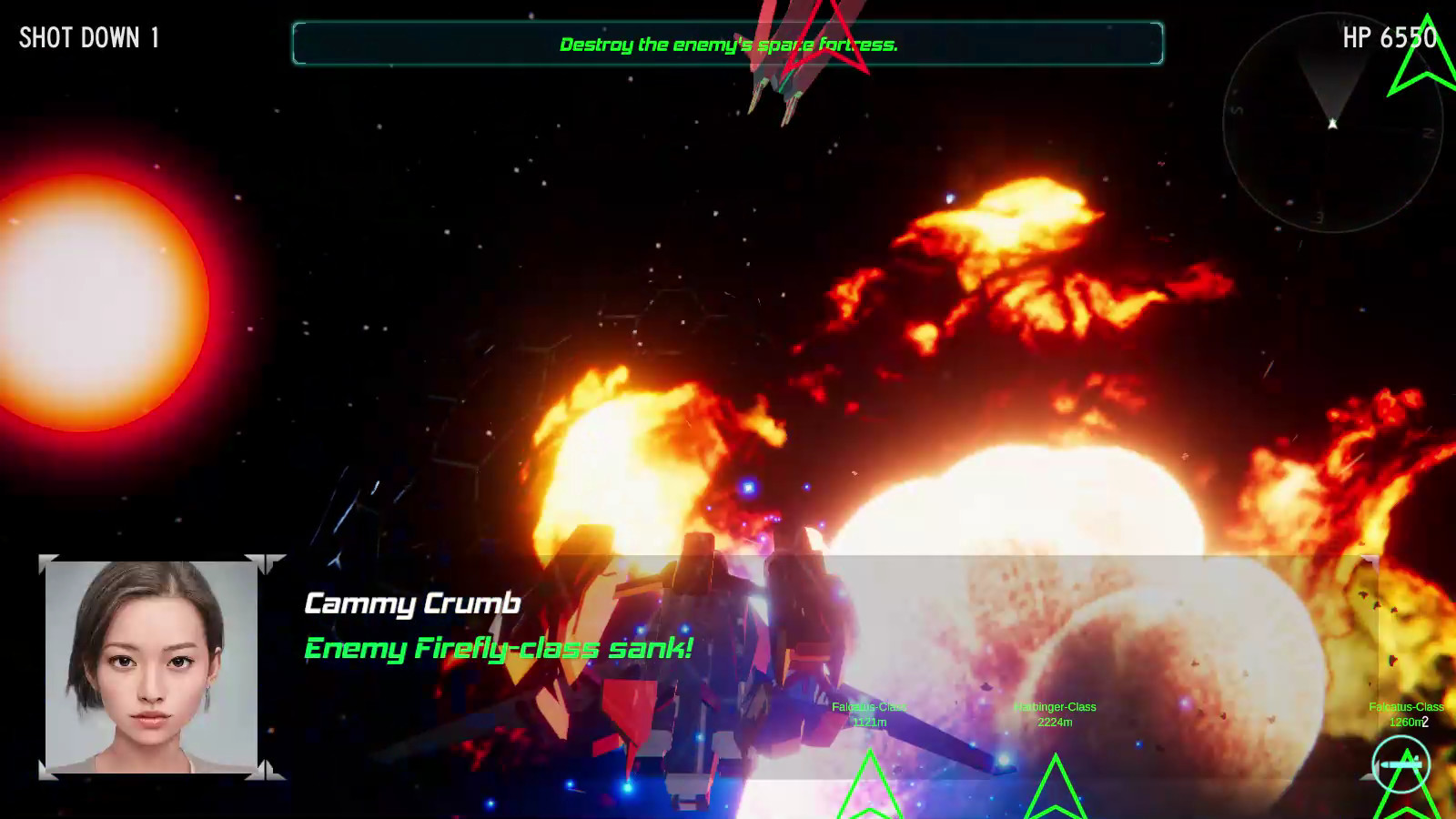
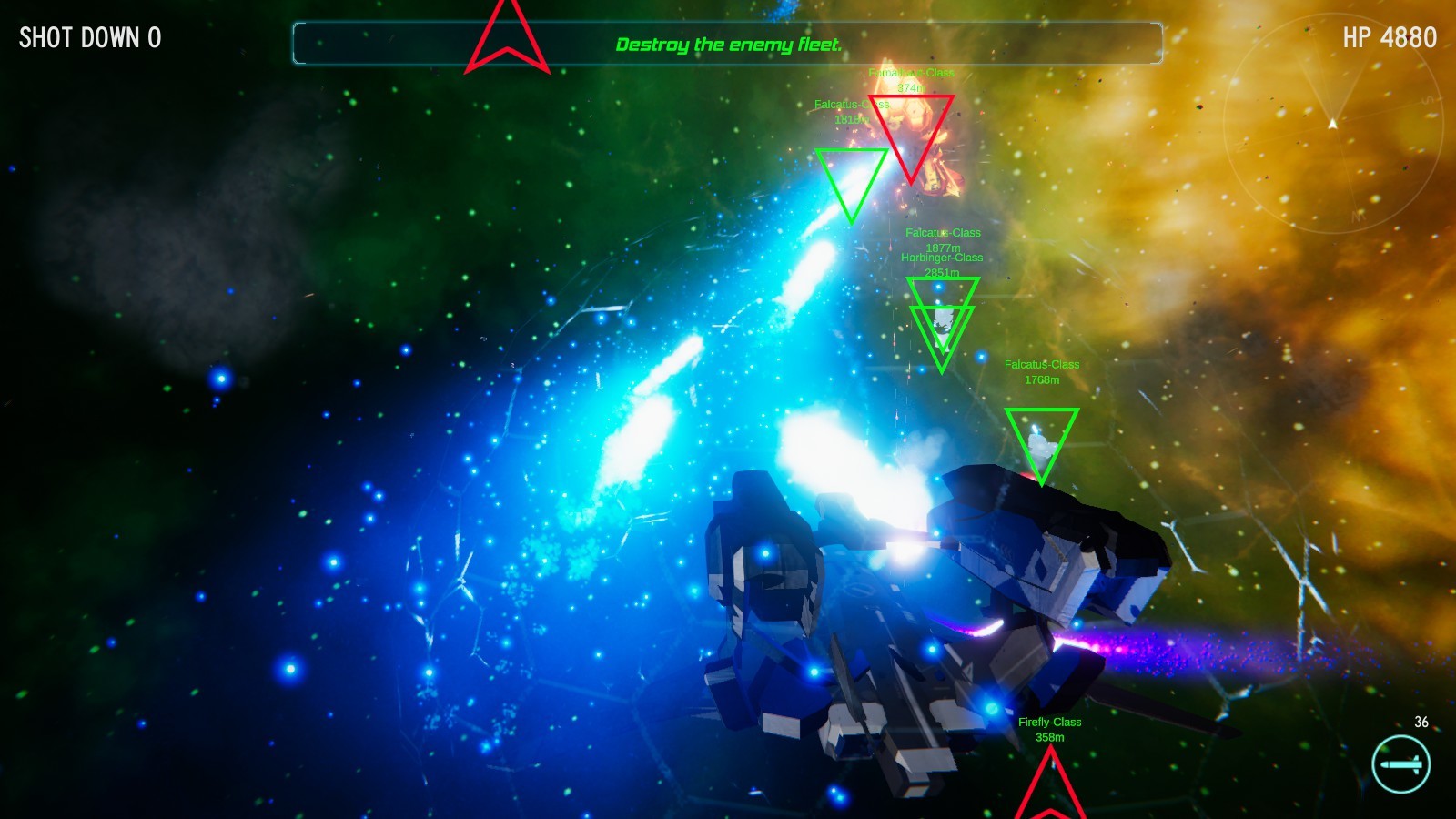
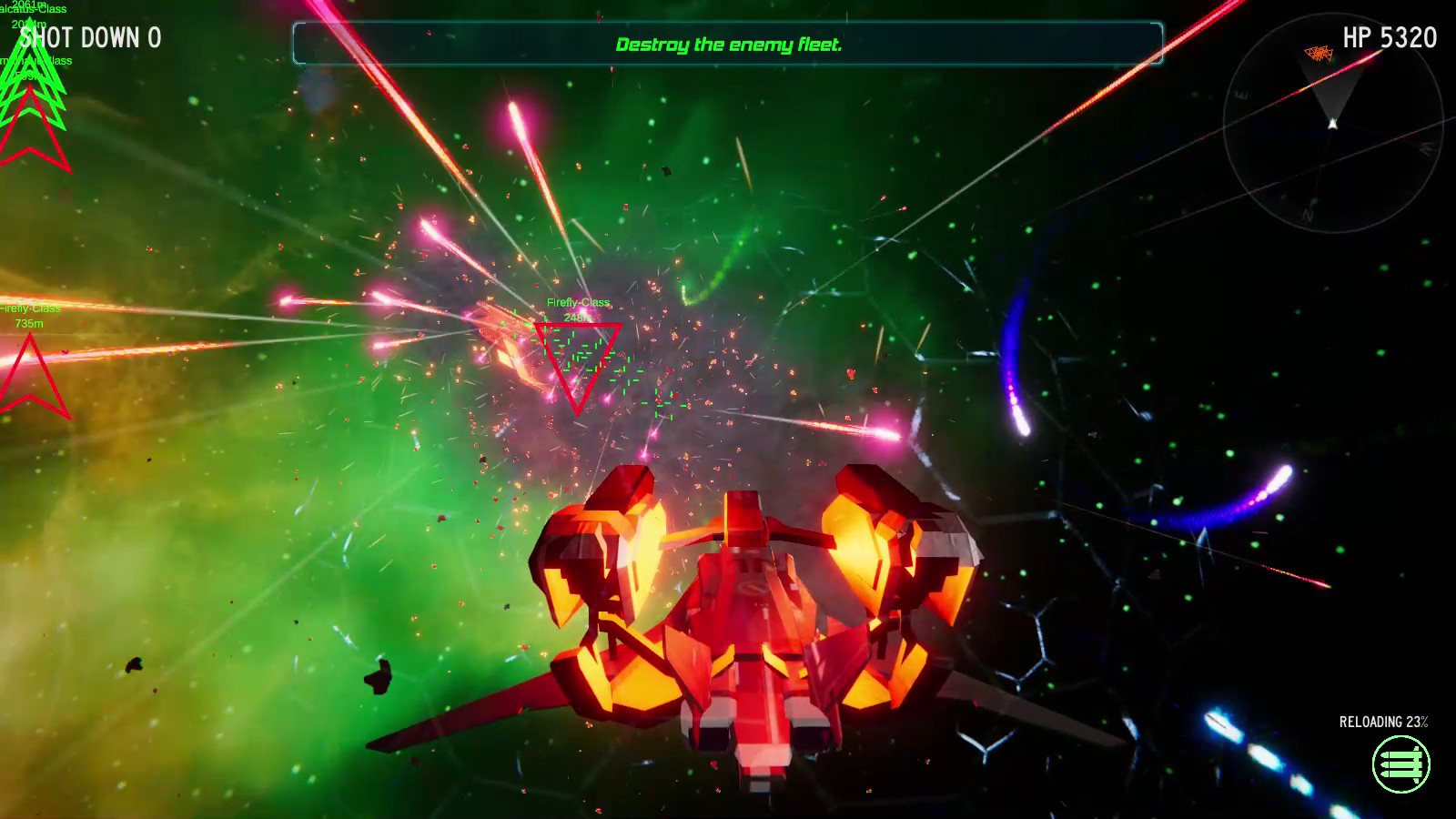
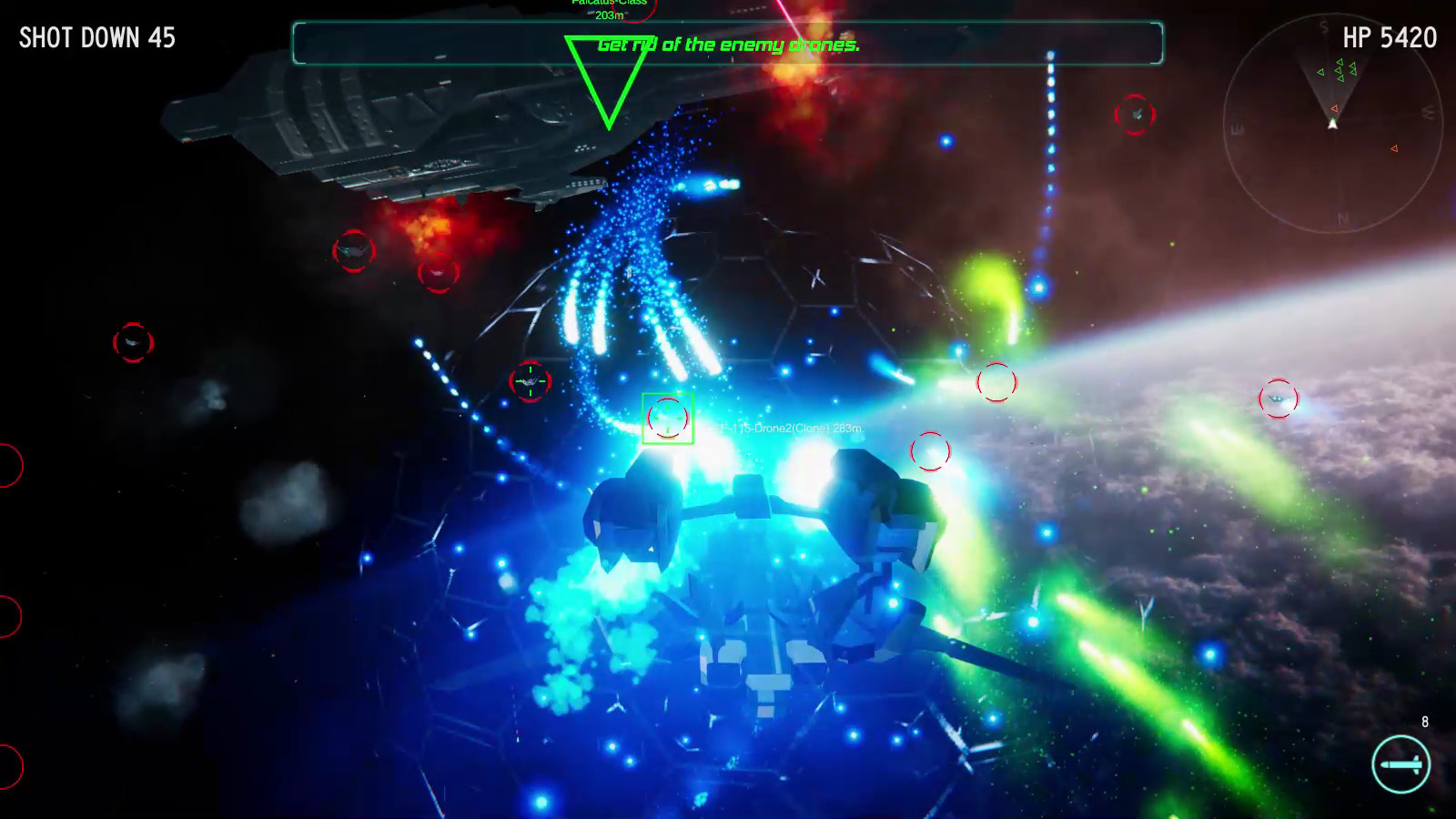
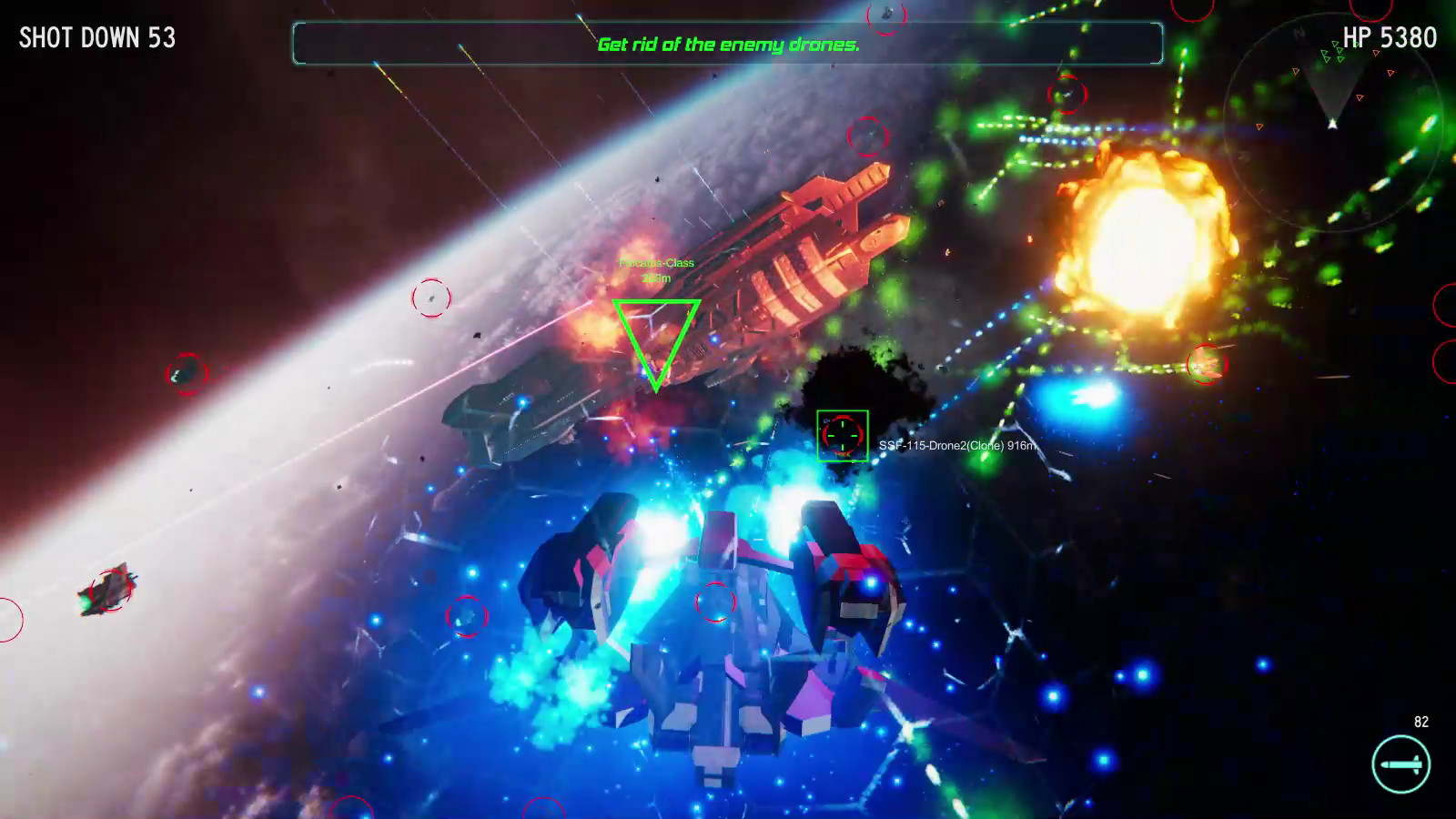
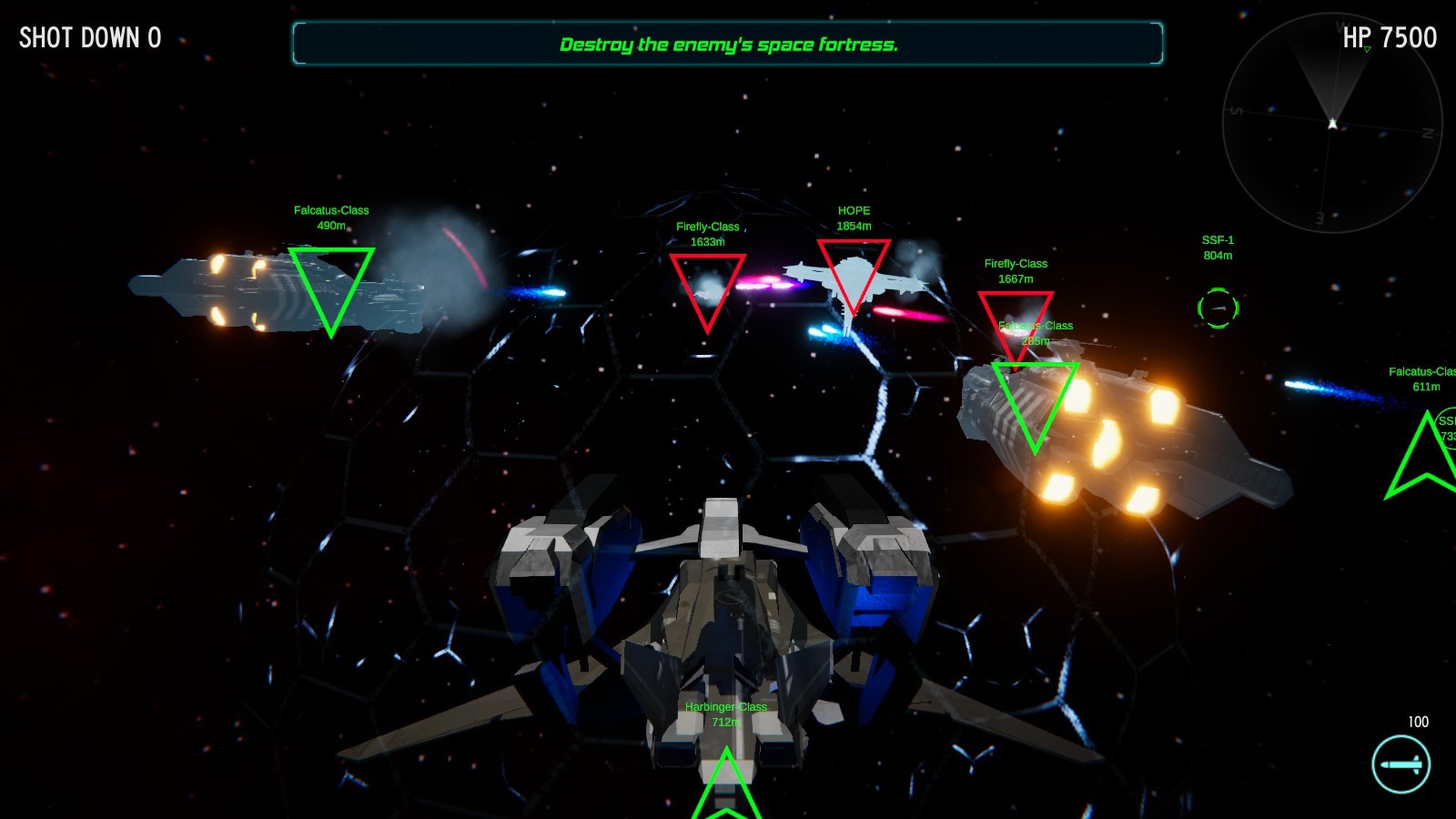
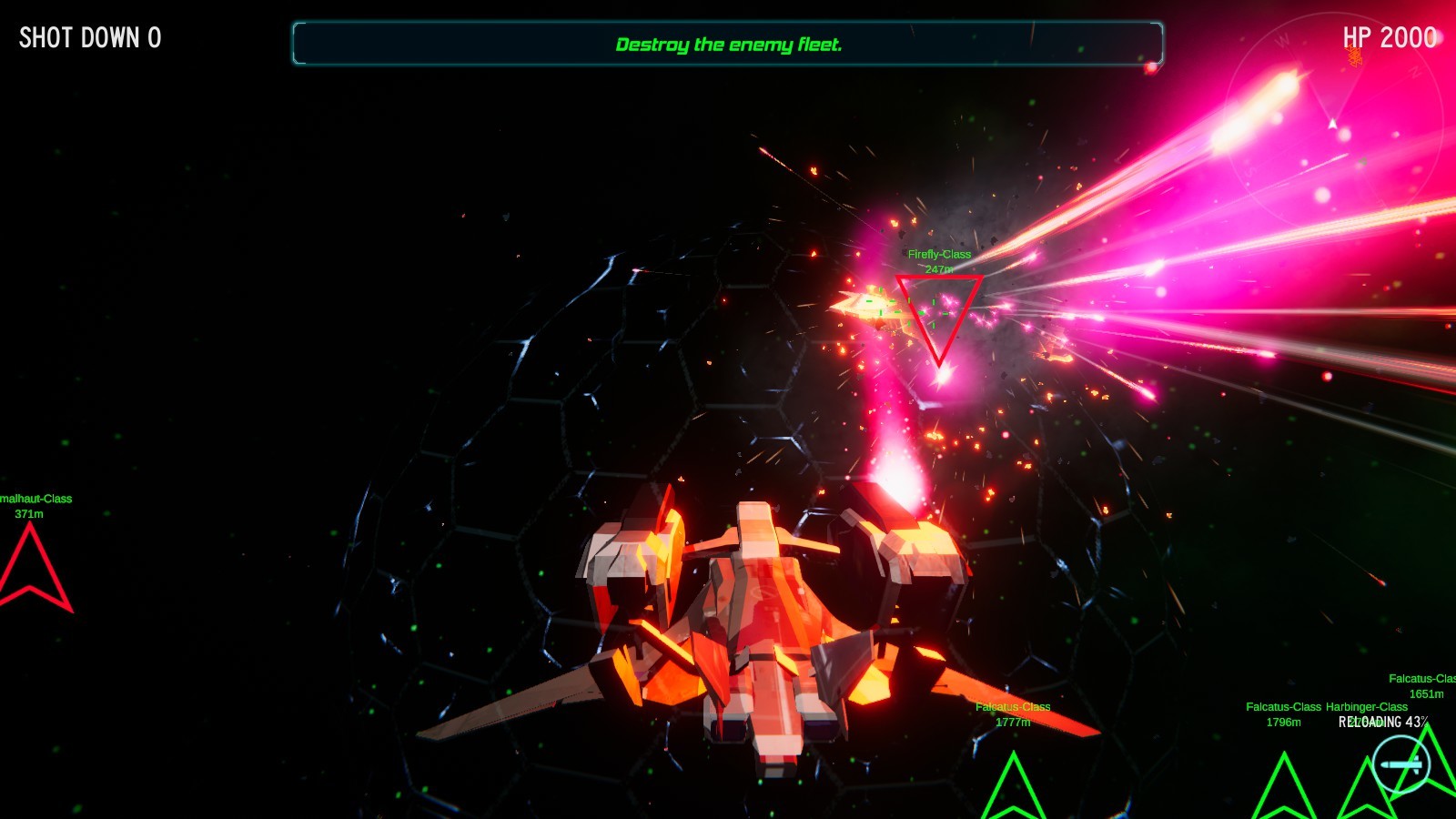
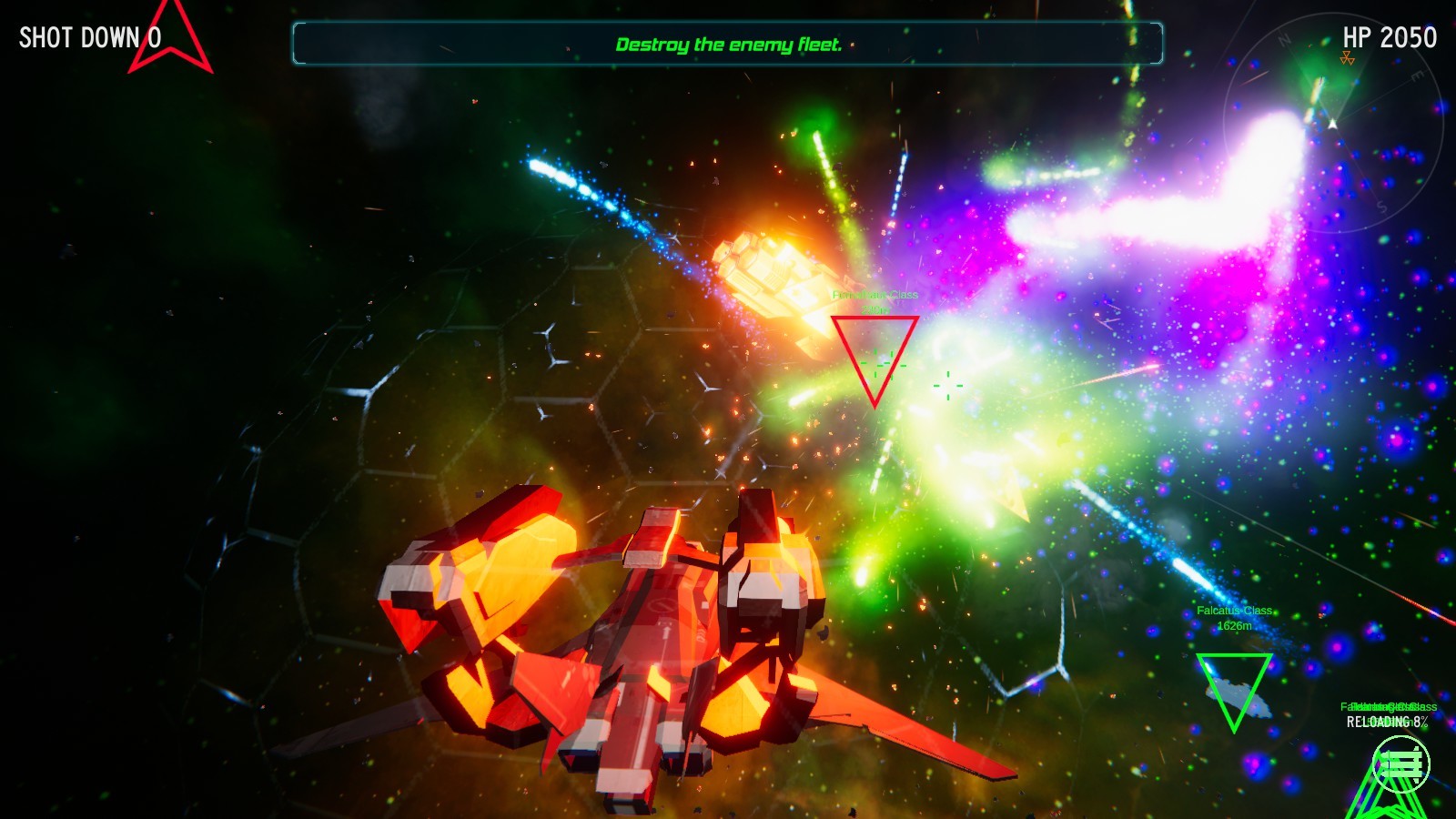
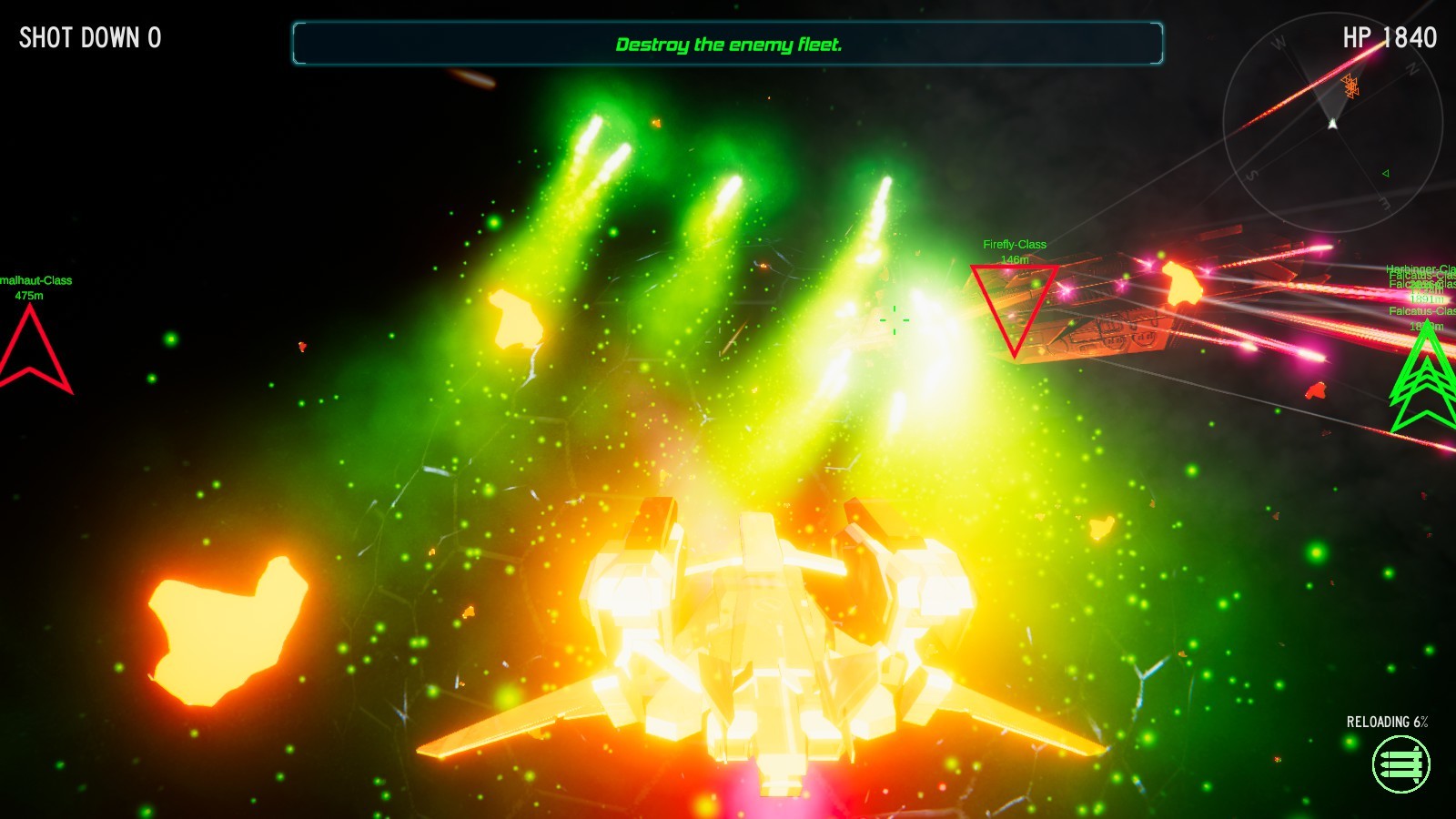
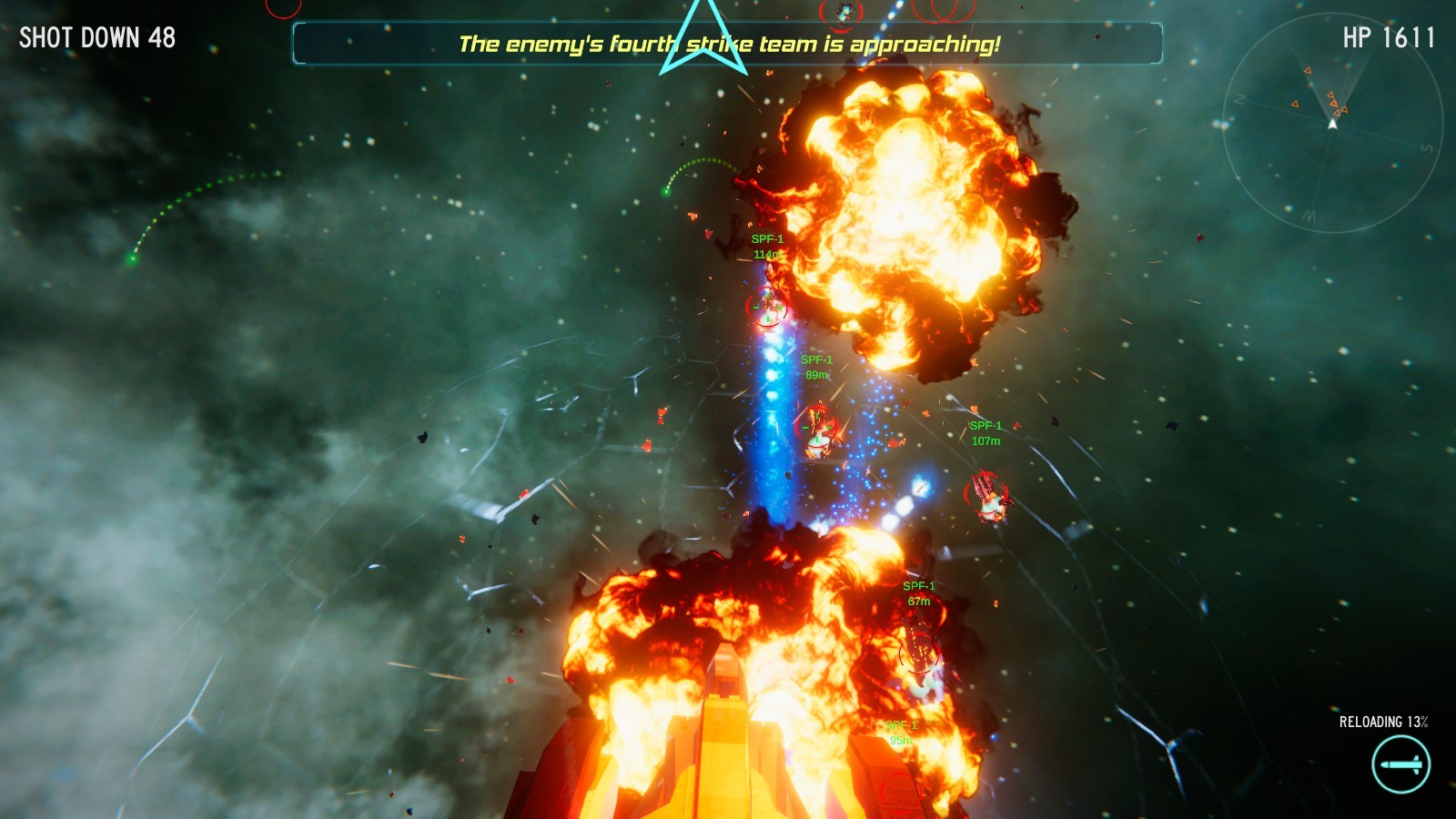
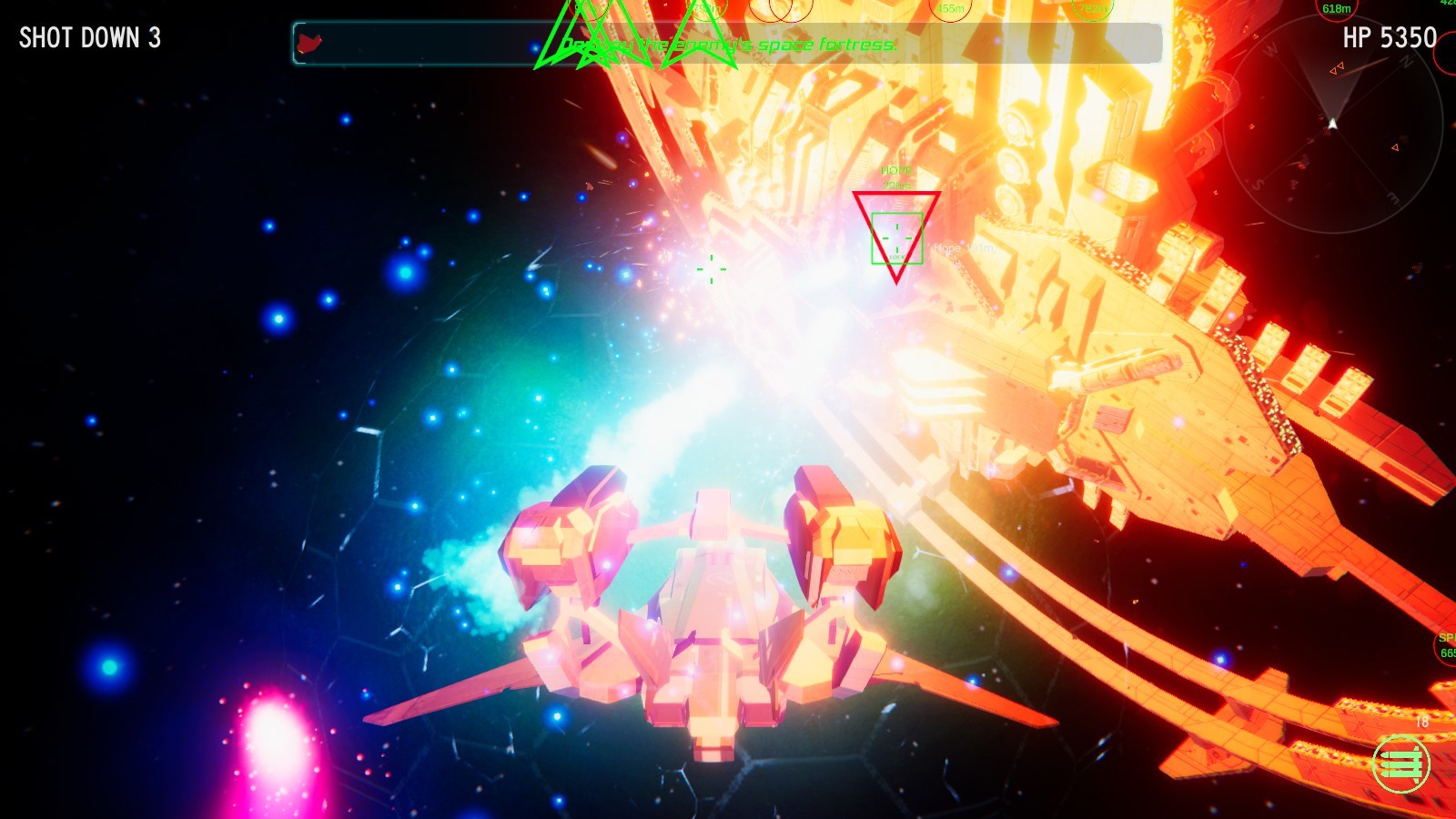
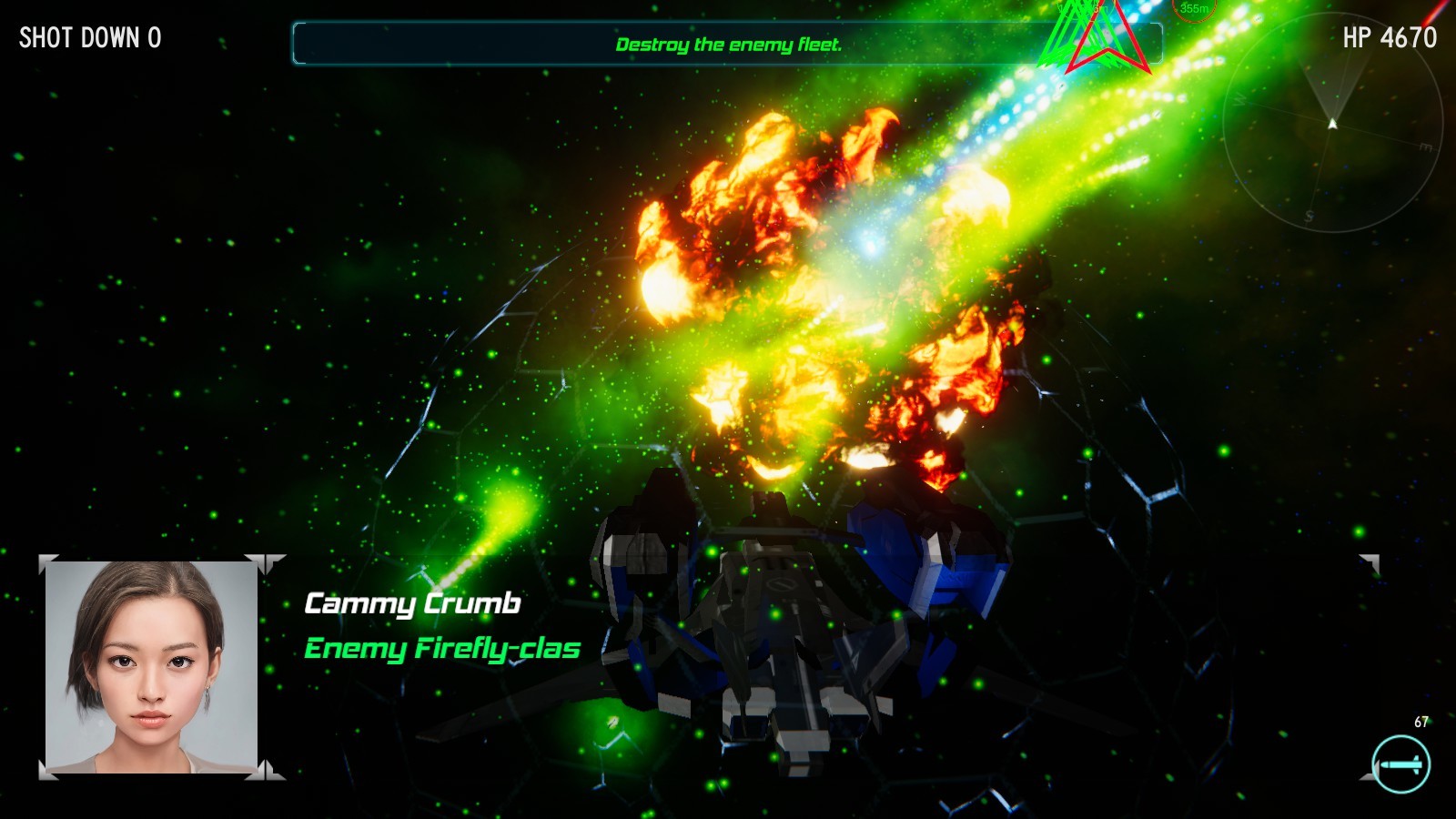
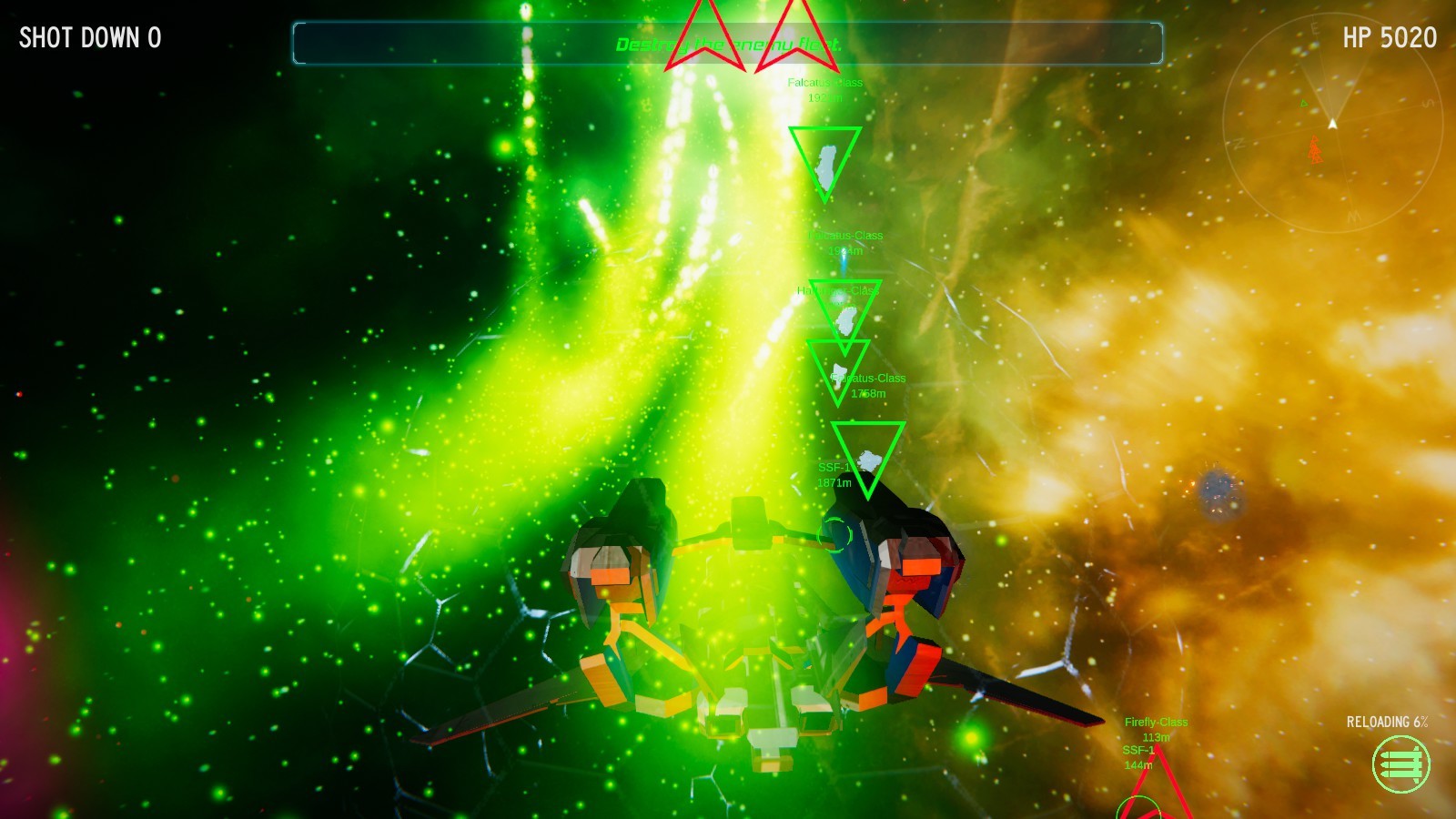
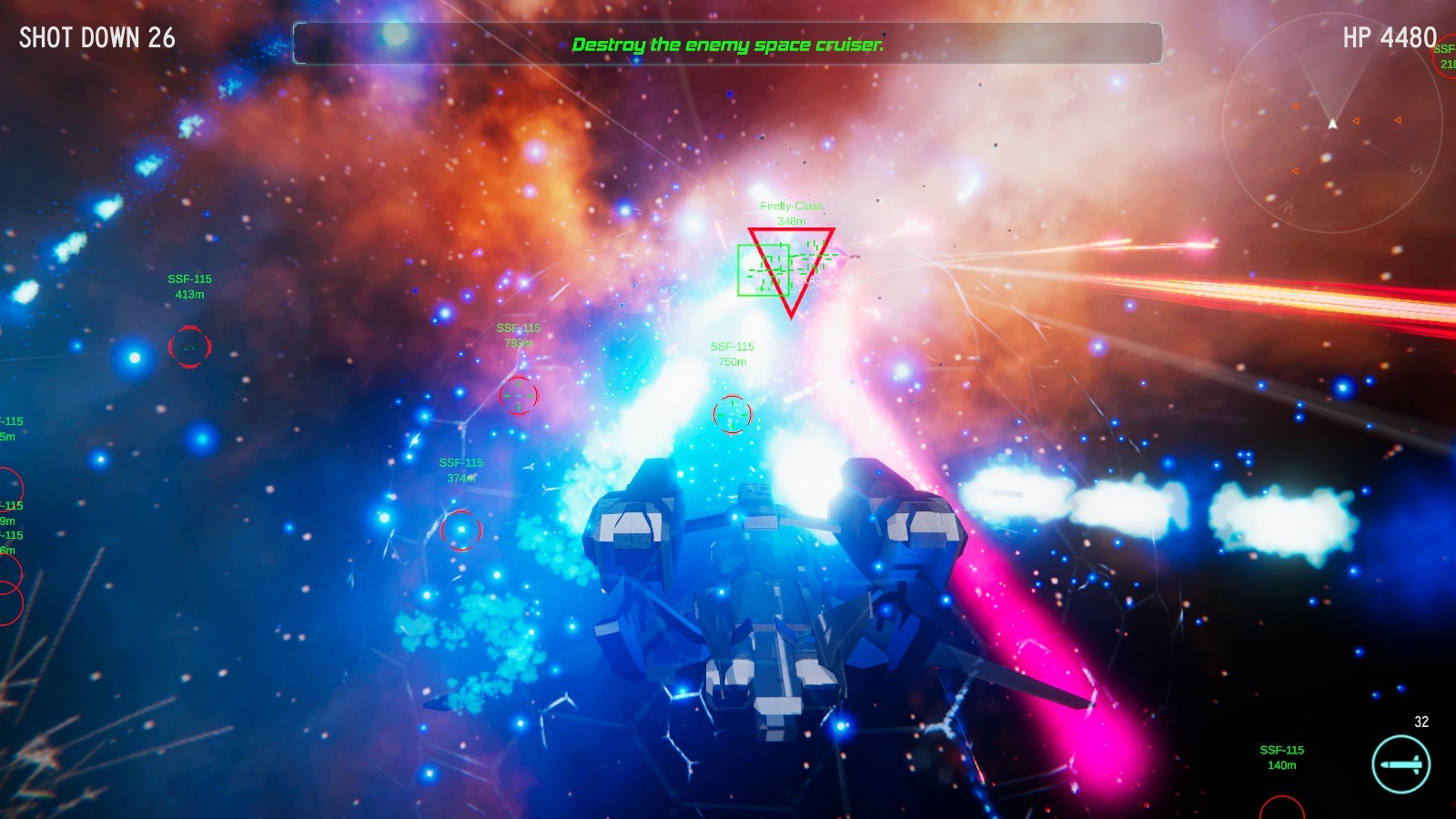
This game is a 3D space flight shooter. Arcade type game.
Features of the game
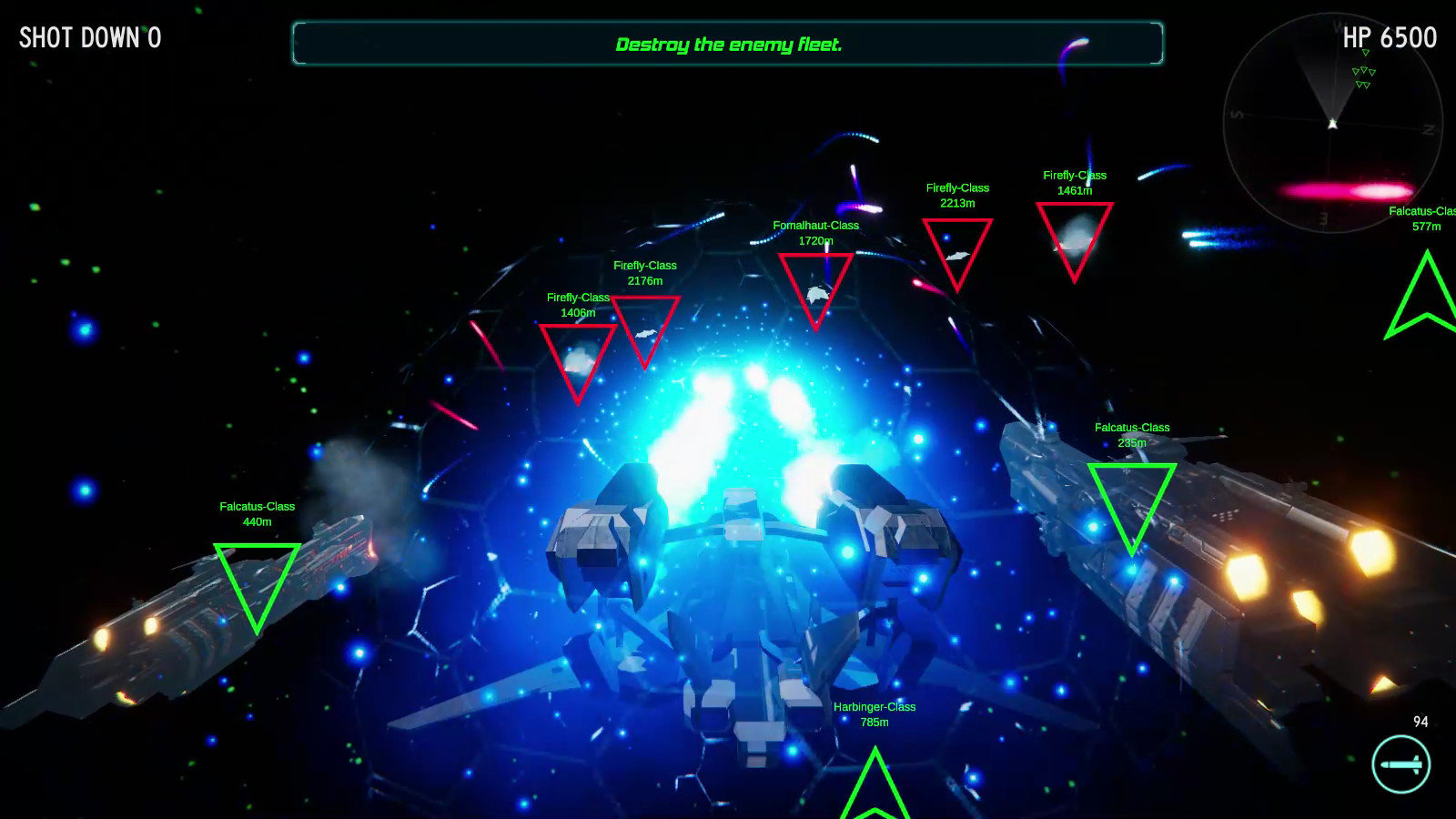
Player will be on board the SVF -97 to fight enemy fleets in space.
An arcade game where you select levels to complete.
Five levels.
Completing a level allows you to select the next level.
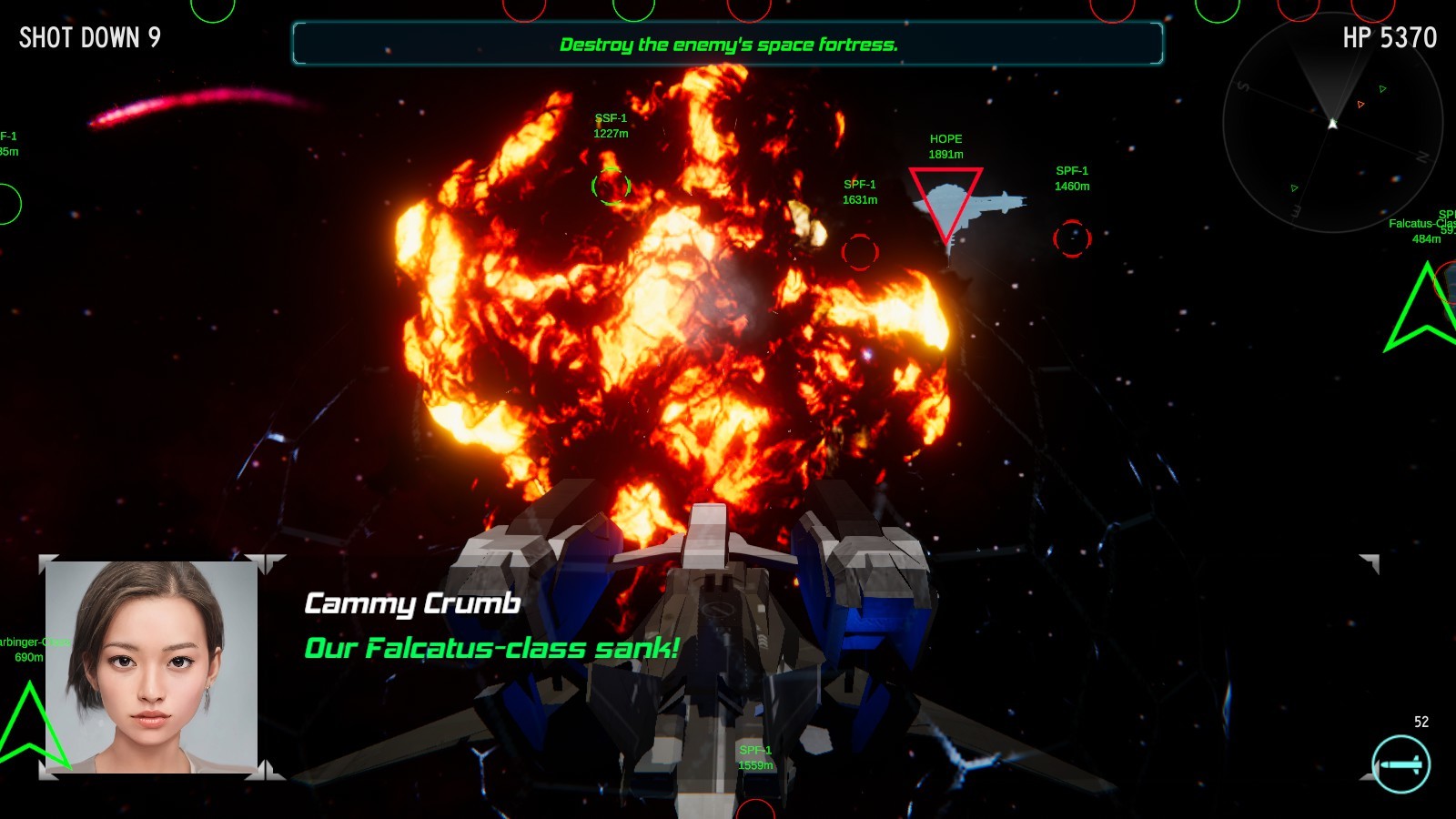
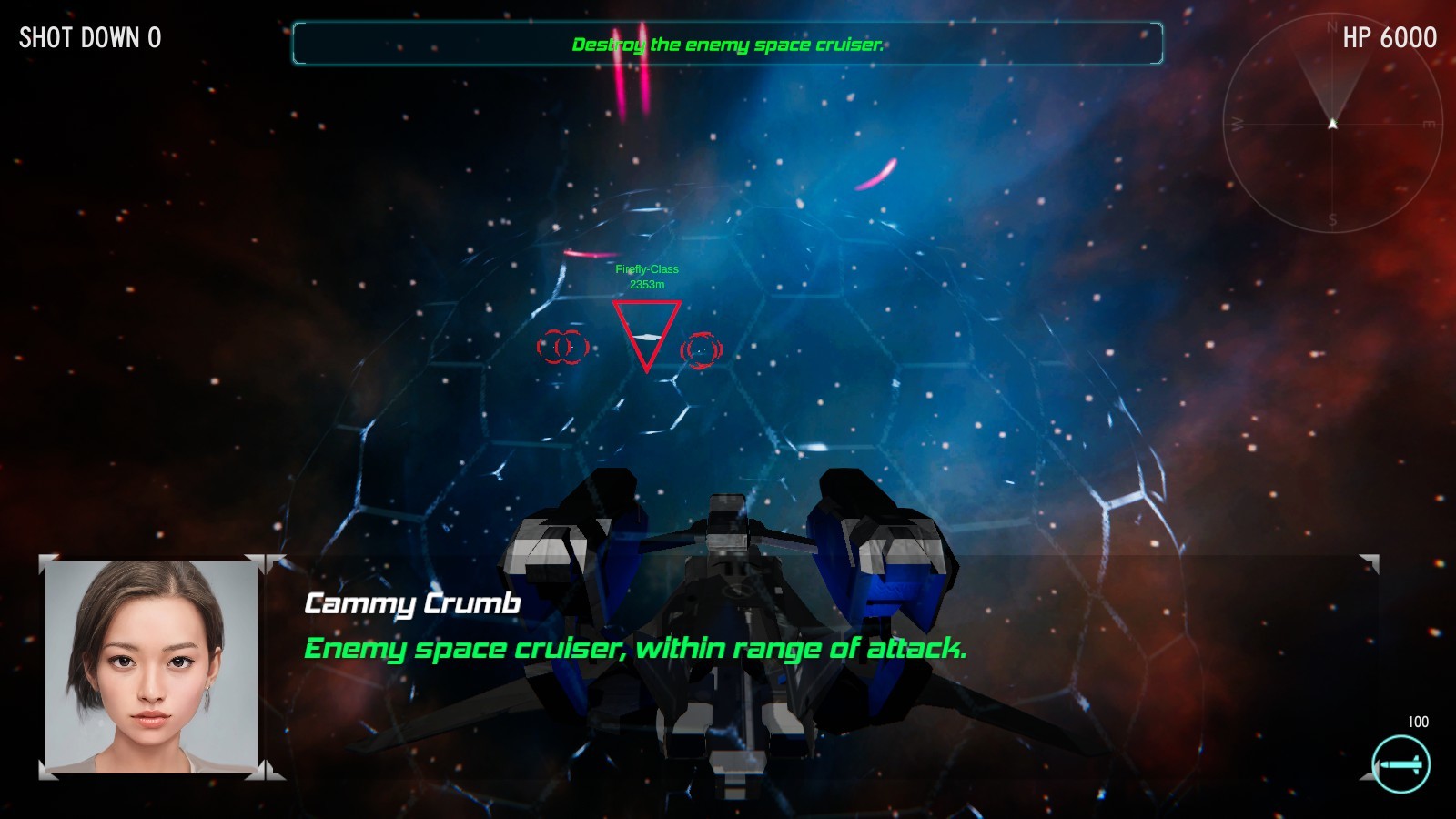
Missions include supporting the ally space battleship, fighting enemy fleets and destroying the enemy space fortress, etc.
The description of the mission appears in the main menu text.
There are two types of weapons as follows:
A rapid fire missile pod with a 100 shot charge.
A missile pod that shoots out 20 missiles in one go.
Controls
Move(Horizontal axis): A, D, Mouse
Move(Vertical axis): Mouse
When you move the mouse up, the spacecraft faces down.
When you move the mouse down, the spacecraft faces up.
Speed: W, S
Use weapon: Left Mouse Button
Change weapon: Right Mouse Button
Pause: ESC
Options: Press ESC on the main menu.
Partial Xbox controller support
Select button: A, Left stick(in menu screen)
Move: Right stick, Left stick
Use weapon: LB, A
Change weapon: RB, B
This game is not a flight simulator.
Not supported: mouse inversion, mouse sensitivity setting, etc.
If you have a problem with the translation, please press the language button first.
This game does not use music composed by Sonic-Alpha. You can freely distribute videos.