#FreeToPlay #First-Person #Utilities
XXJ
got everything here (Free for a limited time)
View game
Free
Mixed · 14 reviews
57% positive (8 / 14)

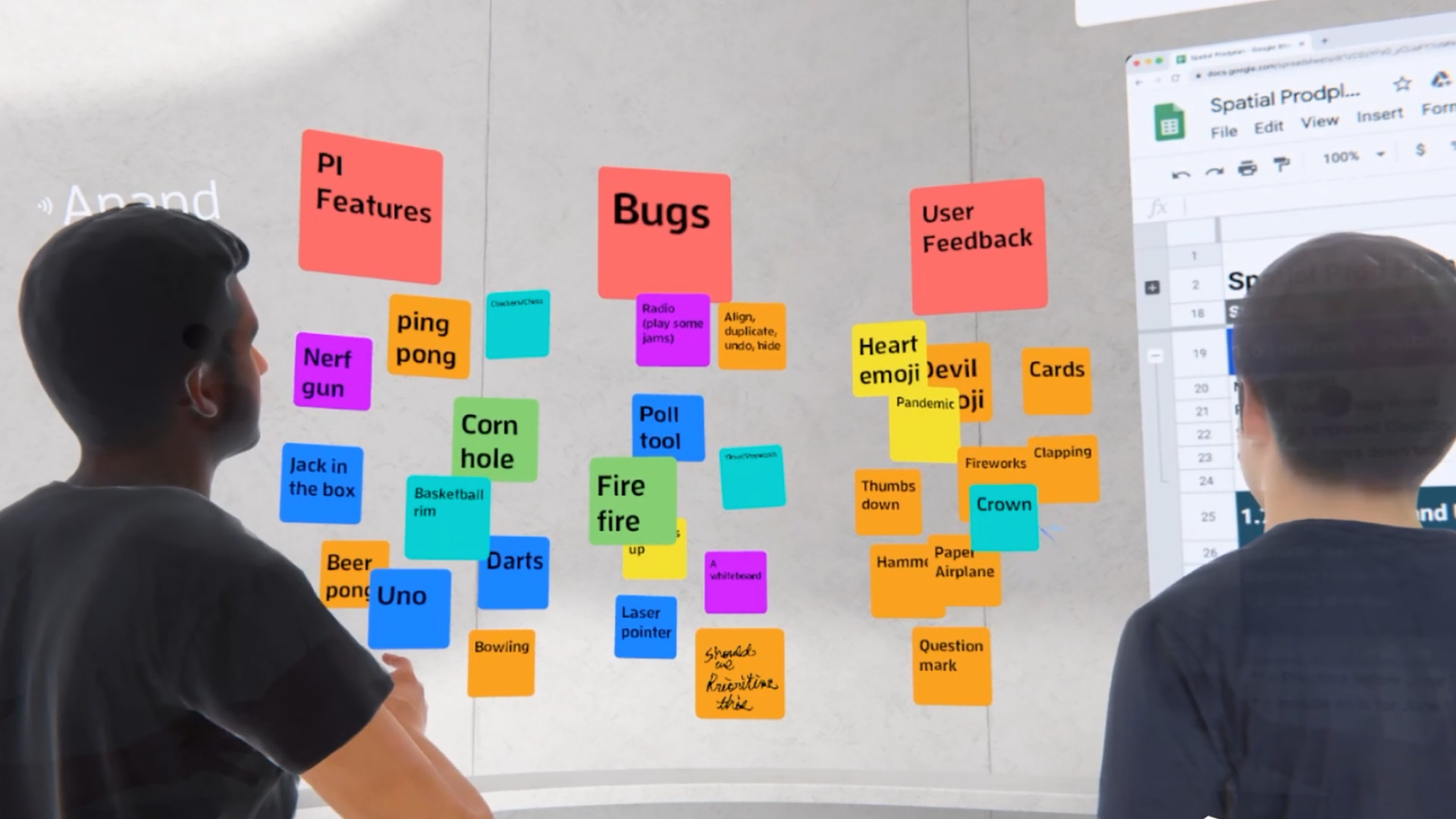
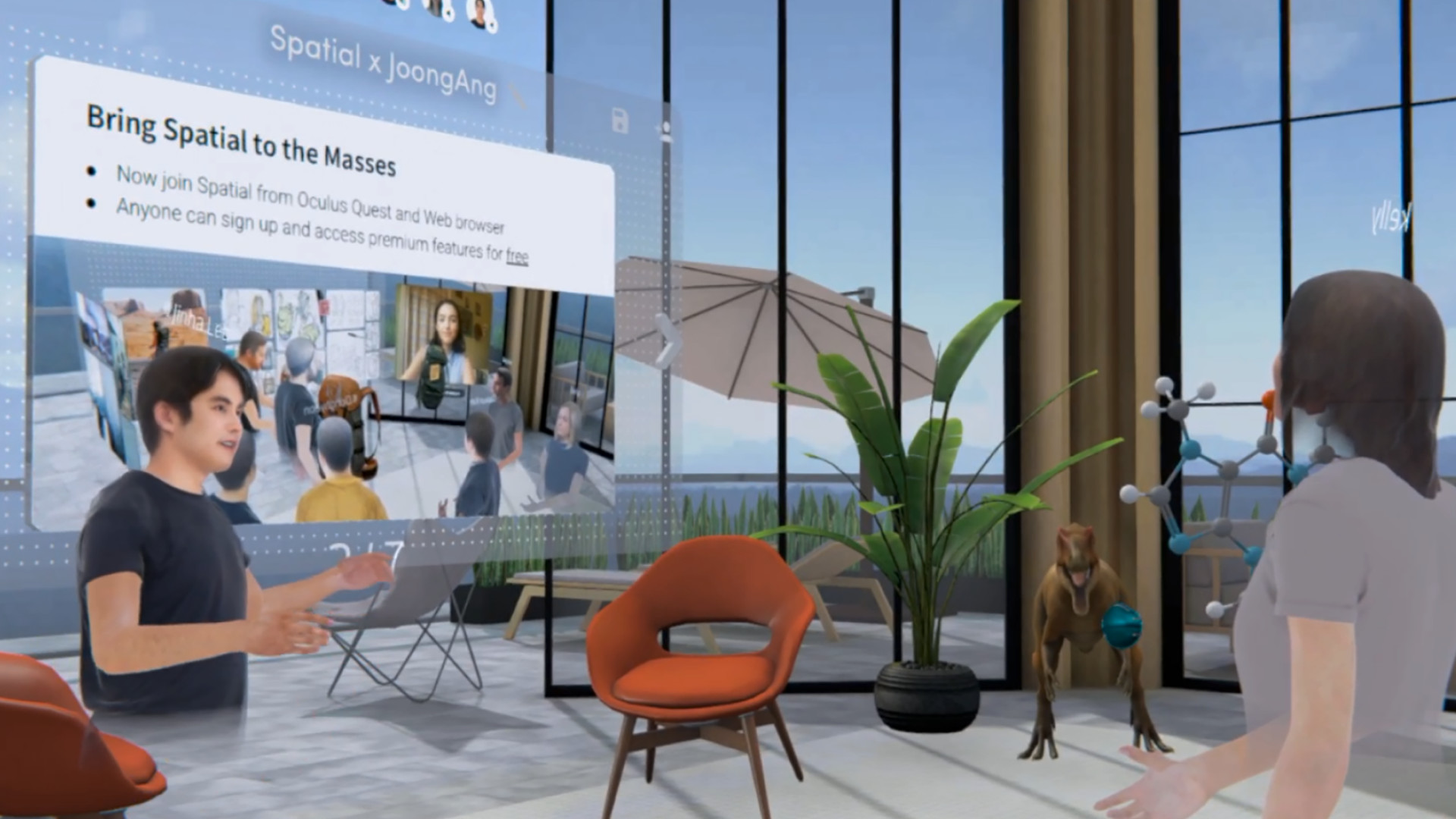
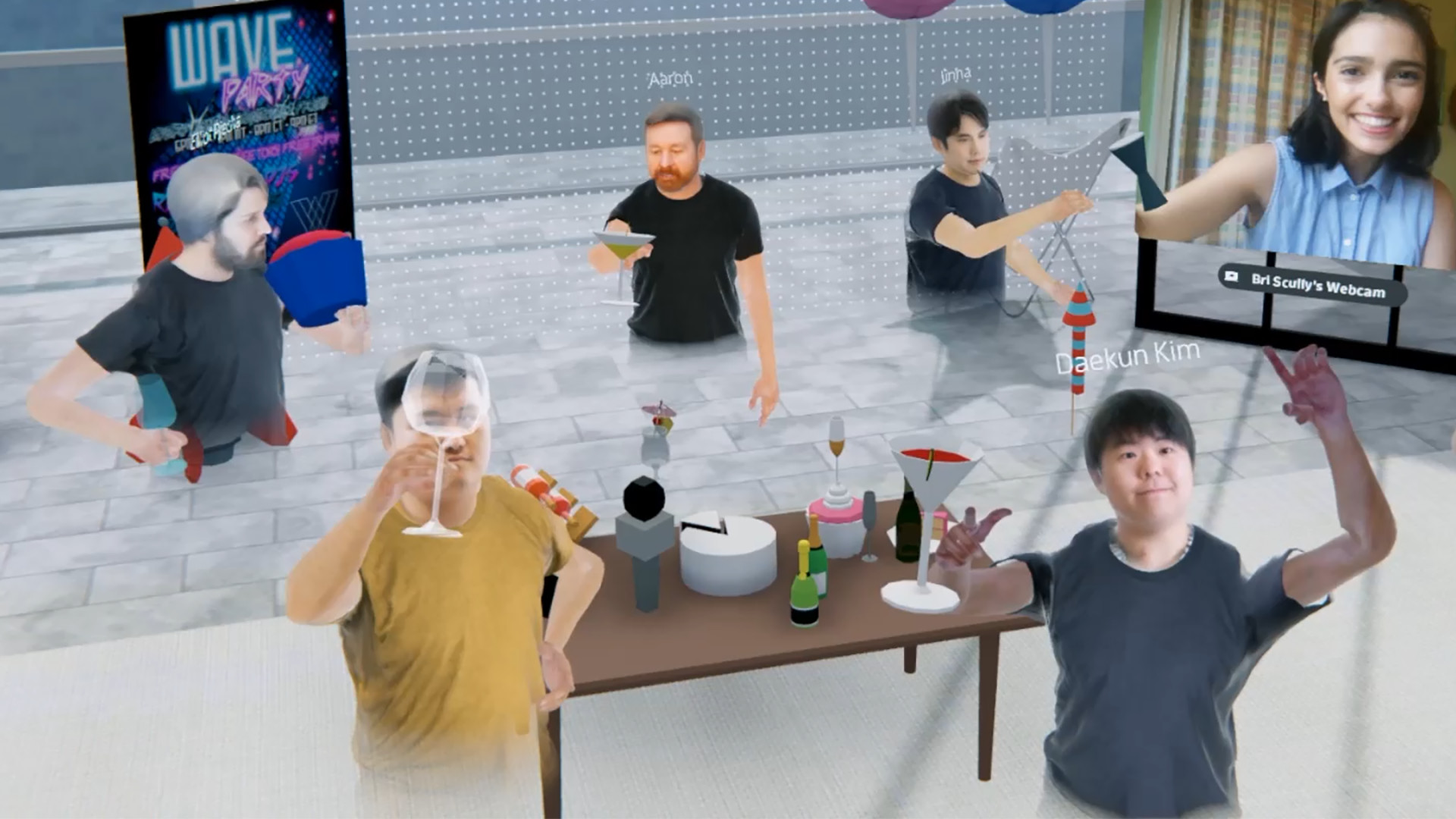
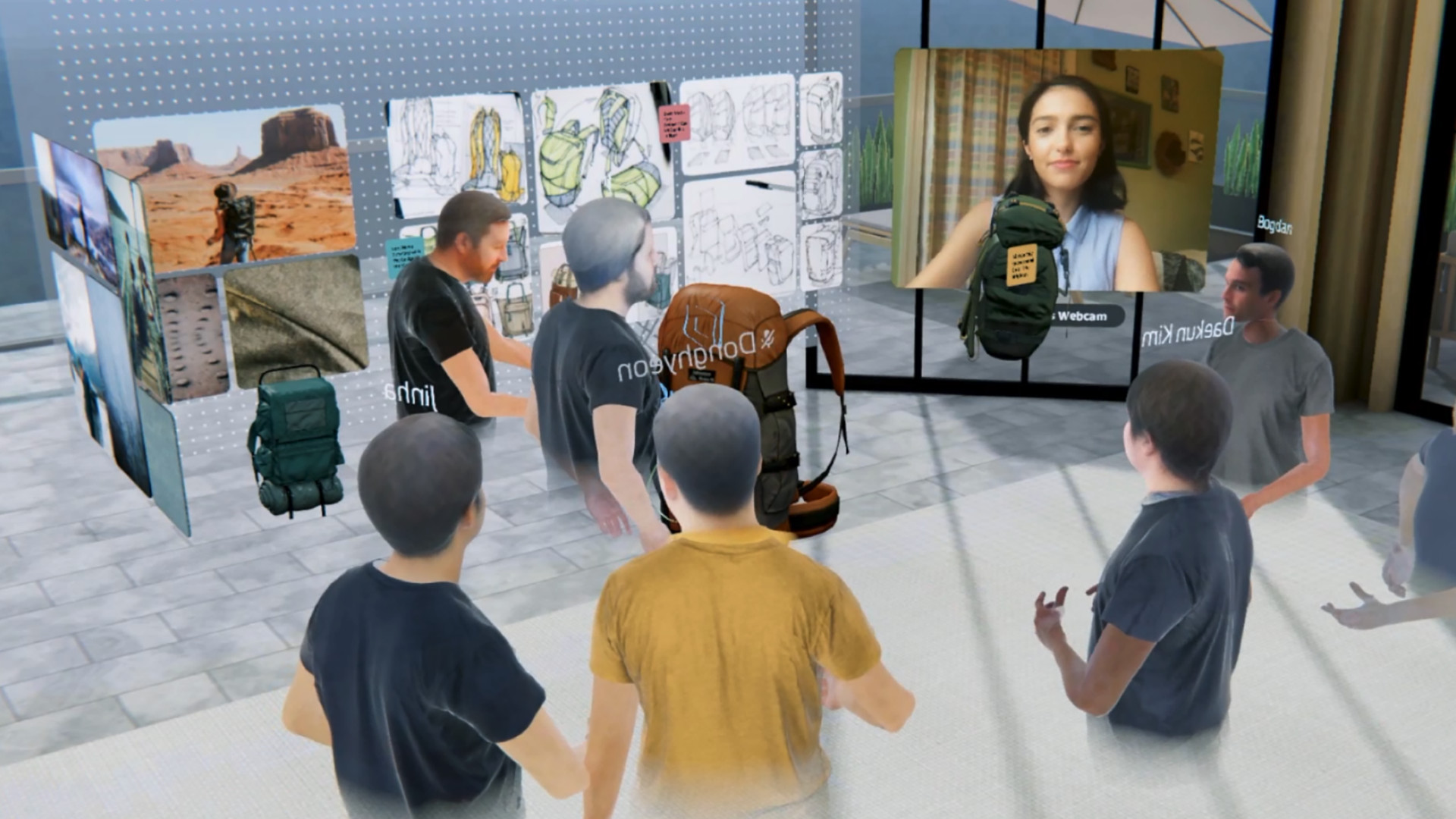
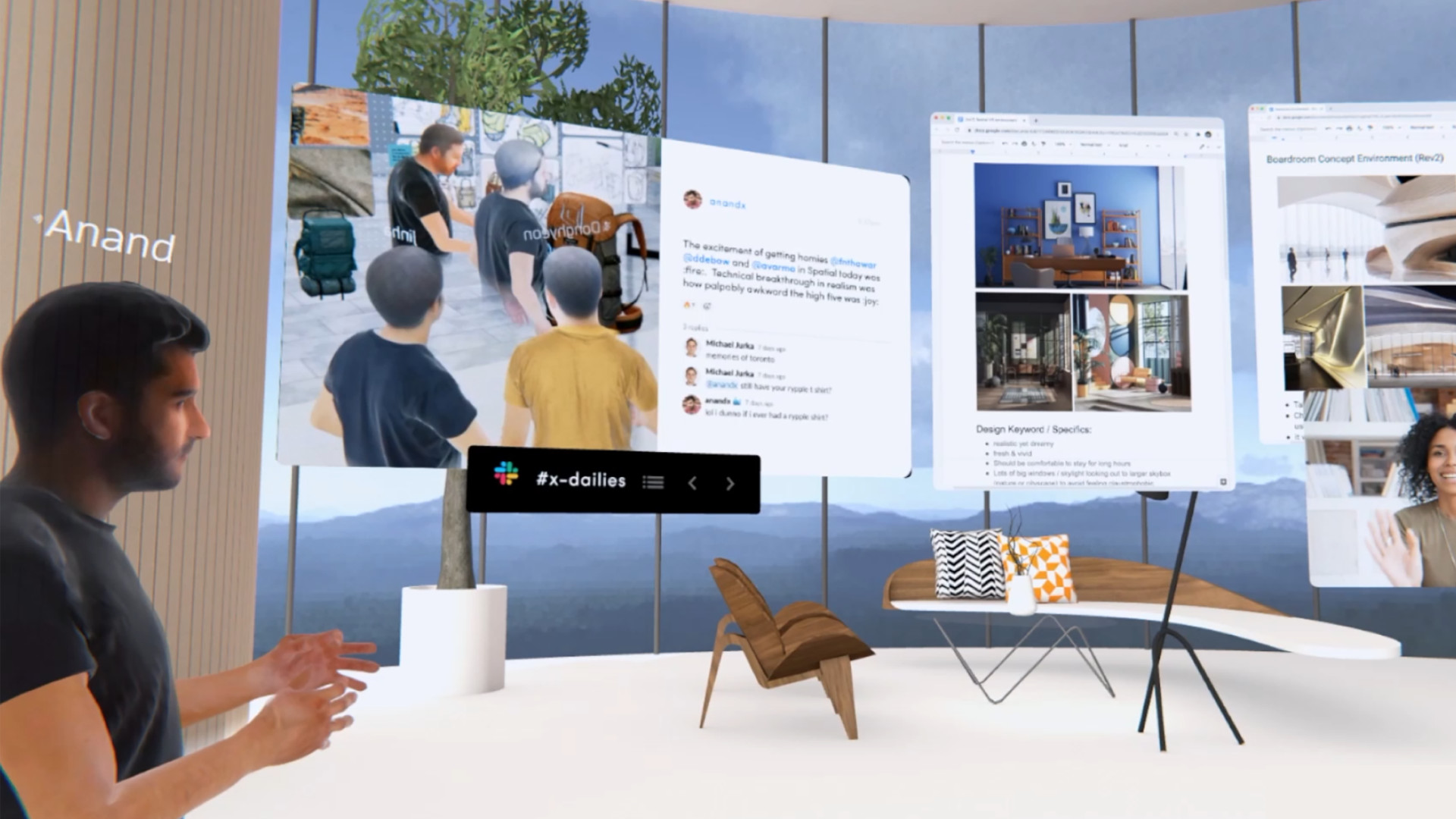
Spatial brings people together. Create a lifelike avatar from a selfie, upload custom environments and 2D/3D files, share your screen, browse the web, use sticky notes, whiteboards, and integrations with tools like MS 365, Slack & Gdrive, and join from VR, AR, Web & Mobile.
Released
May 6, 2021
Platforms
Windows
Developer
Publisher
Last sync
September 24, 2026
How work should be.
Spatial brings people together for hangouts, immersive presentations, team planning, product reviews, & brainstorms.
During a time when collaboration feels disconnected, unclear, and inefficient, Spatial enables you to -
SIT NEXT TO EACH OTHER FROM ACROSS THE WORLD
- Create your lifelike 3D avatar from a selfie in seconds
- Your avatar talks, moves, and interacts, mirroring in-person collaborative sessions
- Live translation subtitles (free until this fall, will require a pro upgrade afterwards)
MAKE YOUR ROOM YOUR MONITOR & YOUR HANDS YOUR MOUSE
- Fill your room with information, defying the limits of your 2D screen
- Enjoy beautiful immersive 3D environments & Upload your own custom environments
- Express and share ideas w/ whiteboarding, notes, & photo/3D model search
USE ALL YOUR FAVORITE TOOLS
- Use our web app or Spatial Cast to bring in your desktop
- Host Abilities (free until this fall, will require a pro upgrade afterwards)
- Upload many 2D/3D file types
- Integrate with Slack, Google Drive, & more
JOIN FROM ANY DEVICE
- VR + AR (Quest, Nreal, HoloLens, Magic Leap)
- Mobile (iOS + Android) & Web