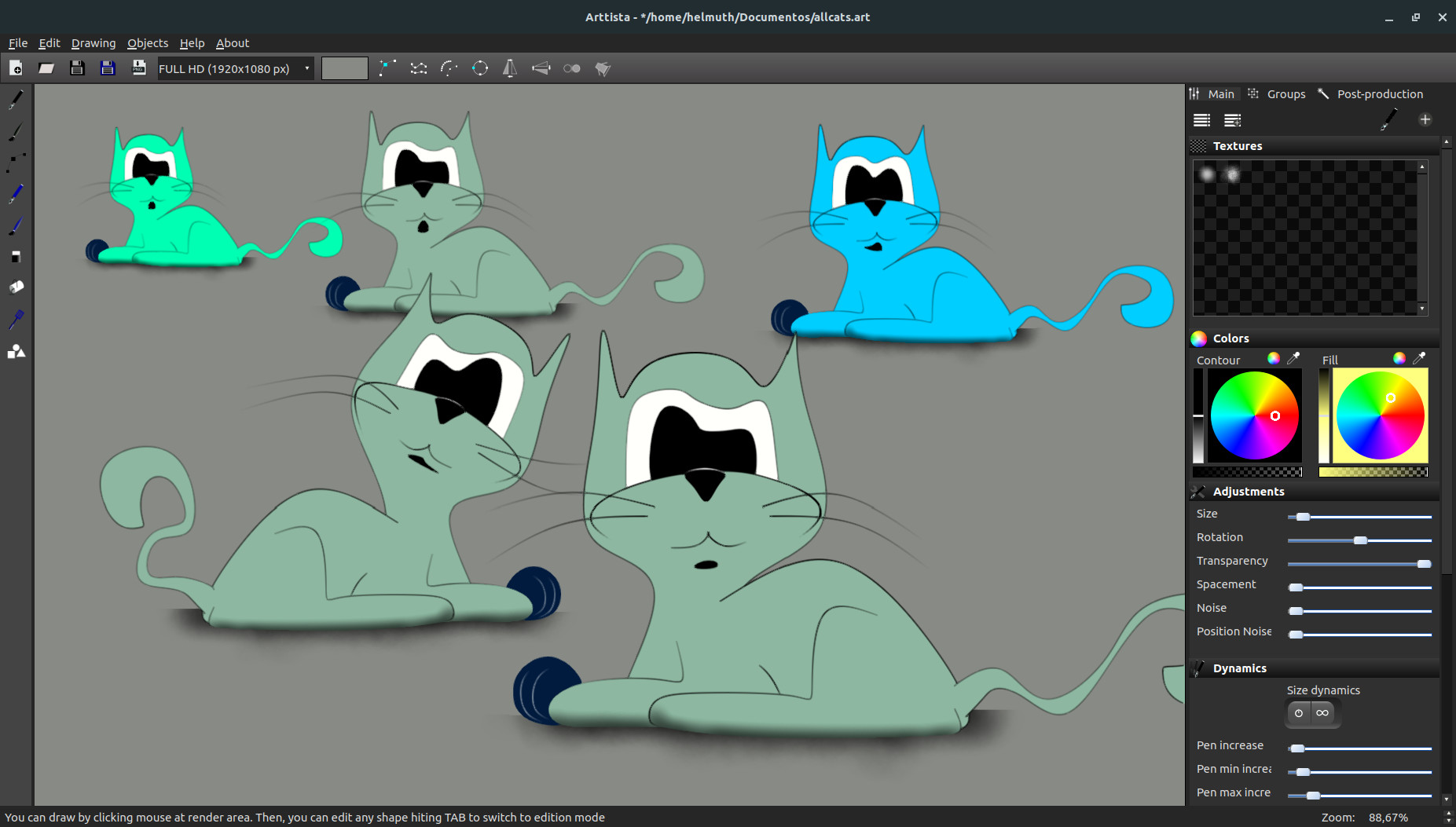
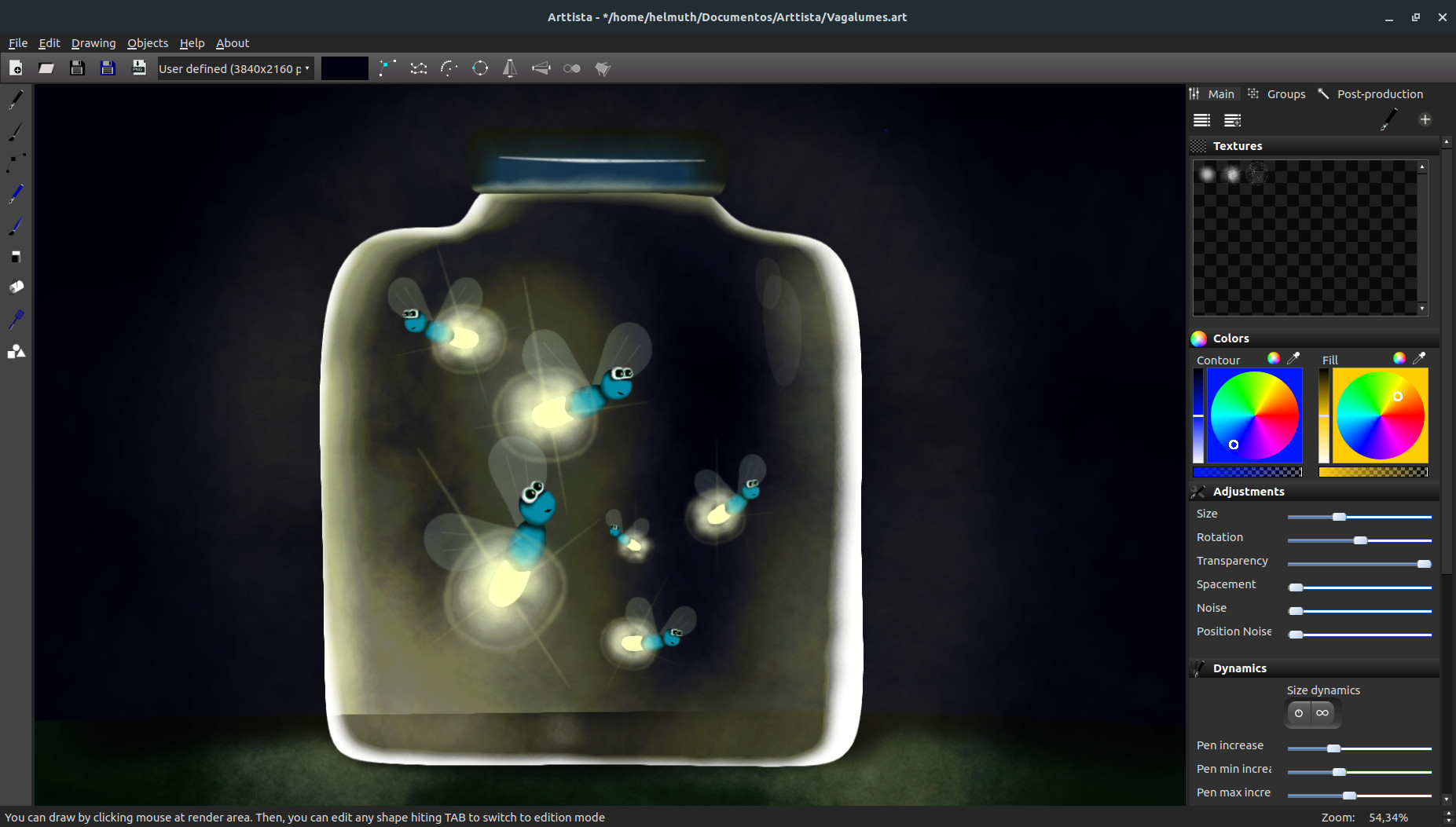
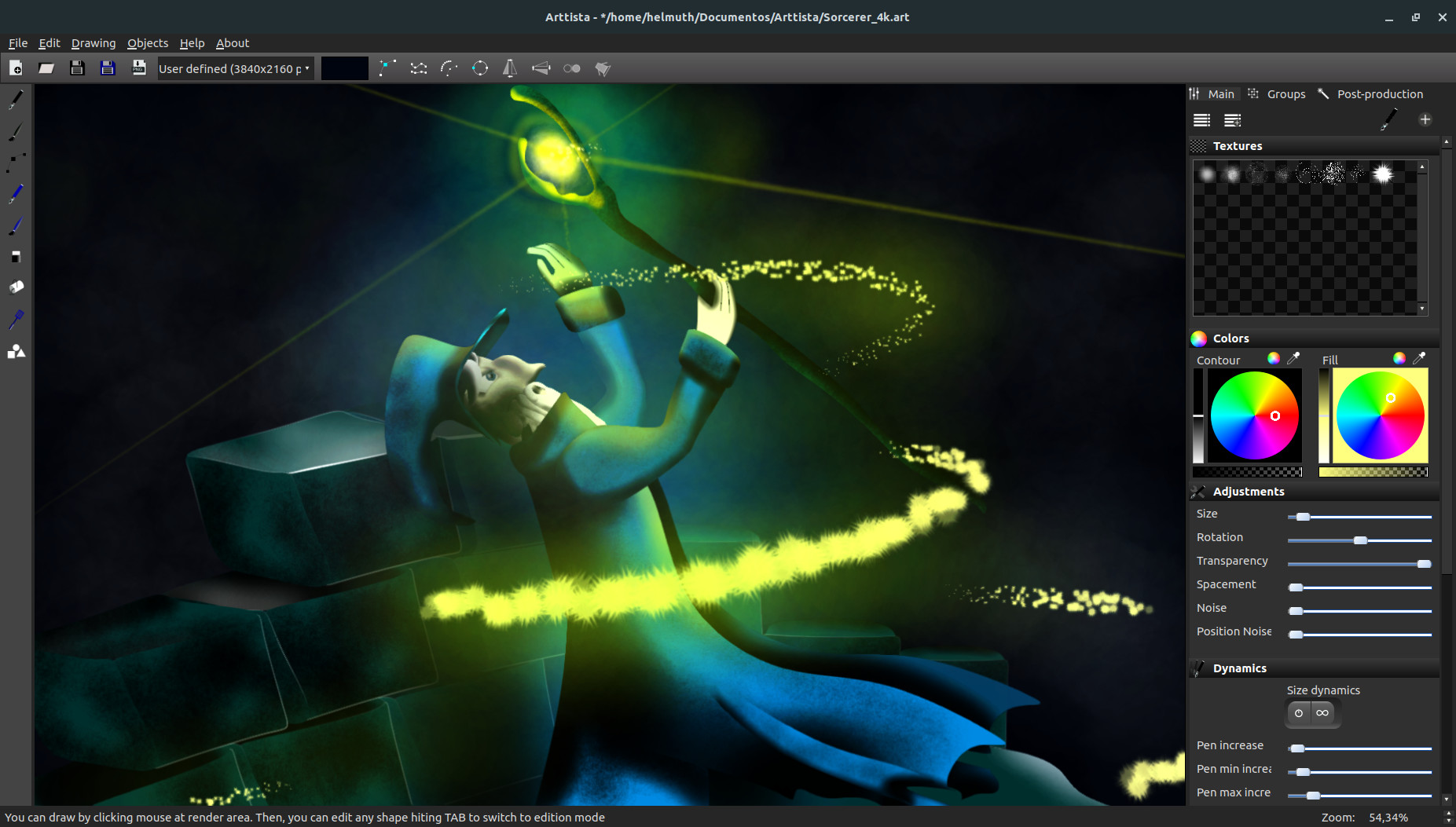
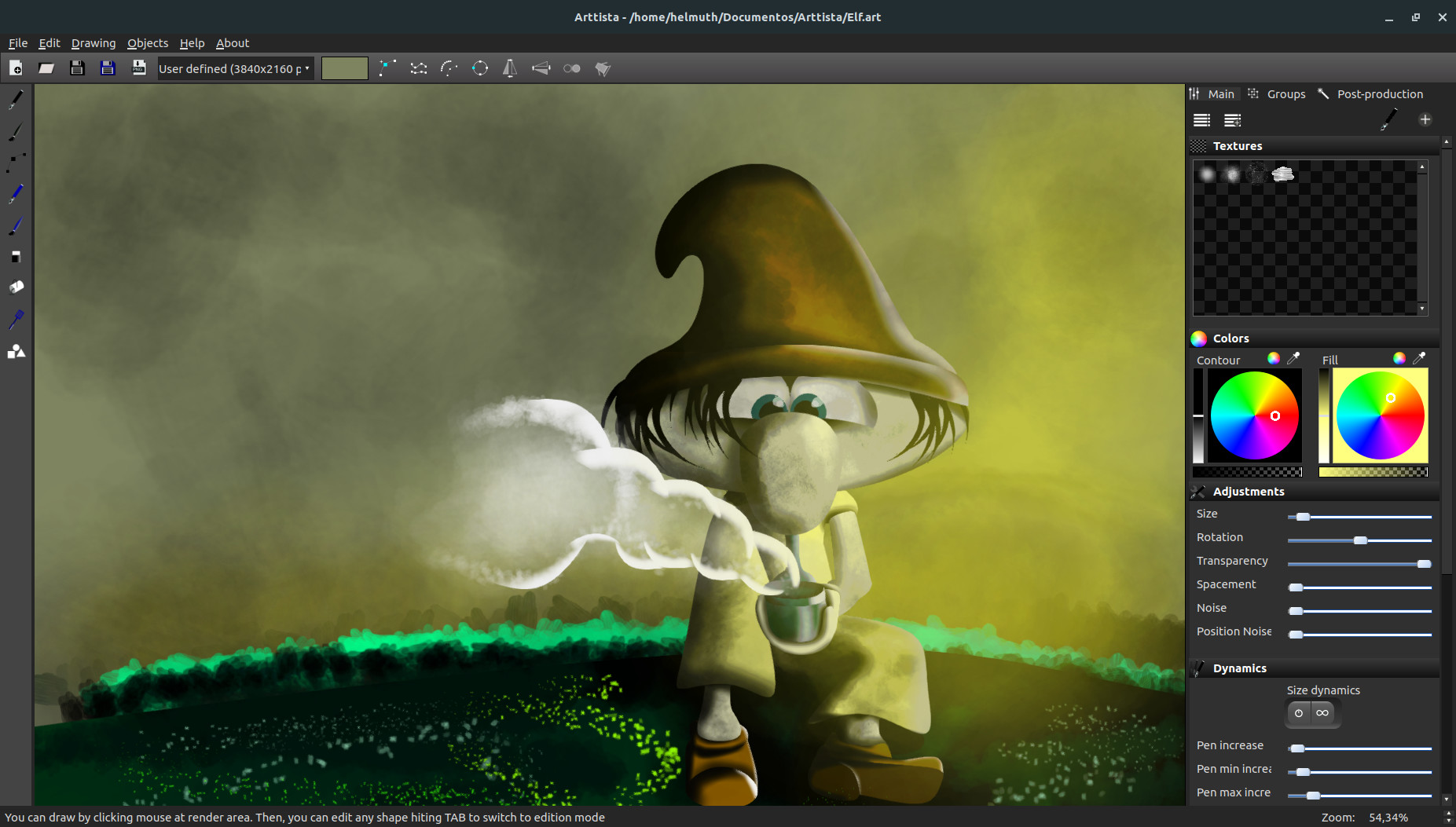
Create 2D Animations and Illustrations in Professional Cartoon or Game Style
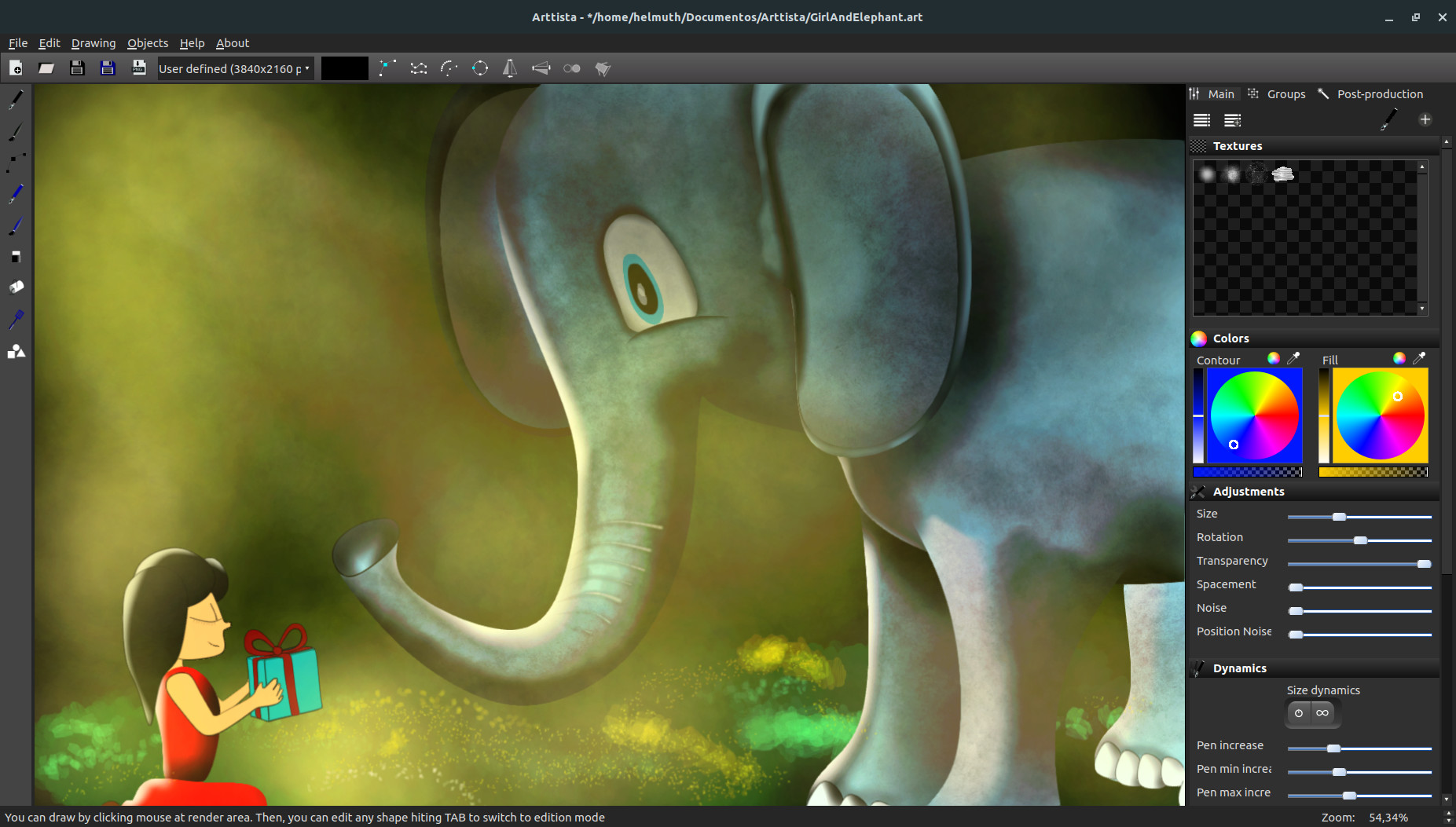
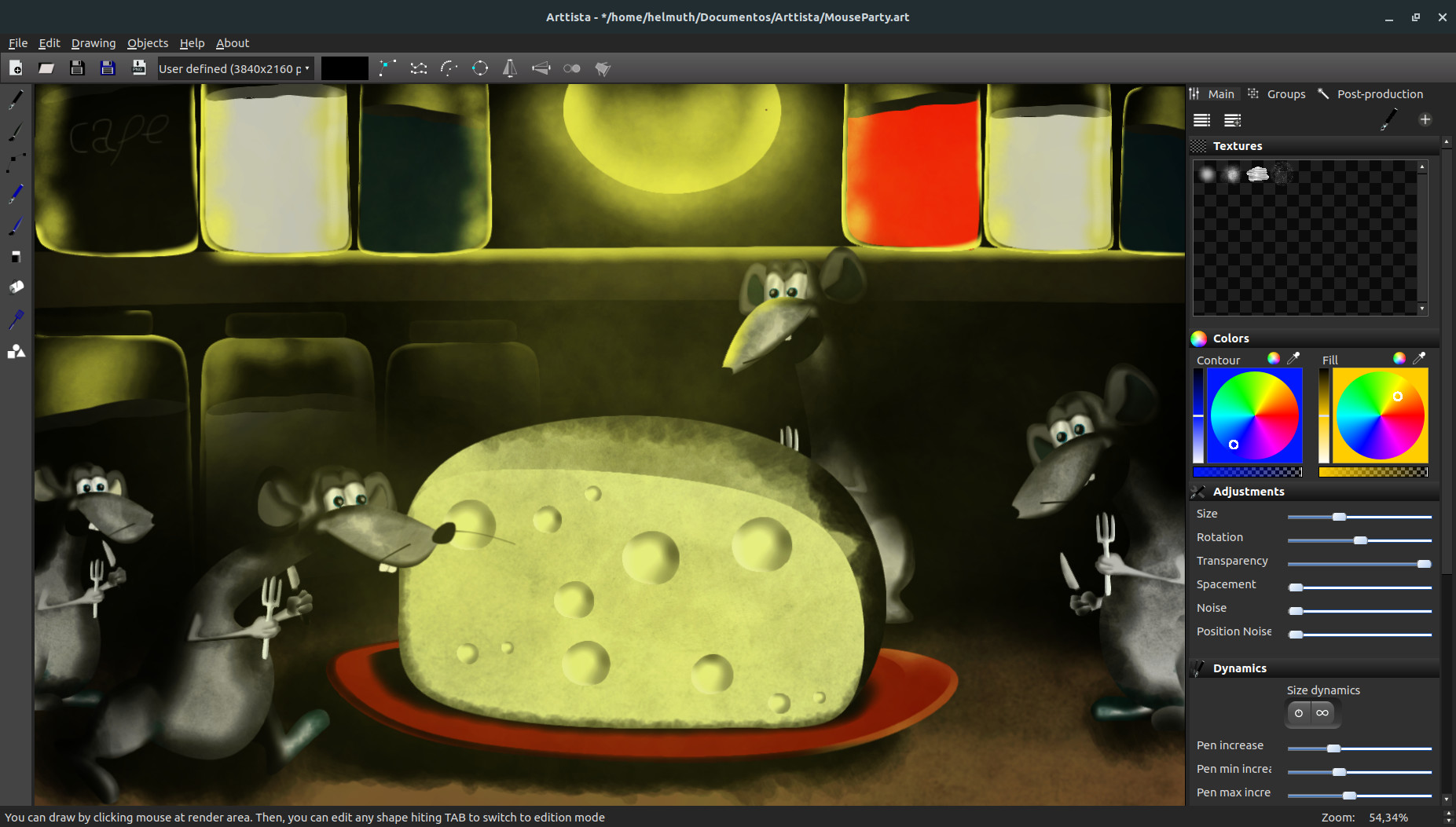
Bring your creative vision to life with Arttista, a powerful vector drawing and animation application for Windows, macOS, and Linux. Designed for artists, animators, and game developers, Arttista combines the precision of vector graphics with the organic feel of hand-drawn art, letting you create expressive, professional-quality illustrations and animations with ease. Whether you’re producing cartoons, motion graphics, or game assets, Arttista delivers fluid, natural results while keeping every element fully editable.
Why Choose Arttista?
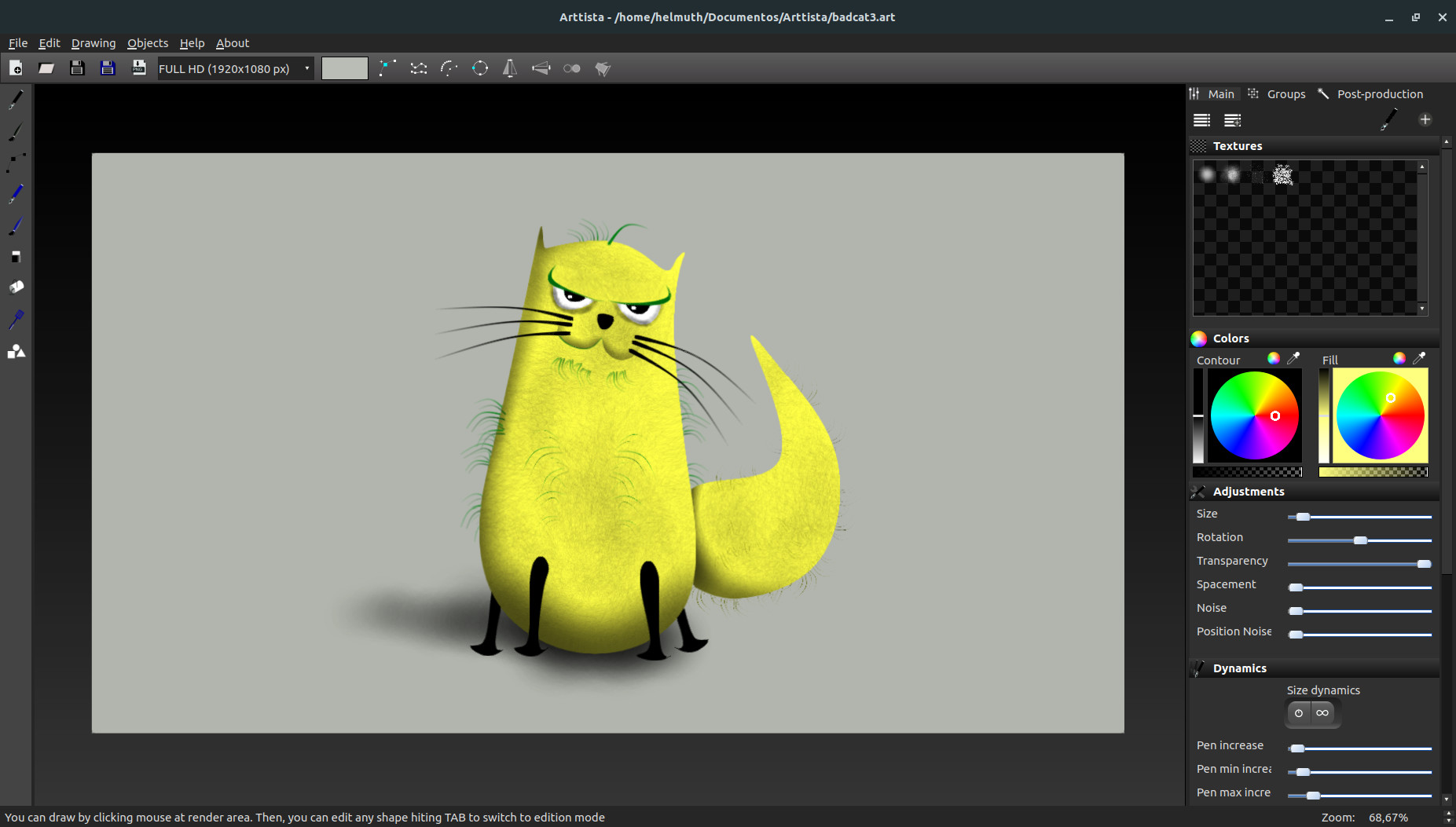
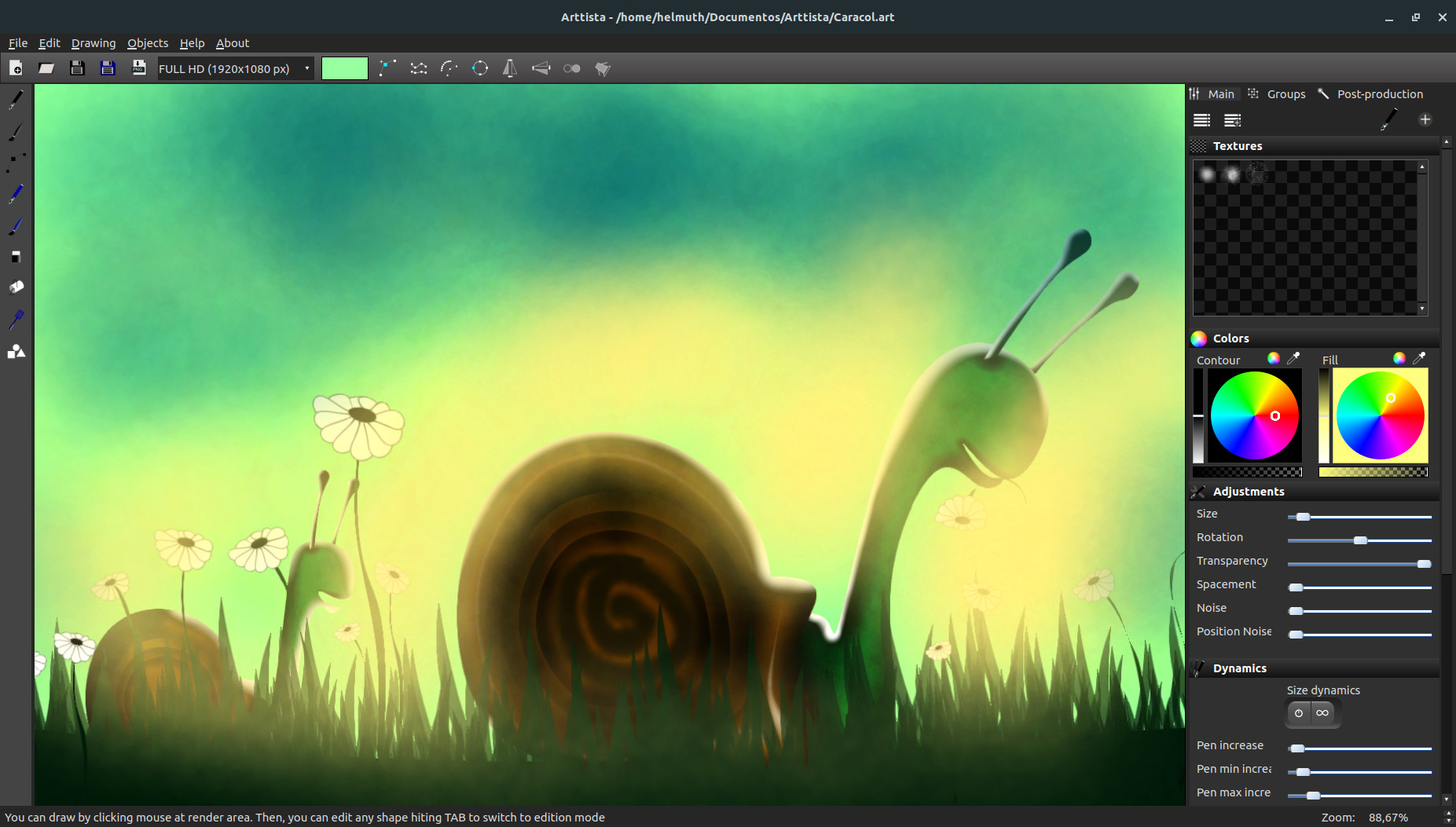
- Hand-Drawn Look with Vector Control: Achieve organic, expressive strokes that feel like pencil or paint, but remain fully editable vectors.
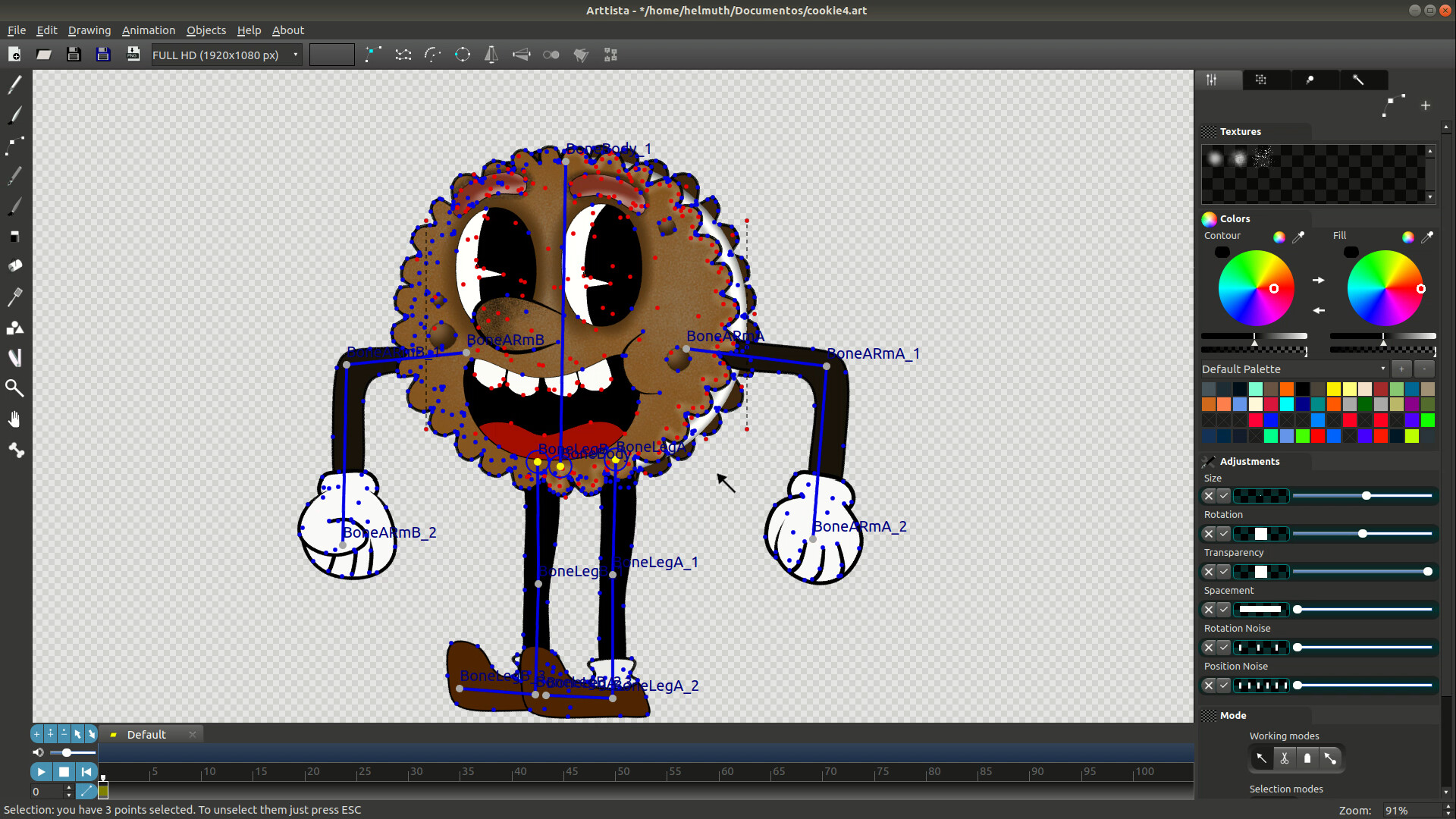
- Powerful Animation Tools: Animate using frame-by-frame, bone-based rigs, and inverse kinematics for smooth, natural motion.
- Flexible Brushes and Pens: Create custom brushes and pens with textures, rotation, size, and alpha dynamics for unlimited creative possibilities.
- Fast and Lightweight: Arttista is optimized for speed and responsiveness, even on complex projects.
- Versatile Export Options: Export images (PNG, JPEG), animations (PNG sequences, AVI, MJPEG), and spritesheets for games.
- Professional Use Across Media: Perfect for films, series, motion graphics, and games.
- Purchase Once, Use Forever: No subscription required — own your tools completely.
Key Features
- Brushes & Pens
- Fully customizable with textures, rotation, and dynamic behavior
- Paint freely or inside selected objects
- Save brushes and pens to libraries for reuse across projects
Line Dynamics
- Individual points can have unique size, color, and transparency
- Flexible editing without splitting objects
Eraser
- Behaves like a real eraser with textures and dynamics
- Enables precise finishing while maintaining vector editability
Animation
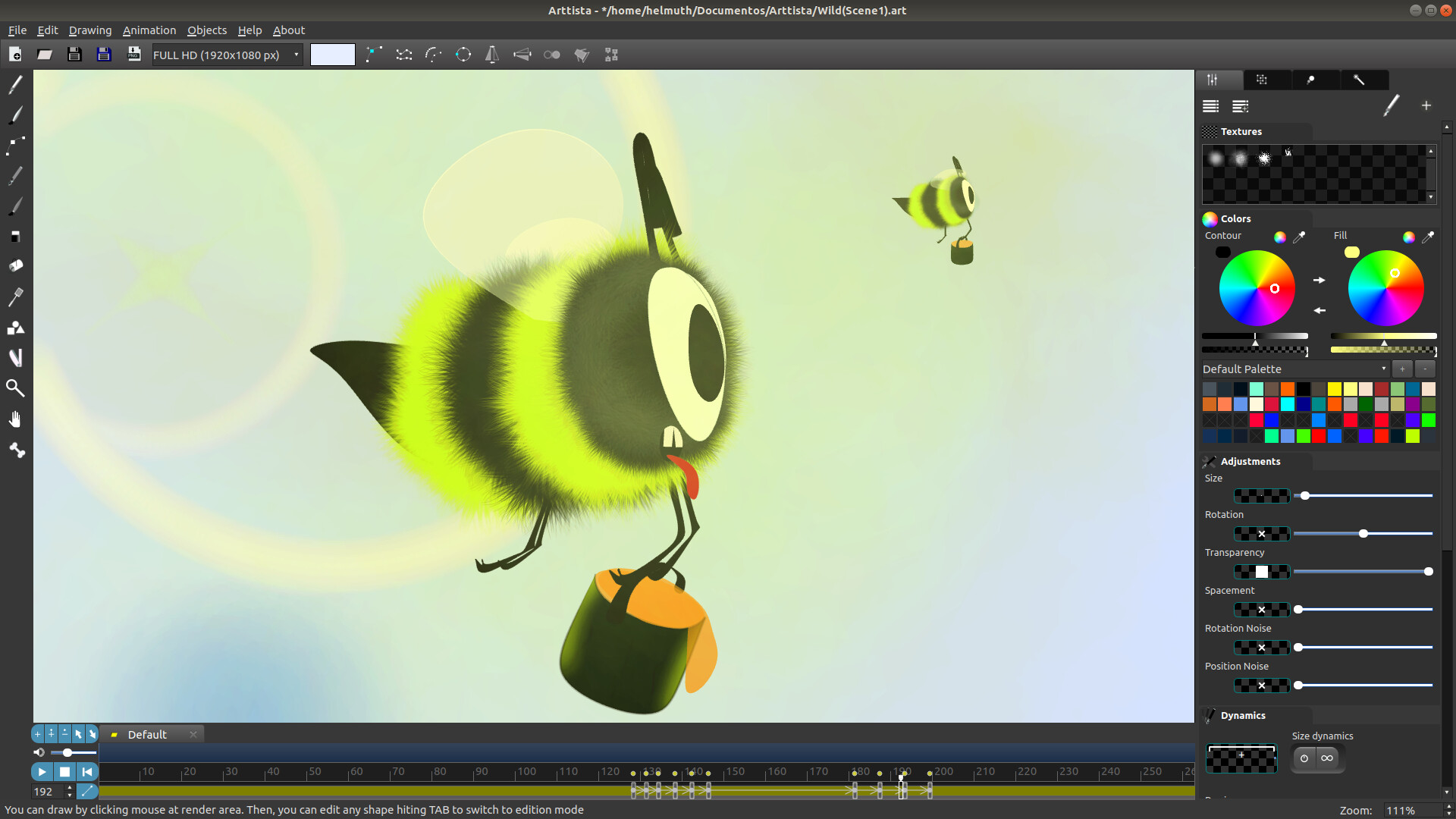
- Frame-by-frame and keyframe-based animation
- Copy, move, and reverse animations easily
- Keyframe interpolation with linear and easing options
Bones System & IK
- Attach bones to characters or objects for hierarchical control
- Share skeletons across characters for faster animation
- Inverse kinematics for fluid, realistic movement
- Efficient creation of cycles like walking and running
Shapes Library
- Predefined shapes plus the ability to export your own drawings
- Supports animated shapes for reuse in new projects
Professional Results, Fast Workflow
Arttista lets you draw like traditional media and edit like vector software, combining artistic freedom with technical control. You’ll spend less time wrestling with software and more time creating, producing results that look natural, lively, and polished, ready for professional projects or game development.
Continual Improvement
Arttista evolves with feedback from its users, adding new features and refining tools, making it a software that grows alongside your creativity. Your ideas can shape the future of Arttista, ensuring it remains a top tool for professional 2D animation and illustration.
Supported import Image files
Supported export Image files
Supported export animation files
- PNG SEQUENCE
- AVI (Raw and MJPEG)
- SpriteSheet for Games
Supported selection of content to export
- All objects in the scene
- Only Selected objects in the scene
Supported import vector files
- ART (Arttista vector files)
- SVG