#Casual #2D #Agriculture
Flowa
A relaxing 2D puzzle game about watering and collecting flowers. Plan an efficient route to the goal, complete bonus challenges, and collect as many flowers as you can!
View game
Free

No Reviews · 0 reviews
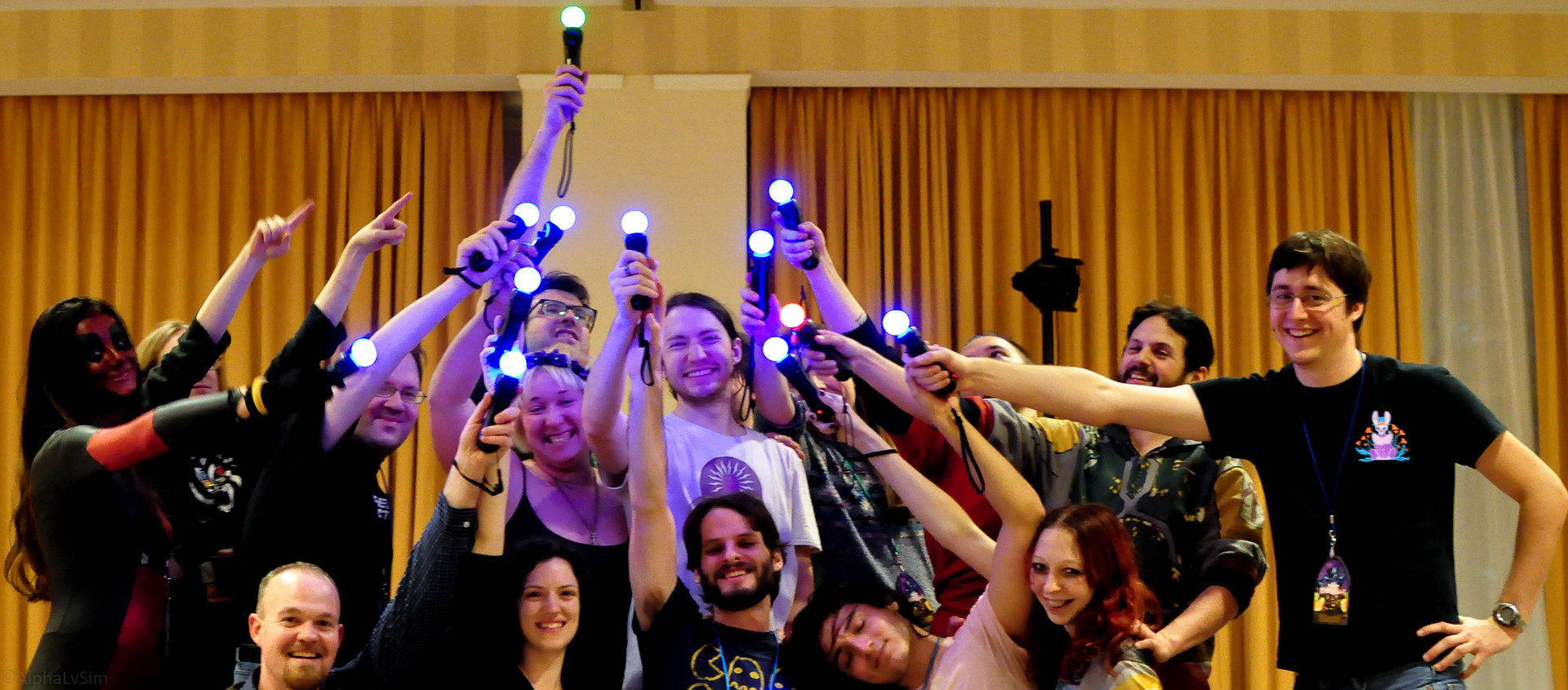
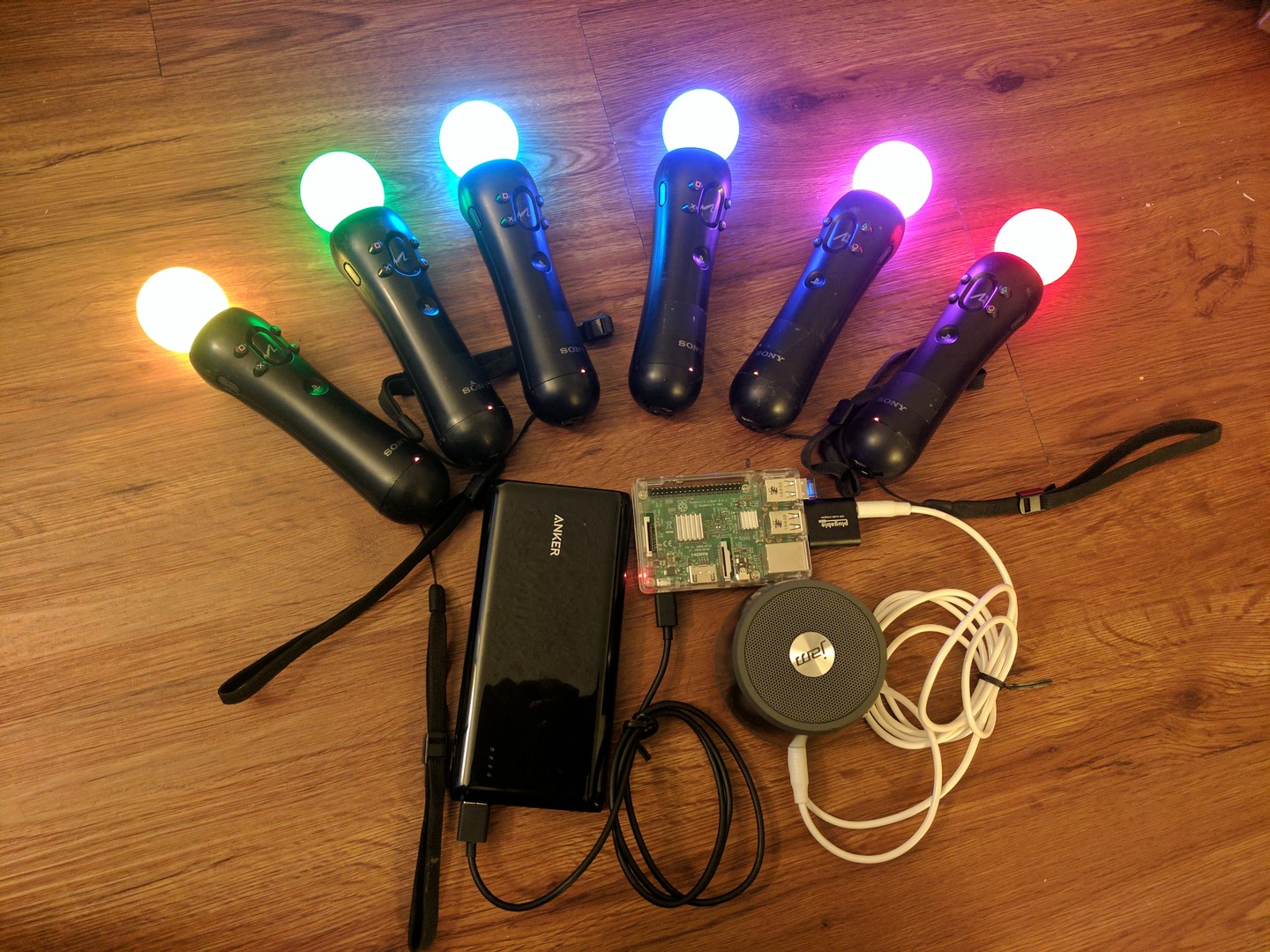
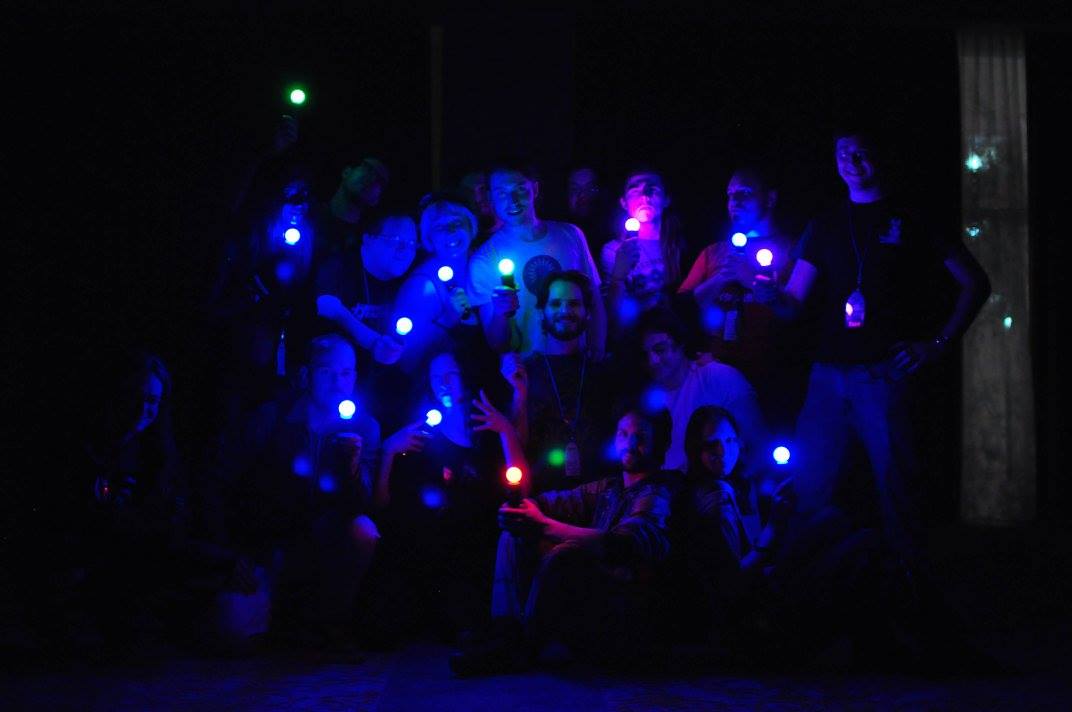
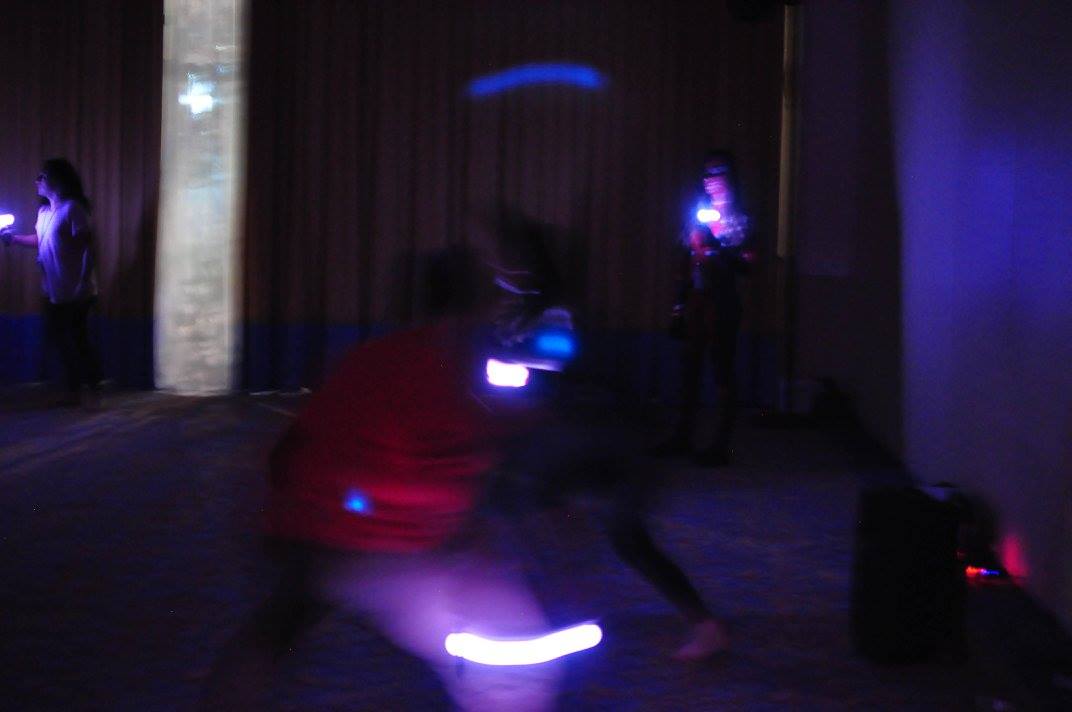
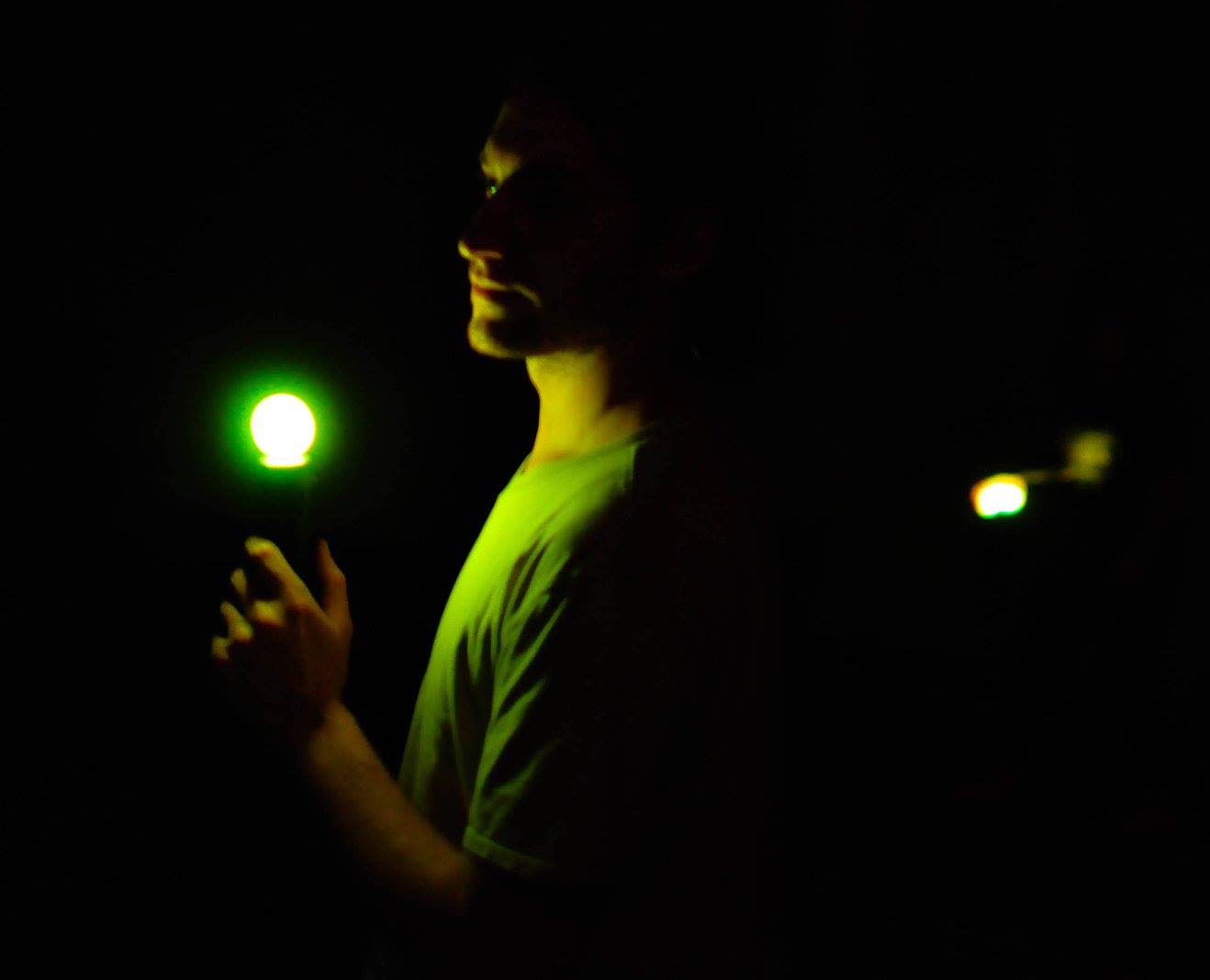
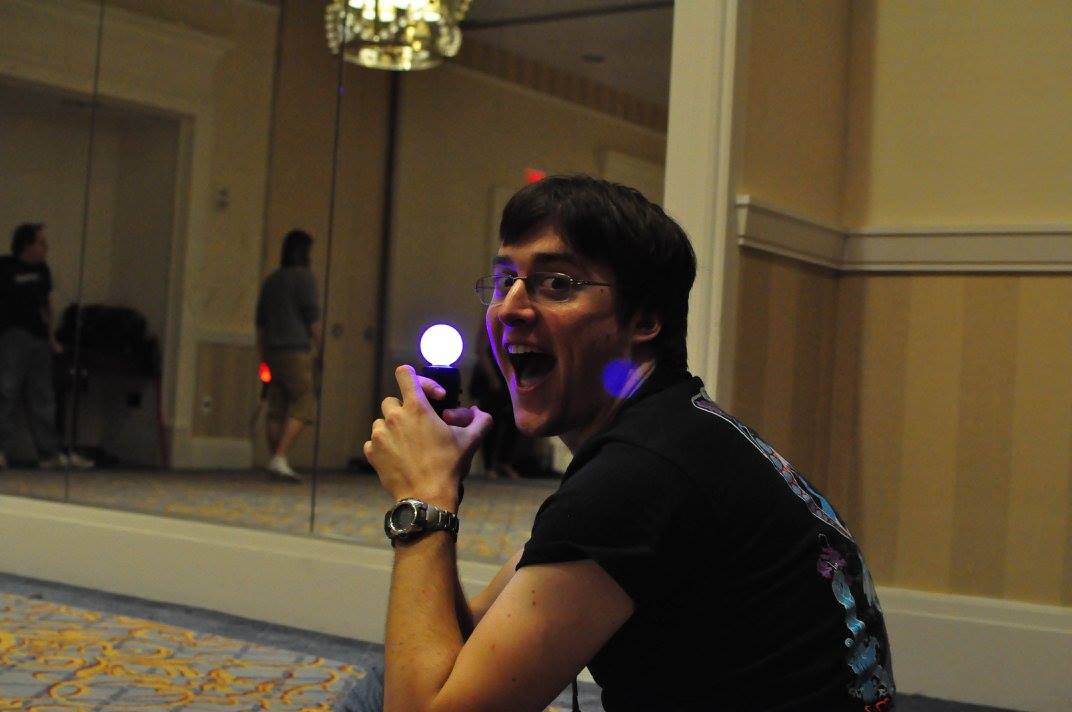
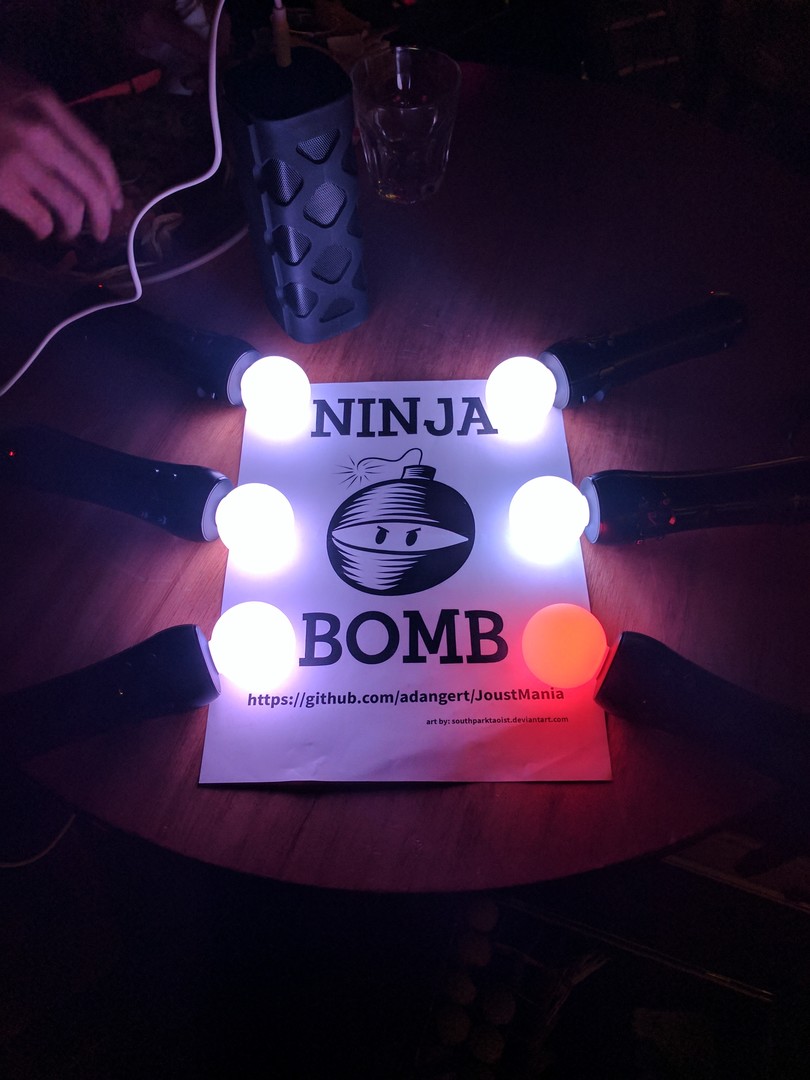
Keep your controller still while trying to jostle others, in this large local, no screen required, party game.
Released
June 11, 2019
Price
Platforms
Linux · Windows
Developer
Publisher
Last sync
October 5, 2026

JoustMania is a movement based party game based off of the Jostling mechanic introduced in Johann Sebastian Joust, players try to keep their controller still while jostling others, no screen required. JoustMania features thirteen different game modes, five different sensitivity levels, and a whole range of other features for you and your friends to enjoy.
JoustMania supports up to seven players on Windows, and 18+ on the raspberry pi. Playstation move controllers are required to play this game.
Now with Windows & Steam Machine/Steam Deck Support - Note more than 6 controllers may cause stability issues. For Up to 16+ controllers, please check out the Raspberry Pi version of JoustMania:
To view rules for each game mode please visit JoustMania Extended Rules
To access different game modes, after pairing a playstation move controller press the select button on the side of the controlelrs. To start a game everyone needs to press the trigger buttons on their controllers.
To pair a PlayStation move controller, make sure you follow the above steps to run as an administrator, start JoustMania then plug the controller in and keep on pressing the PlayStation home button until the controller turns a color other than white, you should not have to remove the controller while pairing. If you are using the newer Playstation move controller (CECHZCM2) you will have to click the popup on the bottom right of the screen to allow it to be paired.
You can become an Admin by pressing all four front buttons on any controller, this will allow you to modify the games settings from the four front buttons on the controller, After a game is played the Admin mode will be reset
(Cross) Add or remove a game from Random mode, your controller will be green if the game is added and Red if it is not, Custom Teams mode can not be added to Random mode
(Circle) Change sensitivity of the game. There are five settings, Ultra High, High, medium, Low, and Ultra low.
(Square) toggle the playback of instructions for each game
(Triangle) show battery level on all controllers
After starting Joustmania, in your web browser go to 127.0.0.1 and you should see a GUI to change game modes and settings from your computer.
Credit to FamilyGamerRadio for the intro video.